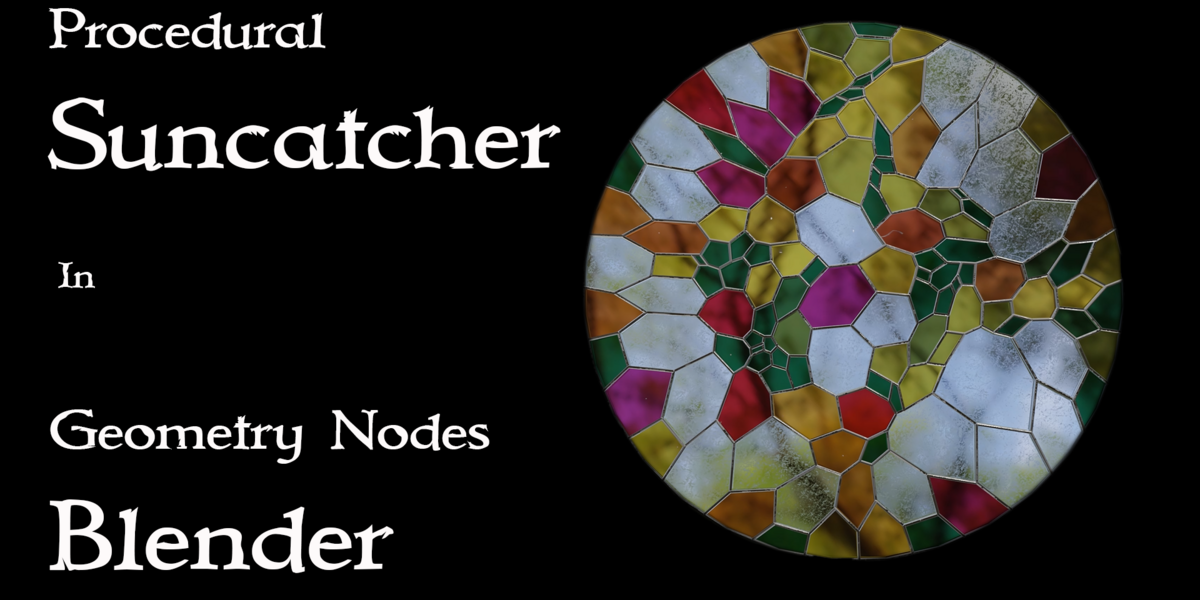
Procedural Suncatcher With Rim and AutoColors - Stained Glass in Geometry Nodes
 codesignprojects
Which version should I use: Original or Optimized?
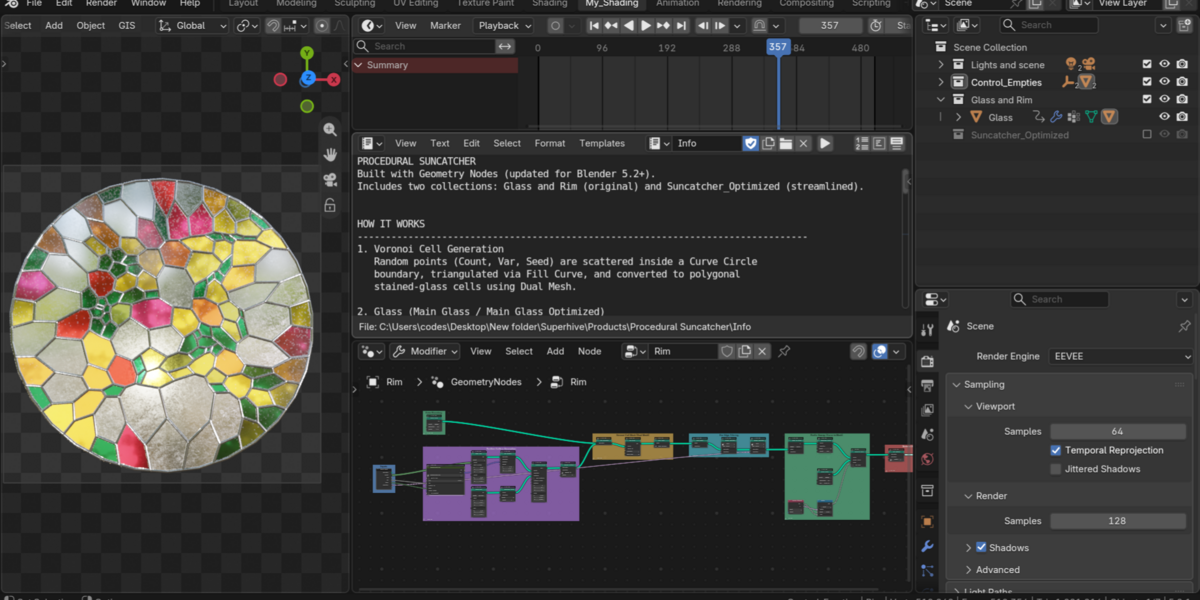
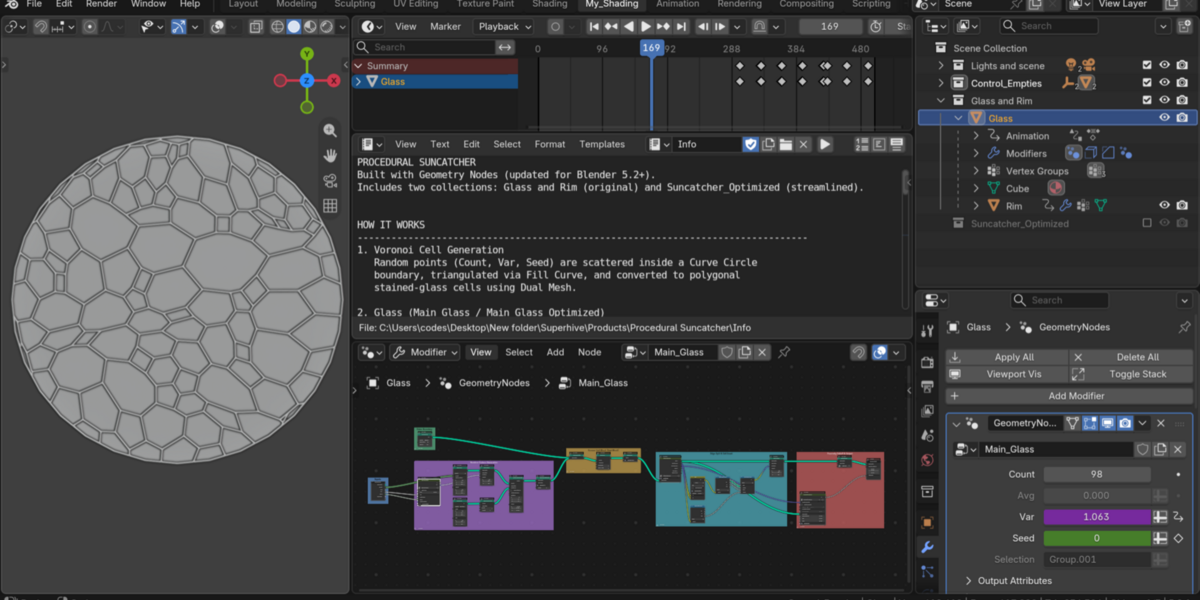
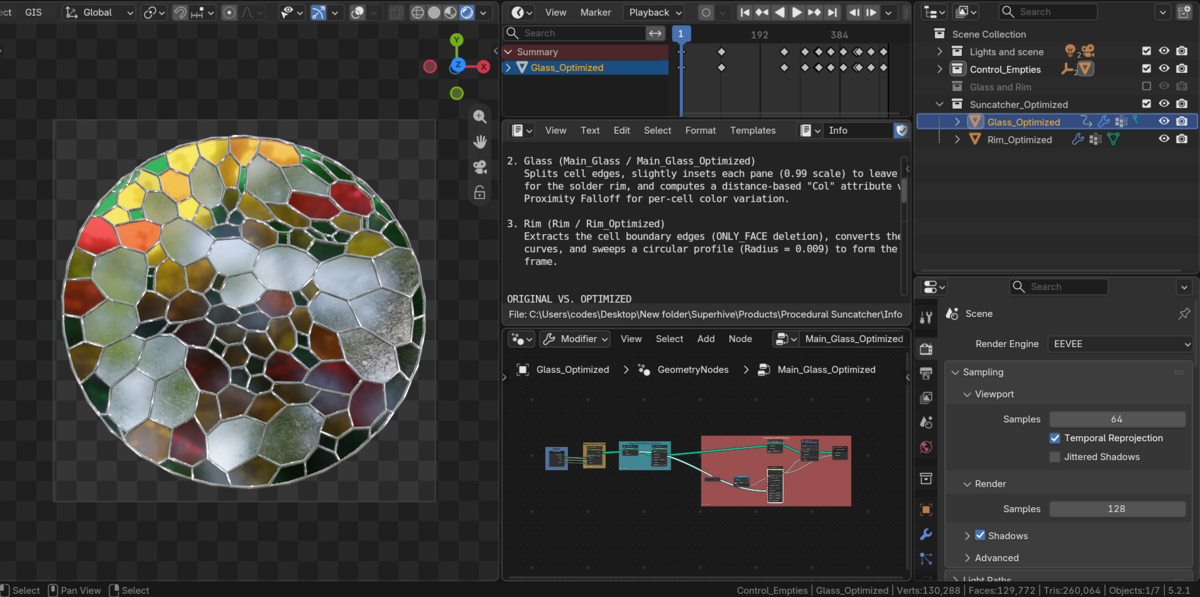
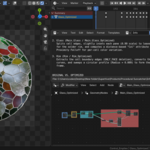
Use Suncatcher_Optimized (Glass_Optimized + Rim_Optimized) for most projects—it uses cleaner native Geometry Nodes and cuts the rim from 390,000 polygons down to 9,144 polygons while keeping sharp corners and identical color variation. The original Glass and Rim collection is included for reference.
How do I change the stained-glass colors?
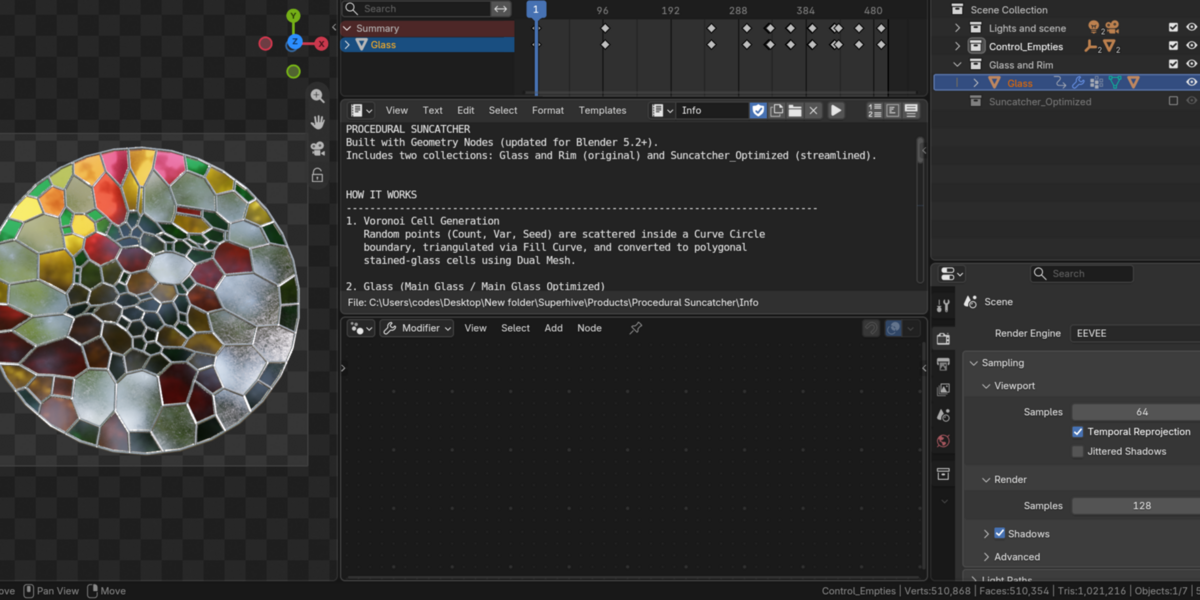
Select Glass (or Glass_Optimized), open the Shader Editor, and edit the ColorRamp node inside the Color & Emission (From 'Col' Attribute) frame. Add, remove, or move stops to customize the palette.
How do I change the thickness of the metal rim?
Open the Rim (or Rim_Optimized) Geometry Nodes tree and adjust the Radius on the Curve Circle.001 / Profile Circle node (default: 0.009).
Why do I see two Material Output nodes in the shaders?
One Material Output is targeted for Cycles and the other for EEVEE (using a Light Path → Is Shadow Ray mix with Transparent BSDF so light passes through the glass cleanly in EEVEE).
What Blender versions are supported?
The updated file is saved and verified for Blender 5.2+ (tested in Blender 5.2.1 LTS and 5.3.0), with all required textures packed into the .blend file.
Have questions about this product?
Login to message
| Sales | 30+ |
| Published | over 4 years ago |
| Blender Version | 4.2 - 5.3 |
| Render Engine Used | Cycles, Eevee |
| License | Editorial |
Discover more products like this
procedural suncatcher window Material stained geometry_nodes tutorial stained glass 3d window Glass Rim voronoi