 Mrs Eliza
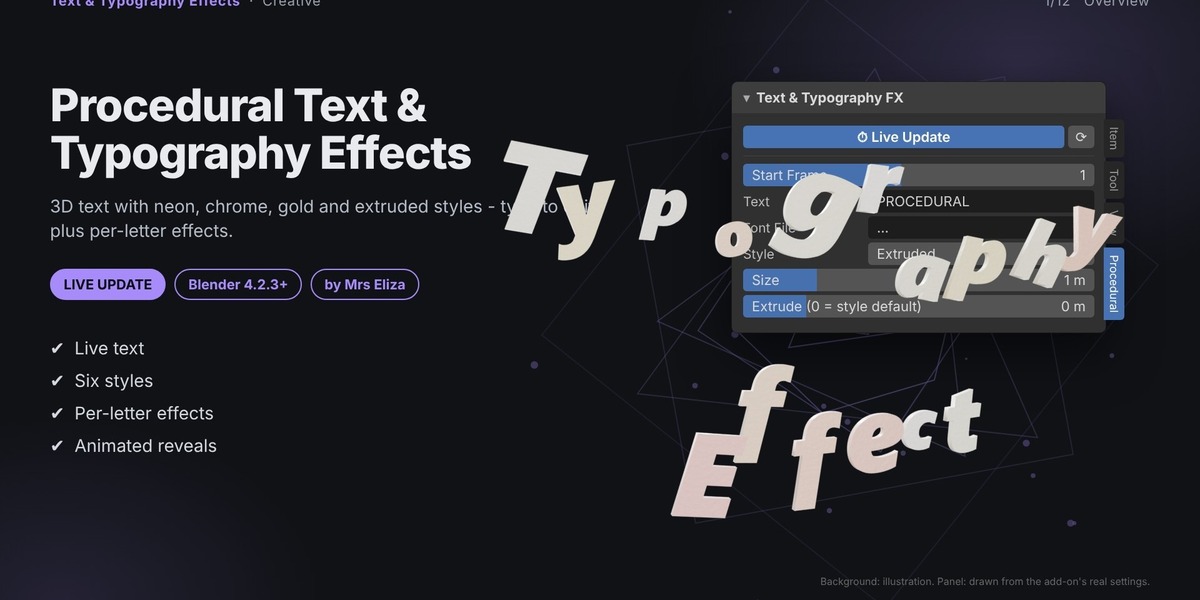
Procedural Text & Typography Effects
Create Stunning 3D Text, Logos, Neon Signs & Animated Typography in Blender
Blender Add-on | Version 1.0.0 | Compatible with Blender 4.2.3 or Newer
✨ Overview
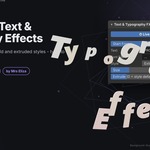
Transform ordinary text into stunning 3D typography, professional-looking logos, eye-catching neon signs, and animated text designs with Procedural Text & Typography Effects.
This Blender add-on makes it easy to create and customize 3D text using a collection of built-in styles, materials, and per-letter effects.
Choose from extruded, neon, chrome, gold, outline, stencil, and other typography styles. Add creative effects such as waves, scattered letters, typewriter reveals, spinning letters, and drop-in animations.
Simply type your text into the panel and watch your design update instantly.
From stylish 3D titles to animated typography — create expressive text designs directly inside Blender.
🚀 Key Features
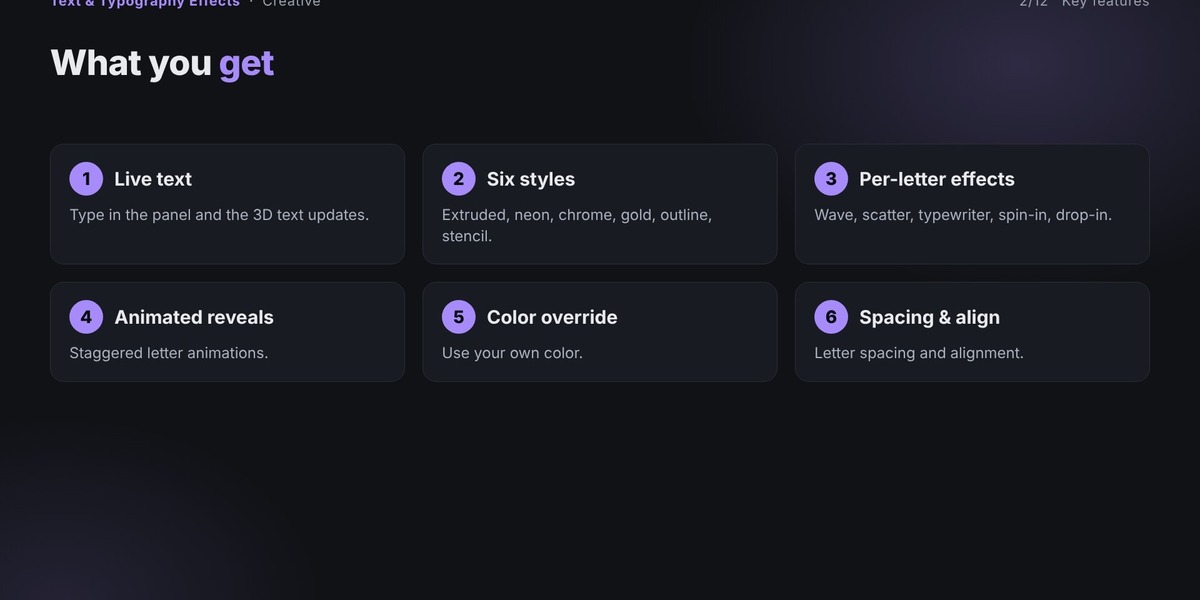
Multiple Typography Styles – Create extruded, neon, chrome, gold, outline, stencil, flat, and chunky text.
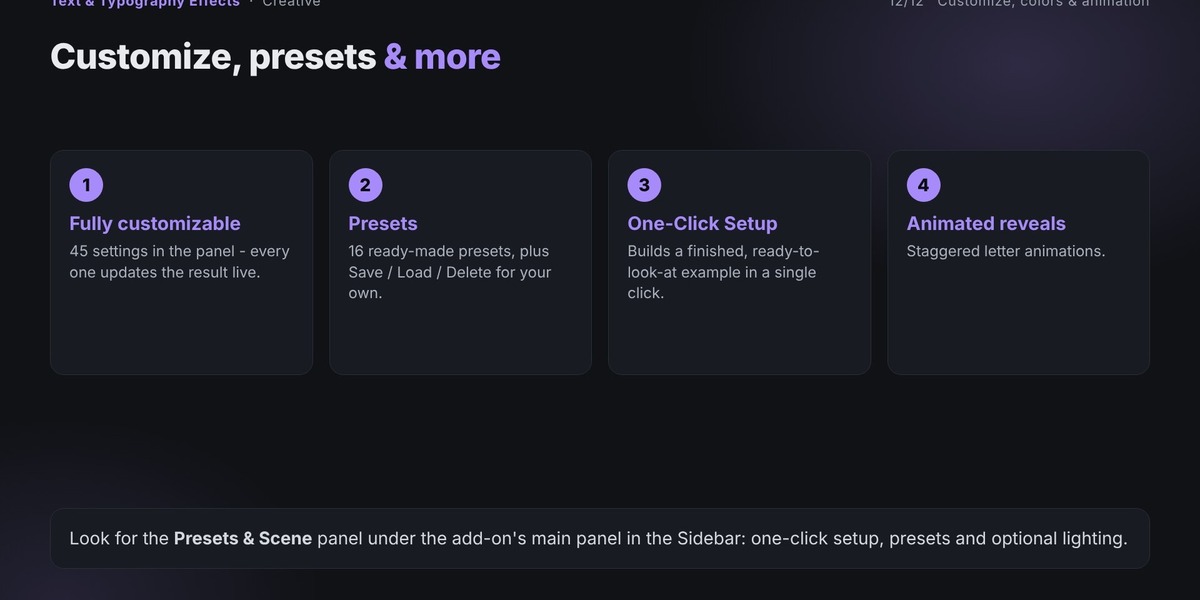
16 Built-in Presets – Get started quickly with ready-made typography designs.
Live Text Editing – Change your text directly from the panel and see instant updates.
Per-Letter Effects – Apply individual effects to letters for creative typography designs.
Animated Typography – Create typewriter, spin-in, drop-in, pop-in, flip-in, and rolling wave animations.
Material Customization – Adjust colors, gradients, metallic, roughness, glass, and glow.
Custom Color Palettes – Create colorful typography using three customizable gradient colors.
Font Support – Load your own TTF and OTF font files.
Curve Following – Arrange text along a selected curve.
Backing Plate Generator – Add a customizable background plate behind your text.
Custom Preset Saving – Save, load, and delete your own configurations.
Bake to Mesh – Convert text designs into editable mesh objects.
Live Update System – Automatically rebuild your typography as you change settings.
🎨 Typography Styles
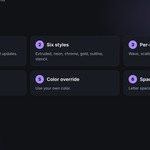
Create different text appearances using eight built-in styles.
Extruded – Classic 3D text with customizable depth.
Neon – Glowing typography for neon signs and futuristic designs.
Chrome – Metallic reflective-looking text.
Gold – Elegant gold-style typography.
Outline Wire – Outline-based wire typography.
Stencil Block – Bold stencil-inspired text designs.
Flat Sign – Flat text without extrusion depth.
Chunky Block – Deeply extruded, bold 3D typography.
Each style provides a different starting appearance that you can further customize using the available controls.
⭐ 16 Built-in Presets
Get started immediately with 16 ready-made typography presets.
Neon Sign
Chrome Logo
Gold Luxe
Rainbow Pop
Sunset Gradient
Marble Title
Wooden Sign
Concrete Stencil
Glass Title
Hologram
Typewriter Reveal
Rolling Wave Banner
Arc Badge
Confetti Scatter
Ransom Note
Spin Drop Title
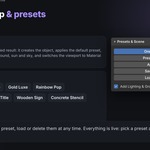
Simply select a preset and click Apply Preset to instantly create the selected typography design.
You can also customize any preset and save your own configurations for future projects.
⚙️ Main Features & Controls
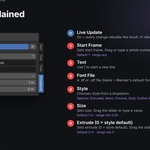
1. Text & Typography Controls
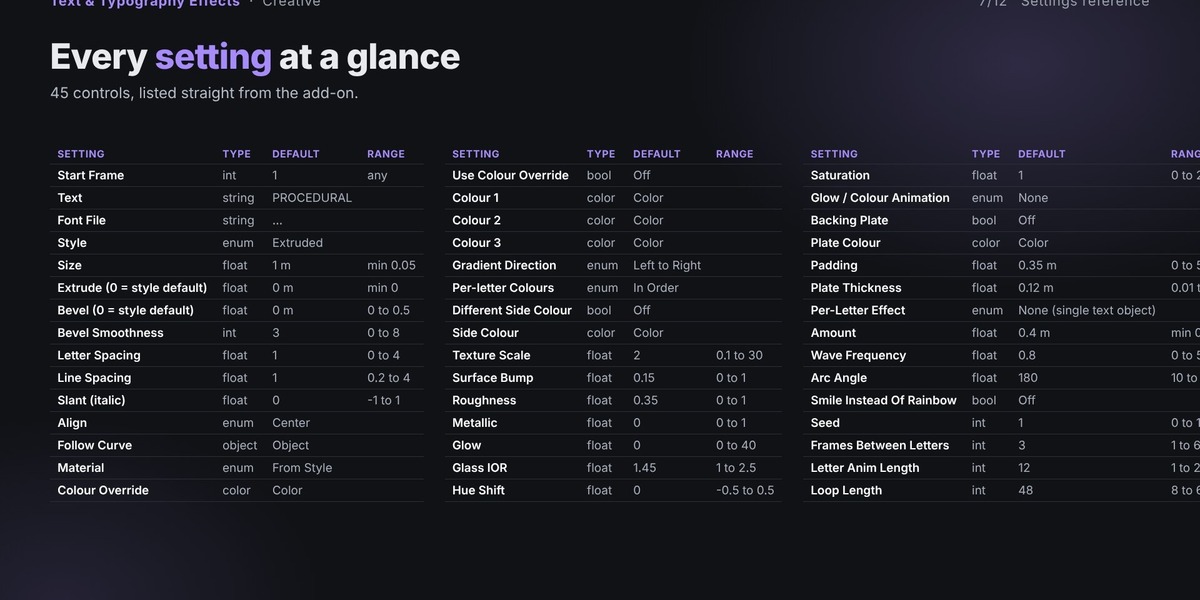
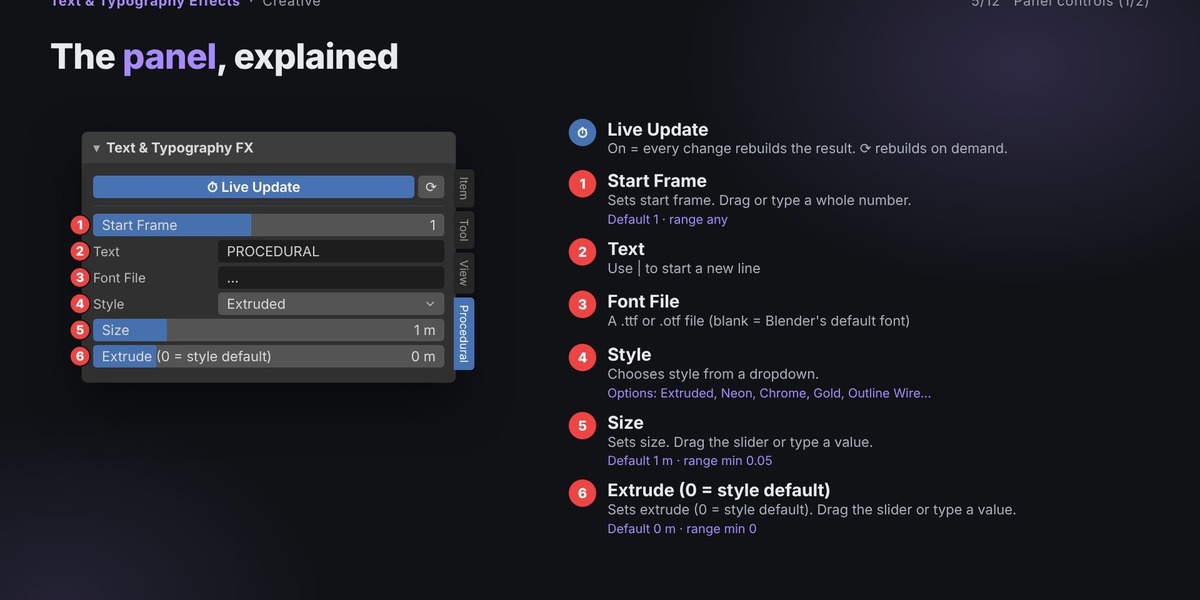
Customize your text using a variety of controls:
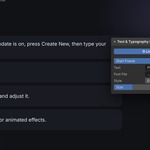
Text
Font File
Style
Size
Extrude
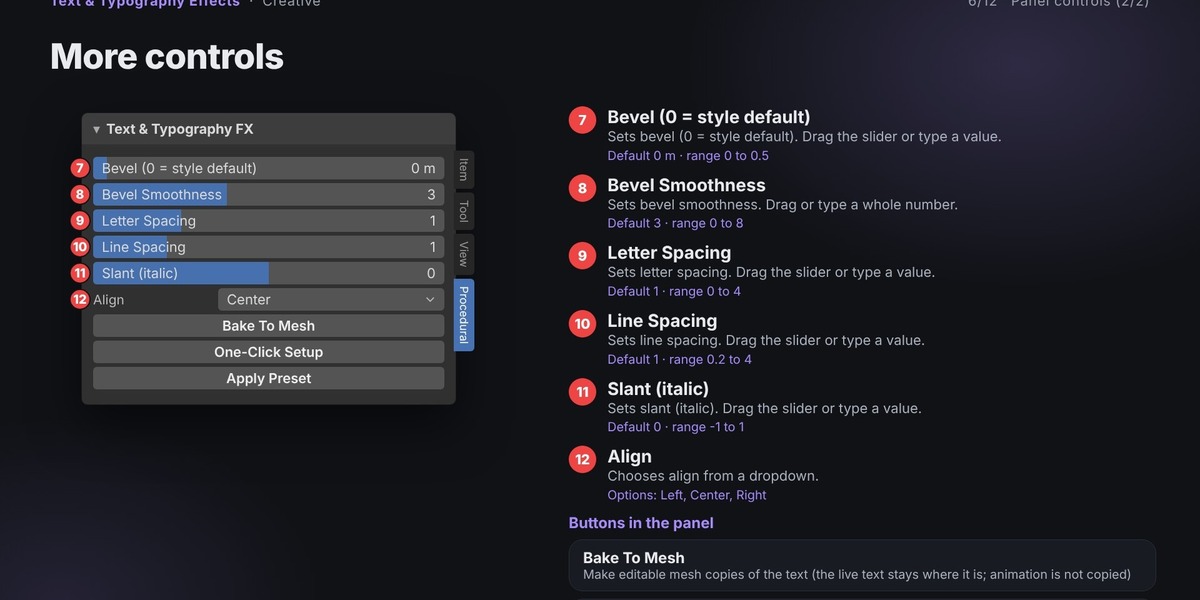
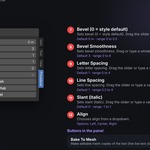
Bevel
Bevel Smoothness
Letter Spacing
Line Spacing
Slant (Italic)
Alignment
You can also use the Follow Curve option to arrange a single text object along a curve in your scene.
The Text field supports multiple lines using the | character.
2. Font Customization
Bring your own typography into Blender.
Load custom
.ttffonts.Load custom
.otffonts.Use Blender's default font when no font file is specified.
Adjust letter spacing, line spacing, size, slant, and alignment to achieve the desired look.
3. Material & Color Customization
Create unique typography appearances with different material options.
Available material types:
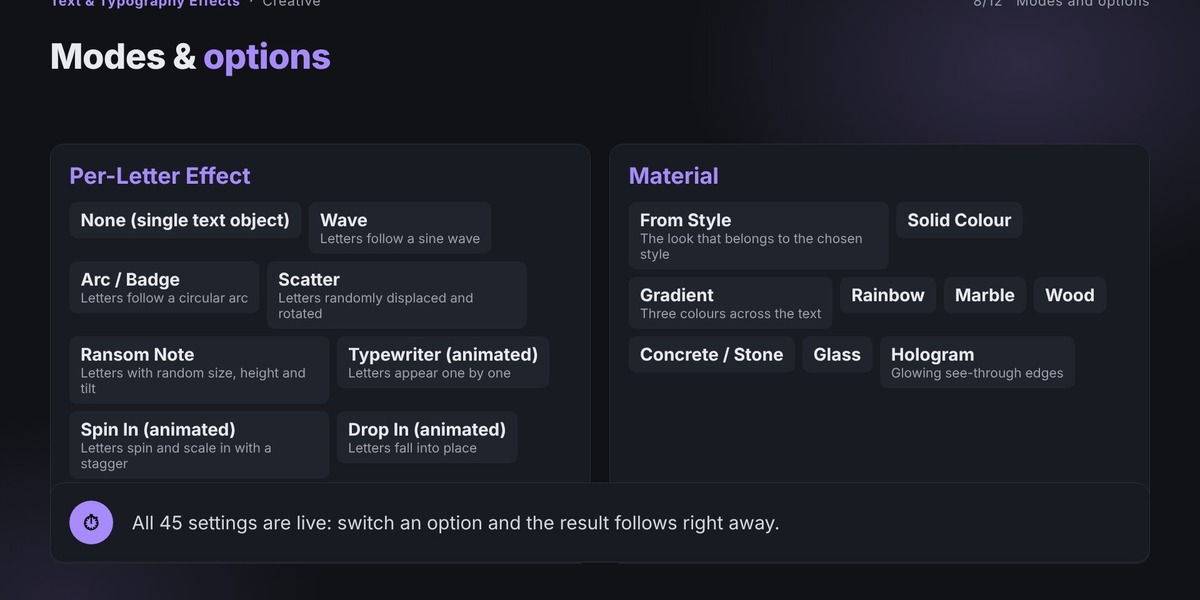
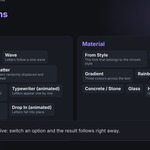
From Style
Solid Colour
Gradient
Rainbow
Marble
Wood
Concrete / Stone
Glass
Hologram
Additional controls include:
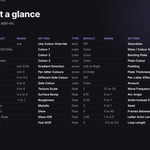
Colour Override
Colour 1, Colour 2, and Colour 3
Gradient Direction
Per-letter Colours
Different Side Colour
Side Colour
Texture Scale
Surface Bump
Roughness
Metallic
Glow
Glass IOR
Hue Shift
Saturation
Choose between different gradient directions and per-letter color modes to create more expressive text designs.
4. Per-Letter Effects
Add creative transformations to individual letters instead of treating the entire text as one object.
Available effects:
None – Keep the text as a single text object.
Wave – Arrange letters along a sine wave.
Arc / Badge – Arrange letters along a circular arc.
Scatter – Randomly displace and rotate individual letters.
Ransom Note – Give letters randomized sizes, heights, and tilts.
Typewriter – Reveal letters one by one.
Spin In – Animate letters spinning and scaling into position.
Drop In – Make letters fall into place.
Pop In – Animate letters bouncing into position.
Flip In – Animate letters flipping into view.
Rolling Wave – Create a looping animation with letters moving up and down in sequence.
Each effect has dedicated settings to customize its appearance and animation behavior.
5. Effect Customization
Fine-tune your per-letter effects using:
Amount
Wave Frequency
Arc Angle
Smile Instead Of Rainbow
Seed
Frames Between Letters
Letter Animation Length
Loop Length
Experiment with different settings to create unique typography arrangements and animations.
6. Backing Plate Generator
Add a background plate behind your typography.
Customize:
Backing Plate
Plate Colour
Padding
Plate Thickness
This feature is useful for creating signboards, badges, labels, and other typography-based designs.
🎬 Typography Animation Tools
Bring your text designs to life with built-in animation options.
Pulse: Create a glowing effect that smoothly increases and decreases.
Neon Flicker: Simulate the flickering appearance of a neon sign.
Hue Cycle: Animate colors through the entire color spectrum.
Typewriter: Reveal letters one by one.
Spin In: Letters spin and scale into position with staggered timing.
Drop In: Letters fall into their final positions.
Pop In: Letters bounce into view with an overshoot effect.
Flip In: Letters flip around into view.
Rolling Wave: Create a continuous looping wave animation across the text.
Additional animation controls include:
Start Frame
Frames Between Letters
Letter Animation Length
Loop Length
Play the Blender timeline to preview animated typography effects.
⚡ One-Click Setup
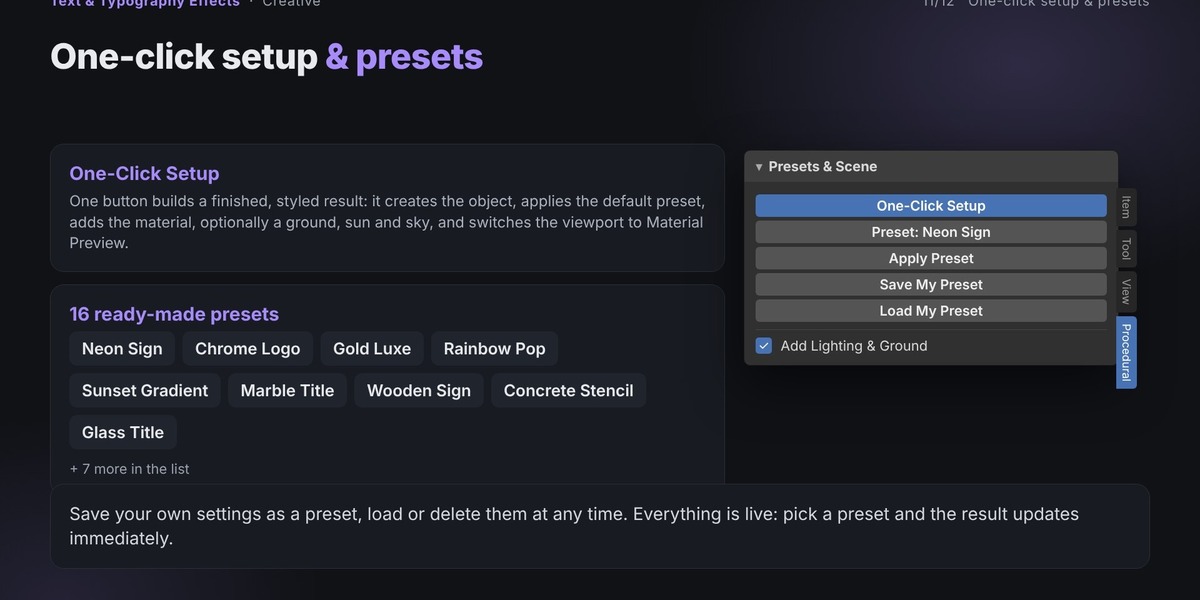
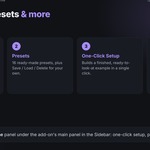
Create a ready-to-view typography design with a single click.
The One-Click Setup feature automatically:
Applies the default Neon Sign preset.
Creates the material.
Optionally adds a ground plane.
Adds a sun light and sky color.
Switches the viewport to Material Preview.
Start creating eye-catching typography without manually setting up every element.
🔄 Live Update Workflow
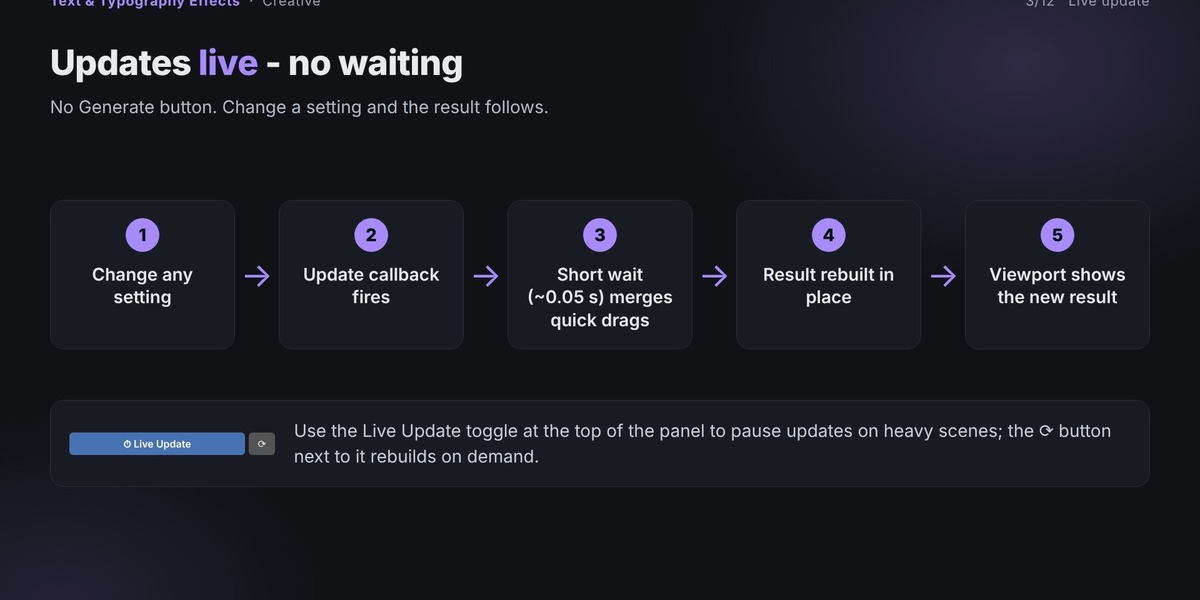
The add-on features a live update system that makes typography creation simple and interactive.
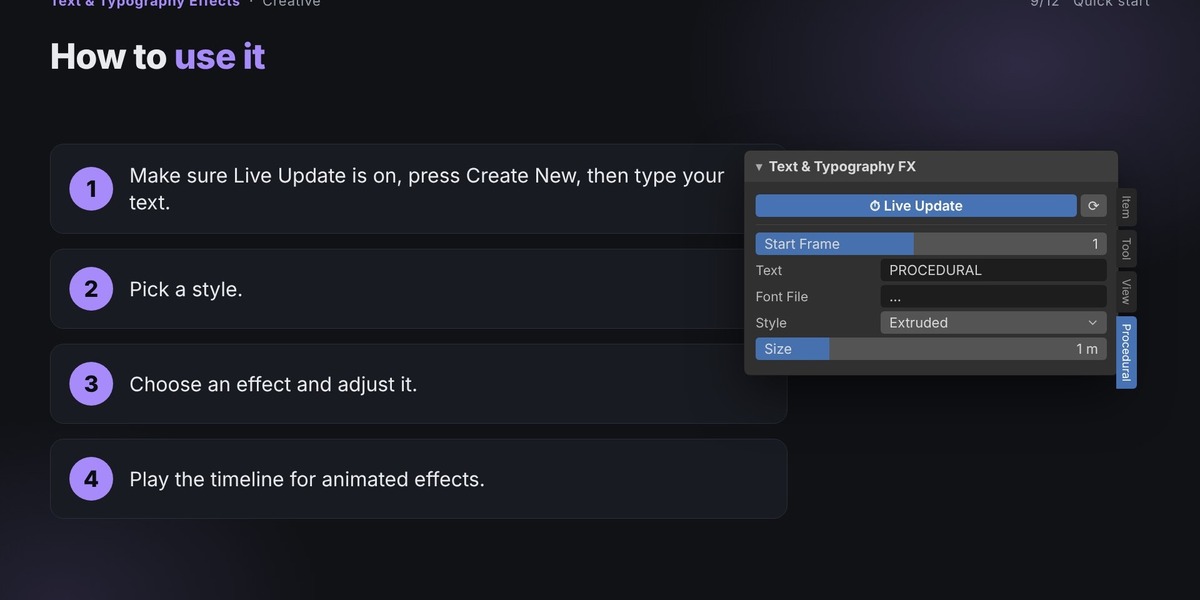
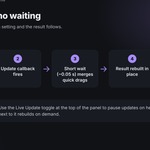
With Live Update enabled, changing text or adjusting any setting automatically schedules a rebuild after a short pause.
The generated result stays in one live object. When rebuilt, the add-on replaces its data while preserving its position, rotation, scale, parent, and additional modifiers.
You can also use Create New to keep your current design and start another text object at the 3D cursor.
💾 Custom Presets
Save your favorite typography configurations and reuse them whenever you need.
Save My Preset – Save your current settings with a custom name.
Load My Preset – Restore a previously saved preset.
Delete My Preset – Remove a custom preset.
Saved presets are stored in your Blender configuration folder and remain available across different .blend files.
🔧 Bake to Mesh
Convert your typography into editable mesh objects using the Bake To Mesh button.
This creates editable mesh copies while keeping the original live text object in the scene.
Note: Animation is not copied when baking to mesh.
📦 Installation
Download the add-on ZIP file.
Open Blender 4.2.3 or newer.
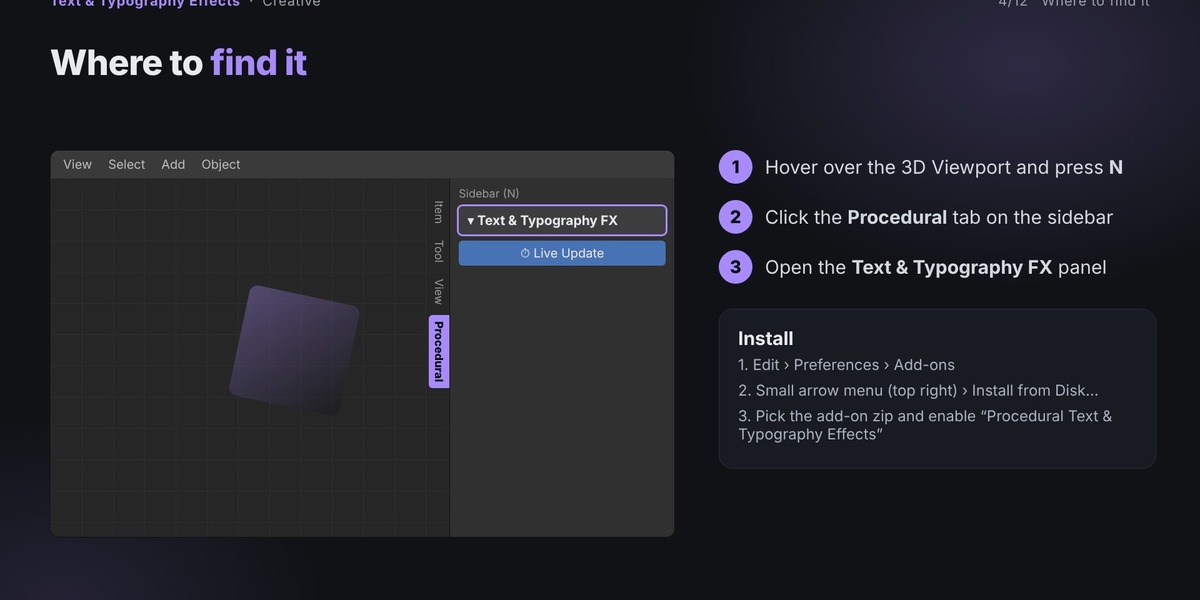
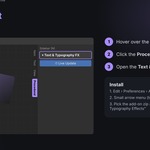
Navigate to Edit → Preferences → Add-ons.
Open the arrow menu in the top-right corner.
Select Install from Disk.
Choose the downloaded ZIP file.
Enable the add-on using the checkbox.
Important: Do not extract the ZIP file before installation. Select the individual add-on ZIP, not a bundle containing multiple add-ons.
💡 Tips for Best Results
Use the Neon style with a dark world background for glowing signs.
Increase letter spacing to create wider titles.
Use the Start Frame setting to position animations on the timeline.
Use Colour Override to match your brand colors.
Experiment with different fonts for unique typography styles.
Use the backing plate for badges, labels, and sign designs.
🎯 Perfect For
Procedural Text & Typography Effects is ideal for:
3D typography and text design.
Logo creation.
Neon signs and illuminated lettering.
Motion graphics.
Animated titles and intros.
Product branding and presentations.
Signboards and labels.
Creative typography experiments.
Kinetic typography.
Abstract text compositions.
⚠️ Important Notes
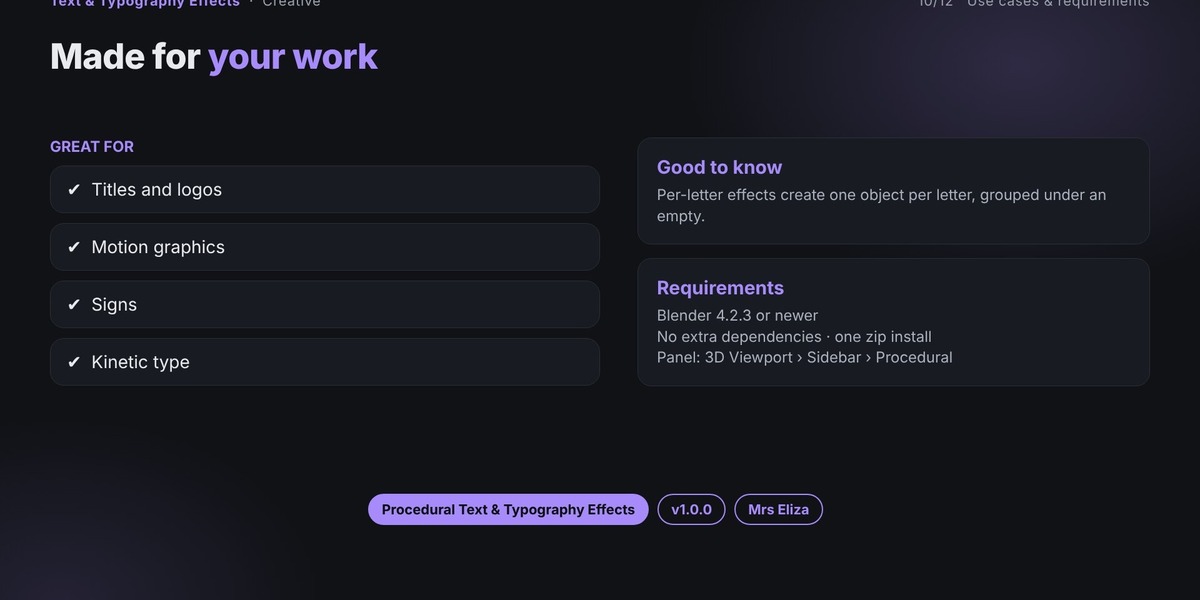
Per-letter effects create one object per letter, grouped under an Empty.
Some animated effects require playing the Blender timeline.
Follow Curve supports a single text object.
Text is created standing upright; rotate the object if a different orientation is needed.
Baking to mesh creates editable mesh copies, but animation is not copied.
Use Ctrl + Z to undo changes.
Saving your
.blendfile preserves everything created by the add-on.The add-on is not required to open a saved
.blendfile, but it is required to continue editing its live functionality.
🛠️ Troubleshooting
Letters overlap
Increase the Letter Spacing value to create more space between characters.
Animation does not play
Choose an animated per-letter effect or animation mode and play the Blender timeline.
Text appears tilted or has an unexpected orientation
The text is created standing upright. Rotate the object to achieve your desired orientation.
📩 Support
If you encounter a problem, please include the following information when contacting support:
Blender version.
Add-on name and version.
Steps taken before the issue occurred.
Full error message from the Info Editor or system console.
This information will help reproduce and resolve the issue more quickly.
Product Information
Product: Procedural Text & Typography Effects
Version: 1.0.0
Author: Mrs Eliza
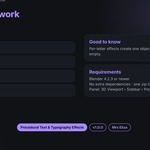
Requirements: Blender 4.2.3 or newer