 Mrs Eliza
🖥️ How to Use
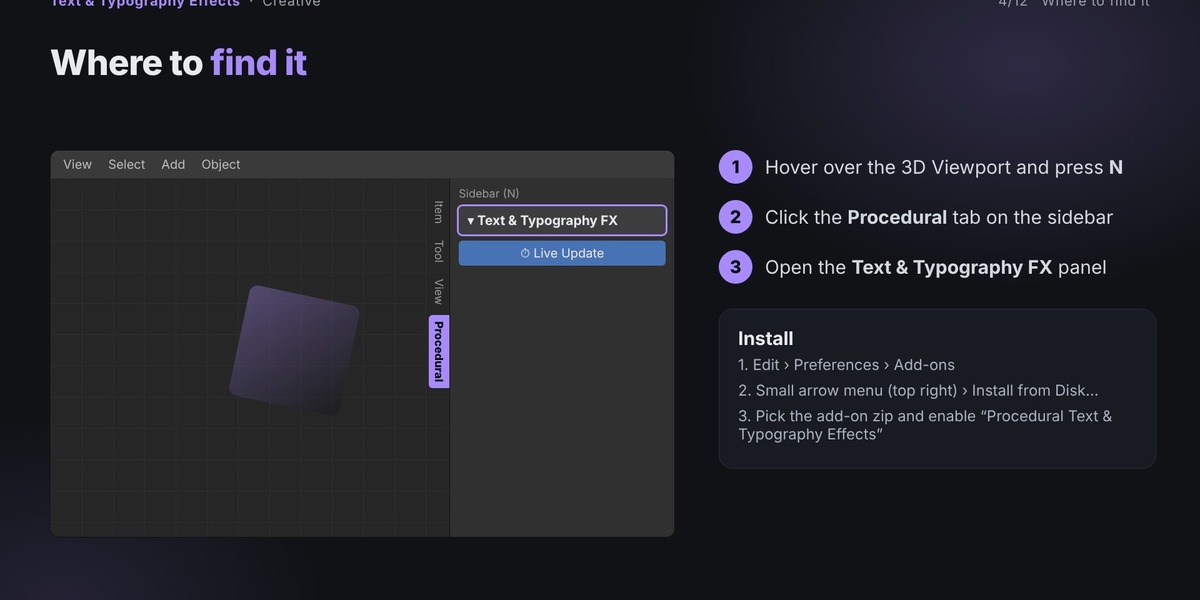
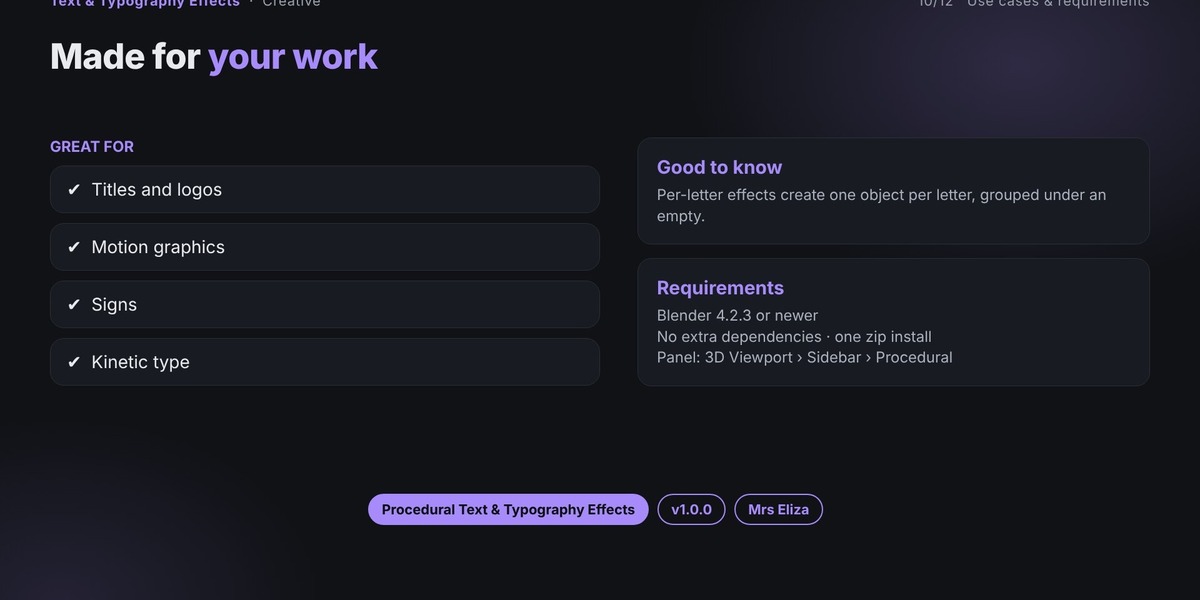
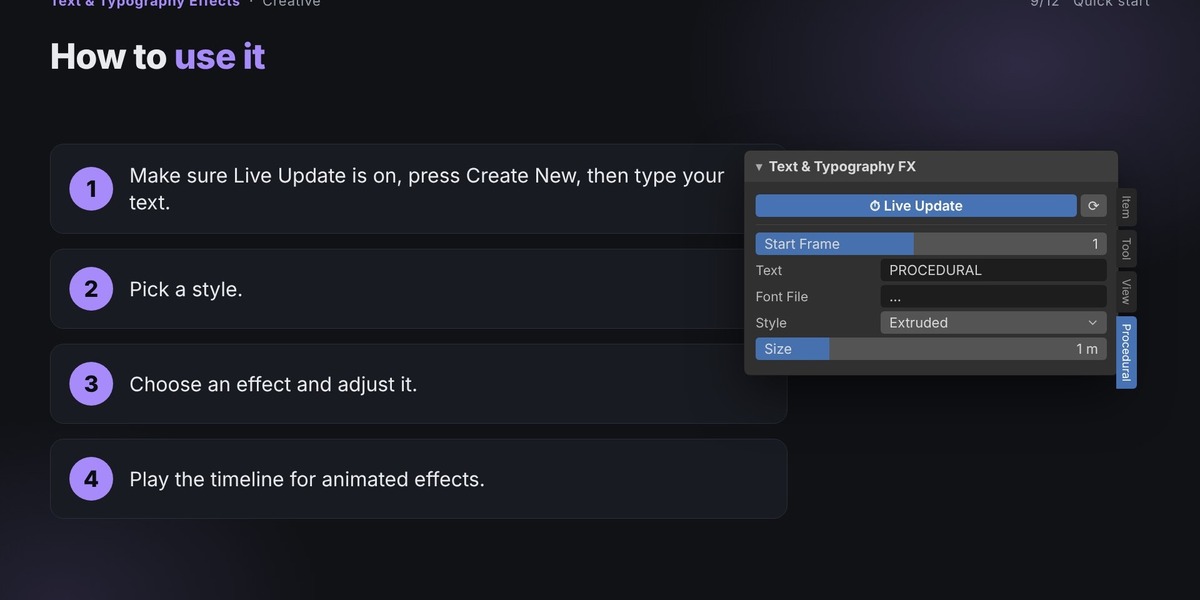
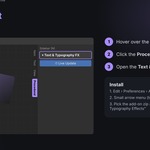
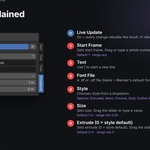
Open Blender and navigate to the 3D Viewport.
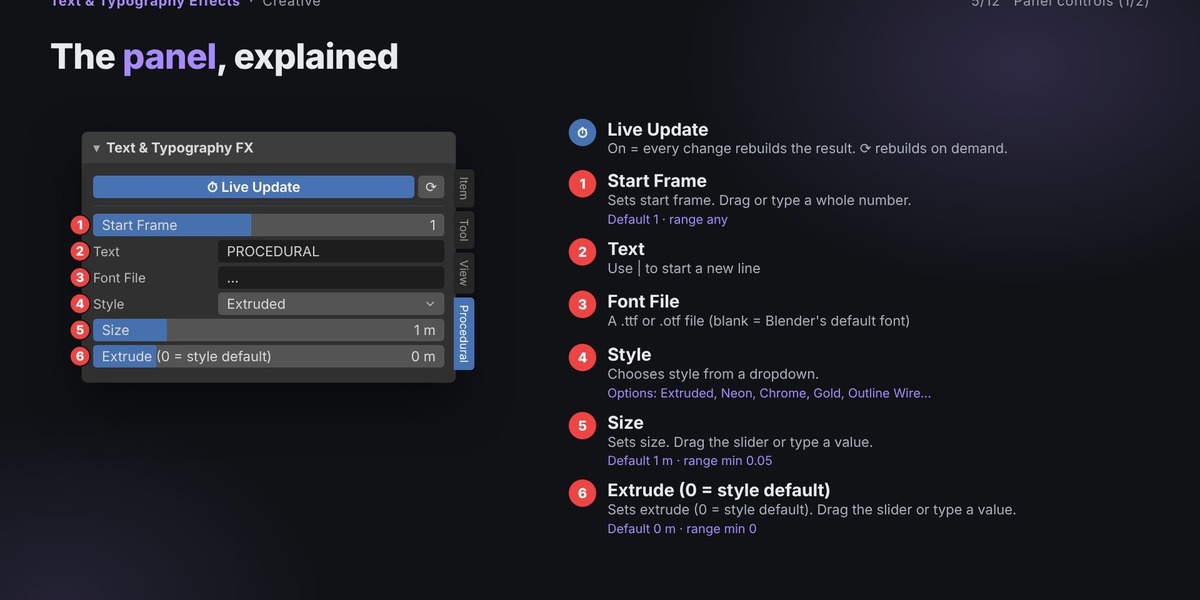
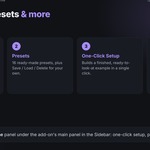
Press N to open the sidebar.
Select the Procedural tab.
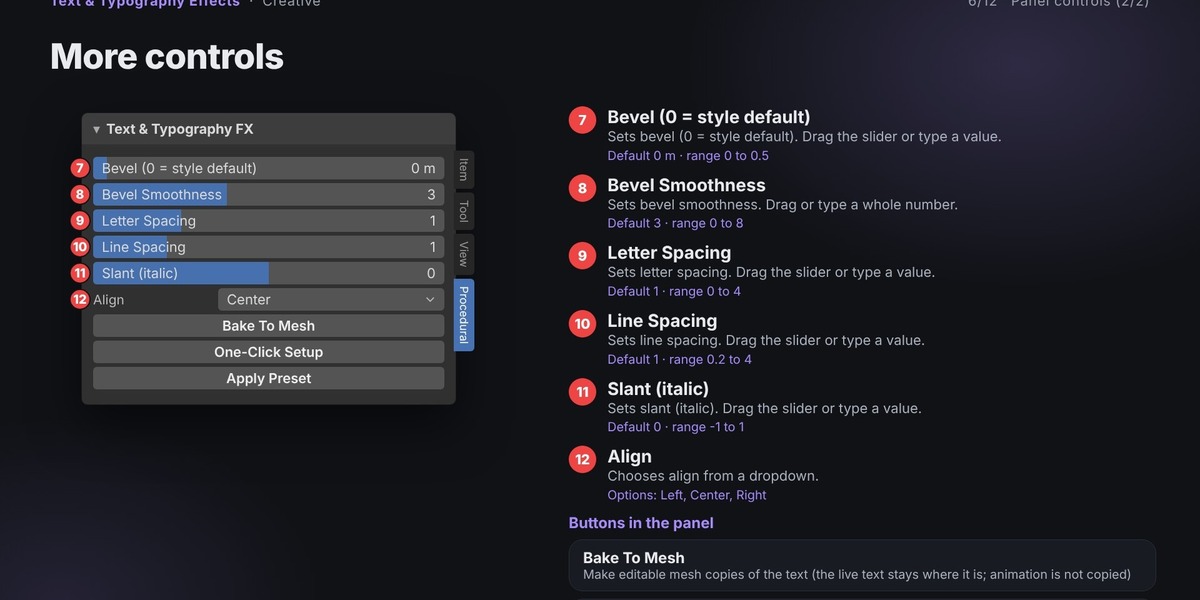
Expand the Text & Typography FX panel.
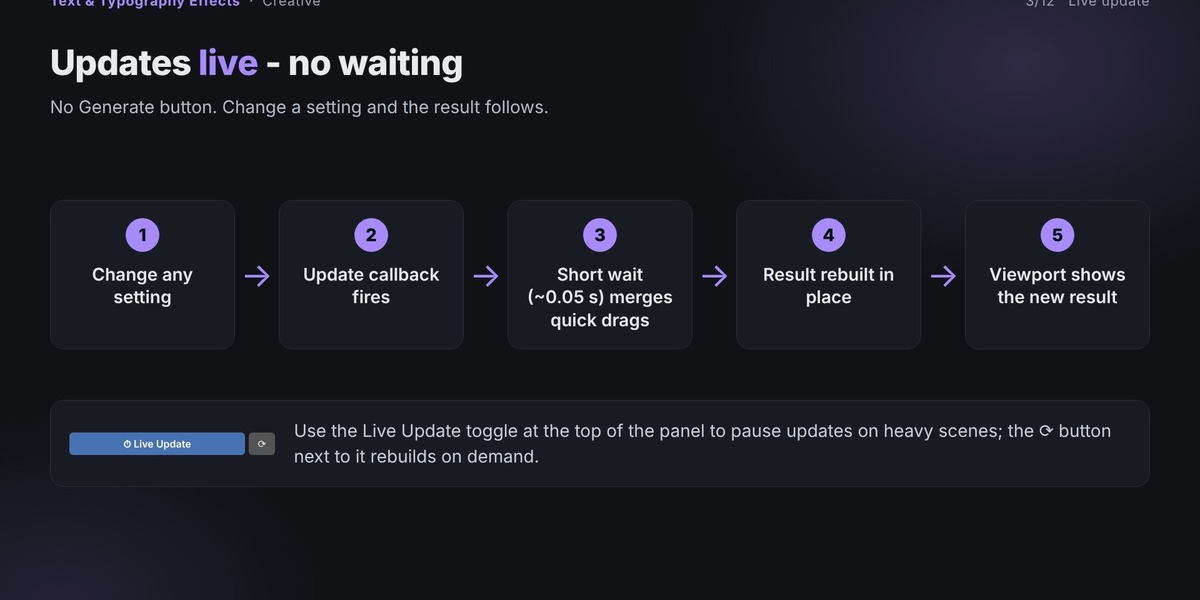
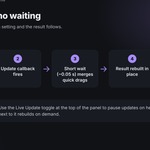
Make sure Live Update is enabled.
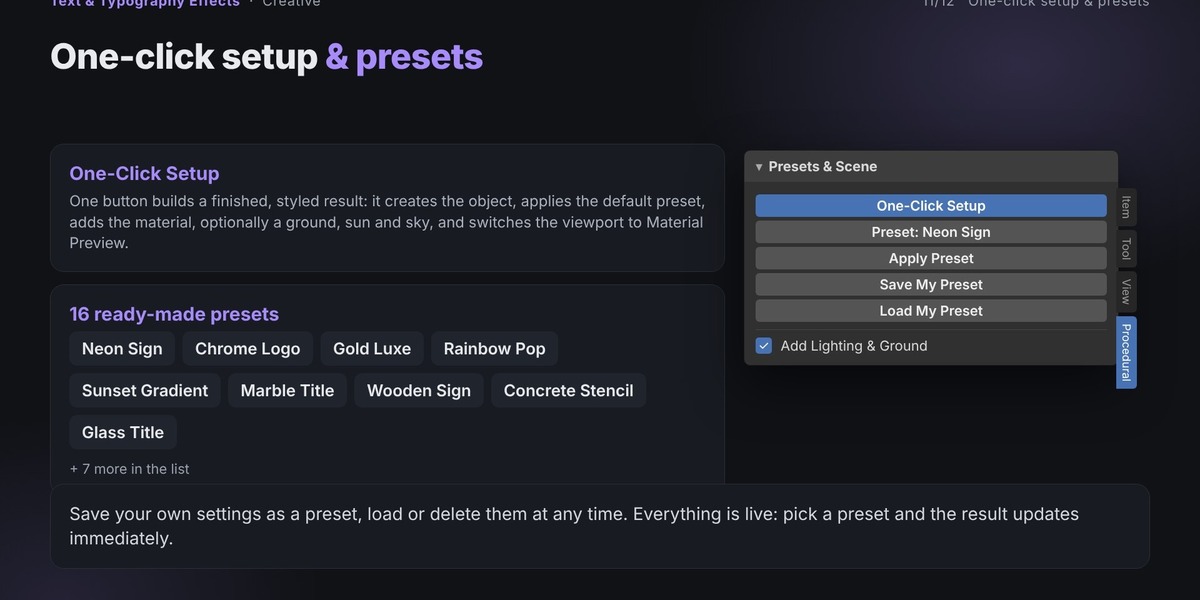
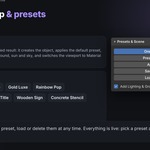
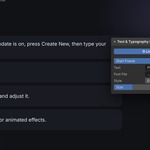
Click Create New.
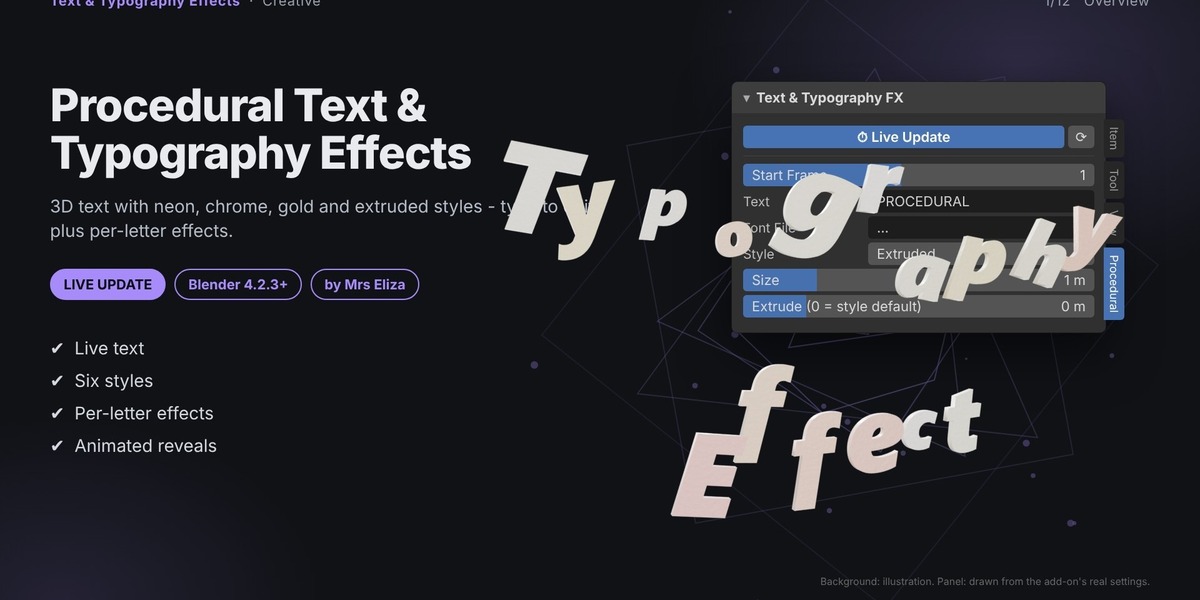
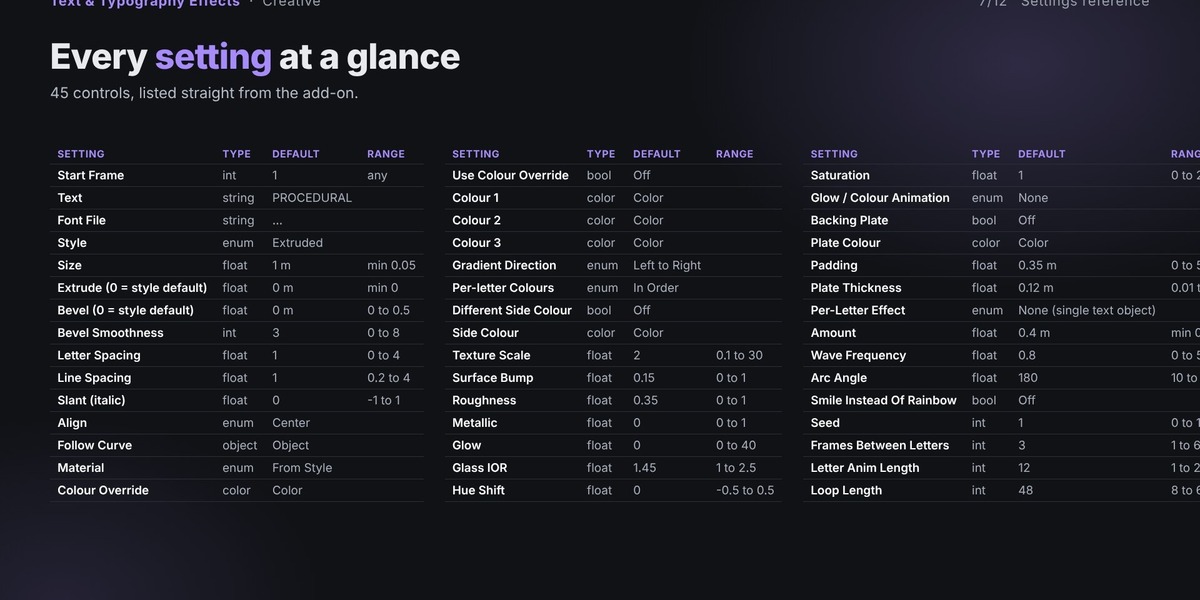
Enter your desired text in the Text field.
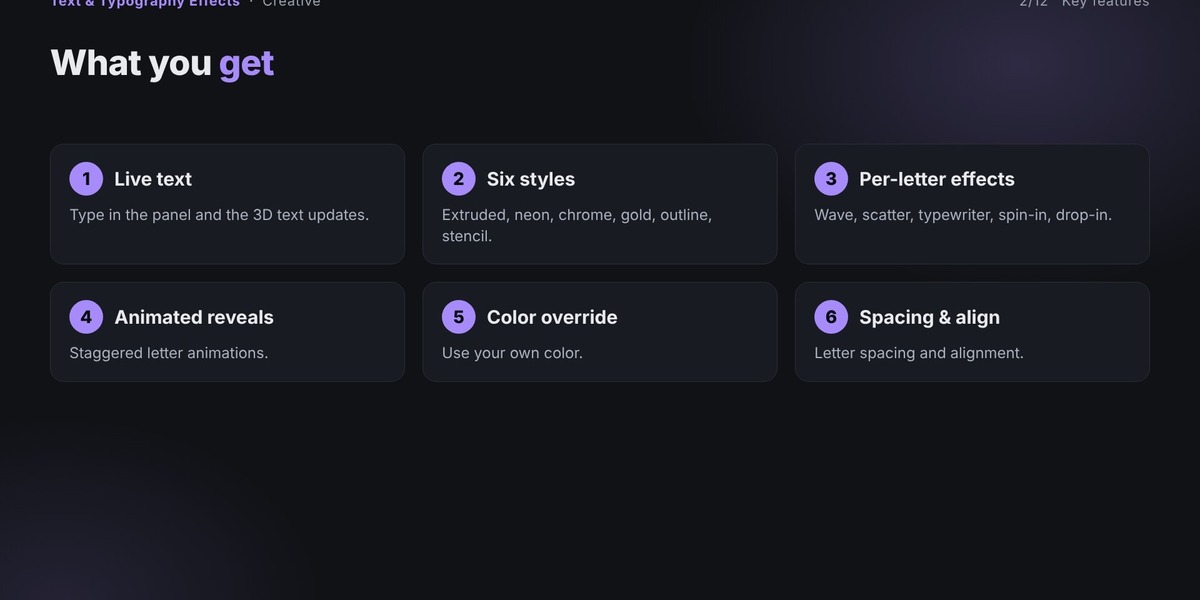
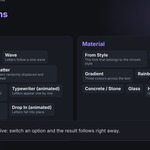
Choose a typography style.
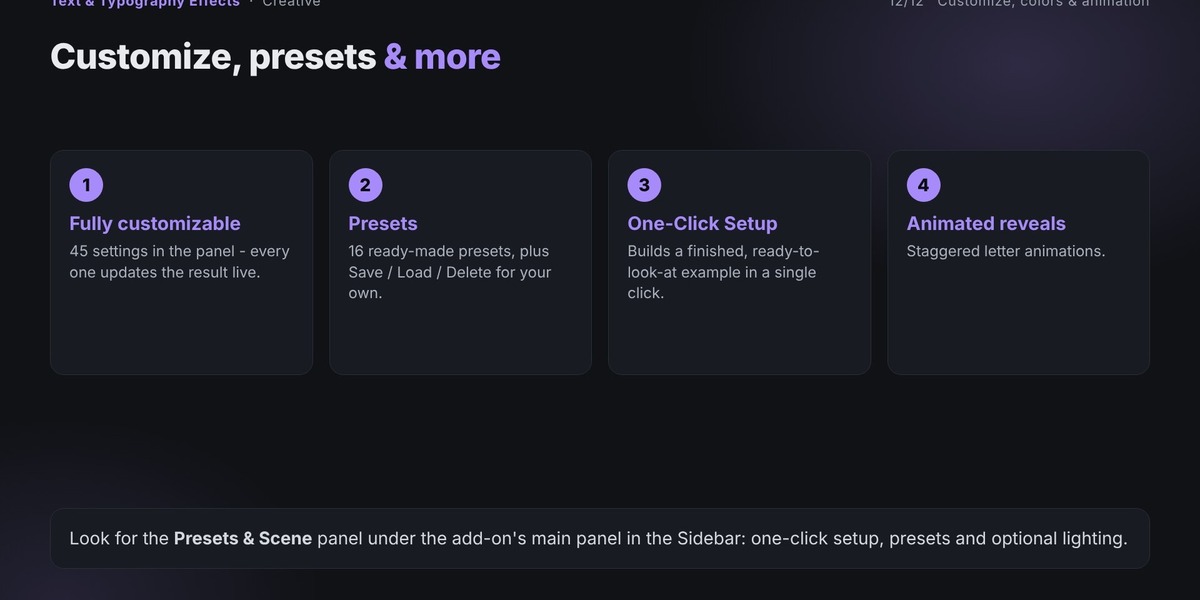
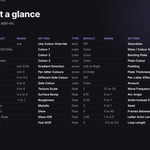
Select a material and customize its colors.
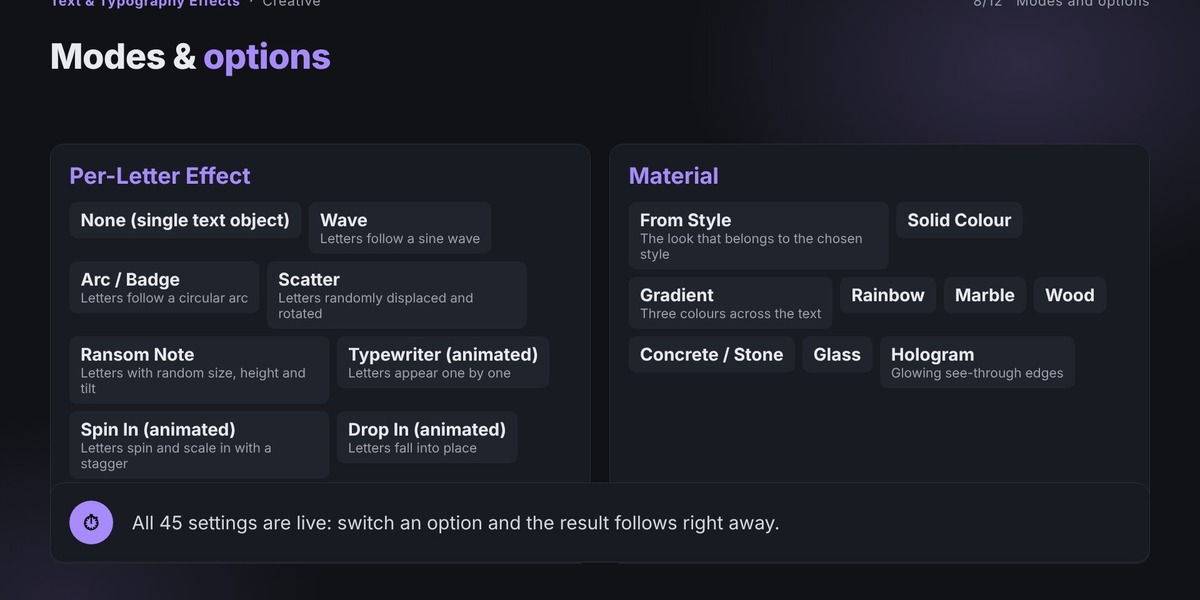
Choose a per-letter effect if desired.
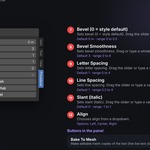
Adjust the effect settings.
Play the timeline to preview animated effects.
Your typography updates automatically as you experiment with different settings.
Have questions about this product?
Login to message
| Published | over 2 years ago |
| Blender Version | 4.2 - 5.0 |
| Extension Type | Add-on |
| Render Engine Used | Cycles, Eevee |
| Misc Data | Animated |
| License | GPL |
Discover more products like this
3D text neon sign motion graphics 3D typography blender addon text effects procedural Text kinetic typography