 Mrs Eliza
8. Troubleshooting and FAQ
Problem |
Try this |
Background traced instead of the subject |
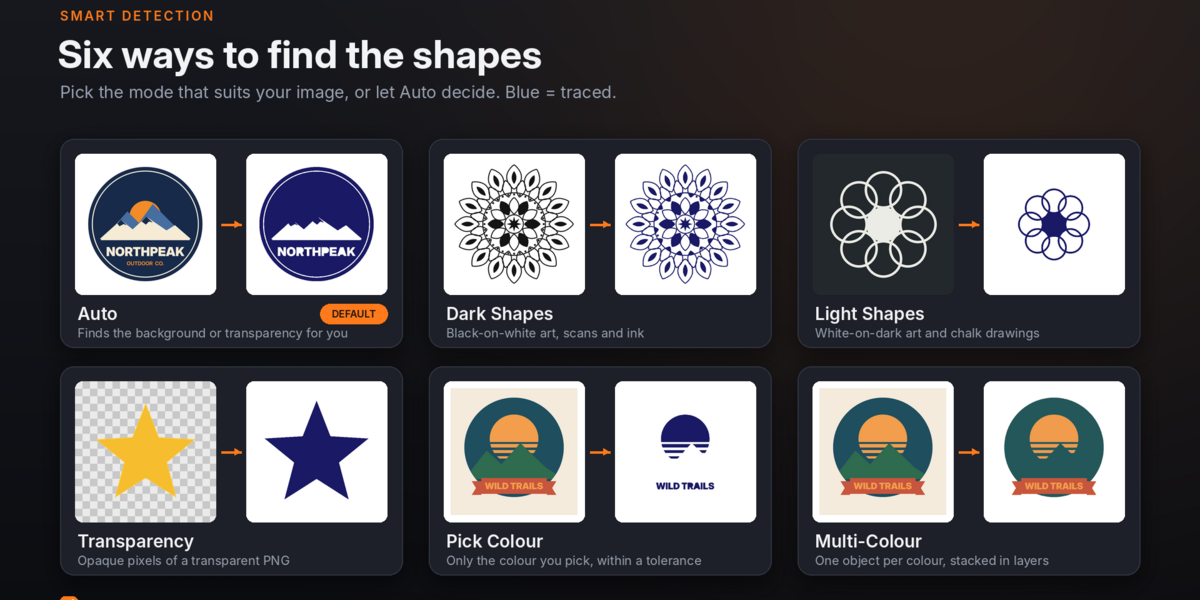
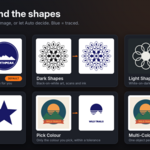
Enable Invert or switch between Auto, Dark Shapes and Light Shapes. |
Nothing appears |
Choose an image, inspect the mask, and adjust Threshold. |
Jagged edges |
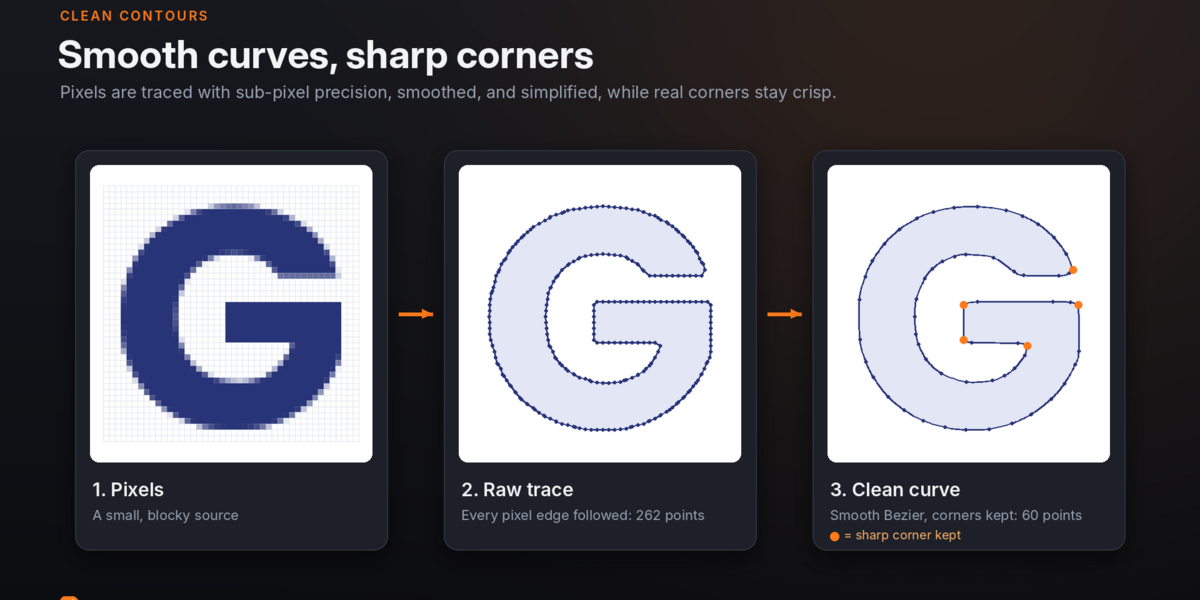
Use a better-resolution source, increase Soften or Smoothing, or select Smooth curves. |
Thin details disappear |
Raise Accuracy and reduce Simplify or Soften. |
Tiny dots become objects |
Increase Remove Specks, especially for noisy JPGs or textured paper. |
Letter holes are filled |
Turn off Fill All Holes or reduce Fill Small Holes. |
Sharp corners are rounded |
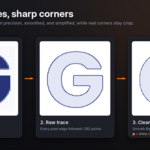
Lower Corner Angle, for example to 25°. |
Extra colour bands appear |
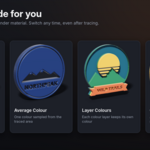
Reduce Colours or increase Soften in Multi-Colour mode. |
Image material is pink or missing |
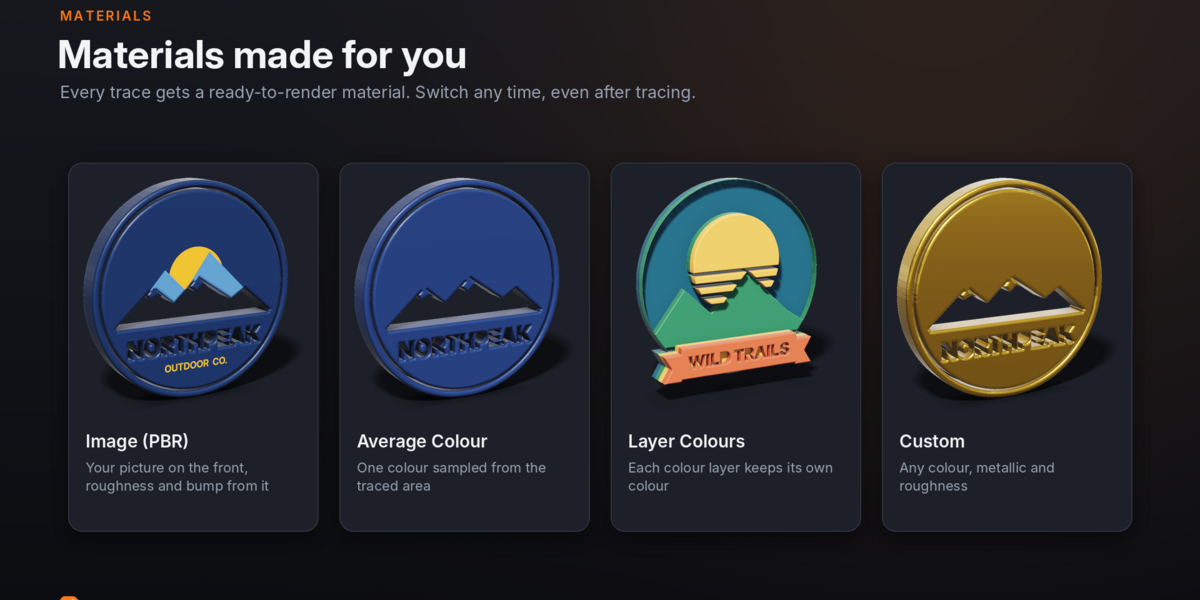
Reopen the image or enable Pack Image before tracing. |
Changes are slow |
Lower Accuracy/Relief Detail, disable Live Retrace while adjusting, then Retrace. |
Edited source image is not reflected |
Choose Tools → Clear Cache, then Retrace. |
SVG import warning in Blender 3.6–4.1 |
Enable Import-Export: Scalable Vector Graphics (SVG). |
Apply is unavailable |
Return to Object Mode by pressing Tab. |
Have questions about this product?
Login to message
| Blender Extension Compatible | Yes |
| Published | over 2 years ago |
| Blender Version | 4.2 - 5.0 |
| Extension Type | Add-on |
| Render Engine Used | Cycles, Eevee |
| Misc Data | Uvs-Unwrapped, Rigged, Animated, Low-High-Resolution, Normal-Mapped, Textured |
| License | GPL |