 Mrs Eliza

🧵 Procedural Wires, Ropes, Chains & Vines – Blender Add-on
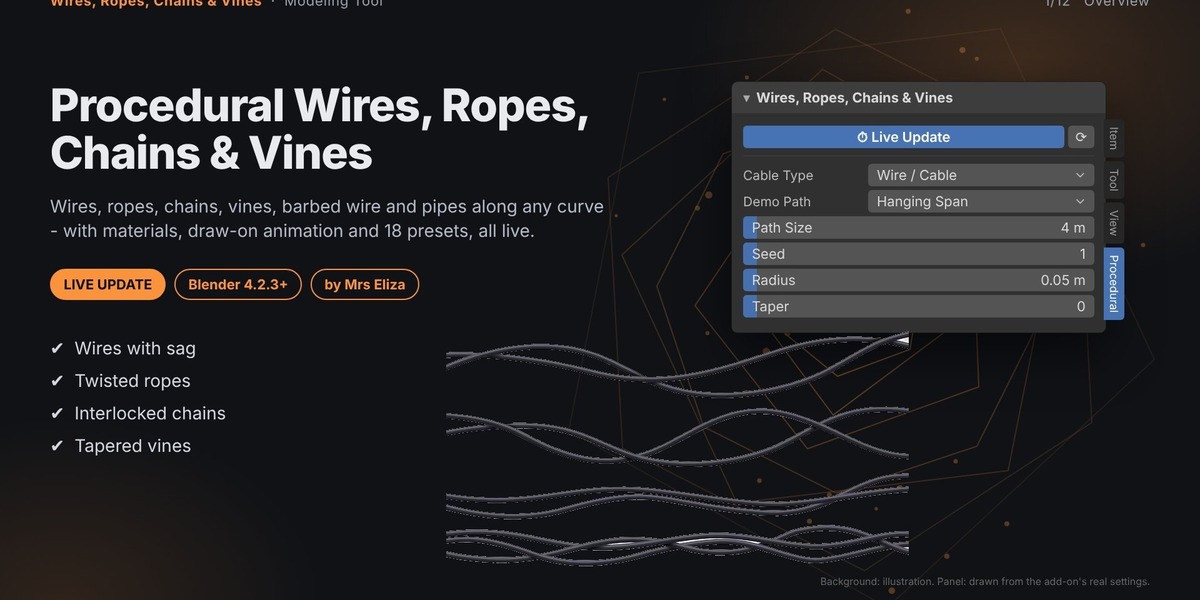
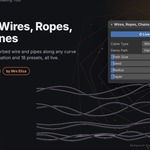
Bring your scenes to life with Procedural Wires, Ropes, Chains & Vines, a versatile Blender add-on for creating detailed cables, twisted ropes, interlocking chains, organic vines, barbed wire, and industrial pipes along any curve.
Powered by Geometry Nodes, the add-on gives you a flexible procedural workflow with live updates, customizable materials, animation controls, and 18 ready-made presets to help you create polished results quickly.
Whether you're building electrical cables, rope systems, fences, climbing plants, or industrial environments, you can shape your creations by editing a curve and adjusting the settings.
Compatible with Blender 4.2.3 or newer.
✨ Key Features
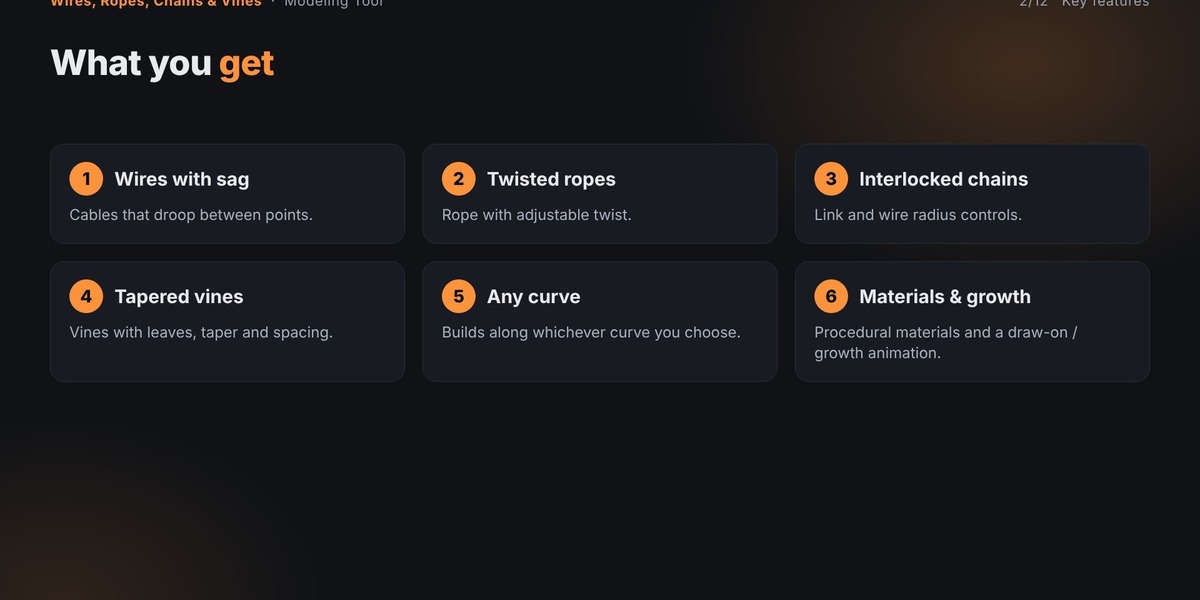
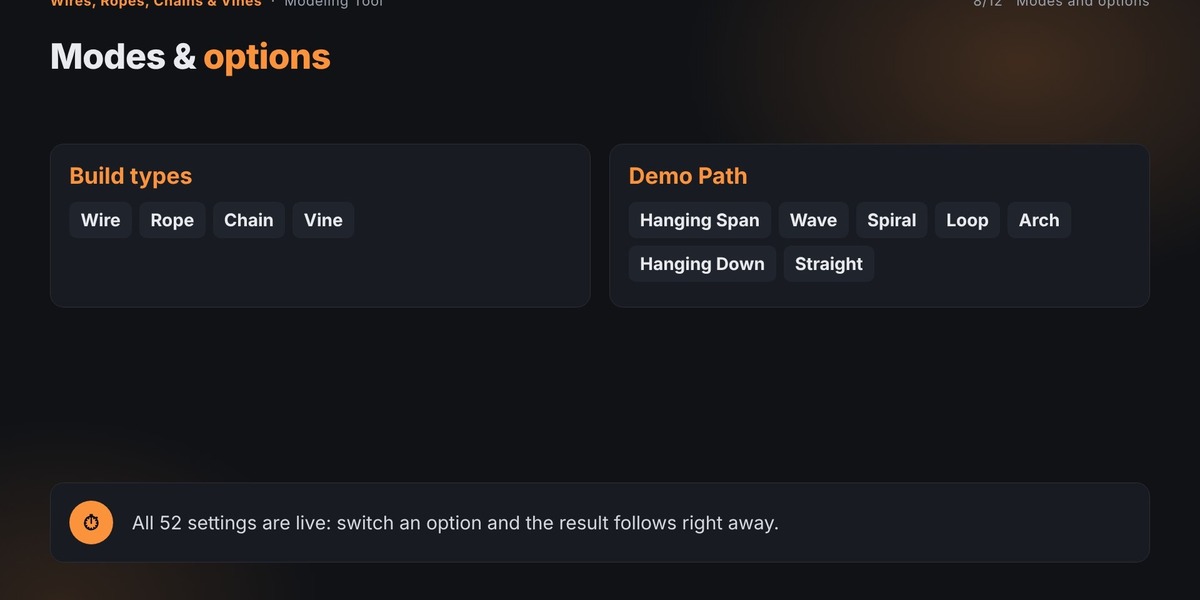
6 Procedural Cable Types: Create wires, ropes, chains, vines, barbed wire, and flanged pipes.
Curve-Based Workflow: Build your results along any curve and edit the curve to reshape the generated geometry.
18 Ready-Made Presets: Get started quickly with professionally named styles and configurations.
Live Update System: Changes to settings automatically rebuild your result.
Procedural Materials: Customize colors, textures, roughness, metallic, glow, and bump.
Draw-On Animation: Animate cables and other generated elements growing along their paths.
Sway Animation: Add a travelling wave to create moving cable effects.
Flowing Colors: Animate stripes, dashes, or gradients along the cable.
Custom Presets: Save, load, and delete your own configurations.
Make Real Copy: Convert the procedural result into a separate mesh object.
🔌 Six Procedural Creation Types
Choose the cable type that best fits your project.
1. Wire / Cable
Create insulated electrical wires and cables with customizable radius, sag, and surface appearance. Ideal for power lines, electrical setups, and technical scenes.
2. Twisted Rope
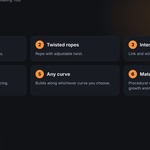
Generate ropes using 2 to 6 twisted strands with alternating colors. Adjust strand count and twist amount to achieve different rope styles.
3. Interlocking Chains
Build chains from repeating oval links. Control link radius, thickness, stretch, and spacing for different chain designs.
4. Vines with Leaves
Create tapered organic stems with procedural leaves and optional flowers. Customize leaf size, spacing, angle, scatter, and shape variety.
5. Barbed Wire
Generate wire with repeating sharp barbs. Adjust barb size and spacing to create fencing and security details.
6. Pipes with Flanges
Create industrial pipes with raised rings along their length. Customize flange spacing, height, and width for mechanical and industrial environments.
🎨 18 Built-In Presets
Get a finished starting point with the included preset library.
Wire & Cable Presets
Black Power Cable
Neon Electric Cable
Striped Wire
Rope Presets
Hanging Hemp Rope
Candy Stripe Rope
Swaying Sailor Rope
Chain Presets
Heavy Steel Chain
Gold Chain
Rusty Chain
Vine Presets
Ivy Vine
Flowering Vine
Jungle Creeper
Draw-On Vine
Industrial & Special Presets
Barbed Wire Fence
Rusty Barbed Wire
Industrial Pipe
Copper Pipe
Sci-Fi Light Pipe
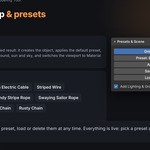
Choose a preset and click Apply Preset to update the result. You can continue adjusting its settings afterward.
🛠️ Extensive Procedural Controls
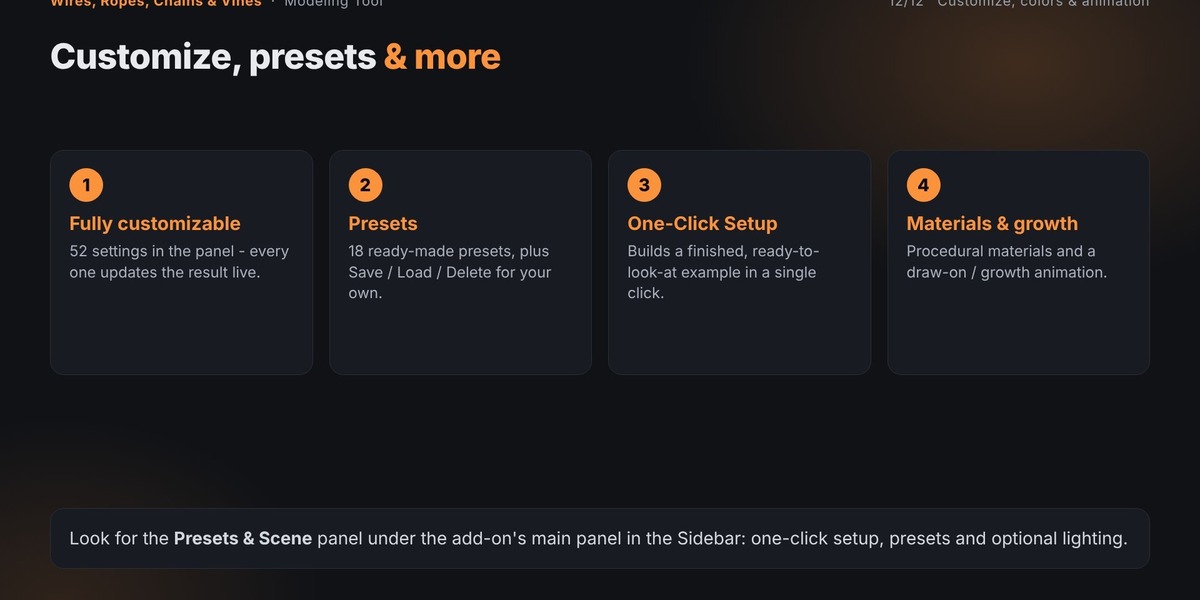
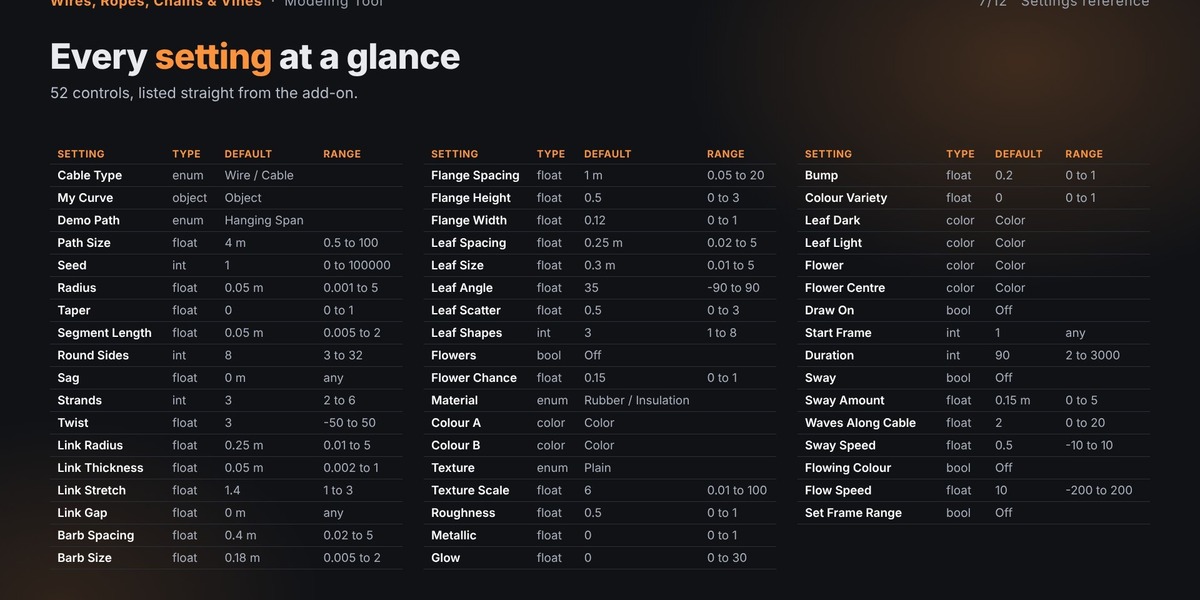
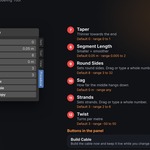
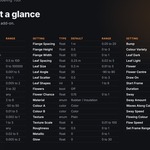
The add-on provides 52 settings through its main panel, allowing you to fine-tune the generated geometry and appearance.
Geometry & Shape
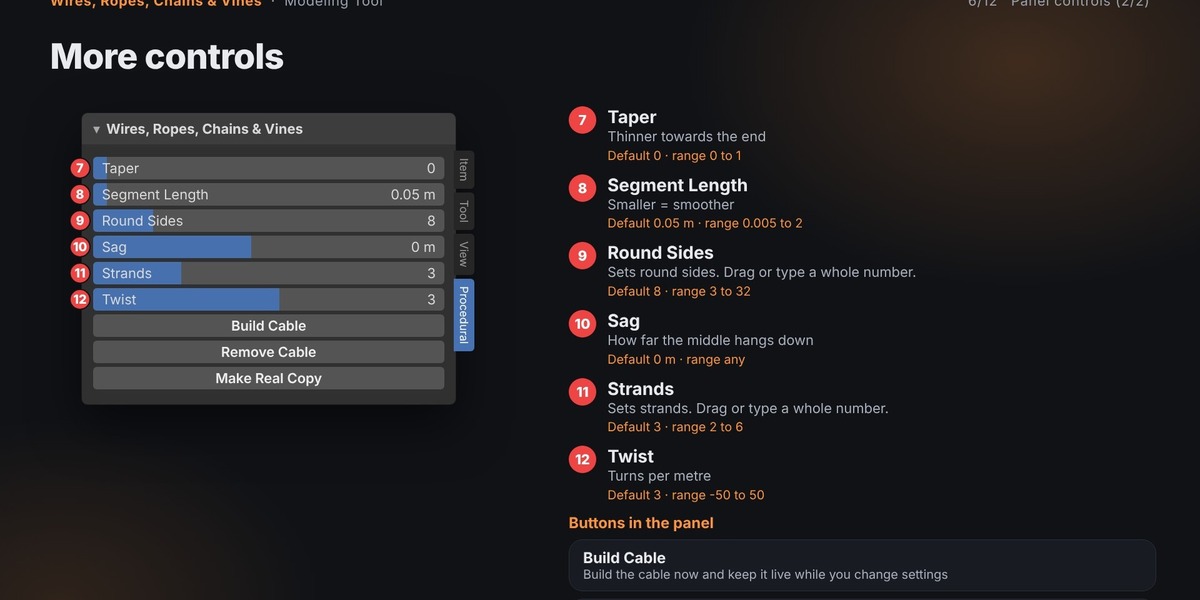
Radius and taper
Segment length and round sides
Sag and path size
Rope strand count and twist
Chain link radius, thickness, stretch, and gap
Barb spacing and size
Flange spacing, height, and width
Vine & Plant Controls
Leaf spacing and size
Leaf angle and scatter
Leaf shape variety
Optional flowers
Flower generation chance
Custom leaf and flower colors
Materials & Textures
Choose from five material styles:
Rubber / Insulation
Glossy Plastic
Metal
Fibre / Hemp
Neon Glow
Customize the appearance with:
Two primary colors
Plain, Stripes, Dashes, Gradient, Mottled, and Fibre textures
Texture scale
Roughness and metallic values
Glow intensity
Bump strength
Random color variation
🎬 Animation Features
Add movement and visual interest with built-in animation controls.
Draw-On Animation
Make the generated cable grow along its curve over time.
Adjust:
Start Frame
Duration
Set Frame Range option
Sway Animation
Create a travelling wave that moves along the cable.
Control:
Sway Amount
Waves Along Cable
Sway Speed
Flowing Color Animation
Animate stripes, dashes, or gradients travelling along the cable.
Adjust the Flow Speed to control the movement.
These options are useful for animated electrical cables, flowing energy effects, moving ropes, and stylized procedural scenes.
⚡ One-Click Setup & Live Workflow
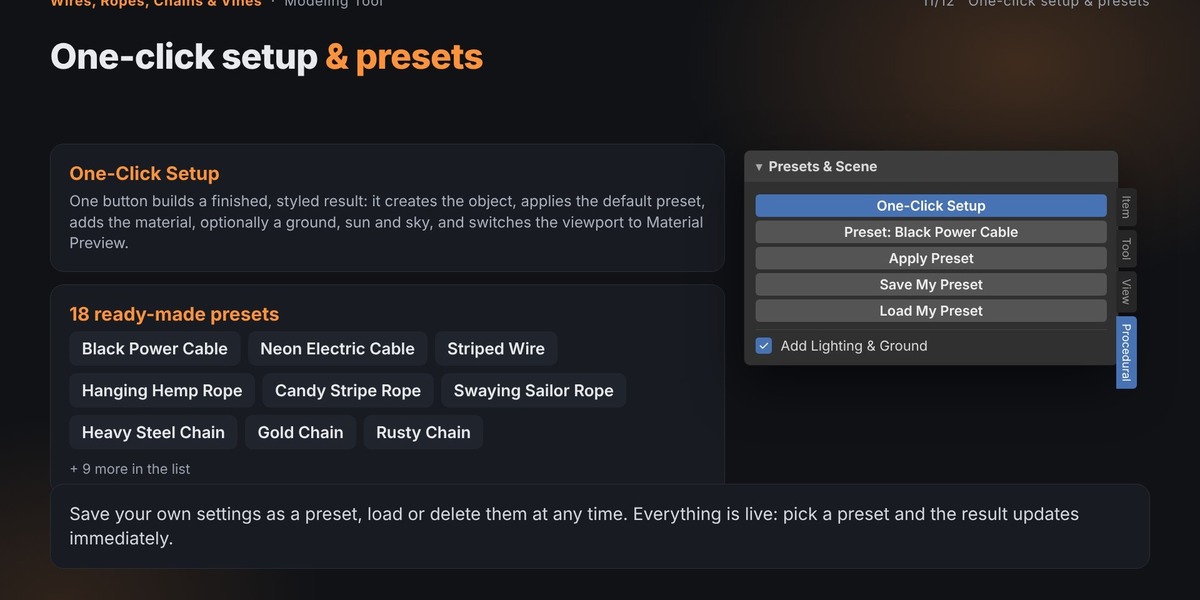
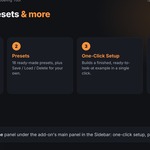
The One-Click Setup feature makes it easy to create a ready-to-view example.
It can:
Build the procedural result.
Apply the default Black Power Cable preset.
Create the material.
Optionally add a ground plane, sun light, and sky color.
Switch the 3D Viewport to Material Preview.
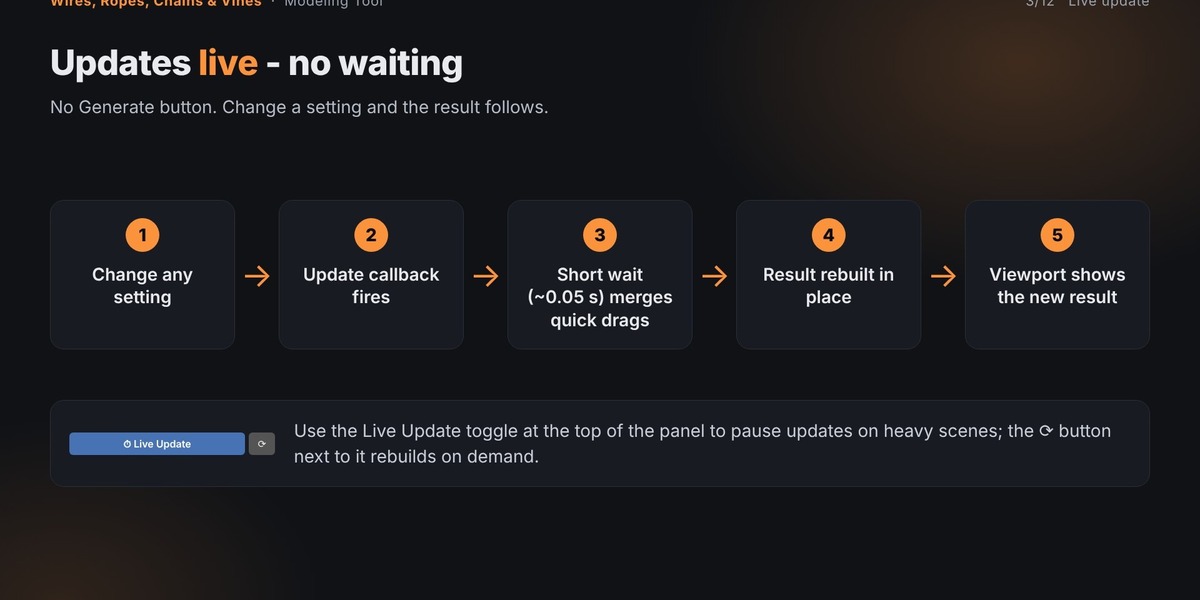
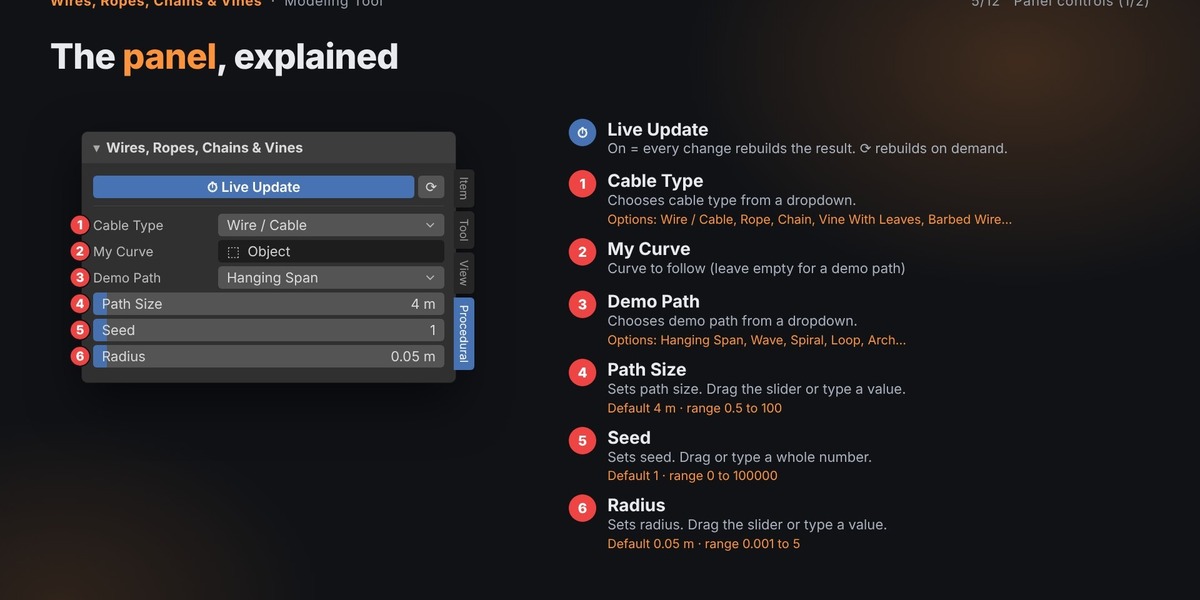
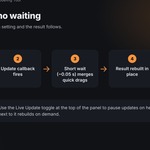
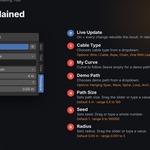
The Live Update switch is enabled by default. When you change a setting, the add-on rebuilds the result after a short pause.
The generated result remains in one live object, preserving its position, rotation, scale, parent, and additional modifiers when it rebuilds.
You can also use Randomize Seed to generate a new variation. The same seed always produces the same result, making it easy to return to a previous design.
💾 Save Your Own Presets
Create custom configurations and reuse them in future projects.
Save My Preset: Save your current settings under a custom name.
Load My Preset: Restore a saved configuration.
Delete My Preset: Remove a saved custom preset.
Your saved presets are stored in Blender's configuration folder and remain available across .blend files.
🧰 Additional Tools
The main panel includes useful workflow actions:
Build Cable: Generate or rebuild the cable while keeping it procedural.
Remove Cable: Remove the live cable, demo path, and vine leaves.
Make Real Copy: Create a separate mesh object, realizing instances.
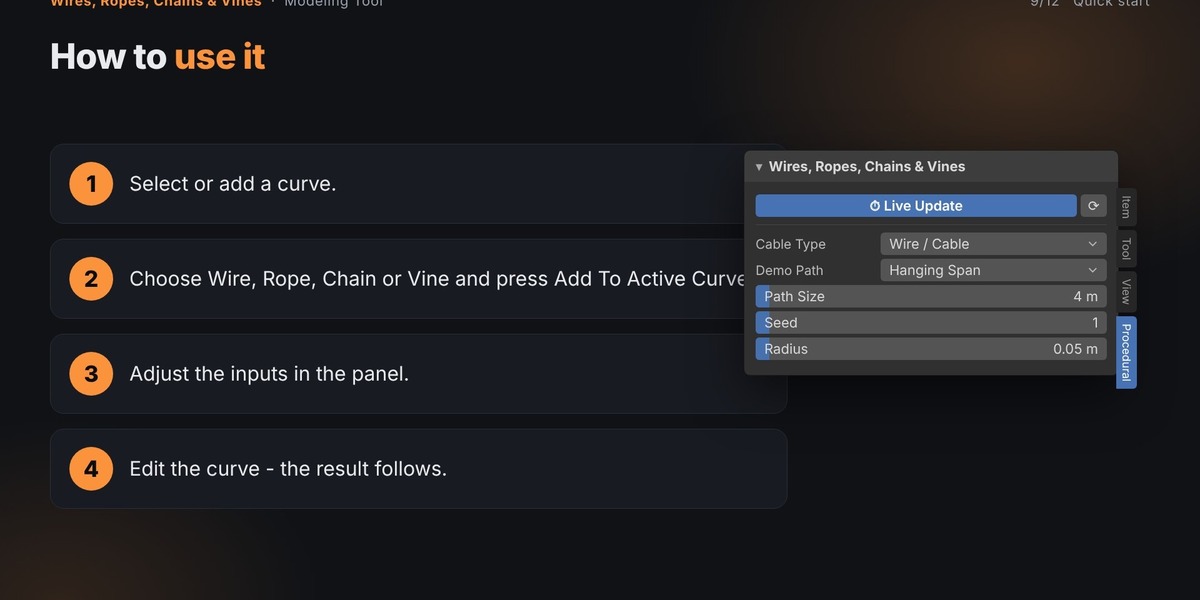
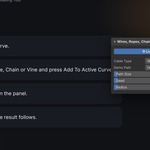
Add To Active Curve: Add the cable modifier to the active curve.
Apply Preset: Apply a built-in preset and its settings.
Add Lighting & Ground: Add a ground plane, sun light, and sky color.
💡 Tips for Better Results
Use the Sag control to create naturally hanging power lines.
Increase the rope's Twist value for a tighter twisted appearance.
For vines, keep leaf spacing larger than leaf size to reduce overlap.
Reduce profile resolution when creating long cables to keep geometry lighter.
For chains, adjust link radius and wire radius together to achieve better-looking links.
🎯 Perfect For
Electrical cables and power lines
Industrial and mechanical environments
Ropes, rigging, and hanging systems
Chains, fences, and barriers
Barbed-wire security fences
Plants, vines, and overgrown environments
Sci-fi cables and glowing pipes
Motion graphics and procedural animations
Architectural and environmental details
Game assets and 3D visualization
⚙️ Requirements
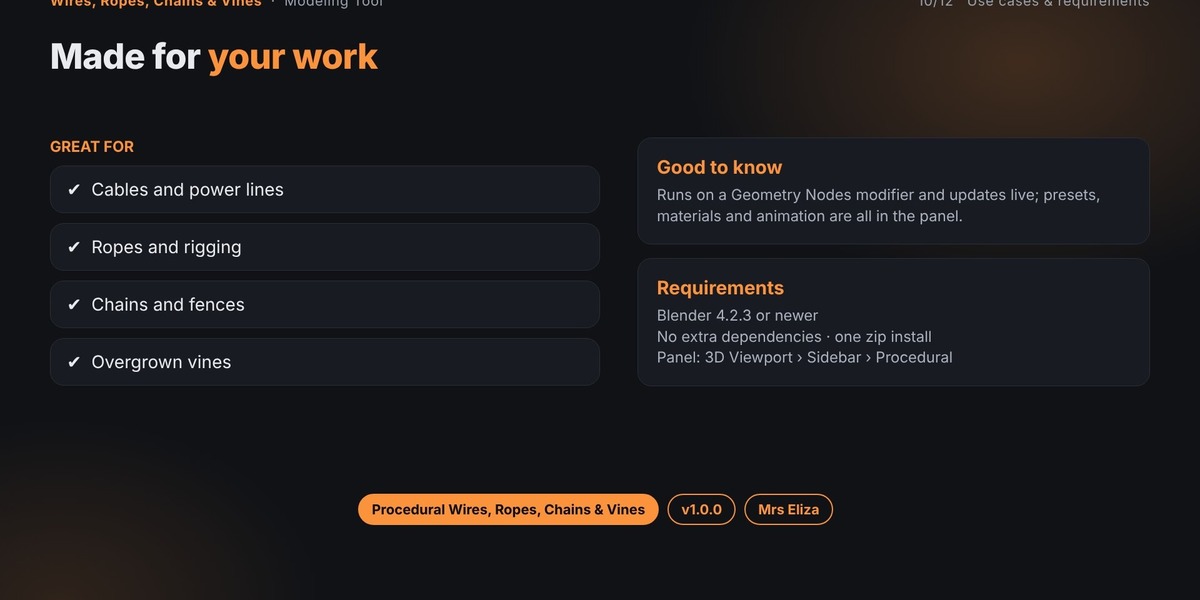
Software: Blender 4.2.3 or newer
System: Geometry Nodes support
Installation: Blender add-on ZIP file
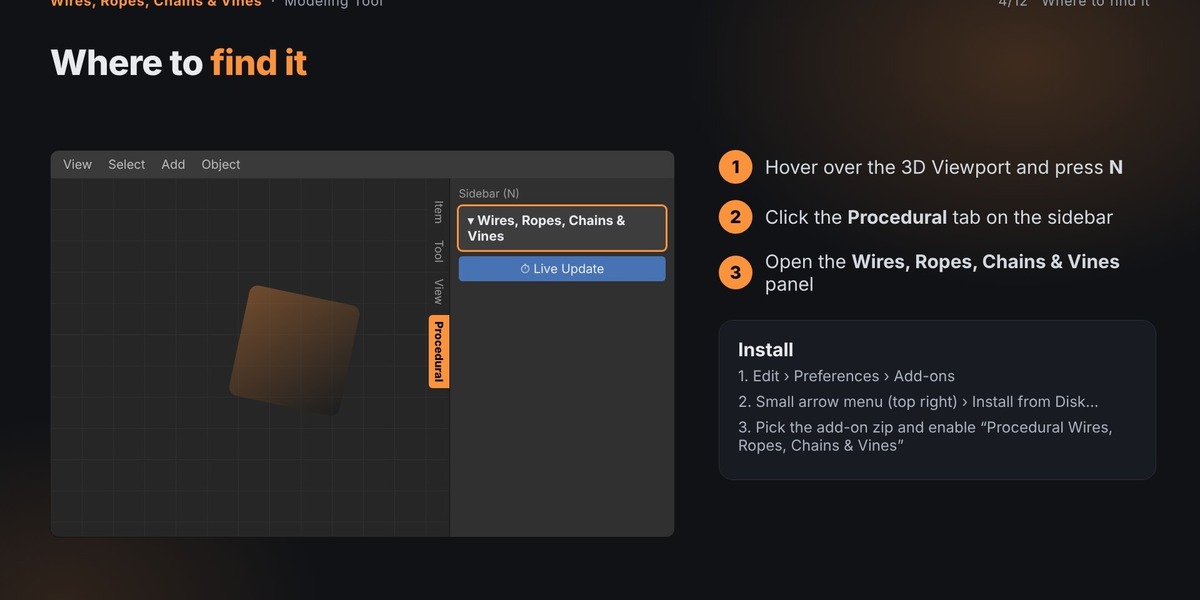
Installation Instructions
Download the add-on ZIP file.
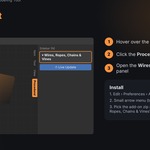
Open Blender and navigate to Edit → Preferences → Add-ons.
Open the menu in the top-right corner of the Add-ons list.
Select Install from Disk.
Choose the downloaded ZIP file.
Enable the add-on using its checkbox.
Important: Do not unzip the add-on before installing. Select the individual add-on ZIP file rather than a bundle containing multiple add-ons.
❓ Troubleshooting
The wire is invisible: Check the Radius setting. Very small radii can be difficult to see from a large viewport distance.
Chain links look incorrect: Adjust the Link Radius and wire radius together. The wire should be thinner than the link.
Leaves do not appear: Make sure Leaf Size is greater than zero. Choose a leaf material if you want colored leaves.
Need to return to the original curve? Remove the procedural modifier to restore the plain curve.
📌 Important Notes
The add-on uses a Geometry Nodes modifier on a curve object.
Removing the modifier returns the object to its original curve.
Use Ctrl + Z to undo changes.
Saving your .blend file preserves the generated content.
The add-on is not required just to open a saved .blend file, but it is required to continue editing the procedural result live.
🆘 Support
If you encounter an issue, include the following information when reporting it:
Your Blender version
Add-on name and version
Steps taken before the issue occurred
Full error text from the Info Editor or system console
This information helps reproduce and troubleshoot problems more efficiently.