 Mrs Eliza








🚀 How to Use
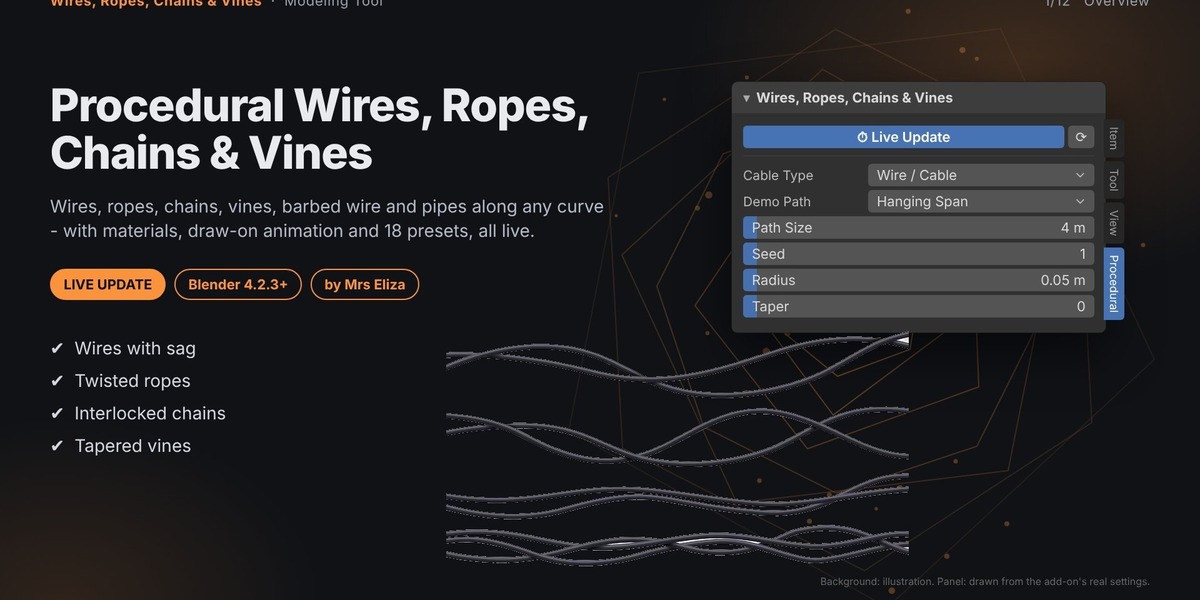
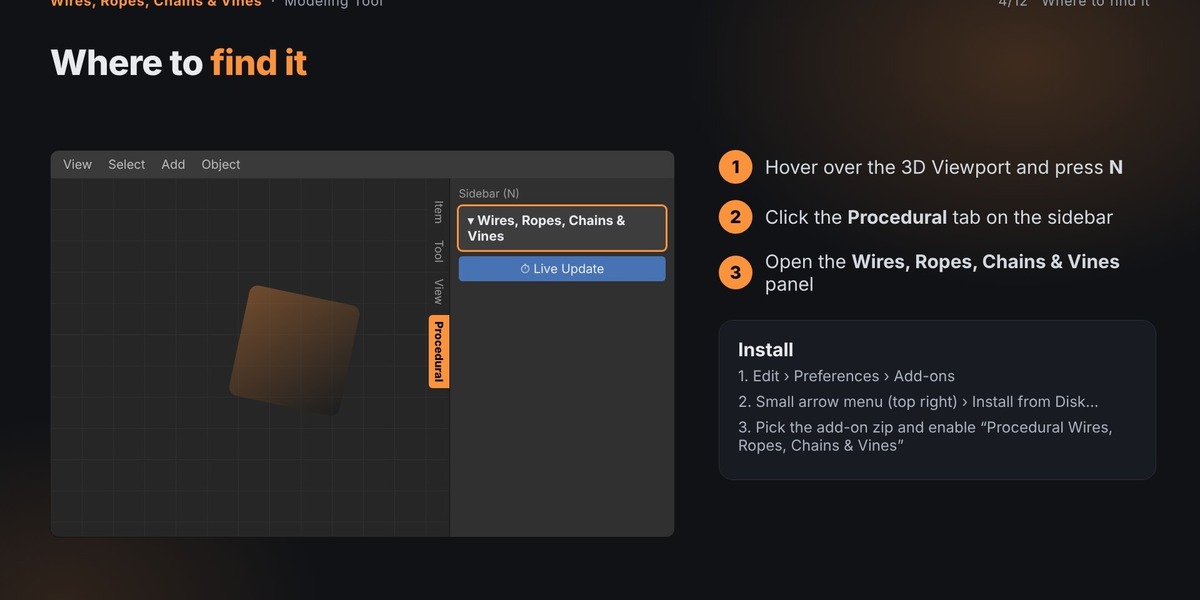
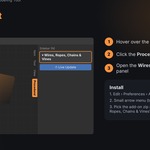
Install and enable the add-on in Blender.
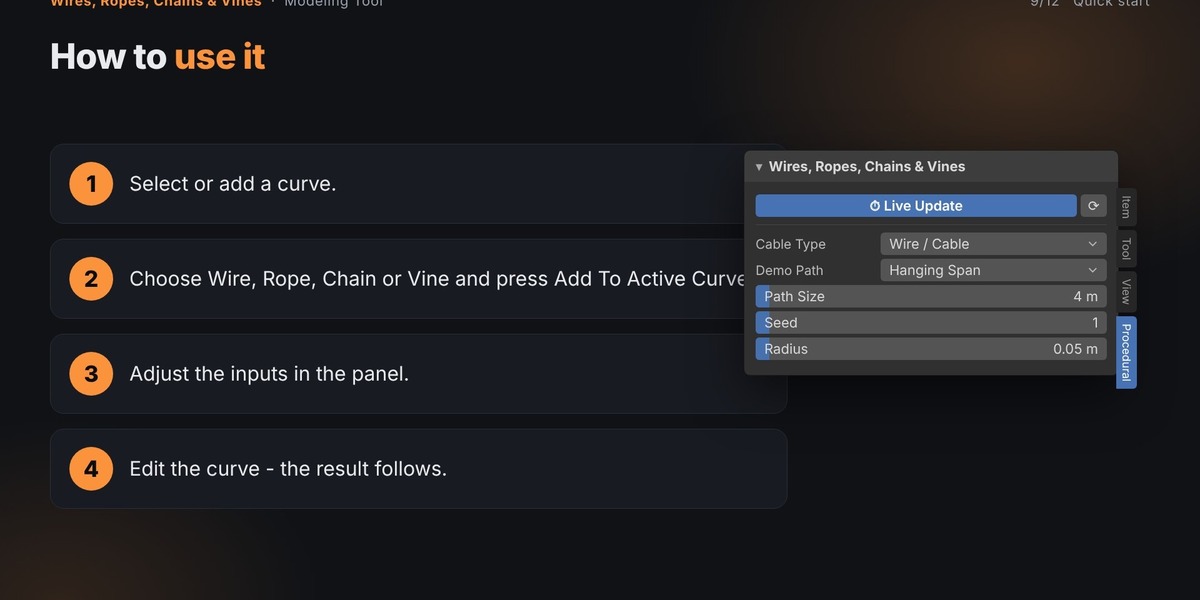
Open the 3D Viewport and press N to open the sidebar.
Select the Procedural tab.
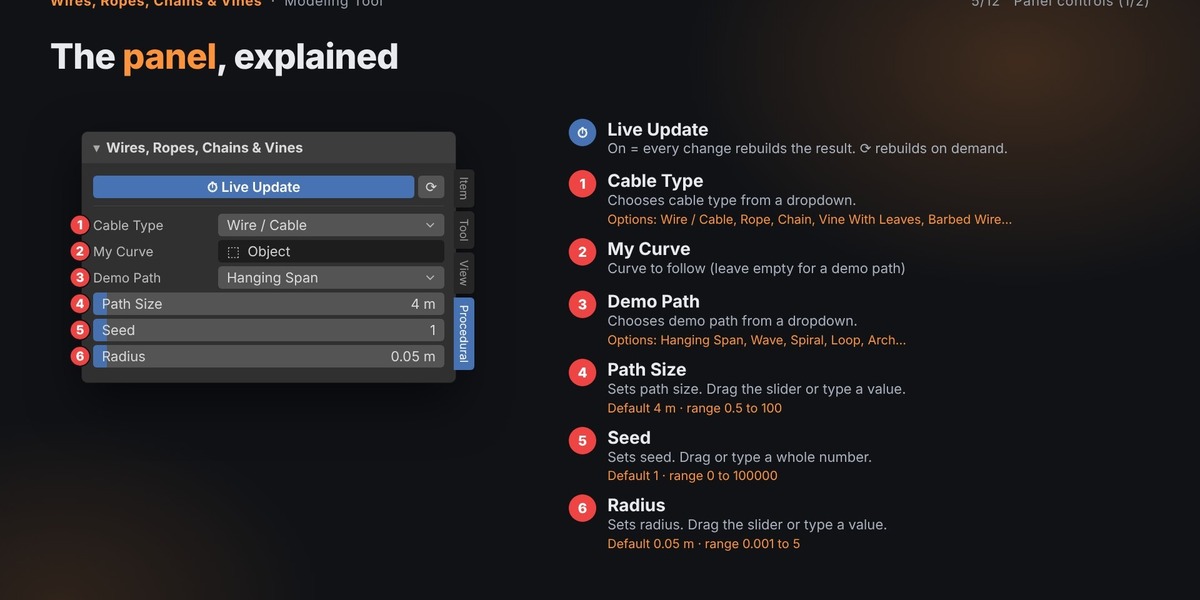
Expand the Wires, Ropes, Chains & Vines panel.
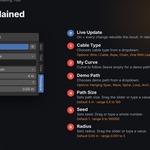
Select an existing curve or use the built-in demo path.
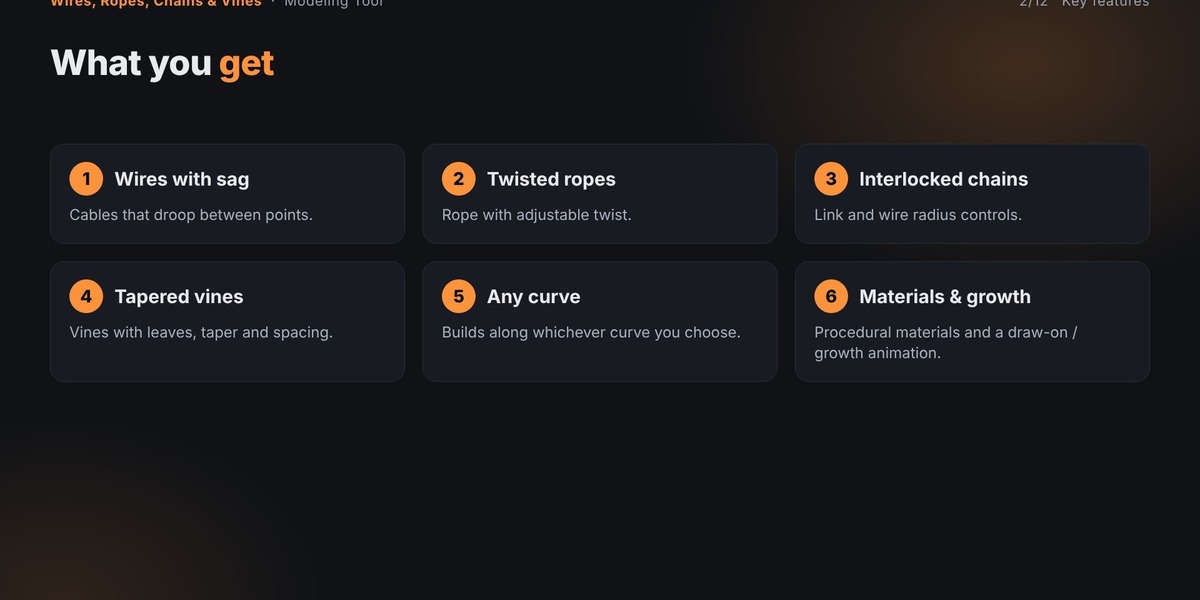
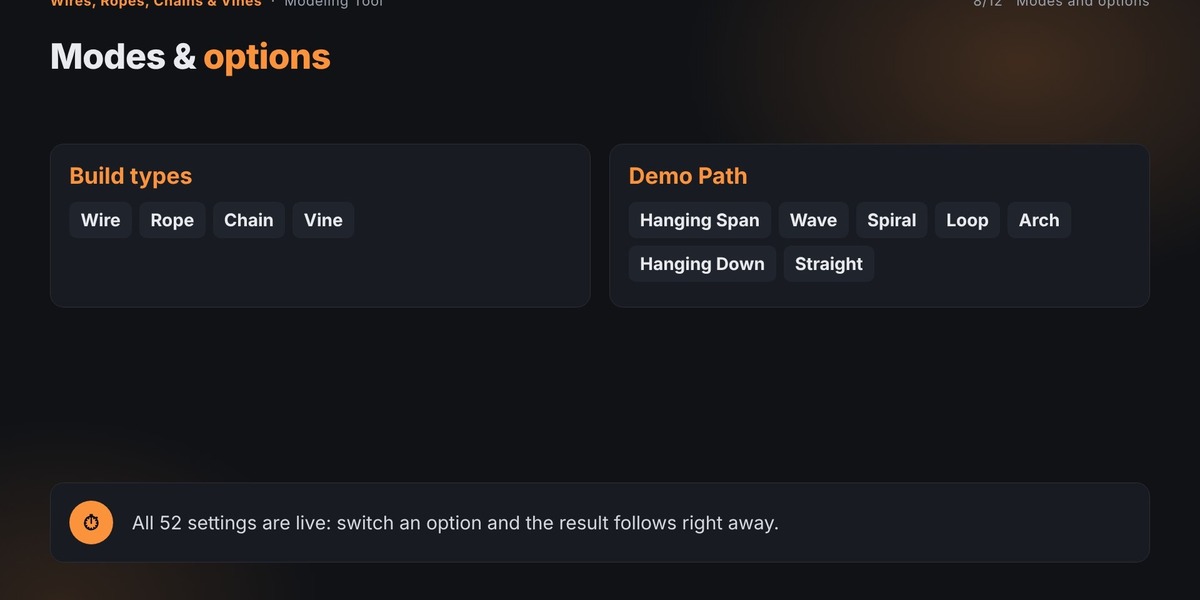
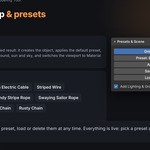
Choose a Cable Type.
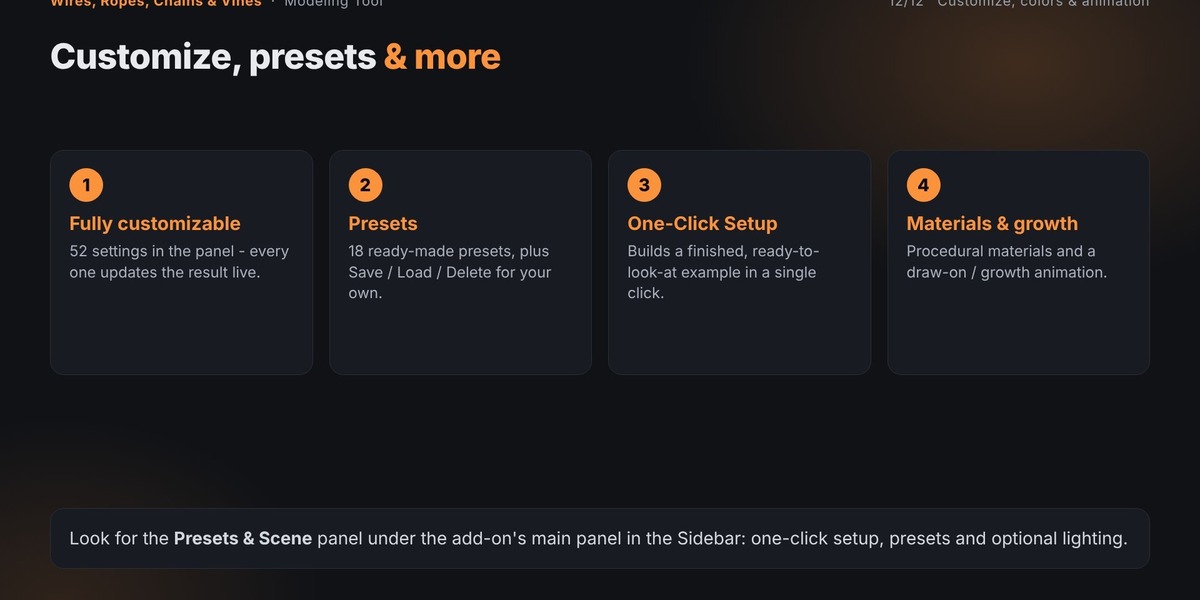
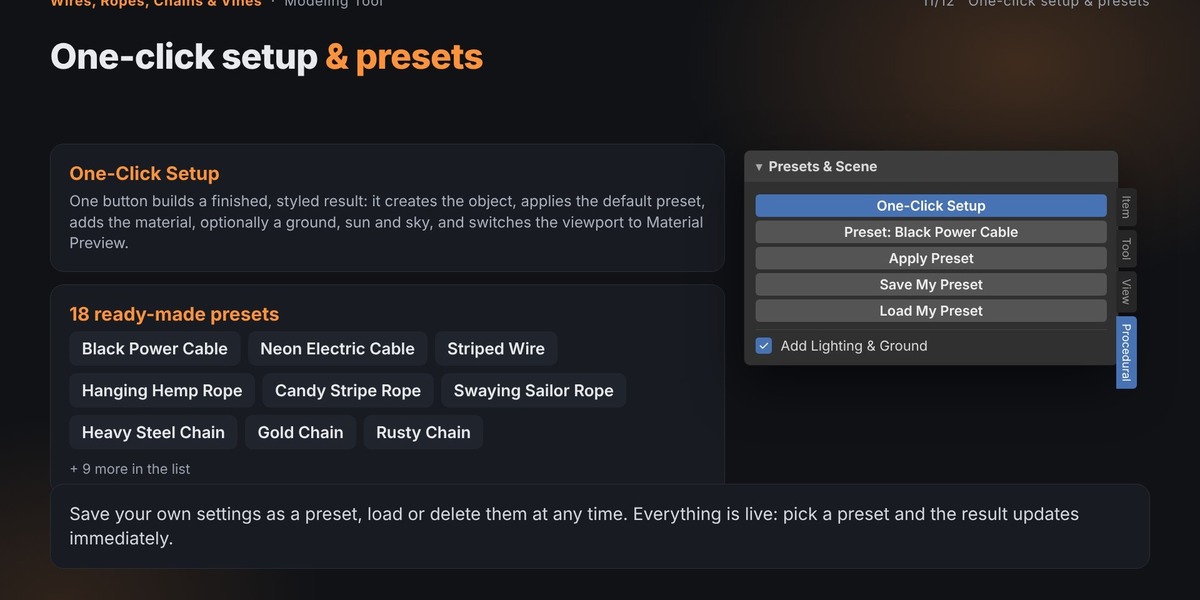
Click Add To Active Curve or use One-Click Setup.
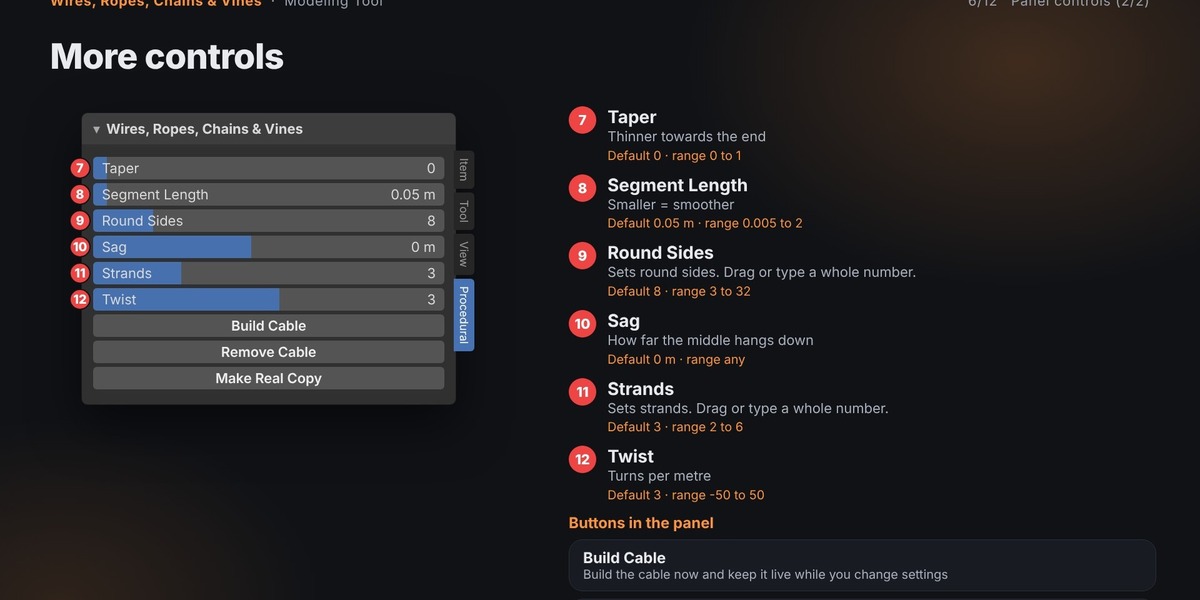
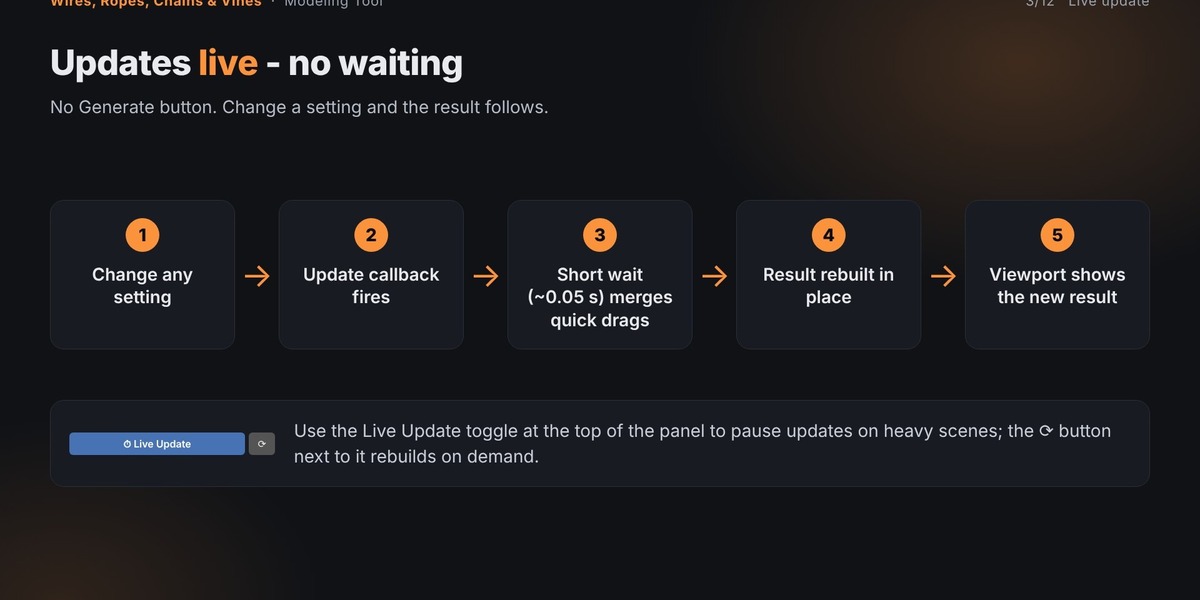
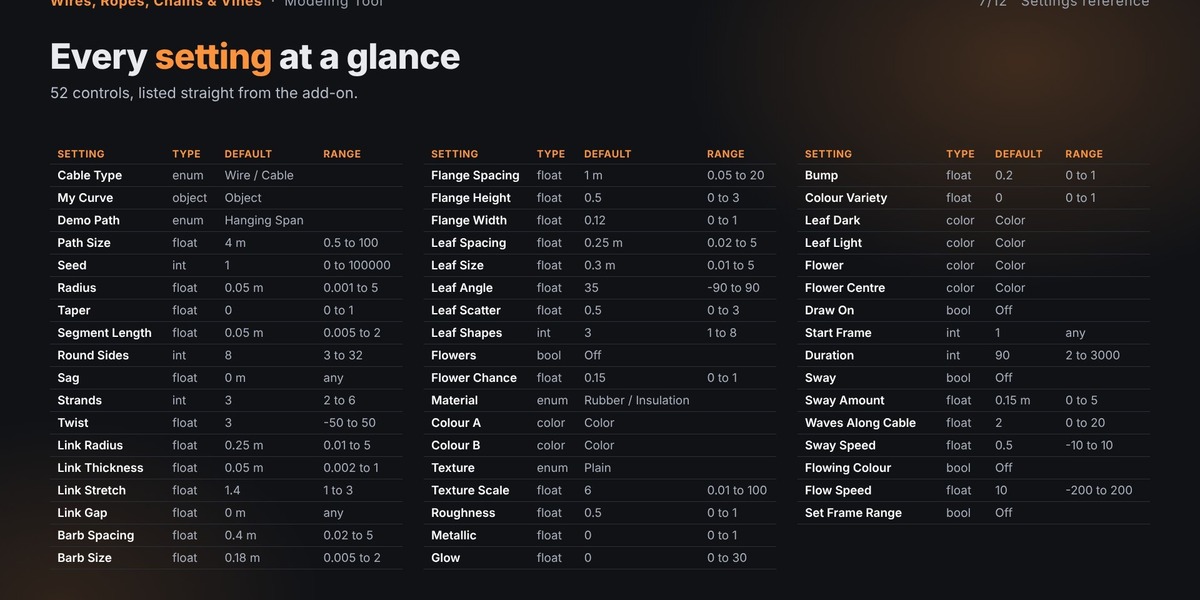
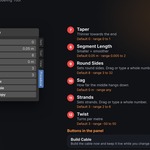
Adjust geometry, material, texture, and animation settings.
Edit the curve to reshape the result.
Your procedural creation follows the curve automatically.
Have questions about this product?
Login to message
| Published | over 2 years ago |
| Blender Version | 4.2 - 5.2 |
| Extension Type | N/A |
| Render Engine Used | Blender-Internal, Cycles, Eevee |
| License | GPL |
Discover more products like this
procedural cables blender addon curve-generator rope generator procedural modeling geometry nodes chain generator wire generator blender animation barbed wire industrial pipes