 u2y_nodes
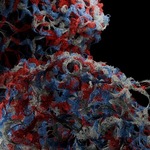
Wool Generator — Procedural Yarn & Wool for Blender
Turn any mesh into a knitted, twisted-fiber wool object. Fully procedural, no textures, no simulation.
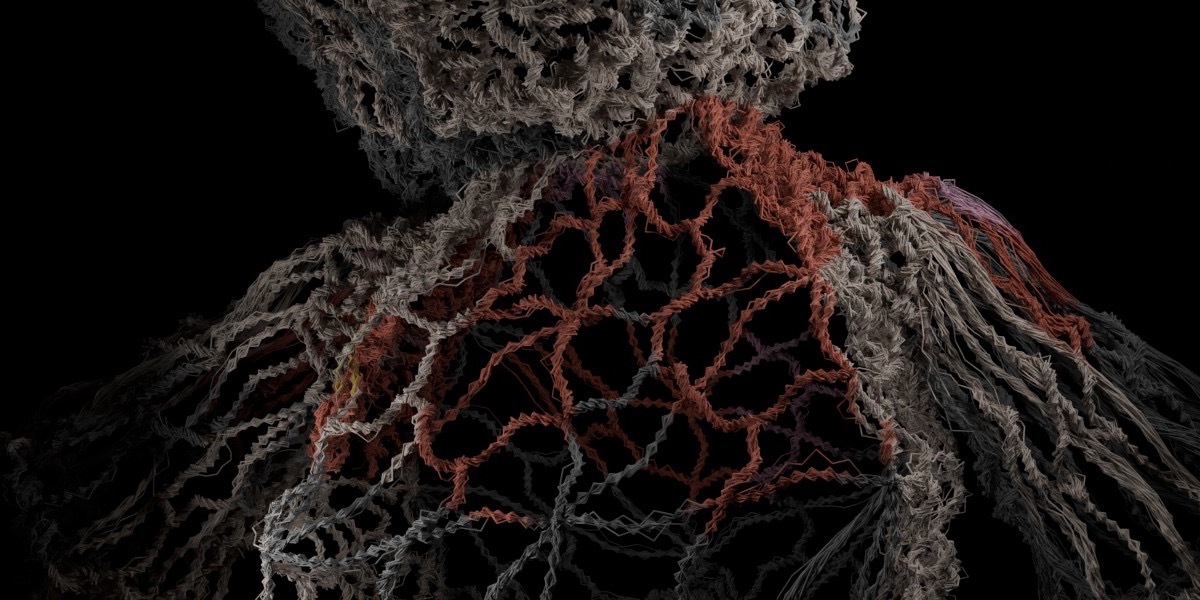
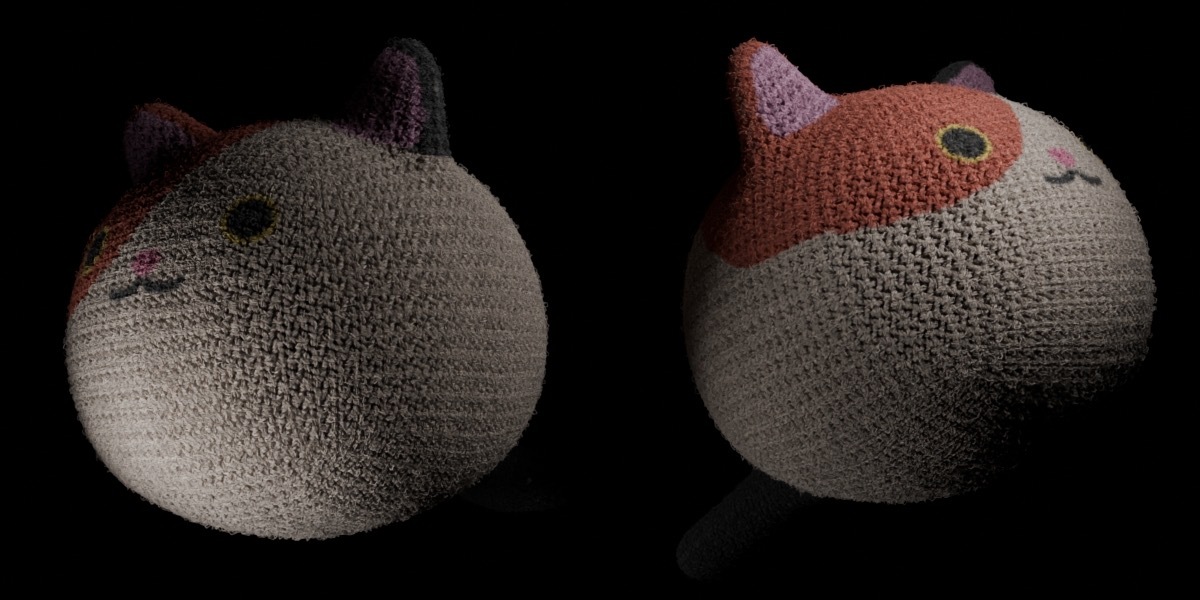
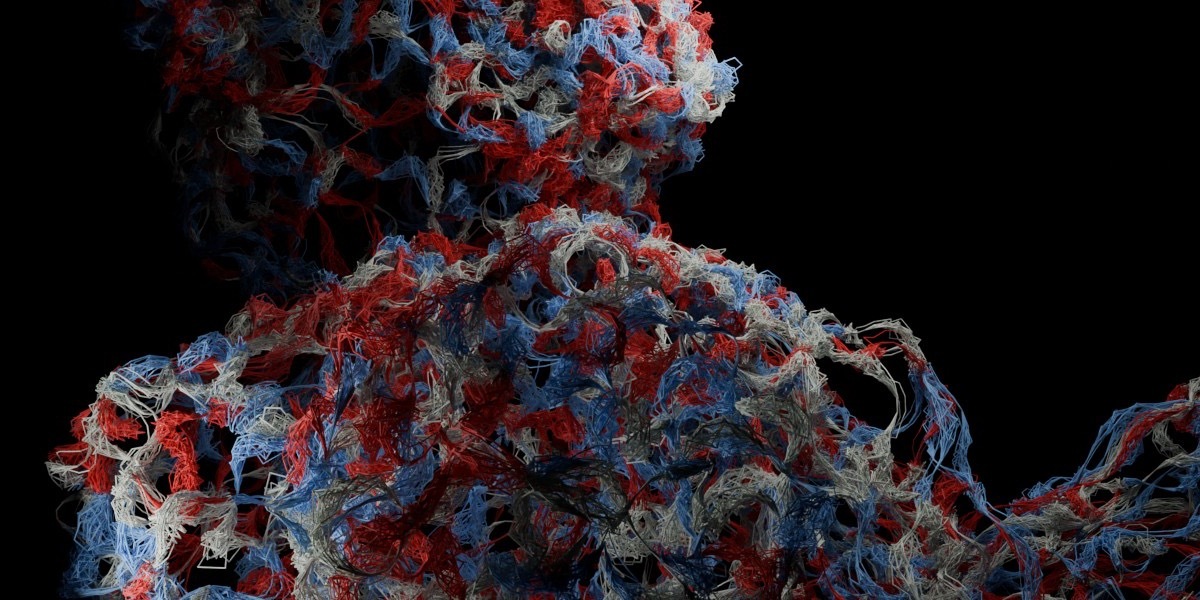
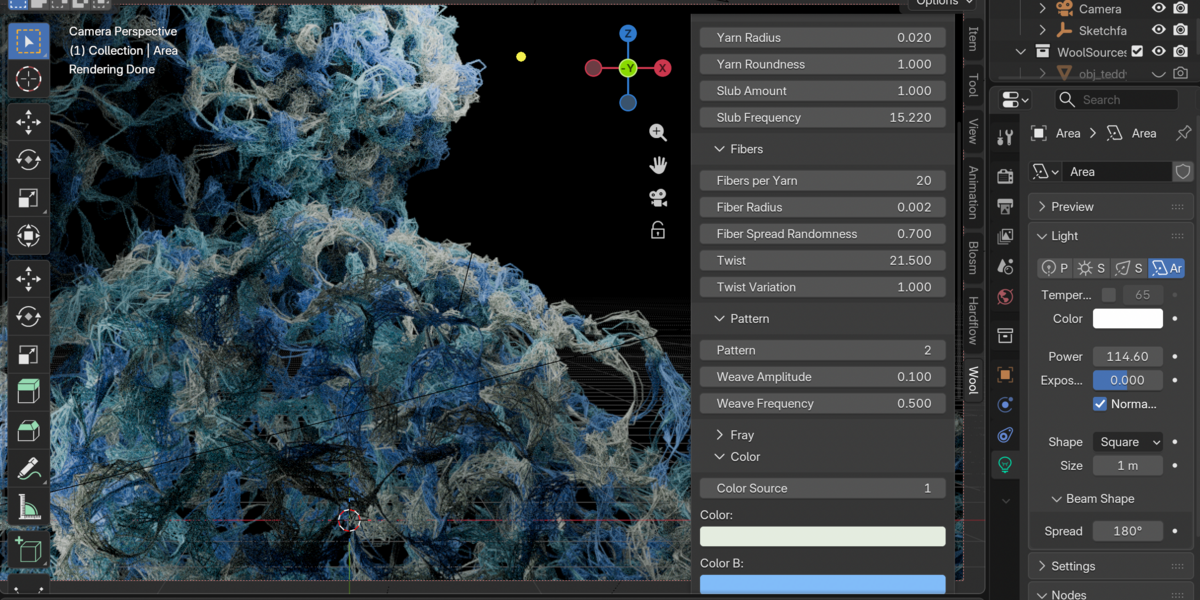
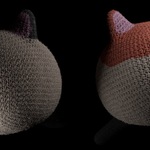
Wool Generator builds real yarn out of thousands of individual twisted fibers, driven by Geometry Nodes. Pick your meshes, click one button, and get wool you can recolor, reshape and render in minutes. Plush toys, amigurumi-style characters, knitwear, props, product shots: change the pattern, thickness, fray and colors with sliders, or pull the colors straight from your model's texture.
Highlights
- One-click setup. Select meshes, click Wool from Selection. Add or remove objects at any time.
- Real fibers, real twist. Each yarn is a bundle of twisted fibers with adjustable radius, spread, twist and twist variation. Optional slubs give a hand-spun look.
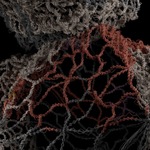
- 4 yarn patterns. Over/Under weave, Coil/Loop, Braid/Zigzag and Flat, with amplitude and frequency controls.
- Frayed, fuzzy look. Control how many fibers stray from the yarn and how far.
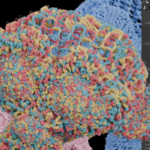
- Smart color system. Solid color, a 3-color palette (random per yarn or by material slot), colors sampled from your model's image texture (via UVs), or from a color attribute. Per-fiber and per-yarn brightness variation for a natural look.
- Move, rotate, scale freely. Work with any number of source objects: wool follows each one, and yarn thickness, twist and fray scale with the object.
- Several wool objects in one scene. Each has its own sources and its own settings, so a knit sweater and a fuzzy pompom can live side by side.
- Fast viewport, full-quality render. The viewport shows a fraction of the fibers (and optionally of the yarns); the render uses them all. Texture colors are sampled once per yarn, not per fiber.
- Export-ready. Bake to Mesh creates tube geometry with vertex colors for GLB/FBX pipelines.
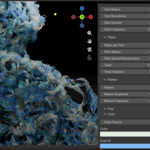
- Clean sidebar panel. All parameters grouped in a Wool tab in the 3D Viewport, with tooltips.
- Asset Browser support. The node group and material are included as assets, so you can also use them without the add-on.
What's included
- Wool Generator add-on (installable Blender extension, .zip)
- Example project (`WoolGenerator_Examples.blend`): 3 finished, different wool setups (blue knit, multicolor coil, texture-colored flat yarn), ready to render, plus the node group and material as assets
- Documentation (README with a full parameter reference)
- GPL-3.0-or-later license
Requirements
- Blender 5.2 LTS or newer
- Tested with Cycles
How it works
1. Install the extension: *Edit > Preferences > Get Extensions > Install from Disk.
2. Select one or more mesh objects and open the Wool tab (press N in the 3D Viewport).
3. Click Wool from Selection.
4. Tweak the sliders. To use your model's texture, click Colors from Model Texture.
5. Render. For export, use Bake to Mesh.