 blenderustad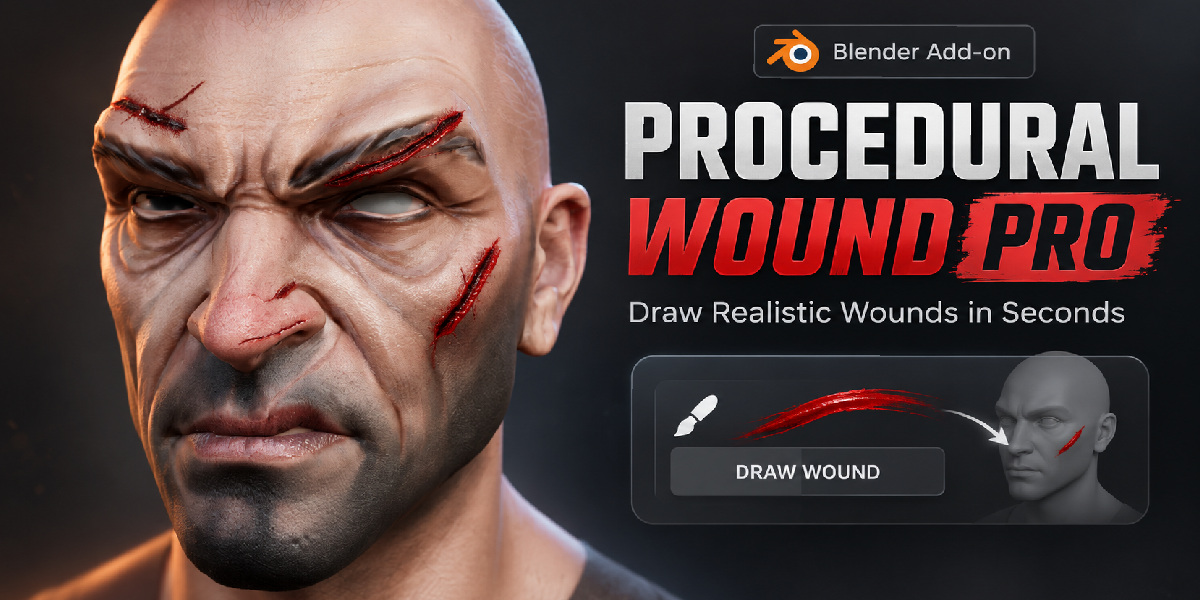
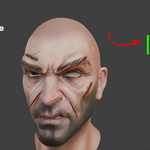
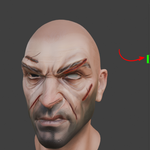
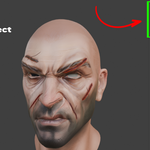
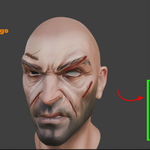
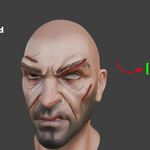
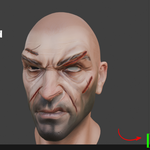
Add wounds to a character in seconds, not hours
Adding a cut to a character face usually means one of three things. You sculpt it on a dense mesh, you paint it into the textures, or you place a decal and hope it sits right on a curved cheek. Each one takes time, and each one is hard to change once the director says "make it longer and move it up a bit."
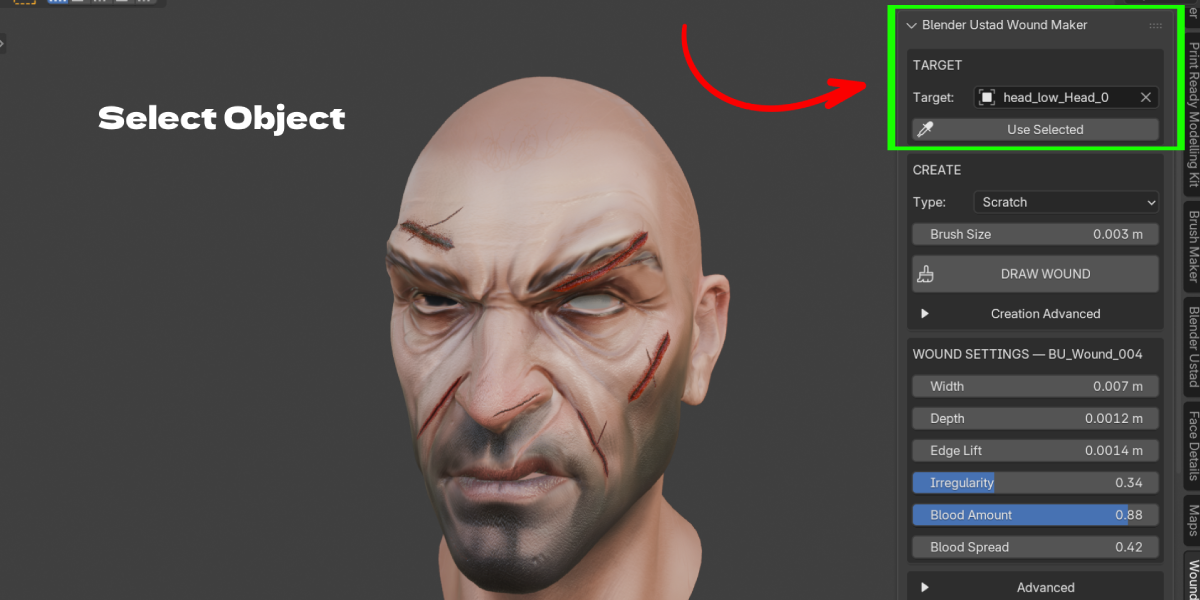
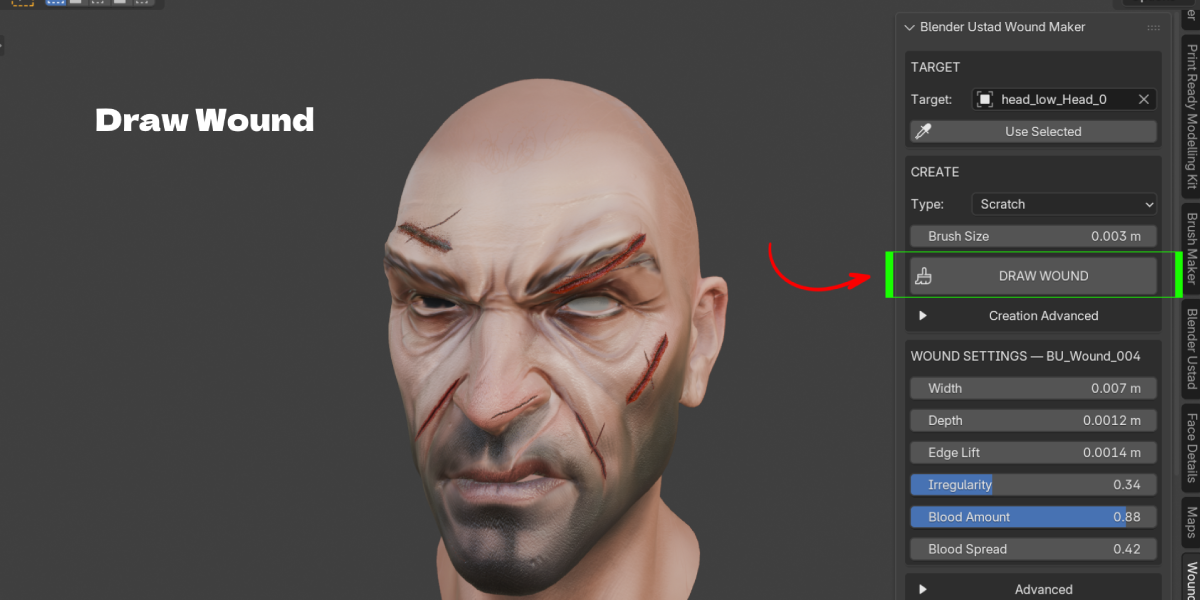
Procedural Wounds Pro gives you a faster path. You pick your character, choose a wound type and draw straight on the surface in the viewport. Release the mouse and the wound is built right away, with lifted torn edges, a dark center, fleshy red tones and wet blood around it.
Nothing is baked in. You can change the width, depth, blood and shape of any wound at any time, or grab its path and redraw it.
What you actually get with each stroke
Each stroke creates a real, separate mesh that hugs your model:
- A strip of geometry shaped like a real cut, with raised lips on both sides and a lower center
- A procedural material with a flesh to cavity color gradient, wet shine and fine tissue bump
- A soft blood halo around the wound that you control with Blood Spread
- Clean UVs, generated automatically
- A hidden path controller so you can edit the shape later
Your original mesh is never boolean cut or modified. Delete the wound and your model is exactly as it was.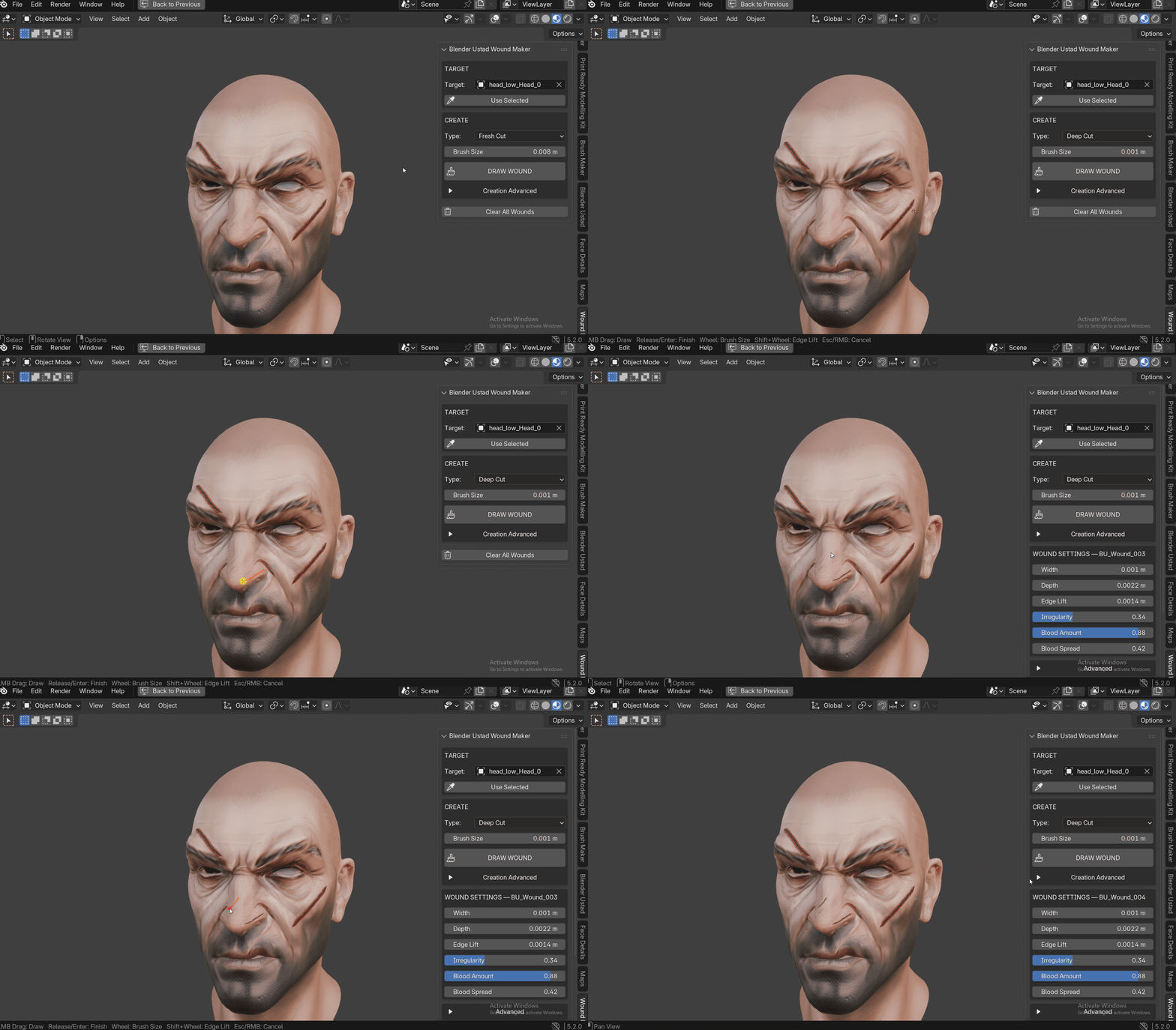
Built for the way character artists work
The tool casts onto the visible, evaluated surface. That means it draws on what you see in the viewport, including Subdivision, shape keys and posed armatures, not the raw base mesh.
When your target has an Armature or other deforming modifier, the add-on binds each wound with Blender's own Surface Deform. If a bind is not possible on that mesh, it switches to a live Shrinkwrap setup and keeps the raised edge profile. Either way, the wound moves with the character when you animate.
Five starting presets
- Fresh Cut: a balanced, clean slice. A good default for most shots.
- Deep Cut: wider, darker and deeper with stronger edges.
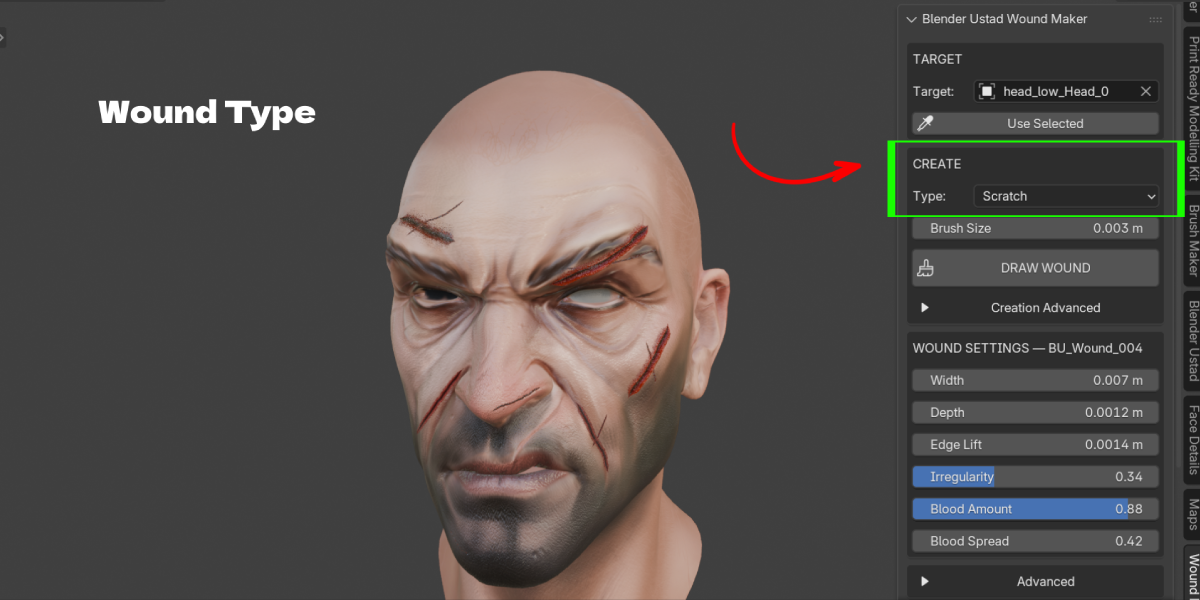
- Scratch: thin and shallow with light blood. Great for faces and hands.
- Claw Scratch: one stroke creates 2 to 5 parallel scratches, like an animal attack.
- Fresh Bloody Wound: wetter, with a wider blood spread.
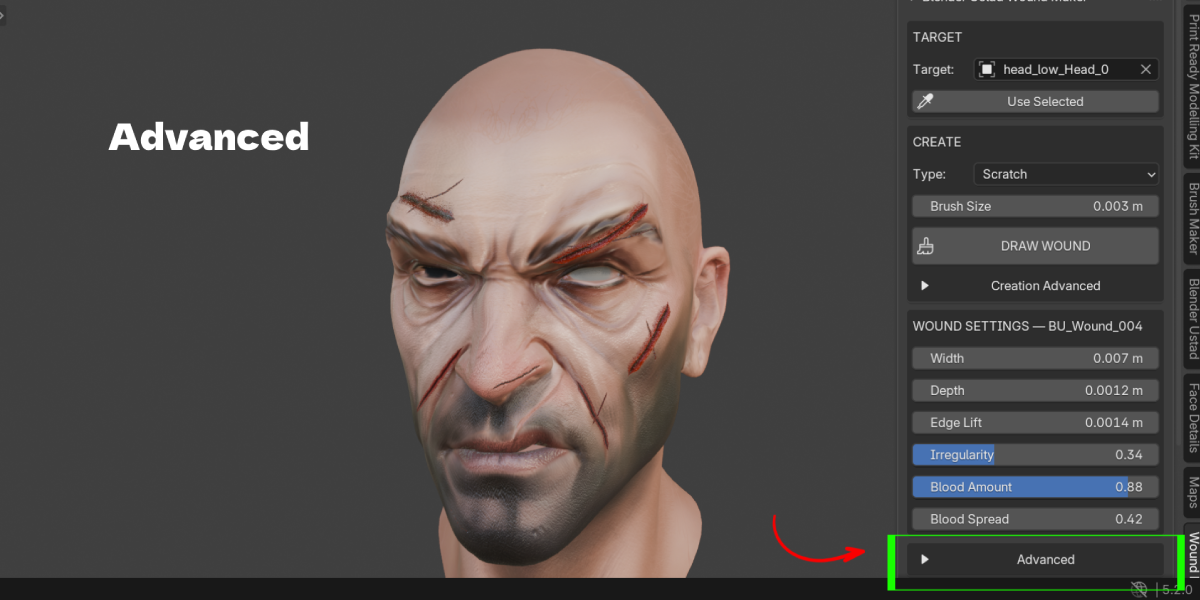
Presets are only a starting point. Every value can be tuned before or after drawing.
Who it is for
Character artists, horror and action illustrators, animators, game cinematic artists, VFX and short film makers, and anyone who needs battle damage on a character without a detour into sculpting or texture painting.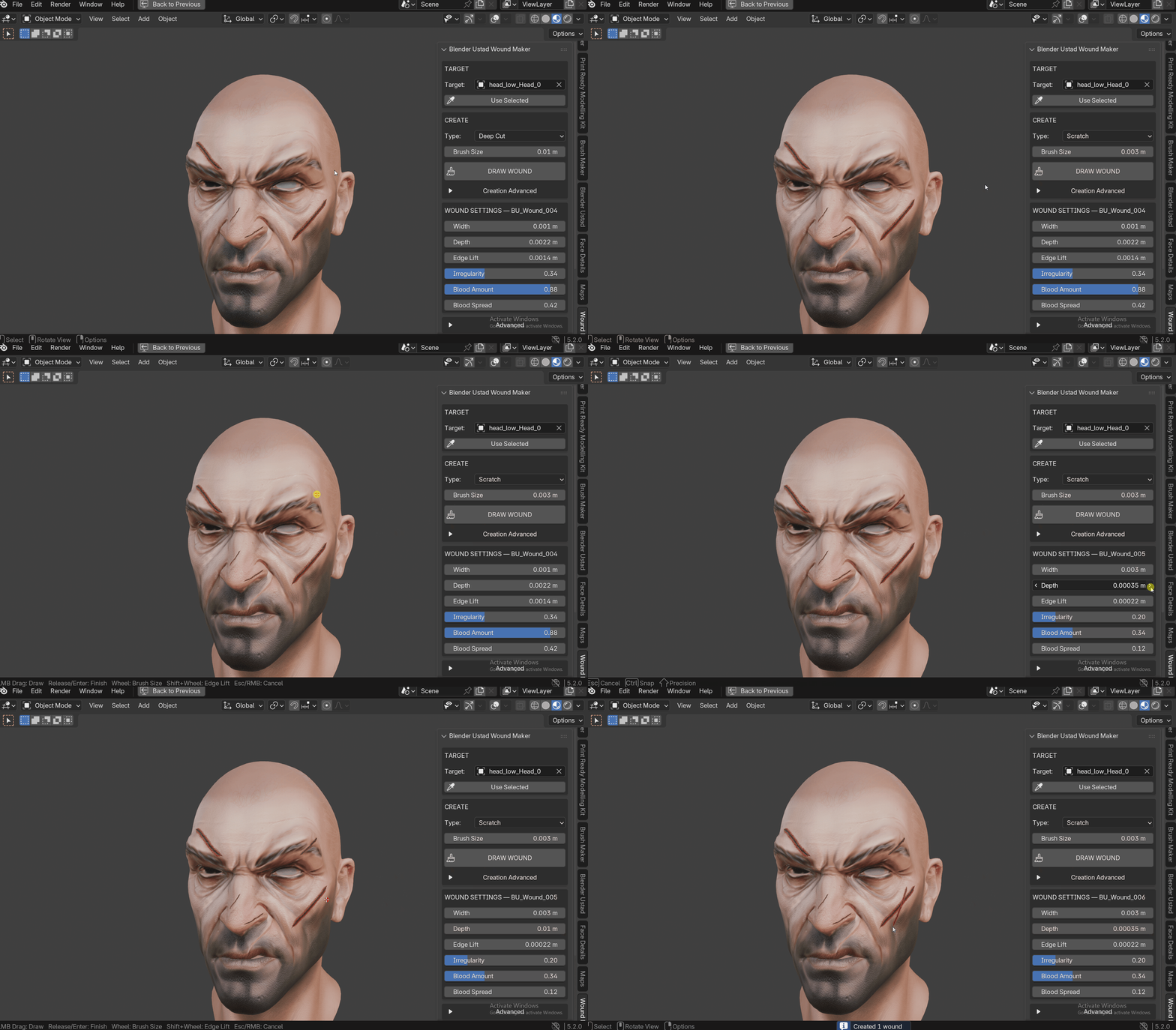
5. Key Features with Benefits
| Feature | What it means for you |
|---|---|
| Click and drag drawing on the surface | Place a wound exactly where you want it, like painting a stroke. No projecting, no aligning decals. |
| Live brush circle and stroke preview | You see the brush size and the path on the model while drawing, so you get it right the first time. |
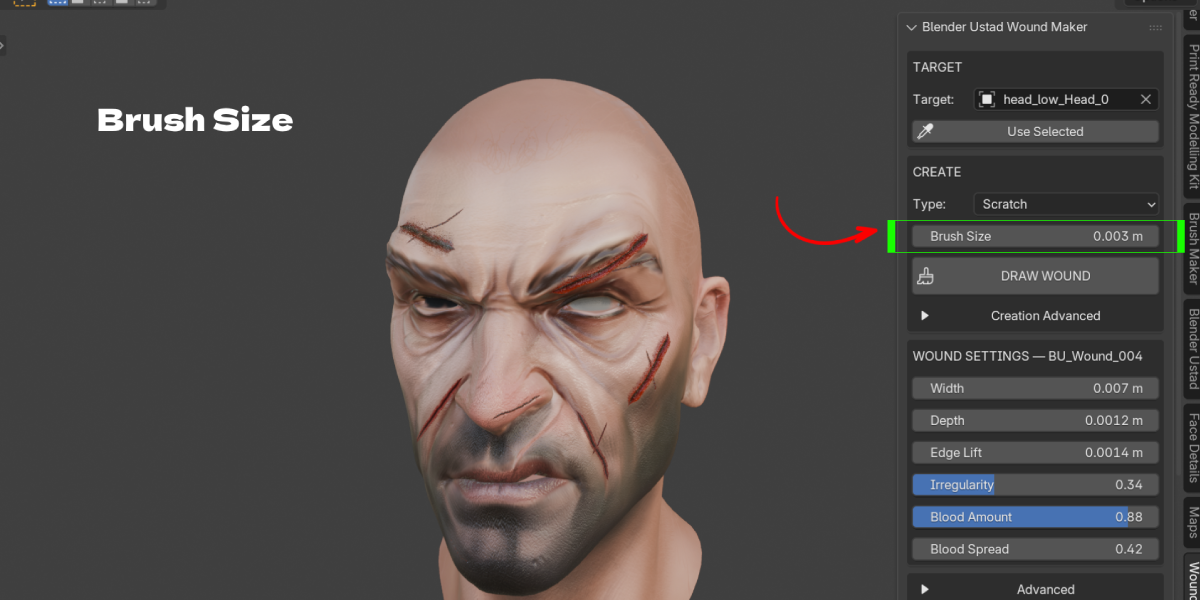
| Mouse Wheel brush size, Shift + Wheel edge lift | Adjust size and edge height mid session without leaving the viewport. |
| Non-destructive wound meshes | Your character mesh is never cut or changed. Remove any wound in one click. |
| Draws on the evaluated mesh | Works on subdivided, shape keyed and posed models. The wound lands on what you see. |
| Follows rigged characters | Surface Deform binding, with a Shrinkwrap fallback, keeps wounds stuck to the skin during animation. |
| Procedural wound material | Flesh, dark cavity, wet blood and micro bump with no image textures to manage. |
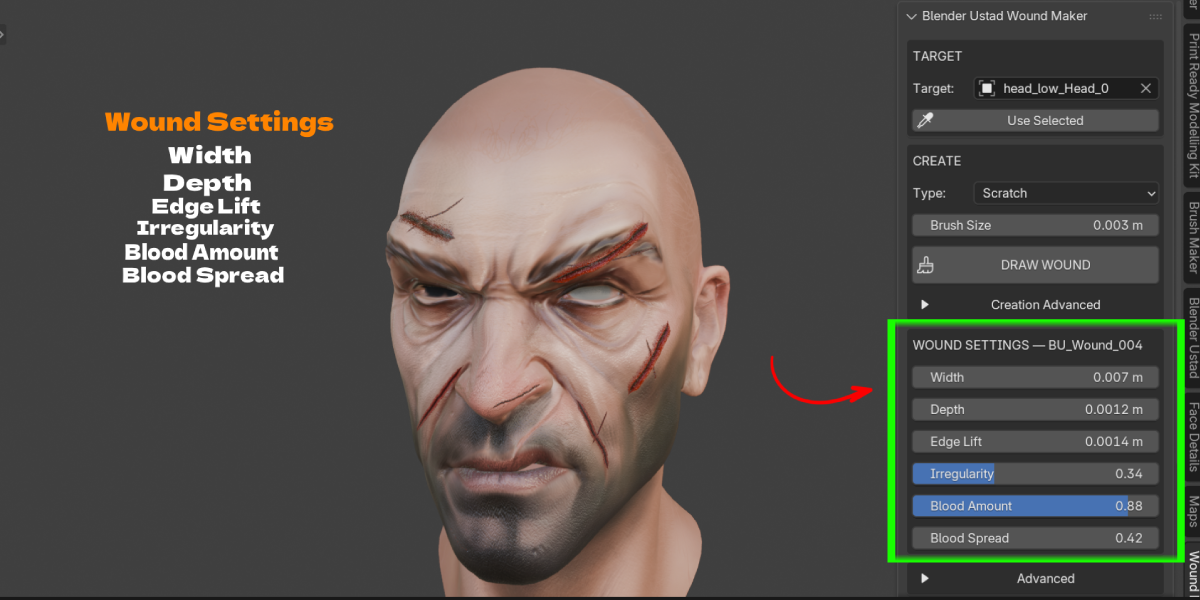
| Per wound material controls | Blood Amount, Wetness, Blood Darkness and Opacity are separate for each wound, so no two need to look the same. |
| Shape controls | Width, Depth, Edge Lift, Irregularity, Edge Roughness, Width Variation, Smooth and Seed. |
| Editable paths | Reveal the path, move its points in Edit Mode, press Rebuild. The wound snaps back onto the surface. |
| Claw Scratch mode | One stroke gives 2 to 5 parallel marks with spacing, length variation and random offset. |
| Duplicate | Make a new variation from an existing wound path with a fresh seed. |
| Clean scene output | All wounds live in a BU_Wounds collection, named BU_Wound_001, BU_Wound_002 and so on. |
| Full undo support | Ctrl + Z works as expected. Esc or Right Click cancels a stroke. |
| No dependencies | No external Python packages, no internet connection, no extra software. |
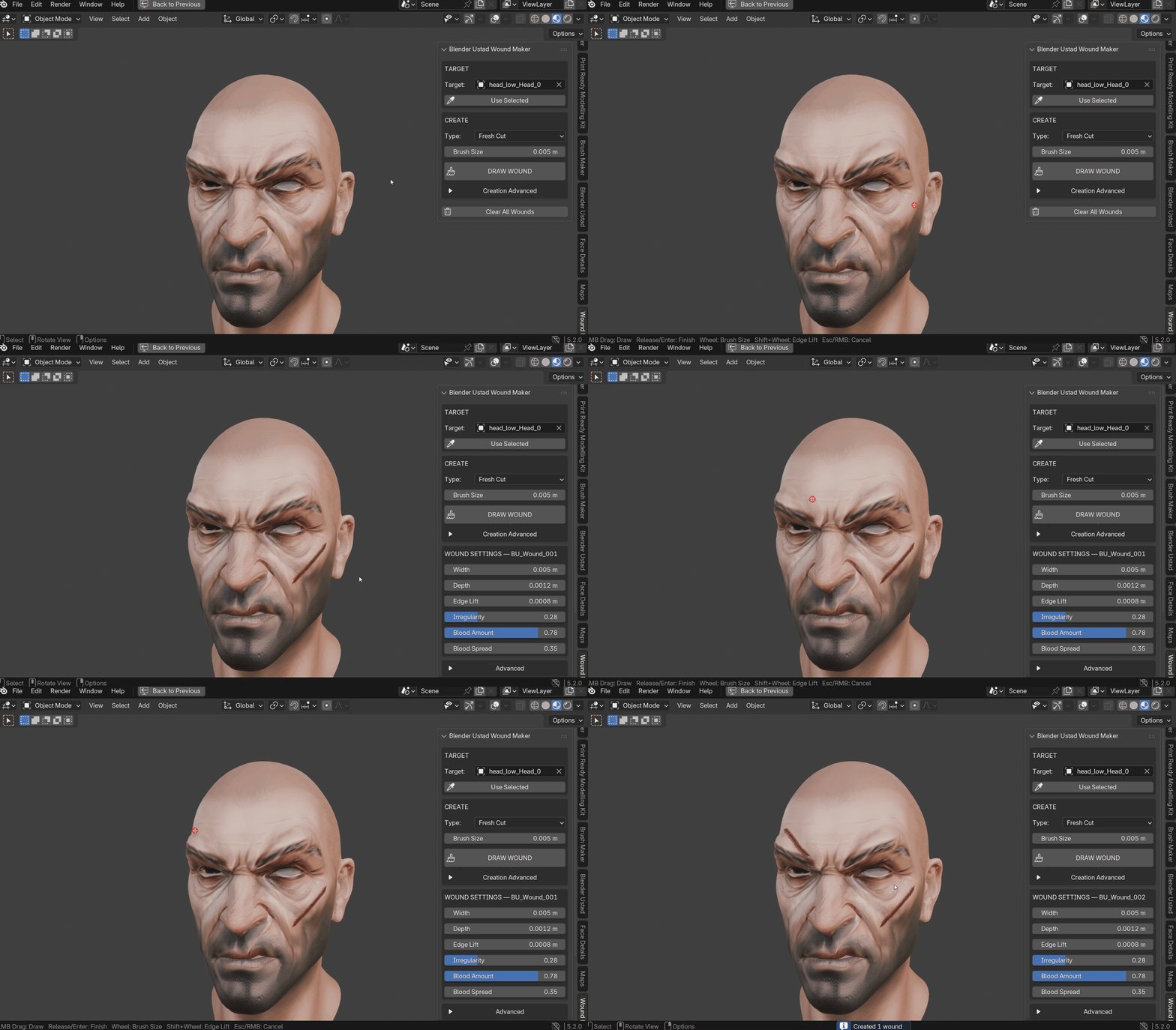
Workflow Benefits
Faster first pass. You can block in all the damage on a character in a few minutes, then refine. A battle scarred warrior with a brow cut, cheek scratches and a claw mark on the neck is five strokes.
Late changes are cheap. Client wants the cut thinner and less bloody? Select the wound and move two sliders. Wants it moved? Edit the path and rebuild. No resculpting, no repainting.
Keeps your base asset clean. The same character file can be used clean in one shot and wounded in the next. Hide or delete the BU_Wounds collection and you are back to the original.
No dense mesh needed. Sculpted wounds need millions of polygons to look sharp. These wounds are their own light strip of geometry, so your character can stay at its normal resolution.
Animation safe. Because wounds bind to the deforming surface, you draw them once in rest pose or any pose and they follow the rig.
Easy to vary. Change the Seed to get a new random shape with the same settings. Useful when you need many wounds that do not look copy pasted.
Use Cases
- Horror and zombie characters. Deep cuts and bloody wounds on faces, arms and torsos.
- Fantasy and battle scenes. Sword slashes, arrow grazes and fresh battle damage on warriors.
- Creature attacks. Claw Scratch mode for wolf, bear or monster claw marks across a back or chest.
- Action and crime renders. Cuts on a brow, lip or cheek after a fight.
- Short films and animation. Wounds that stay attached to rigged characters through the whole shot.
- Game cinematics and trailers. Quick damage states for hero characters without touching the game ready mesh.
- Portfolio and concept renders. Add story to a character bust in minutes.
- Props and creatures. Any mesh can be a target, so it also works on creature skin, fruit, leather or rubber surfaces.
