Procedural Generator Bundle
 Blender Easy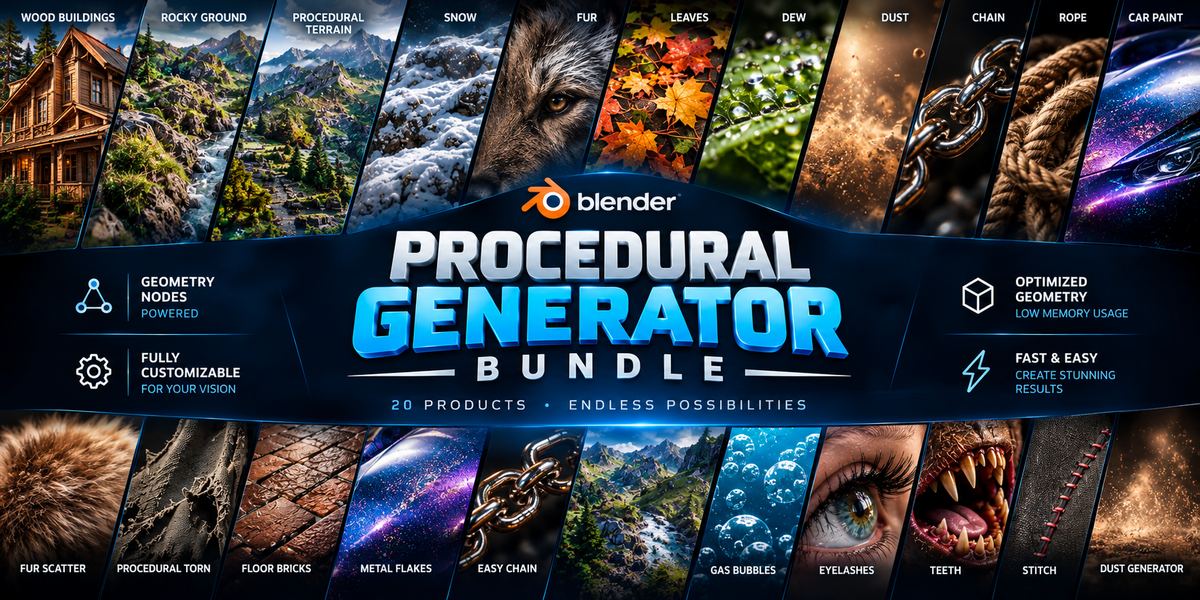

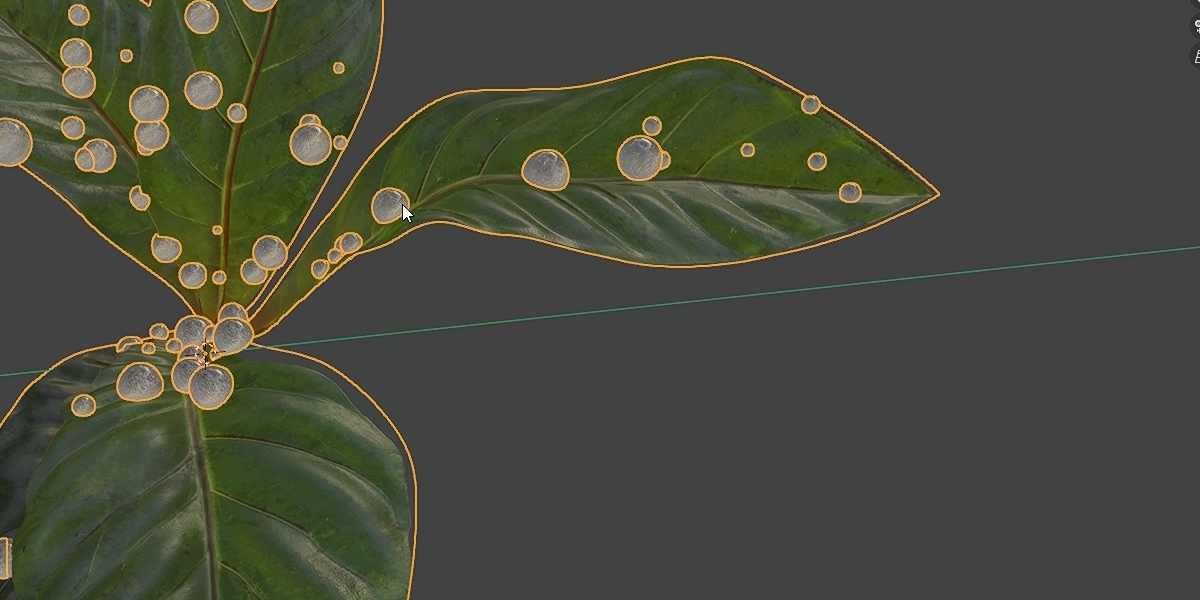

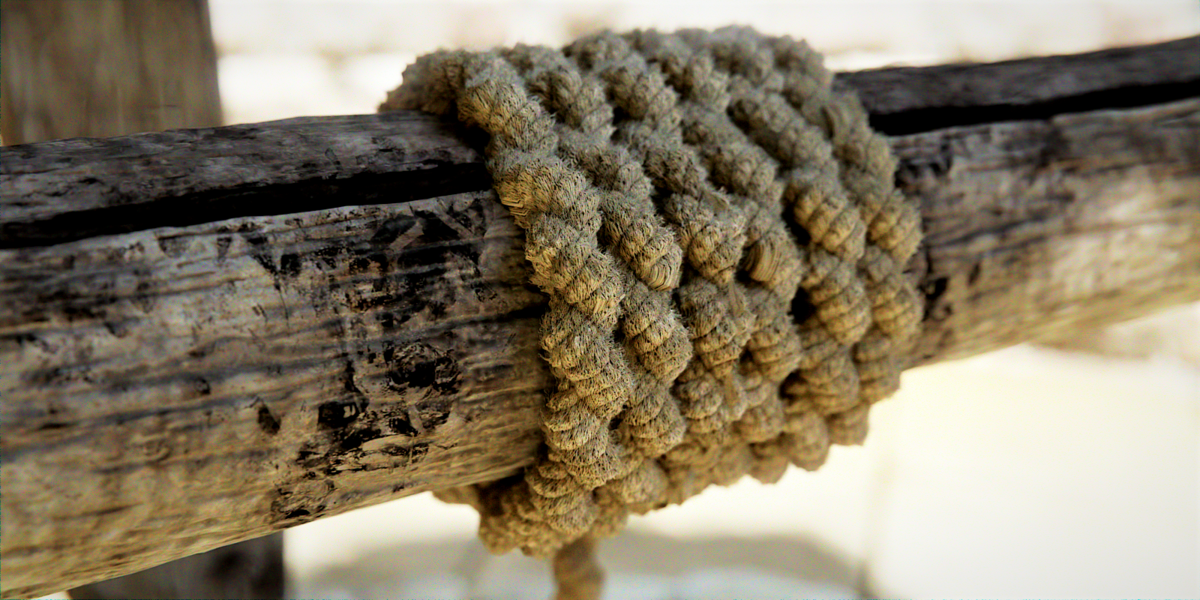
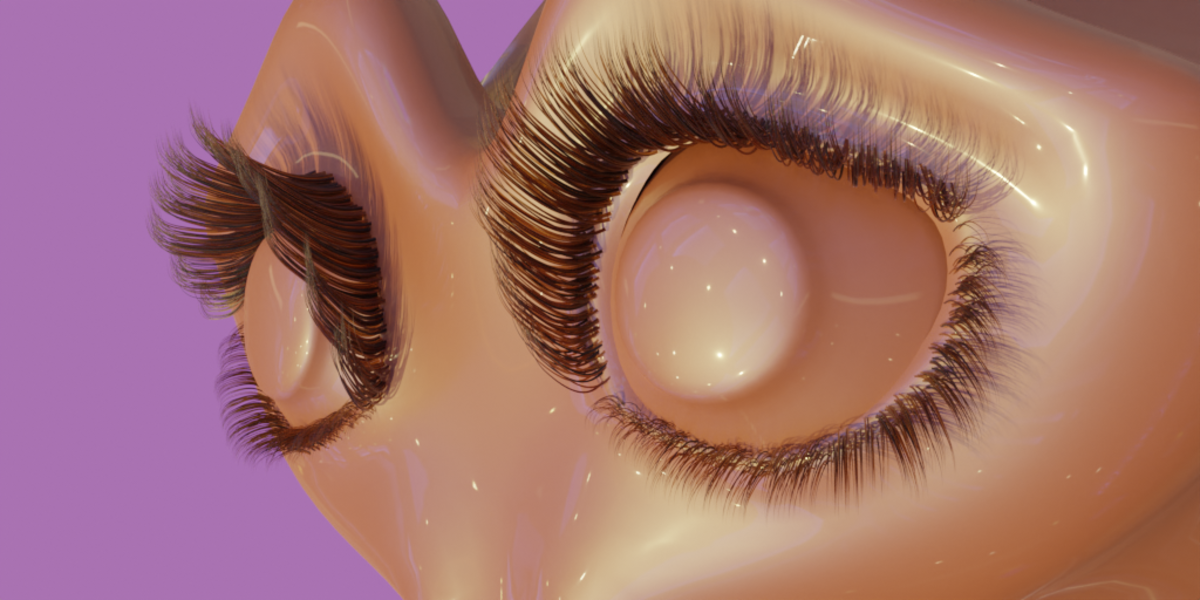
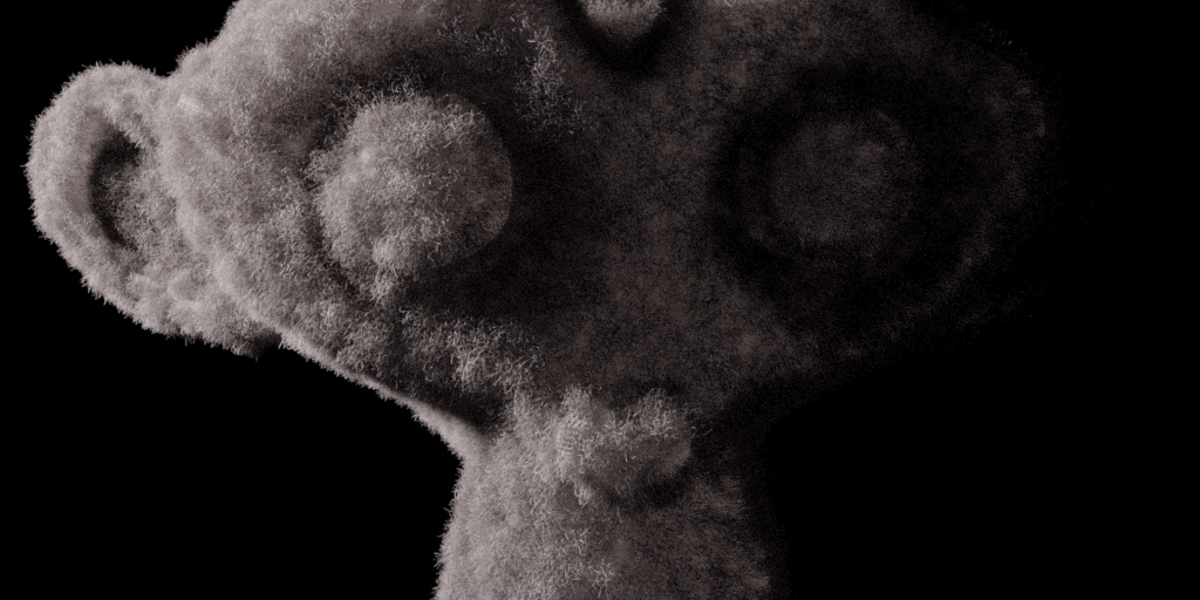

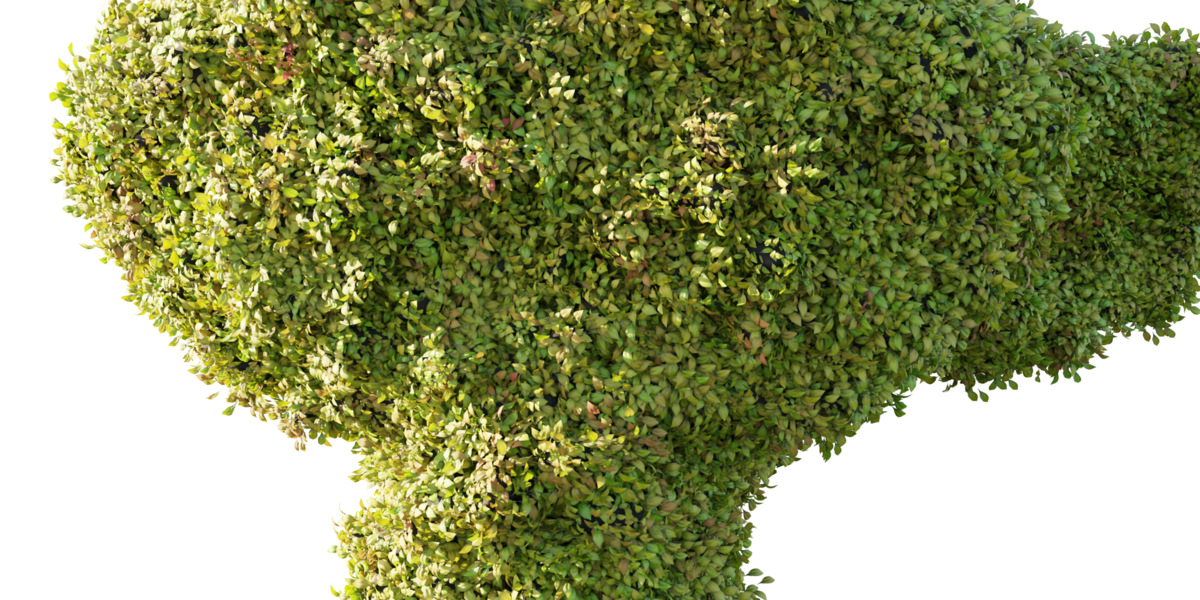




How to install and use it.
Installation and Usage
Installation
- Extract the downloaded ZIP archive.
- Copy the extracted asset files into your Blender Assets folder.
- Open Blender and go to Edit → Preferences → File Paths → Asset Libraries.
- Click Add and select the folder where you saved the assets.
- Confirm the settings and open the Asset Browser in Blender.
- Select your asset library from the library dropdown to access the installed assets.
Usage
Open the Asset Browser, browse the available assets, and drag and drop the desired asset into your scene.
Depending on the asset type, you may need to adjust its parameters, materials, or Geometry Nodes settings after placing it in your scene.
Note: Keep the original folder structure when extracting the ZIP archive to ensure that all assets and their dependencies remain organized and accessible.
Have questions about this product?
Login to message
| Published | 3 days ago |
| Blender Version | 4.1 - 5.2 |
| Render Engine Used | Cycles, Eevee |
| License | Royalty Free |