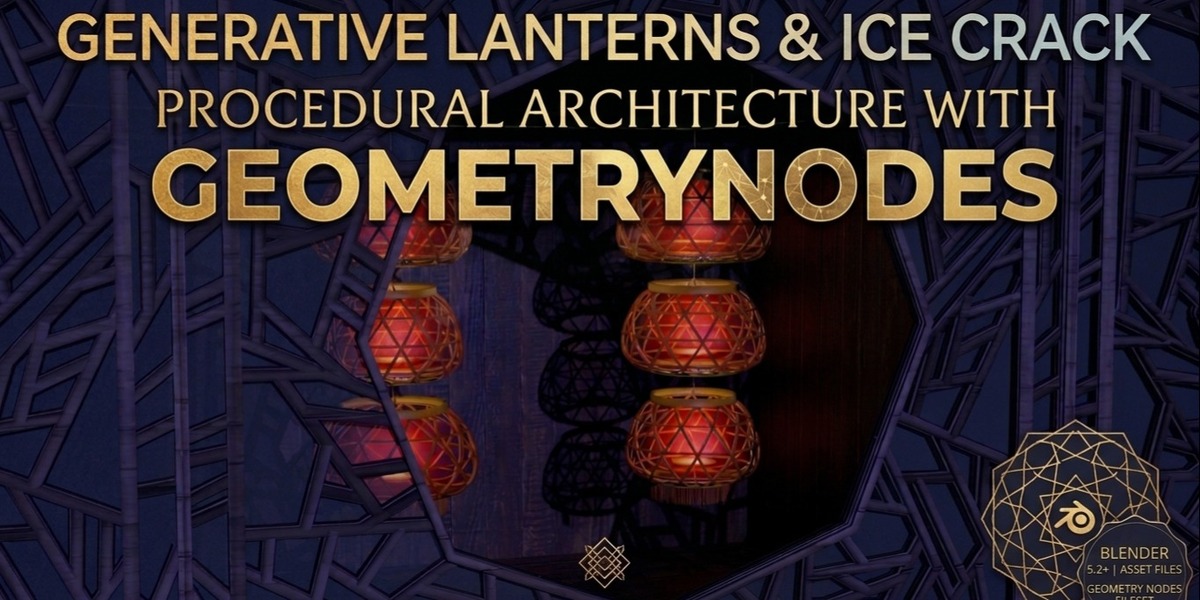
Procedure Generating Lantern and Ice-Crack Lattice Window
 DoitTsui
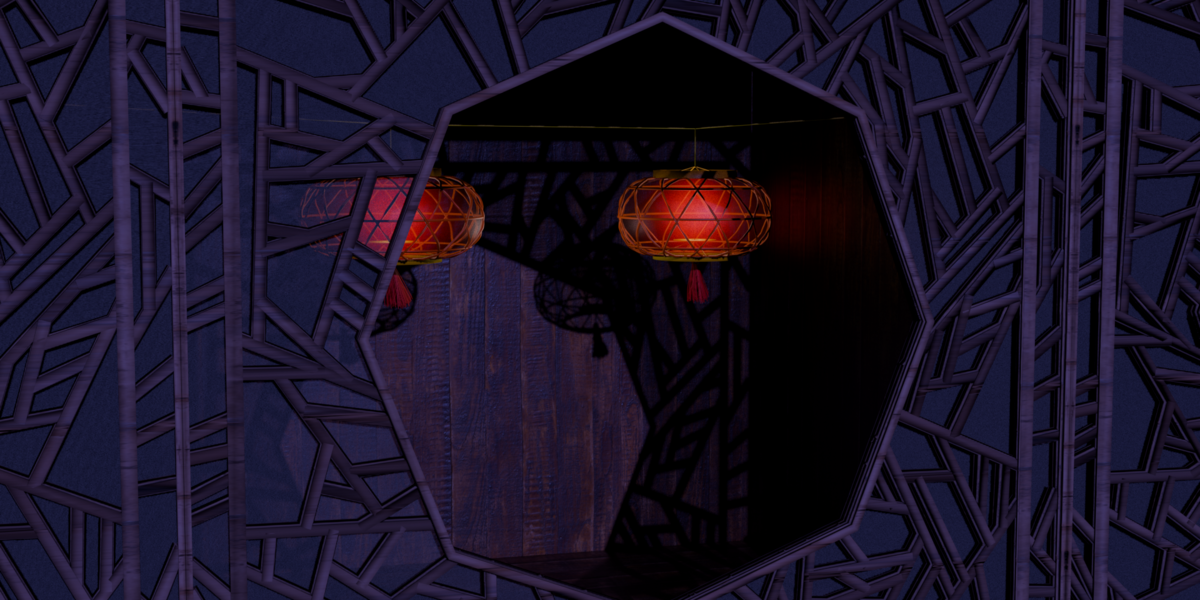
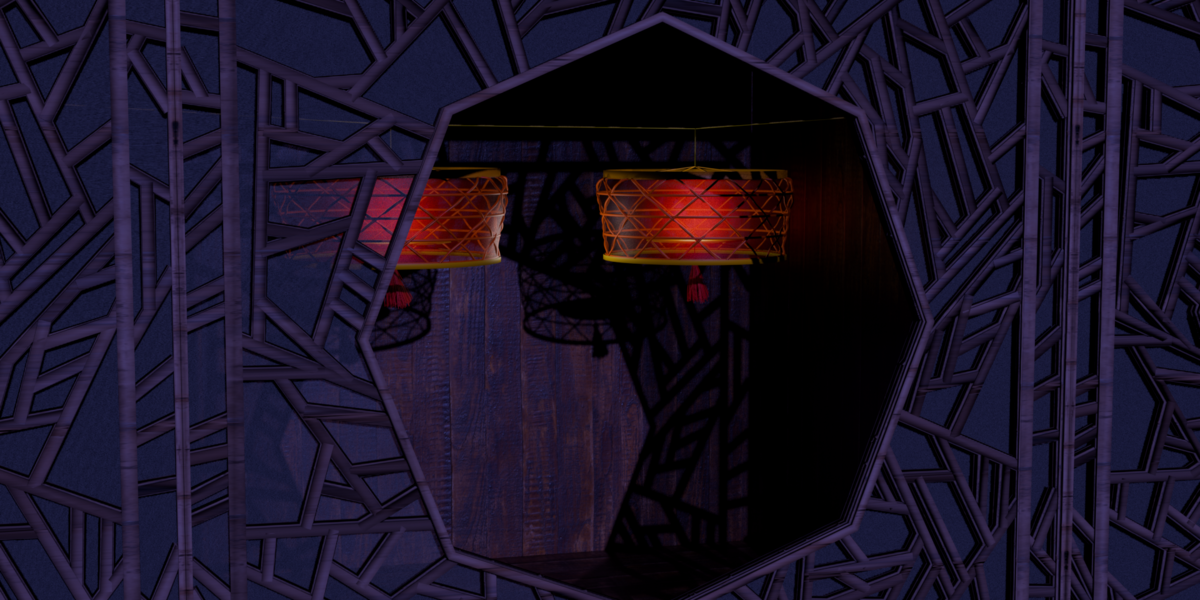
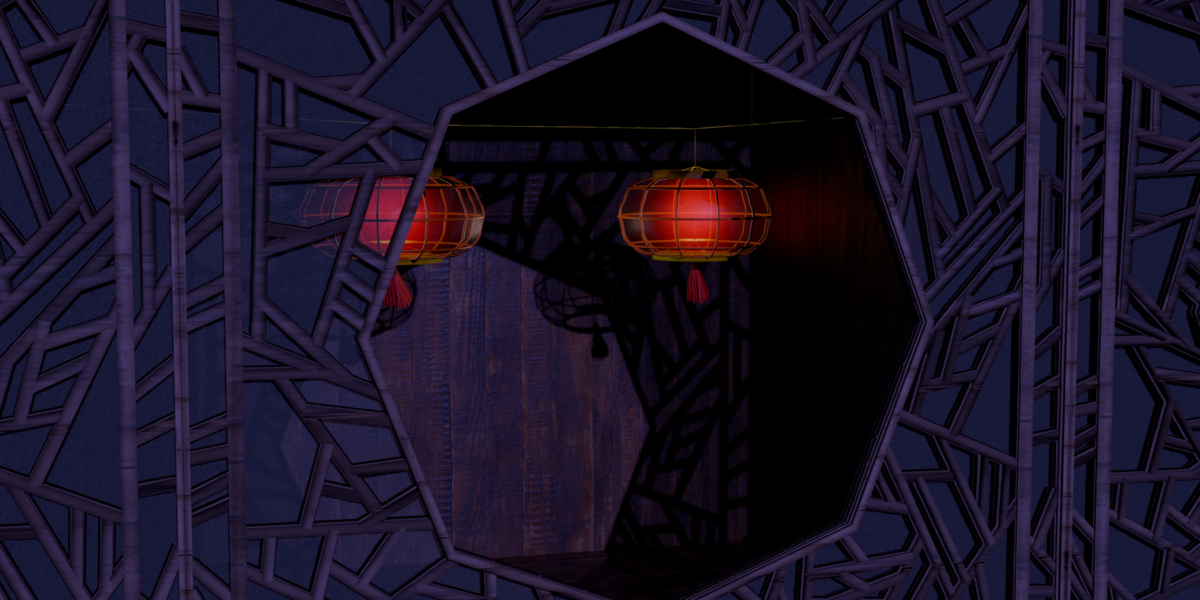
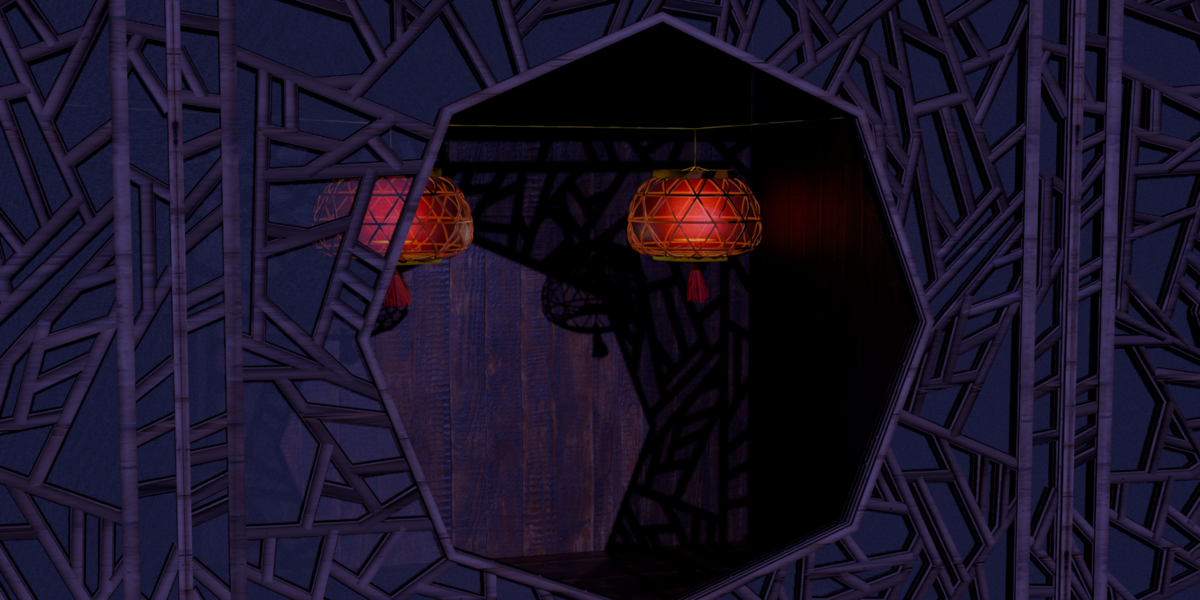
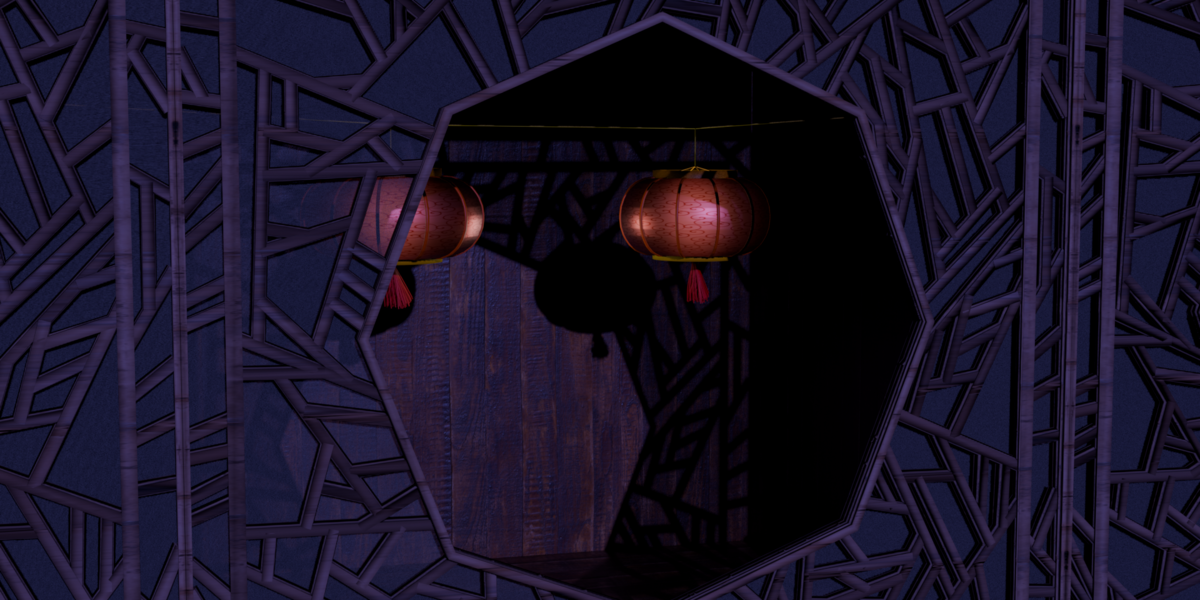
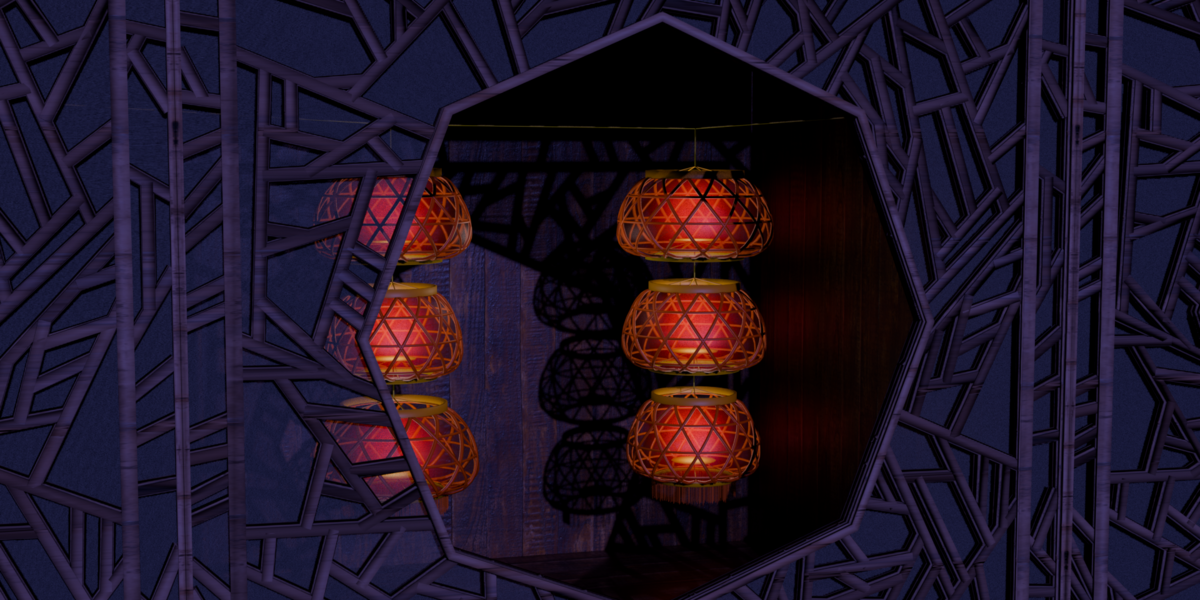

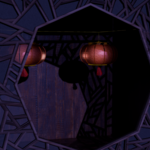
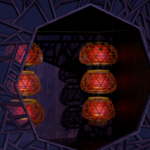
Procedural Hanging Lantern Array & Wind Simulator
Overview
This product is a Geometry Nodes system for creating customizable hanging lantern strings and curve-based lantern installations in Blender 5.2. It includes two lantern styles, multiple tassel modes, animated wind, emitter placement, material and UV controls, support-opening contact limits, and top-to-bottom wind weighting.
No add-on is required.
Requirements
- Blender 5.2.0 LTS
- Basic familiarity with Blender's Object Mode, Modifiers tab, timeline, and Shader Editor
Compatibility with older Blender versions has not been established. The supplied demo scene is configured for Eevee.
Main Project Objects
| Object or Collection | Purpose |
|---|---|
Lantern_Array_Adjustable_Count_and_Wind |
Main generator object. Select this object to access all product controls. |
Bezier_Curve |
Default path used by Follow Curve mode. Edit it to reshape the main suspension rope. |
Custom Tassel |
Hidden example mesh for the custom-tassel workflow. |
Lantern Collider Collection |
Optional collection input for low-poly lantern collision proxies. |
Quick Start
- Open the supplied
.blendfile in Blender 5.2. - Select
Lantern_Array_Adjustable_Count_and_Wind. - Open Properties > Modifiers.
- Expand the
Geometry Nodesmodifier. - Set Lantern Style to Style A or Style B.
- Set Lantern Count.
- For a static preview, disable Enable Wind Simulation.
- For animation, enable wind, return to frame 1, and play the timeline consecutively.
Using the Product in Another Blender File
The safest workflow is to keep the supplied project as a master file and save a copy for each production scene.
To transfer the setup:
- In the destination file, choose File > Append.
- Open the supplied product
.blend. - Append the object
Lantern_Array_Adjustable_Count_and_Wind. - Also append
Bezier_CurveandCustom Tasselif you plan to use those examples. - Append
Lantern Collider Collectionif you plan to use custom collision proxies. - Select the generator and check the Geometry Nodes modifier.
- Reassign the curve, custom tassel, emitter, or collider collection if an object picker is empty.
- Return to frame 1 before starting simulation playback.
Appending the generator object should bring its node-group and material dependencies with it. Do not append only the top-level Lantern node group unless you are prepared to rebuild all object, material, curve, and collection references manually.
Simulation Workflow
Geometry Nodes simulation depends on the previous frame. Use this workflow whenever you change a parameter that affects layout or motion:
- Stop playback.
- Clear an existing simulation bake, if applicable.
- Return to frame 1.
- Play forward without skipping frames.
The supplied scene uses 24 fps and a frame range of 1-500.
Disable Enable Wind Simulation when you need a responsive static layout for modeling, look development, or still images.
Modifier Reference
Root Input: Lantern Collider Collection
Use this collection for separate low-poly lantern-shell collision proxies. Do not place the generator's own evaluated output in the collection, because that can create a dependency cycle. Keep proxies simple for better simulation performance.
00 CustomCurveWind
| Control | Description |
|---|---|
| Follow Curve | Switches between the ordinary vertical string and curve-following layout. |
| Object | Curve object used as the main suspension path. |
| Columns | Number of hanging columns sampled along the curve. Current allowed range: 2-10. |
In curve mode, Columns controls the number of hanging strings and Lantern Count controls the number of lanterns in each string.
To reshape the layout, select Bezier_Curve, enter Edit Mode, and move its control points. Return to frame 1 after editing the path.
02 Base Array
| Control | Description |
|---|---|
| Lantern Style | Selects Style A or Style B. |
| Lantern Count | Number of lanterns in each vertical string. |
| FrameWidth | Width of the generated lantern frame members. |
| FrameHeight | Height/depth dimension of the generated frame profile. |
| Net Clearance (Negative = Insertion) | Controls spacing at adjacent connections. Negative values create insertion/overlap, but the connection pitch is clamped to prevent chain reversal. |
Very wide lanterns can still intersect. Net Clearance is not full-body self-collision.
03 Suspension and Pin Reference
| Control | Description |
|---|---|
| Pin Mode | Uses Bottom, Top, or Center as the static alignment reference when dimensions or count change. |
| Alignment Position | Local-space location of the selected alignment reference. |
Pin Mode changes the static layout reference. It does not move the physical simulation pin away from the top.
Tassels and emitters are excluded from alignment bounds. To align to the world origin, also account for the generator object's own transform.
04 Wind
| Control | Description |
|---|---|
| Enable Wind Simulation | Bypasses or enables the hanging-rope, tassel-swing, and tassel-cloth simulation branches. |
| Wind Direction | Base wind vector. |
| Wind Strength | Strength of the base directional wind. |
| Gust Speed | Temporal speed of the gust field. |
| Gust Scale | Spatial scale of the gust field. |
| Gust Variation | Strength of spatial and temporal differences in the gust field. |
| Air Damping | Still-air damping applied to simulated motion. |
| Tassel Wind Strength | Independent strength control for tassel cloth motion. |
| Independent Tassel Wind Field | Gives tassels more individual airflow. Leave disabled when neighboring tassels intersect too often. |
| Tassel Wind Variation | Per-tassel variation in speed, timing, and direction. |
Wind fades in from the start of playback. Different strings may use different phases, while lanterns within the same string remain synchronized.
05 Emitter
| Control | Description |
|---|---|
| Emitter | Source light or emissive mesh copied to each lantern. |
| Enable Emitter | Temporarily disables the emitter without clearing the source selection. |
| Emitter Alignment | Keep Origin, Auto Center, or Bottom Alignment. |
| Emitter Offset | Additional offset in lantern-local coordinates. |
| Emitter Rotation | Additional local rotation after the source object's rotation. |
| Emitter Scale | Multiplier applied after the source object's scale. |
The source object's world position is ignored. Its rotation and scale are retained.
Lights use their origins because they have no mesh bounds. Mesh emitters retain their own materials and are not automatically made emissive. Configure light power and color in the source light data, or configure emission in the source mesh material.
The source object is not hidden automatically. Hide it or move it to a non-rendering source collection when necessary.
06 Appearance Randomization
| Control | Description |
|---|---|
| Random Seed | Changes the generated variation while remaining stable over time. |
| Random Orientation | Maximum random rotation around each lantern's vertical axis. |
| Random Width | Random width variation. A value near 0.05 produces approximately +/-5% variation. |
Random width does not change height, which preserves vertical connection spacing.
07 Advanced Shaping
| Control | Description |
|---|---|
| Lampshade Scale | Additional scale control for the shade form. |
| Hanging Rope Length | Length of the rope above each lantern. |
| Hanging Rope Radius | Visible hanging-rope radius. |
| Tassel A Radius | Radius used by the Type A tassel. |
| Lantern Base Radius | Main lantern body radius. |
| Lantern Top Height | Upper body height. |
| Lantern Bottom Height | Lower body height. |
| Upper Curvature | Curvature of the upper lantern profile. |
| Lower Curvature | Curvature of the lower lantern profile. |
| Vertical Frame Density | Number/density of vertical frame divisions. |
| Horizontal Frame Density | Number/density of horizontal frame divisions. |
Frame Subpanel
| Control | Description |
|---|---|
| Frame Crossing | Enables the crossing-frame variation. |
| Frame Rotation Offset | Offsets the frame pattern around the lantern. |
| Diamond/Square | Switches the frame pattern between square and diamond arrangements. |
| Frame Scale | Adjusts the frame pattern scale. |
| Frame Rotation | Rotates the generated frame pattern. |
| Resample Mode | Uses Length or Count resampling. |
| Resample Length | Target curve segment length when Length mode is active. |
| Resample Count | Target curve point count when Count mode is active. |
| Wave Frequency | Frequency used by the decorative frame wave. |
High frame densities and high resample counts increase geometry and evaluation cost.
08 HeadFoot
| Control | Description |
|---|---|
| Lower Support Height | Height of the lower lantern support. |
| Upper Support Height | Height of the upper lantern support. |
Tassel Subpanel
| Control | Description |
|---|---|
| Tassel Type | Select A, B, or Custom Tassel. |
| Tassel A Height | Height/length of Type A. |
| Tassel A Position | Vertical placement of Type A. |
| Tassel B Height | Height/length of Type B. |
Custom Tassel Subpanel
| Control | Description |
|---|---|
| Custom Tassel Object | Mesh object used when Tassel Type is Custom Tassel. |
| Custom Tassel Top Pin Group | Vertex group or point-domain float attribute used to pin the custom tassel. |
See Custom Tassel Workflow below for the required source-mesh setup.
09 Materials and UVs
The modifier provides the same eight controls for each of nine part families:
| Control | Description |
|---|---|
| Material | Material assigned to that part family. |
| Color | Base color read by the included materials. |
| Roughness | Surface roughness. |
| Metallic | Metallic response. |
| Texture Strength | 0 uses solid color; 1 fully enables the selected image texture contribution. |
| UV Offset | X is U, Y is V, and Z is unused. |
| UV Rotation | Rotates around UV center (0.5, 0.5). |
| UV Scale | X and Y control image tiling. Larger values repeat more densely; negative values mirror. |
Available part families:
- Style A Paper
- Style B Paper
- Frame
- Upper Cap and Support
- Lower Seat and Support
- Hanging Rope
- Tassel A Upper
- Tassel A Lower
- Tassel B
To use an image texture:
- Open the relevant included material in the Shader Editor.
- Load the image in its Image Texture node.
- Set the matching modifier Texture Strength above 0.
- Set Color to white if you want to preserve the image's original color.
The included materials use the UVMap UV layer.
Custom materials can use UVMap normally. To respond to the modifier's color and surface sliders, a custom material must read:
lantern_colorlantern_surface
The X, Y, and Z components of lantern_surface contain roughness, metallic, and texture strength.
10 Joint Collision
| Control | Description |
|---|---|
| Enable Joint Collision | Enables geometric contact limits at support openings between adjacent lanterns. |
| Joint Collision Clearance | Safety margin that causes contact to occur sooner as the value increases. |
| Joint Swing Limit | Additional upper limit on the allowed joint swing angle. |
The actual allowed angle also depends on the support opening, insertion depth, and rope radius.
This is a contact-projection constraint at adjacent joints. It is not scene-wide mesh self-collision and does not detect every possible collision between nonadjacent lantern bodies.
11 Per-Lantern Wind: Weaker Top, Stronger Bottom
| Control | Description |
|---|---|
| Enable Per-Lantern Wind | Applies different wind-force multipliers from top to bottom. |
| Top Wind Ratio | Wind/gust force multiplier at the top of a string. |
| Bottom Wind Ratio | Wind/gust force multiplier at the bottom of a string. |
| Wind Falloff Curve | Shapes the transition. 1 is linear; values above 1 keep the upper and middle lanterns calmer. |
Each curve-following column is evaluated independently. A one-lantern string keeps full wind strength.
This setting scales external wind and gust forces. It does not change gravity, mass, pinning, joint contact, or the tassels' independent wind field.
Custom Tassel Workflow
Basic Mesh Requirements
- Use a mesh object. Convert curves or other object types to a mesh first.
- Place the object's origin at the suspension point.
- Build the tassel downward along local
-Z. - Apply the intended source rotation and scale before using it.
- Use connected edges and enough subdivisions if the lower section must bend.
The object's world location does not shape the generated tassel. Source material slots are preserved.
Pinning
Create a vertex group on the source mesh:
- Select the vertices that must remain attached.
- Assign weight 1 to those vertices.
- Leave free vertices at weight 0 or outside the group.
- Enter the exact group name in Custom Tassel Top Pin Group.
A point-domain float attribute with the same name also works. If the named group or attribute is missing, the system automatically pins the highest local-Z points.
Disconnected strands must each have a pinned root. Vertex weights do not create physical connections between disconnected mesh islands.
Type A-Style Rigid Upper Section
To keep the upper knot or wrapped section intact while the lower strands deform:
- Add a point-domain Boolean attribute or vertex group named
A_Upper_Rigid. - Mark the vertices that belong to the rigid upper section.
- Keep the lower strand roots included in the top-pin group as required by the topology.
When A_Upper_Rigid is present, the upper section uses the Type A swing assembly and the lower roots inherit its pose before entering the lower point simulation.
Without this marker, the custom mesh follows the regular cloth-style route.
Dependency Warning
Do not use the lantern generator itself, or an object that depends on the generator, as the custom tassel source. That creates a dependency cycle.
After changing the source, topology, markers, or weights, clear old simulation data and replay from frame 1.
Performance Guidance
- Disable wind while adjusting shape, materials, and layout.
- Start with a low Lantern Count and low Columns value.
- Increase frame density and curve resampling only when needed.
- Use simple low-poly collision proxies.
- Avoid skipping frames during simulation playback.
- Bake only after the final layout and wind settings are approved.
Troubleshooting
| Problem | Solution |
|---|---|
| Motion looks incorrect after changing a setting | Clear the simulation bake, return to frame 1, and play consecutively. |
| Follow Curve produces no useful result | Assign a valid curve in Object and verify Follow Curve is enabled. |
| Wrong number of curve strings | Adjust Columns. Lantern Count controls lanterns within each string. |
| Lanterns intersect | Reduce width, increase clearance, reduce swing, or use simpler motion. Joint Collision is not full-body self-collision. |
| Emitter does not appear | Assign a light or mesh, enable the emitter, and check its scale and alignment. |
| Source emitter is also visible | Hide the source from render or move it into a non-rendering source collection. |
| Custom tassel is missing | Use a mesh object, select Custom Tassel mode, and assign Custom Tassel Object. |
| Custom tassel falls away | Check the pin-group name and confirm each disconnected strand root has weight 1. |
| Custom tassel is rigid | Add connected edges and enough subdivisions for deformation. |
| Type A-style knot deforms | Mark the intended upper vertices with A_Upper_Rigid. |
| Texture is not visible | Load an image in the matching material, increase Texture Strength, and check UV scale. |
| Custom material ignores modifier colors | Read lantern_color and lantern_surface in the material. |
| Viewport is slow | Disable wind, lower count/columns, reduce frame density, and simplify collision proxies. |
Known Limitations
- Verified only in Blender 5.2.0 LTS.
- The lantern motion is driven by a connected procedural skeleton, not a separate rigid body for every lantern.
- Joint collision limits penetration at adjacent support openings; it is not global triangle-mesh collision.
- Strong negative clearance is clamped to keep the connection pitch positive.
- Wide lantern bodies can intersect during large swings.
- Simulation must be recalculated from frame 1 after structural or motion changes.
Support Information
When requesting support, include:
- Blender version
- Product version
- Layout mode: ordinary or Follow Curve
- Current Lantern Count and Columns
- Tassel type
- Whether wind and joint collision are enabled
- The frame where the problem occurs
- A screenshot of the modifier settings
- A minimal
.blendfile when possible
Do not send only a rendered image when the issue concerns simulation or node settings.
 Included
Includes 12 months of
- Support from DoitTsui
- Product updates
Extend this product’s Support Period +12 months: 50% of product price
Have questions before purchasing?
Login to message
| Published | 4 days ago |
| Blender Version | 5.2 |
| Render Engine Used | Cycles, Eevee |
| License | GPL |