ProductStage
 JuanBautista
Did the queue change?
Its stored jobs still use saved blend/scene/object names and output recipes, not frozen scene snapshots. Re-add jobs after renaming products/files. Pause/Cancel acts between synchronous renders. Use one queue process and one studio per blend file. See USER_GUIDE.md for full details.
Which Blender version is tested?
Windows / Blender 5.2.1 LTS for 0.1.2. The extension declares 4.2+ and the legacy addon 4.0+; those earlier versions and other operating systems are unverified for this release. Install the ZIP directly, without unpacking/recompressing it, and keep one copy enabled.
Are presets shown as image thumbnails?
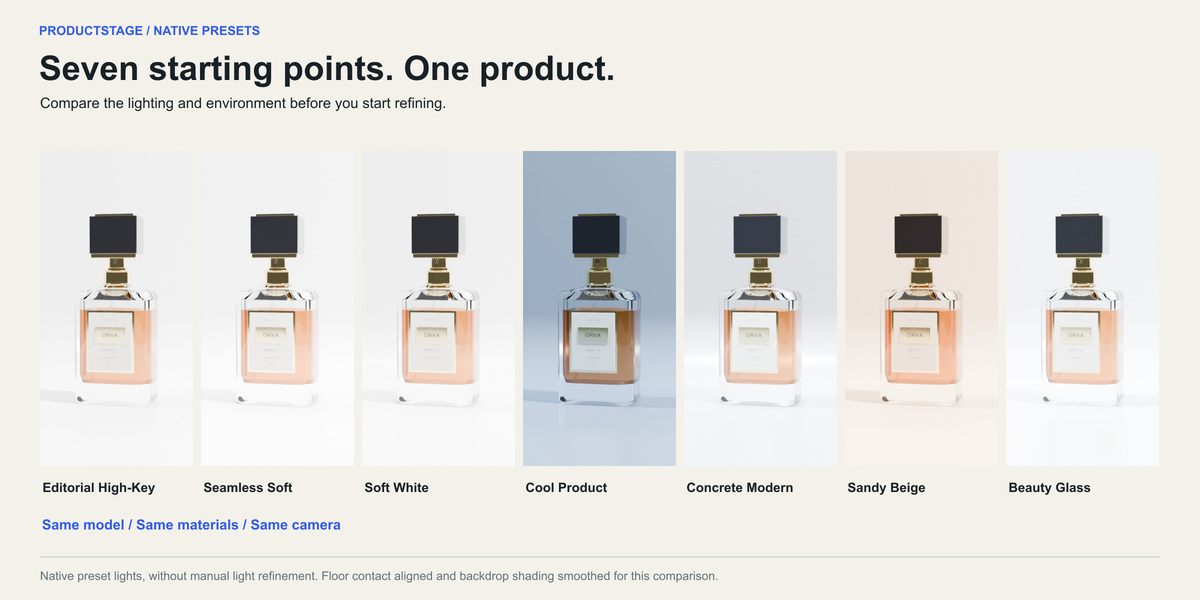
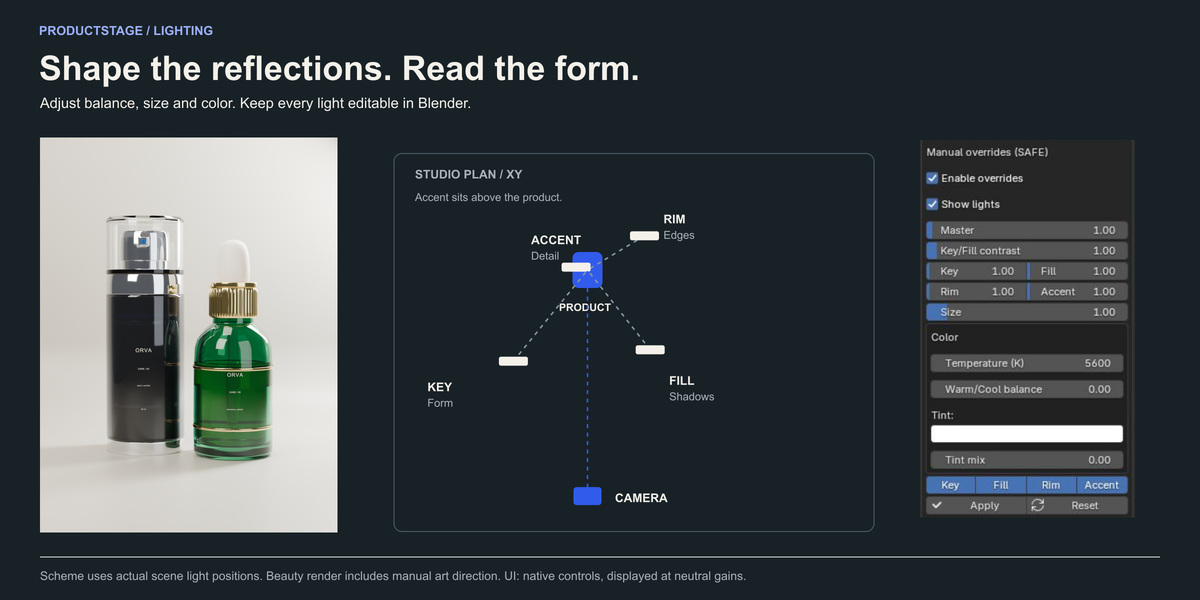
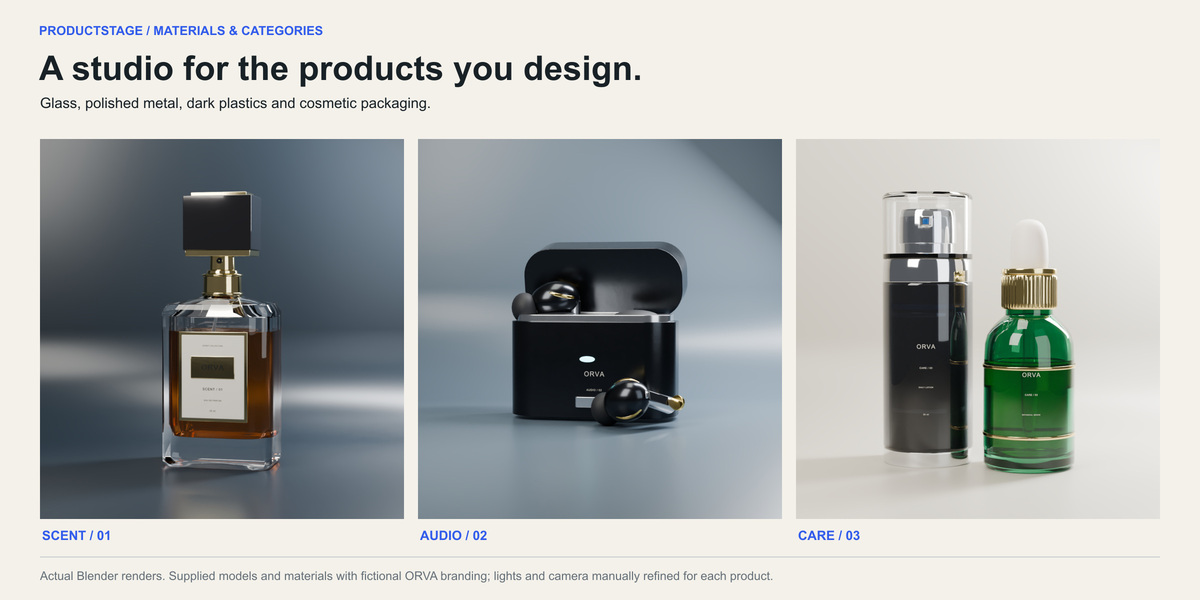

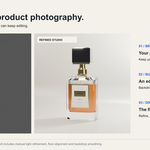
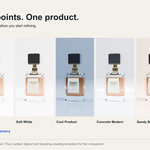
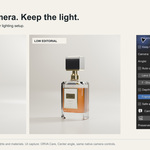
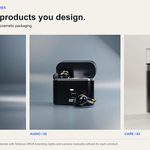
Presets use the native selector rather than image thumbnails. The gallery and separate examples demonstrate the seven starting looks.
Why must I select the product once?
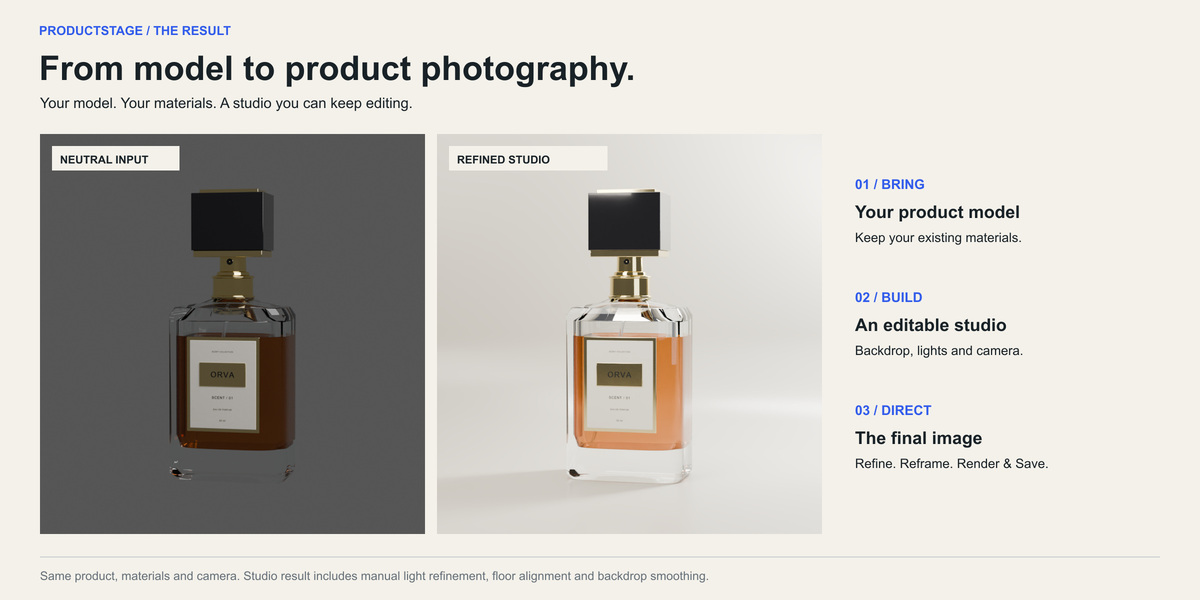
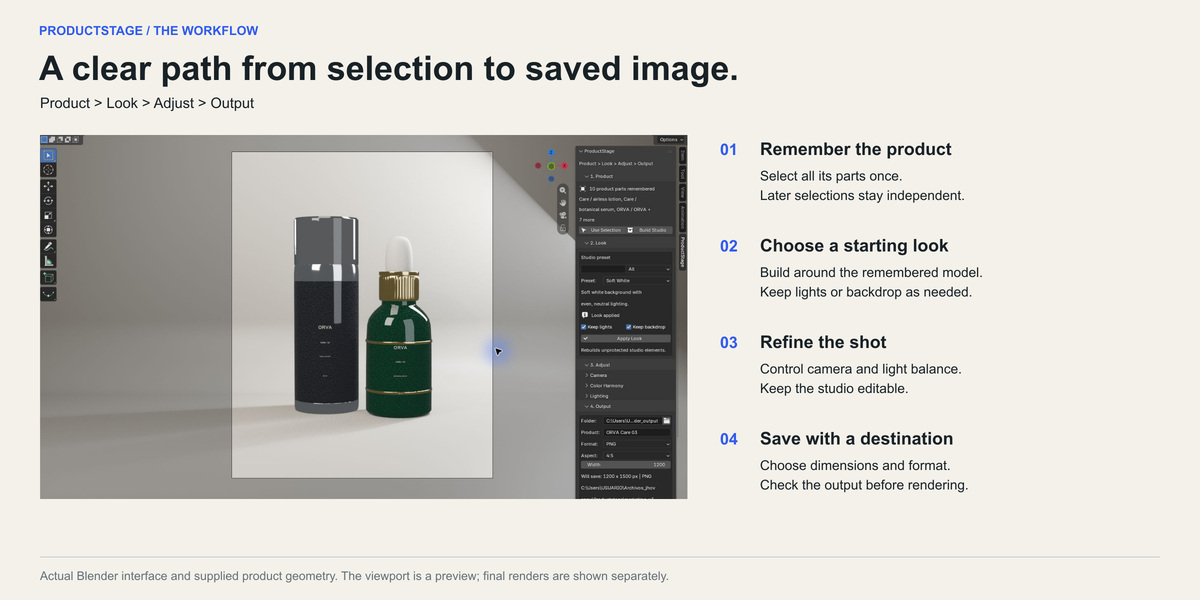

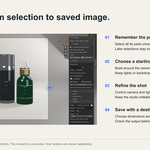
ProductStage remembers the specific product parts instead of treating all visible geometry as the product. Select its parts and Build Studio. Changing the selection later is safe. Use Selection replaces the binding and requires Build Studio again. Hidden or deleted parts must be restored or explicitly reselected.
Why is Render & Save disabled?
Read the message above the button. Build Studio when the product is new, Apply Look when a preset changed, or Update Camera after changing camera controls or the output aspect. These are explicit operations so a render does not unexpectedly replace your lighting.
How do I preserve manual lighting?
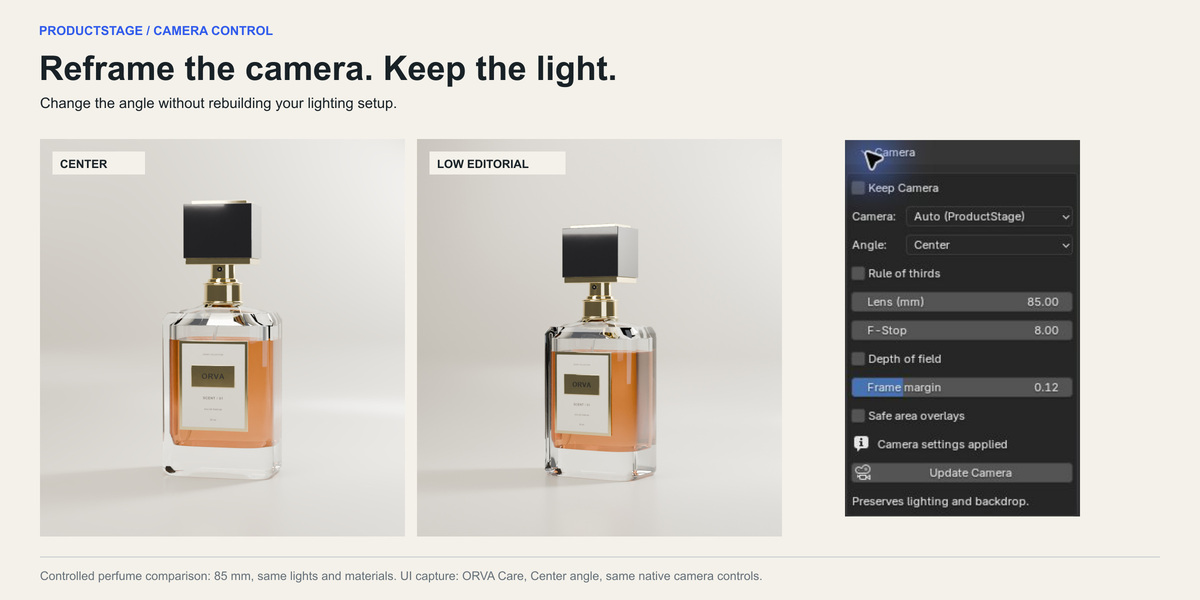

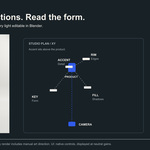
Update Camera preserves existing lights, backdrop and materials. Before Apply Look, enable Keep lights to preserve the preset lights. Disable it before applying new light overrides. Keep backdrop and Keep Camera preserve those parts during a look change.
How do I upgrade a scene created with an earlier version?
Save a copy, select the actual product parts and Build Studio once. Enable relevant Keep switches before building to preserve your manual work. Studio geometry alone does not establish a remembered product.
Where is the image?
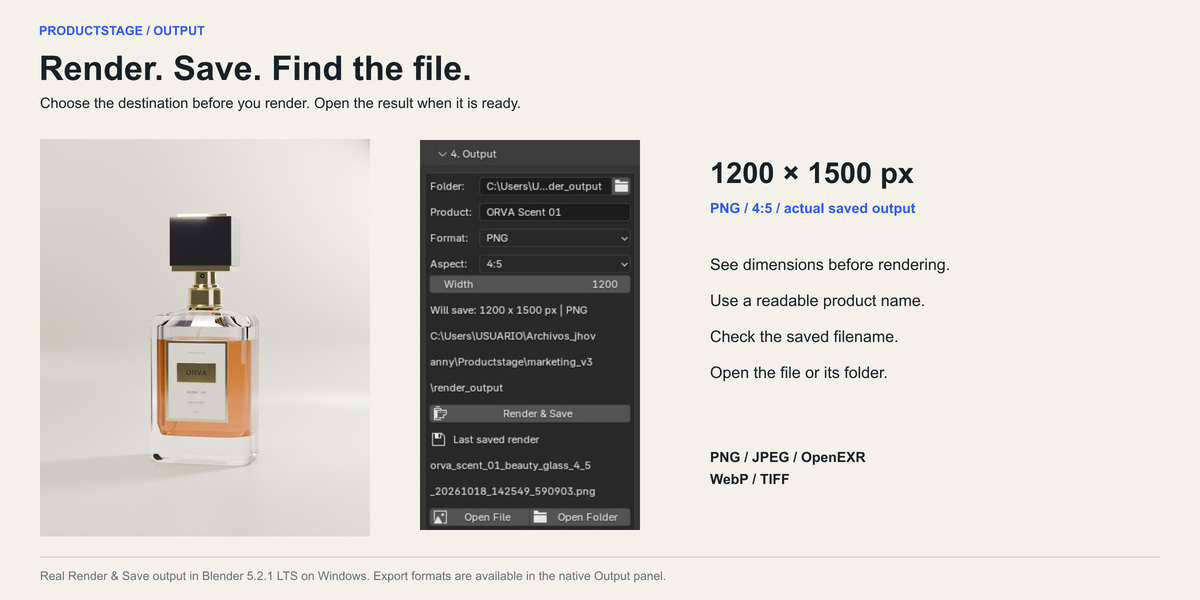
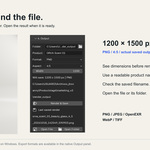
The output panel shows the destination before rendering and the last successful filename afterward. Use Open File or Open Folder. If you move/delete the image, render again. TIFF uses .tif. A failed export does not replace the last successful path.
Why does transparency show the backdrop?
Transparent world hides the world, not geometry. The cyclorama remains visible. Hide APS_Cyclorama in rendering to isolate the product. JPEG cannot store alpha.
Have questions about this product?
Login to message
| Blender Extension Compatible | Yes |
| Published | 9 months ago |
| Blender Version | 5.2 |
| Extension Type | Add-on |
| Render Engine Used | Cycles, Eevee |
| License | GPL |