 Domenas


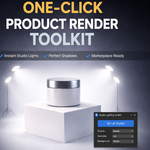
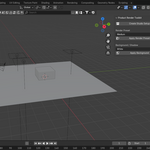
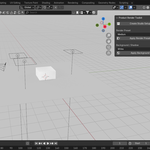
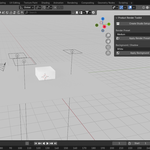
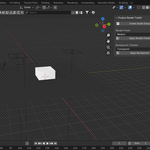
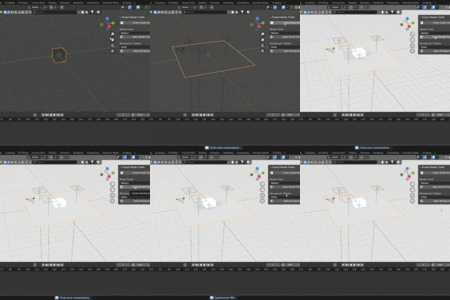
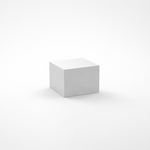
Product Render Toolkit is a Blender add-on designed to quickly create clean, professional studio-style product renders with minimal setup.
This tool automatically builds a complete rendering scene so you can focus on your product instead of lighting and camera setup.
Installation
-
Download the
.zipfile -
Open Blender
-
Go to Edit → Preferences → Add-ons
-
Click Install…
-
Select the downloaded
.zipfile -
Enable Product Render Toolkit
The add-on will appear in the 3D Viewport sidebar (N-panel).
Getting Started
-
Select your product object
-
Open the Product Render Toolkit panel
-
Click Create Studio Setup
The add-on will automatically create:
-
A camera
-
Studio lights (Key, Fill, Rim)
-
A shadow plane
-
An organized collection structure
Render Presets
Use Render Presets to quickly apply optimized render settings:
-
Balanced quality and performance
-
Suitable for both previews and final renders
Click Apply Render Preset to update the current scene settings.
Background & Shadows
Choose between:
-
White background with soft shadows
-
Transparent background (perfect for compositing)
Click Apply Background to update the scene.
Recommended Workflow
-
Place your product at the world origin
-
Create the studio setup
-
Adjust scale or rotation if needed
-
Choose background and render preset
-
Render
From default cube to finished studio render in seconds.
Compatibility
-
Blender 4.x
-
Supported render engines:
-
Cycles
-
Eevee
-
Notes
-
Product models are not included
-
Designed primarily for single-object product rendering
-
You are free to modify lights, camera, or materials after setup
Have questions about this product?
Login to message
| Published | 9 months ago |
| Blender Version | 4.0 - 4.5 |
| Extension Type | N/A |
| Render Engine Used | Cycles, Eevee |
| License | GPL |

Discover more products like this
E-commerce product render blender addon render setup lighting setup shadow catcher studio render product-visualization Studio Lighting