 ReDesiign

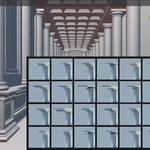
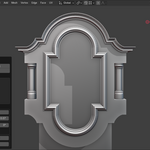
ProfileMaster
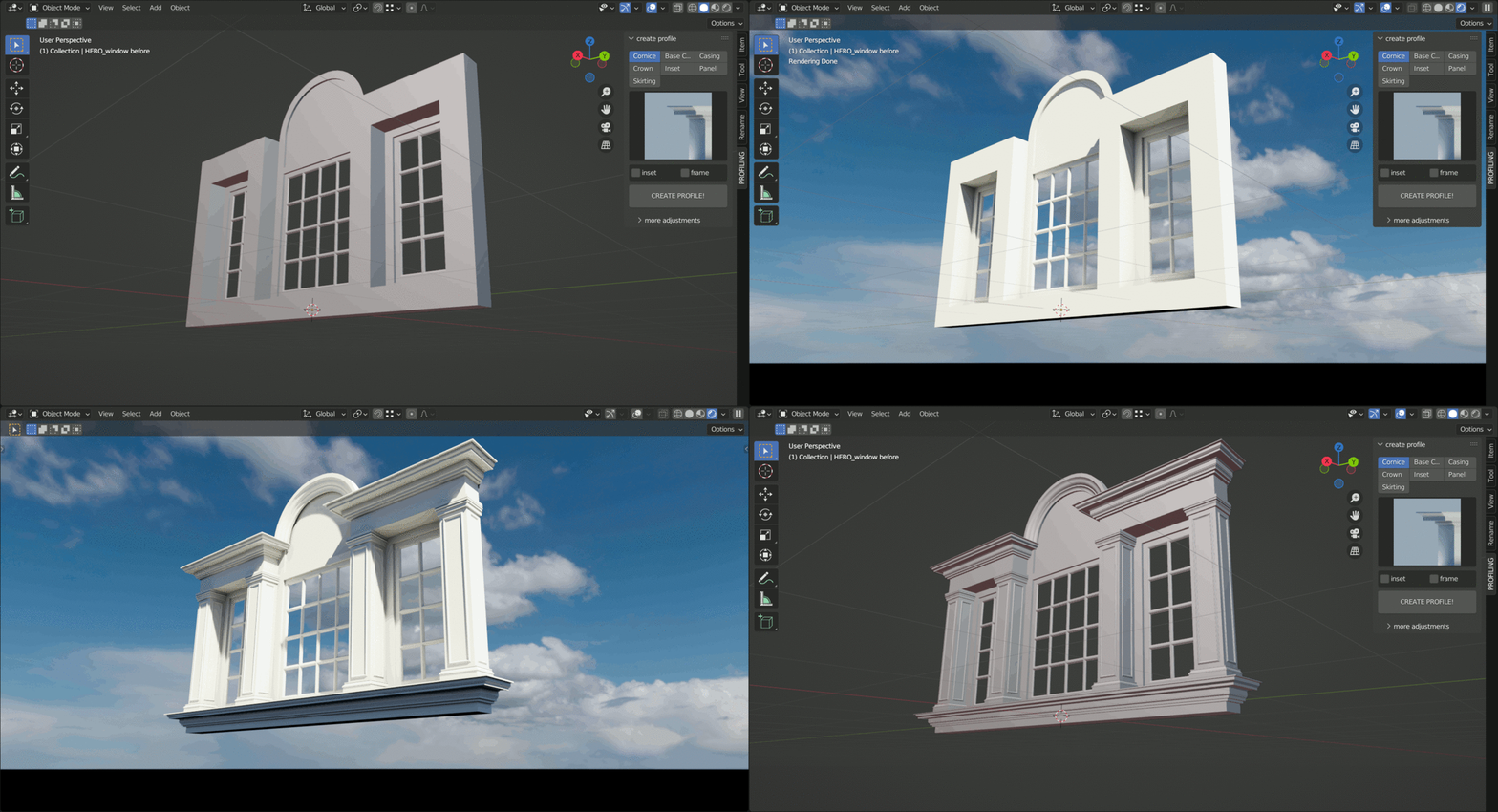
The ProfileMaster Addon is super easy to use, upon selection You can literally CREATE a profile in ONE CLICK.
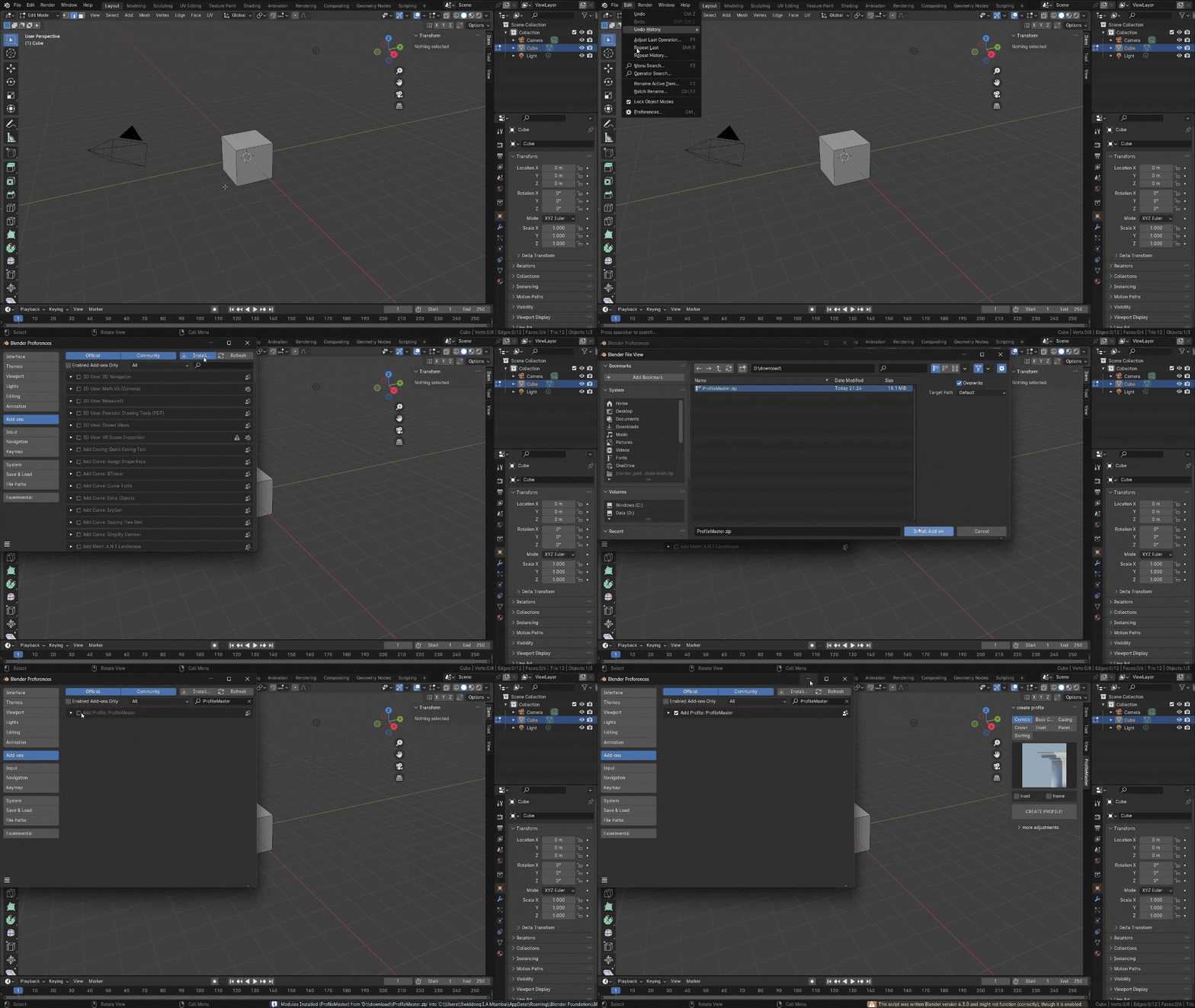
Installation
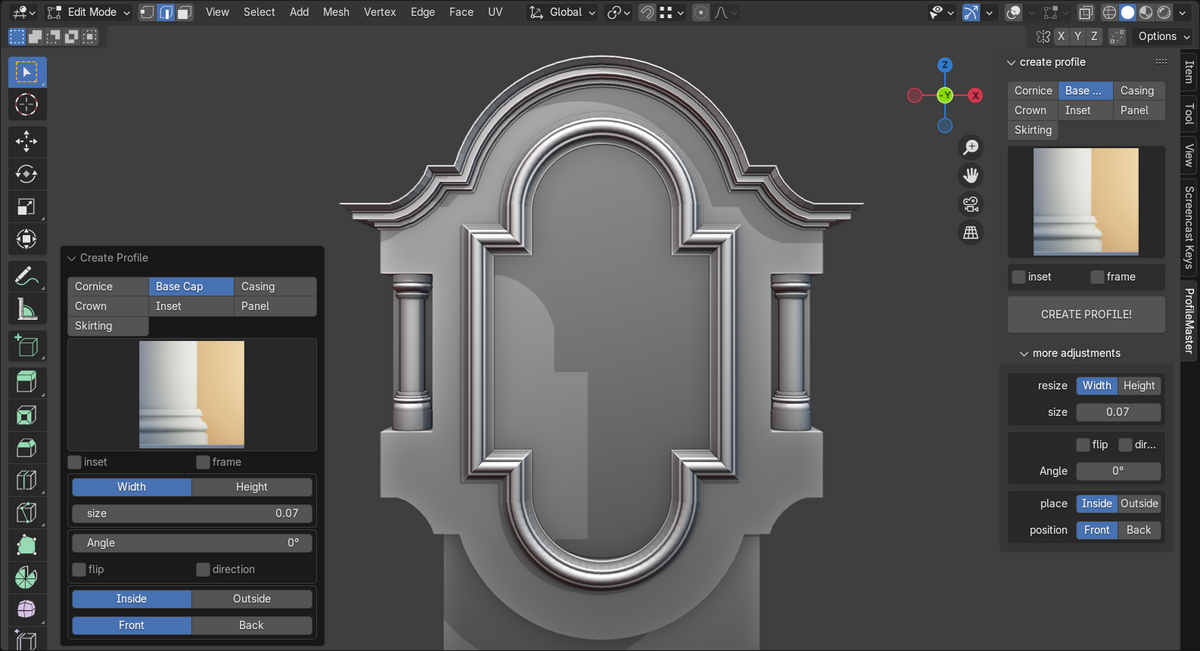
The UI is divided into 3 main sections
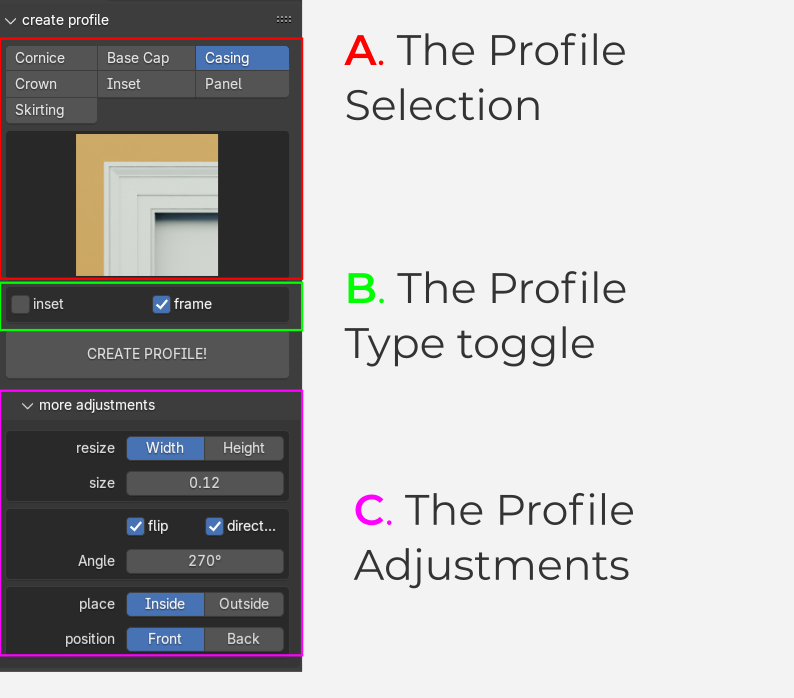
A. The Profile Selection
B. The Profile Type toggle
C. The Profile Adjustments
A. The Profile Selection
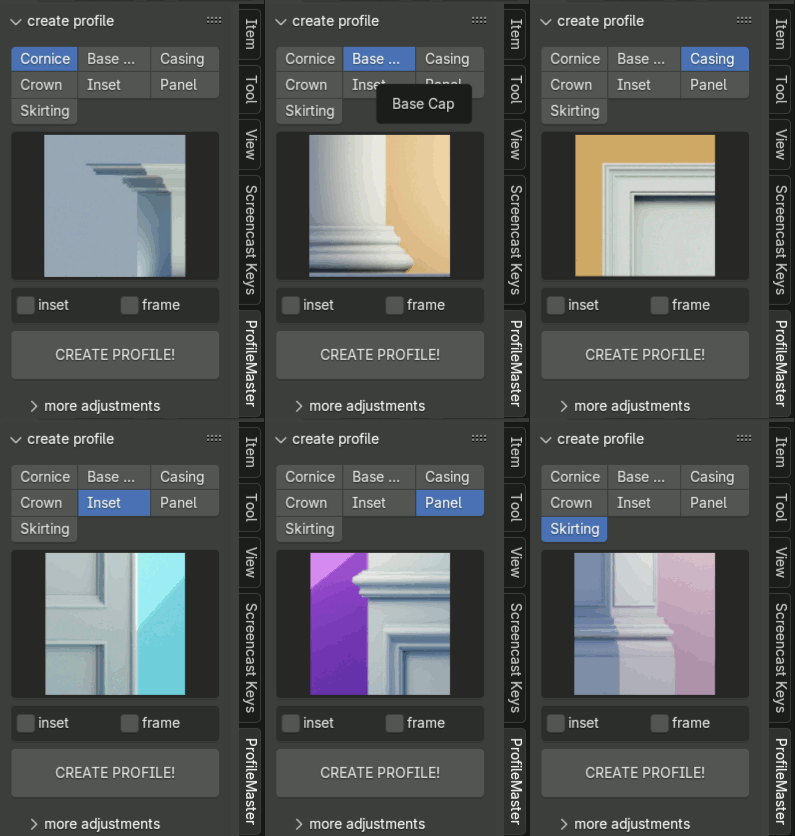
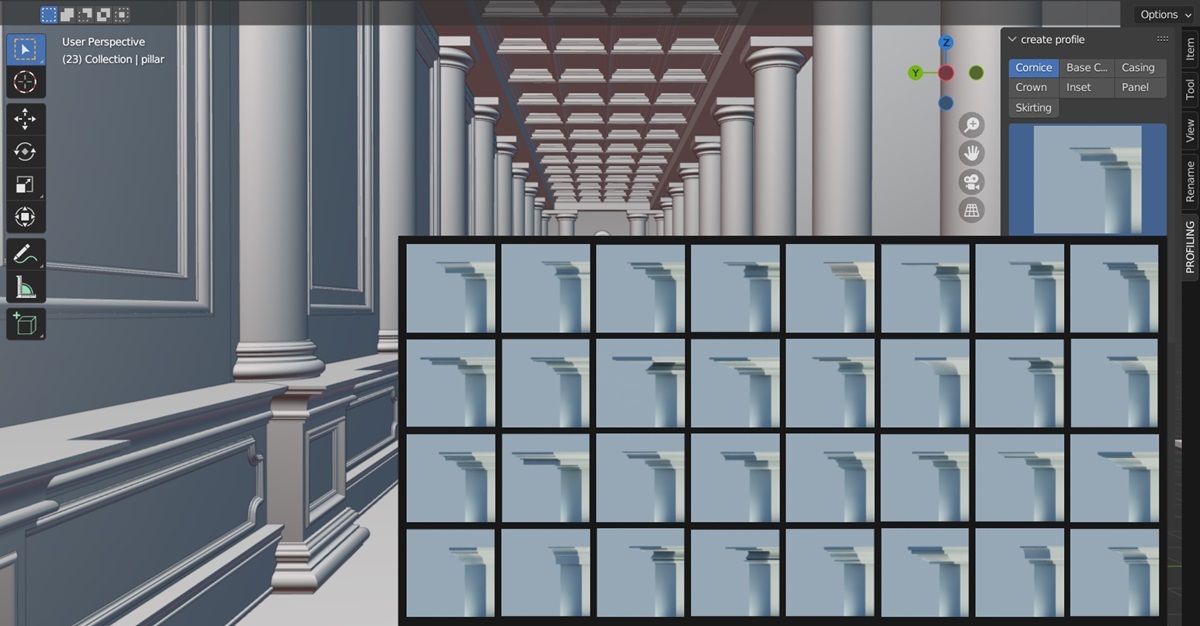
- As of now there are 7 profile types to choose from namely
1. Cornices
2. Base Cap
3. Crown
4. Casing
5. Inset
6. Panel
7. Skirting
- Skirting and base caps start from the selection up, the rest start from the top.
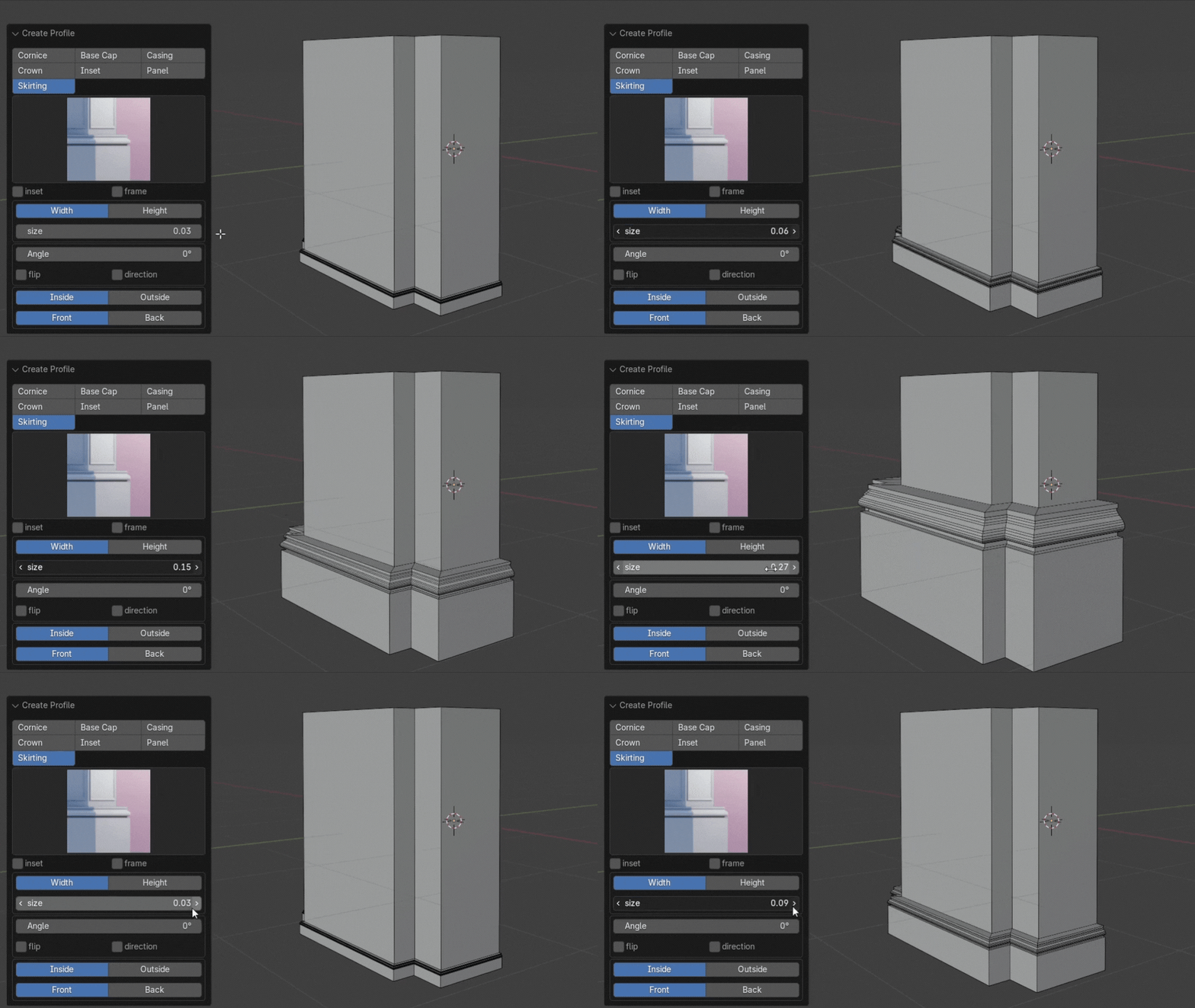
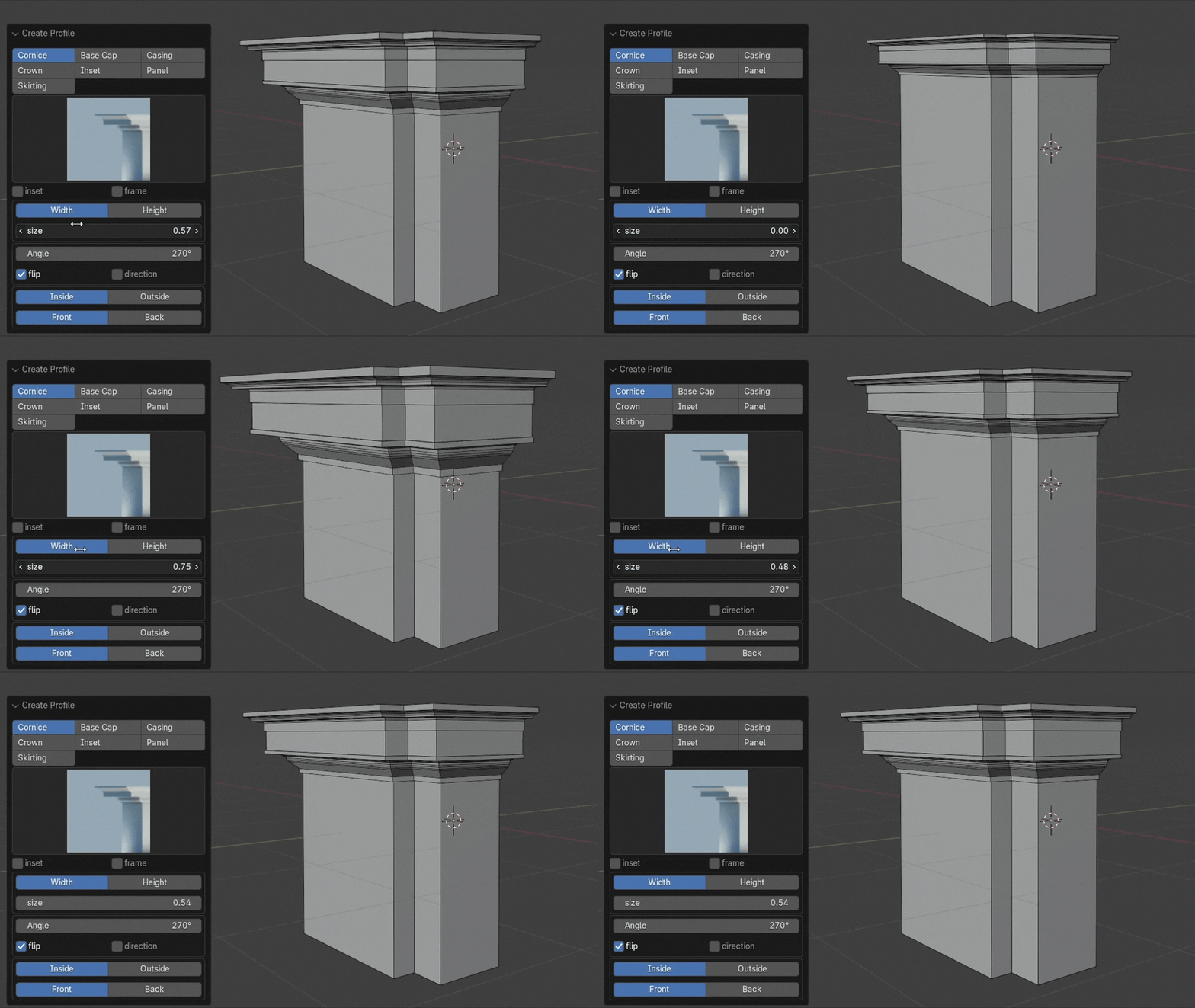
* you can change this behavior should you choose
B. The Profile type toggle
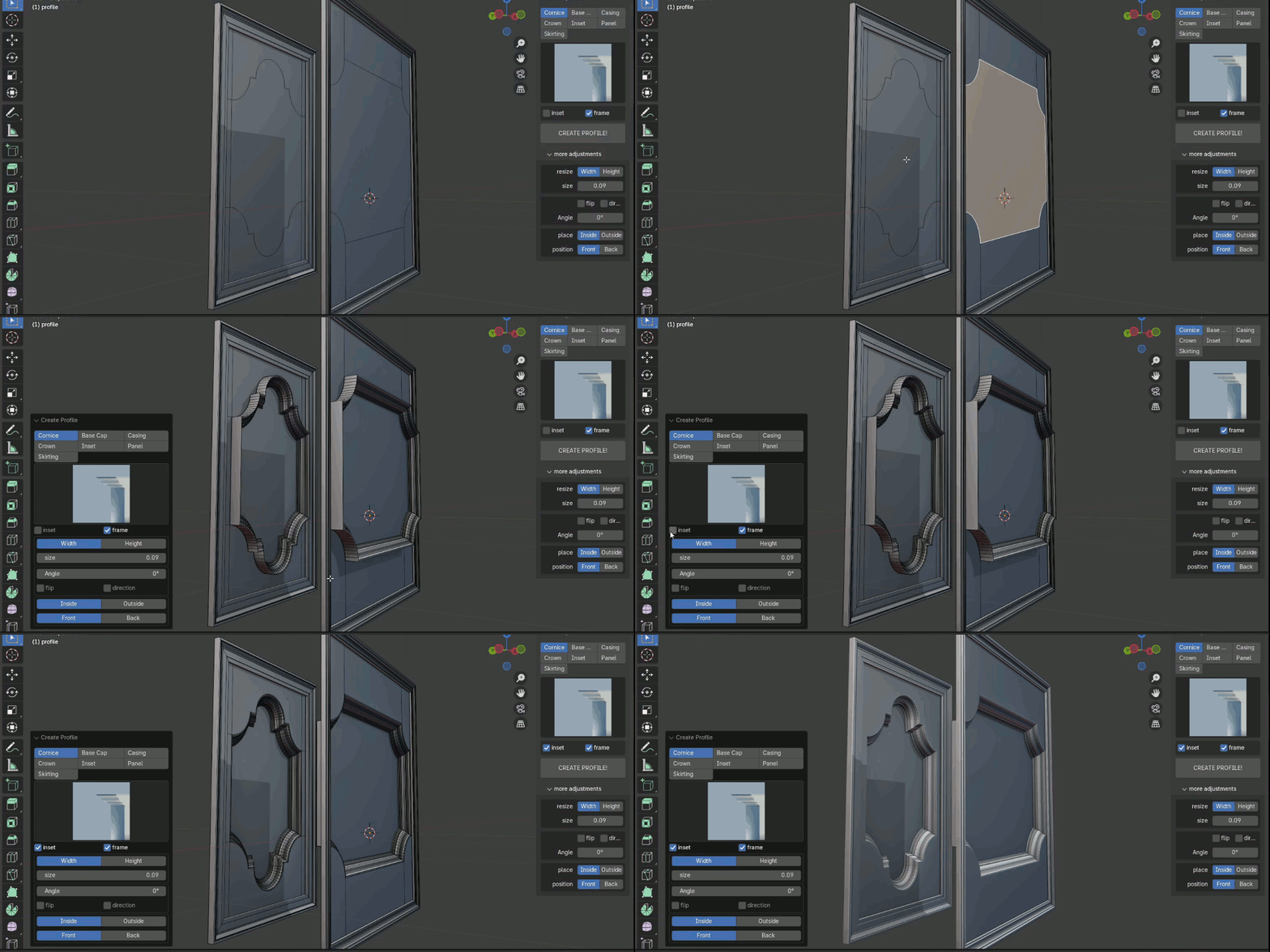
- This is where you choose whether you want your profile to be a frame or an inset
1. Frame
- you select edges or faces
- click the frame checkbox and your profile will be framed
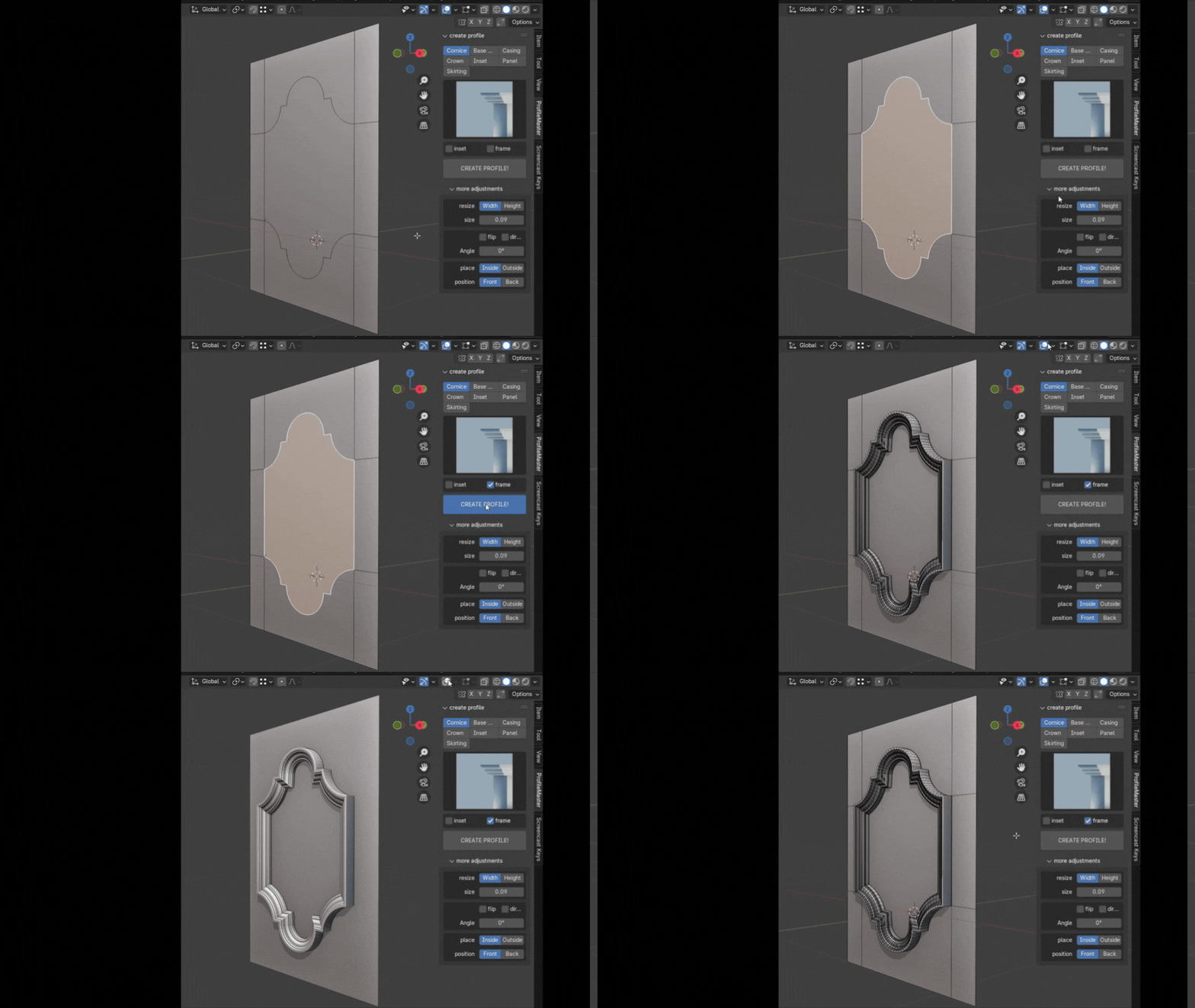
2. Inset
- works on face selections
- any profile can be an inset
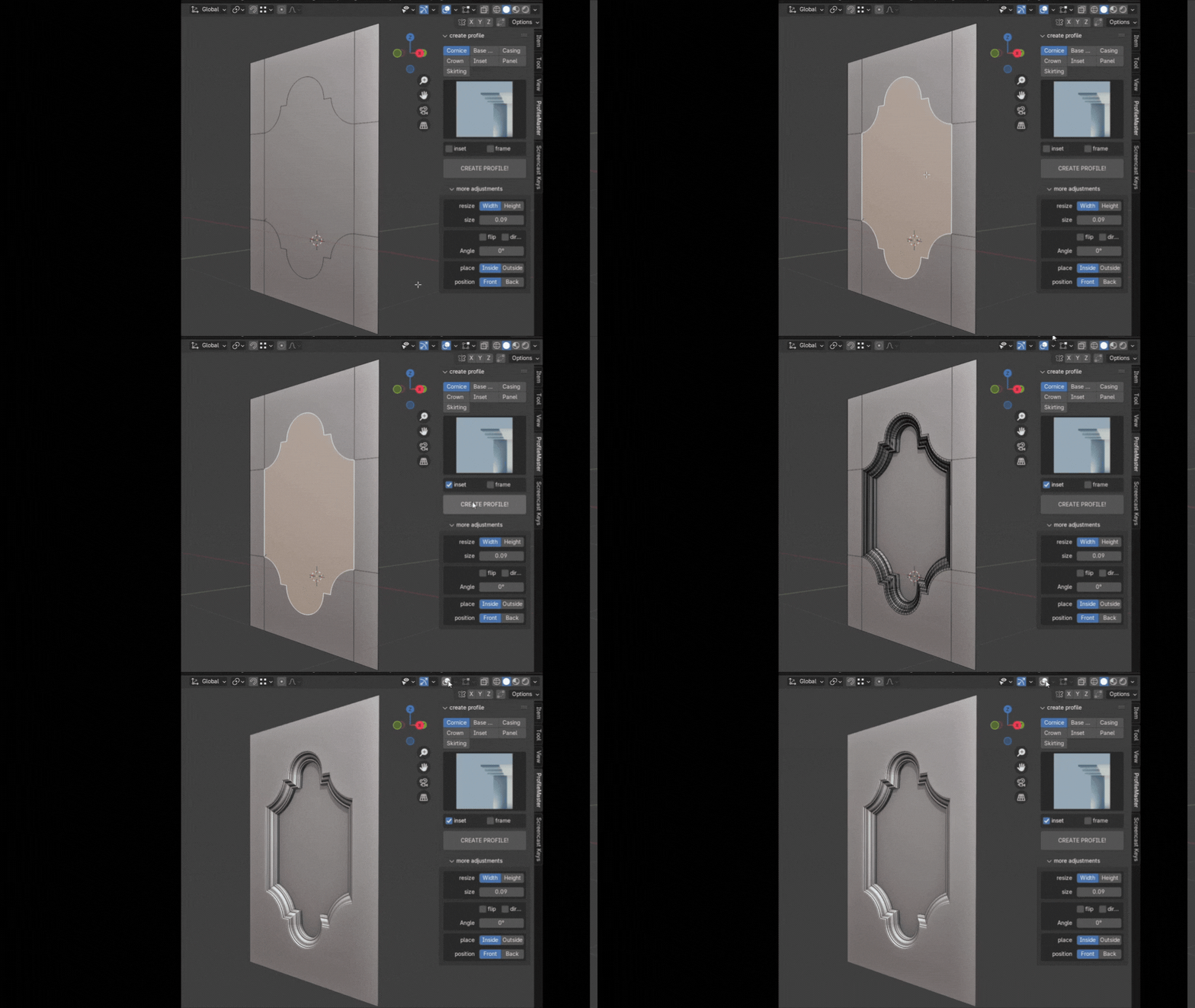
C. The Profile Adjustments
- There are 3 Major adjustments
1. Adjust sizes
- you select a specific size you want your profile to be, you can change sizes in real-time from the redo panel.
- you can choose to change the width or height of the profile, the other side will be adjusted accordingly for you.
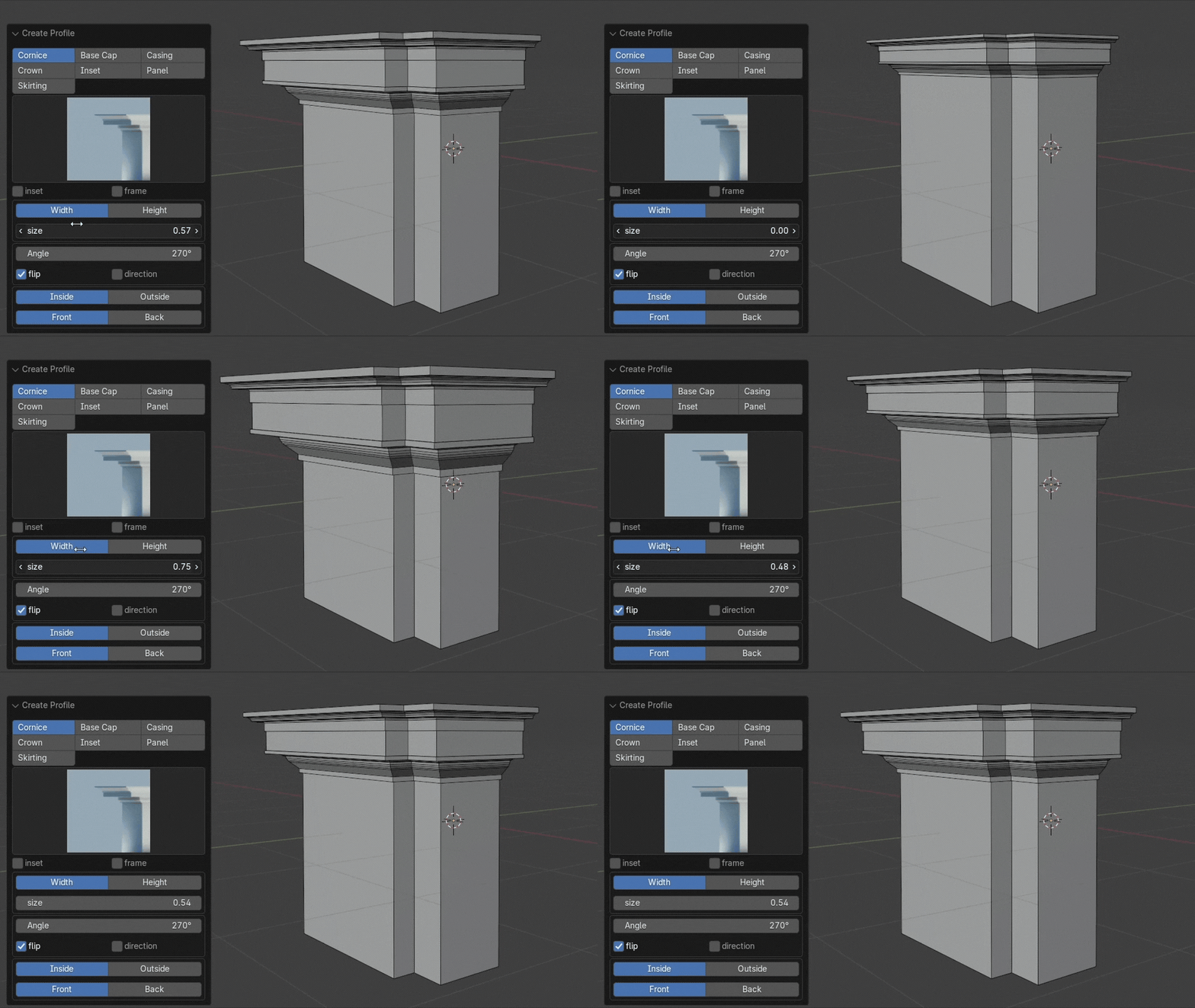
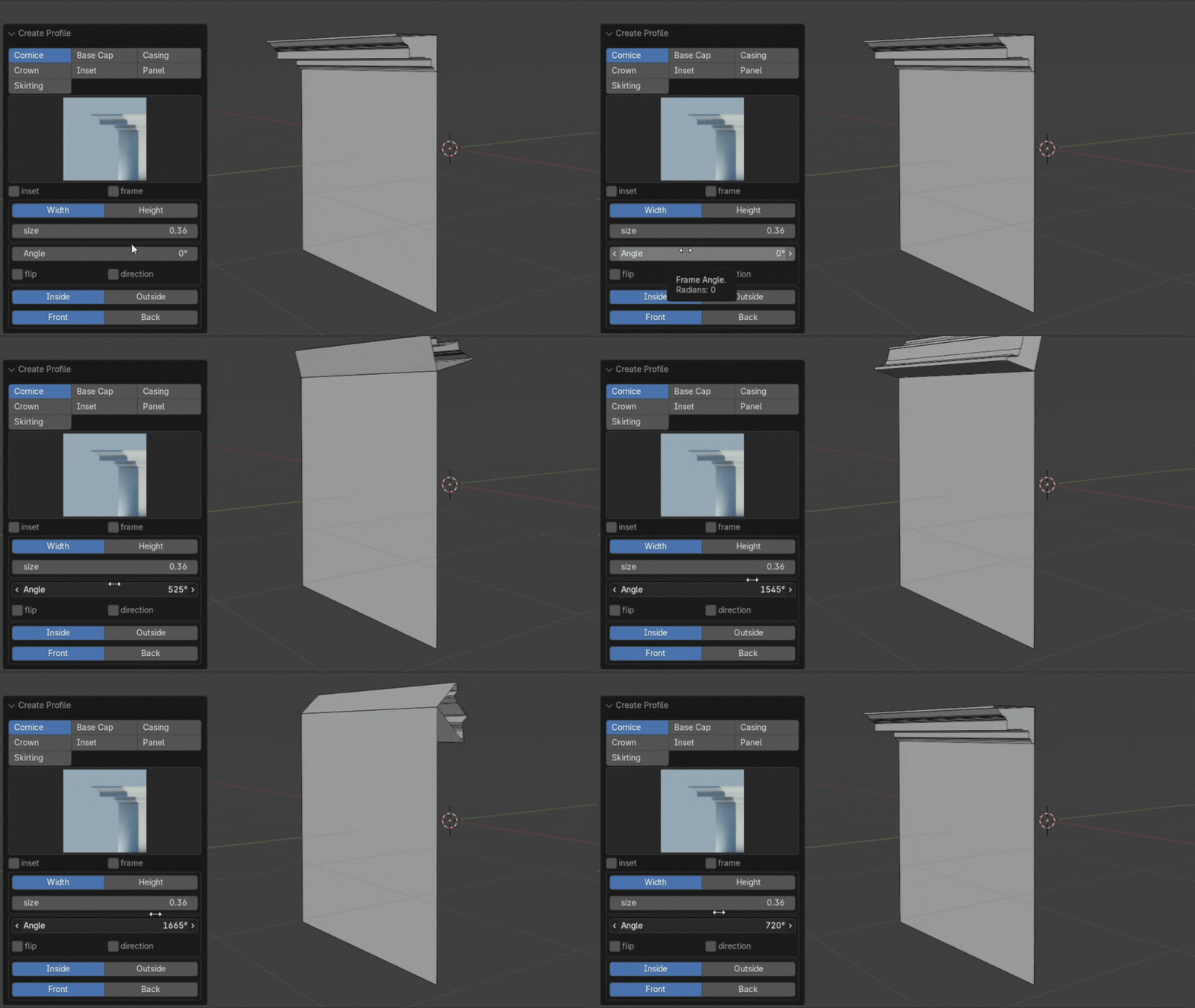
2. Adjust Angle
- The ProfileMaster Addon is quite good at aligning profiles to your geometry, however you can rotate the profile in place how you like should you need to
3. Placement
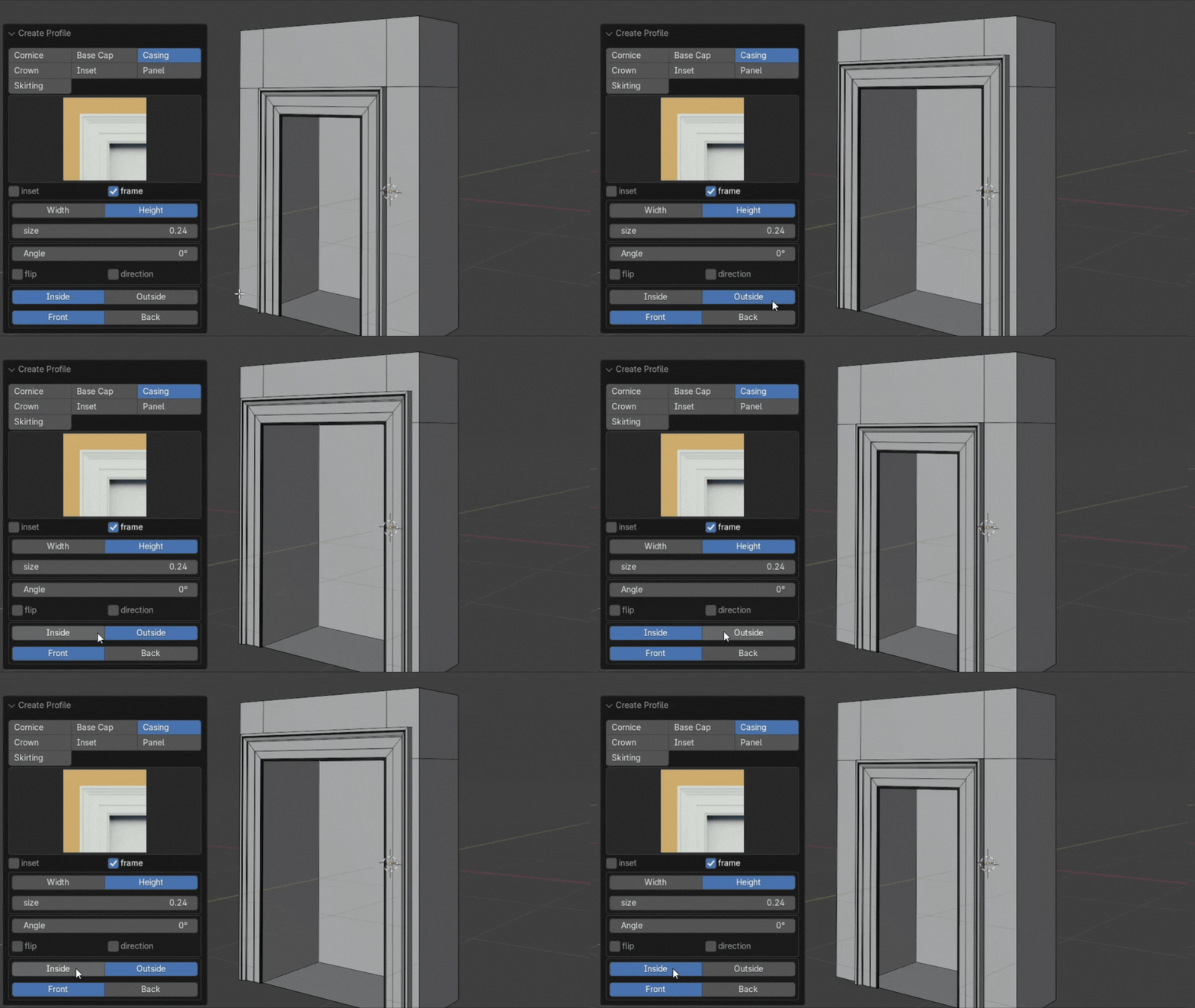
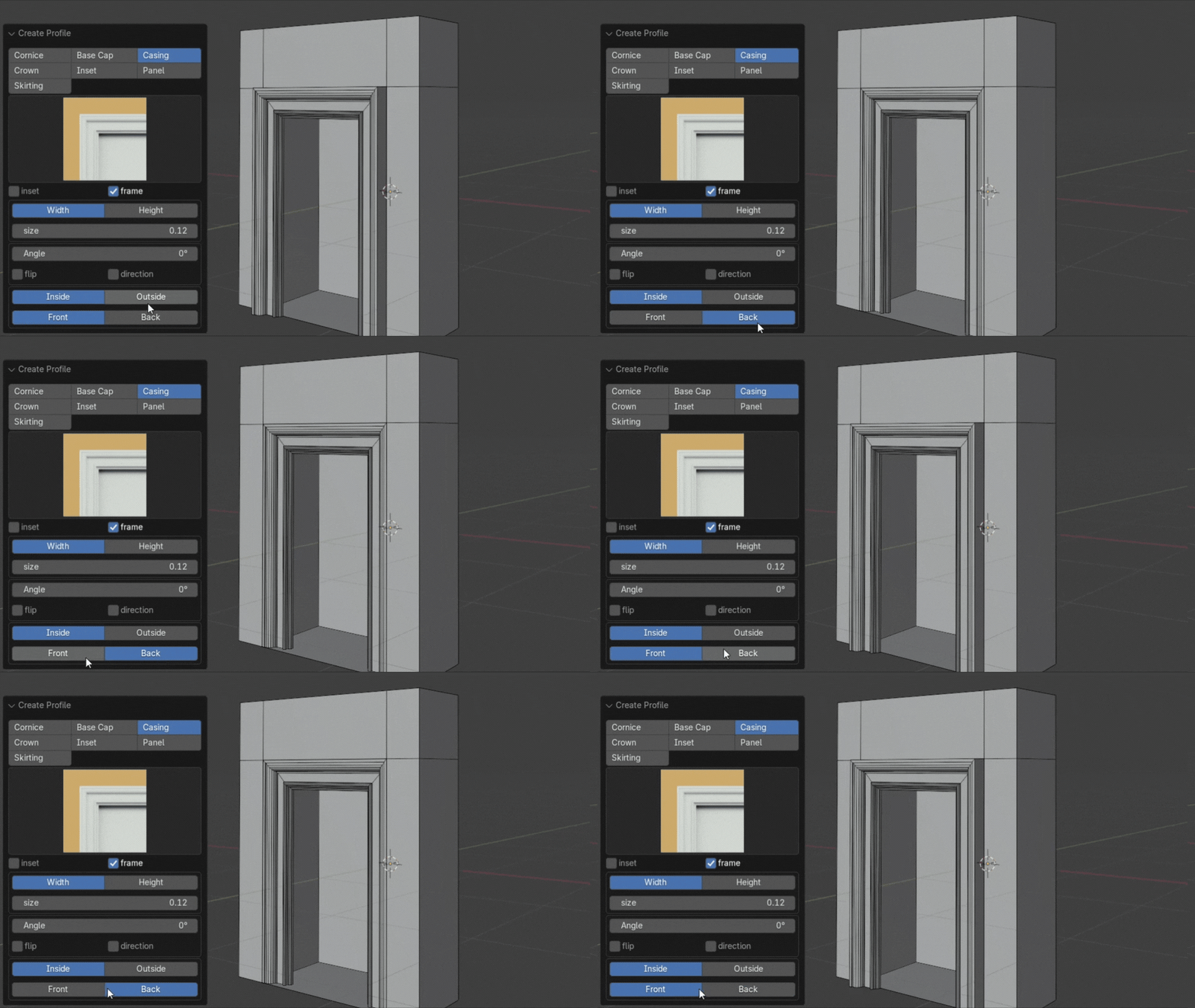
- this is where you can change the default placement
- you can make a skirting or base cape behave like a cornice
- you can also make any profile behave like a base cape or skirting
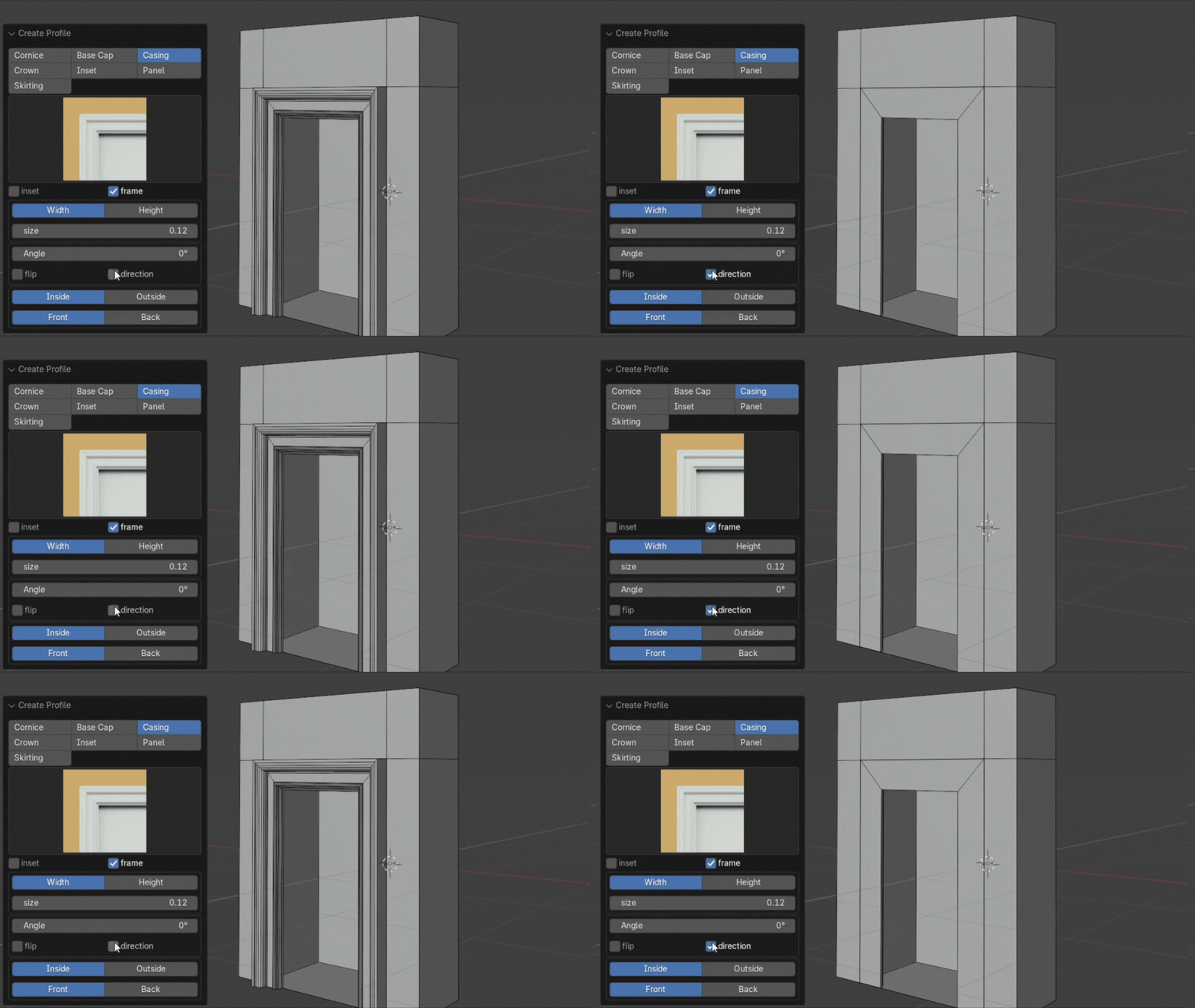
Flip
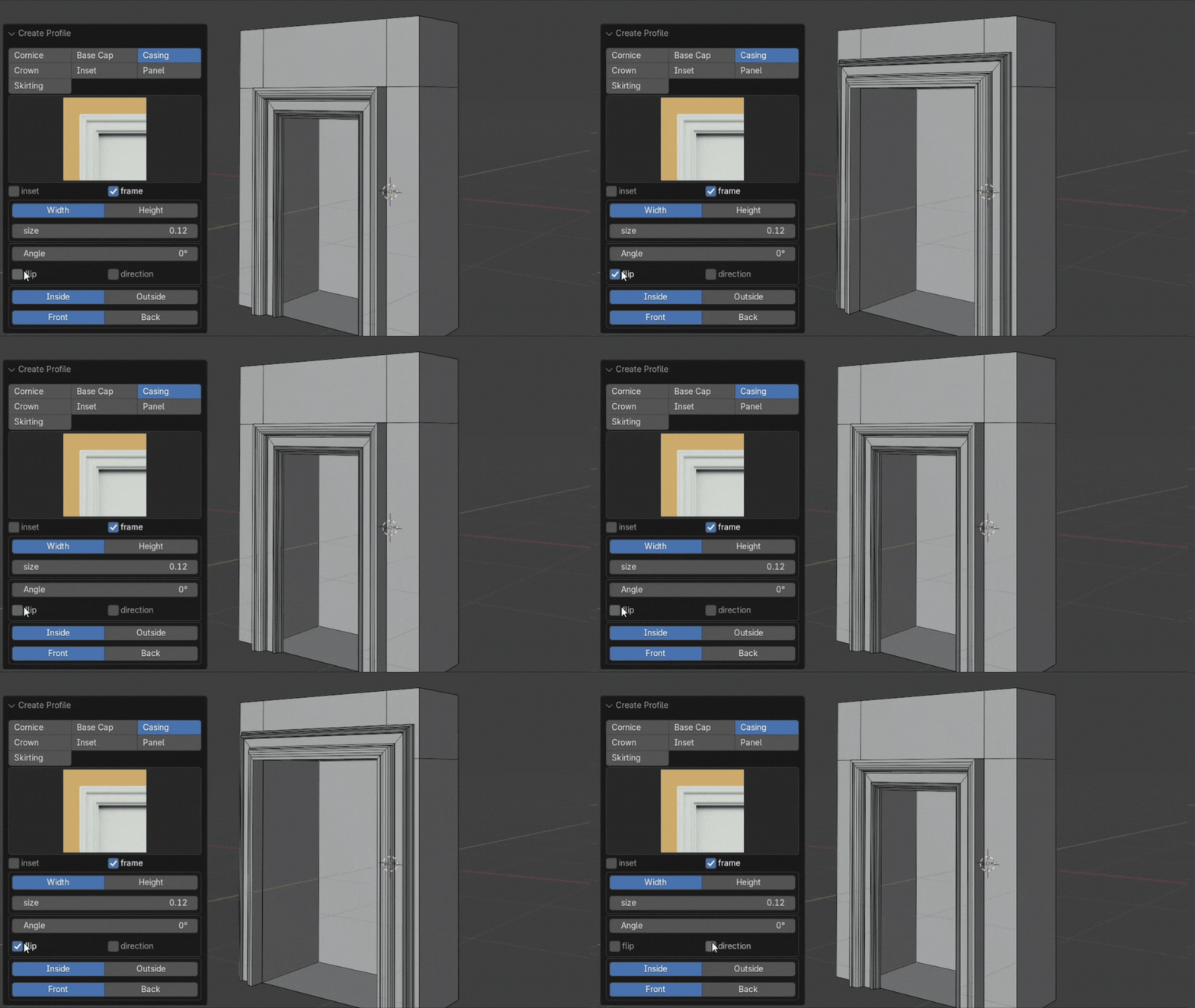
Direction
Inside/Outside
Front/Back
So check it out and see the possibilities

Discover more products like this
plugin #DesignTools mouldings ArchitecturalDesign Skirtings interiordesign timesaver 3dmodeling architecture Covings ProfileMaster