 CREATION-CREW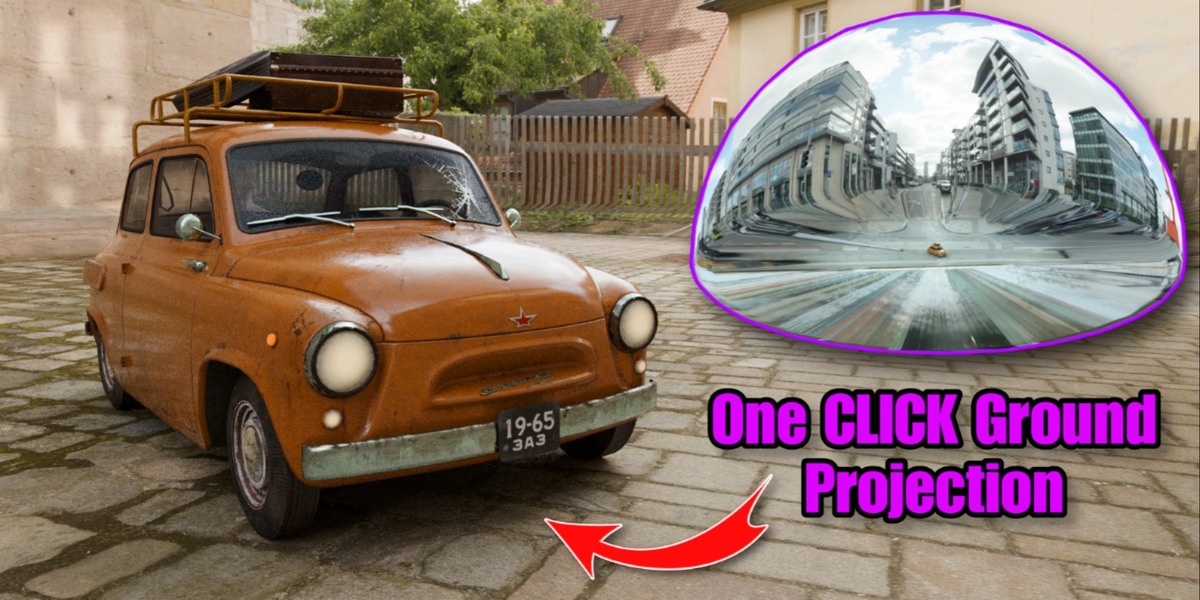
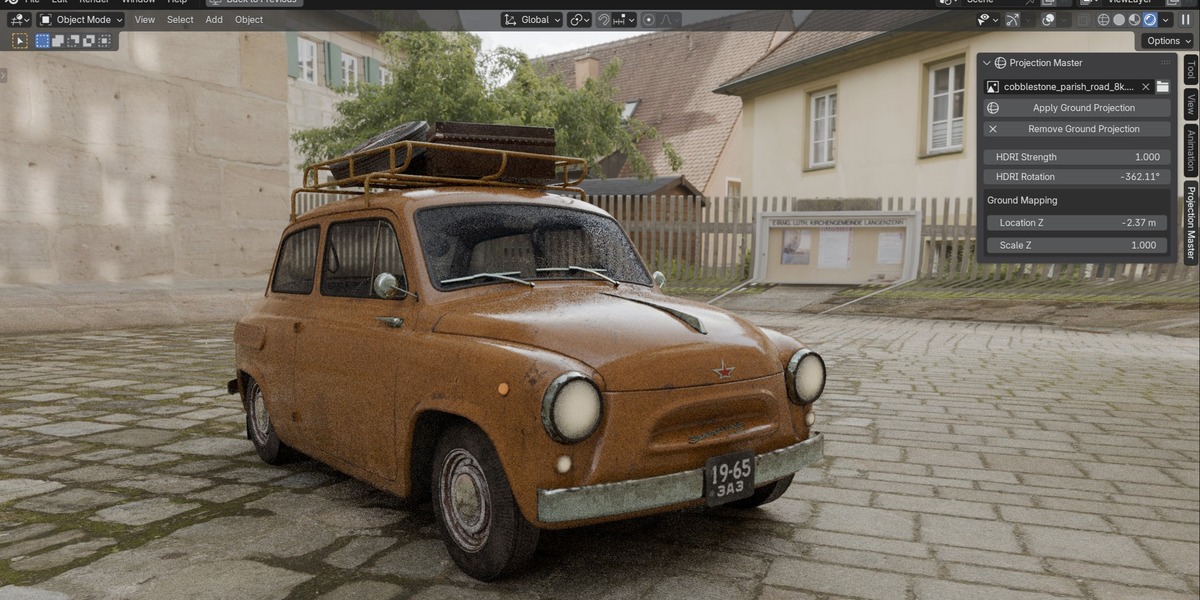
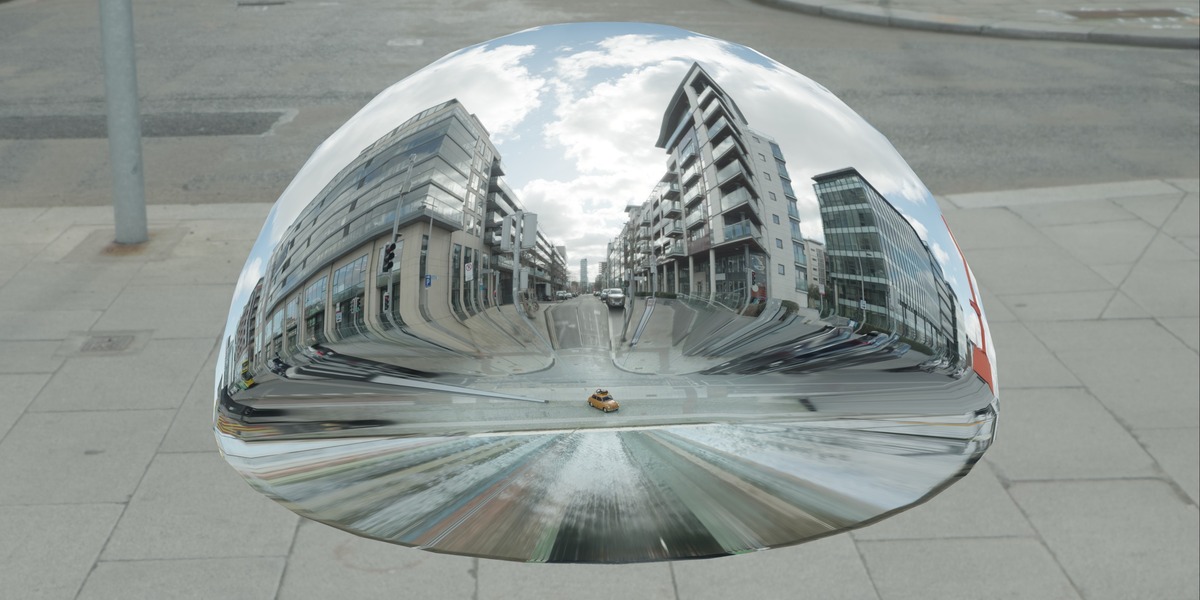
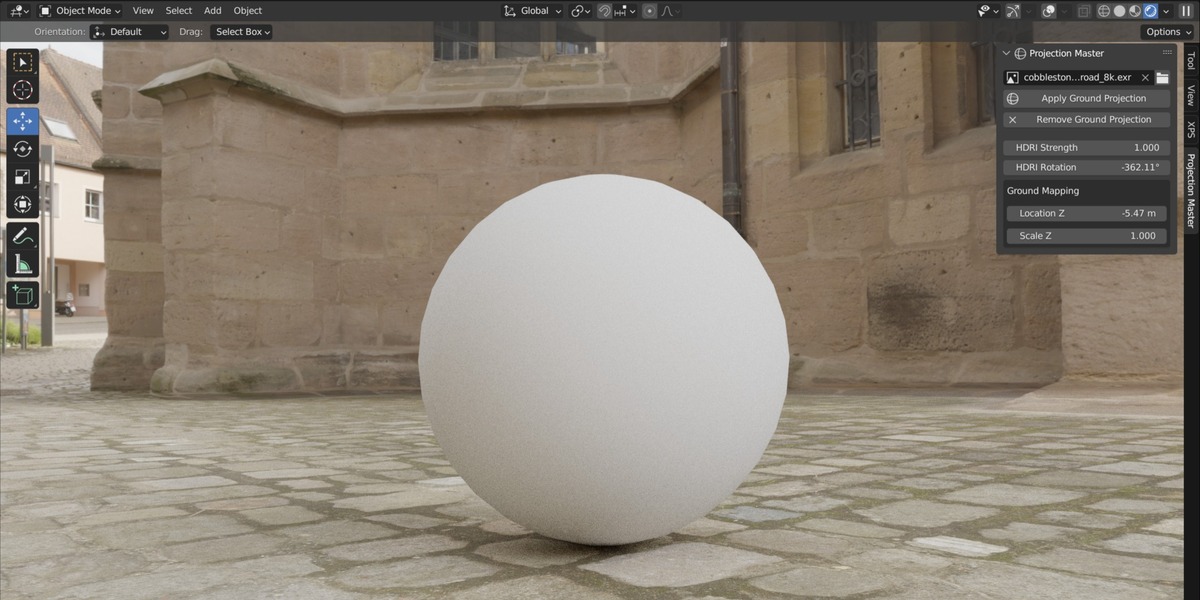
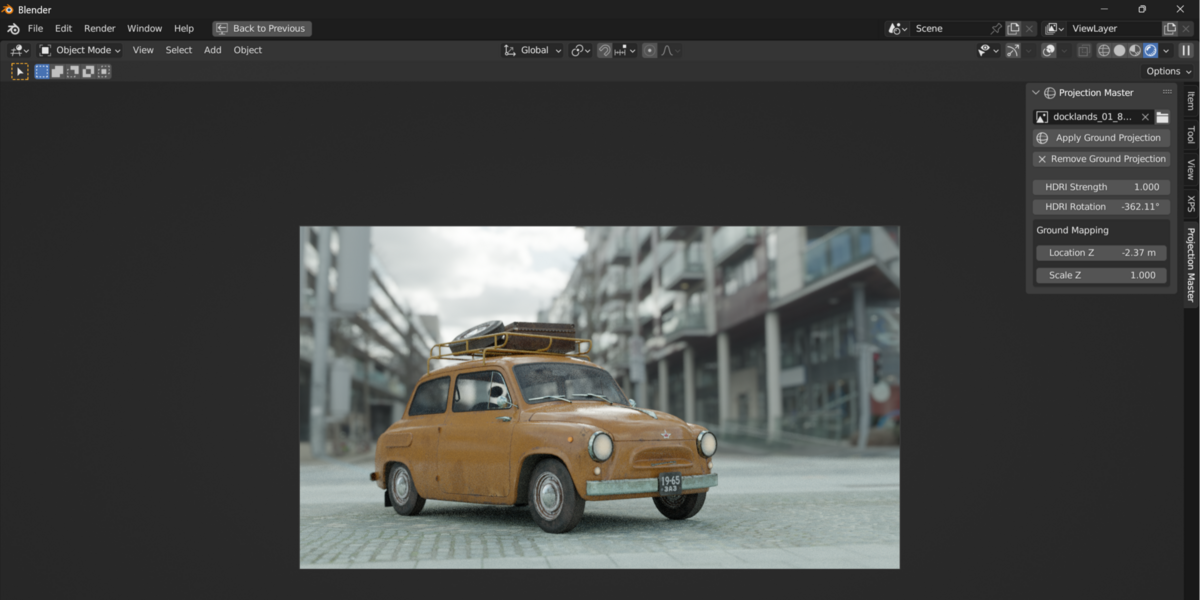
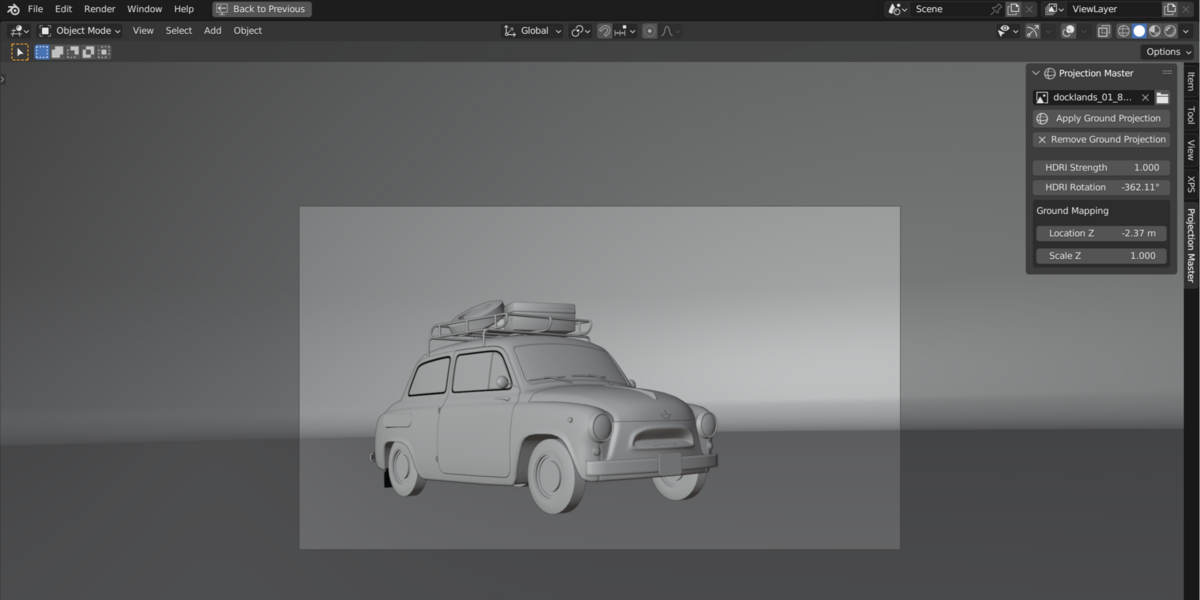
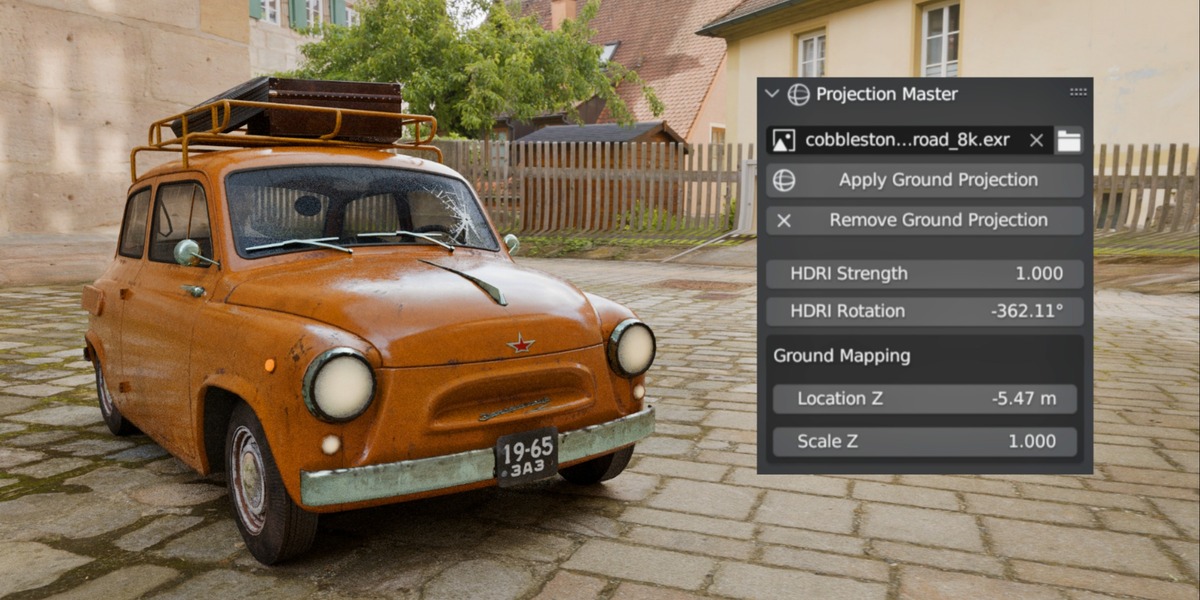
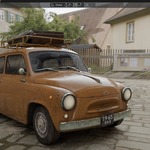
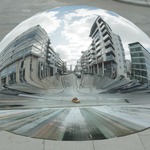
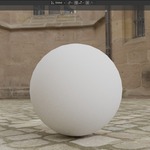
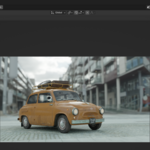
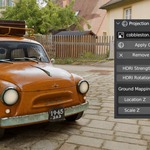
Turn any HDRI into a true ground-projected backdrop instead of a flat background dome. Projection Master appends a ready-made ground sphere and world setup, wires your HDRI straight into it, and gives you simple controls for strength, rotation, and ground mapping (location/scale) — all from a dedicated tab in the 3D Viewport sidebar. No manual node setup, no digging through World properties. Load an HDRI, hit Apply, and your horizon lines up like a real environment.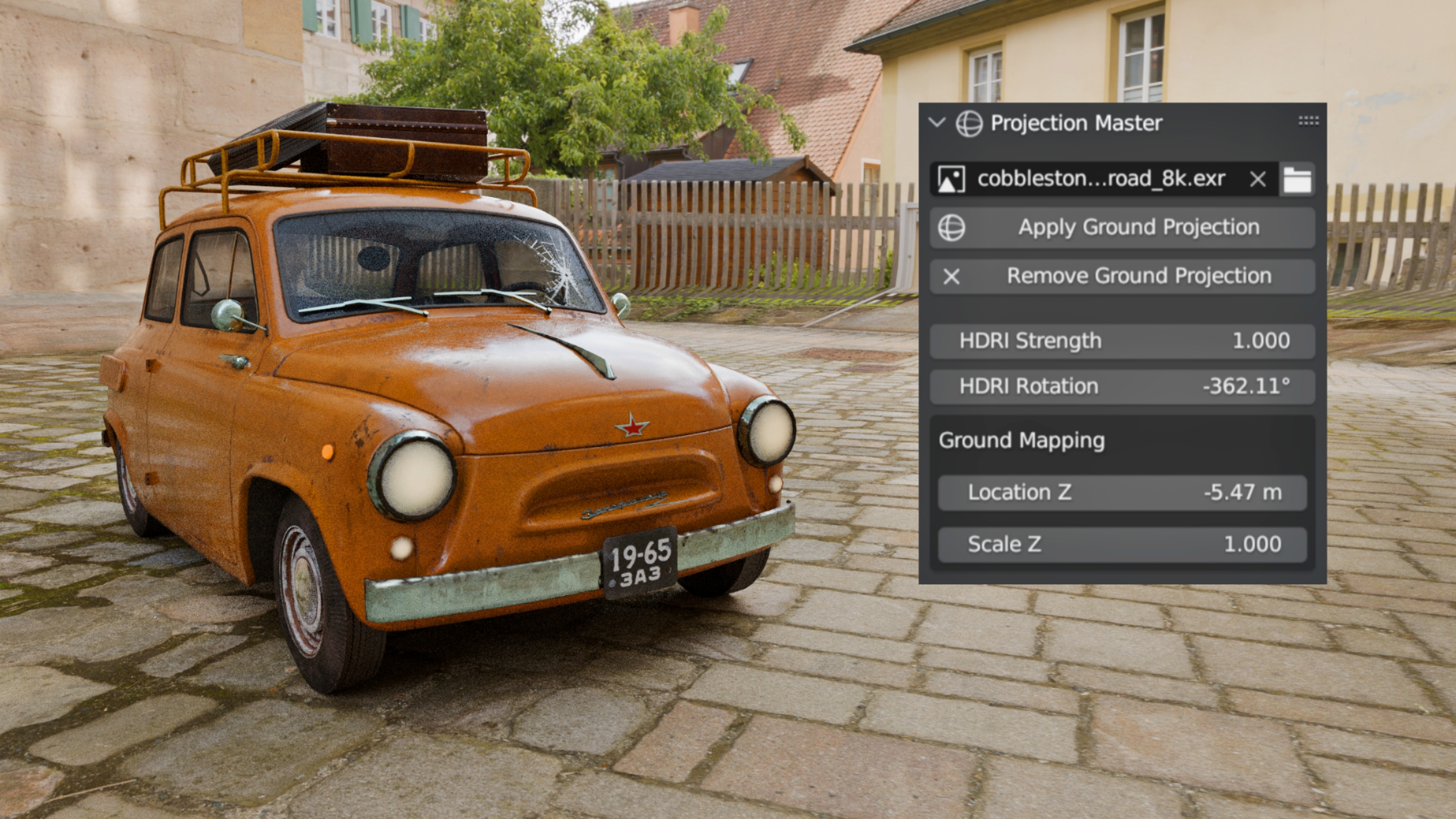
Installation
Download the
.zipfile of the add-on.In Blender, go to
Edit > Preferences > Add-ons.Click Install... and select the
.zipfile.Enable the add-on by checking the box next to Projection-Master .
You're ready to go!