Projection Master — Hdri Ground Projection
 CREATION-CREW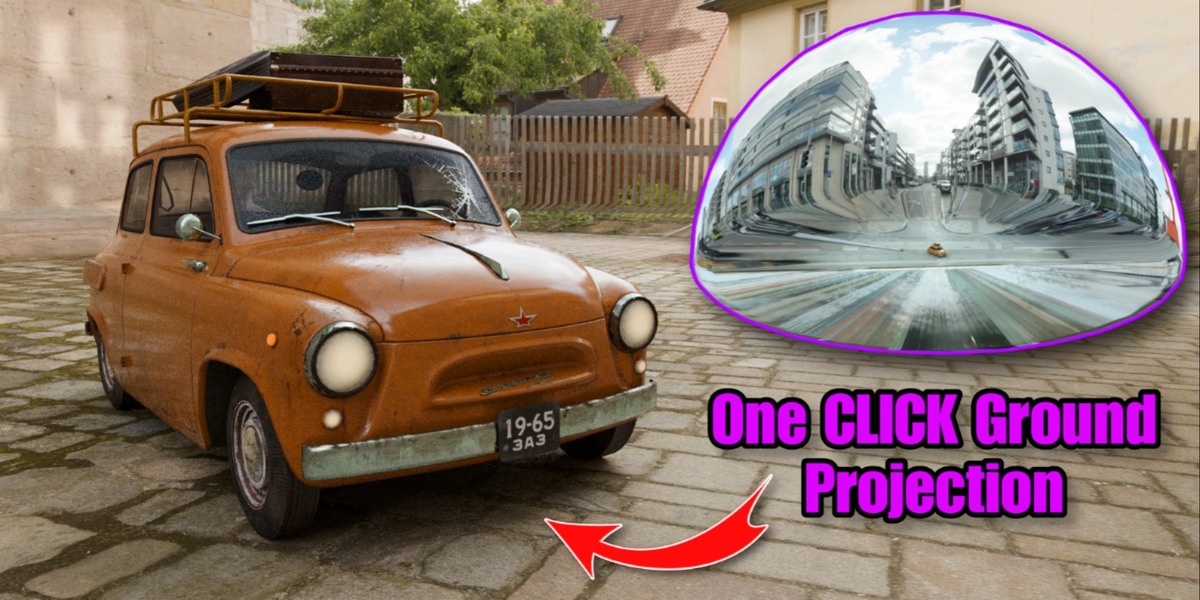
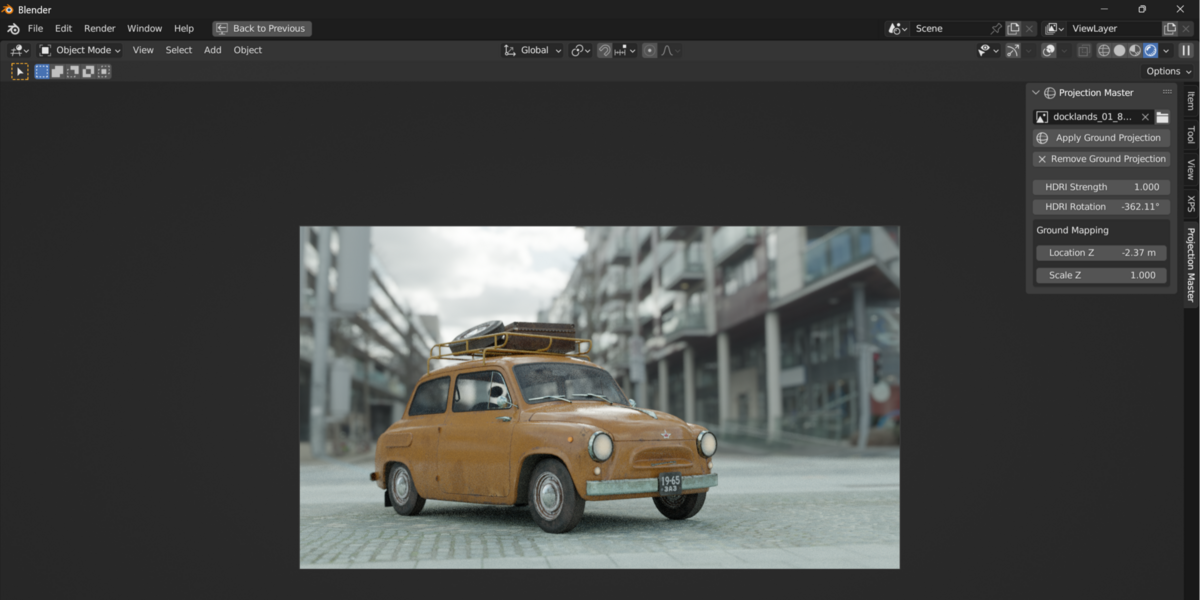
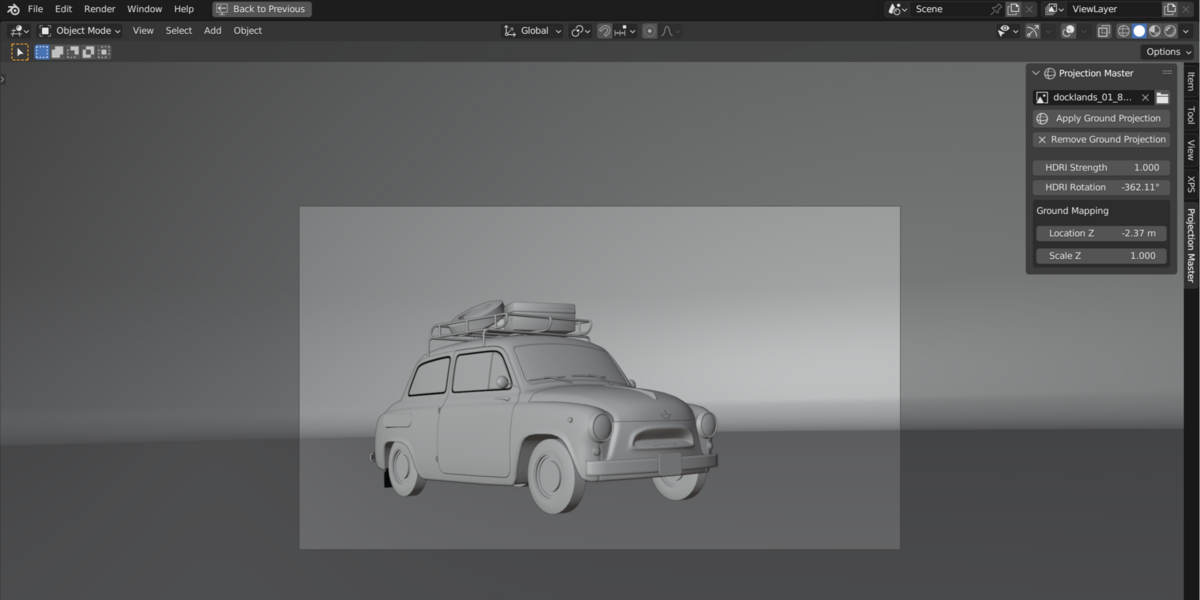
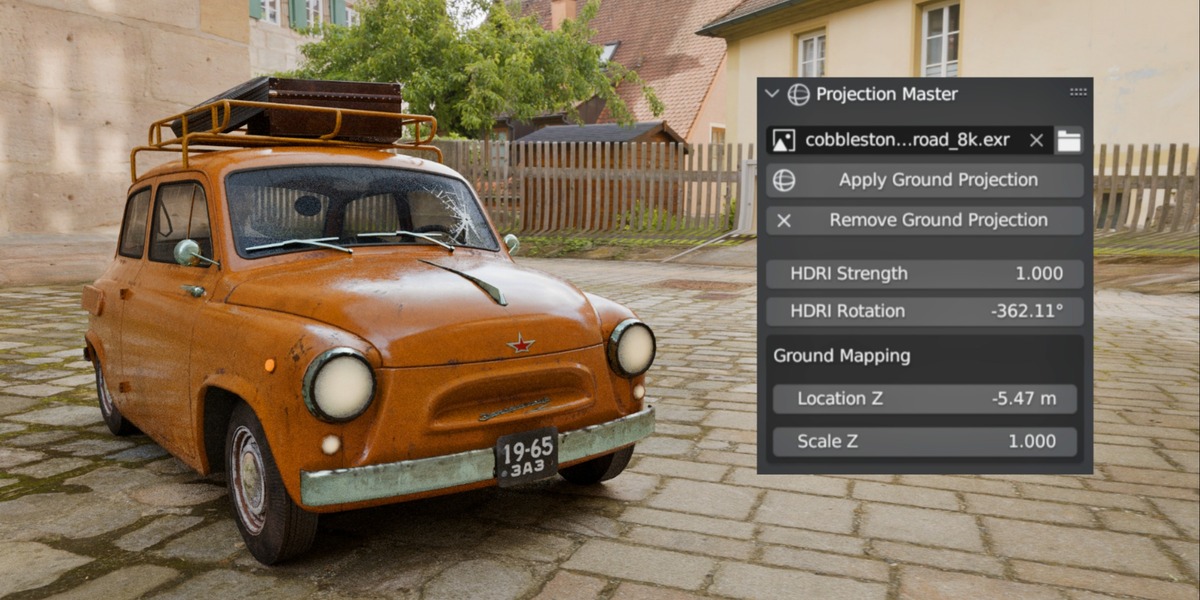

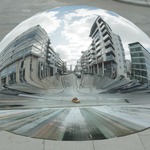
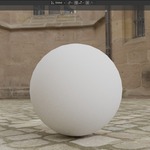
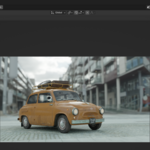
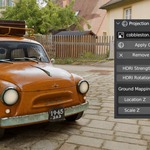
Projection Master — HDRI Ground Projection for Blender
Version: 1.0
Compatible with: Blender 3.0+
Category: 3D View / Lighting
---
Installation
Download the
.zipfile of the add-on.In Blender, go to
Edit > Preferences > Add-ons.Click Install... and select the
.zipfile.Enable the add-on by checking the box next to Projection-Master .
You're ready to go!
Overview
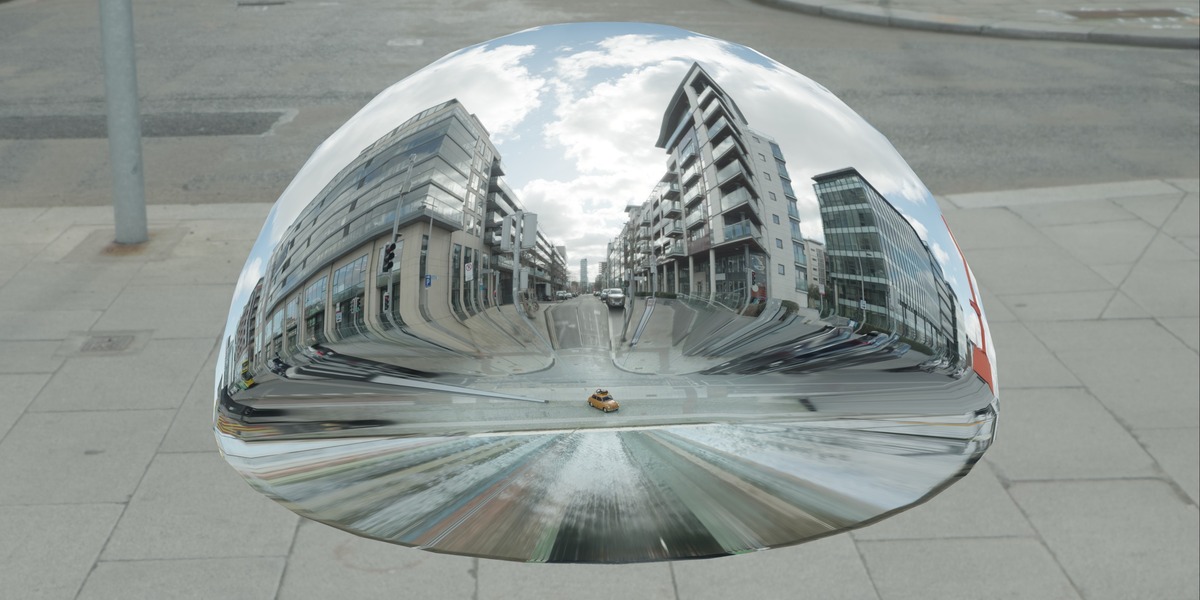
Turn any HDRI into a true ground-projected backdrop instead of a flat background dome.
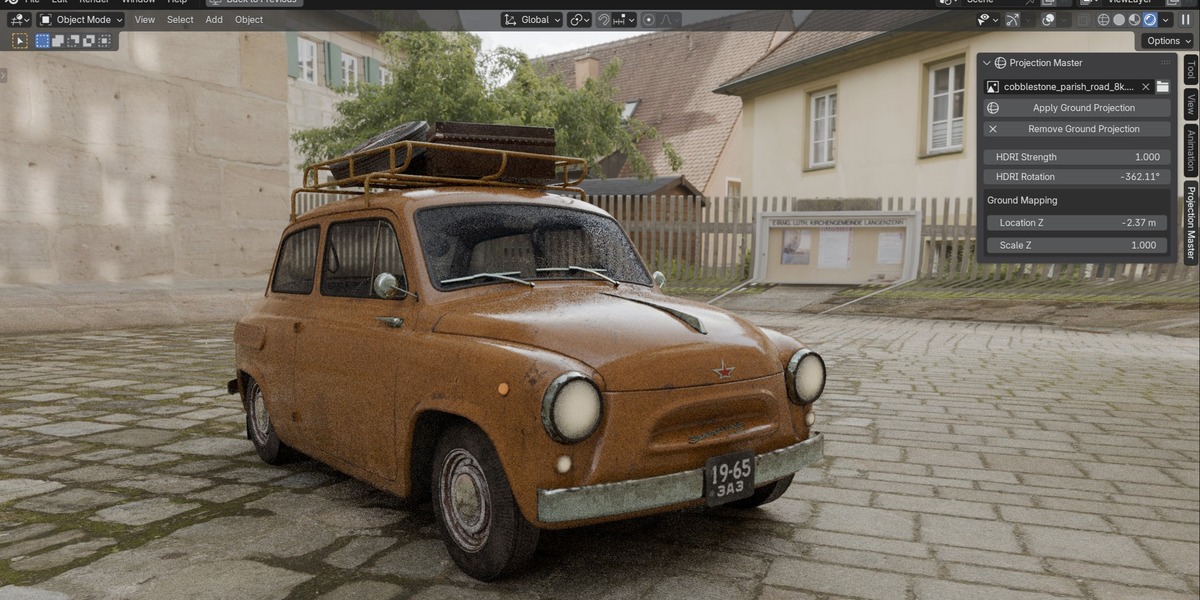
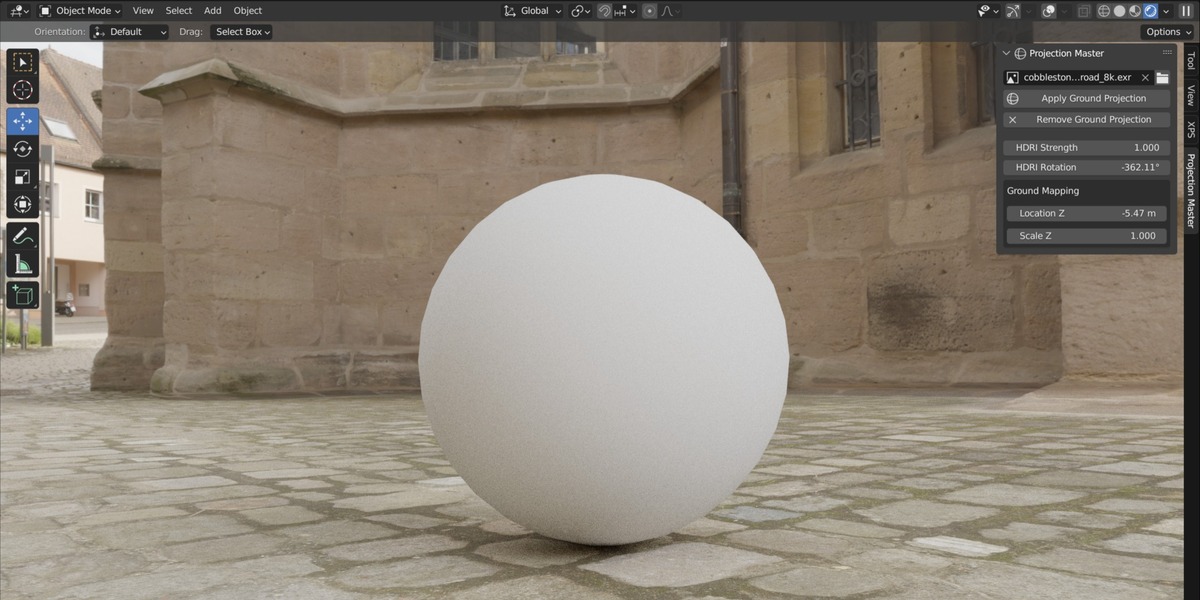
Projection Master appends a ready-made ground sphere and world setup, wires your HDRI straight into it, and gives you simple controls for strength, rotation, and ground mapping (location/scale) — all from a dedicated tab in the 3D Viewport sidebar. No manual node setup, no digging through World properties. Load an HDRI, hit Apply, and your horizon lines up like a real environment.
This is the difference between a flat background image floating behind your subject, and a backdrop that actually sits on the ground plane your object is resting on — giving you realistic contact, reflections, and horizon alignment for product shots, studio renders, and archviz scenes.
---
Features
One-click ground projection — appends a pre-built sphere + world setup, no node editing required
Built-in file browser — load `.hdr` / `.exr` files directly from disk
Live HDRI strength control — adjust environment brightness without opening the Shader Editor
HDRI rotation — spin the environment around to line up reflections and shadows
Ground mapping controls — fine-tune the projection's Location Z and Scale Z so the horizon sits exactly where your subject needs it
Clean removal — strip the ground sphere back out of your scene with a single button
Dedicated sidebar tab — lives in its own Projection Master tab in the 3D Viewport (N-panel), not buried under World properties
---
Installation
Download `projection_master.zip`. Do not unzip it.
In Blender, go to Edit → Preferences → Add-ons.
Click Install..., select `projection_master.zip`, and confirm.
Enable the checkbox next to 3D View: Projection Master.
Close the Preferences window.
> **Note:** If you're upgrading from an older HDRI addon or a previous version of Projection Master, remove the old add-on entry first (Preferences → Add-ons → Remove) and restart Blender before installing the new zip. This clears Blender's cached module so the update takes effect.
---
Getting Started
In the 3D Viewport, press N to open the sidebar.
Click the Projection Master tab on the right edge.
Click the folder icon next to the image field and select an `.hdr` or `.exr` file — or pick an already-loaded image from the dropdown.
Click Apply Ground Projection.
That's it — Projection Master appends the ground sphere and world, and pipes your HDRI into both automatically.
---
Panel Reference
Control Description
Image field Displays the currently selected HDRI image. Click the dropdown to choose from already-loaded images.
Folder icon Opens a file browser to load a new `.hdr` / `.exr` file from disk.
Apply Ground Projection Sets up (or refreshes) the ground projection using the currently selected image. Appends the sphere/world if they aren't already in the scene.
Remove Ground Projection Deletes the HDRI ground sphere from the scene.
HDRI Strength Controls the brightness/intensity of the environment lighting.
HDRI Rotation Rotates the environment around the vertical (Z) axis — use this to align reflections and shadow direction with your subject.
Ground Mapping → Location Z Shifts the ground projection up or down so the horizon line sits at the correct height relative to your subject.
Ground Mapping → Scale Z Scales the projection vertically — adjust if the ground plane appears stretched or compressed.
---
Typical Workflow
Add or import your subject (product, vehicle, character, etc.) into the scene.
Open the Projection Master tab and load an HDRI.
Click Apply Ground Projection.
Adjust HDRI Rotation until reflections/highlights line up naturally with your subject.
Adjust Location Z and Scale Z under Ground Mapping until the horizon and ground texture align with where your subject sits.
Fine-tune HDRI Strength to match your desired exposure.
Render.
---
Tips
If your subject appears to be floating or sinking into the ground texture, adjust Location Z first before touching Scale.
Large rotation values (e.g. beyond ±360°) are fine — Blender wraps them automatically — but resetting to a value between -180° and 180° keeps things easier to read at a glance.
Works with both Cycles and EEVEE.
For best results, use high-resolution HDRIs (4K–8K) shot with a visible ground plane (streets, floors, cobblestone, etc.) — the ground projection effect is most convincing when the source HDRI actually contains real ground detail to project.
---
Troubleshooting
The panel isn't showing up in the sidebar.
Make sure the add-on is enabled in Preferences → Add-ons, and that you're pressing N inside the 3D Viewport (not another editor). Look for the Projection Master tab on the right edge of the viewport.
Nothing happens when I click Apply Ground Projection.
Confirm an HDRI image is selected in the image field first — the operator needs an image to apply.
The ground doesn't line up with my subject.
Adjust Location Z and Scale Z under Ground Mapping, and use HDRI Rotation to align the horizon direction.
I still see the old panel location after updating.
Remove the previous version of the add-on completely (Preferences → Add-ons → Remove), restart Blender, then install the new zip.
---
Requirements
Blender 3.0 or newer
HDRI files in `.hdr` or `.exr` format
---
Version History
1.0
Initial release: ground sphere + world append, HDRI loading, strength, rotation, and ground mapping controls, dedicated sidebar tab.
---
Have questions about this product?
Login to message
| Published | 17 days ago |
| Blender Version | 3.0 - 5.2 |
| Extension Type | N/A |
| Render Engine Used | Blender-Internal, Blender-Game-Engine, Cycles, Eevee, Freestyle |
| License | GPL |
Discover more products like this
environment texture HDRI Ground Projection Cycles EEVEE Lighting Realistic Backdrop hdri product render Lighting-addon Studio Lighting world-setup render setup addon hdrimaker