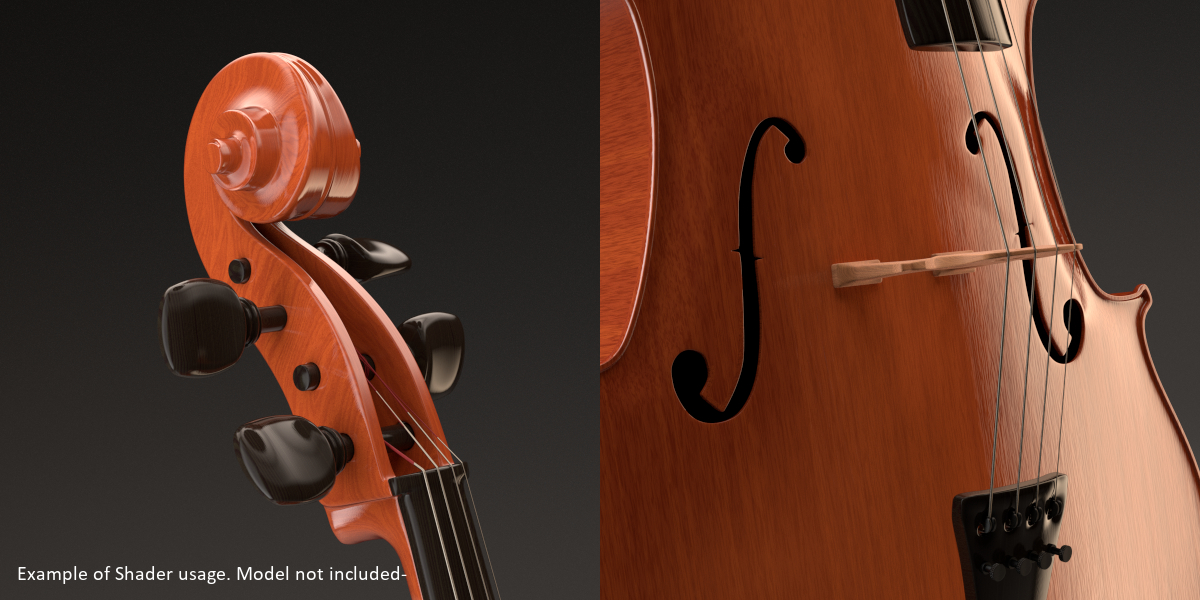
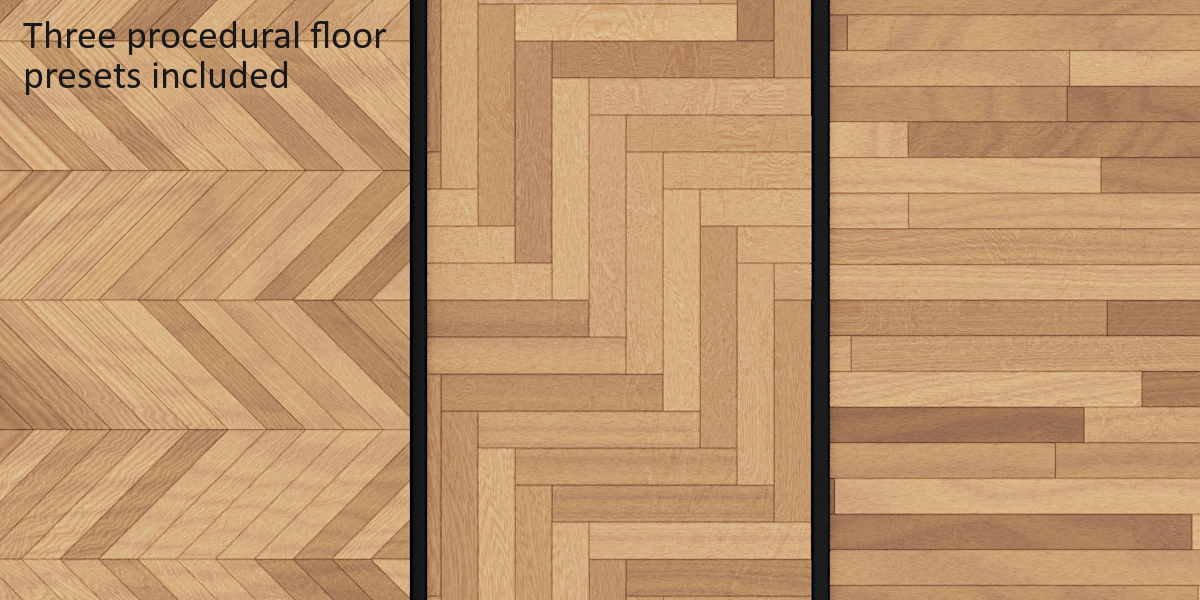
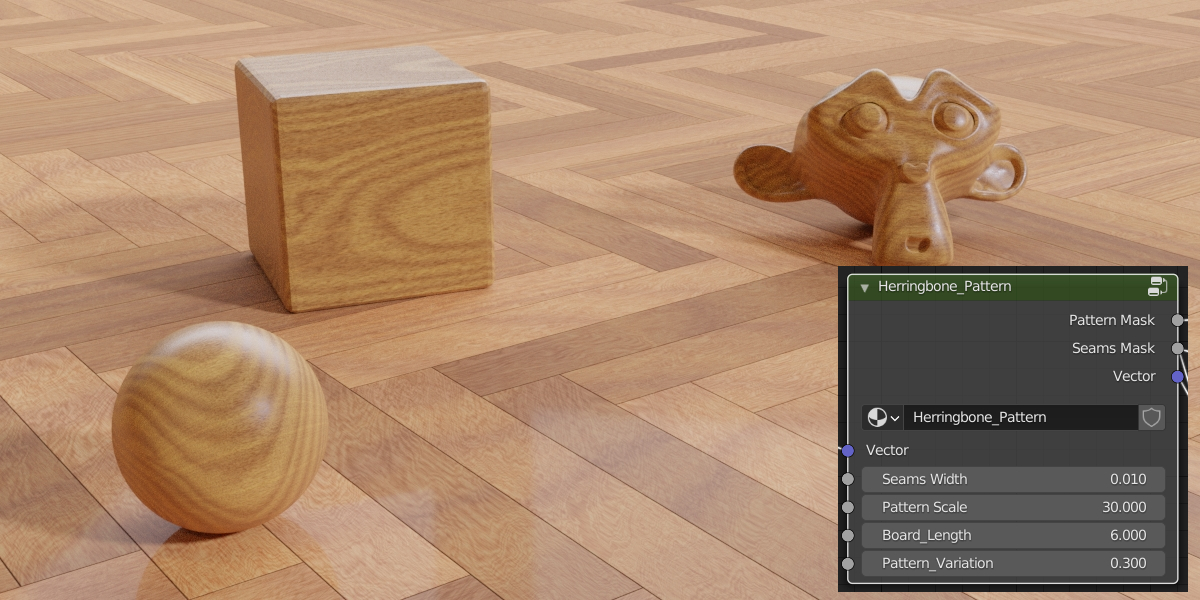
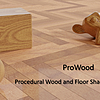
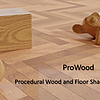
ProWood - Procedural Wood Shader Pack
 argentum3d.com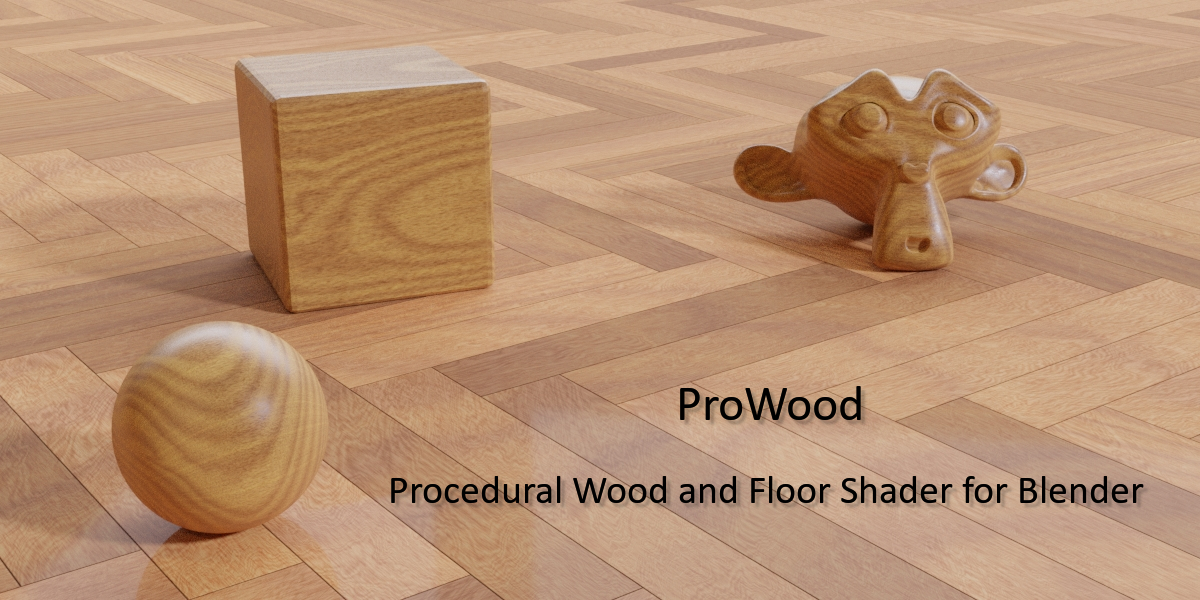



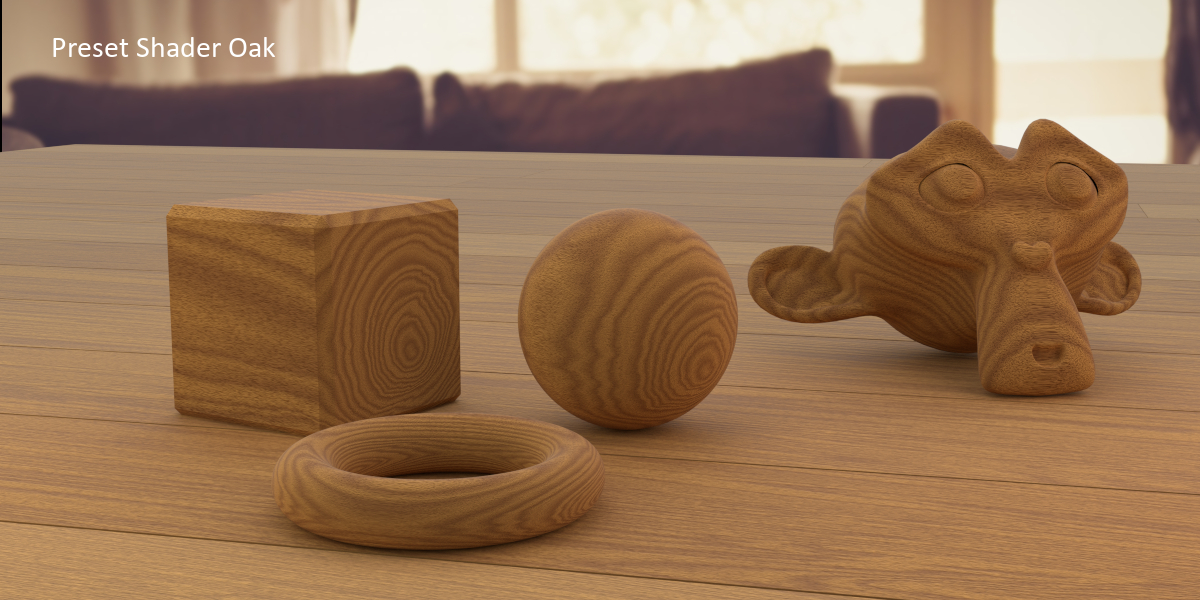
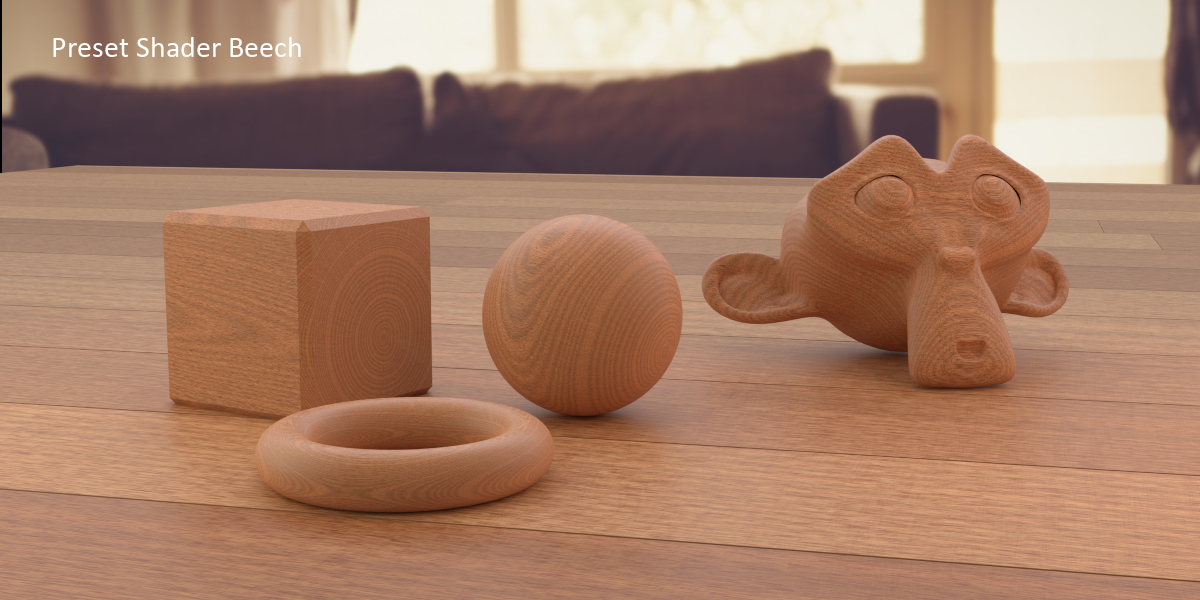

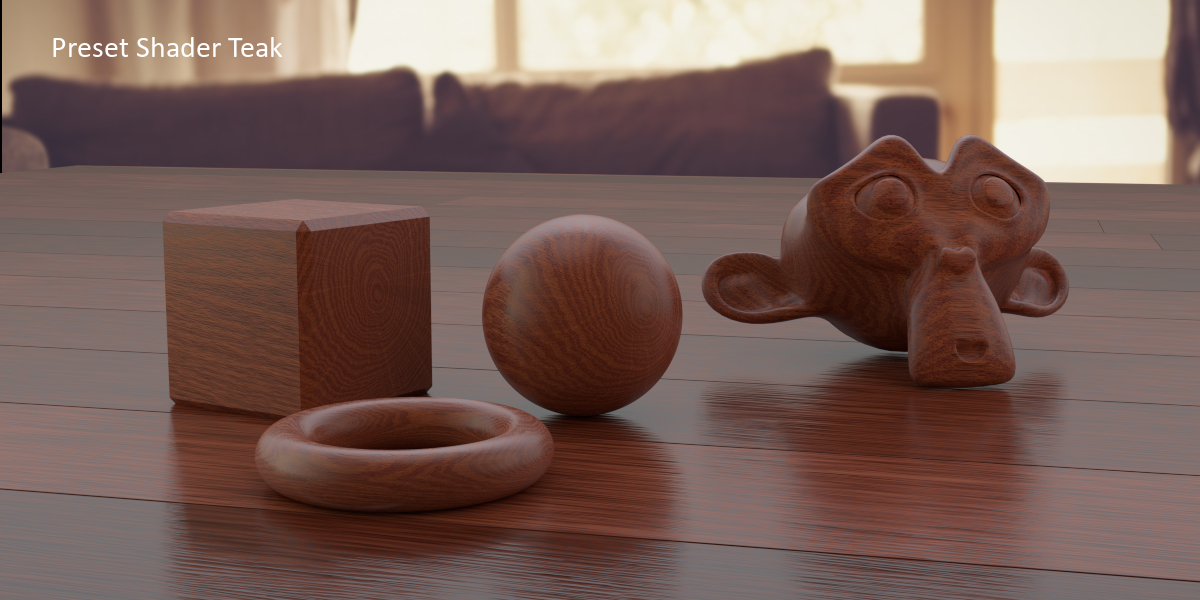
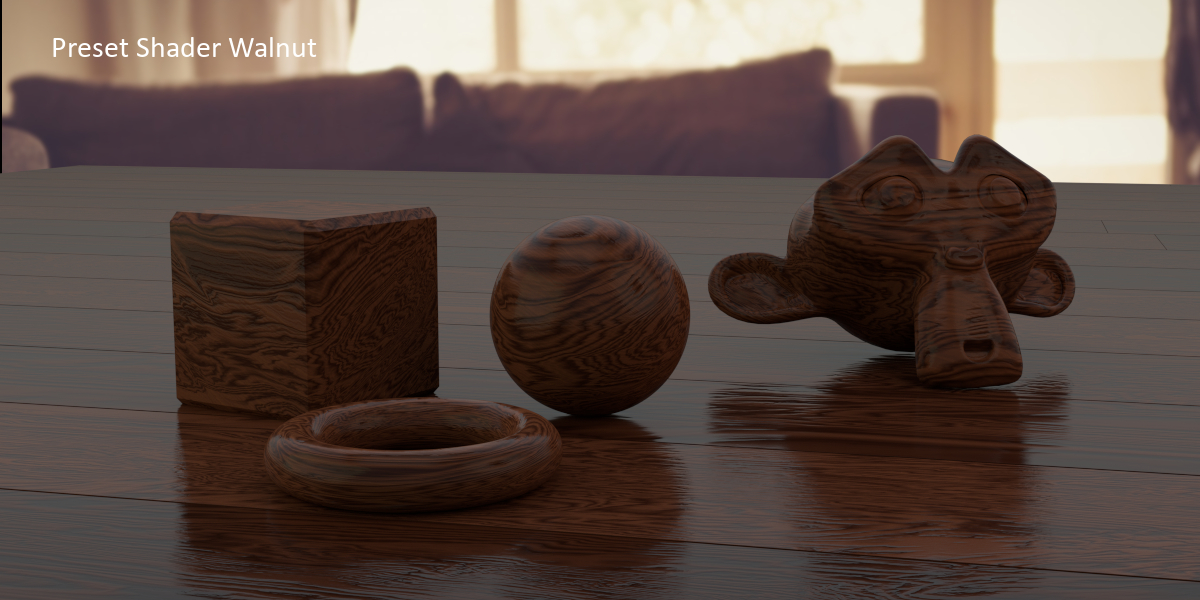
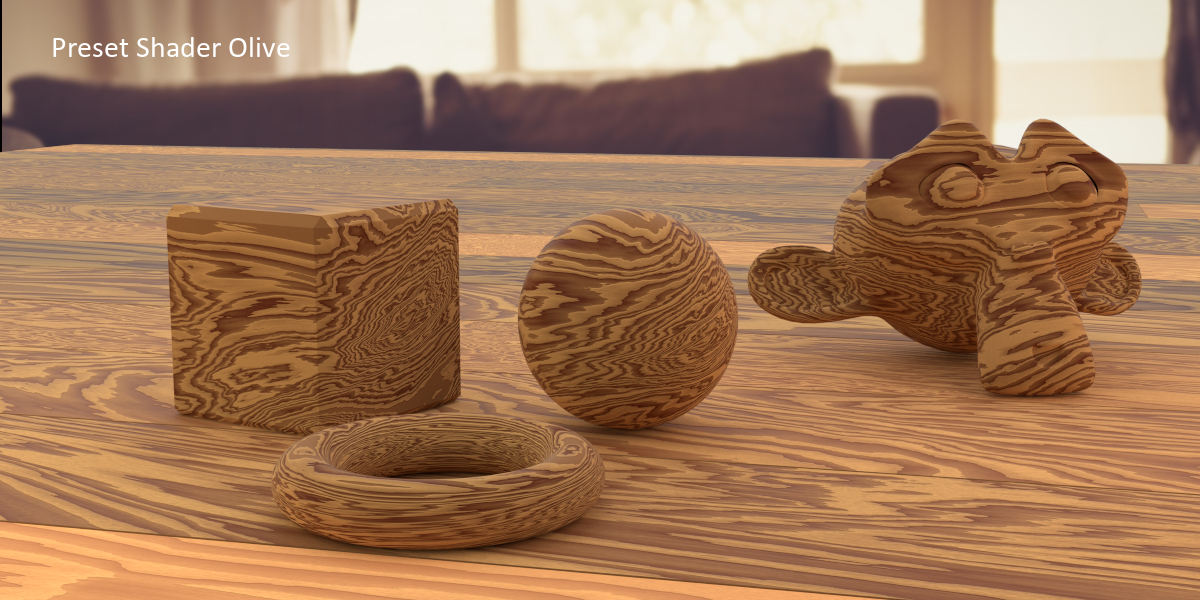
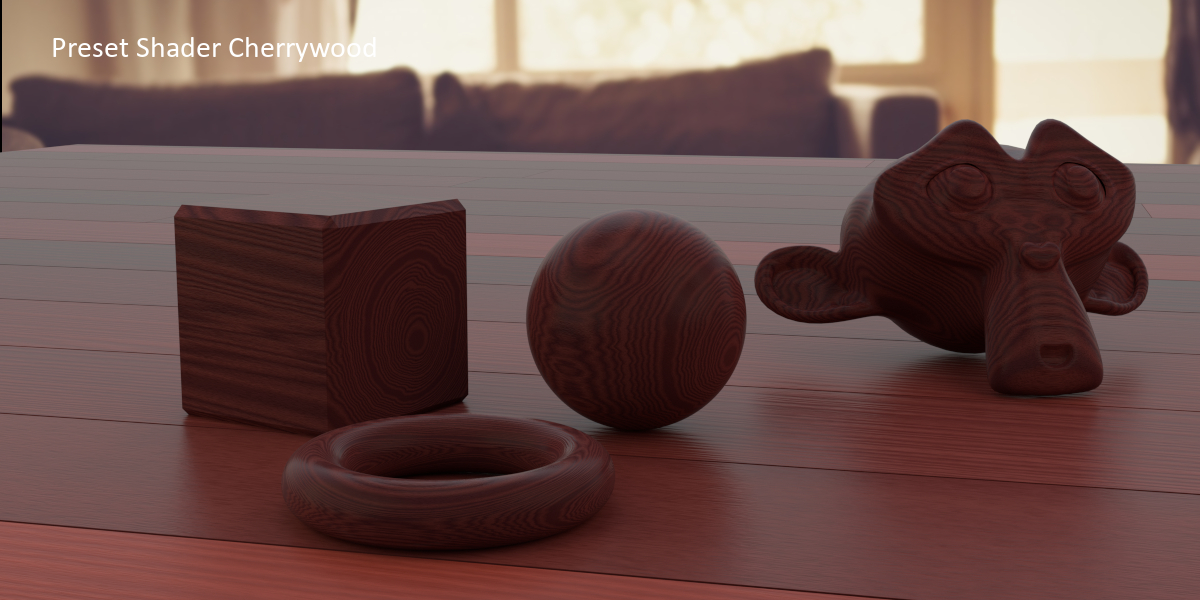
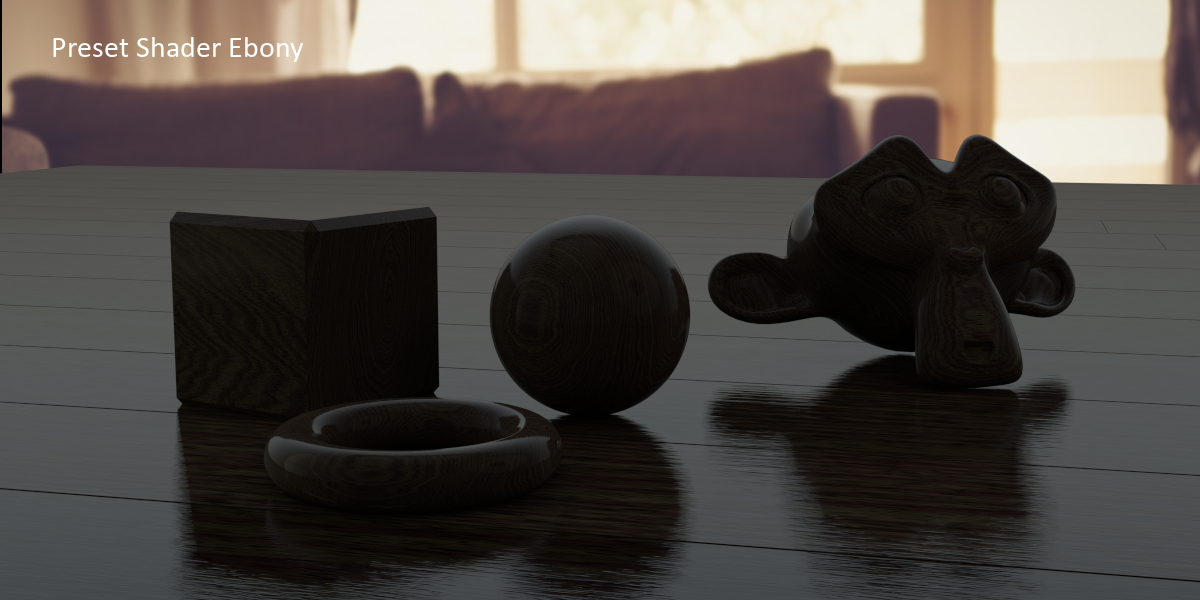
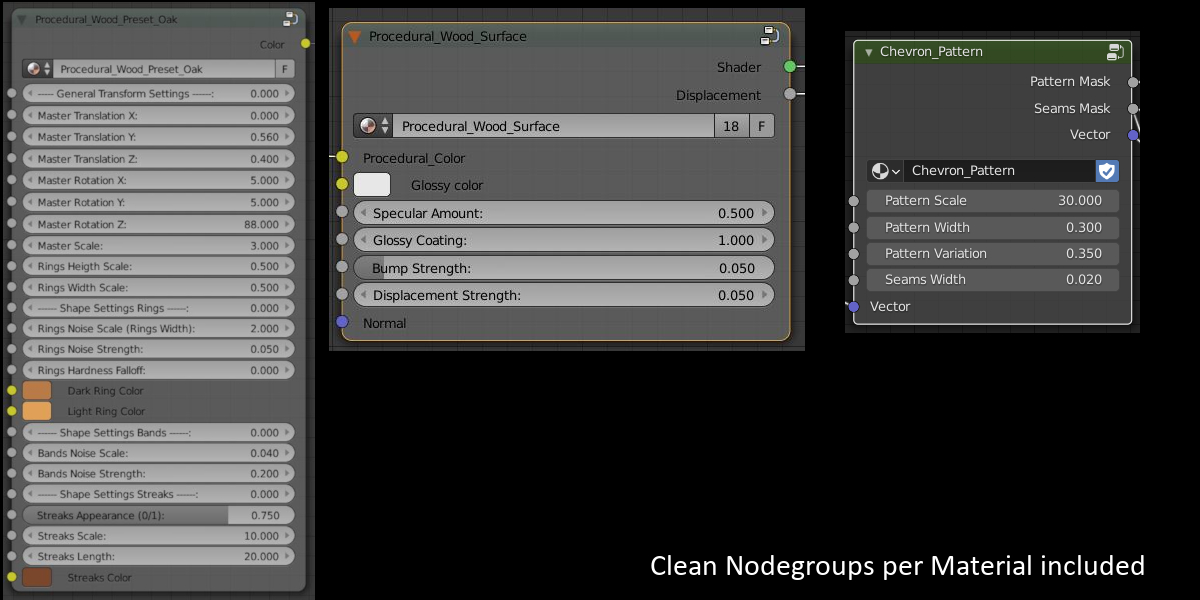


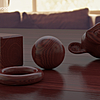
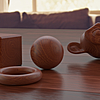
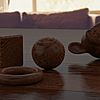
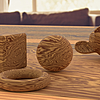
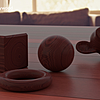
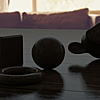
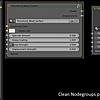
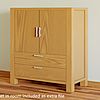
DOCUMENTATION
All Functions of the ProWood Shader Pack are explained in the Documentation which is included as a pdf within this pack,
but you can also download it here.
For Loading in the Materials into your Scene Choose "File - Append", then choose the given ProWood File, then Choose "Materials", then take the material(s) you need.
If there are still questions left, feel free to leave me a comment here, or go to my website, and i will answer your questions as soon as i can.
Have questions about this product?
Login to message
| Sales | 400+ |
| Rating | 2 ratings |
| Dev Fund Contributor | |
| Published | almost 11 years ago |
| Blender Version | 2.7x, 2.8, 2.81, 2.82, 2.83, 2.9, 2.91 |
| Render Engine Used | Cycles, Eevee |
| License | Royalty Free |
Discover more products like this
Procedure Material Teak pack Shader Cherrywood wood fall18 floor spring21 Visualization anniversary bfcm17 Archiviz spring18 visualisation architecture spring19 summer20 cyber16 oak procedural architectural bfcm18 bconf16 dev-fund walnut Beech bcon19 Olive texture collection hardwood bcon17 preset bfcm20