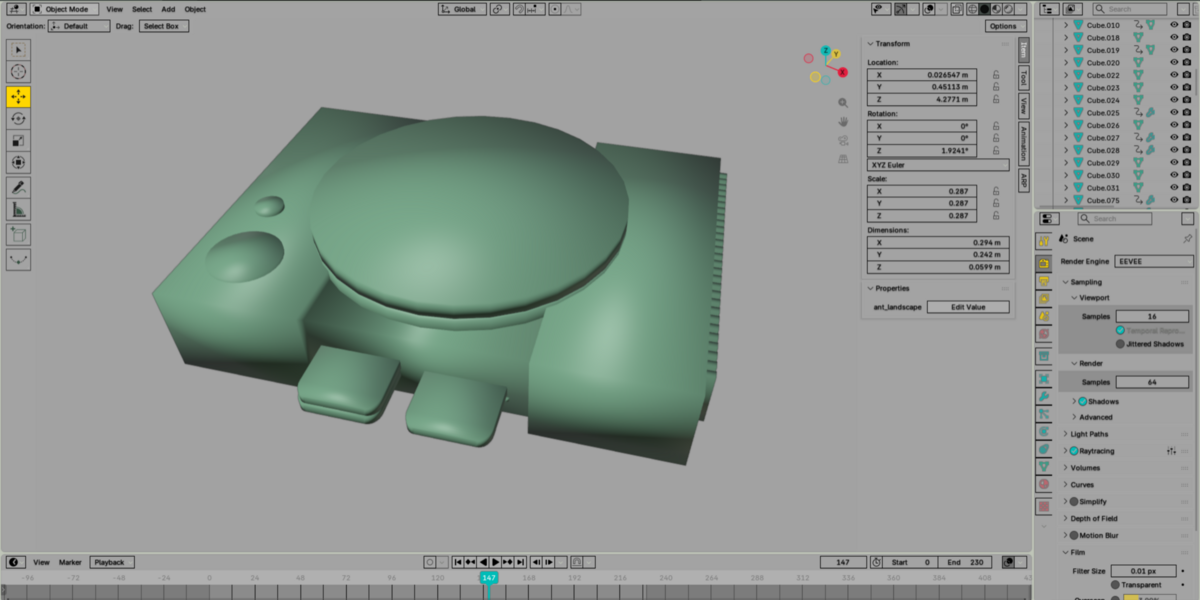
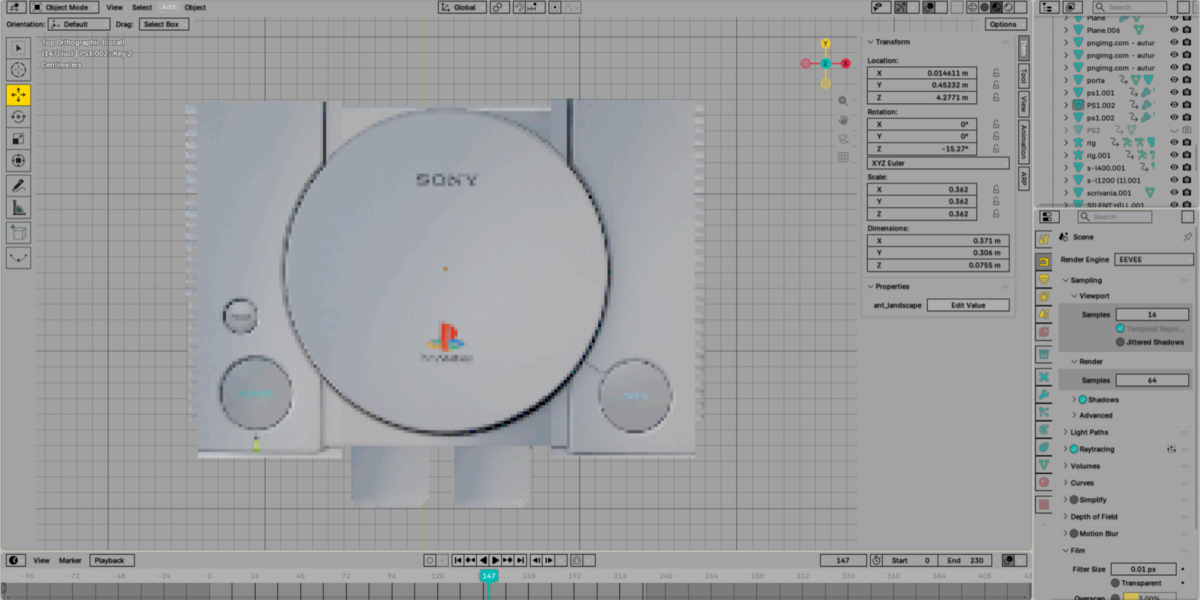
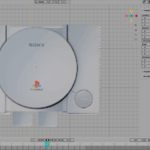
Psx Anniversary Theme Blender
 cat_tivi production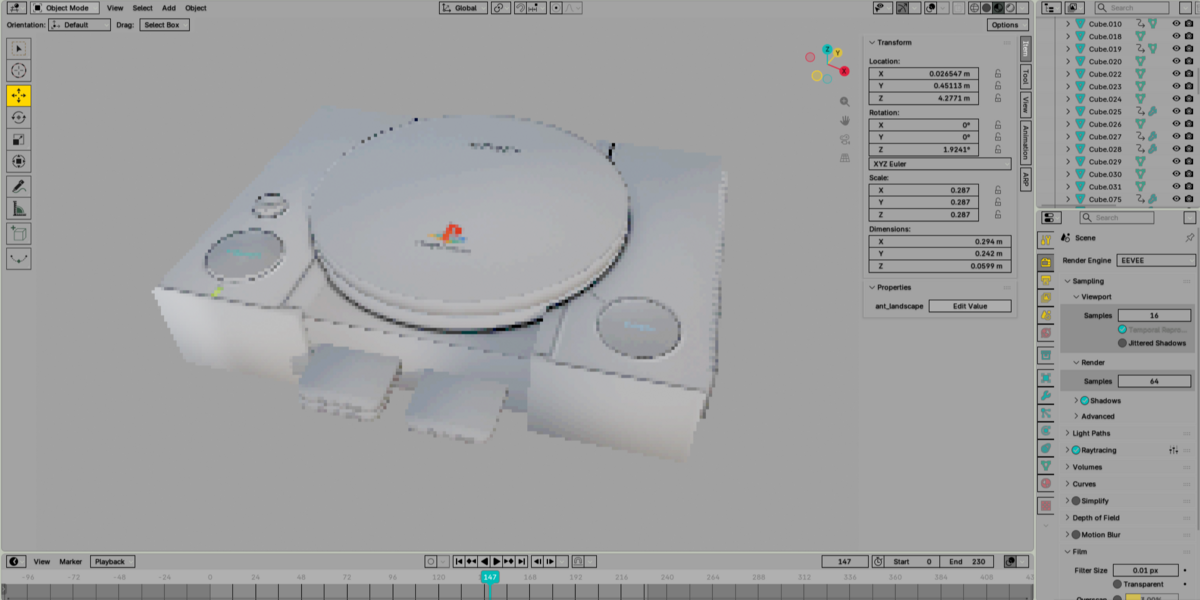
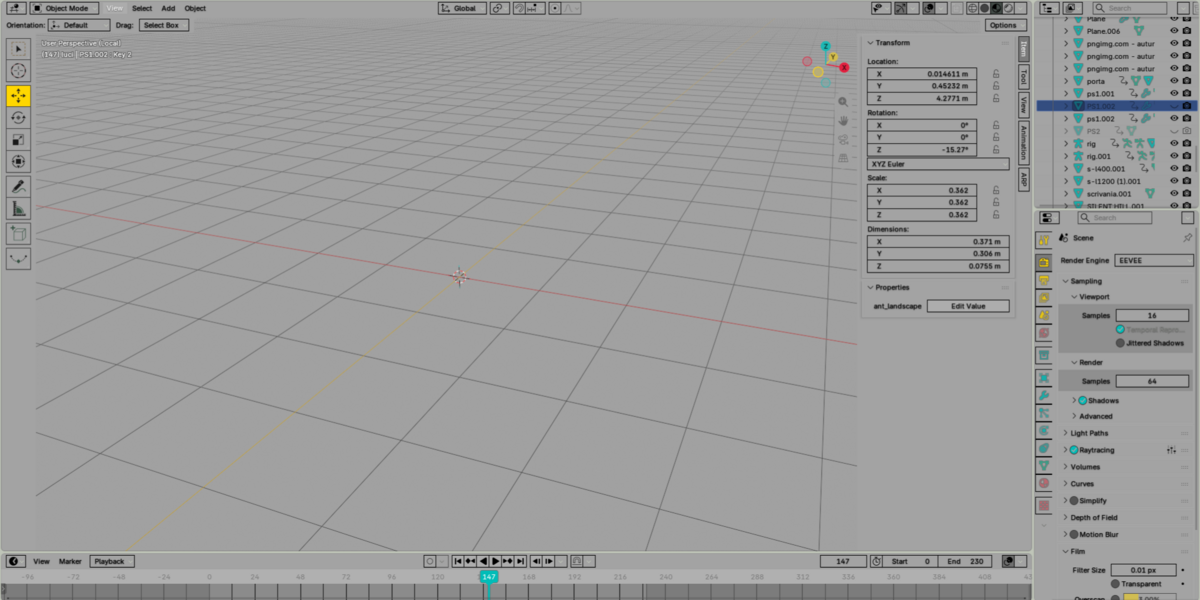
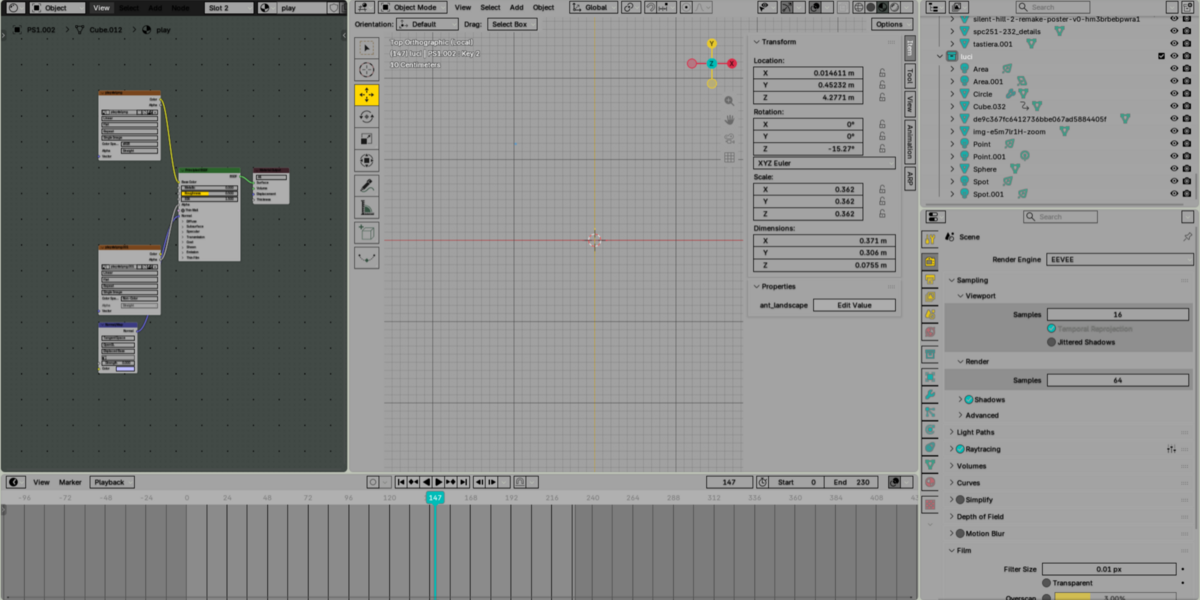
Frequently Asked Questions
How do I install PSX Anniversary Theme?
Download the theme file, open Blender and go to Edit → Preferences → Themes → Install Theme. Select the theme file and apply it.
Which Blender versions are supported?
The theme is designed for modern versions of Blender. Some interface elements may vary slightly depending on the Blender version.
Is this an addon?
No. PSX Anniversary Theme is a Blender UI theme and does not add, remove or change any Blender functionality.
Can I customize the theme?
Yes. After installation, you can adjust individual colors and interface elements through Edit → Preferences → Themes.
Can I use it for commercial projects?
Yes. You can use the theme while working on both personal and commercial projects.
Can I install it on multiple computers?
Yes, you can use the theme on your own computers. Please do not redistribute or resell the original theme file.
Have questions about this product?
Login to message
| Published | 26 days ago |
| Blender Version | 4.4 - 5.2 |
| Extension Type | N/A |
| Render Engine Used | Cycles, Eevee |
| License | Mit |
Discover more products like this
psx ps1 90s Retro Gaming retro low poly blender playstation nostalgia 32 bit blender-theme Retro UI