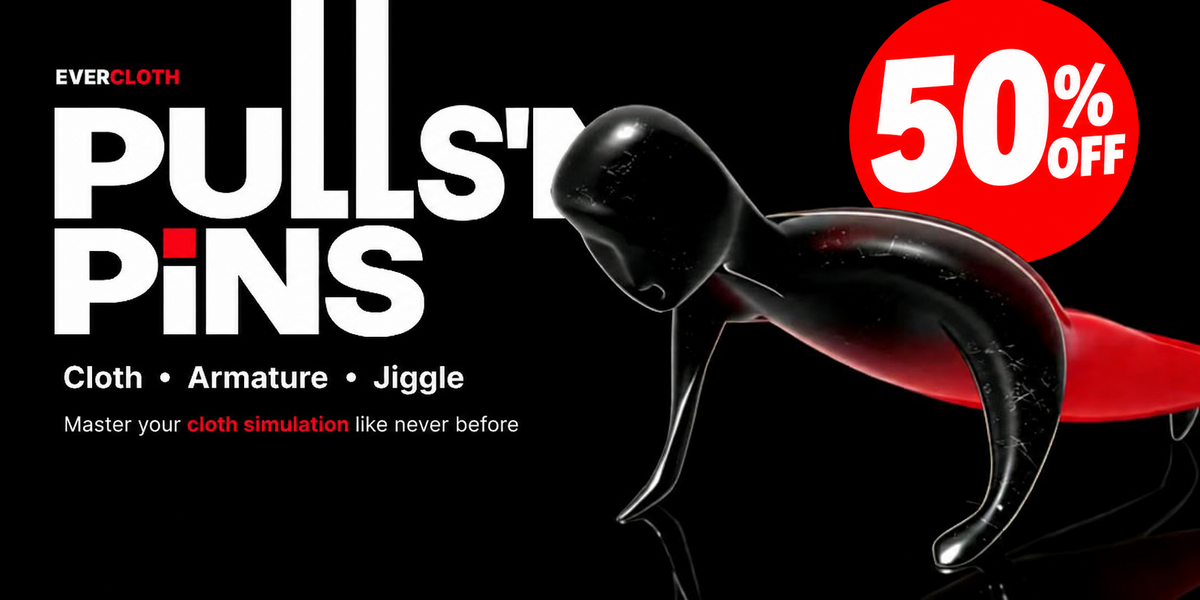
 PULLS'NPiNS
BLENDER 3.6 – 5.2
THE TOOL

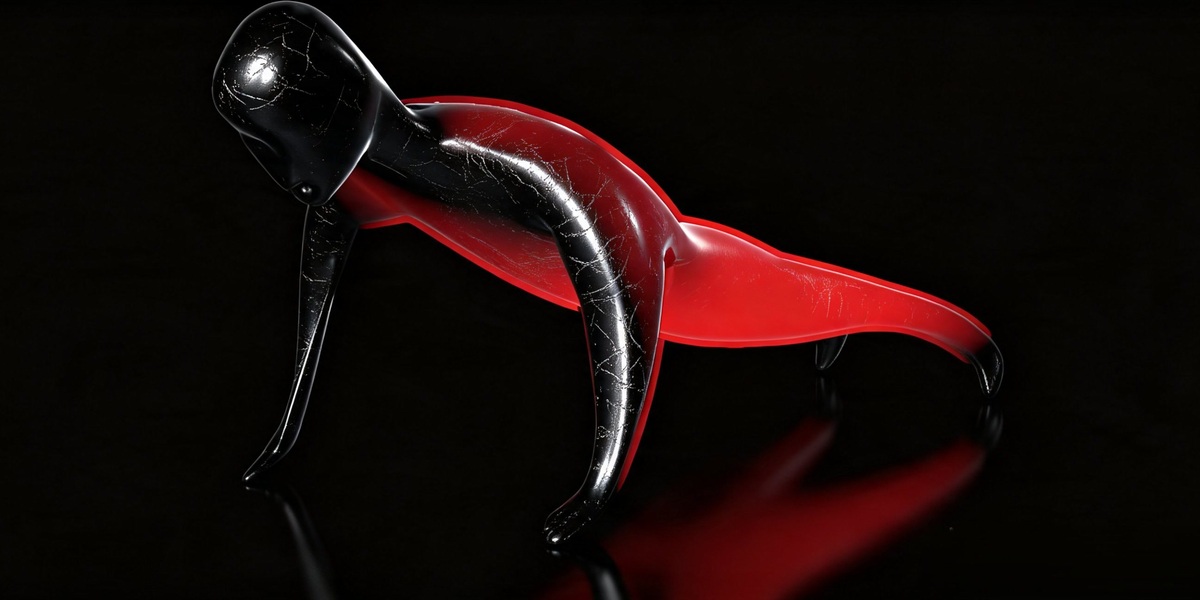
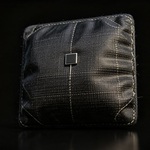
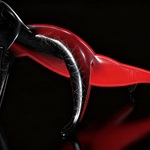
Cloth and jiggle usually mean modifier stacks, cache settings and test bakes. EverCloth PULLS’N PINS skips all that: select vertices or bones, press Enter twice, and it simulates.
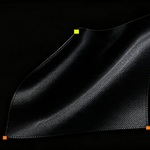
Pull and pin the cloth with your mouse, then let go. It keeps simulating.
HOW IT WORKS
1
SELECT
Mesh, vertices or bones
2
PRESS ENTER
Builds the proxy. Press Enter again to start
3
PLAY
Pull, pin, watch it move
(function(){var f=document.getElementById("pnp-vid");if(!f)return;var heard=false;function c(n,a){try{f.contentWindow.postMessage(JSON.stringify({event:"command",func:n,args:a||[]}),"*")}catch(e){}}function vol(){c("setVolume",[50])}f.addEventListener("load",function(){setTimeout(vol,600);setTimeout(vol,2000)});function unmute(){heard=true;vol();c("unMute");vol();setTimeout(vol,300)}["pointerdown","touchend","keydown"].forEach(function(t){document.addEventListener(t,function h(){document.removeEventListener(t,h);unmute()},{passive:true})});if("IntersectionObserver" in window){new IntersectionObserver(function(es){es.forEach(function(e){if(e.isIntersecting){vol();c("playVideo");if(heard){c("unMute");vol()}}else{c("pauseVideo")}})},{threshold:0.5}).observe(f)}})();
BEFORE / AFTER


01 — PULL

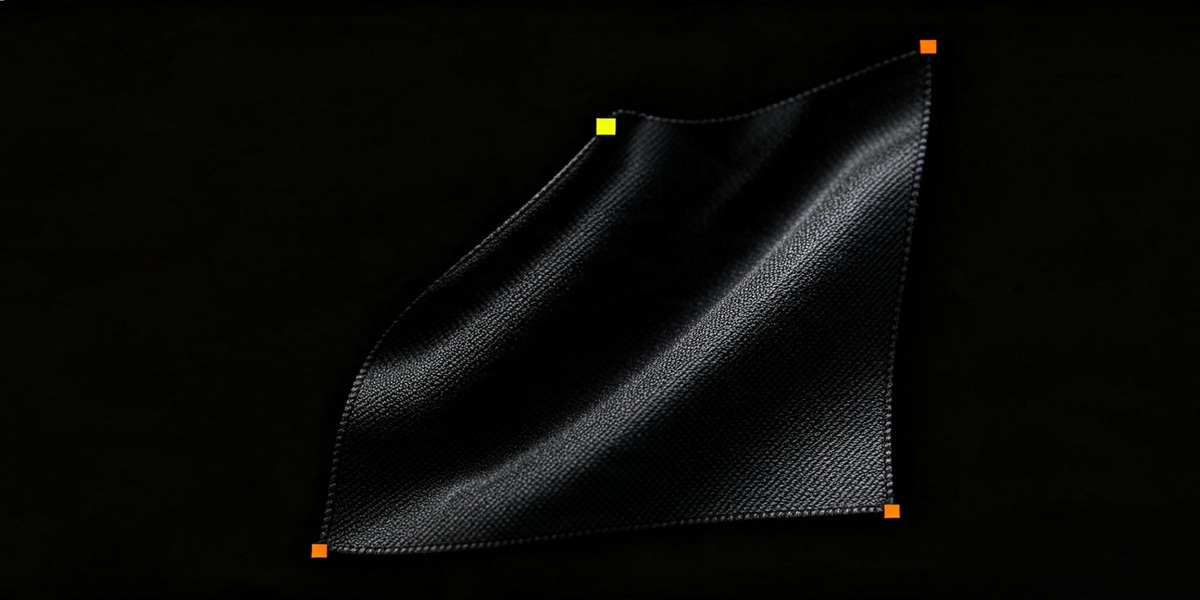
Grab the cloth, pull it into place and pin it. Let go and it keeps simulating.

02 — PRESETS

Select a preset, tweak the values, and save your own custom presets for next time.
03 — PINS

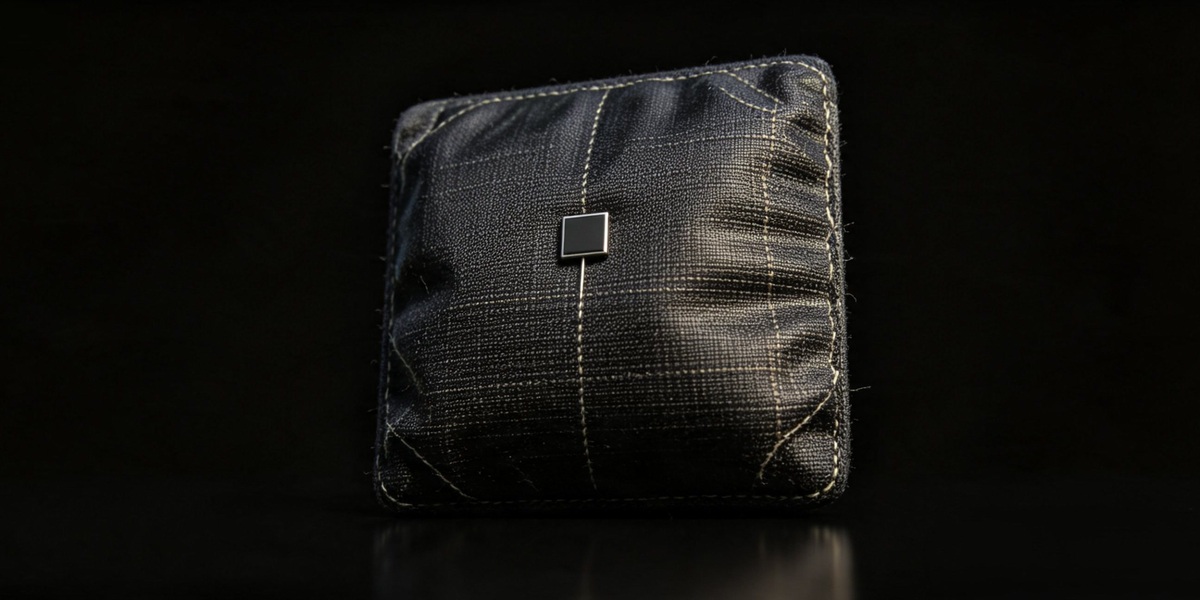
Attach objects or bones to a pin and they follow the live surface. Connect and Disconnect are keyframed, so nothing pops.
04 — ANIMATE

Convert pins to Empties or Blender Hooks, keyframe them, then release the cloth when the shot needs it.
05 — BONES

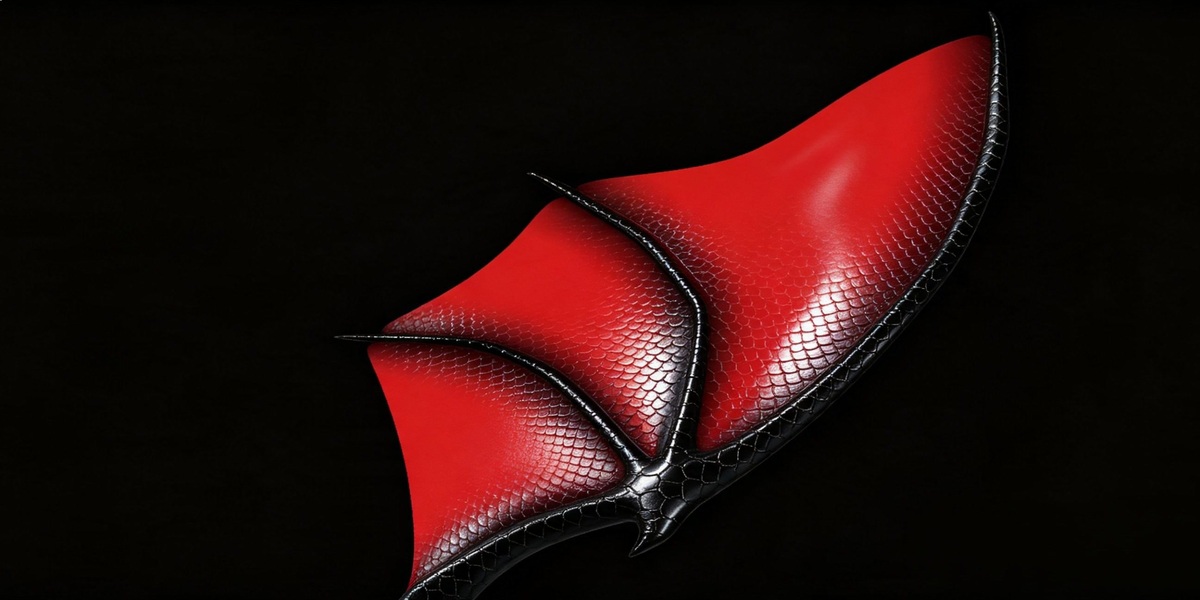
Bone-driven jiggle and secondary motion for body parts, tails, ears, hair, wings and straps. Choose Rod, Edge or Plane proxies.
06 — ARMATURE

Works on Rigify armatures. Your bones follow the simulated motion.


07 — DUMMY MESH

A lightweight stand-in runs the simulation and your detailed mesh follows. Heavy meshes stay fast and stable.
08 — INFLATE

Inflate or deflate a whole mesh, or only the vertices you select.
09 — WEIGHTS

Paint pins, stretch, shear, bend and shrink per vertex, in Edit Mode or Weight Paint.
10 — BAKE

Bake the simulation to keyframed Shape Keys. Playback needs no Cloth solver or Pin Empties. Use Bake to Shape Reel or Seamless Loop, then export or share the .blend.

Select, press Enter, done.

Physics-driven, like real fabric.

Sim went sideways? Reset and retry.

First pin to finished animation.
WHO IT’S FOR
● Animators who need quick secondary motion
● Motion designers building loops: flags, banners, fabric, straps
● Character artists adding jiggle and bone-driven motion
● Studios that want one simple tool for the team
GOOD TO KNOW
● Blender 3.6 – 5.2. One .zip for every version.
● Install. 4.2+: drag the .zip into Blender. 3.6 – 4.1: Preferences > Add-ons > Install.
● Open. N panel > PULLS’N PINS, or Ctrl+Shift+Enter for a floating panel.
● Baking. Animated objects bake normally. Manual movement during a bake is recorded.
● Theme colours. It recolours baked keyframes.(dark green, neon lime when selected). Disable: Preferences > Add-ons > PULLS’NPiNS EverCloth > Color Baked Keys in Theme.
