PULLS'NPiNS EverCloth
 PULLS'NPiNS
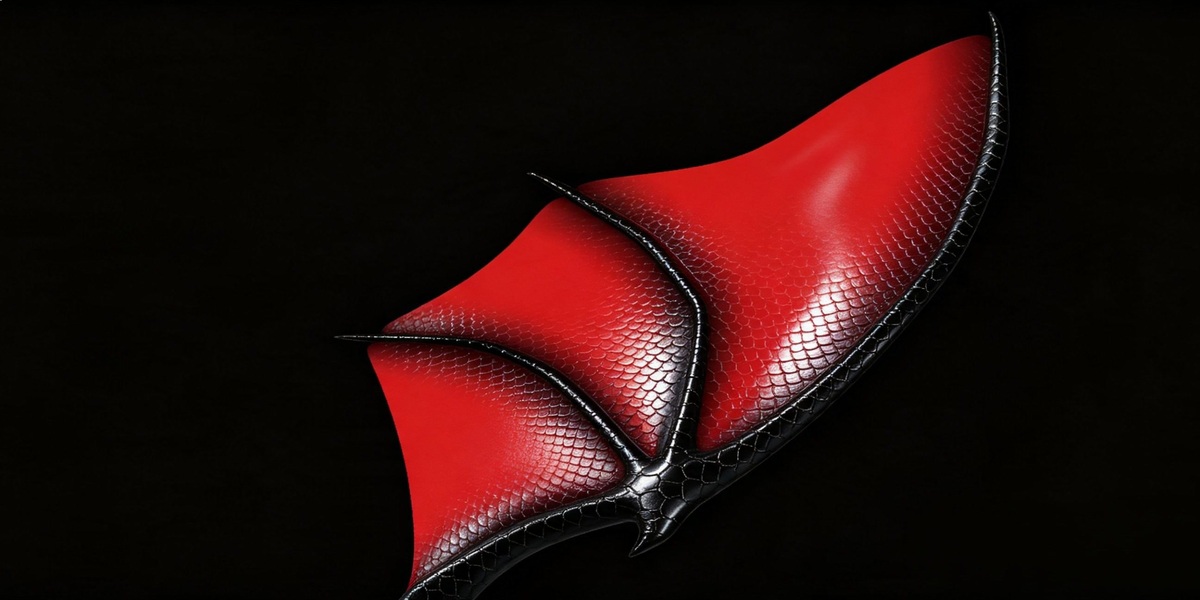
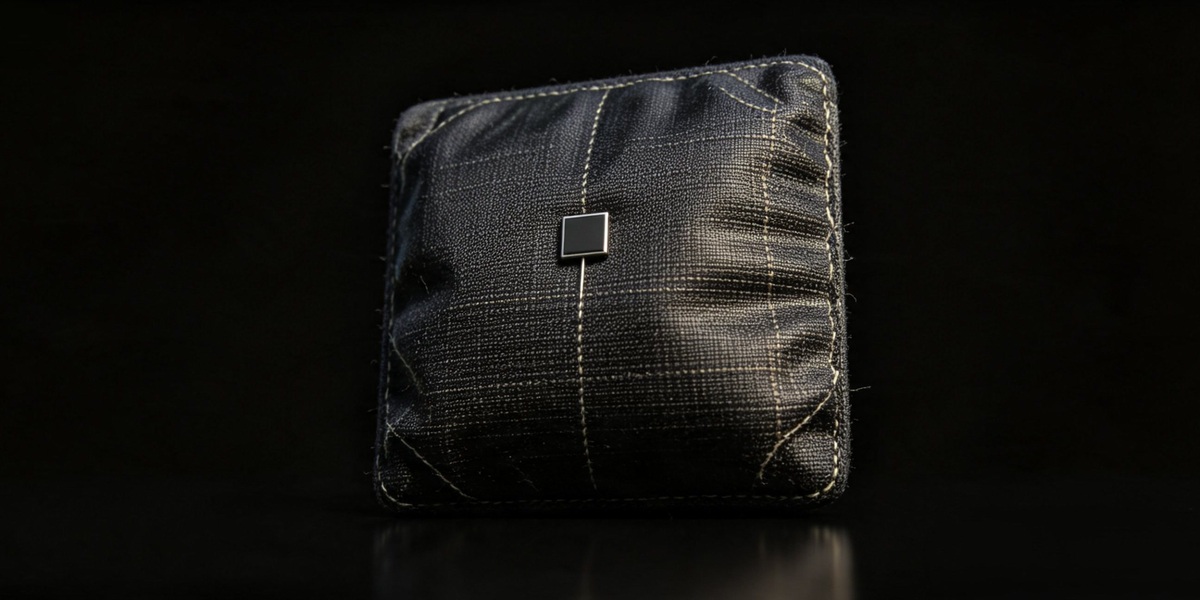
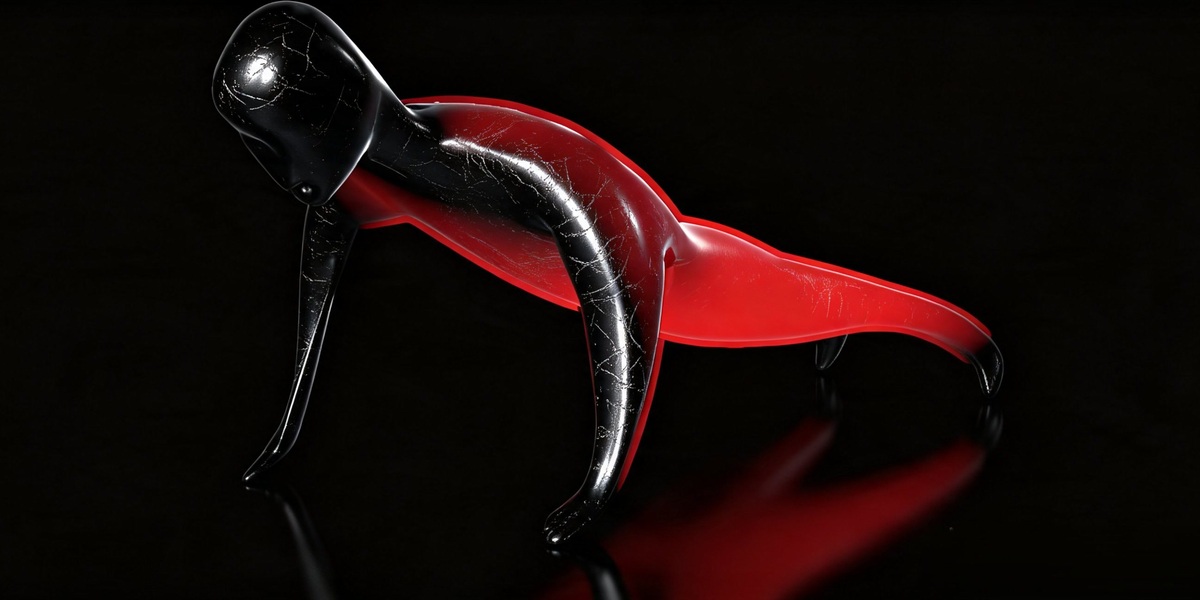
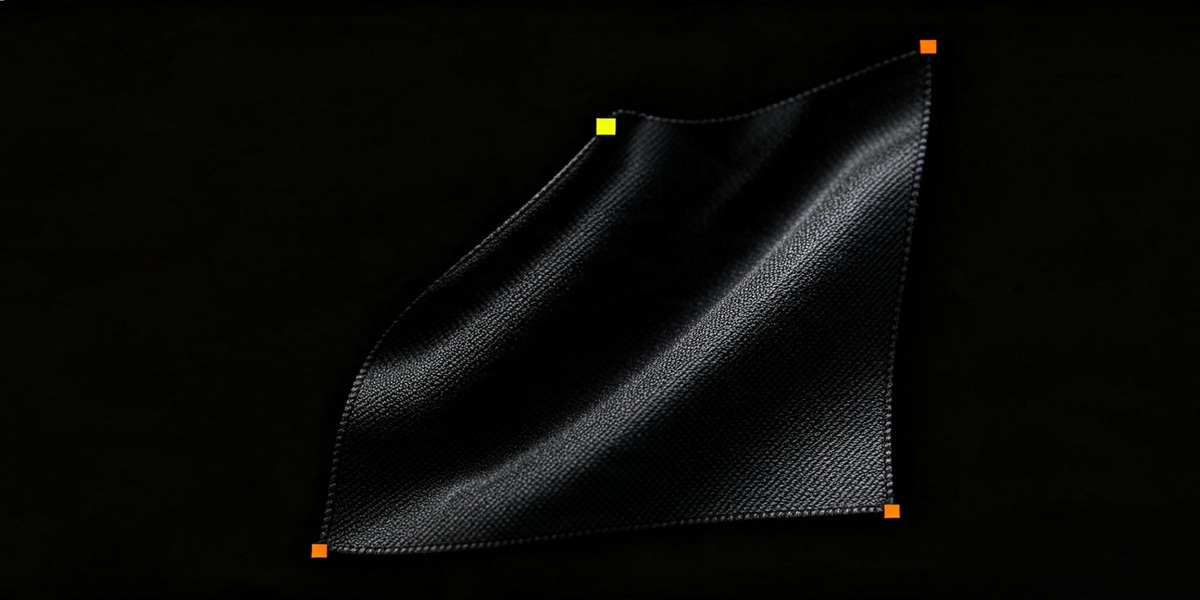

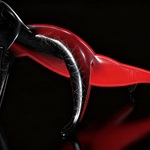
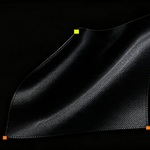
Select it. Press Enter twice. Watch it move.
PULLS'NPiNS turns almost anything in Blender into a physics simulation with the simplest setup you will find. Select the vertices or the bones you want to simulate, then hit Enter twice. That's the whole setup. Works in Blender 3.6 to 5.2.
It works on many kinds of objects:
- Plane cloth: flags, curtains, capes, tablecloths. Pull, pin and drape them with the mouse.
- Meshes with volume: soft bodies, jiggle and inflate/deflate on a whole mesh or just the vertices you select.
- Rigged meshes and armatures: select bones and get secondary motion on tails, hair, ears and straps.
Once it is running you stay in control. Grab and move anything, switch presets, add pins that you animate and release, or paint your own physics weights.
And the most powerful part: turn the simulation into shape key animation (a Shape Reel) instantly. One click freezes the sim into keyframed Shape Keys, either with Bake to Shape Reel or straight into a loop with Bake Seamless Loop. It plays back with no solver and works anywhere Shape Keys do.
Need help? Join the community on Discord and see Help and Support at the end of this page. Tutorials and demos are on YouTube.
Have questions about this product?
Login to message
| Blender Extension Compatible | Yes |
| Published | about 22 hours ago |
| Blender Version | 3.6 - 5.2 |
| Extension Type | Add-on |
| Render Engine Used | Cycles, Eevee |
| License | GPL |
Discover more products like this
3d cloth animation loop armature 3D Simulation Cloth to shapekeys wiggle jiggle bake