 PulseBake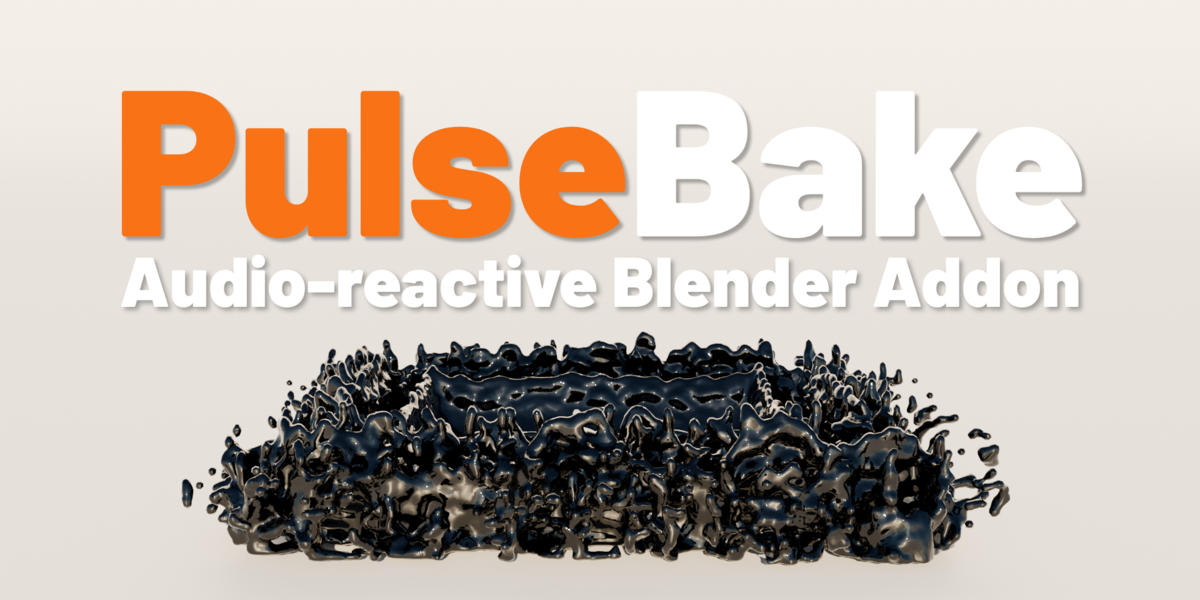


---
PulseBake — Audio-Reactive Animation for Blender
Make your objects, lights, and materials respond to music — fully automated, baked to keyframes, render-ready.
PulseBake analyzes your audio file and bakes the reaction directly into your scene as keyframes. No drivers. No real-time playback. Just hit Bake and render.
WHAT IT DOES
Object Effects — combine any of these on your mesh objects:
• Scale — the object scales up when audio energy hits
• Bounce — the object jumps on the beat
• Treble Color — material color shifts with high-frequency content
• Emission Glow — material glows based on audio energy (quiet + on beat)
For each effect you choose which frequency range drives it — bass, mids, treble, or the full spectrum.
Light Reaction — your light's color and brightness react to the audio.
Camera Shake — the camera moves and rotates on the beat.
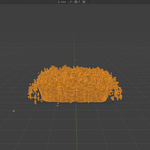
Smoke & Fire — a smoke or fire emitter bursts on the beat. Perfect for flame thrower or fog machine effects.
Fluid Force — a force field pushes a fluid simulation to the beat. Works with Blender's native Mantaflow liquid simulations.
Multi-Band — select any number of objects, each reacting to its own slice of the frequency spectrum simultaneously.
Phase Offset — animate multiple objects with a ripple delay:
• Linear — delay increases object by object (wave effect)
• Radial — delay increases by distance from a center point (ripple effect)
Apply to Selected — bake all selected objects at once with one click.
KEY FEATURES
✓ One-click baking — pick your audio, set your options, hit Bake
✓ Keyframe-based output — works with Cycles and EEVEE
✓ Combine effects freely — Scale + Bounce + Glow all at once
✓ Phase Offset Ripple — stunning wave effects across object arrays
✓ Multi-Band — any number of objects, each on its own frequency band
✓ Smoke & Fire and Fluid Force simulation support
✓ Light Reaction and Camera Shake included
✓ Auto-Update Check — notified when a new version is available
✓ Clean uninstall — removes all PulseBake data from your scene
REQUIREMENTS
• Blender 5.0 or newer
• Supported audio formats: WAV, MP3
• Treble Color and Emission Glow require a material on the object
LICENSE
GNU General Public License v3 (GPL-3.0)
────────────────────────────────────────
HOW TO INSTALL PULSEBAKE
1. Download the ZIP file (PulseBake_v2.0.0.zip) — do NOT unzip it.
2. Open Blender and go to: Edit → Preferences → Add-ons → Install...
3. Select the downloaded ZIP file and click "Install Add-on".
4. Enable the addon by checking the checkbox next to "PulseBake".
5. Find PulseBake in the 3D Viewport: Press N to open the sidebar → click the "PulseBake" tab. You're ready to go.
UPDATING TO A NEW VERSION
1. Remove the old version: Edit → Preferences → Add-ons → search "PulseBake" → Remove
2. Install the new ZIP as described above.
TROUBLESHOOTING
• Addon not visible? Make sure you enabled the checkbox after installing.
• Audio not loading? Make sure your file is WAV or MP3.
• Something else? Contact support at [email protected].
────────────────────────────────────────
