 pavelvesnin



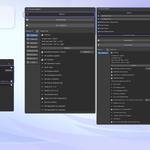
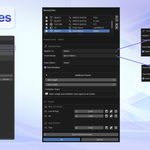
PV Asset Validator is a Blender add-on designed to help artists identify common asset issues before export to game engines, clients, or marketplaces.
Instead of manually checking assets under time pressure, the add-on provides a structured validation process that highlights potential problems early and helps maintain consistent asset quality across different pipelines.
PV Asset Validator focuses on practical, production-oriented checks and avoids destructive operations. It reports issues clearly and offers safe fixes only where automatic correction does not risk data loss.
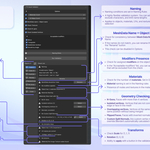
What the add-on checks
-
Object naming
- User-defined naming rules (prefixes, suffixes, optional regex)
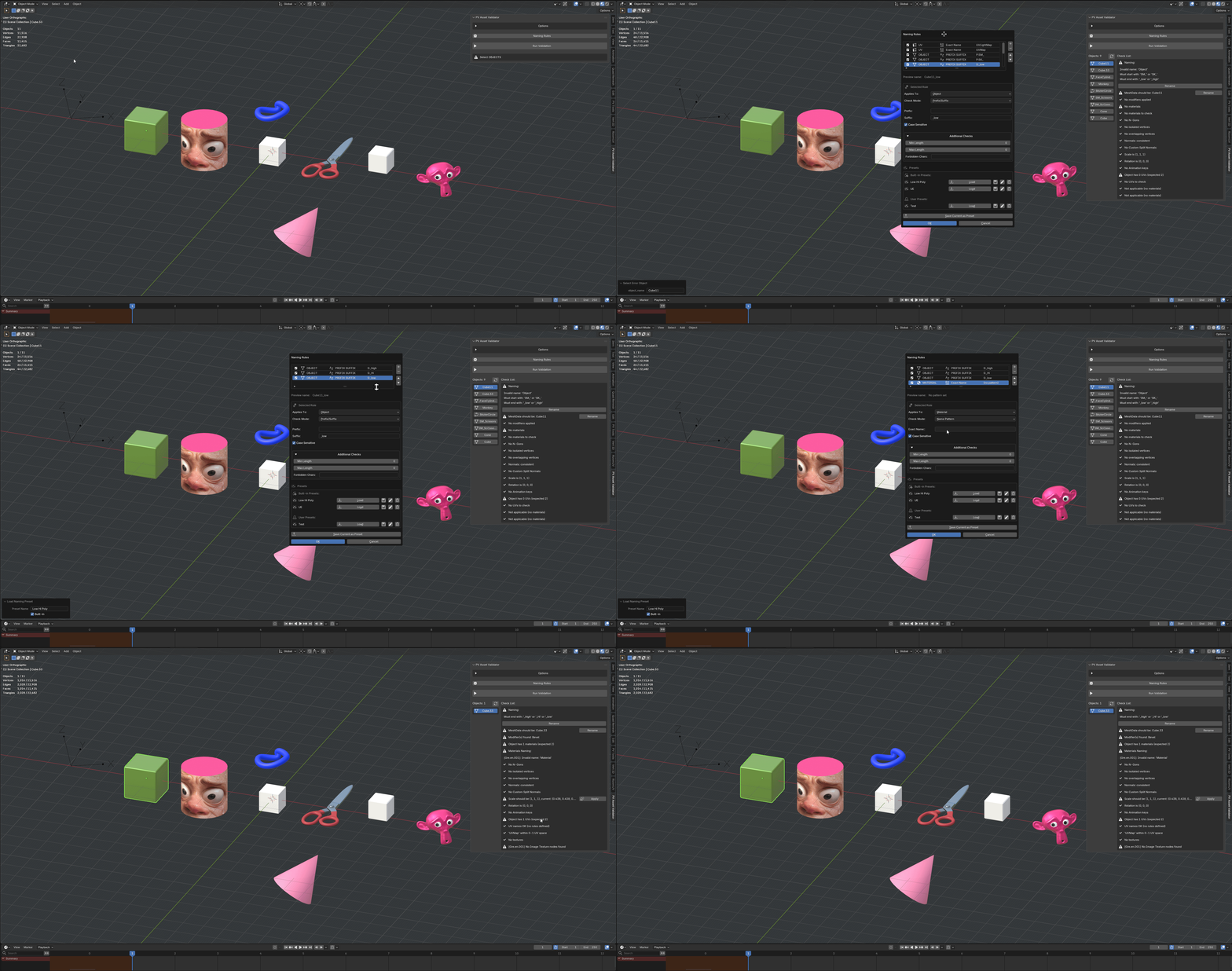
- Naming conditions are set in Naming Rules
- A highly flexible validation system. You can add conditions, exclude characters, and limit name lengths
- Applies to objects, materials, UVs, and textures depending on the selection
-
MeshData Name = Object Name
- Check for consistency between Mesh Data Name and Object Name
- If the names do not match, you can rename them using the ”Rename” button
- This check can be disabled in Options
-
Modifiers Presence
- Check for assigned modifiers on the object
- In the "Acceptable modifiers" list, you can select modifiers that will be excluded from the check
-
Materials
- Check for the number of materials. Set in Options
- Material naming is set in the Naming rules
- Presence of nodes and textures in the material
-
Geometry checking
- N-Gons. Faces with more than 4 vertices
- Isolated vertices. Vertices that are not connected to any edge or face in the mesh
- Overlapping vertices. Vertices at the same or nearly the same position without being merged
- Flipped Faces. Faces with inverted normals
- Custom Split Normals. Are custom vertex normals that override Blender’s automatically calculated normals
-
Transforms
- Check Scale for (1, 1, 1)
- Rotation (0, 0, 0)
- Ability to apply with a button in the validator
-
Animation keys
- Check for presence of animation keys
- Ability to clear them
-
UVs
- Check the number of UV maps (set in Options)
- UVs naming is set in the Naming rules panel
- Check for UV coordinates within the 0–1 range
-
Textures
- Check for presence of textures in each material
- Textures naming is set in the Naming Rules panel
Workflow-oriented design
Validation runs on a fixed list of objects for stable, predictable results
Clear validation list with direct links to problematic objects
Optional Safe Fixes for selected issues
-
Fully configurable validation options per run
If you run into any issues or have questions, don’t hesitate to contact me.
Bug reports and feature requests:
Please report issues via GitHub Issues: https://github.com/vesninpavel/CheckList/issues/