 3DPRS
3DPRS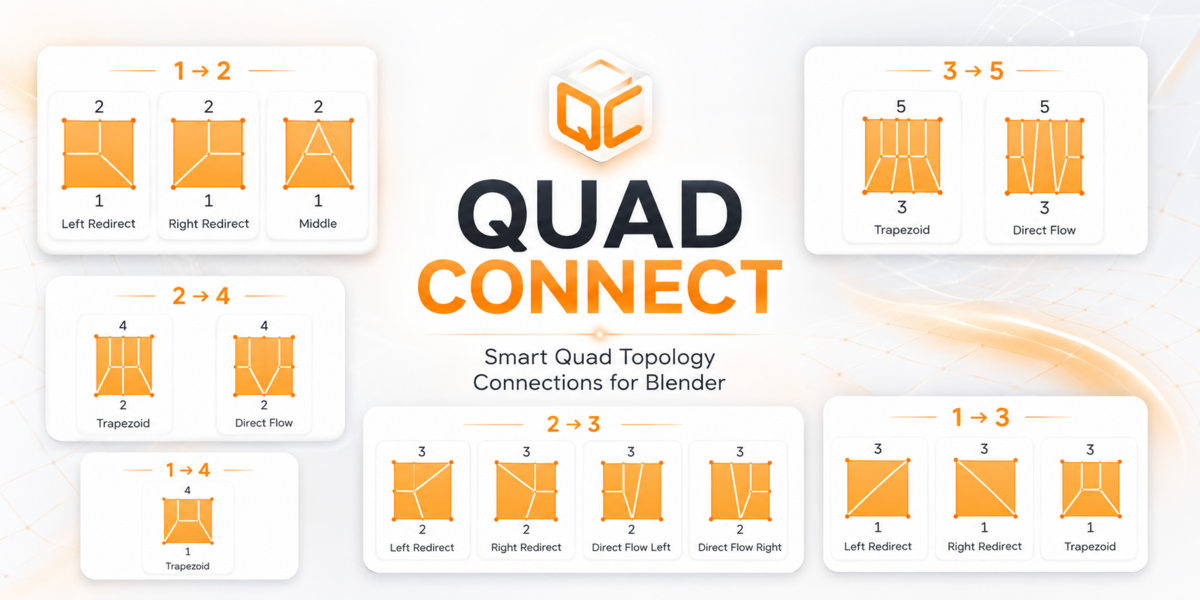

BLENDER MODELING ADD-ON
Quad Connect
Fast, Clean Quad Topology Connections
Quad Connect intelligently bridges uneven edge selections and creates clean quad topology without the usual manual cutting, sliding, and cleanup.
Topology Patterns
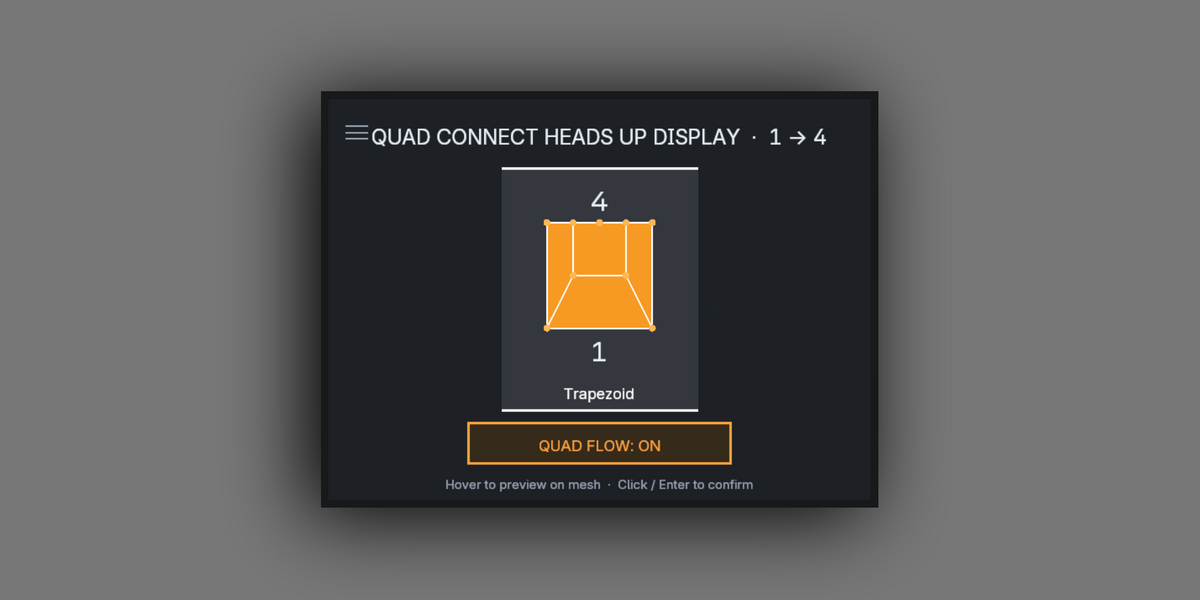
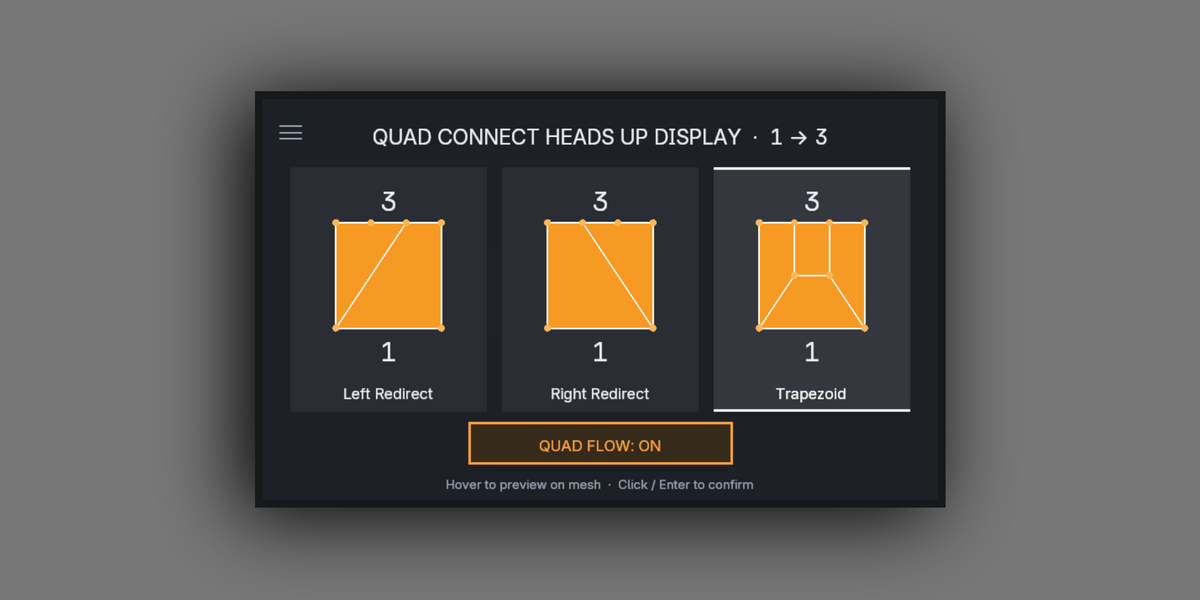
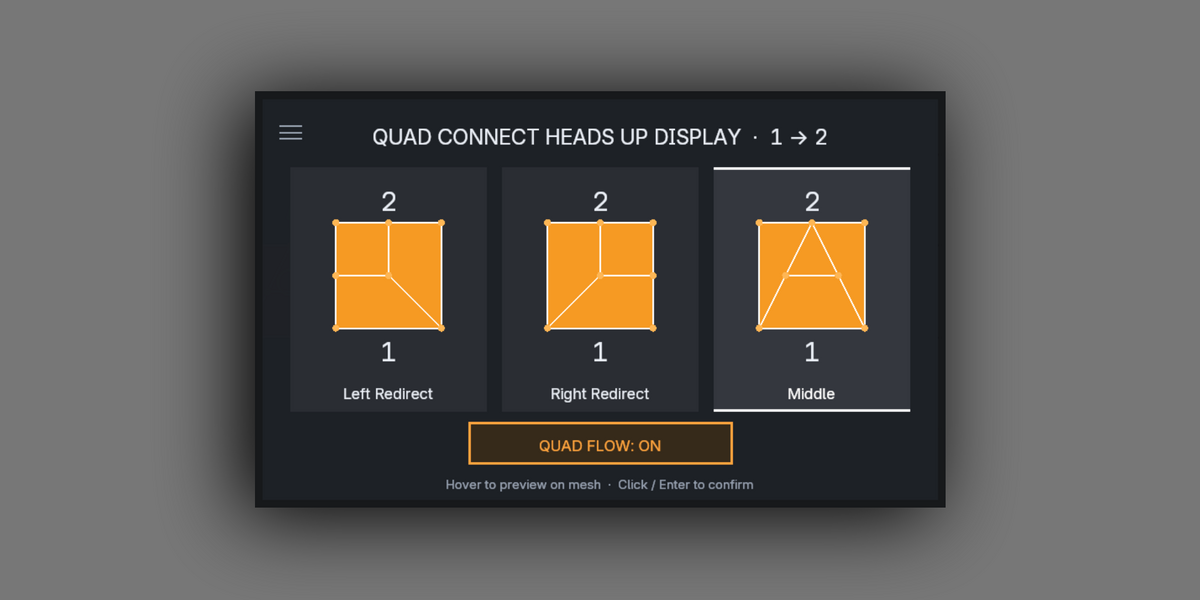
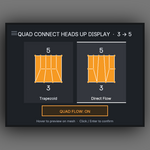
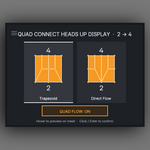
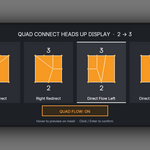
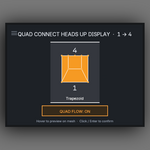
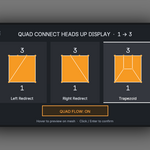
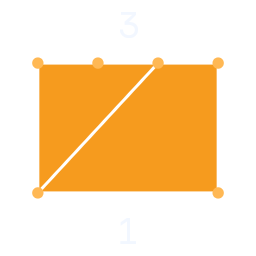
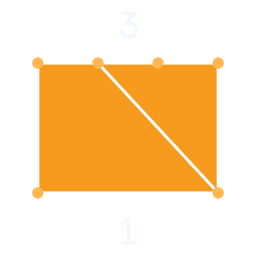
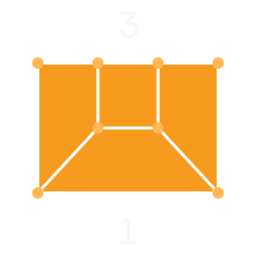
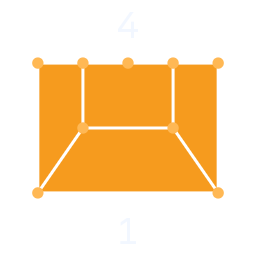
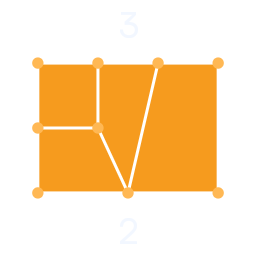
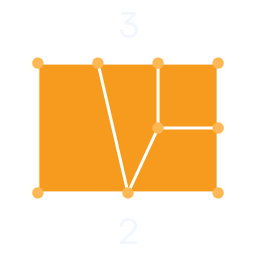
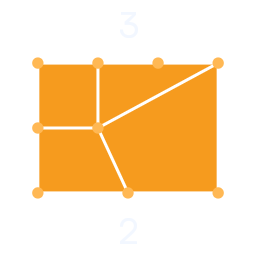
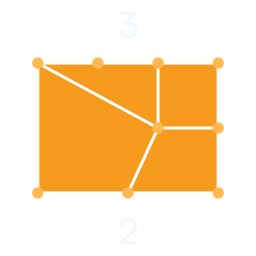
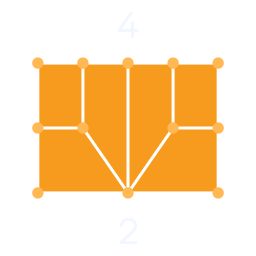
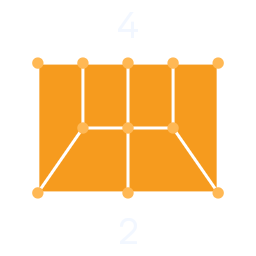
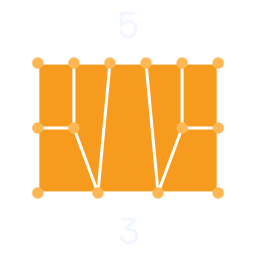
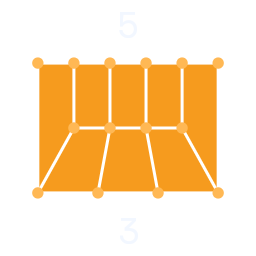
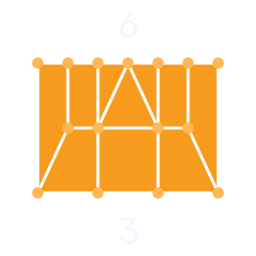
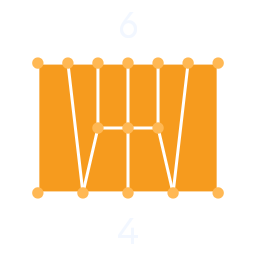
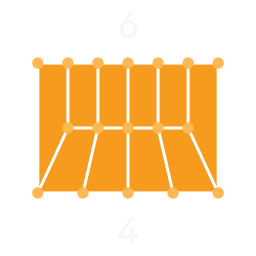
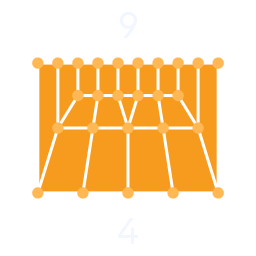
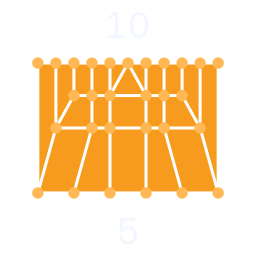
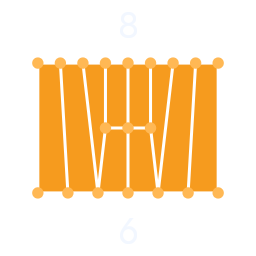
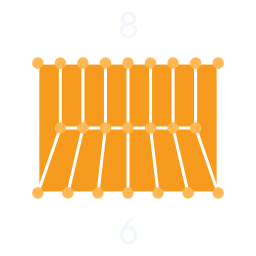
Dedicated connection patterns for common uneven edge transitions.
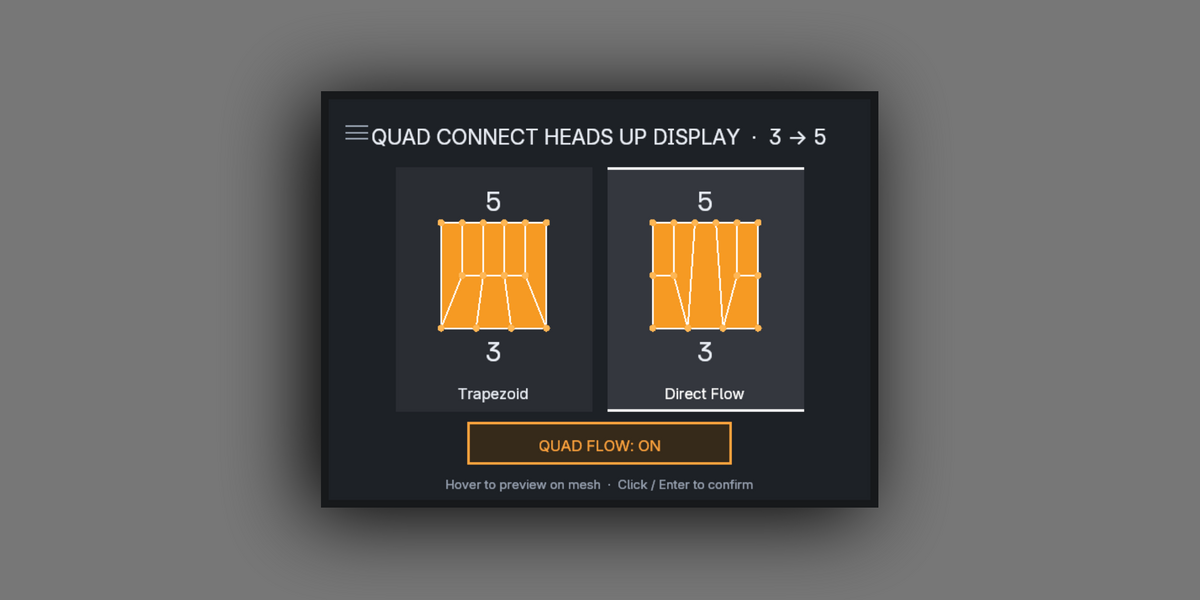
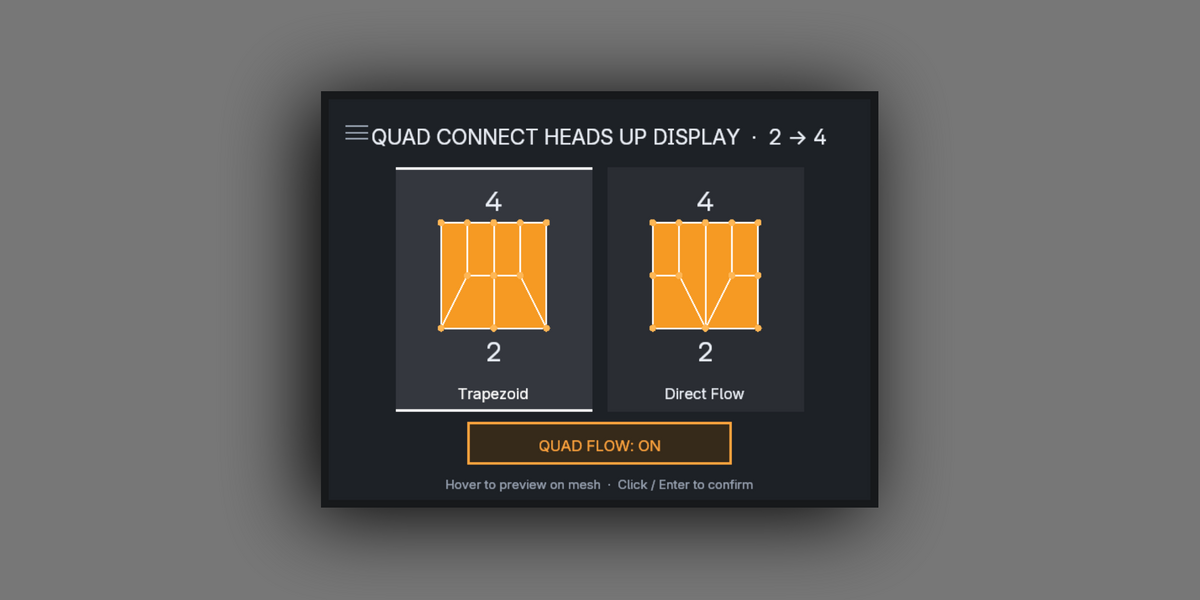
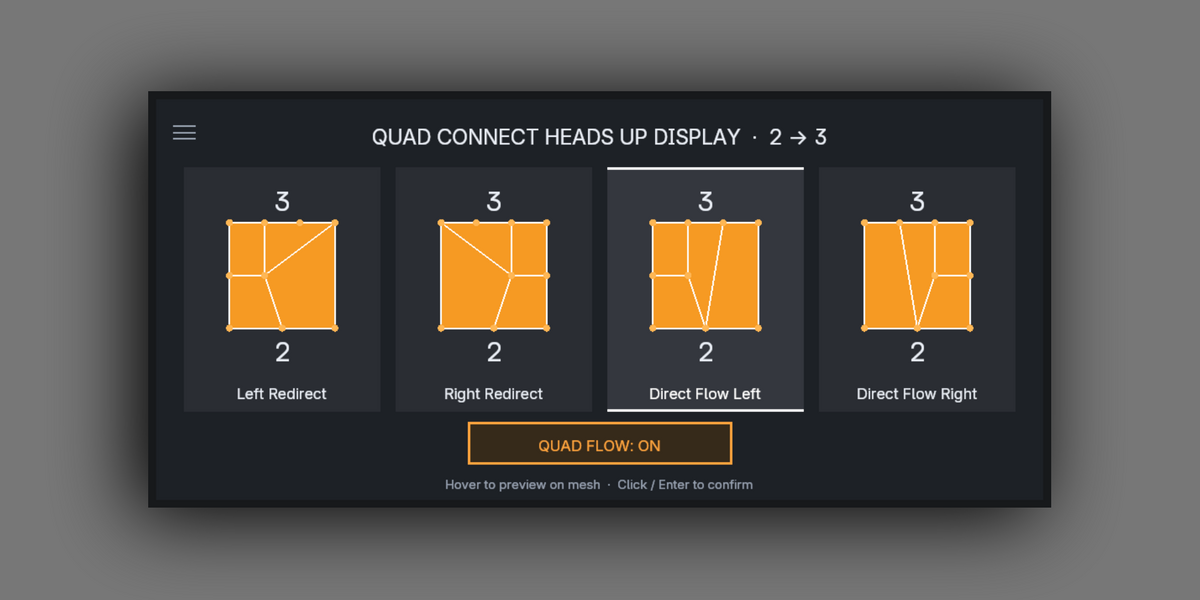
1 → 2 1 → 3 2 → 3 2 → 4 3 → 5
3 → 6 4 → 6 4 → 9 5 → 10 6 → 8
Also includes Direct Flow, Trapezoid Connect and Left / Right Redirect topology tools.
Current Connect Patterns
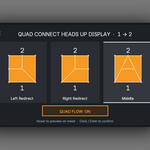
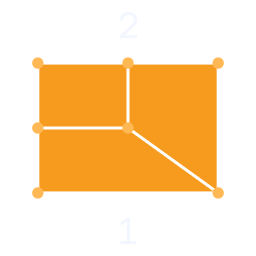
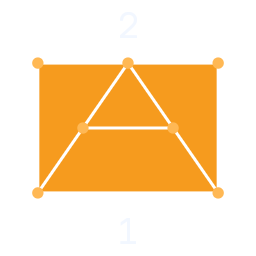
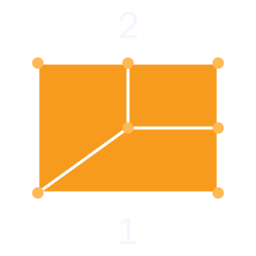
A visual overview of the connection patterns currently available in Quad Connect.
 |  |  |  |  |  |
 |  |  |  |  |  |
 |  |  |  |  |  |
 |  |  |  |
Core Features
| • Intelligent Edge Detection | • Clean Quad Generation |
| • Automatic Vertex Ordering | • Left & Right Redirect Tools |
| • Direct Flow Connect | • Trapezoid Connect |
| • Optional Quad Flow Alignment | • Works Directly in Edit Mode |
Built for Precision Modeling
| • Hard Surface Modeling | • Subdivision-Ready Topology |
| • Controlled Edge Flow | • Fast Topology Cleanup |
Spend Less Time Fixing Topology
Quad Connect replaces repetitive manual topology work with fast, predictable quad transitions built for clean production-ready modeling.
