 3DPRS
3DPRS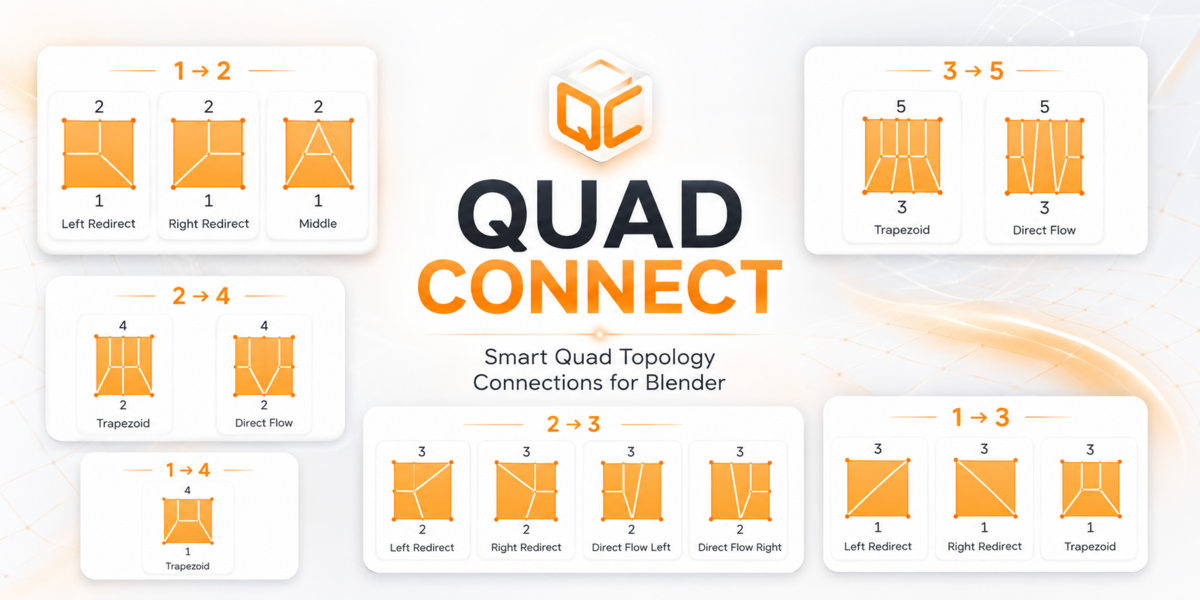
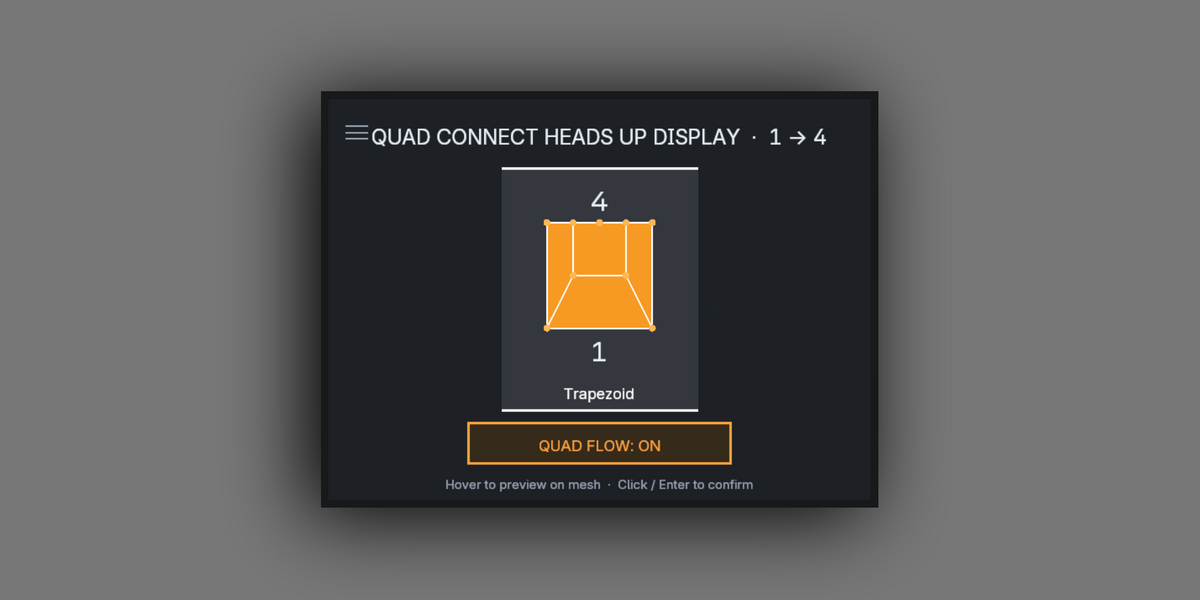
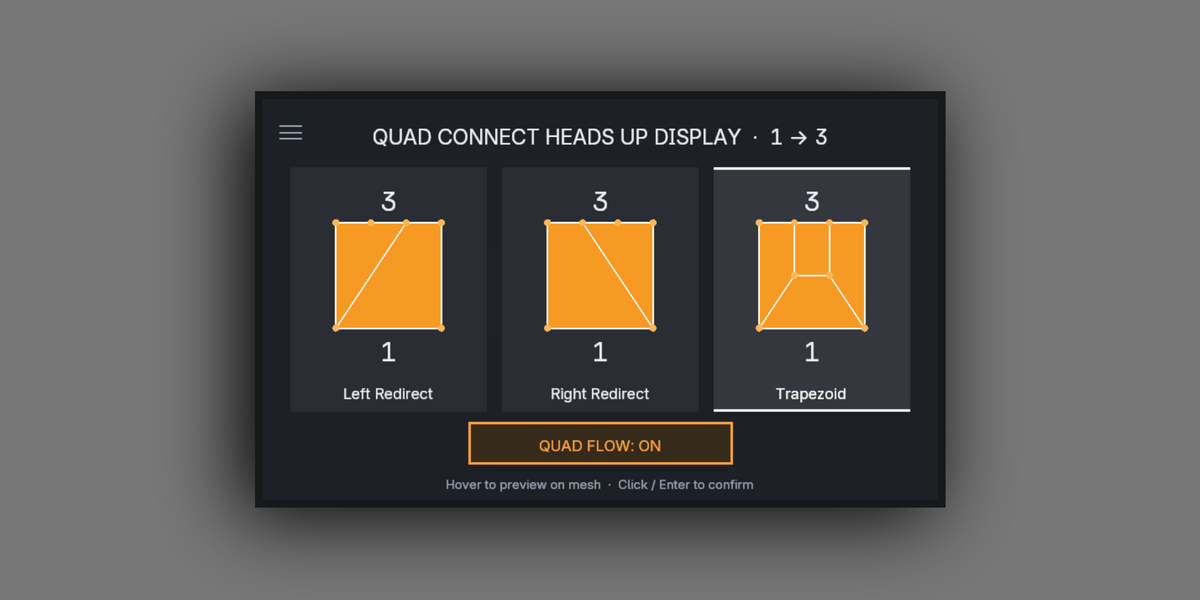
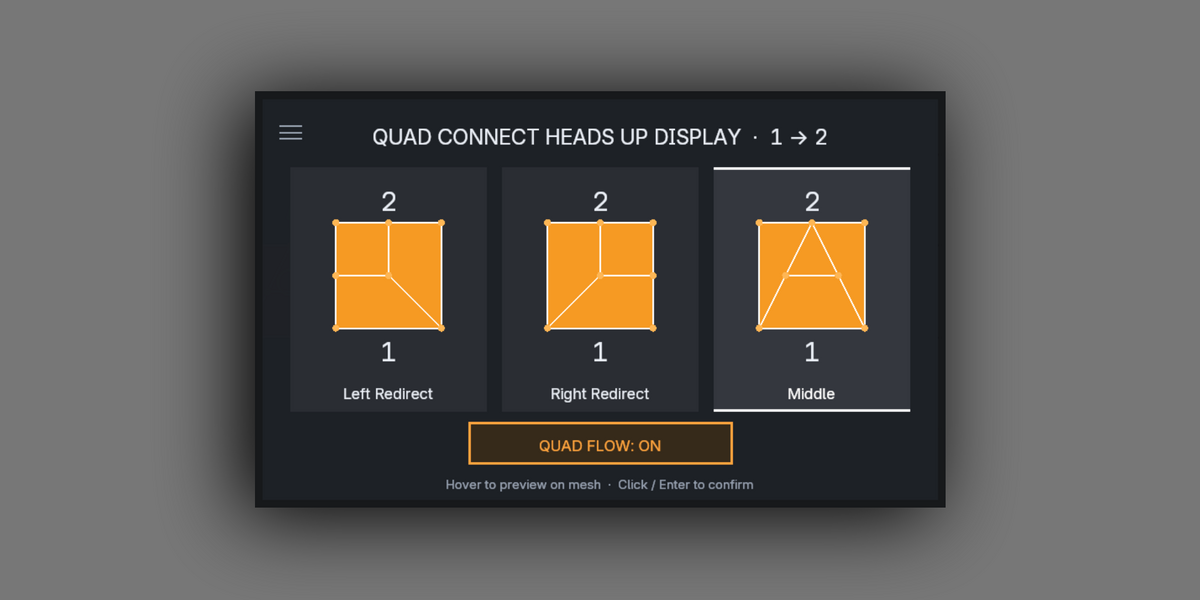

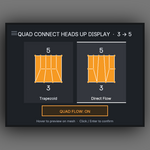
3DPRS Quad Connect — Documentation
3DPRS Quad Connect is a precision modeling addon for Blender designed to quickly bridge two separate edge selections using intelligent quad-based connection patterns.
🥧 Pie Menu (Main Workflow)
Press Shift + Q in Edit Mode to open the Quad Connect Pie Menu.
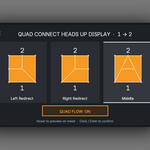
The pie automatically detects your two selected edge groups and shows the correct connection tools.
The Quad Flow toggle is always available at the top of the pie.
This keeps your workflow fast, visual, and selection-driven.
🔗 Connection Types
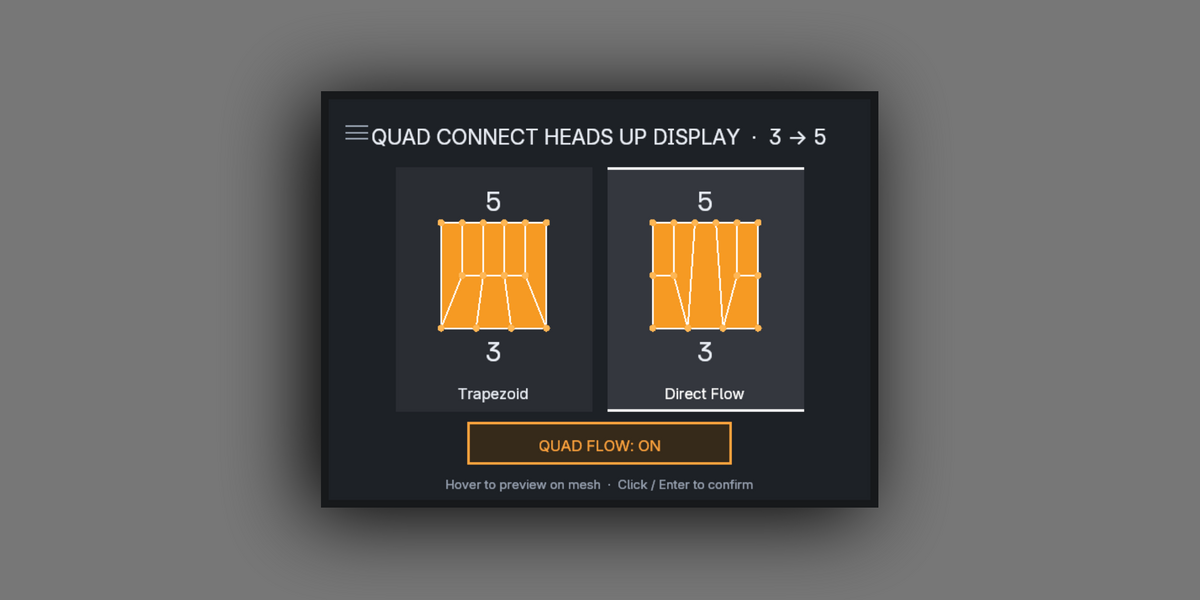
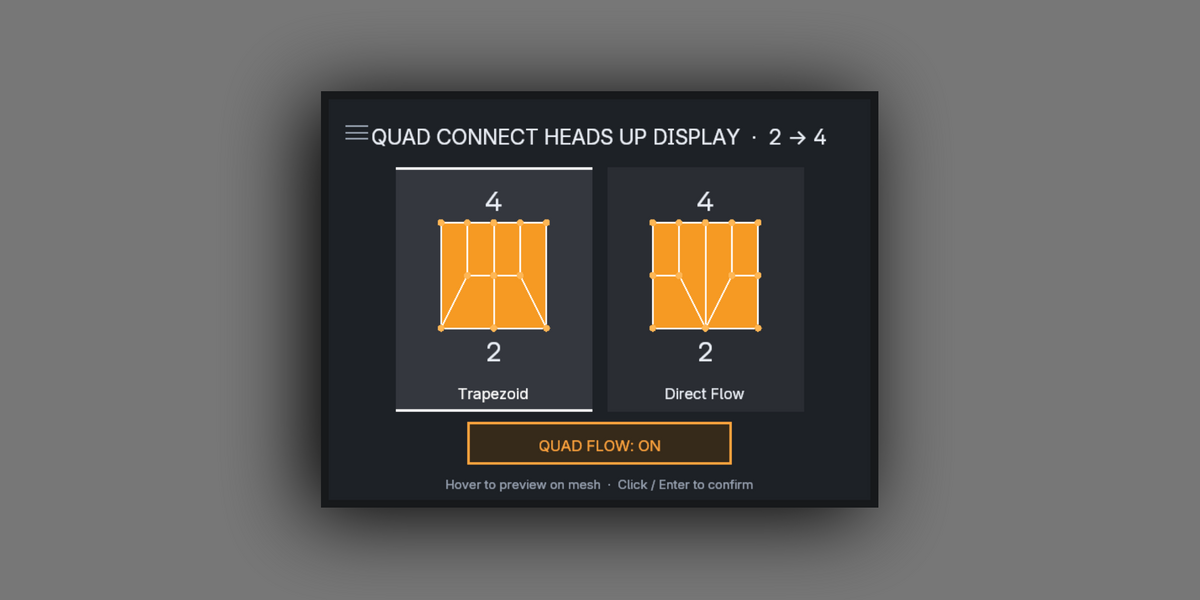
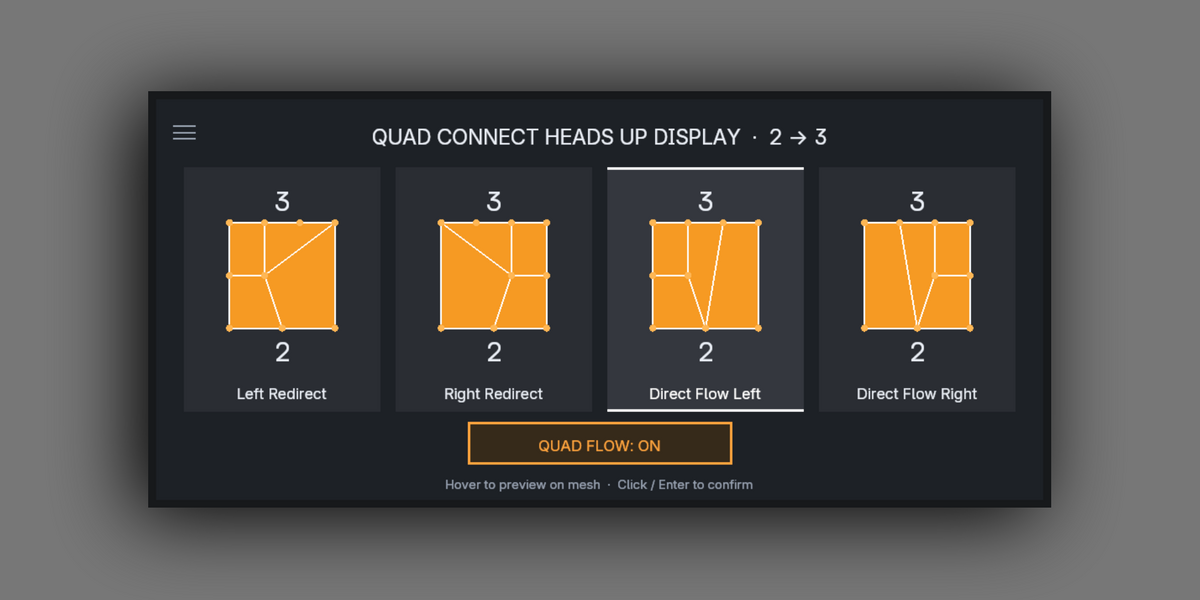
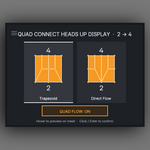
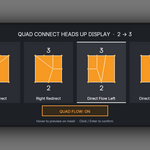
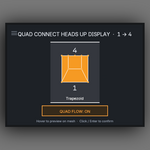
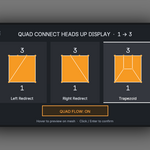
Depending on how your selection is split (e.g. 1→2, 2→3, 3→5), the addon provides:
Middle Connect
Left Redirect
Right Redirect
Direct Flow (keeps the edge flow in tact)
Trapezoid Connect
The menu adapts automatically based on the connected edge component sizes of your selection.
⚙ Keymap & Preferences
Default shortcut: Shift + Q
Fully editable inside:
Edit → Preferences → Add-ons → 3DPRS Quad Connect
Addon Preferences include:
Editable pie menu shortcut
Creator links (Behance / Superhive)
How It Works
Select exactly two disconnected edge groups in Edit Mode.
Press Shift + Q.
Choose the desired connection pattern.
Quad Connect handles the rest — clean, fast, predictable quad-based topology bridging.
 Included
Includes 12 months of
- Support from 3DPRS
- Product updates
Extend this product’s Support Period +12 months: 50% of product price
Have questions before purchasing?
Login to message