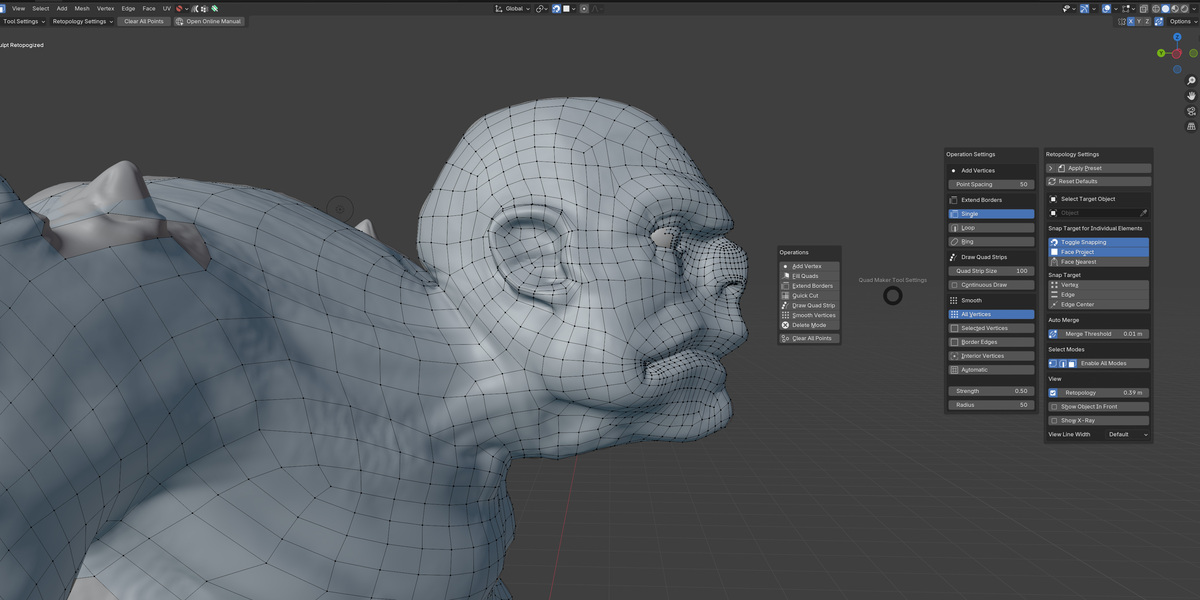
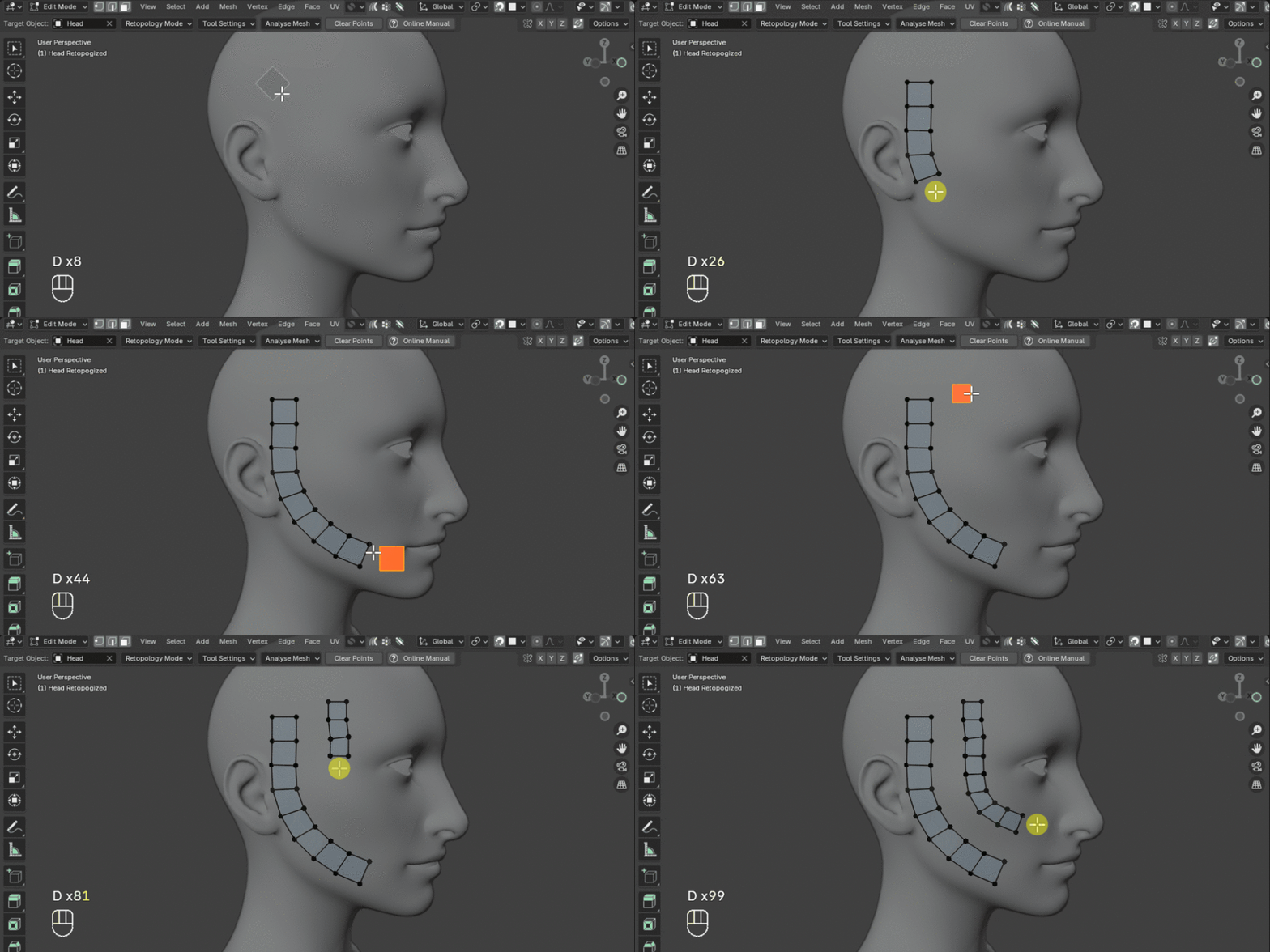
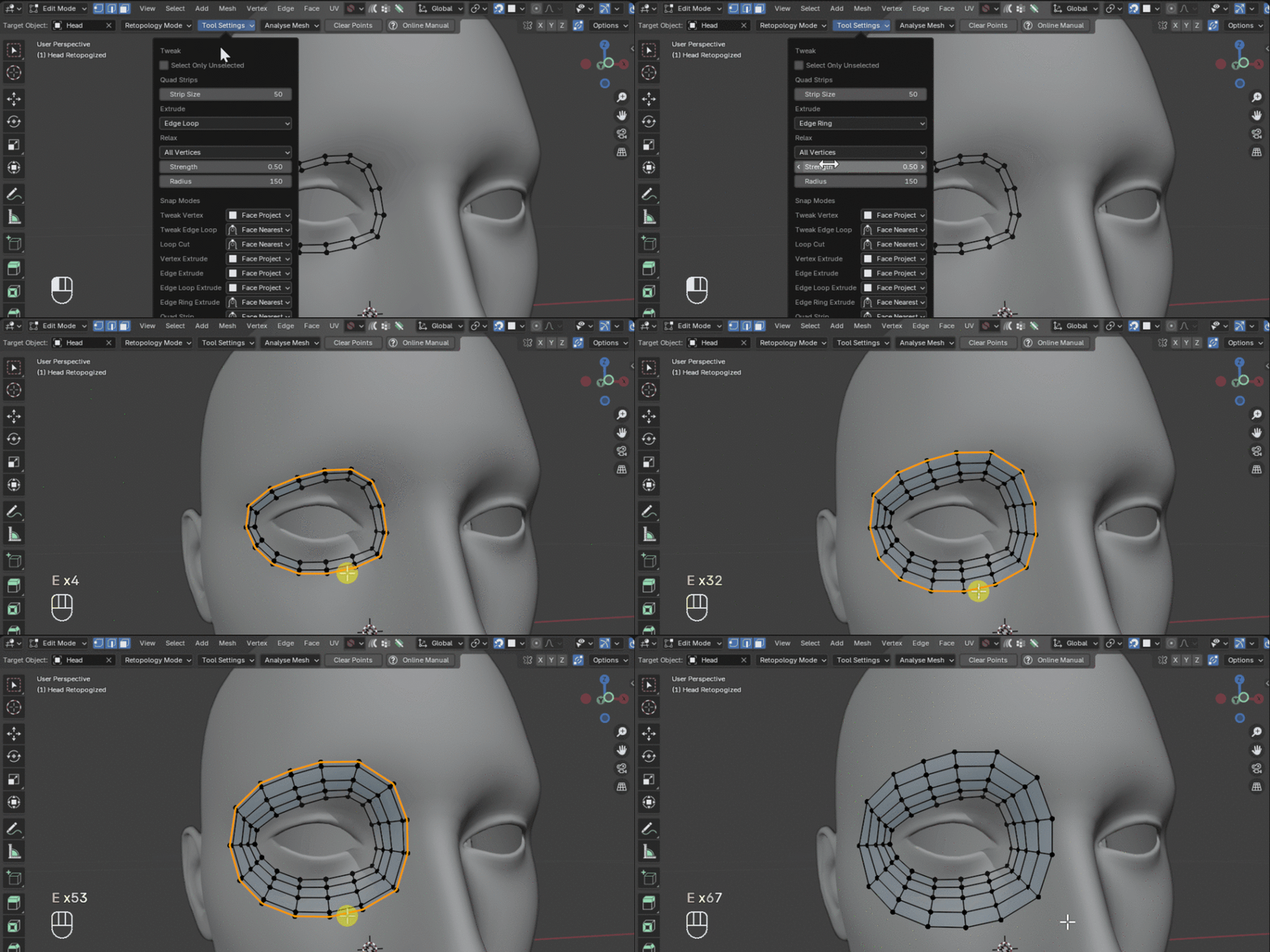
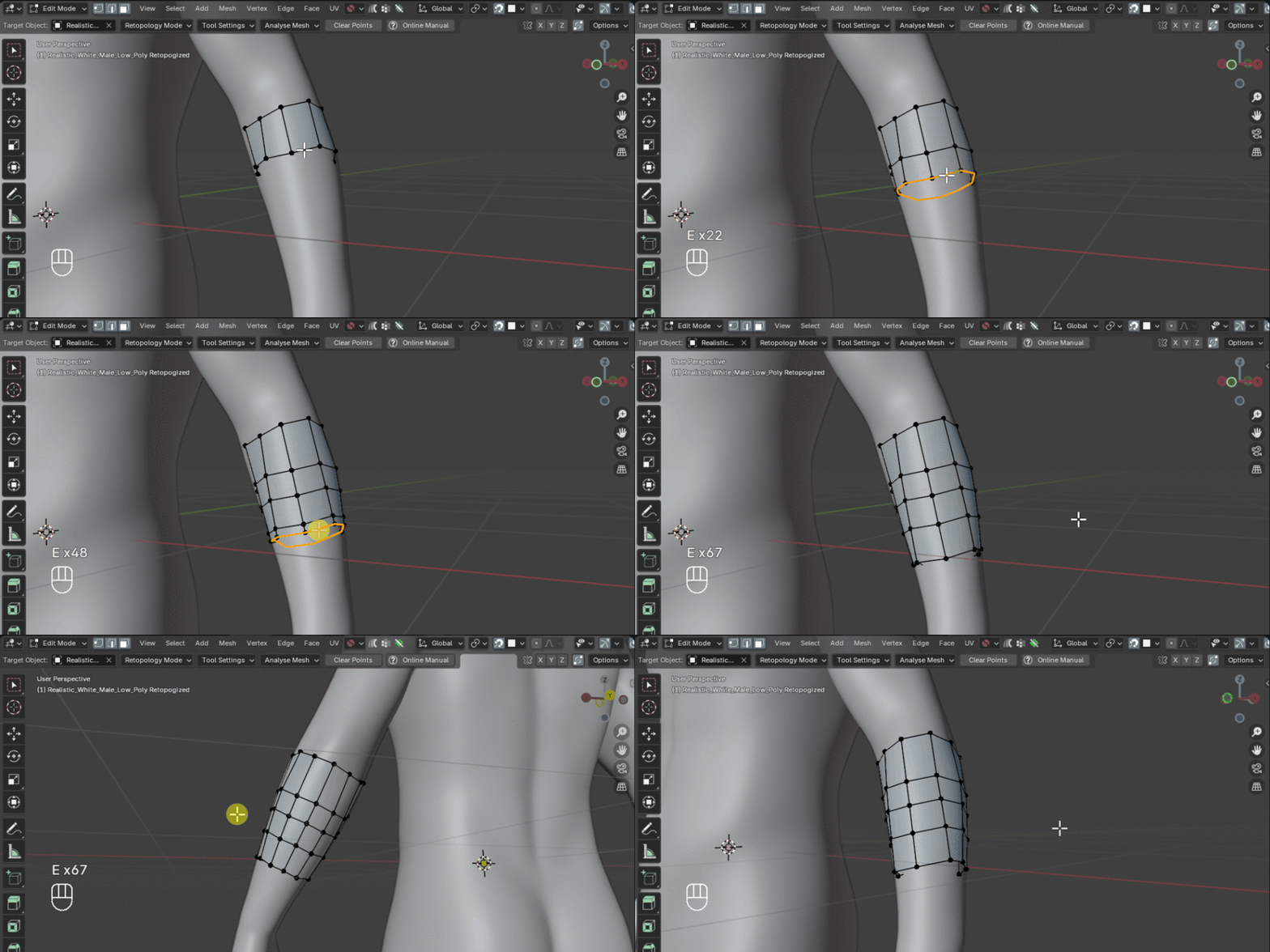

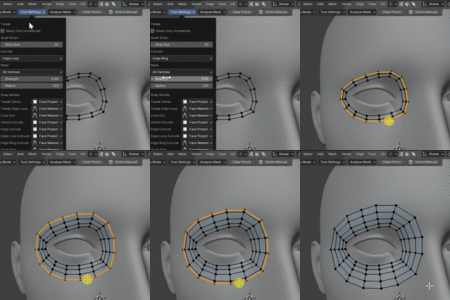
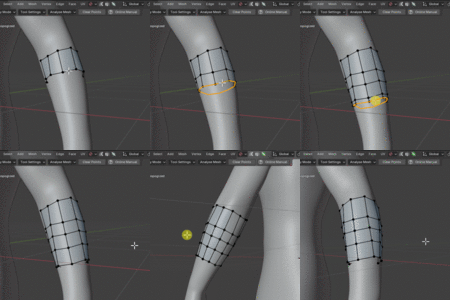
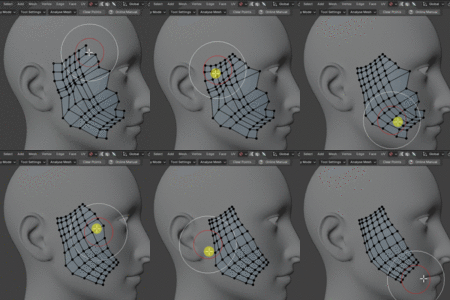

Quad Maker

Mark Kingsnorth in Modeling


Item Rating

This item has an average rating of 5 from 35 ratings by the community.

92%
9%
0%
0%
0%

Purchase this item to leave a review!

  • pablo angeles
    almost 2 years ago

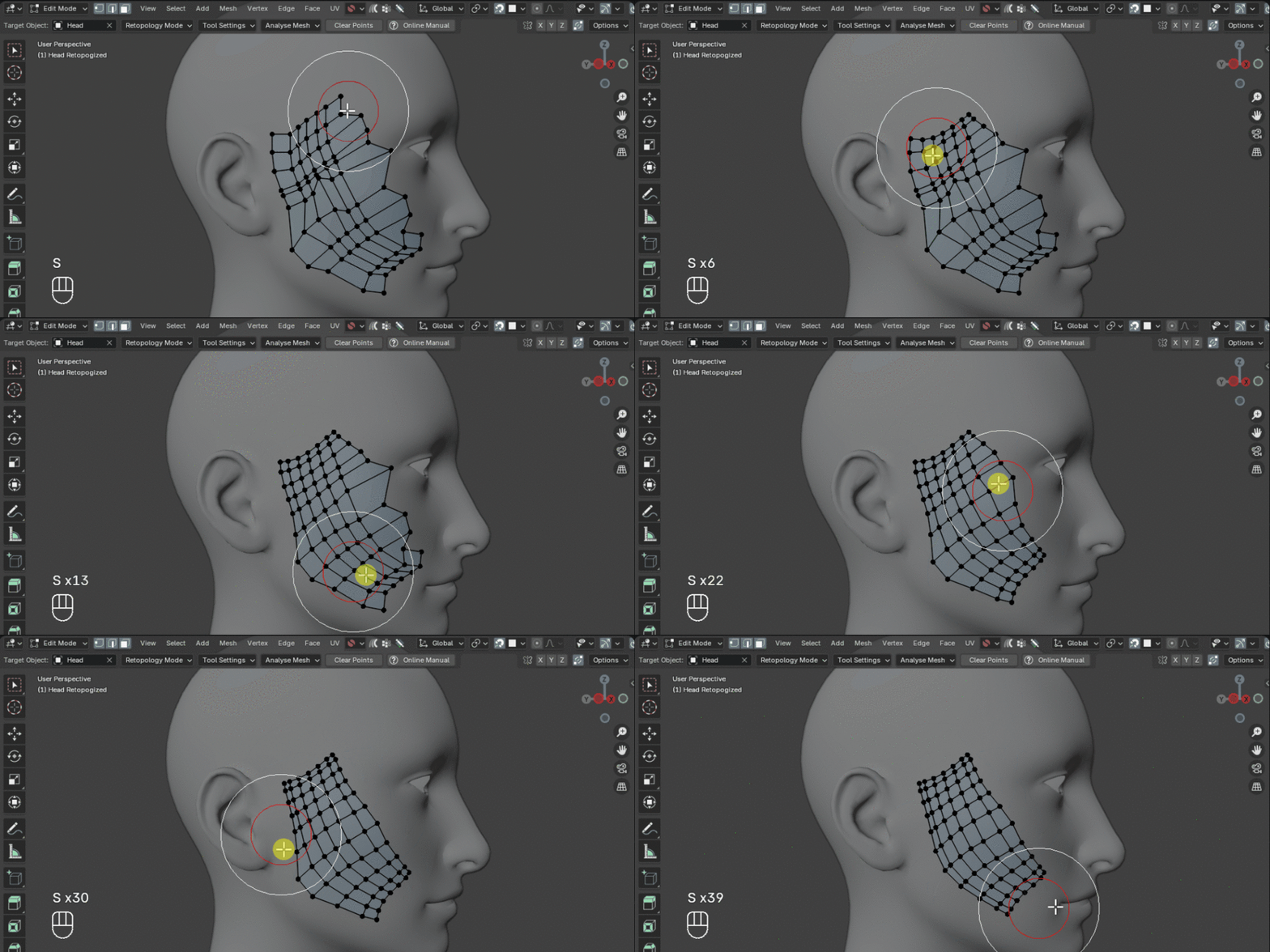
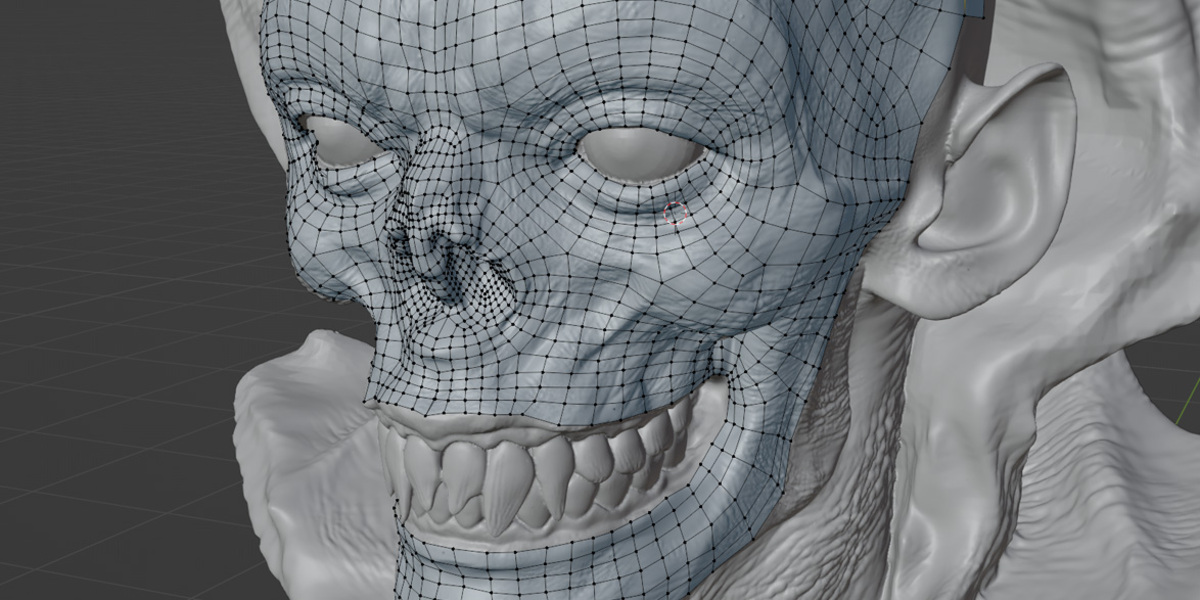
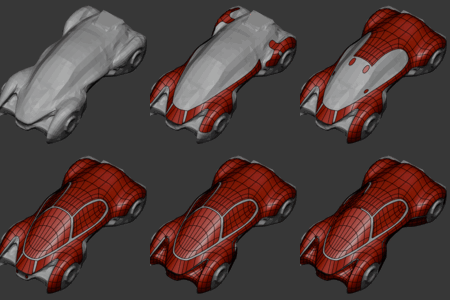
    Best and Fastest retopo tool for Blender, intuitive, and perfectly integrated with Blender Default tools.
    The fastest learning curve, just a few minutes and you will be able to retopo with ease. It actually makes the process fun.
    Amazing tool!

    • Mark Kingsnorth

      almost 2 years ago

      Thank you, Pablo, for such a good review. Great to hear you found the learning curve to be quick and that the tool makes the challenge of retopology just a little bit more enjoyable. If you ever have any questions or suggestions, feel free to get in touch :)

  • Mauro
    almost 2 years ago

    This is the best Retopology tool for Blender. Its completely integrated into native Blender tools (so no need to open separate external applications or keep switching modes) and also extremely powerful at the same time. The retopology workflow is enjoyable and fast. Congratulations on the wonderful product

    • Mark Kingsnorth

      almost 2 years ago

      Many thanks Mauro for the great review - It was a priority to integrate it as seamlessly as possible with Blender’s native tools.Your support and kind words mean a lot.

      If you ever have any suggestions or need assistance, feel free to reach out by clicking the 'Ask a Question' button on the right. Thanks again, and happy retopologizing :)

  • Samuel
    about 1 year ago

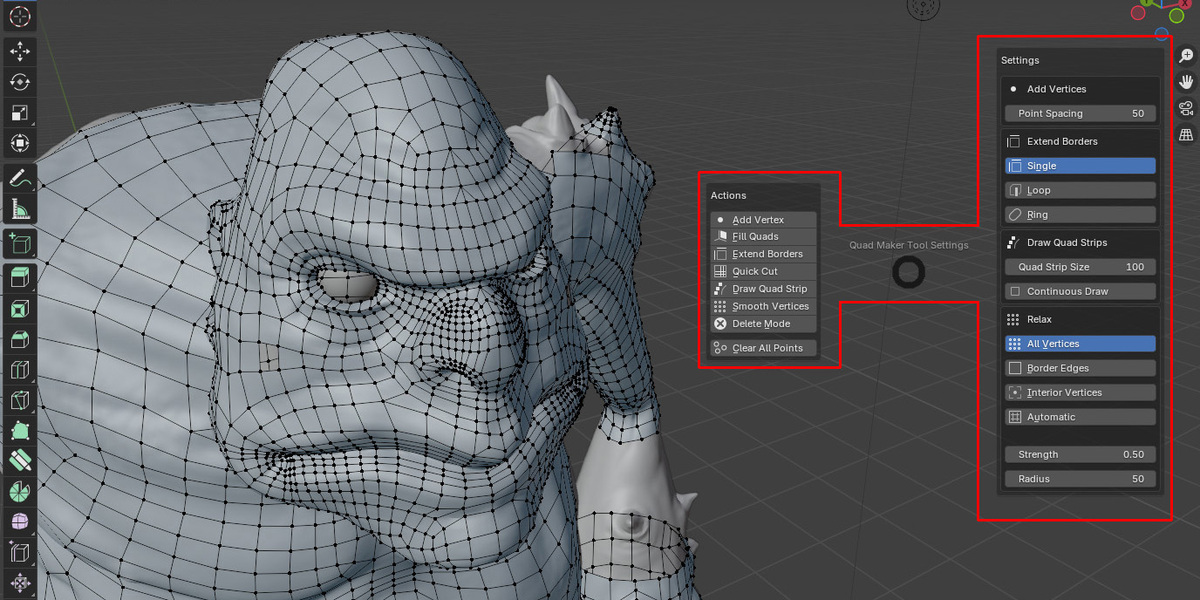
    I love Quadmaker, it has been very intuitive for me to get into and has all the tools I need to do my retopology. The single thing that I don't like about it is that the Fill Quads operation is not very responsive. There's some kind of lag when I use this operation and I have to wait around 8 seconds before being able to do another operation. I will prefer to extrude edges with Auto Merge Vertices on, as it will be quicker and I will stay in the flow. Otherwise it's great.

    • Mark Kingsnorth

      about 1 year ago

      Thanks for your feedback Samuel and for the kind words about Quad Maker. If you run into issues like the lag you mention, please do get in touch: I’m always happy to help troubleshoot.

  • Masuke
    almost 2 years ago

    very usful but the hotkey ALT+LMB is not friendly for Industrial-compatible-keymap who use it to move viewport.Hope you can add an option to change it.

    • Mark Kingsnorth

      almost 2 years ago

      Thank you Masuke for giving the add-on a high rating - I’ve just created a new version that addresses the ALT+LMB issue. I’d be happy to provide early access for you to test and hear your thoughts. Click the 'Ask a Question' button on the right side of the page to get in touch. Thanks again for helping improve the add-on.

  • SW
    almost 2 years ago

    Does what it says on the box, really good and a nice alternative polyquilt. Being able to change the hotkeys would be nice but I can understand why you've done it this way. Though I wish you would change 'Smooth' to the shift key since that's standard, use 's' for strength and 'f' for focus.

    • Mark Kingsnorth

      almost 2 years ago

      Thank you for your review SW I’m glad you’re finding Quad Maker valuable.

      You should actually be able to change the main keymaps by going to Edit -> Preferences -> Keymap in Blender and searching for "Quad Maker." Expand the smooth section. You should be able to change it to the Shift key by changing the second 'Type' box entry. Let me know if you have any issues.

      However, the Shift key is often used in Blender for multi-selection and other core functions, which can limit its useability for custom hotkey assignments. For this reason the Shift key and other keys like Tab can be problematic to assign.

      For strength and focus, these are more hardcoded so I decided to follow Blender's sculpting hotkey strategy, where 'Shift-F' is used for strength adjustment, to maintain consistency across different tools. It’s always a balancing act between adhering to established standards and allowing customization, so I appreciate your understanding.

      If you have any other suggestions or questions, feel free to reach out by clicking the 'Ask a Question' button and I will see what I can do.

$18

Support Period Included

Includes 12 months of

Extend this product’s Support Period +12 months: 25% of product price

Have questions before purchasing?
Login to message

Details
Blender Extension Compatible Yes
Sales 1100+
Rating
35 ratings
Published almost 2 years ago
Blender Version 4.2 - 5.2
Extension Type Add-on
License GPL