 Mark Kingsnorth


“We chase perfect quads because humans crave order even in messy creative spaces.” - Me, mostly.
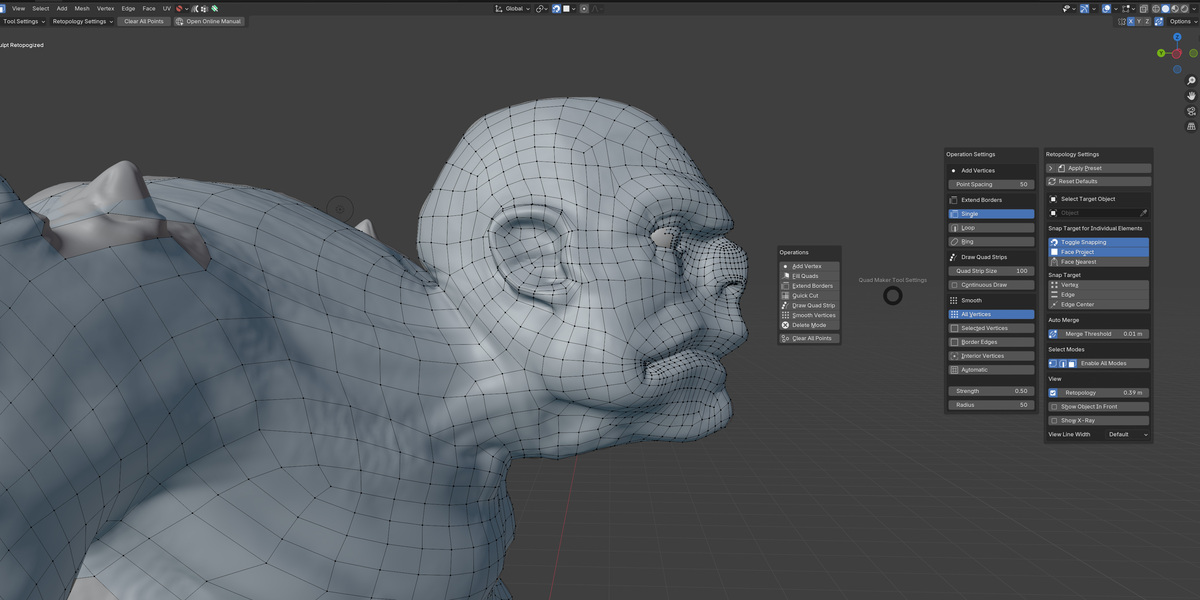
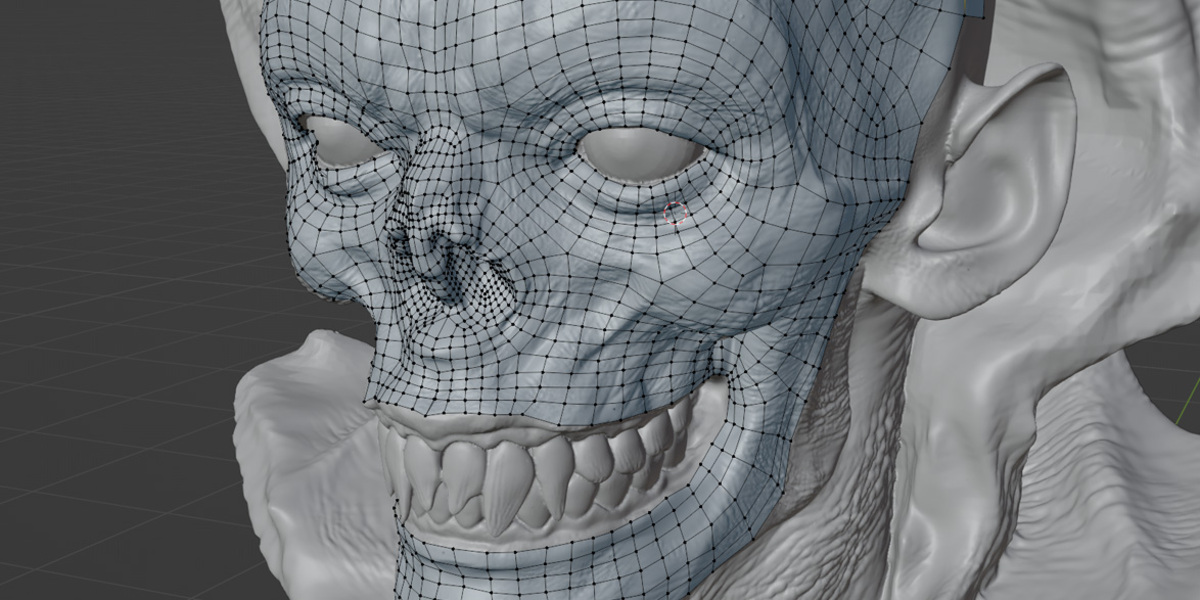
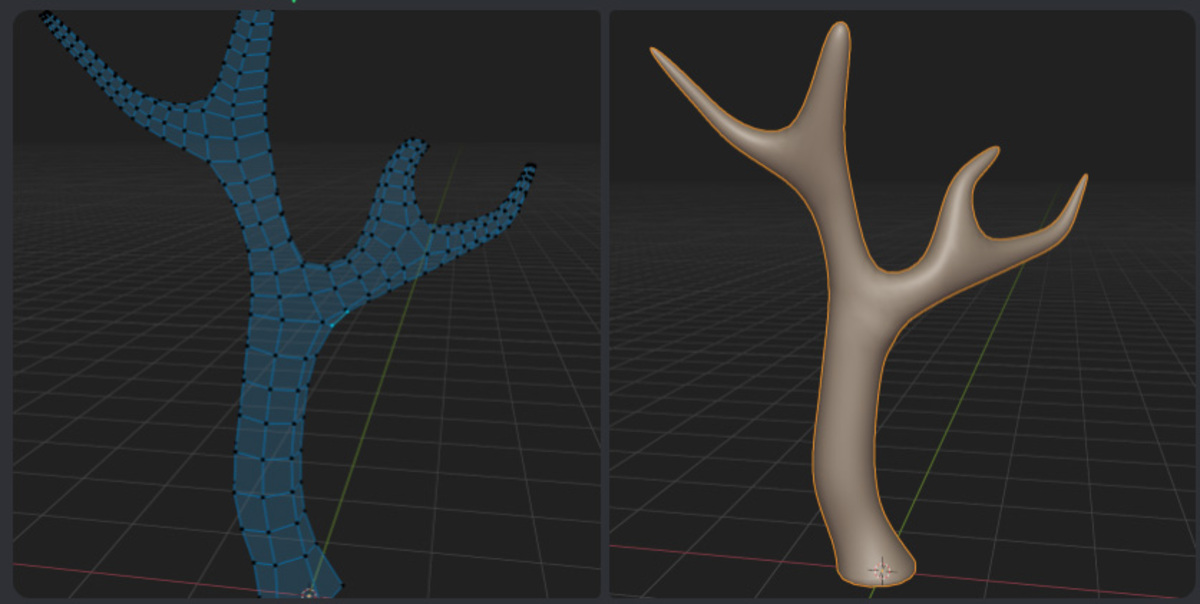
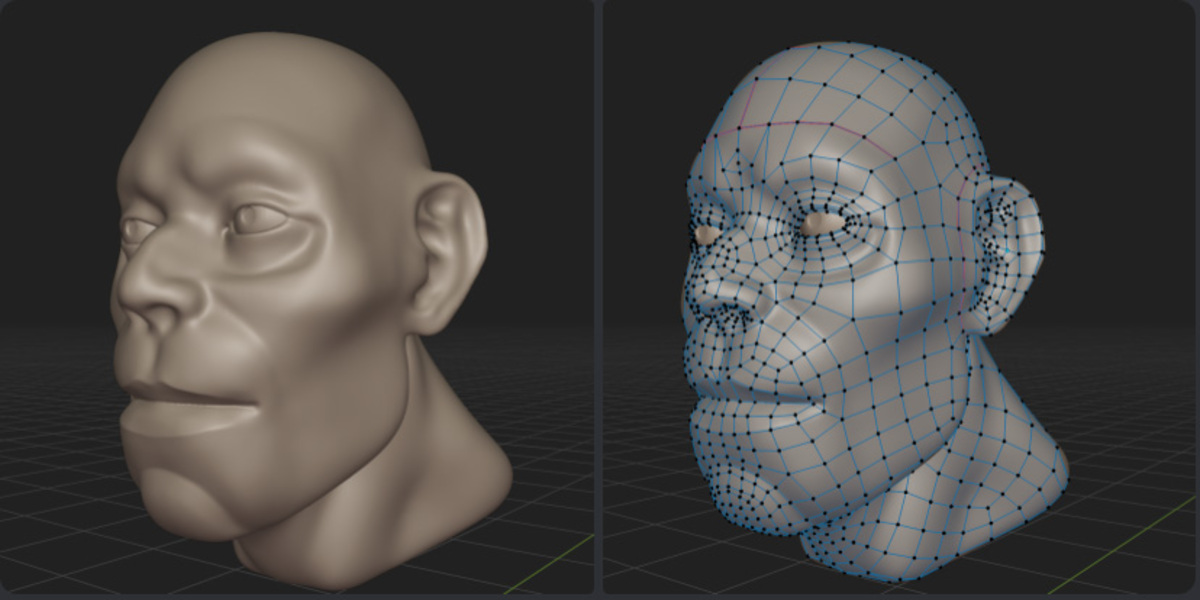
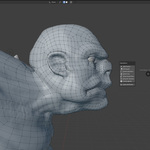
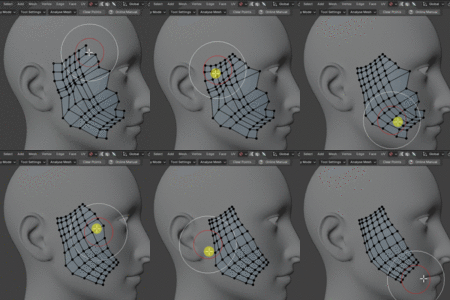
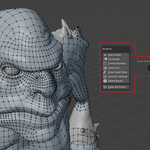
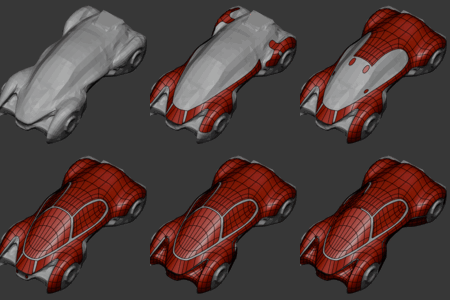
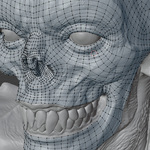
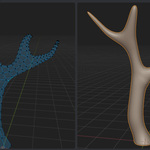
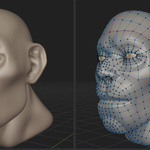
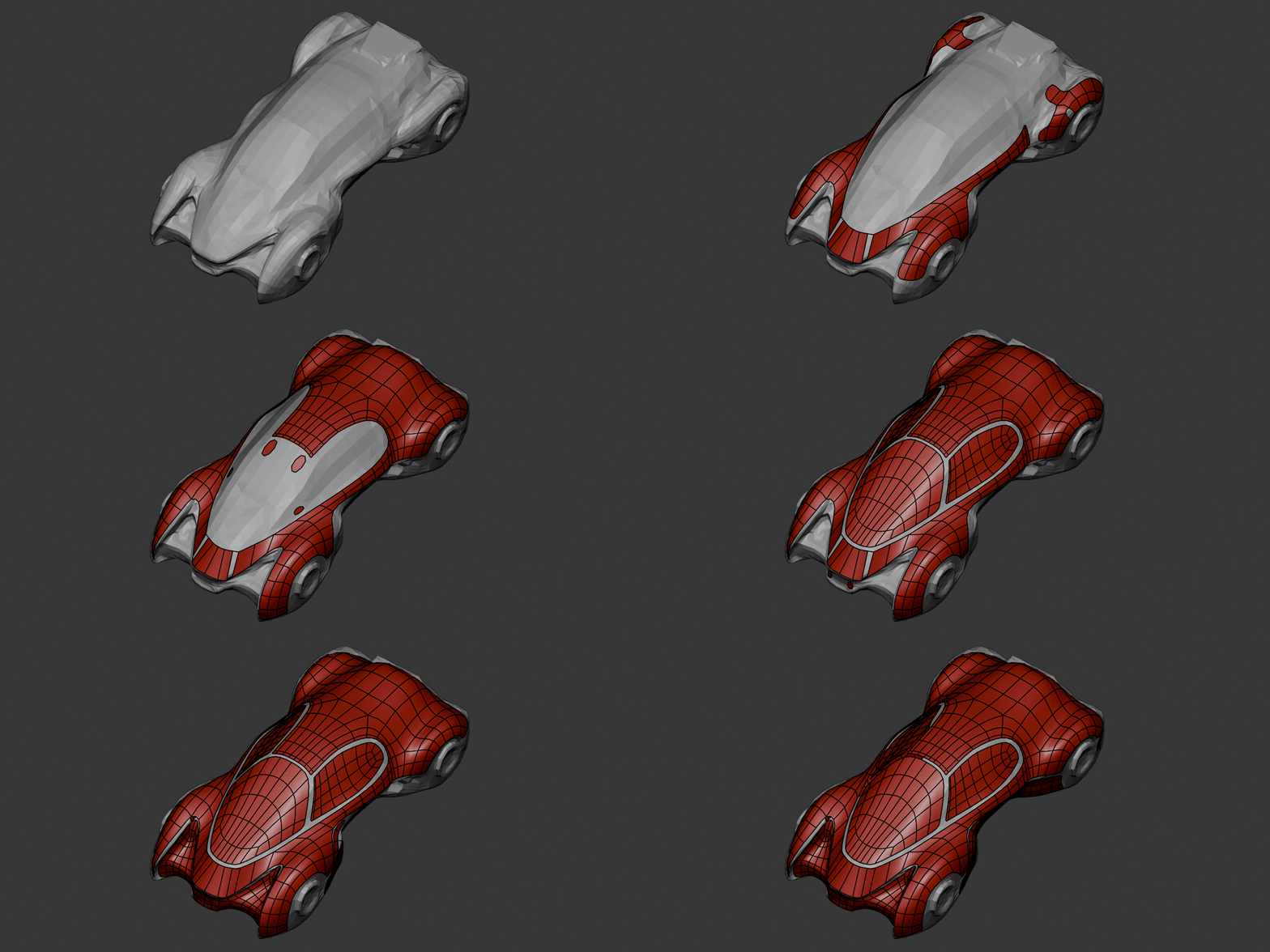
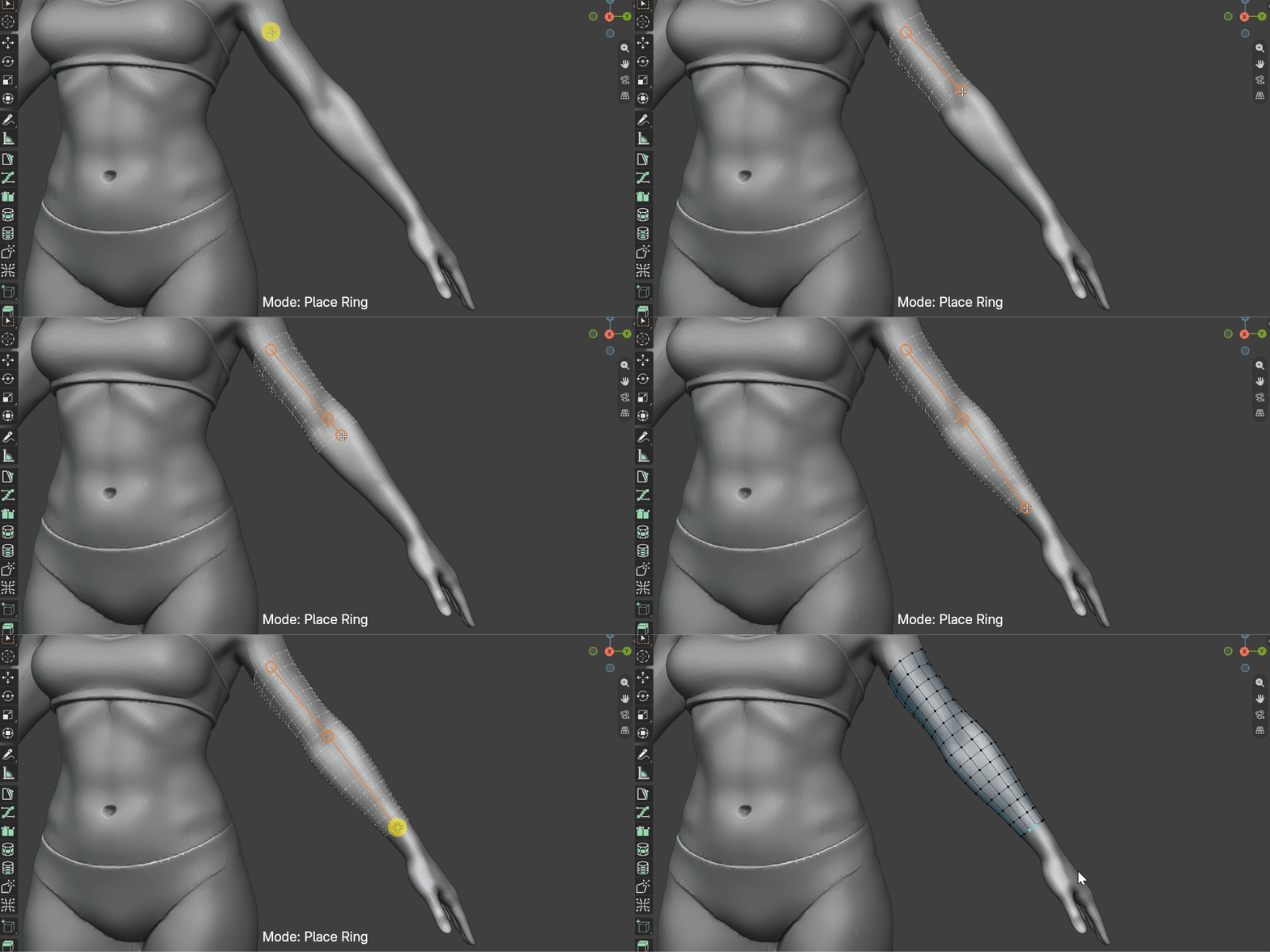
Quad Maker is for 3D Modellers looking for a streamlined manual retopology tool in Blender. It is a set of straightforward mesh operations designed to help 3D modelers quickly retopologize objects into clean, quad-based geometry.
In the spirit of Maya’s Quad Draw, Quad Maker offers Blender users a way to speed up their retopology workflow while maintaining flexibility within Blender’s existing toolset.
Read the documentation and see the getting started video.
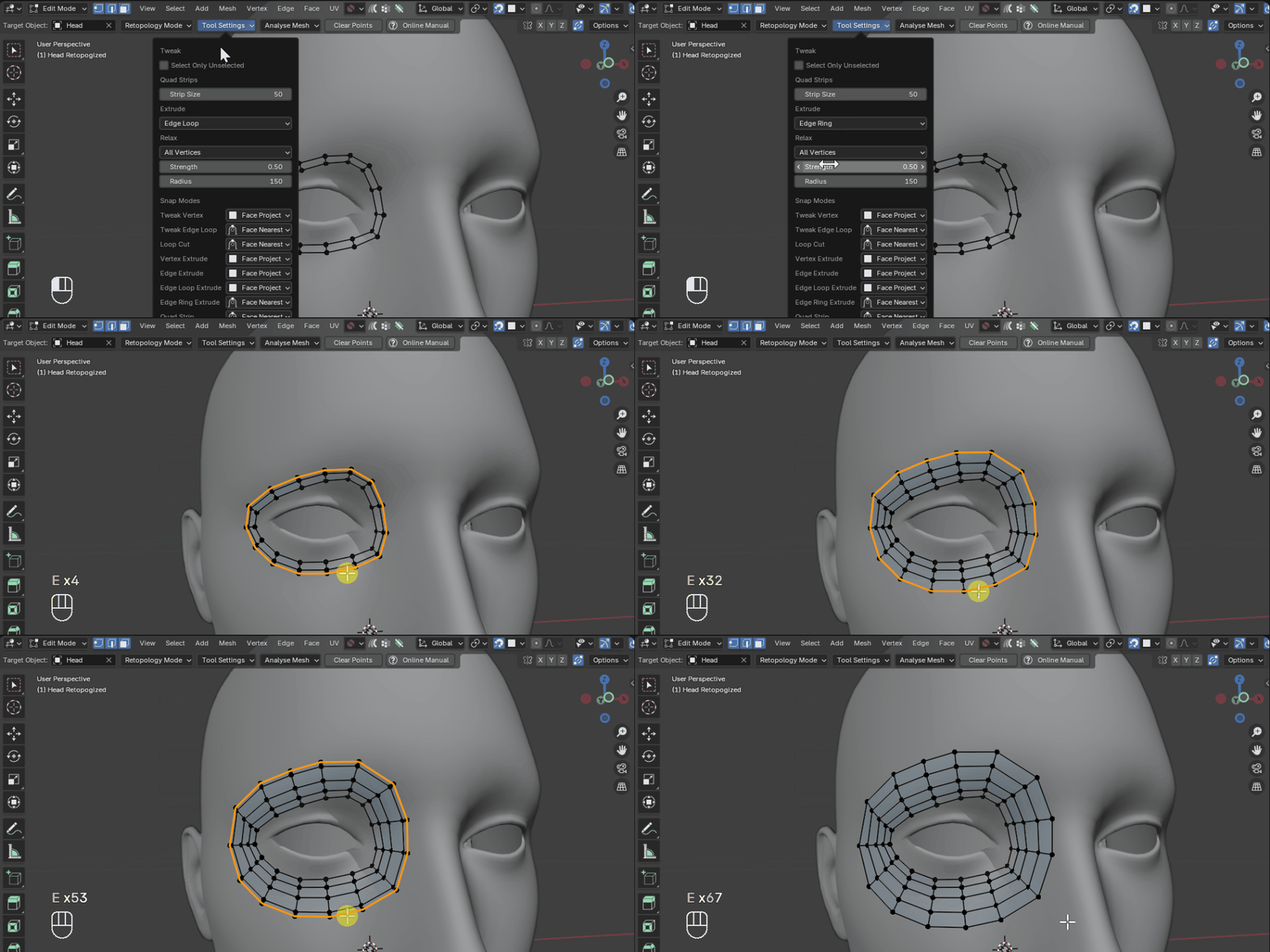


The operations are:
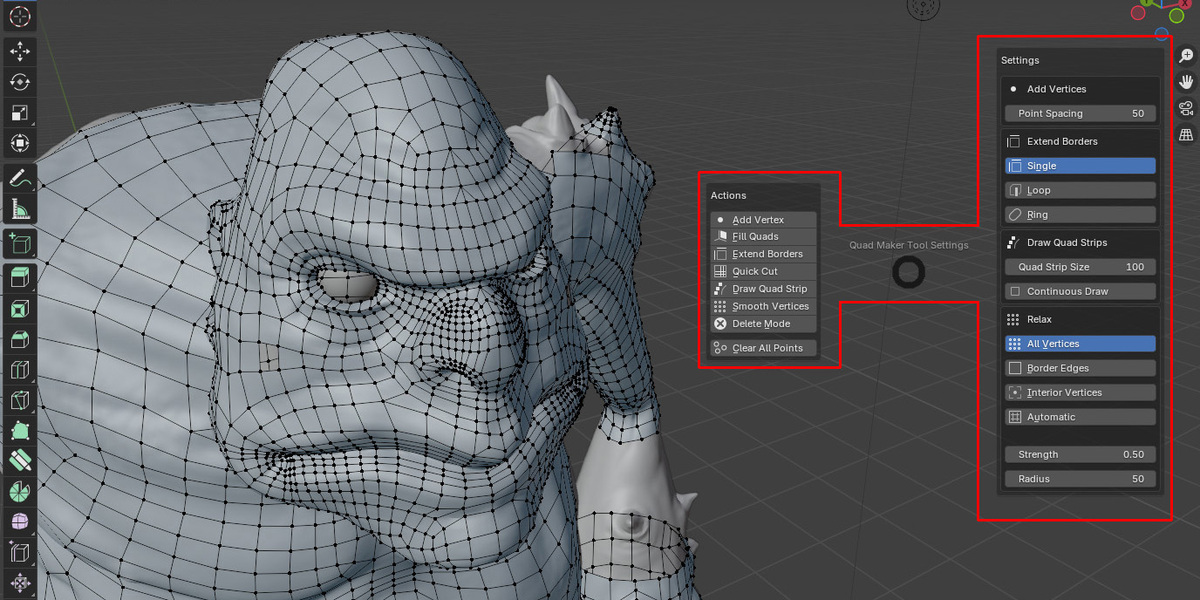
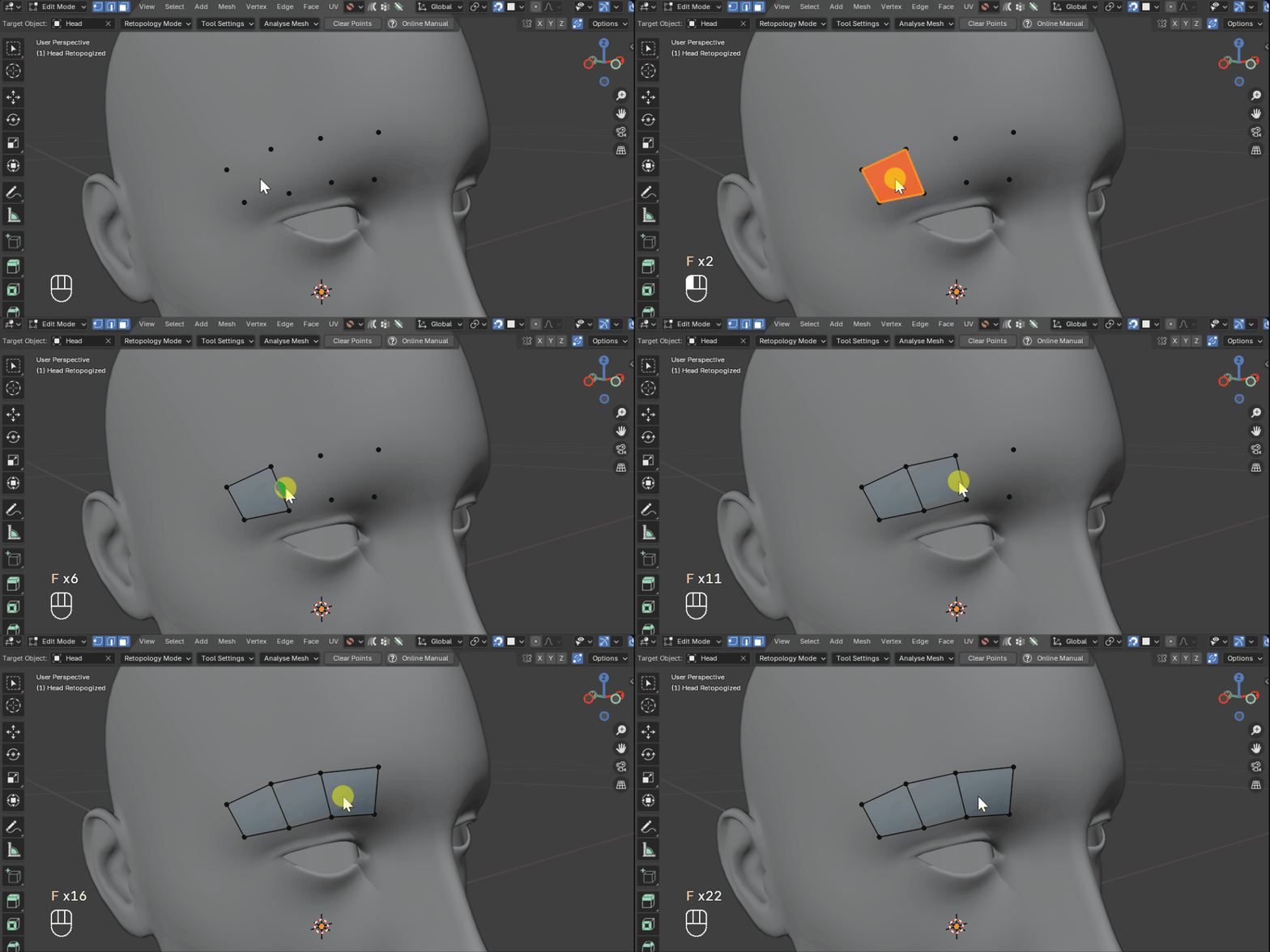
- Add Vertices: Quickly add point vertices.
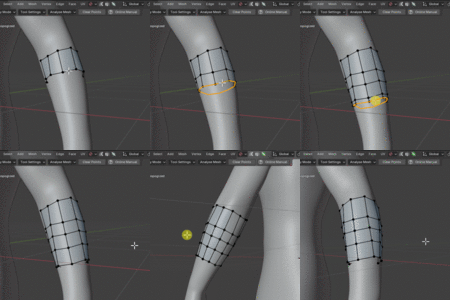
- Fill Quads: Fill the point vertices and surrounding geometry with quads.
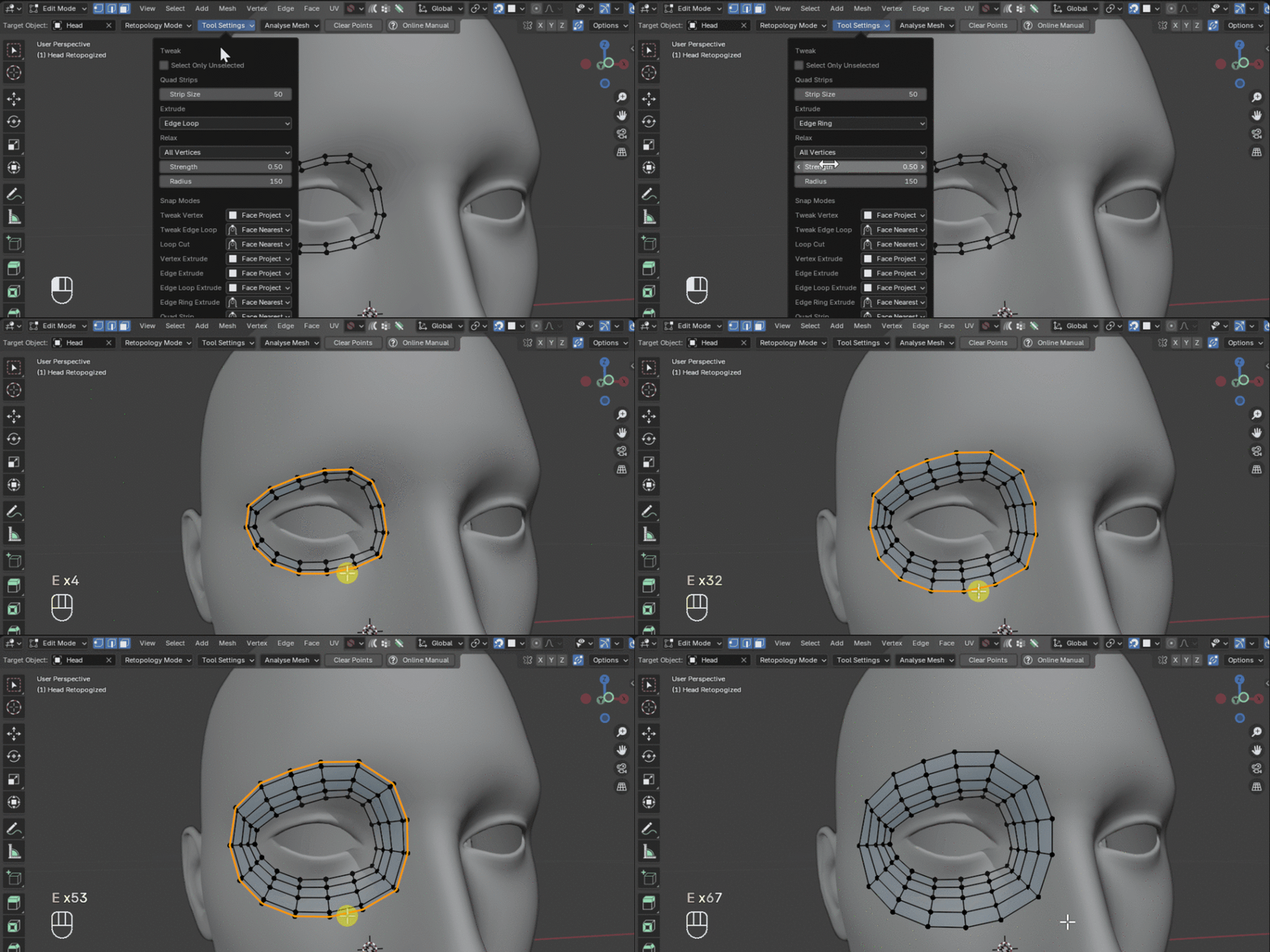
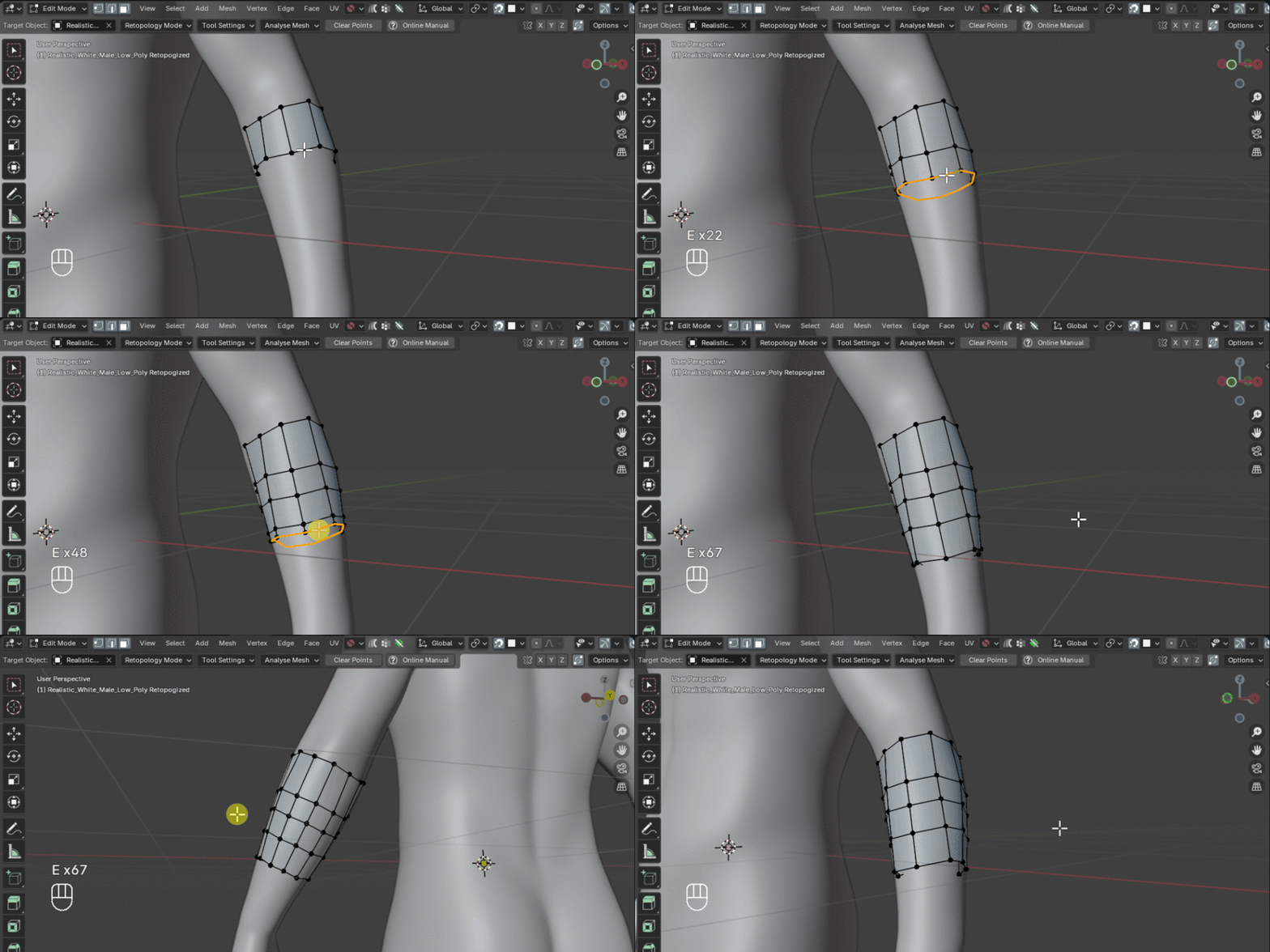
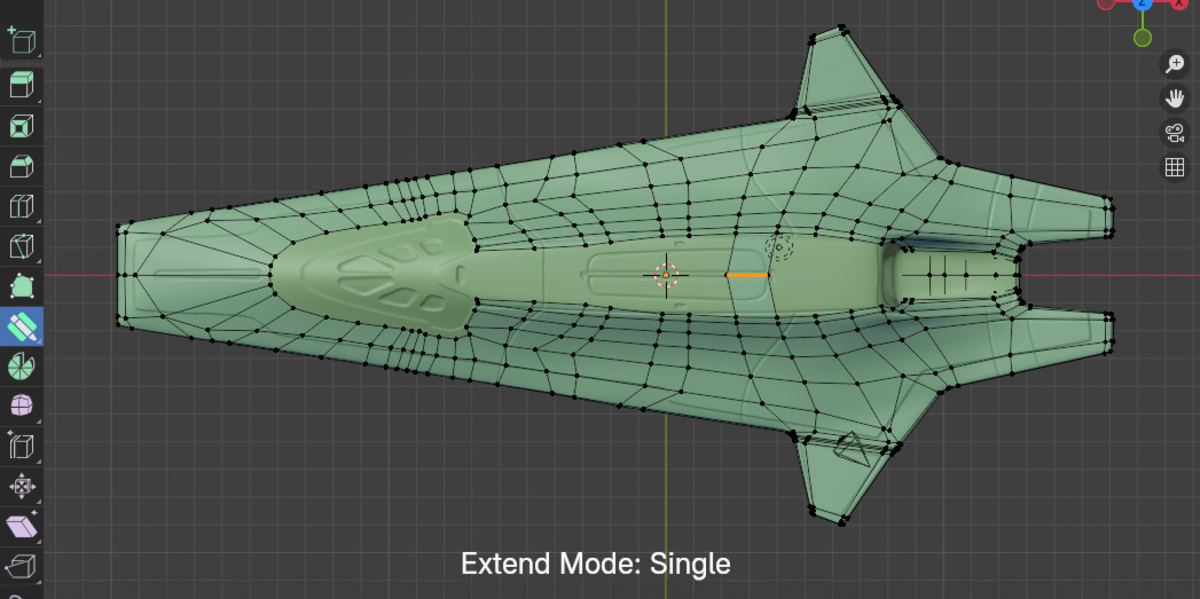
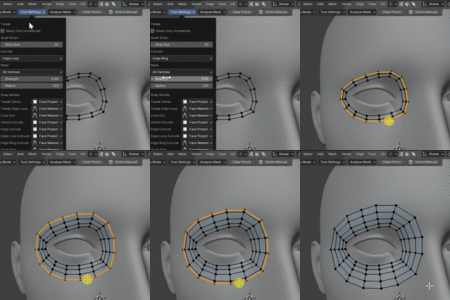
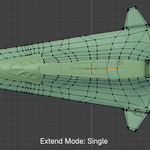
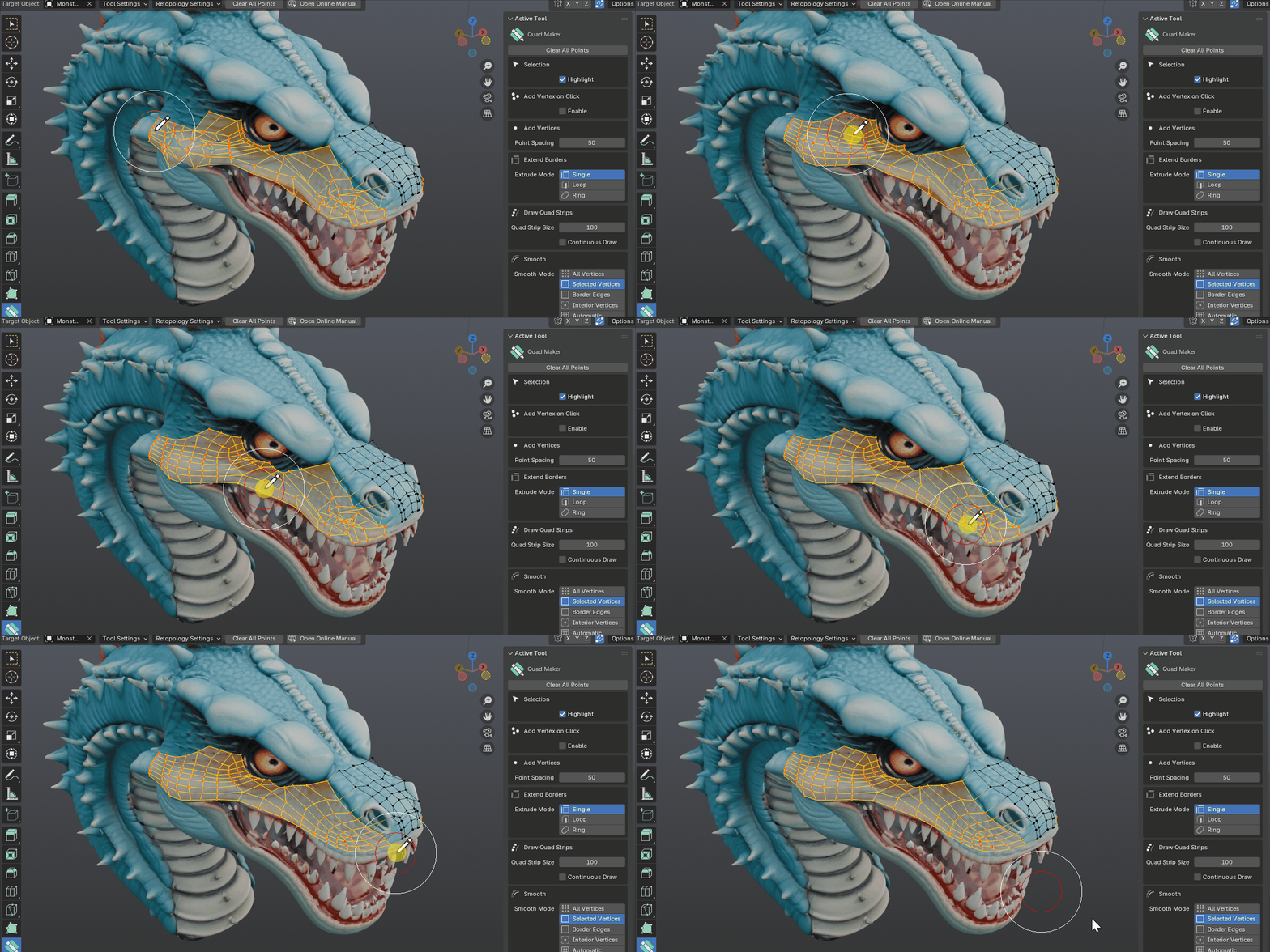
- Extend Borders: Extrude border edges and vertices either in single, loop or edge rings.
- Quick Cut: Quickly use the simple loop cut and slide operation with single clicks.
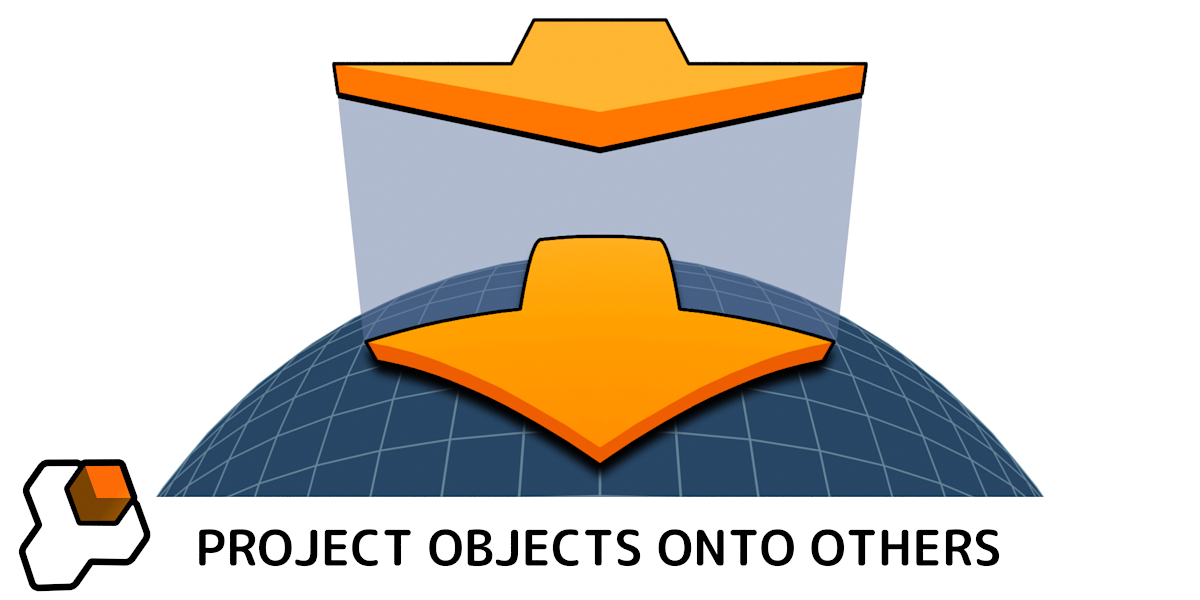
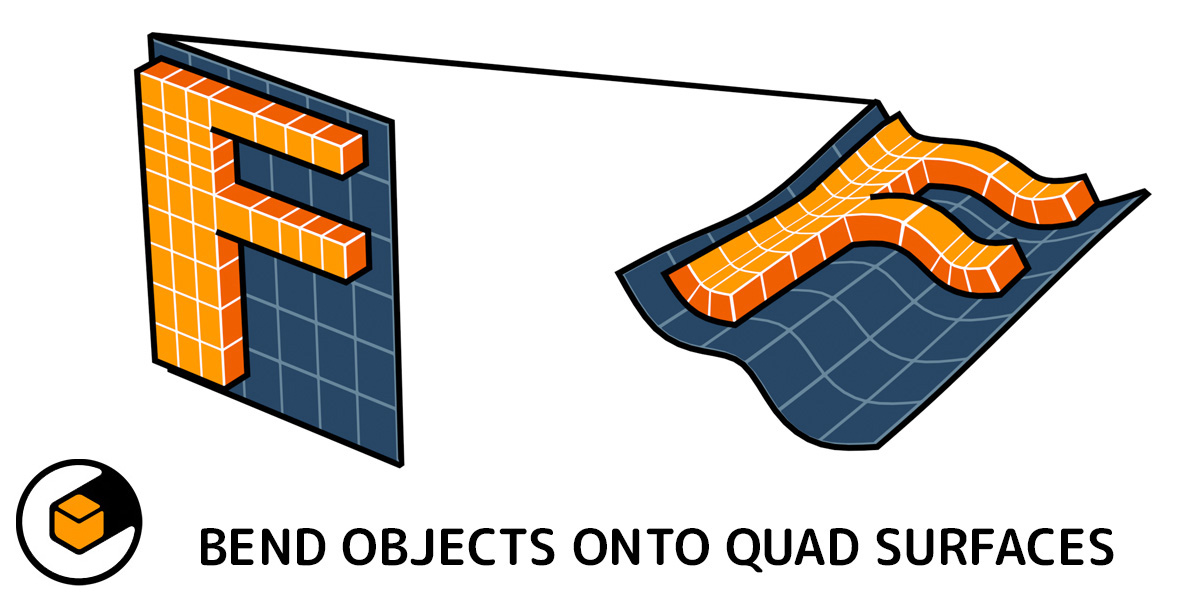
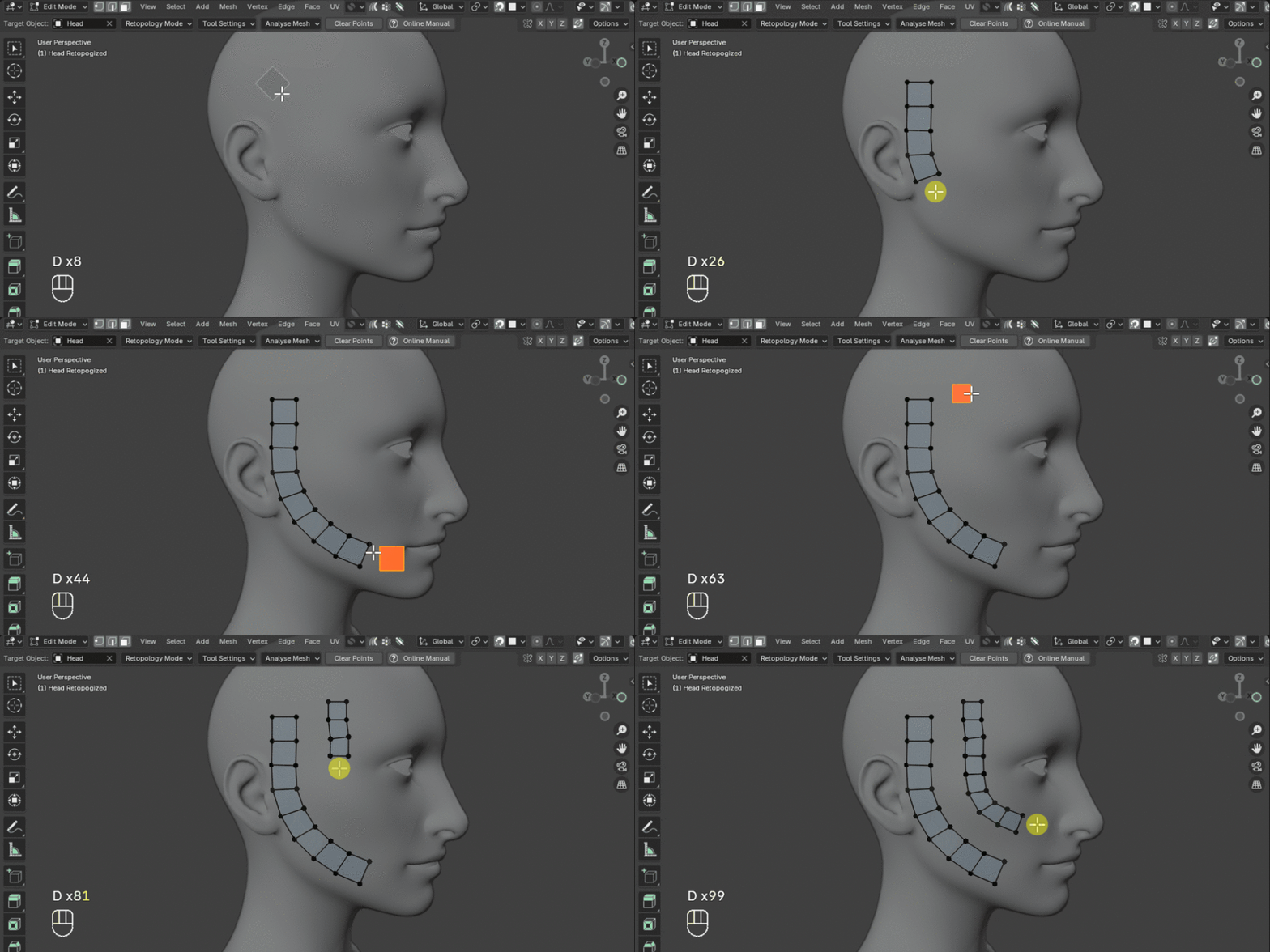
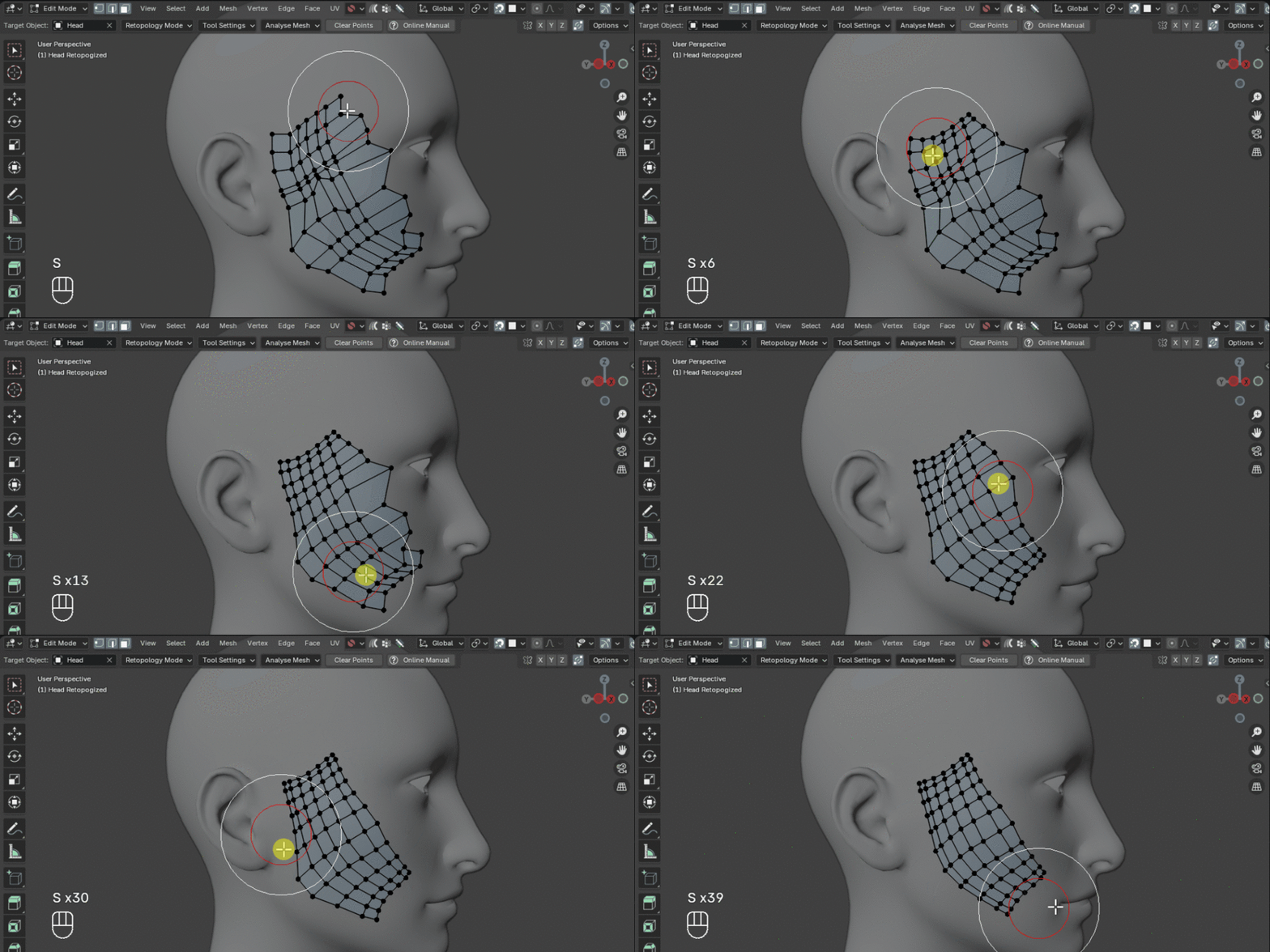
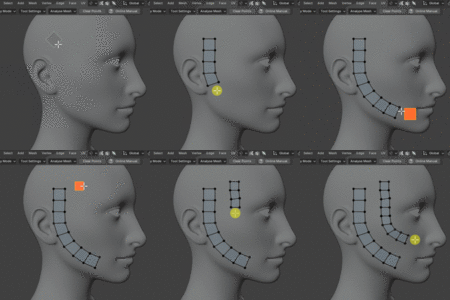
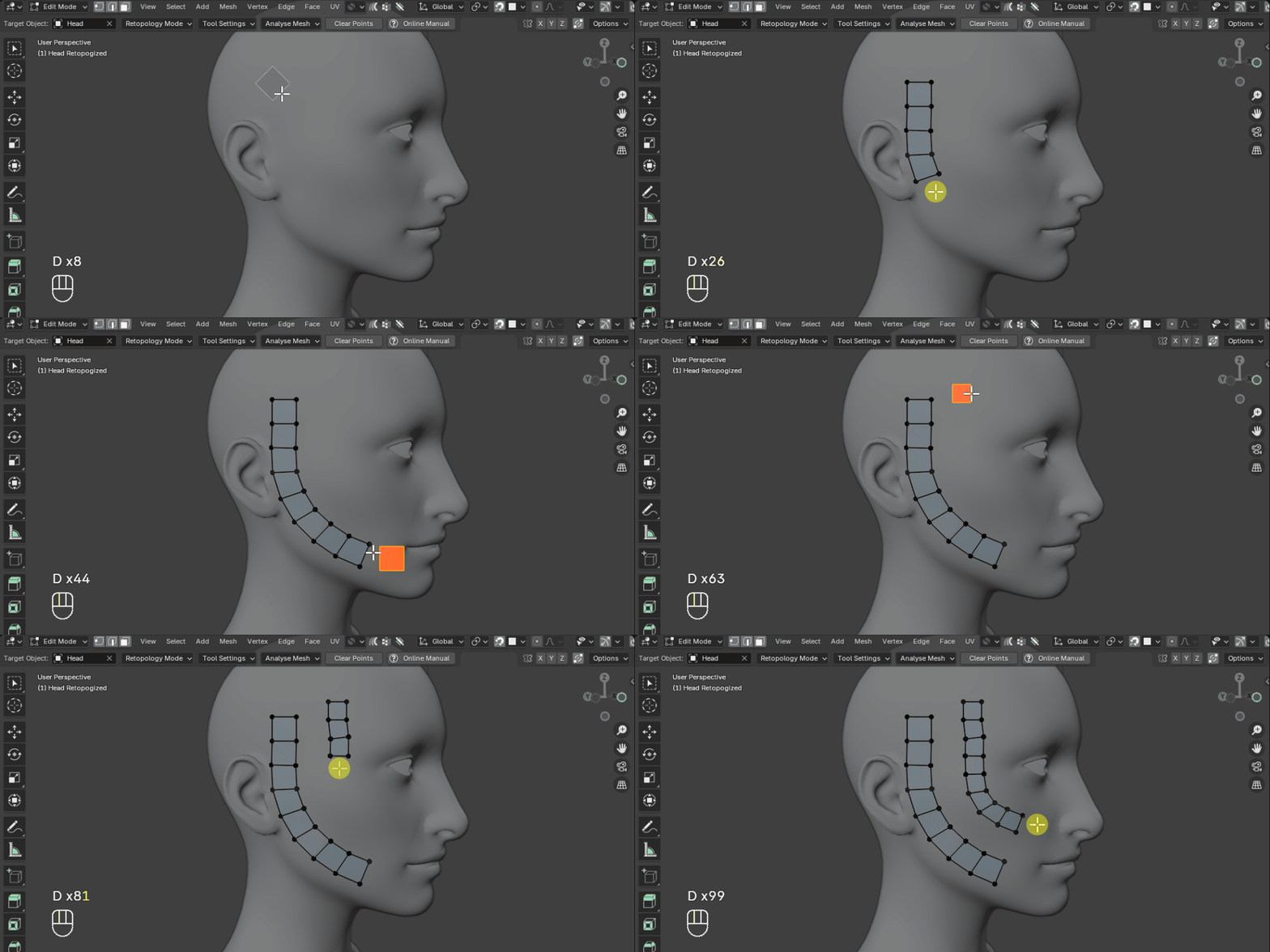
- Draw Quad Strip: Quickly draw out strips of quads on a target surface.
- Smooth Vertices: Smooth out vertices in edit mode.
- Delete Mode: Quickly delete vertices, edges and faces and dissolve interior edges in a single click/drag operation.
With a focus on speed and simplicity, Quad Maker brings together these essential retopology operations into a unified, hotkey-driven workspace tool, aiming for seamless integration with Blender’s native mesh editing tools.
Why Choose Quad Maker?
While advanced retopology tools like Poly Quilt and Retopoflow are available, Quad Maker offers:
- A focus on simplicity and speed without unnecessary complexity
- Reliable performance when retopologizing high-poly meshes
- A lightweight workflow that’s easy to learn and quick to use
- Designed for Blender users who value efficiency over feature bloat
For best results, avoid using Quad Maker directly on high-poly meshes or in extremely busy scenes. If you encounter slowdowns, bugs, or other issues, please email [email protected].
Documentation
Questions?
Reviews & Testimonials
★★★★★
KRITZ STUDIO
“An impressively intuitive and user-friendly tool, this add‑on equips you with everything needed for a smooth, streamlined retopology workflow from start to finish. It integrates effortlessly with Blender, offering a comprehensive set of specialized tools designed to simplify the entire retopology process, allowing you to focus on the model’s shape and flow without getting bogged down by technical adjustments.”
★★★★★
Gokhan
“I’ve tried multiple retopology addons, and I can’t believe how user-friendly this one is compared to others! I only had to watch the tutorials once to feel like I’d been using it for a long time.”
★★★★★
Yousuke Kita
“I tried it without much expectation, and it was amazing! I can work on retopology to my heart's content.....It can only create 4‑sided polygons, but I can move and merge vertices, or dissolve edges without leaving the Quad Maker mode. (It can be considered to have the ability to handle N‑gons.)”
★★★★★
Magdalena González
“The best retopology tool. Even for people who are starting out in 3D, they can use it without problems.”
★★★★★
Pablo Angeles
“Best and Fastest retopo tool for Blender, intuitive, and perfectly integrated with Blender Default tools. The fastest learning curve, just a few minutes and you will be able to retopo with ease. It actually makes the process fun. Amazing tool!”