 Anvil Interactive Solutions



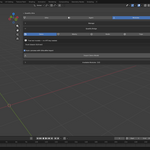
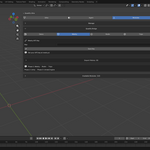
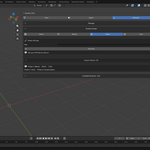
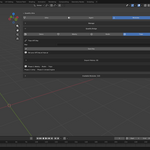
Quadify Bridge — AI Mesh Pipeline for Blender
Stop switching between your browser and Blender. Bridge pulls AI-generated meshes from Meshy, Rodin, and Tripo directly into Blender — named, organised, and ready to use. Works standalone or as a native module inside Quadify Ultra.
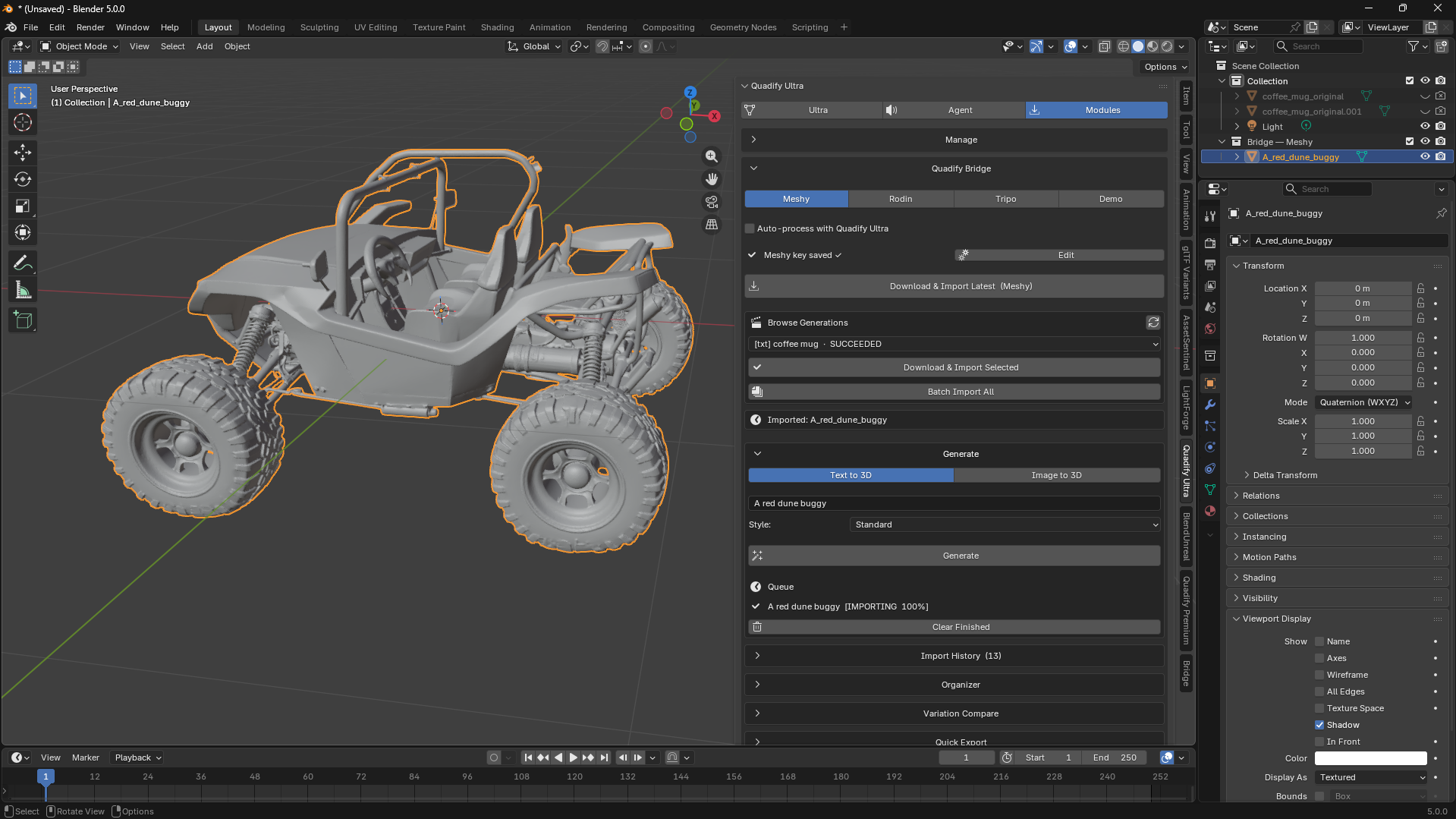
The problem with AI-generated meshes
AI mesh generators like Meshy produce triangle soup. Every model that comes out of a text-to-3D or image-to-3D pipeline is a dense, unstructured triangle mesh with no edge loops, no quad topology, no UV seams, and no rig-readiness. Before you can use it in a game engine, a film pipeline, or a rigging workflow, it needs to be cleaned up — and that process is manual, repetitive, and slow.
Quadify Bridge solves the import side completely on its own. Add Quadify Ultra and it solves the cleanup side too — automatically, on every import.
Generation queue
Submit multiple text or image prompts to Meshy or Tripo directly from the Blender panel. Bridge polls in the background and auto-imports each mesh the moment it finishes — no clicking, no switching windows. Queue up five variations of a character, go do other work, come back to five meshes in your scene.
Image-to-3D works the same way. Pick any JPG or PNG, submit it to Meshy, and get a textured mesh back without touching a browser.
Import from your generation history
Already have generations in your Meshy, Rodin, or Tripo account? Bridge lists your full history inside Blender, sorted by date. Select any completed generation and click Download & Import. Downloads run in the background so Blender never freezes.
Texture setup
PBR maps — albedo, normal, roughness, metallic — are detected and wired into Blender material nodes automatically on every import. No manual node setup.
Organizer
Every imported mesh is renamed from your prompt text, dropped into a named collection, and optionally normalised to a target bounding box size. Your scene stays clean without any manual tidying.
Variation compare
Import multiple generations of the same prompt side by side in the viewport. Adjust spacing, set a maximum number of variants, and pick the best result without cluttering your scene.
Quick export
One-click FBX, GLB, or OBJ export from the panel. Set your output folder once, select your mesh, click Export — done.
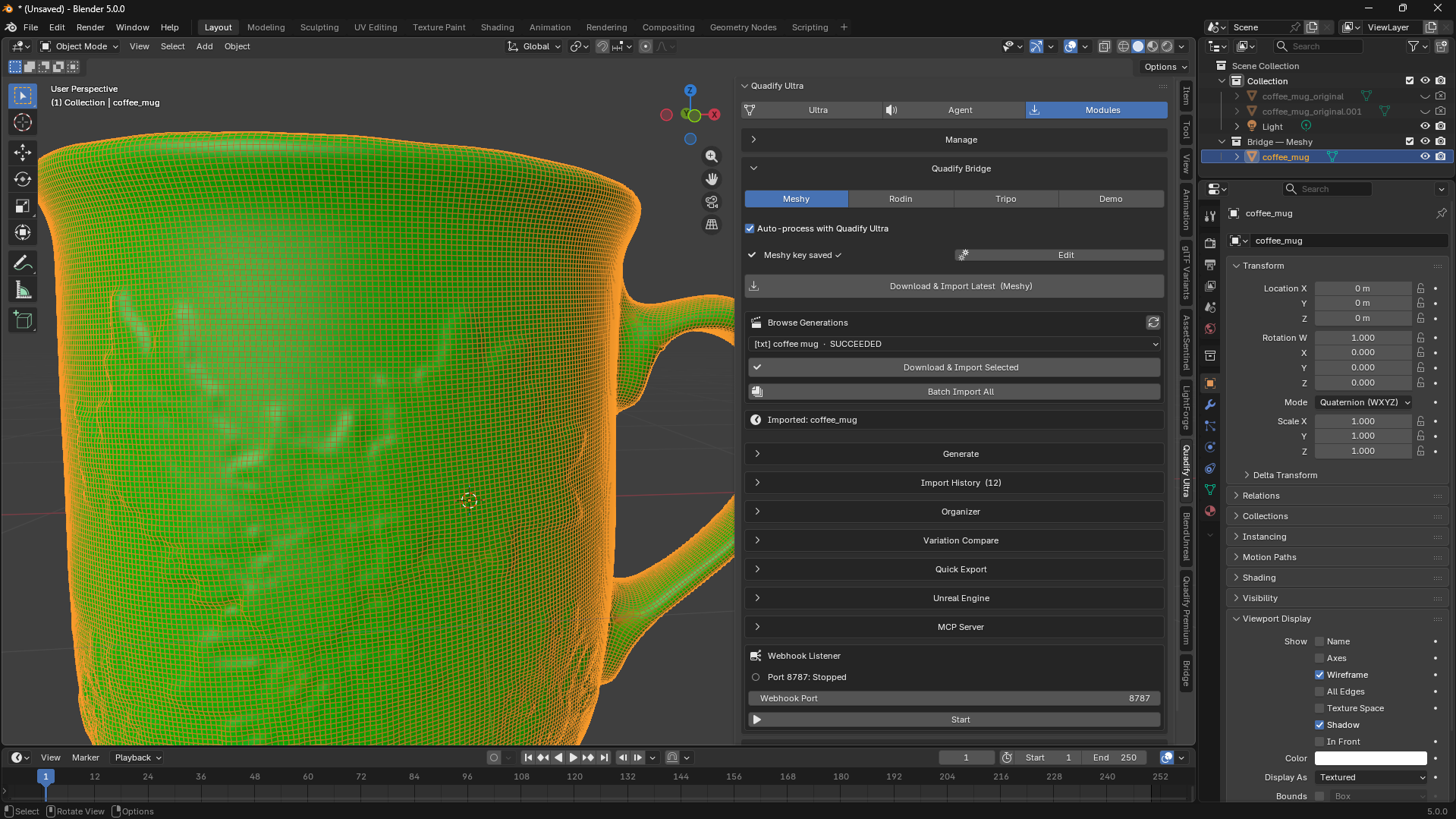
Automatic cleanup with Quadify Ultra (optional)
When Quadify Ultra is installed, every mesh that comes through Bridge is automatically processed by Ultra's topology pipeline:
- Smart Convert — converts the AI triangle mesh to clean quad-dominant topology using Ultra's ML-routing system, which detects mesh type and applies the correct conversion strategy
- Quality Pass — validates the resulting topology, checks quad coverage, and flags any remaining issues
Without Ultra, meshes import raw. The Auto-process toggle lets you turn this off at any time.
Bridge installs as a native module inside Ultra's Modules tab, or works completely standalone — your choice.
MCP server — control Blender from any AI assistant
Bridge includes a built-in MCP (Model Context Protocol) server. Start it from the panel, click Register with Claude Desktop, and your AI assistant gains direct access to Bridge and Quadify operations as callable tools.
Say things like:
- "Import my latest Meshy generation"
- "Generate a low-poly wooden crate and import it"
- "Import the model from this URL and clean it up"
- "Validate the topology of the active mesh"
- "Send the selected mesh to Unreal Engine"
Any MCP-compatible client works: Claude Desktop, Cursor, and custom pipelines.
Available tools: bridge_import, bridge_generate, bridge_import_url, bridge_list, bridge_history, bridge_send_unreal, quadify_remesh, quadify_validate
Webhook listener
Point Meshy's webhook URL at Bridge and meshes auto-import the instant generation finishes — zero polling delay, no button to click.
Unreal Engine connection
Send selected meshes directly from Blender to Unreal Engine 5 via the Quadify Suite receiver. Supports automatic mesh conditioning on arrival, configurable LOD presets, and background send so Blender stays responsive.
Key features
- Generation queue — submit multiple prompts, auto-import as each finishes
- Text-to-3D and image-to-3D from inside Blender via Meshy and Tripo
- Full generation history browser for Meshy, Rodin, and Tripo
- Background downloads — Blender never freezes
- PBR texture node setup on every import
- Smart rename, collection grouping, and scale normaliser
- Variation compare — side-by-side viewport layout
- One-click quick export in FBX, GLB, or OBJ
- MCP server with 8 callable tools and Claude Desktop registration
- Webhook listener for instant zero-click import
- Unreal Engine 5 live send with LOD presets
- Auto-retopology and quality pass when Quadify Ultra is installed
- Demo mode — 6 free Khronos sample models, no account needed
- Import history log
- API keys stored locally in your Blender user directory
Requirements
Blender 5.0 or later. Windows, macOS, and Linux supported.
Text-to-3D and image-to-3D generation requires a free or paid Meshy account. Rodin import requires a Rodin account. Tripo import requires a Tripo account. MCP features require Claude Desktop, Cursor, or another MCP-compatible client. Quadify Ultra integration is optional — install Ultra separately to enable auto-retopology on import.
