 Anvil Interactive Solutions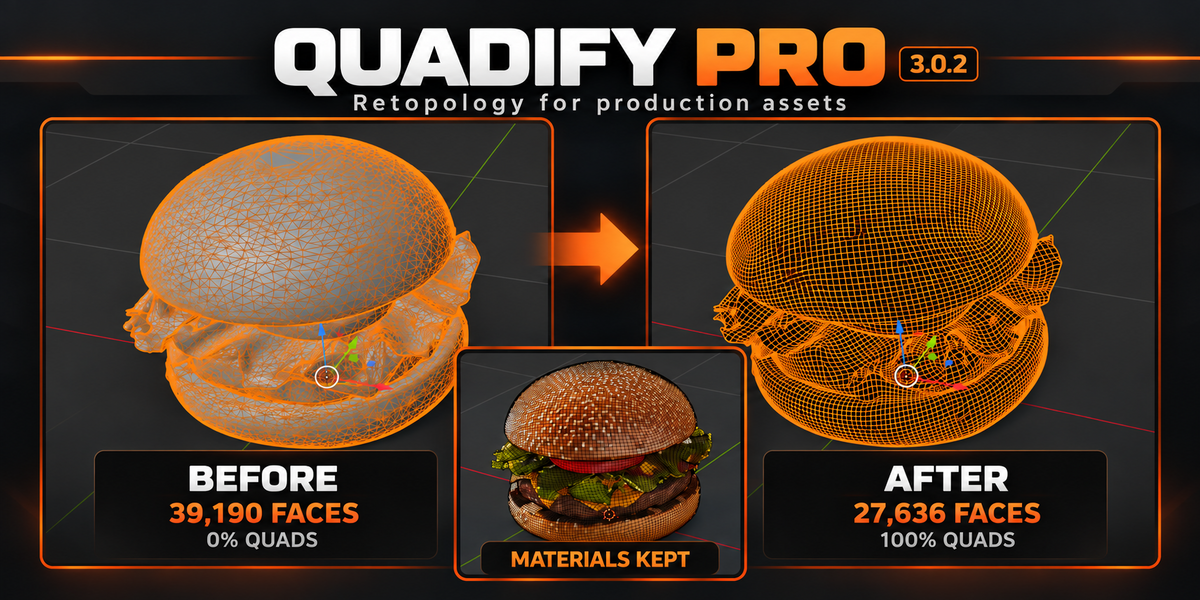
Fix the mesh.
Prepare the whole asset.
Retopologize difficult imports, then prepare geometry, UVs, textures, LODs and collision for the destination. Quadify Pro checks the result before you export.
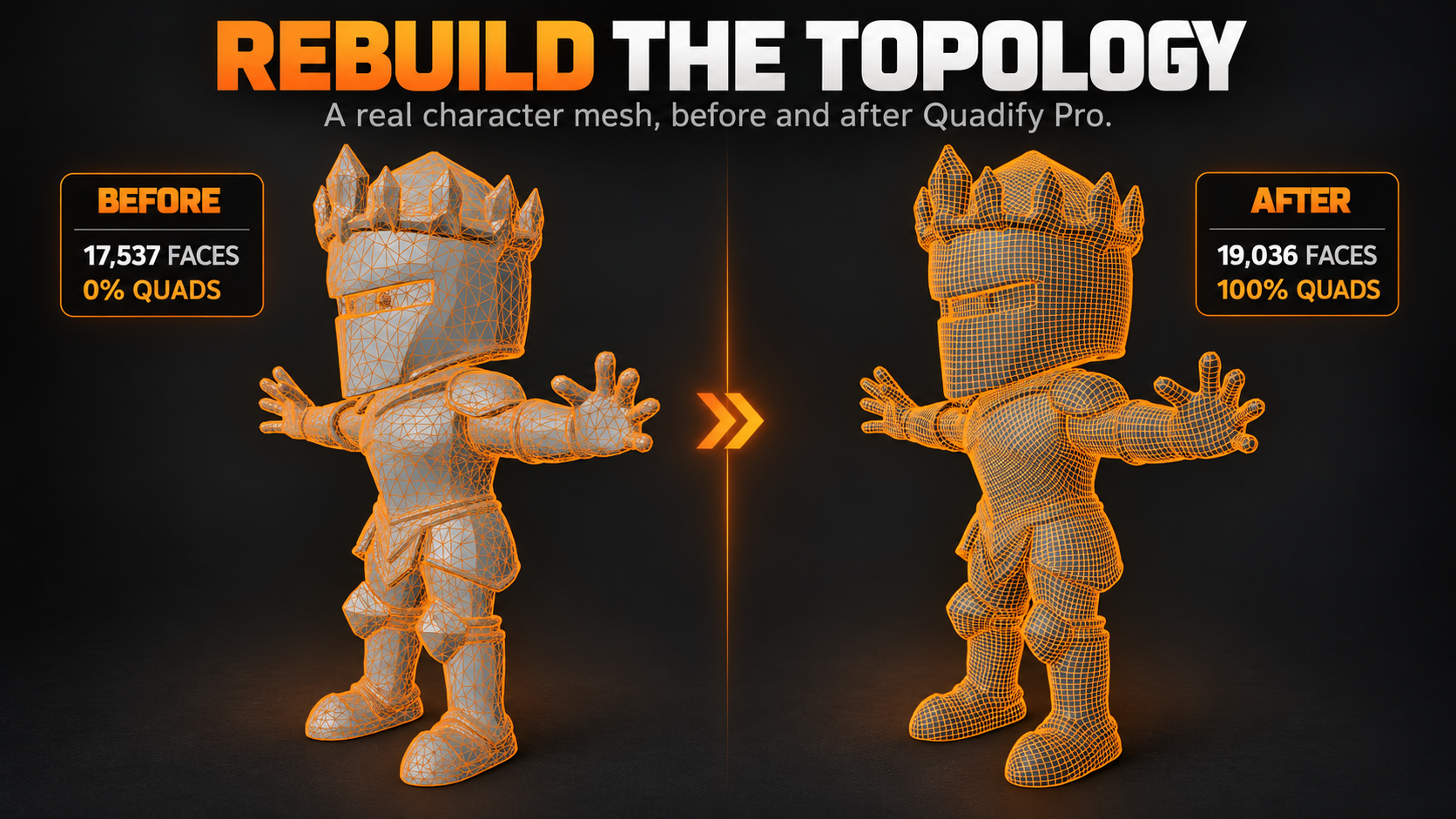
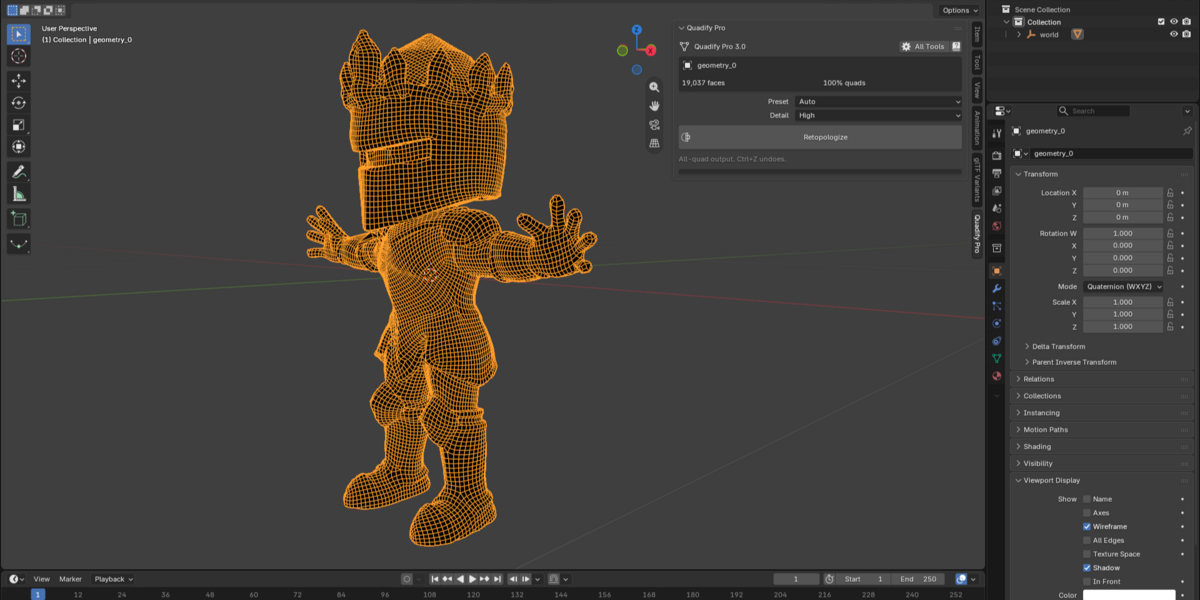
Actual character result: 17,537 faces and 0% quads before; 19,036 faces and 100% quads after. This example rebuilds topology rather than reducing the face count.
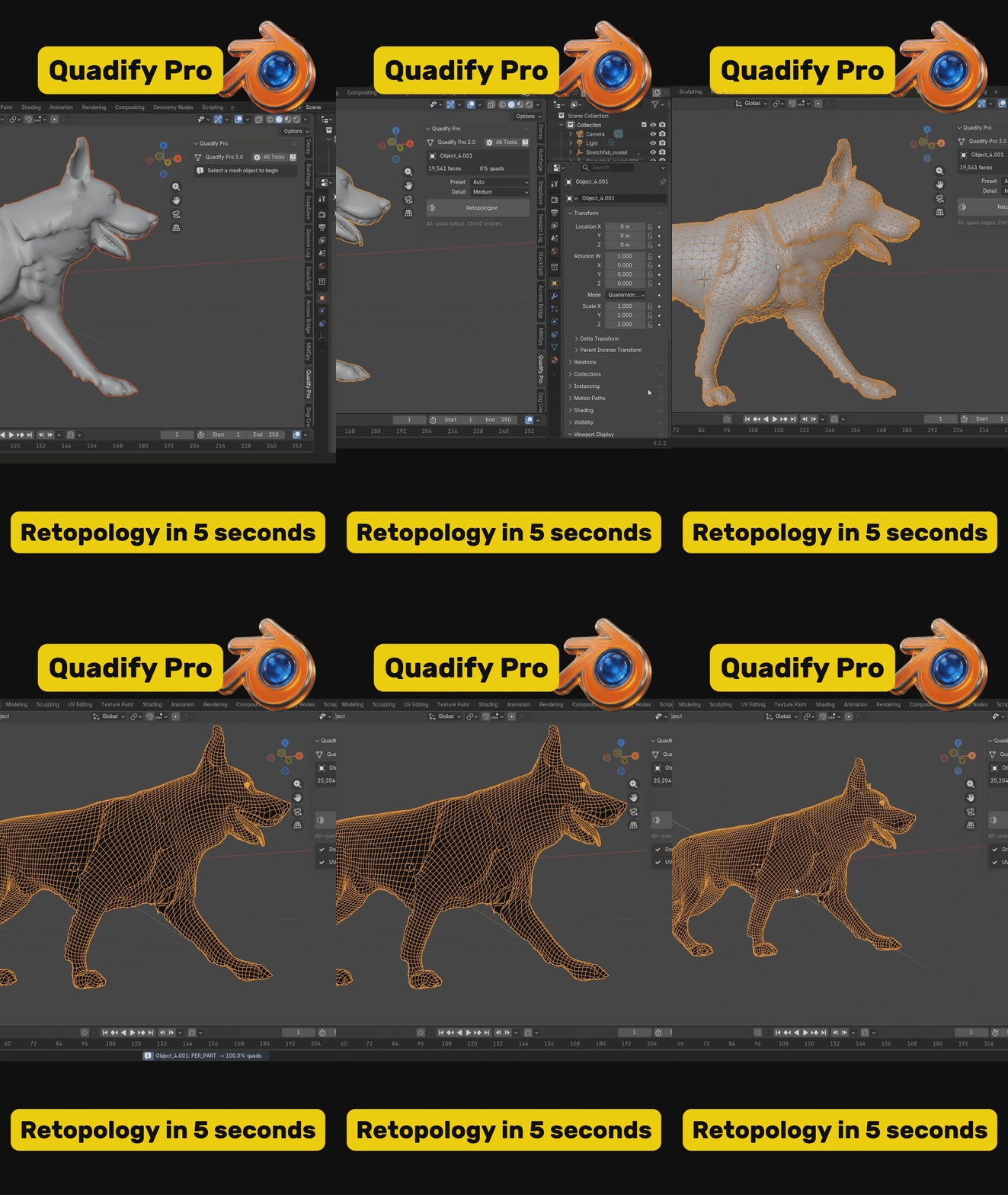
Input asset. Compile plan.
Checked output.
A good-looking viewport mesh can still have missing UVs, oversized textures, no collision or materials that will not travel cleanly. Pro brings those checks and preparation steps together.
| 01 · ANALYZE Choose the target Select the asset type, destination and importance. Pro proposes geometry and texture budgets before making changes. | 02 · COMPILE Prepare the asset Use the relevant cleanup, retopology, UV, texture, LOD and collision operations while protecting the source. | 03 · VERIFY Run Ship Gate See READY TO SHIP or BLOCKED, with the specific checks that need work before export. |
Built for meshes that did not arrive clean.
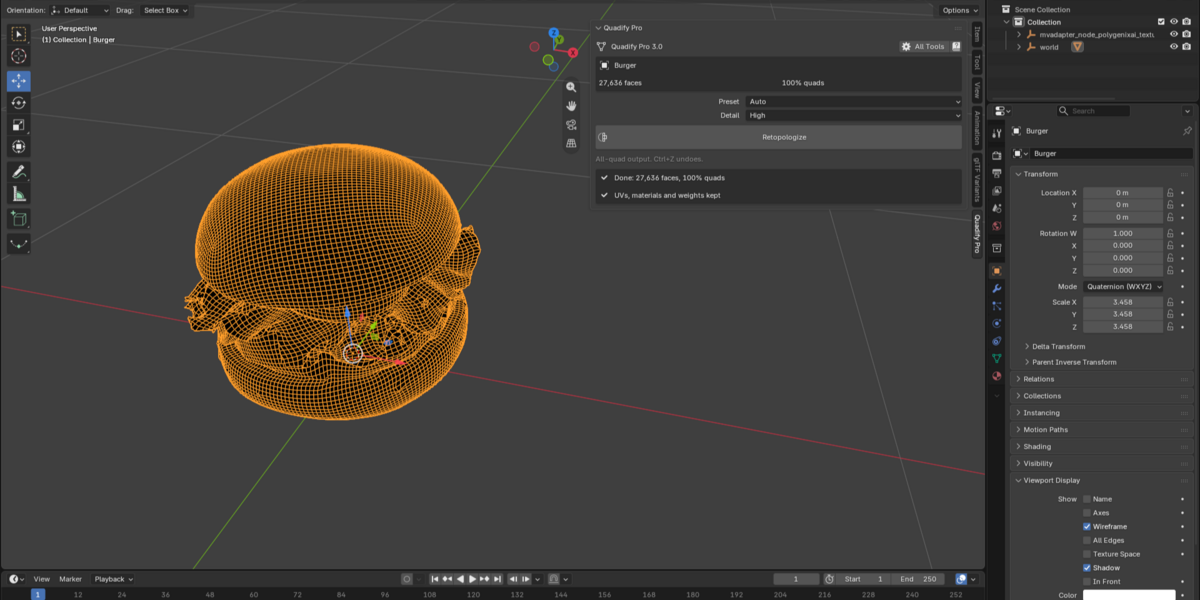
Start in Simple View: choose Auto, Scan, AI Character, Hard Surface or Game Low-Poly; choose Low, Medium or High detail; then press Retopologize. Switch to All Tools when you need direct control.
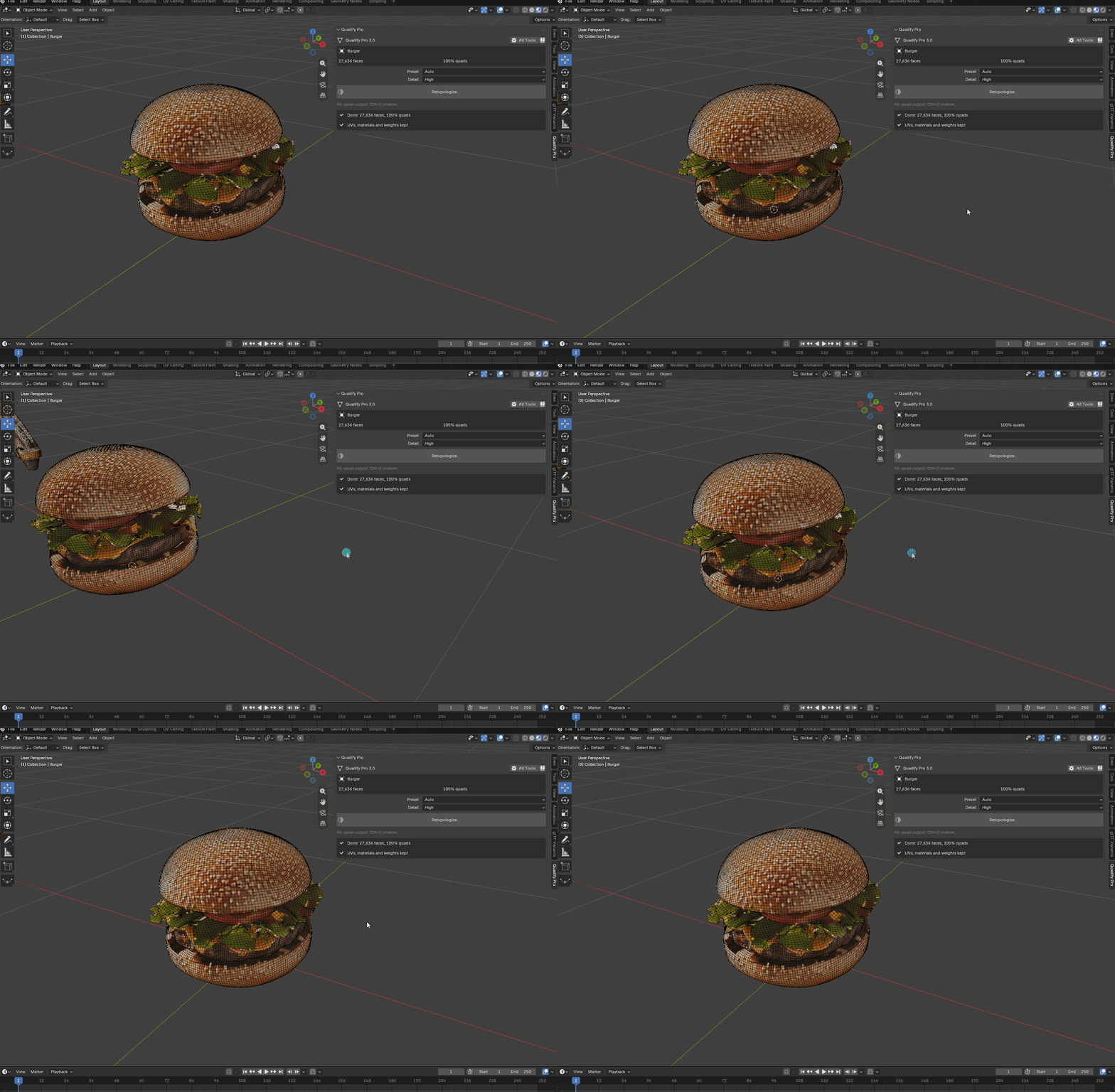
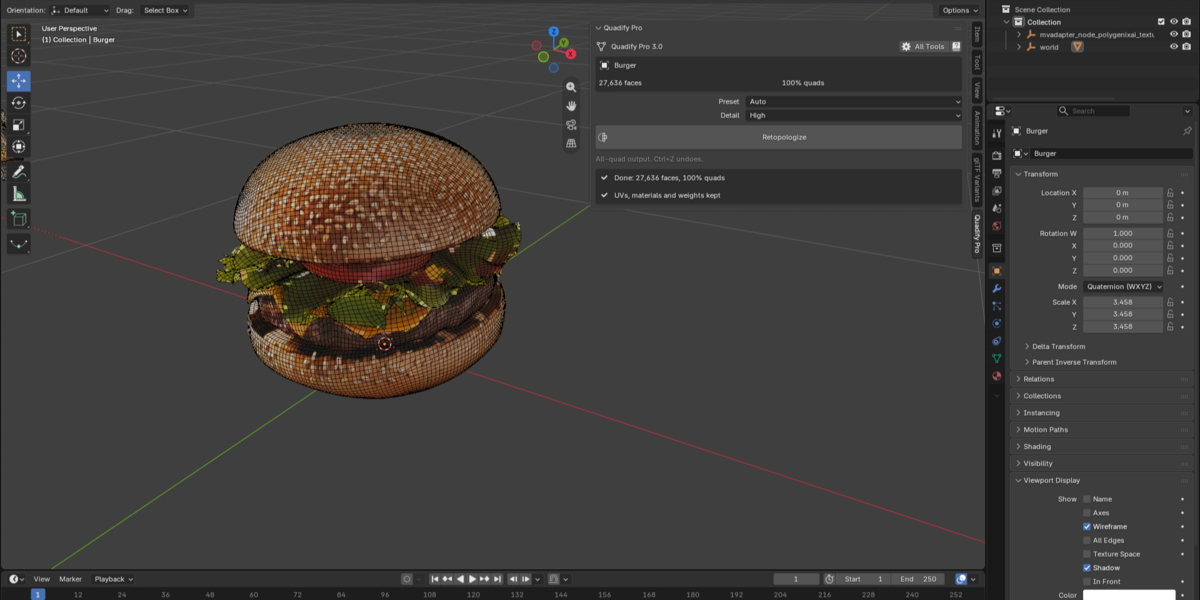
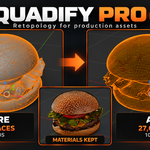
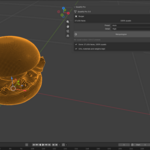
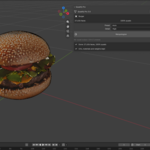
Burger result shown inside Blender: 27,636 faces, 100% quads, with UVs, materials and weights reported as kept.
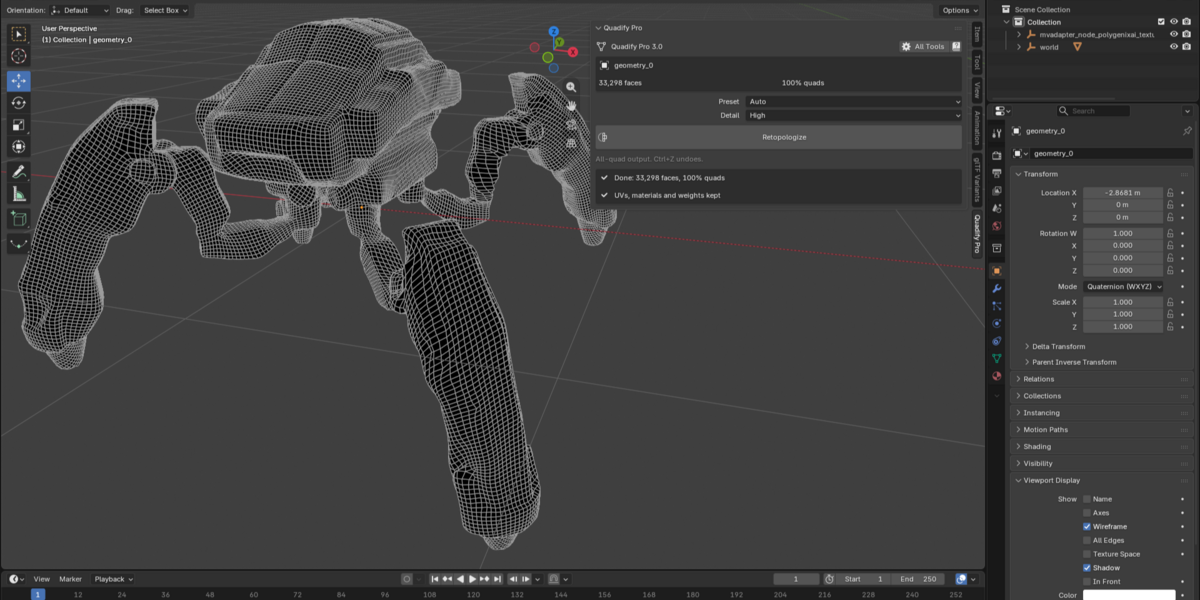
Complex parts. Clear topology.
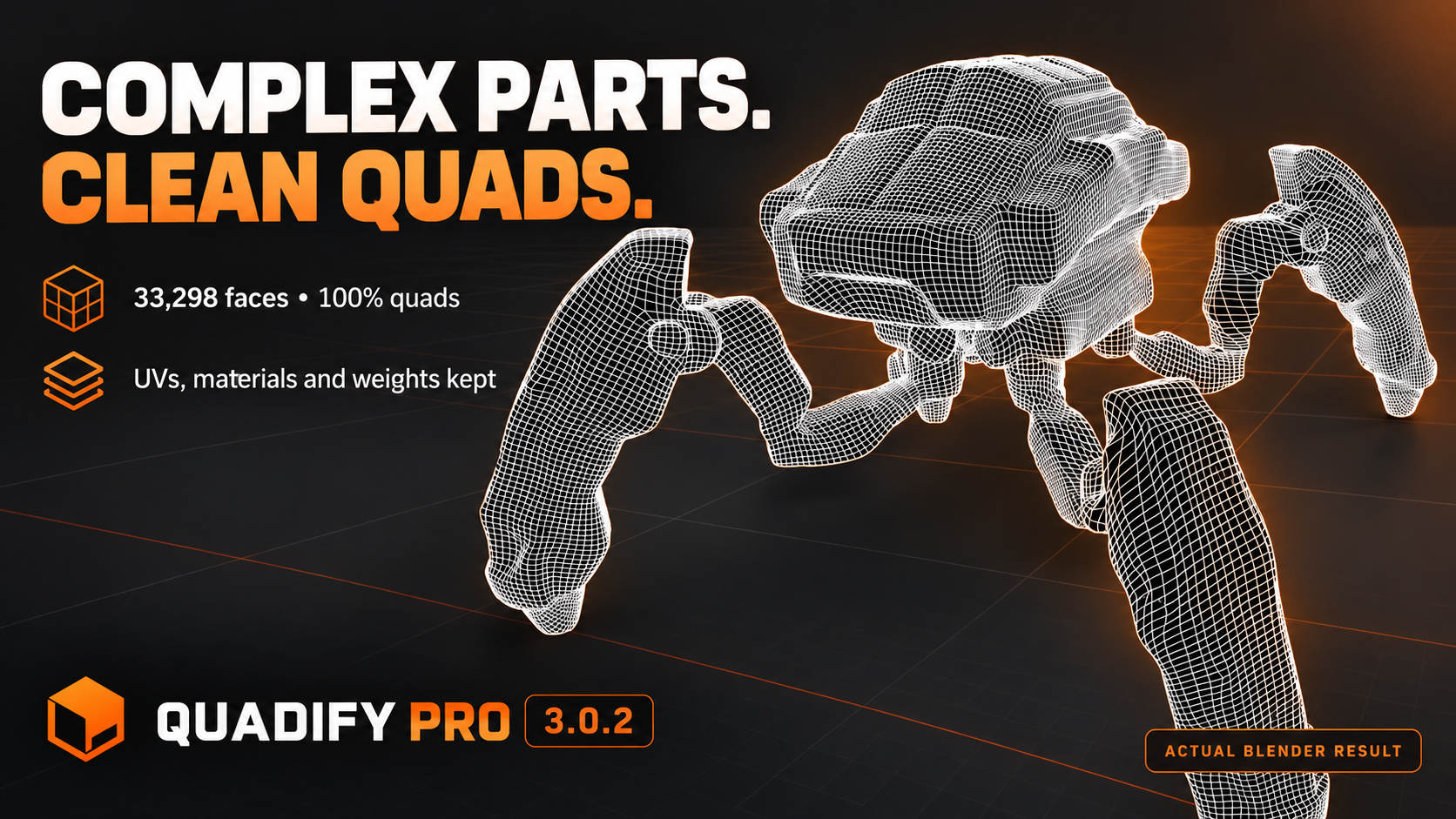
Completed multipart result: 33,298 faces and 100% quads. The Blender result panel reports UVs, materials and weights kept.
Prepare it for where it is going.
Profiles include Generic PBR, Unity Desktop, Unreal Desktop, Godot Desktop, Mobile/VR, Web/WebGL and Roblox. Hero, Gameplay, Background and Filler importance levels adjust the proposed budget.
| Geometry & UVs Repair geometry, prepare missing UVs, manage density and work toward a target face budget. | Materials & textures Find missing files, incorrect color spaces, oversized images, duplicates and materials that require manual review. |
| Engine map packing Create supported ORM or Unity Metallic/Smoothness outputs without blindly rewriting arbitrary shader graphs. | LODs & collision Generate the requested LOD chain and collision proxy, then check that both exist before delivery. |
Know what passed.
Know what needs work.
Ship Gate checks geometry, UVs, materials, textures, topology, requested LODs and collision, and appearance preservation. It reports READY TO SHIP or BLOCKED against the active profile.
Keeping UV data does not prove that every material still looks correct. If surface appearance cannot be verified after reconstruction, Pro marks the asset for rebake or review rather than silently approving it.
From one click to a repeatable pipeline.
| Conditional recipes Run different steps according to the asset's face count, quad coverage, UV status, target or asset type. | Batch processing & reports Apply consistent workflows to multiple assets and inspect QA reports instead of checking each result from memory. |
| Optional Pipeline Agent Use Anthropic, OpenAI or a compatible endpoint to request high-level compile, texture and Ship Gate operations. | Manual production tools Use region controls, flow guides, texel-density tools, QA heatmaps, unit tools and individual operations when the automatic plan needs adjustment. |
Production assets still need judgment.
Automatic topology: results depend on the source. A 100% quad result is not a promise of hand-authored deformation loops around every face or joint.
Face counts: retopology may increase or decrease the face count. The character example above increases from 17,537 to 19,036 faces while rebuilding the topology.
Complex materials: procedural and custom shaders may require manual review or a separate bake. Normal and AO baking does not reproduce every part of an arbitrary material.
Heavy meshes: meshes above roughly 700,000 faces may take several minutes. Low detail offers a faster first pass.
Platform: this package is a Windows x64 Blender extension and includes Windows QuadWild executables.
Agent Mode: optional. Remote provider costs and credentials are separate. Agent requests send instructions and compact mesh statistics, not the mesh geometry.
Take the asset further
than clean topology.
Retopology, target-aware preparation and a clear shipping check in one Blender workflow.
