Anvil Interactive Solutions


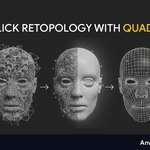
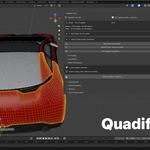

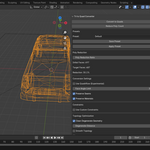

Messy topology in.
Usable topology out.
Recover quads from triangulated hard-surface assets, rebuild dense organic and generated meshes, reduce geometry safely, process batches and prepare complete assets for production.
Quadify Base is no longer sold on Superhive. It is now free and distributed through TheAnvilStore, our own store run by Anvil Interactive Solutions.
Premium, Pro and Ultra are sold here on Superhive. Every paid edition already includes everything in Base, so you do not need to download Base before buying one.
Not every triangulated mesh
needs to be rebuilt from scratch.
Quadify first tries to understand what kind of geometry you selected. Hard-surface meshes, dense scans and organic assets are not processed as though they were the same problem.
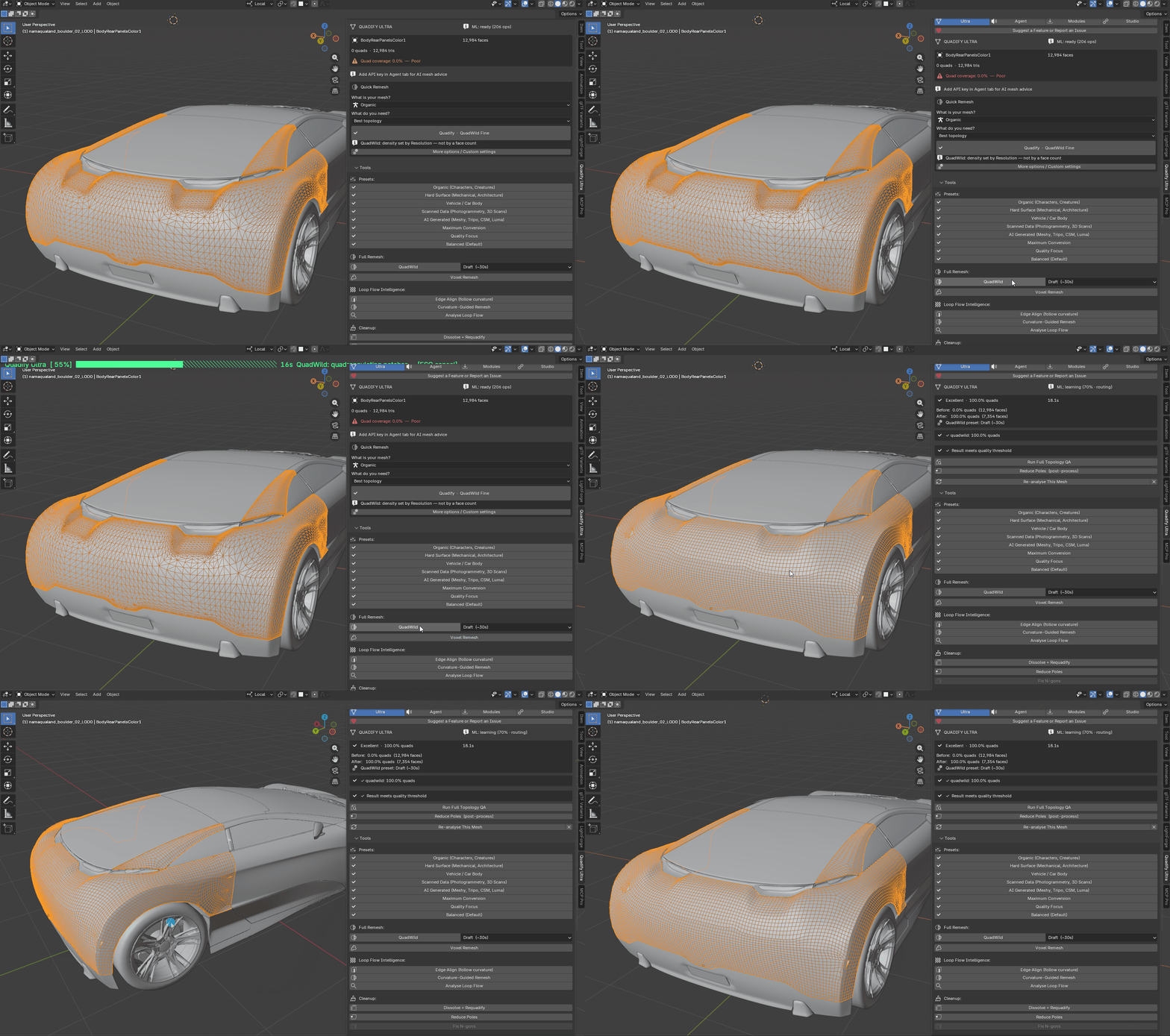
Recover the quads that triangulation buried.
Quadify 3.0's hard-surface Smart Convert does more than run a generic Tris-to-Quads command. It evaluates local planarity, edge proportions, boundaries, creases and likely original diagonals before deciding which triangles should be paired.
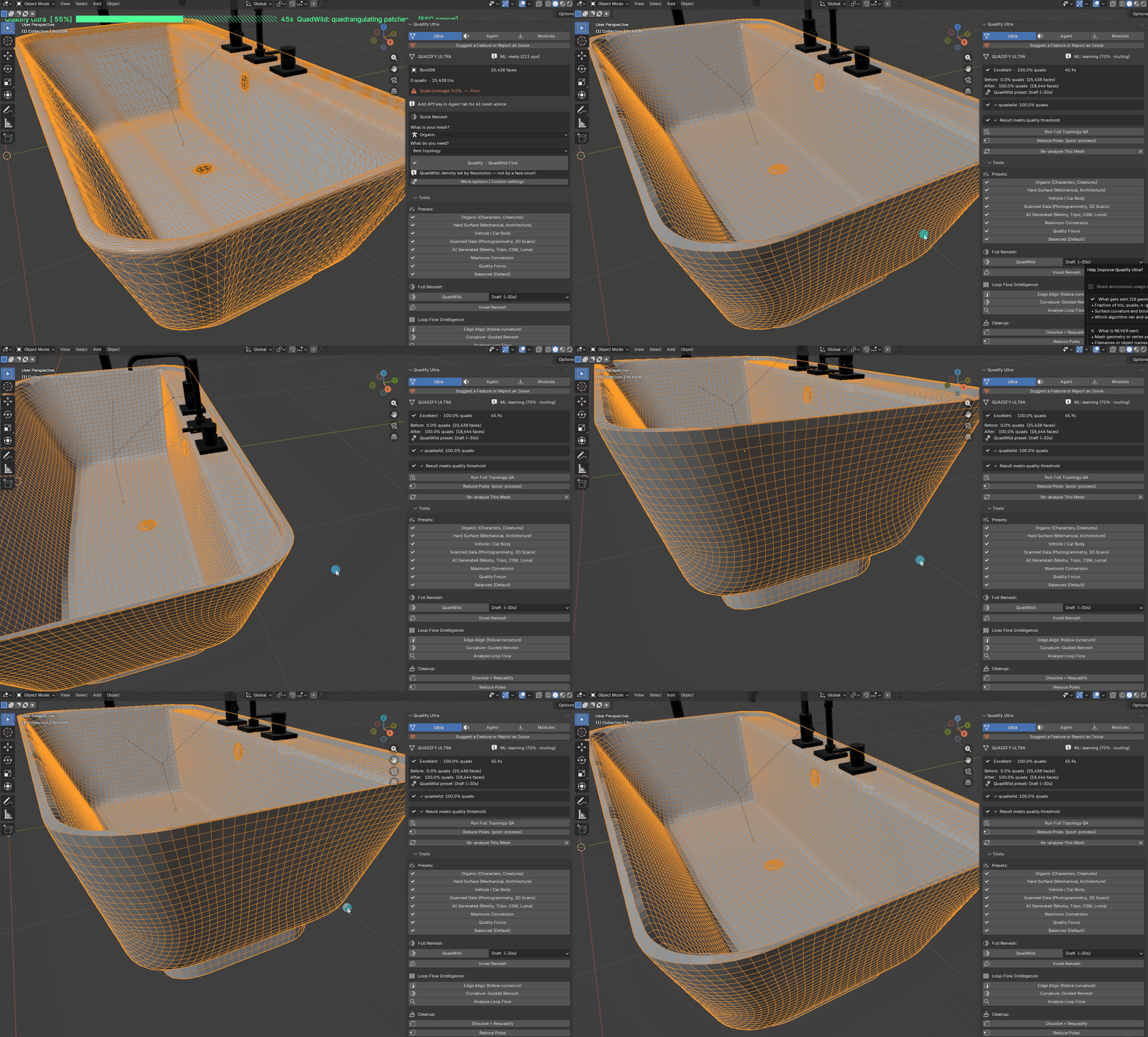
Generated mesh doesn't mean usable mesh.
Quadify checks mesh health and classifies dense triangulated geometry before deciding whether quad recovery is appropriate or whether full topology reconstruction is the better route.
Base is no longer just a Tris-to-Quads button.
Base 3.0 is built around a smarter single-object workflow. Analyze the mesh, determine what kind of geometry you are dealing with, recover safe quads, repair common problems and reduce complexity without blindly applying the same operation to everything.
| Smart Mesh Classification Distinguish manufactured hard-surface geometry from scans, generated meshes and mixed organic assets before conversion. | Hard-Surface Diagonal Recovery Recover likely original quad pairs using geometry and boundary evidence instead of greedy triangle pairing. |
| Honest Mixed-Topology Results Residual triangles can remain when forcing another pair would create a worse quad. Quad coverage is reported clearly. | Safer Reduction Reduce polygon count while preserving a complete source backup before vertex-count-changing operations. |
| Mesh Health Analysis Detect degenerate geometry, winding issues and other common structural problems before conversion. | Real Before / After Backup Keep a hidden duplicate of the original mesh so destructive topology changes do not destroy the only source state. |
When conversion is not enough, rebuild the topology.
Premium adds a dedicated reconstruction path for dense organic, scanned and generated meshes while retaining improved hard-surface recovery, region tools, batch workflows, density control and LOD generation.
| Production Rebuild Dense organic, scan and generated geometry can be reconstructed through field-based quadrangulation instead of being forced through a basic grid-style remesh. | Source-Surface Projection Reconstructed vertices are projected back toward the untouched source surface to recover the original form more accurately. |
| Production Density Presets Draft, Medium, Standard, High and Ultra target practical output budgets rather than blindly multiplying source density. | Topology Quality Validation Premium checks more than quad percentage. Pathologically stretched or poor reconstruction can be rejected. |
| Region Control Protect, Focus and Transition regions give additional control over where processing should be conservative or aggressive. | Failure-Isolated Batch Processing A problematic object can fail without taking the entire processing batch down with it. |
Recover when you can. Rebuild when you must.
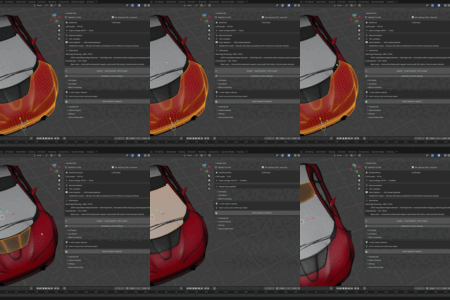
A triangulated car panel may already contain useful underlying quad structure. A dense photogrammetry scan usually does not. Premium can handle both workflows rather than pretending they are the same operation.
Retopology is only part of getting an asset into production.
Pro expands Quadify beyond topology. The Asset Compiler analyzes the wider asset — geometry, UVs, materials, textures, appearance, LODs and collision — against the intended production target.
| Texture & Material Audit Detect missing images, map roles, oversized textures, duplicates, color-space problems and unsupported setups. | Target-Aware Optimization Compile assets against engine and platform requirements instead of applying one budget everywhere. |
| Material Consolidation Identify redundant materials, duplicate texture sets and unnecessary material slots. | Engine Texture Packing Generate packed production maps such as Unreal ORM and compatible PBR layouts. |
| Appearance Preservation Distinguish between transferring UV information and actually preserving how the asset looks after topology changes. | Production Baking Bake production maps when reconstructed topology or UVs require a surface transfer. |
Different targets need different assets.
Desktop, mobile and engine-specific profiles can use different production budgets instead of applying one rule everywhere.
Finished doesn't automatically mean ready.
A critical production failure is reported instead of being silently treated as success.
| Geometry | ✓ |
| UVs | ✓ |
| Materials | ✓ |
| Textures | ✓ |
| Appearance | ✓ |
| LODs | ✓ / N/A |
| Collision | ✓ / N/A |
When one method is not enough, test the real alternatives.
Ultra analyzes the mesh, chooses a safe starting workflow and can escalate difficult or ambiguous cases into Adaptive Solver Search. Viable Quadify strategies run on protected candidates, the actual results are measured, and the strongest safe candidate is kept. Agent Studio can operate the same controlled local systems through supported OpenAI and Anthropic models.
| Geometry Classification Analyze topology structure, density and surface behavior to distinguish organic, scanned, generated, hard-surface and other processing cases. | Method Compatibility Analysis Evaluate which available retopology strategies are suitable for the selected geometry before launching an expensive or destructive operation. |
| Confidence Scoring Recommendations include confidence instead of pretending every automatic decision is equally reliable. | Intelligent Method Routing Route different topology problems toward appropriate conversion, reconstruction or recovery strategies instead of forcing a single remesher onto every asset. |
| Advanced Hard-Surface Analysis Detect manufactured geometry characteristics and avoid unnecessarily routing hard-surface assets into destructive organic reconstruction. | Generated Asset Workflows Handle dense and irregular generated geometry as its own production problem rather than treating it like ordinary hand-modeled topology. |
More control over important edges. Faster answers when the route is unclear.
| Adaptive Solver Search Run viable strategies on protected candidates, compare measured QA and keep the strongest safe result. | Concurrent candidate solving Candidate engines now solve concurrently within the Max Threads limit, reducing search wall-clock time. |
| Artist-guided feature constraints Marked Sharp edges feed QuadWild directly. An experimental guide-stroke tool can convert an Annotate stroke or surface Curve into Sharp and optional Seam paths. | Symmetry and watertight repair QuadriFlow can detect bilateral symmetry, while a manual Make Watertight action closes open boundary holes before a later quad pass. |
Analyze first. Choose the method second.
Ultra does not stop at recommending a method. It can inspect the mesh, choose a controlled operation, run it locally, review the measured outcome and escalate uncertain cases into a protected race across viable solvers.
More algorithms are not enough.
Once a retopology system contains several conversion, reconstruction and recovery methods, choosing the right one becomes the difficult part. Ultra reduces that trial-and-error by combining analysis, controlled execution, measured candidate comparison and explicit REVIEW or failure states when no result meets the selected production contract.
Four editions. Four different jobs.
Base fixes individual meshes. Premium adds production retopology. Pro prepares complete assets for their destination. Ultra analyzes difficult meshes, executes controlled workflows and can compare real solver candidates automatically.
Base is free on TheAnvilStore. Premium, Pro and Ultra are the three editions sold here on Superhive.
| FREE · NOT SOLD ON SUPERHIVE Base ONE OBJECT · SMART CONVERT Smart mesh classification, topology-aware hard-surface quad recovery, adaptive conversion, mesh-health analysis, safe backups, poly reduction and live quad visualization. Distributed free through TheAnvilStore, our own store. | FREE Get on TheAnvilStore → |
| MOST POPULAR Premium PRODUCTION RETOPOLOGY Everything in Base plus Production Rebuild for scans and organic meshes, source-surface projection, density presets, topology quality validation, region controls, batch processing, LOD generation and production reports. | $25 |
| ASSET COMPILER Pro PRODUCTION PIPELINES Everything in Premium plus the Asset Compiler, texture and material auditing, target-aware optimization, engine packing, appearance checks, baking, folder processing, recipes, QA tools and Ship Gate. | $50 |
| AGENT-READY DECISION ENGINE Ultra 4.5.2 ADAPTIVE SOLVER SEARCH Everything in Pro plus Agent Studio, protected multi-solver search, measured candidate selection, concurrent solving, deeper geometry classification, artist-guided feature constraints, symmetry-aware QuadriFlow and manual watertight repair. | $150 |
Fix the object in front of you.
Base is designed for artists who need a better mesh without needing batch automation or a complete production pipeline.
| Smart Convert Analyze the mesh and choose a conversion strategy appropriate for manufactured, organic or generated geometry. | Safe quad recovery Recover useful quad structure without forcing every residual triangle into a badly formed quad. |
| Mesh health & Quick Fix Check common structural problems before attempting conversion. | Reduce with backup Reduce dense objects while preserving a complete recoverable source copy. |
Recover existing topology or build new topology.
Premium is where Quadify becomes a production retopology system. Smart Convert handles recoverable triangulation, while Production Rebuild handles geometry that actually requires a new topology layout.
| Production Rebuild Field-based reconstruction for dense organic, scan and generated meshes. | Production density presets Choose practical output budgets instead of blindly mirroring source density. |
| Protect / Focus / Transition Control which regions remain protected, receive stronger processing or transition between the two. | Resilient batch processing Process multiple assets while isolating failures to individual objects. |
| Quality-aware results Quad percentage is not the only criterion; poor or badly stretched reconstruction can be rejected. | LOD generation Generate multiple reduction levels using reusable production settings. |
Go beyond retopology.
Pro is designed for assets that need to move from Blender into an actual production pipeline. Analyze geometry, UVs, materials, textures, appearance, LODs and collision before deciding whether the asset is ready.
Folder processing, reusable recipes, UDIM tools, QA heatmaps, texel-density tools and repeatable Agent workflows remain available alongside the Asset Compiler and Ship Gate.
The highest tier tests decisions instead of merely suggesting them.
Base helps convert one mesh. Premium adds reconstruction and production retopology. Pro prepares the wider asset for its destination.
Ultra addresses a different problem: deciding what should happen, executing viable choices safely and measuring which result is actually strongest. Adaptive Solver Search can race protected candidates instead of committing the source to a guess.
Agent Studio can operate those systems for you, while direct local controls remain available when you do not want AI involved.
Prepare the asset, then keep working normally.
Quadify is designed to sit between import or generation and the rest of your normal Blender or game-engine workflow.
Quadify Bridge is detected automatically when installed and can bring supported generated meshes directly into the cleanup workflow.
Automatic retopology still has limits.
Hero deformation topology: Quadify is not a replacement for hand-built facial or joint loops where deformation topology must be art-directed precisely.
100% quads: Smart Convert may deliberately preserve residual triangles when pairing them would create worse topology. Premium Production Rebuild is the better option when a completely new topology is required.
Open surfaces: some reconstruction methods require suitable surface structure. Quadify can reject incompatible operations instead of forcing them.
Filigree and high-genus geometry: complex thin structures may require conservative settings or manual cleanup.
Adaptive search: Ultra can compare multiple measured candidates, but no automatic system can guarantee an ideal result for every arbitrary mesh. Weak outcomes are reported for review instead of being presented as production-ready.
Extremely large objects: very dense geometry can still require significant processing time. Premium and higher workflows may prepare temporary lower-density solver copies while retaining the protected source.
Choose the level of control you actually need.
Base fixes the mesh in front of you, free on TheAnvilStore. Premium adds full production retopology. Pro prepares the complete asset for its destination. Ultra analyzes difficult meshes, tests viable strategies and keeps the strongest measured candidate.