 AFX LAB


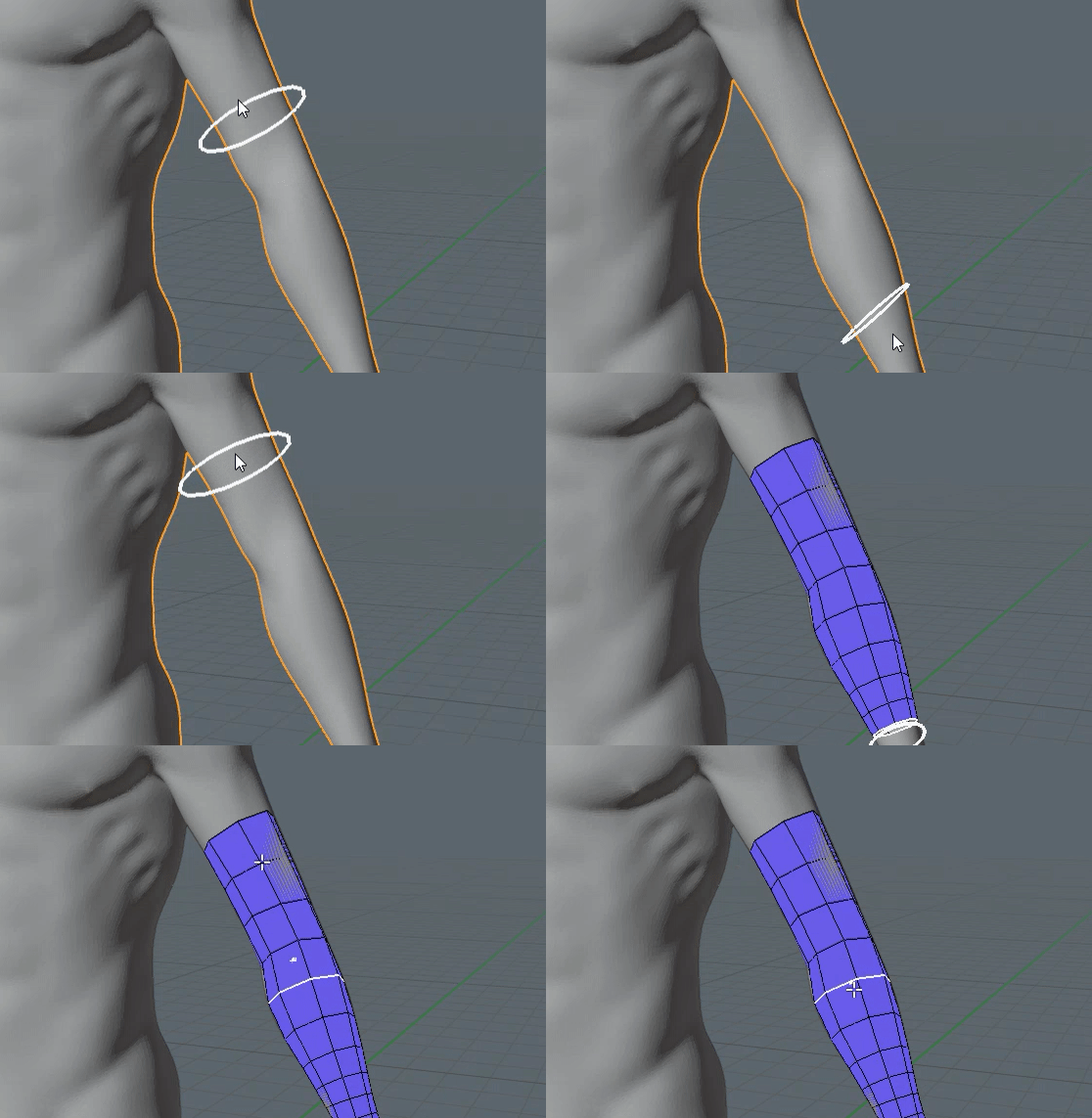

- QUADWRAP is a new retopology tool for Blender 5.0+ designed to speed up your retopology workflow when working with cylindrical shapes such as arms, fingers, legs, horns etc.
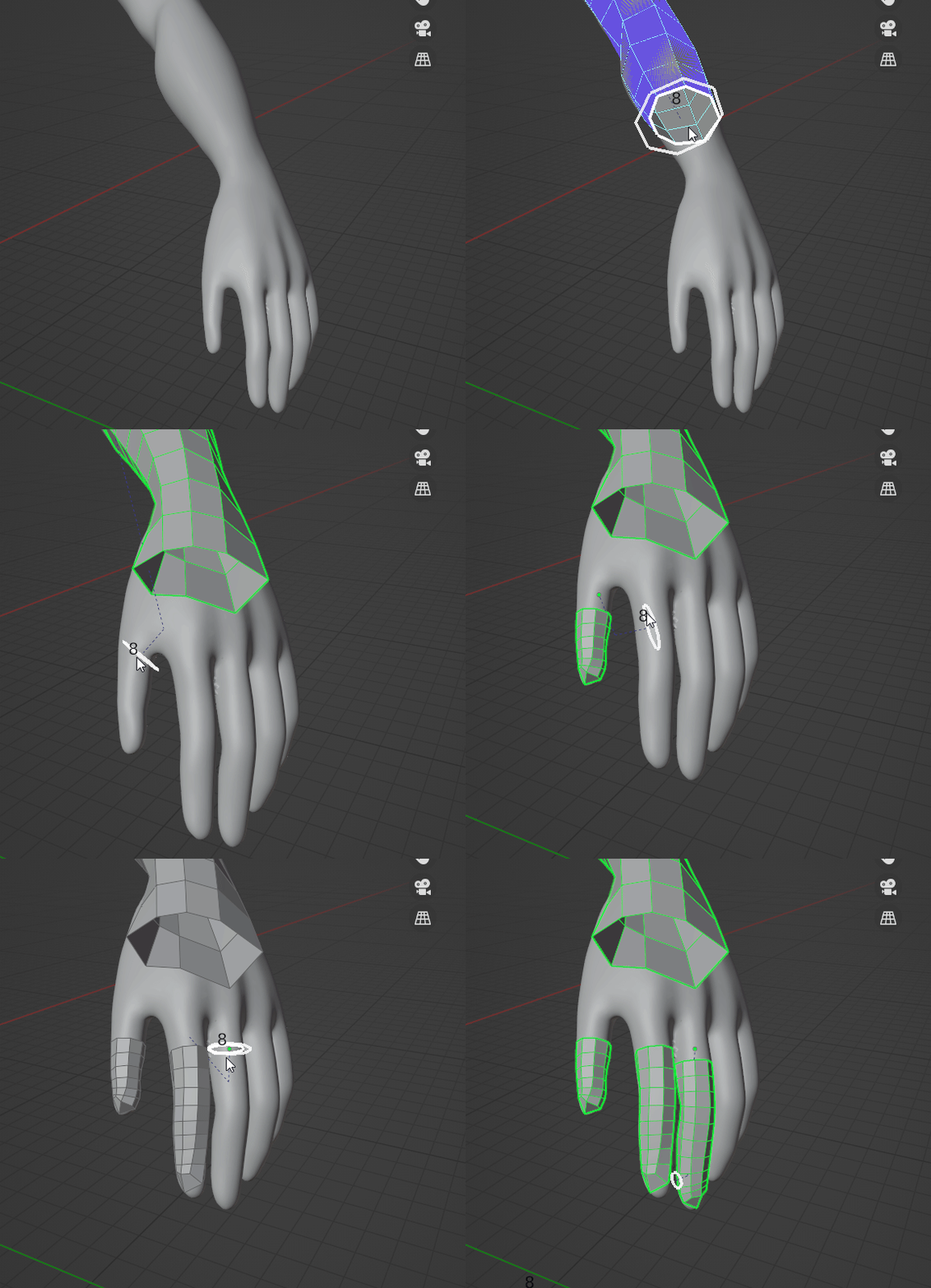
When working with organic models, manually creating quads for that shape can be very time consuming. Thankfully, this tool can create & wrap quads around your mesh without effort.
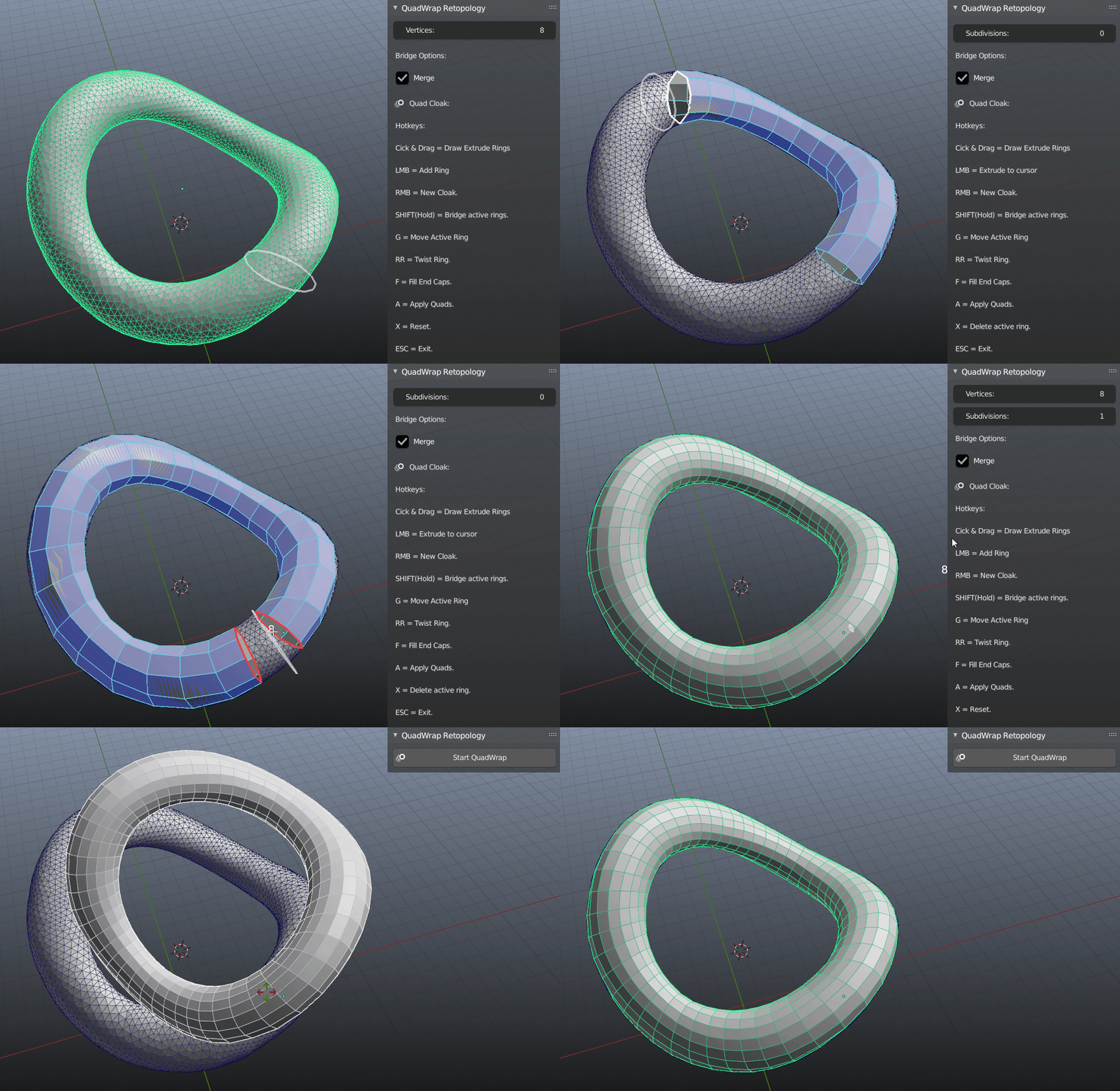
Features:
- Click & drag Feature
- Easy control over edge loops
- Instant End Cap Filling
- Simplified UI
- Fast configuration
- Automatic Edge loop Bridging
- Dynamic Hotkey Help panel
Update log:
v1.5:
Removed the old qcBrush object-based preview and replaced it with a GPU batch_for_shader point preview.
Reworked initial ring creation to use direct bmesh creation so new loops respect ring_count.
-
FIXED: excessive drag extrusion by stabilizing snap-point initialization and extrusion step length.
v1.4:
- Blender 5.0 support
- FIXED: no BGL error when activating add-on
- FIXED: Loop cut(C) error
v1.3:
- Blender 4.0 support
- FIXED: Loop cut slide error
-
FIXED: GUI elements not showing
v1.3:
-
UI: Hotkeys Panel
-
FIXED: Raycast Error
- FIXED: Modal Freeze/Crash
- FIXED: Messy Extrusions
-
NEW: Loop Relax(R)
- NEW: Bridge Segment control
-
NEW: Delete Loops(RMB)
v1.2:
- FIXED: Blender crash when executing undo(Z)
- NEW: Symmetry/Bisect Support
- FIXED: Raycast Error when dragging outside of mesh
See Documentation for installation, guide, & sneak peaks for upcoming tools.