 Zemalate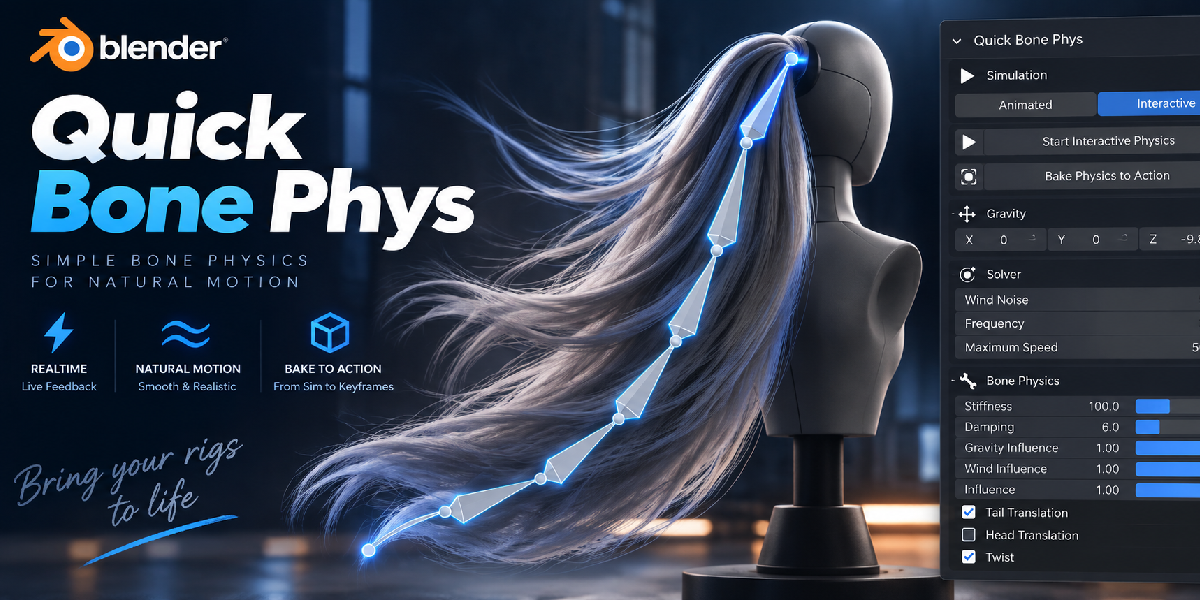
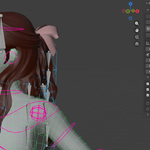
Quick Bone Phys
A little bounce. A lot more character.
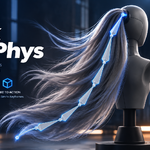
Bring your rigs to life with springy hair, swaying tails, floppy ears, and moving accessories. Quick Bone Phys adds physics-based motion to your Blender bones, with live previews, collisions, wind, and baking to animation.
You create the main movement. Let Quick Bone Phys help with the little reactions that make it feel alive.
Make every move feel a little more alive
A character stops, but their hair keeps moving. A tail swings after a turn. An accessory bounces, then settles into place.
Those small details give an animation personality—and they can take time to animate by hand. Quick Bone Phys helps you add that follow-through to the parts you've rigged with bones.
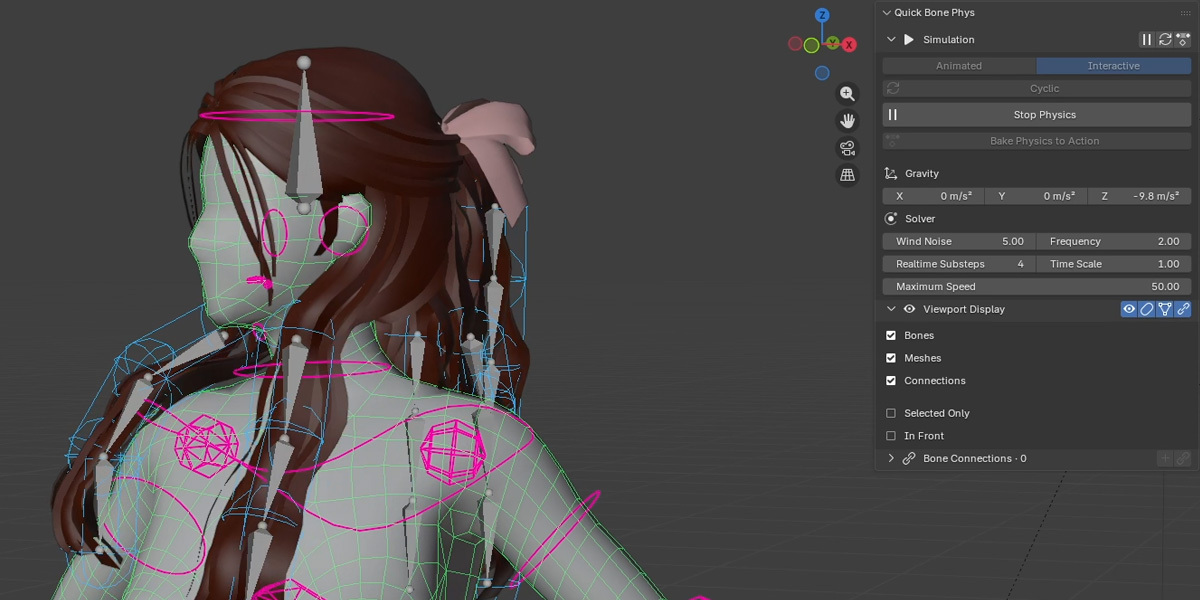
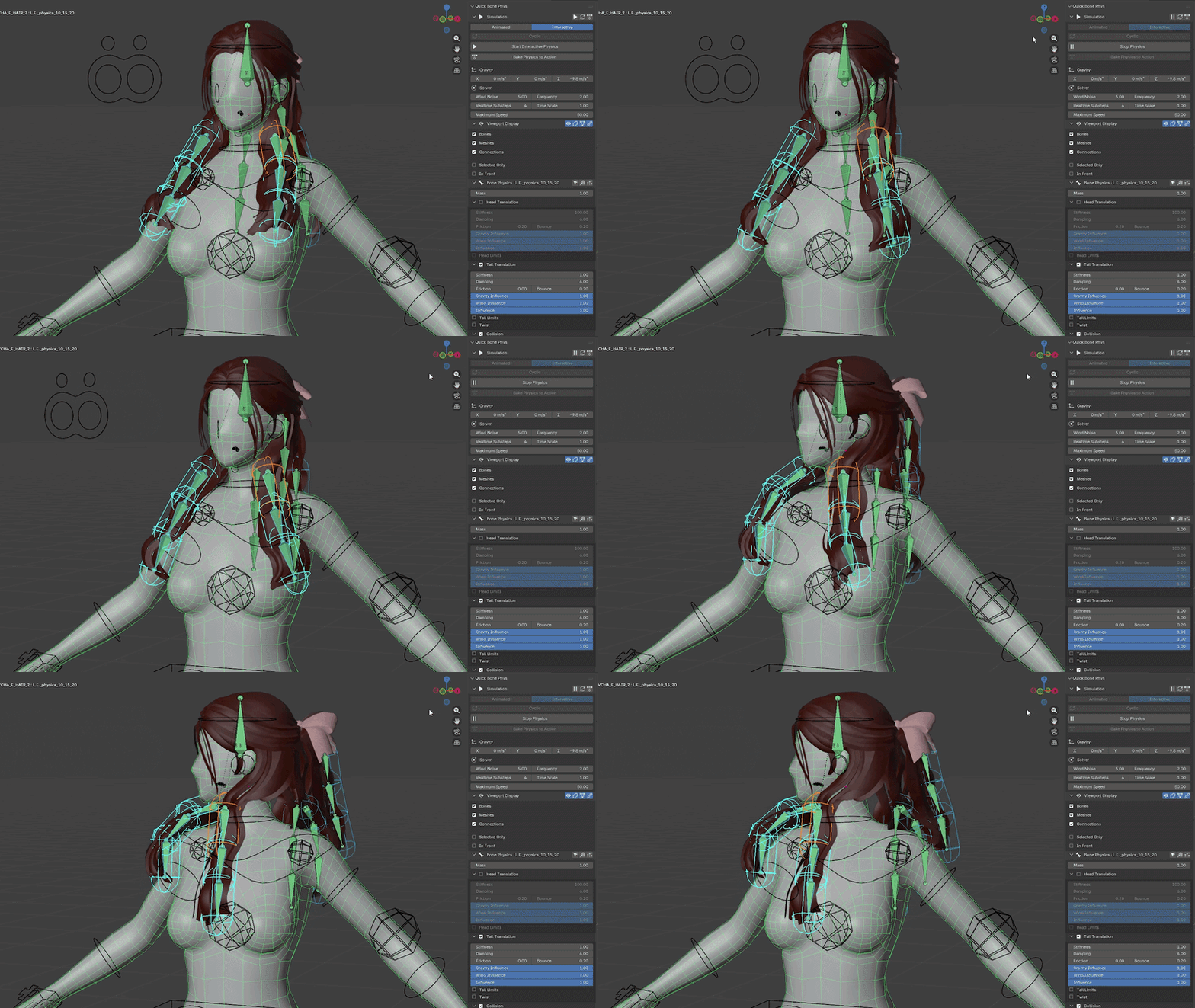
Try it on hair, tails, ears, straps, accessories, bone chains, and cloth elements rigged with bones.
Select a bone. Start the motion.
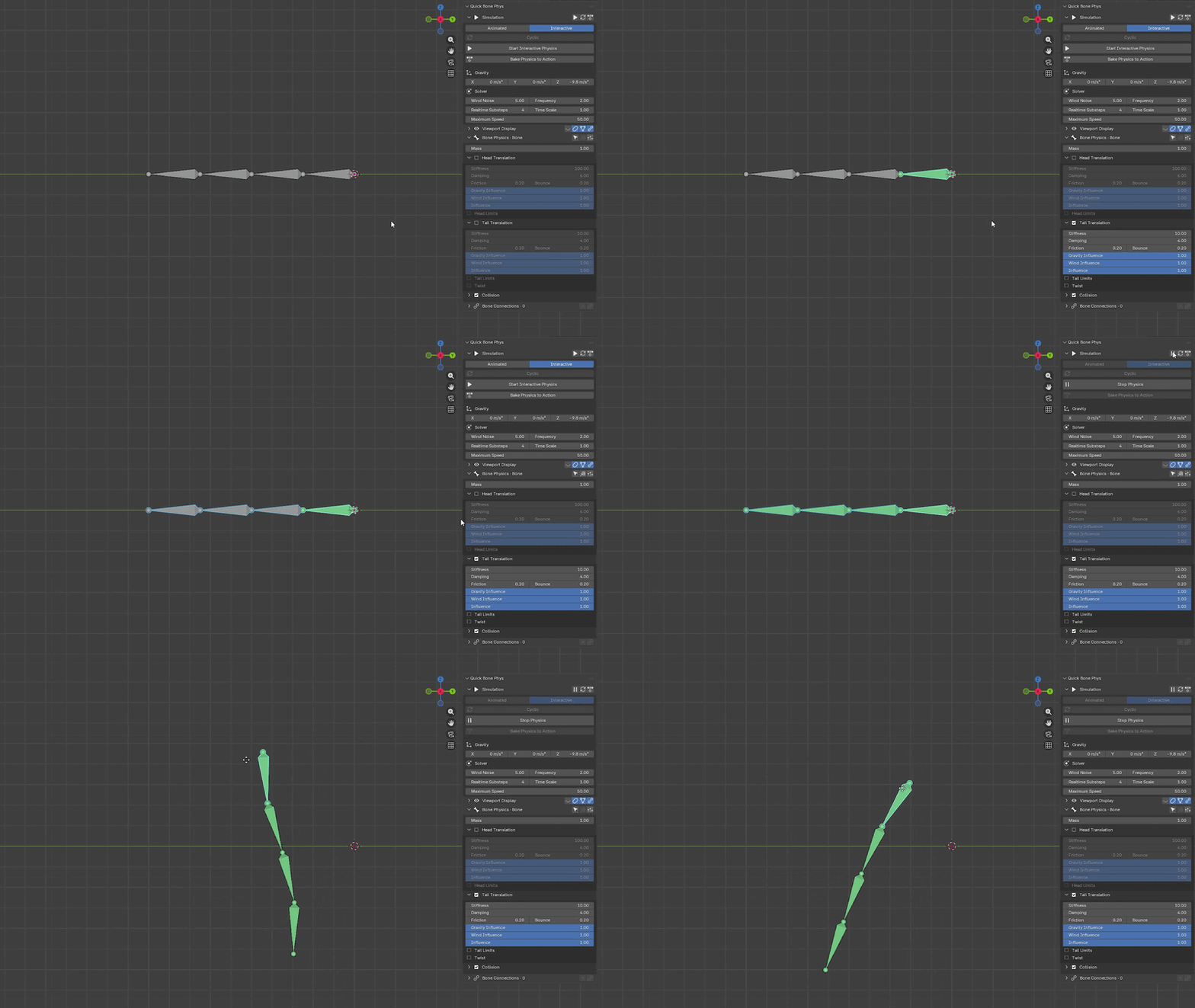
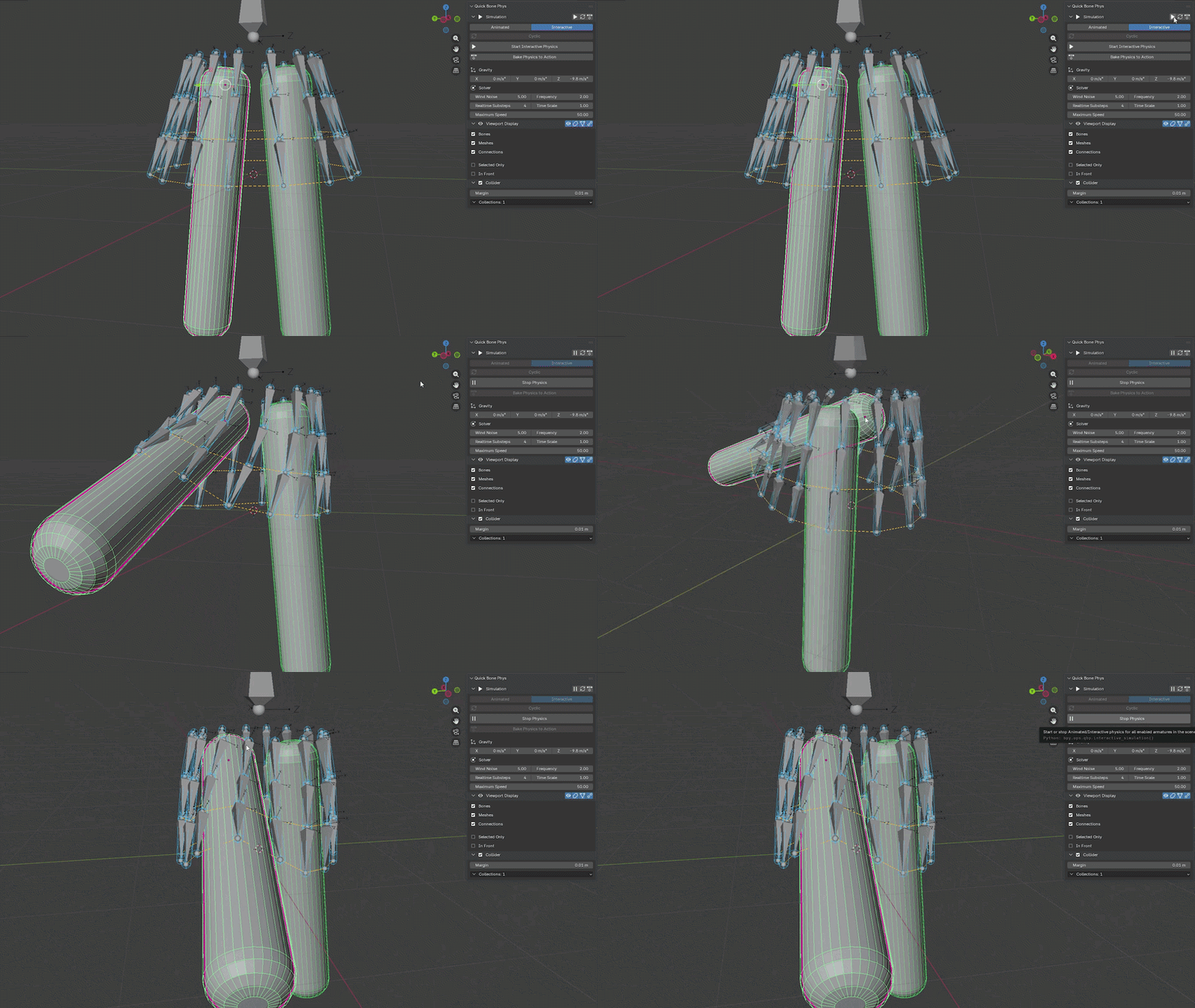
Getting started is simple: select a pose bone, enable Tail Translation, and start physics. Move the rig and watch it react right in the viewport.
Use Interactive mode to experiment while posing, or Animated mode to preview the result over your existing animation.
Start with one bone, find a feel you like, then copy its settings to the rest of your selection.
Find the right kind of wiggle
Soft and floppy? Firm and springy? Just a hint of movement? Shape the result to fit your character.
- Stiffness makes movement firmer or looser.
- Damping helps the wobble settle sooner or last longer.
- Influence blends physics with your pose or animation.
- Limits keep movement within the range you choose.
- Twist adds springy rotation along the bone's length.
Let your bones meet the scene
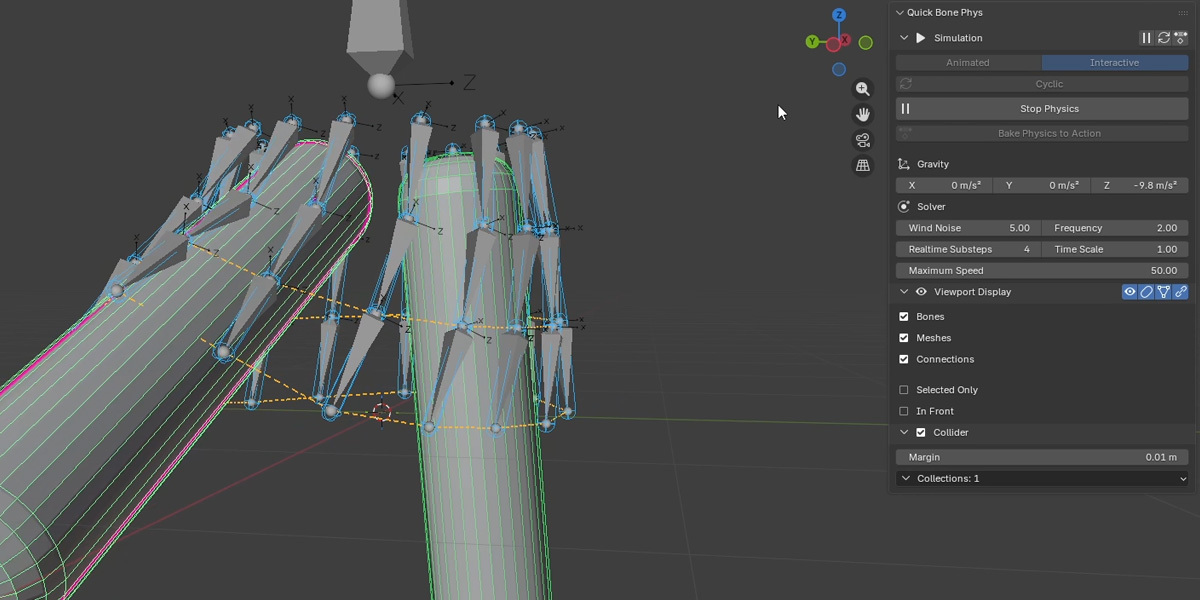
Give moving bones something to react to. Use meshes as colliders, enable collisions between simulated bones, and adjust their collision thickness to suit your model.
Need separate groups? Choose which bones and colliders interact with Collision Collections. Turn on the viewport visuals to see the collision shapes as you work.
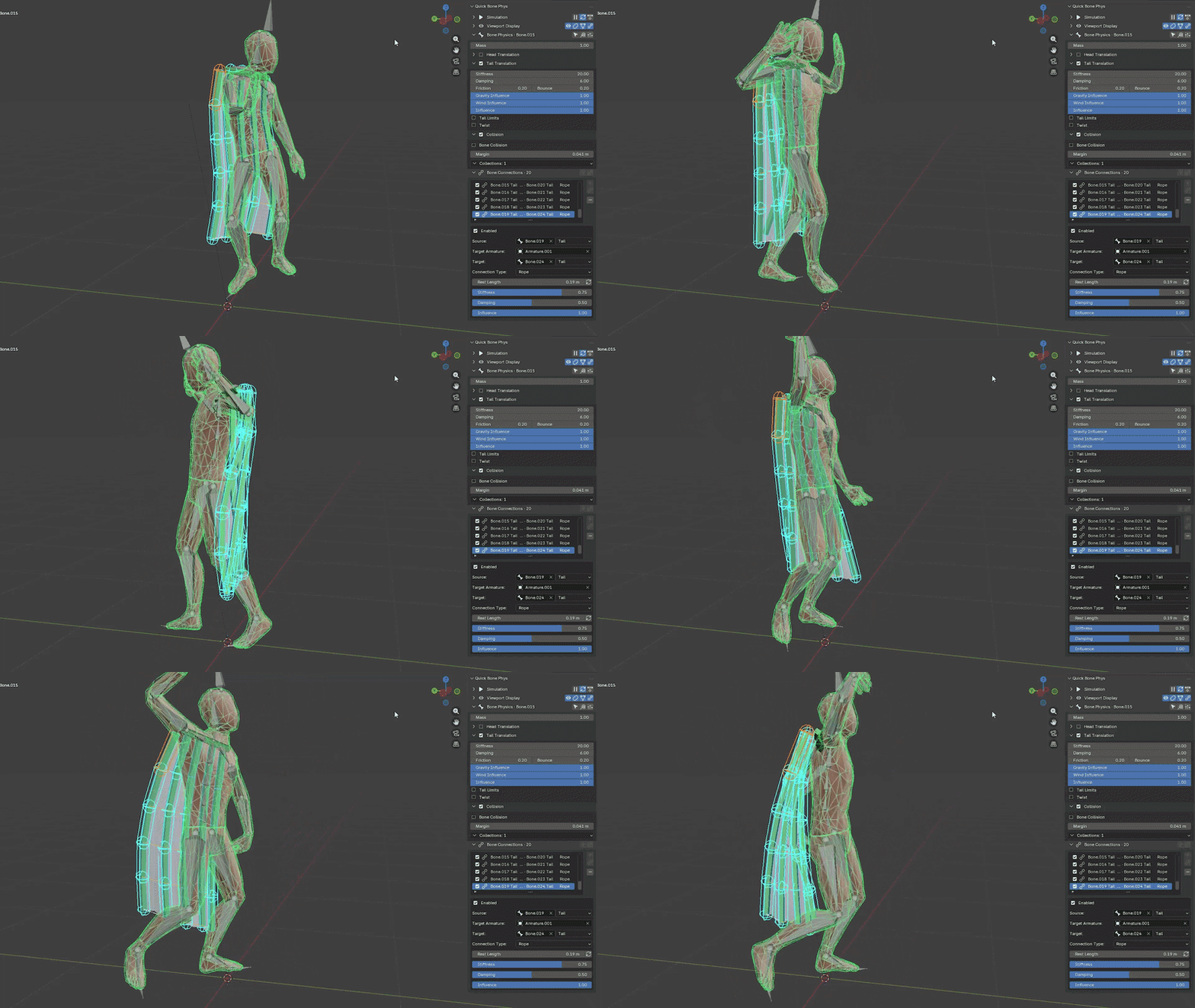
Add a breeze—or tie things together
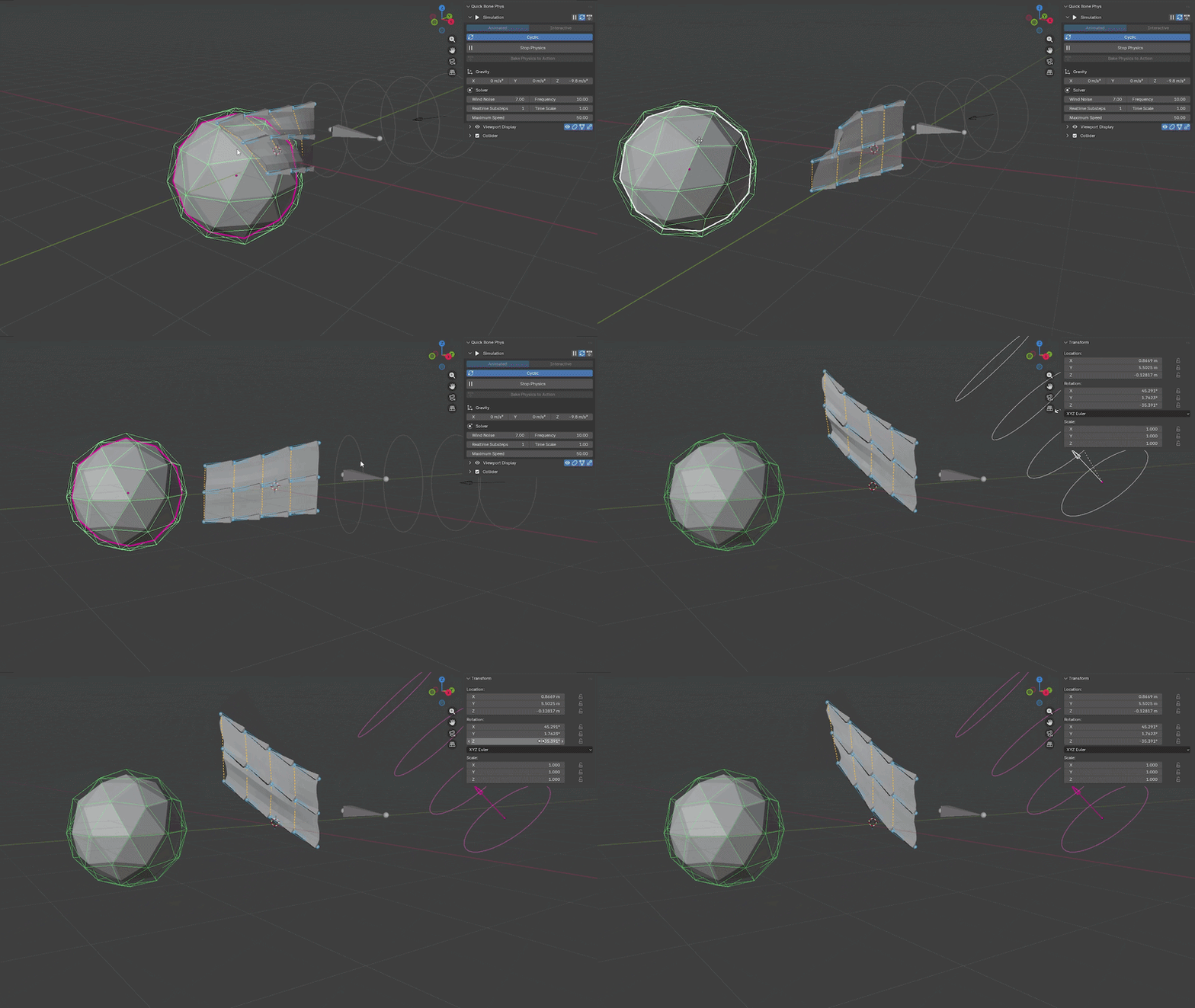
Use Blender's Wind force fields to give hair, hanging details, and other rigged parts a little atmosphere. Adjust wind influence and gust variation to find the mood of your shot.
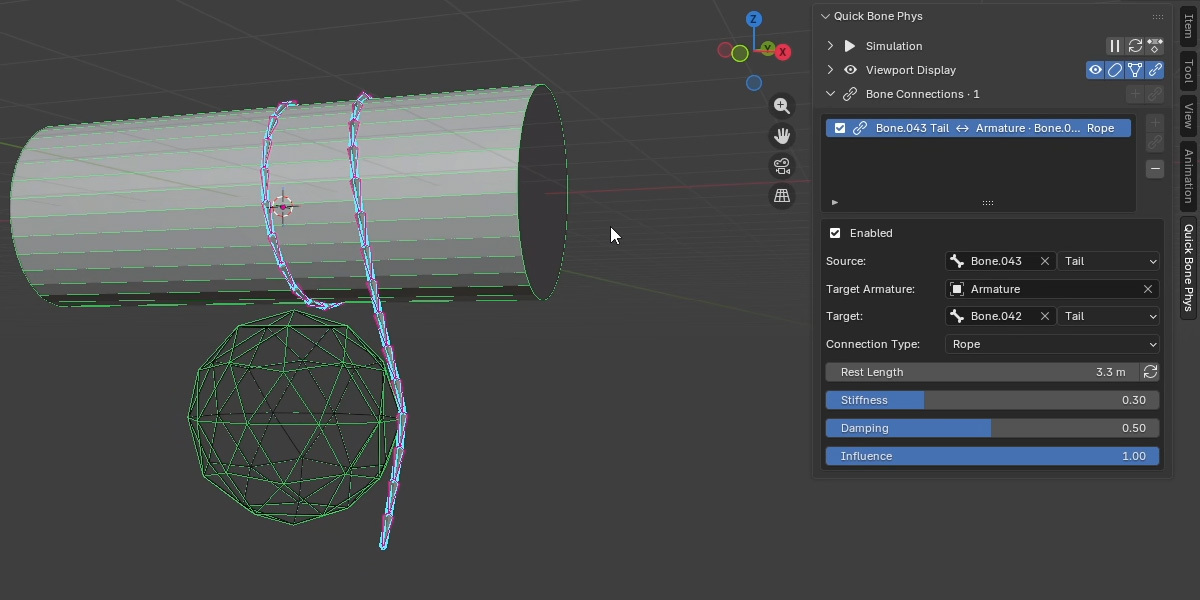
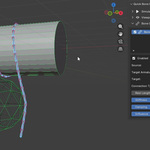
For linked movement, Bone Connections let you connect endpoints with Rope or Fixed behavior. Join individual bones or connect matching levels of two bone chains.
Happy with the motion? Bake it.
Turn the simulation into regular bone keyframes with Bake Physics to Action. Choose your frame range and bake, then play, edit, and render the result with live physics stopped.
The bake creates a separate Action and keeps your source Action available, so you can return to your original animation when you want to try another setup.
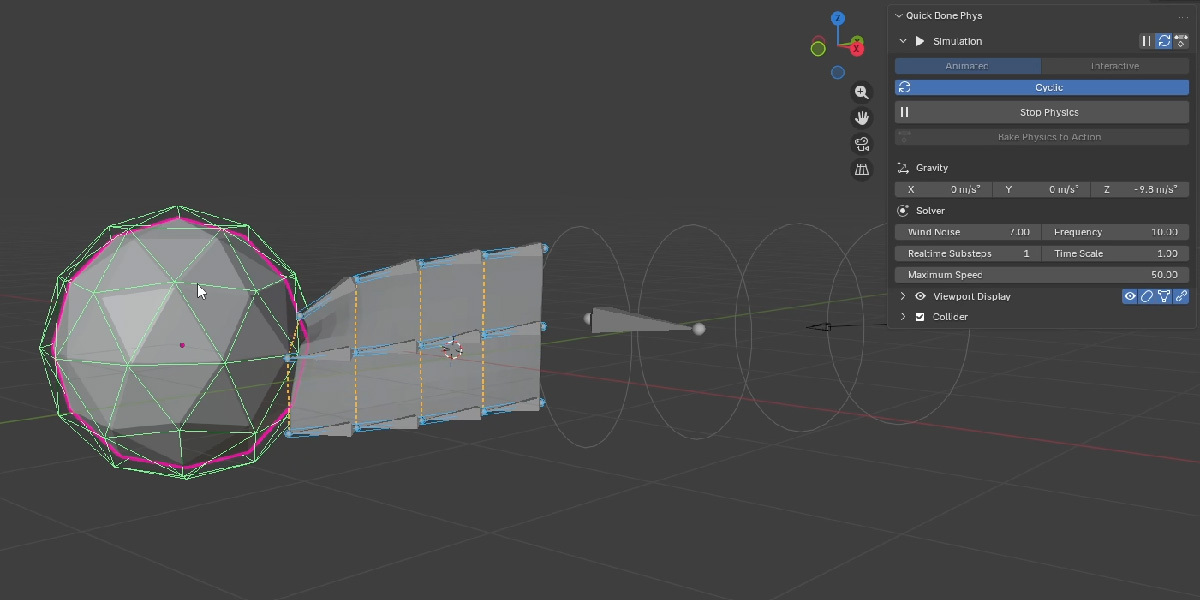
Working on a looping animation? Cyclic carries motion across the playback loop and adds a warm-up cycle before baking.