 Zemalate
Why is the panel missing?
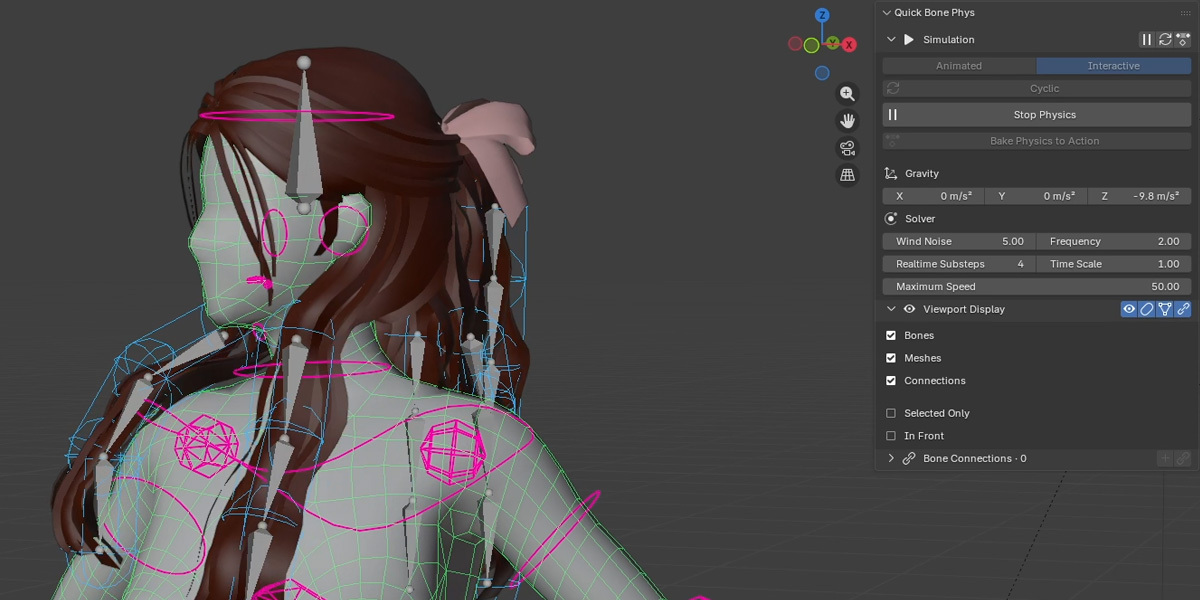
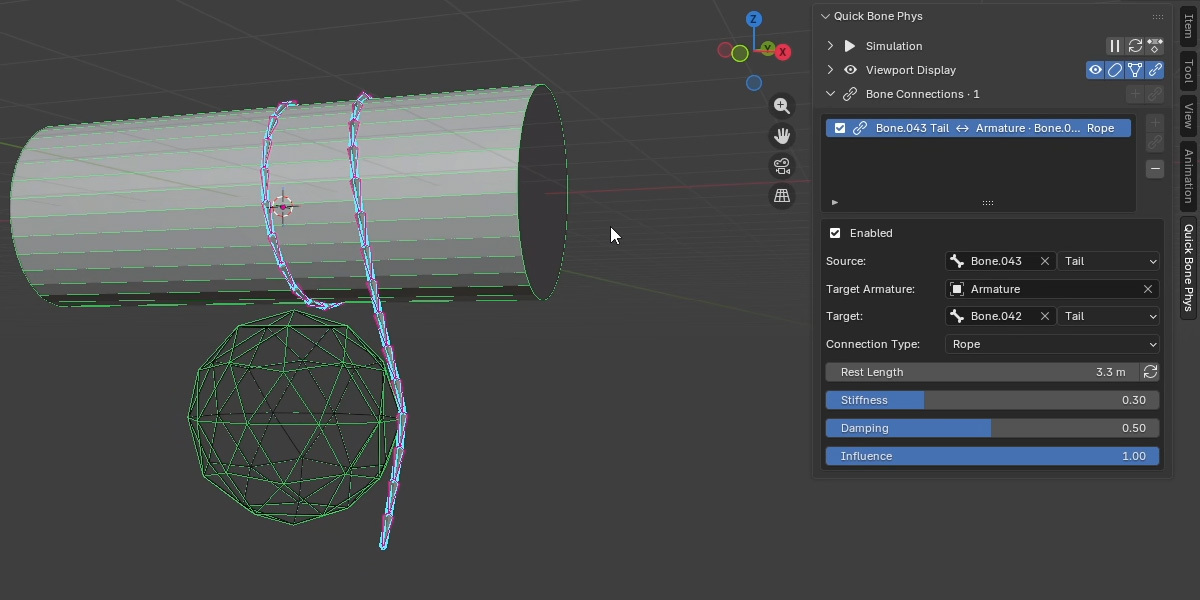
Select an armature or mesh. For bone settings, enter Pose Mode and select a bone.
Why is nothing moving?
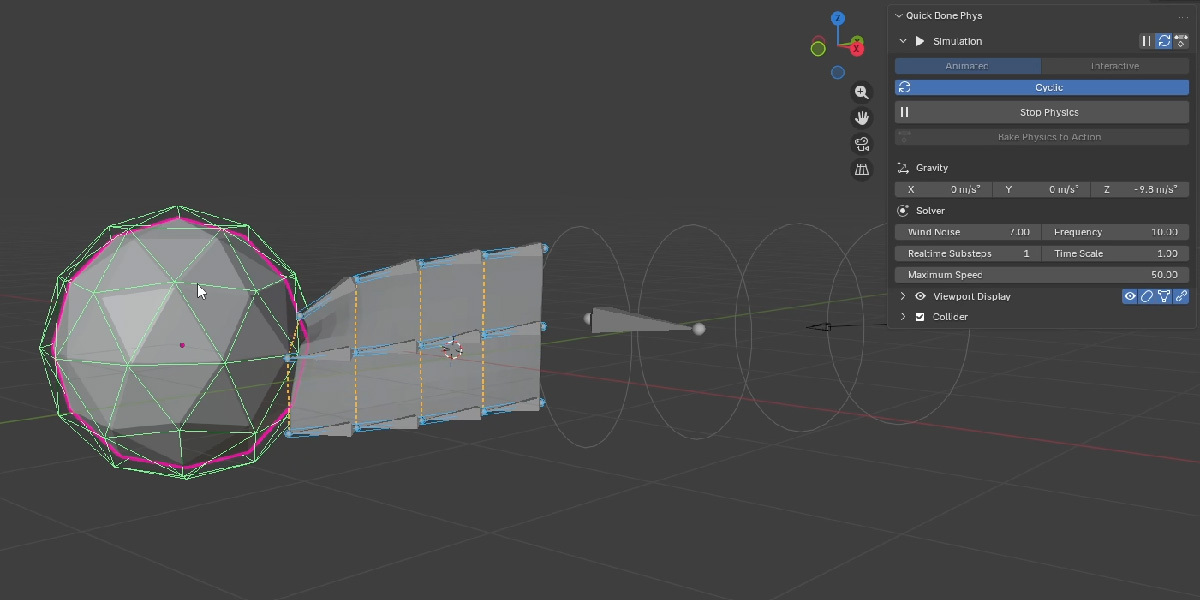
Enable Head or Tail Translation, check Influence, and start physics. In Animated mode, play the timeline.
Why didn’t the other selected bones change?
Use Apply Active Settings to Selected, or apply a preset.
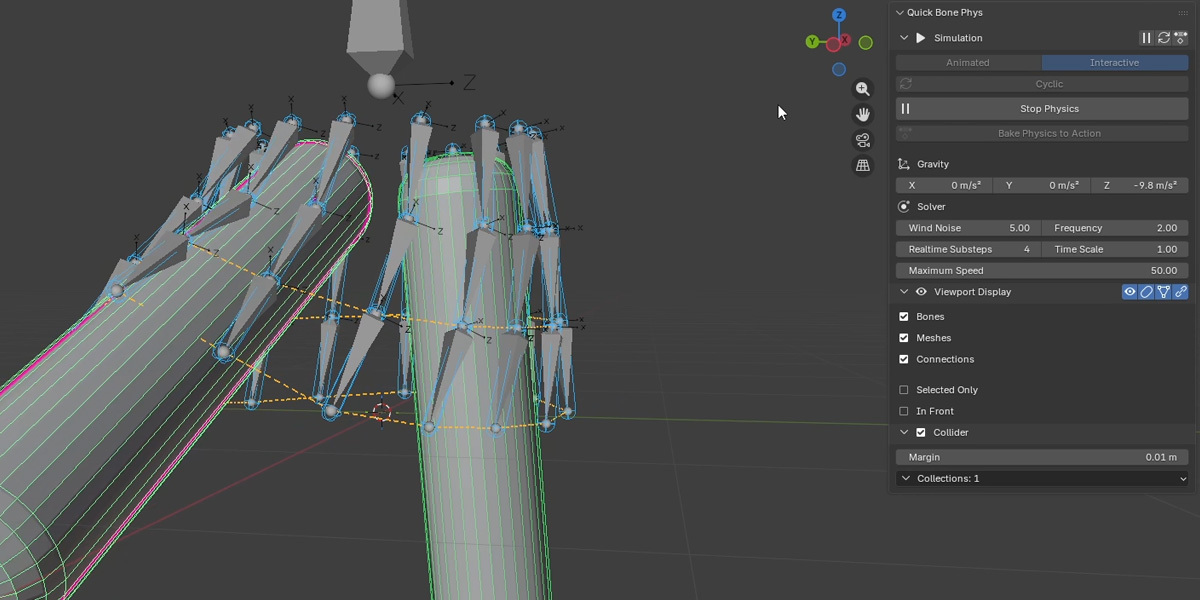
Why do bones pass through a mesh?
Check the mesh's Collider toggle, the bone's Collision toggle, shared Collision Collections, and margins. Try increasing the number of substeps for fast motion.
$9.99
Have questions about this product?
Login to message
| Dev Fund Contributor | |
| Published | 7 days ago |
| Blender Version | 5.0 - 5.2 |
| Extension Type | N/A |
| License | GPL |