 Hamen
Hamen


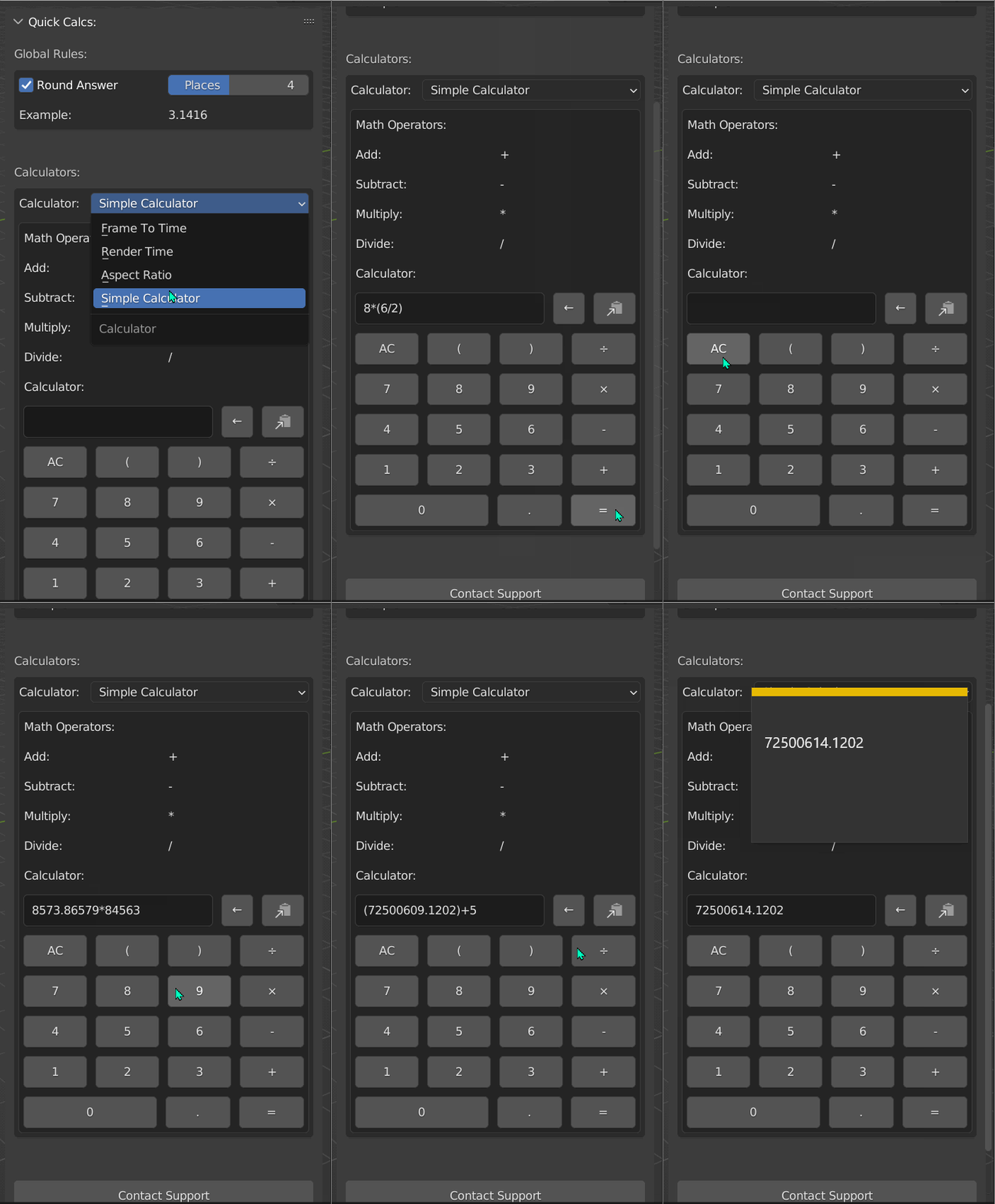
Installing Addon:
- Download the .ZIP file but do not extract it
- In Blender, go to Edit -> Preferences -> Add-ons -> Install -> Locate the .ZIP file and double click it
- Search for "Useful Calcs" in the search bar, and activate the addon by clicking the checkbox
- The addon is now installed, no in the 3D Viewport, you can hit "n" on your keyboard, and in the panel that is shown, find the "Quick Calcs" tab
Have questions about this product?
Login to message
| Sales | 10+ |
| Dev Fund Contributor | |
| Published | about 4 years ago |
| Blender Version | 2.9, 2.91, 2.92, 2.93, 3.0, 3.1, 3.2 |
| License | GPL |
Discover more products like this
Workflow help efficient-workflow addon scripts modeling math interface script calculator addon animation