Quick Comp Fx With Bloom
 EdenWeby 3D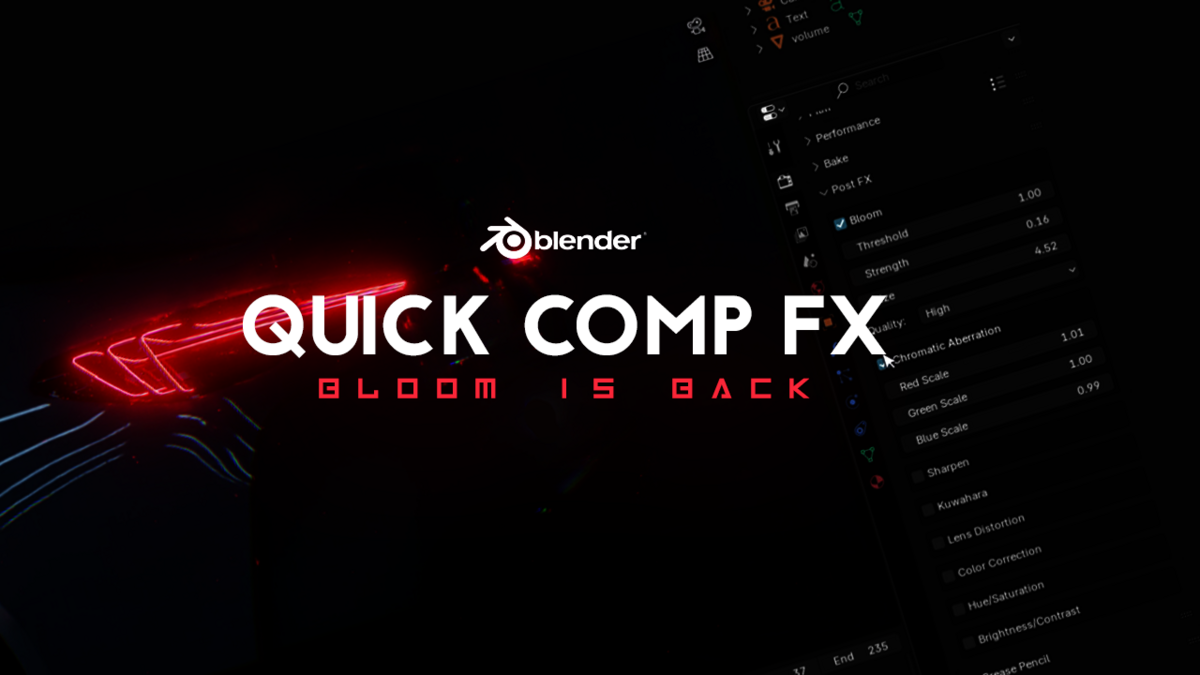




Installation
Just Drag and Drop
Usage
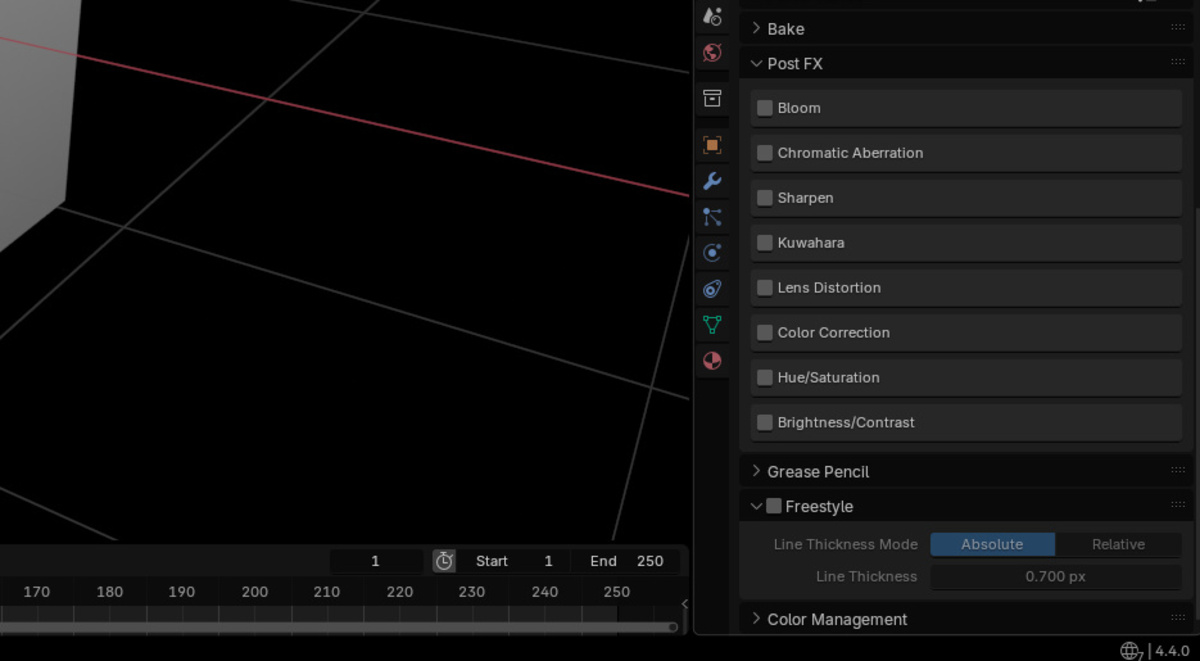
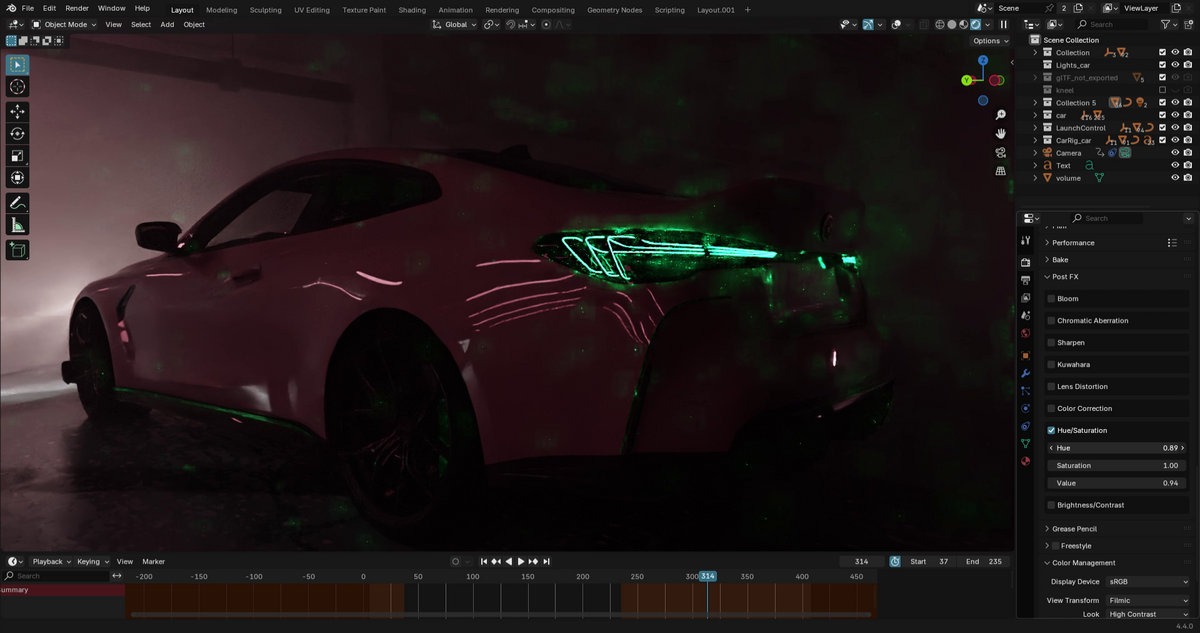
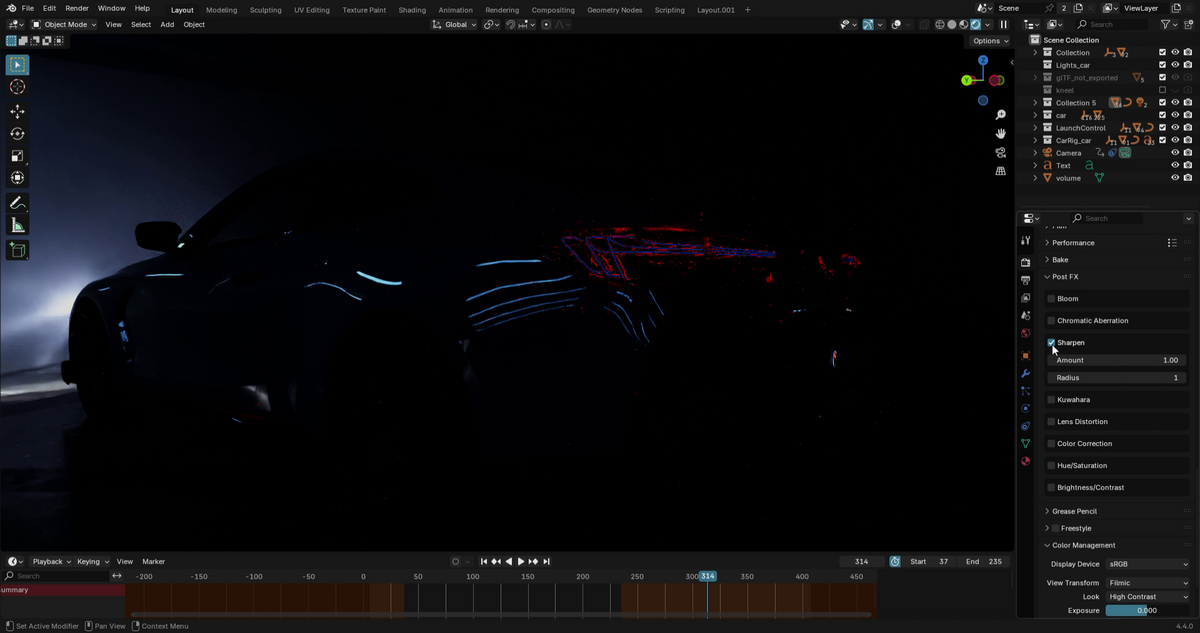
1. Open the Properties panel
2. Go to the Render tab
3. Find the "Post FX" section
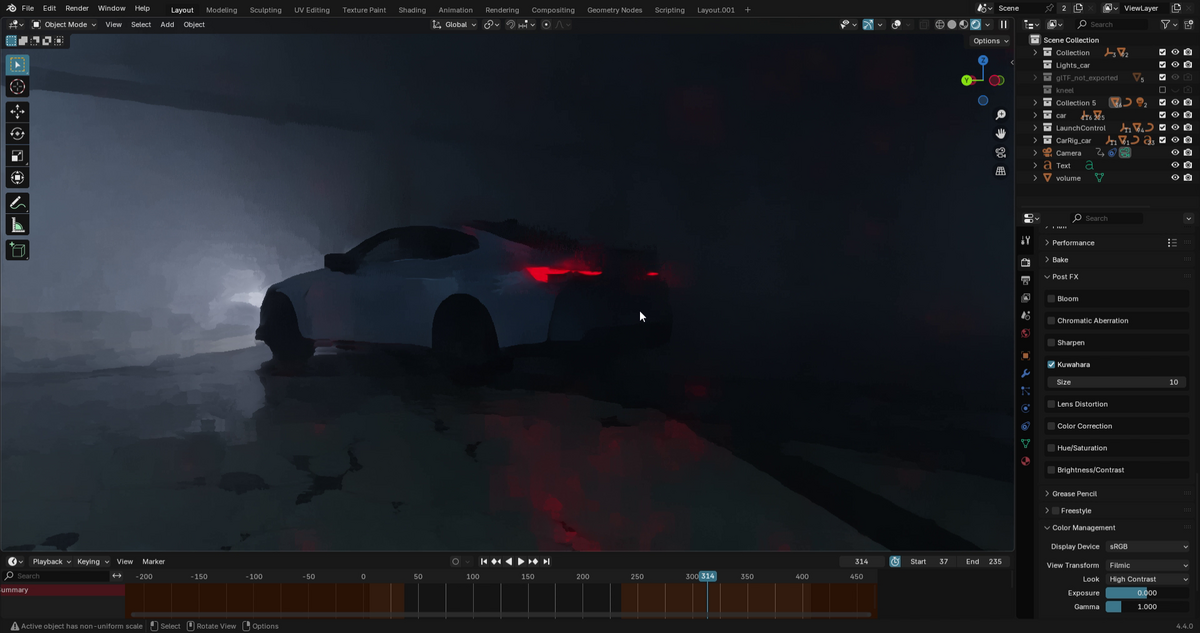
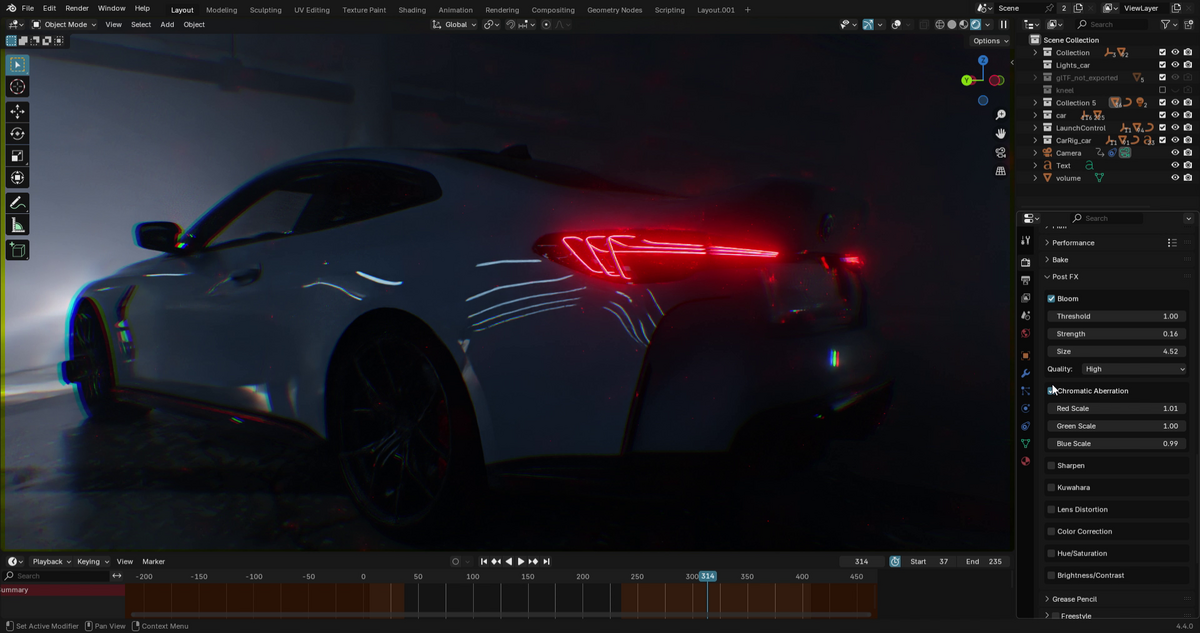
4. Enable the effects you want to use
5. Adjust the parameters to achieve your desired look
Tips
- The compositor is automatically enabled when you use any effect
- Effects work in both viewport and final render
- You can combine multiple effects for unique looks
- The order of effects is optimized for best results
Requirements
- Blender 4.0 or newer
- No additional dependencies required

Discover more products like this
compositor kuwahara color filters color LUTs color grading Render effects render setup filter Cartoon composition Glow bloom color correction Bloom addon