 MROD
MROD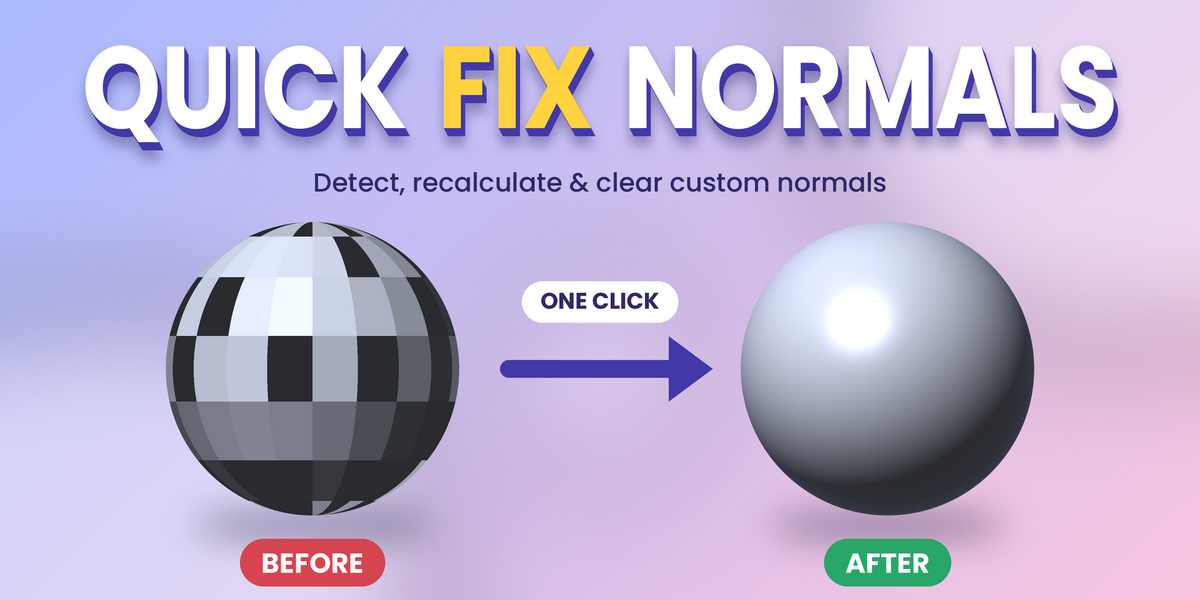
Quick Fix Normals – Detect, Recalculate & Clear Custom Normals in One Click |
Fix broken shading on all your selected meshes without touching them one by one.
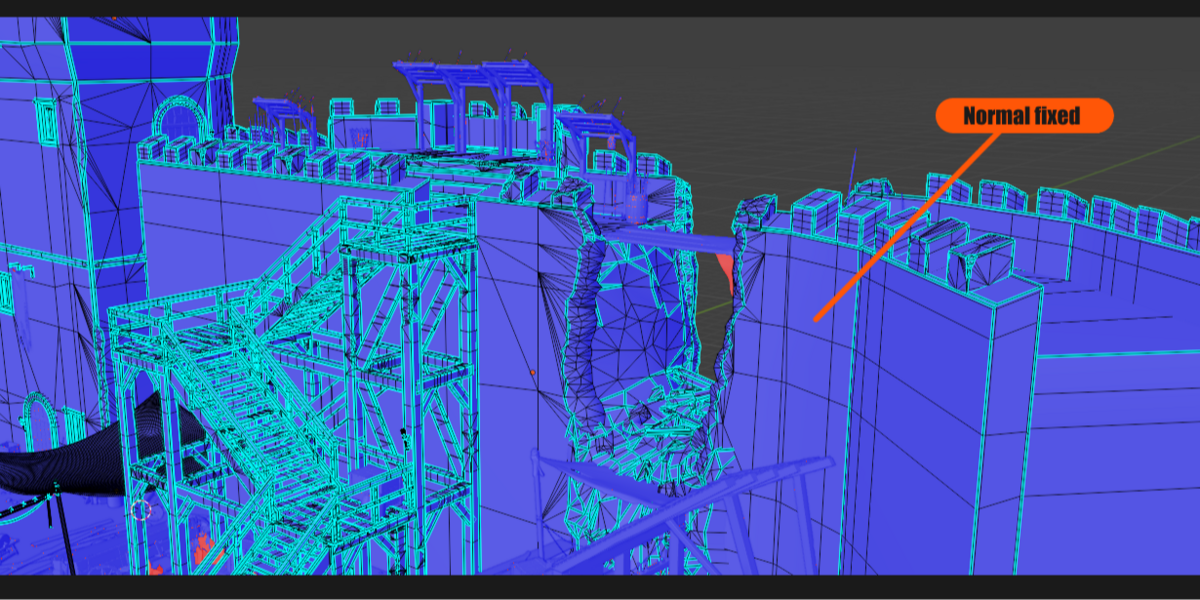
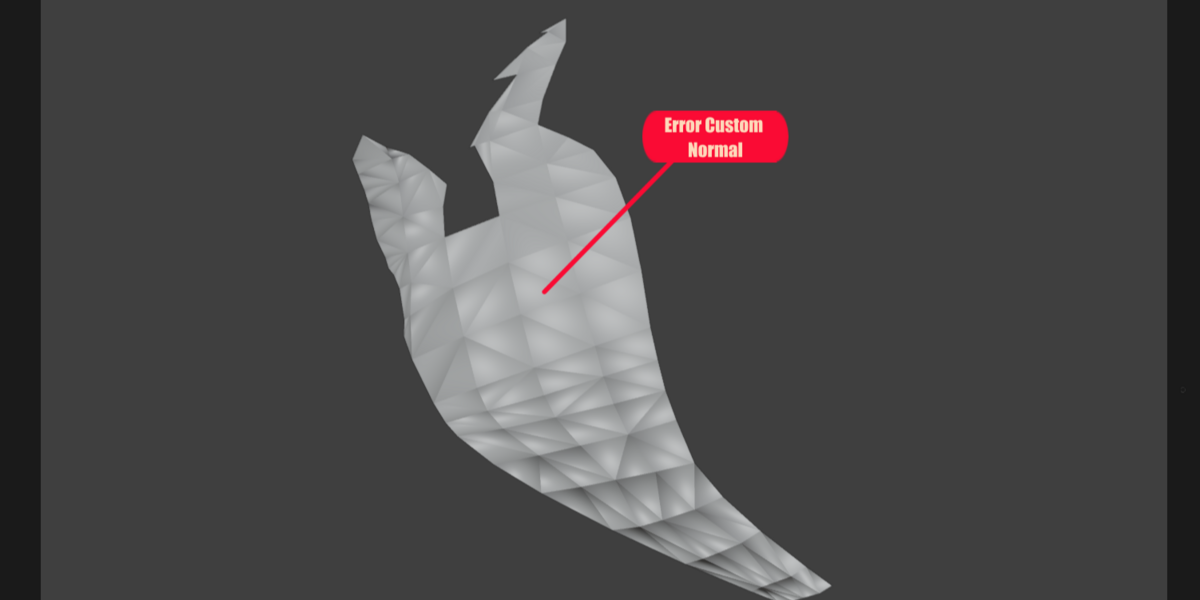
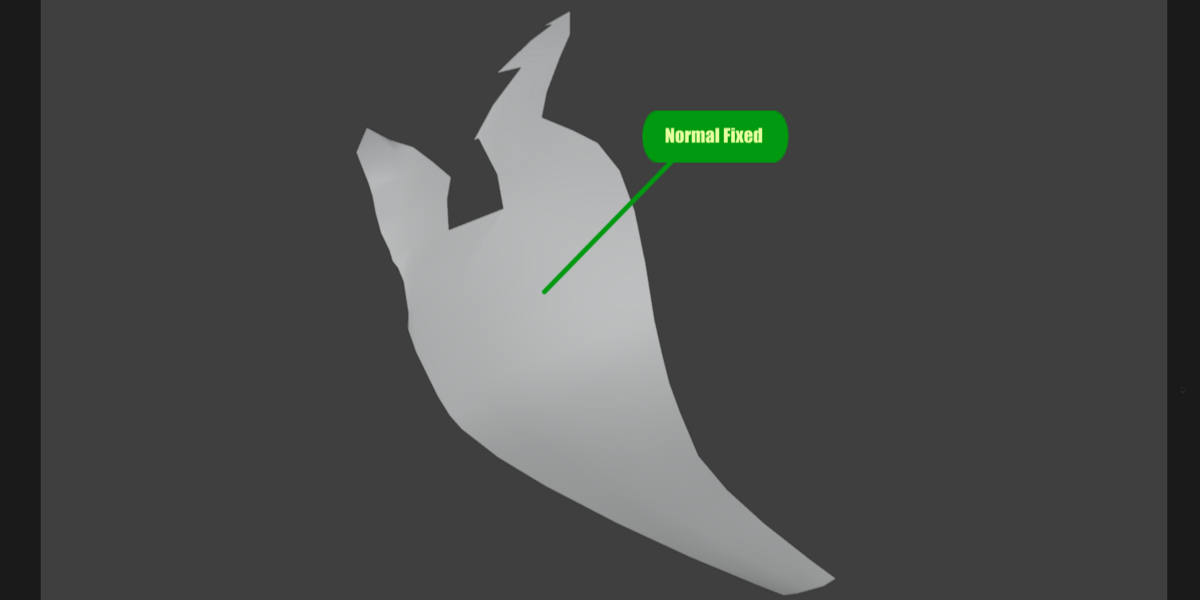
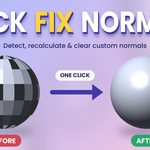
Imported models often come with flipped faces, inconsistent normals or custom normal data that ruins your shading. Quick Fix Normals adds a menu to the 3D Viewport header that finds the problem and fixes it for every selected mesh at once. No panels to dig through, no repetitive manual work.
Key features
- Fix All Normals: clears custom normals and recalculates outward normals in a single click
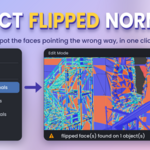
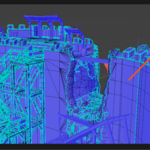
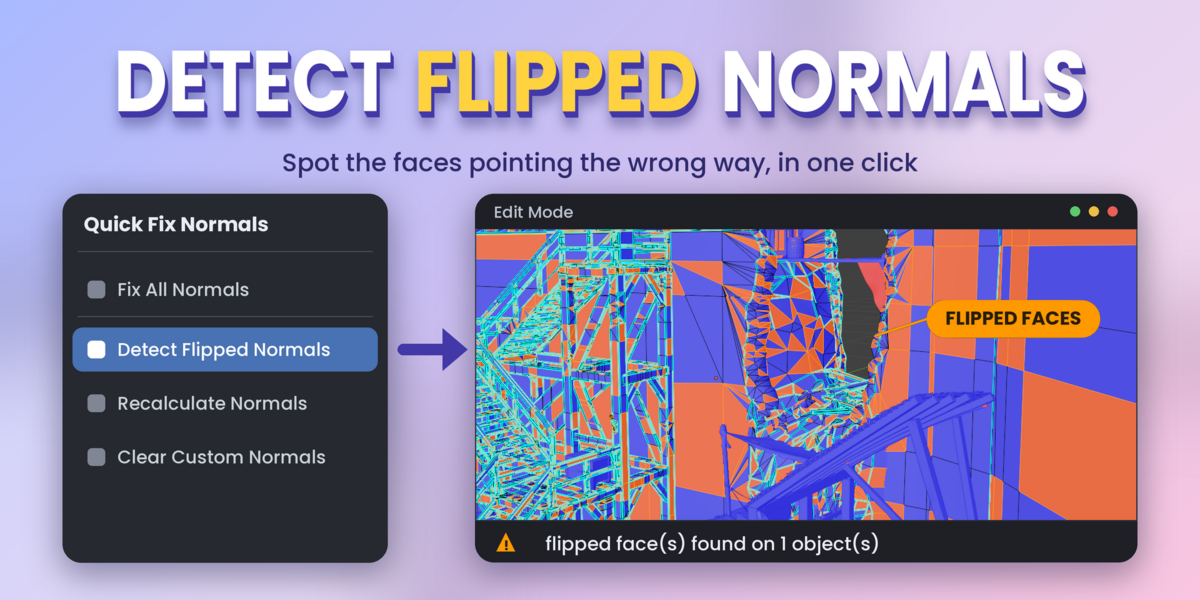
- Detect Flipped Normals: finds the faces pointing the wrong way, counts them and selects them so you can see them in Edit Mode
- Recalculate Normals: recomputes consistent normals, outside or inside
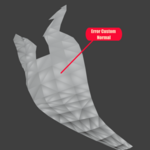
- Clear Custom Normals: removes custom split normals that mess up shading after imports
- Works on all selected meshes at once, including meshes sharing the same data
- Safe to use: your active object and your current mode are restored afterwards, and every action supports Undo
- Always available from the 3D Viewport header, in any mode
Perfect for
- Cleaning up models imported from other 3D software (FBX, OBJ and more)
- Fixing dark or strangely shaded faces
- Preparing assets before UV mapping, rigging or rendering
- Saving time on scenes with dozens of objects
How to use
- Select one or more meshes
- Open the Quick Fix Normals menu in the 3D Viewport header
- Click Fix All Normals, or use the individual tools (Detect, Recalculate, Clear Custom Normals)
Compatibility: Blender 4.0 and above.
