Quick Font 1.3
 Russel Studios

Quick Font — Documentation
Quick Font is a powerful font-management addon for Blender that gives artists instant access to both local and online fonts, real-time previews, and fast search tools. Designed for speed, clarity, and creative workflow, it transforms Blender into a fully capable typography hub.
1. Key Capabilities
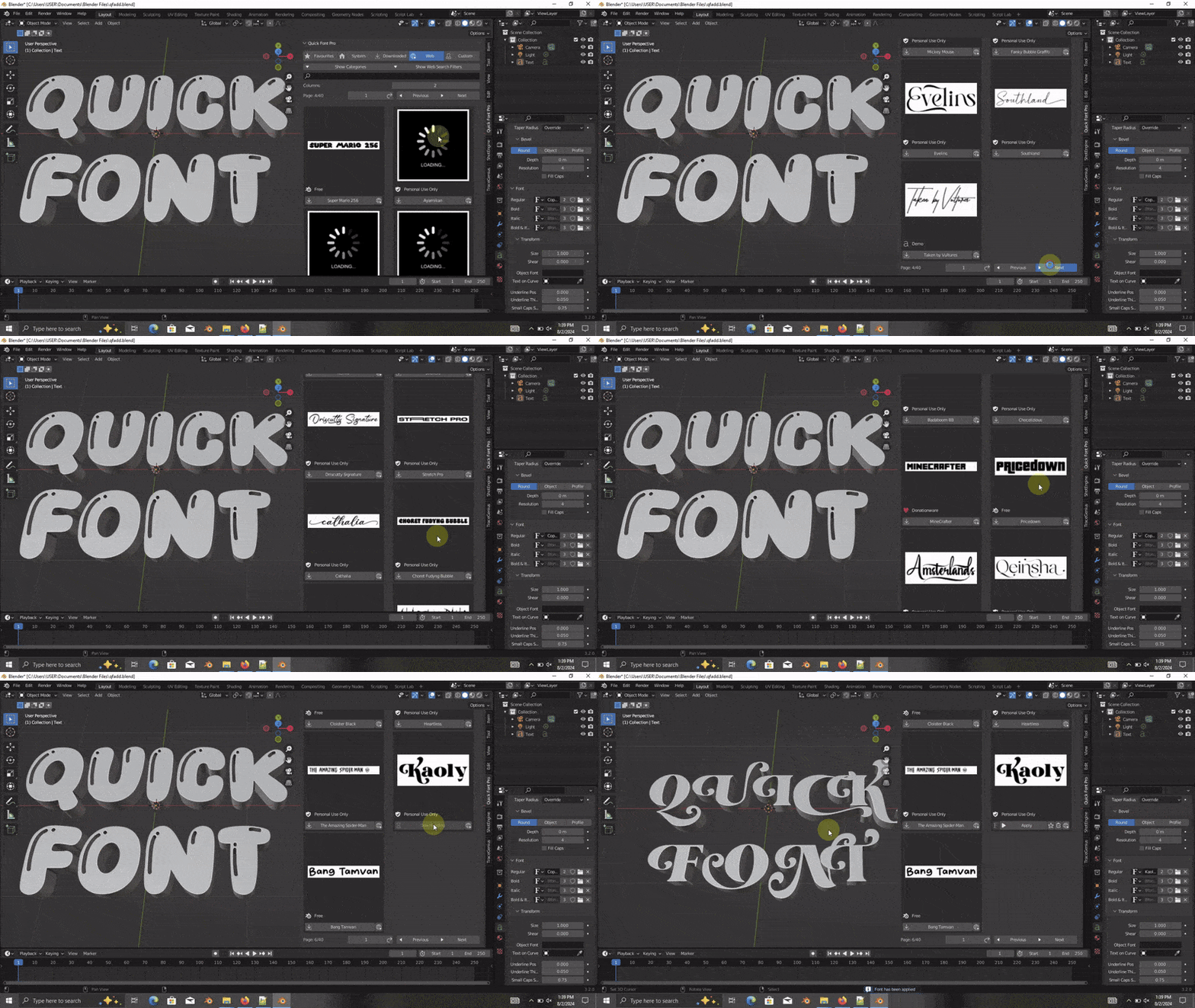
✔ Access 87,000+ Online Fonts
Browse and download fonts from a large online database.
Each font clearly displays its license and a link to its creator’s page before downloading.
✔ Automatic Local Font Detection
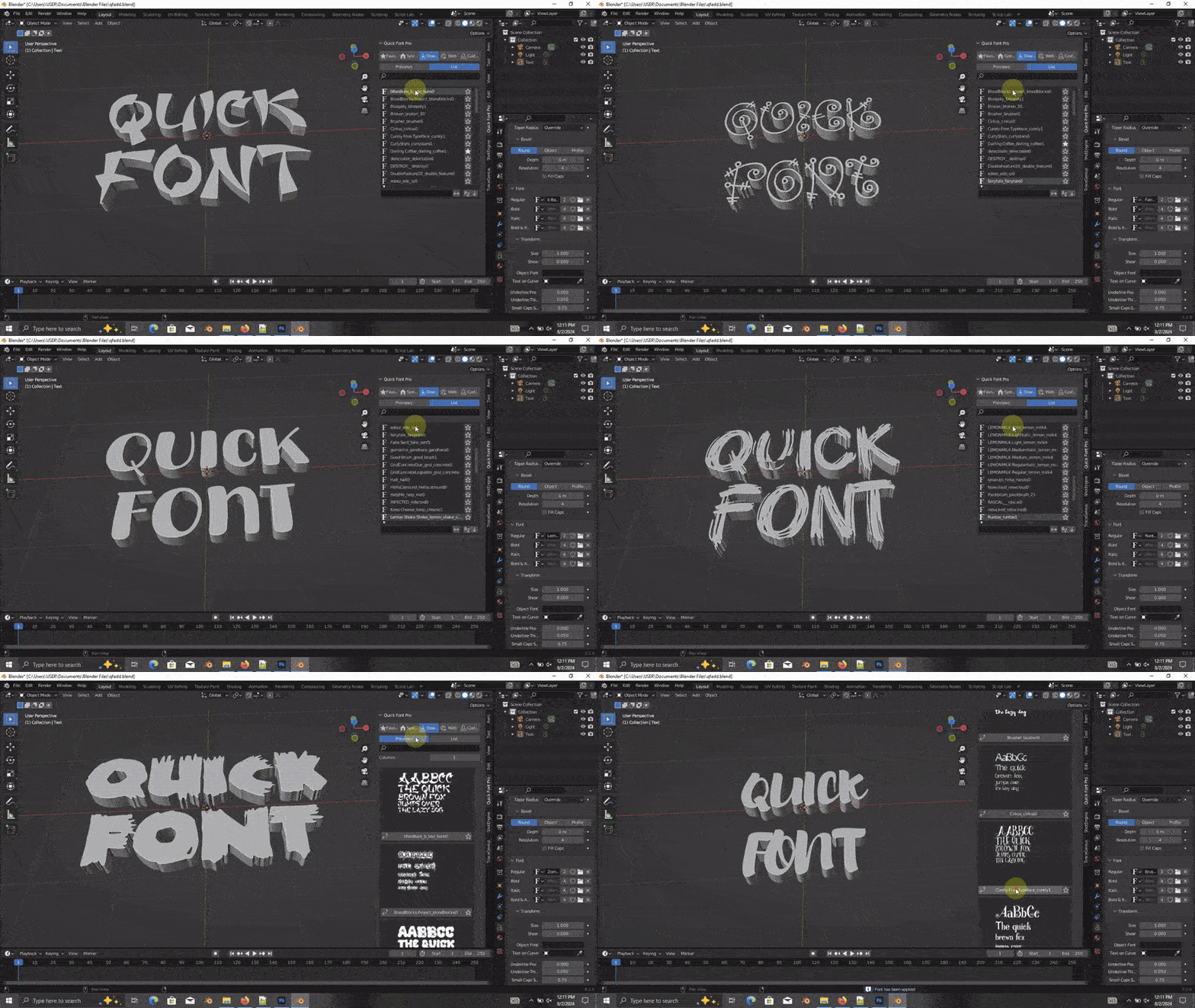
All fonts installed on your computer automatically appear inside Quick Font—no manual setup required.
✔ Custom Font Directory Support
Add your own custom font folder for curated, personal libraries.
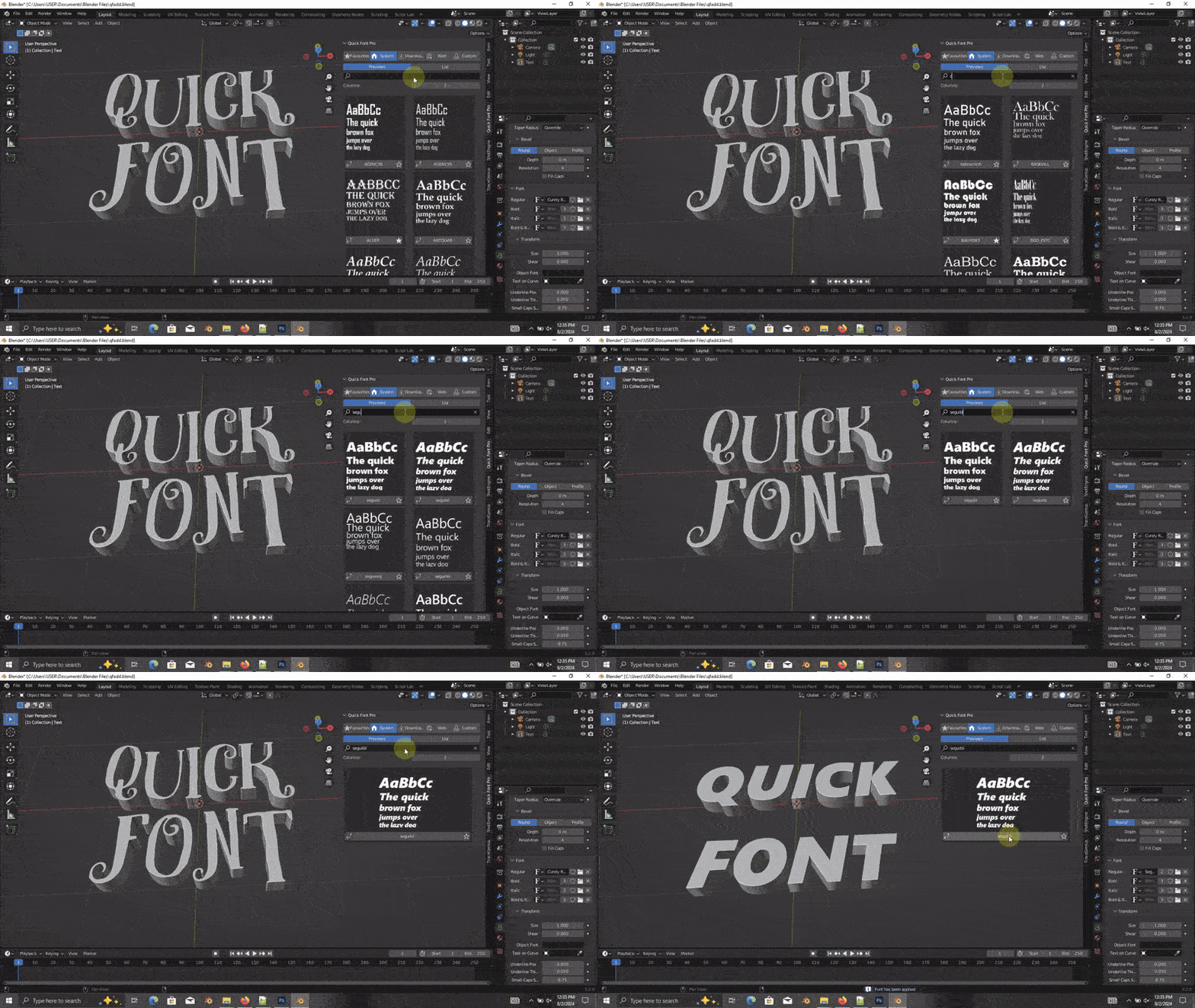
✔ Fast Search & Filtering
Use the integrated search bar to instantly locate fonts by name as you type.
✔ Real-Time Preview in 3D Viewport
Apply fonts directly to any text object and preview the result instantly in the scene.
✔ Favorites System
Bookmark your frequently used fonts for quick access during future projects.
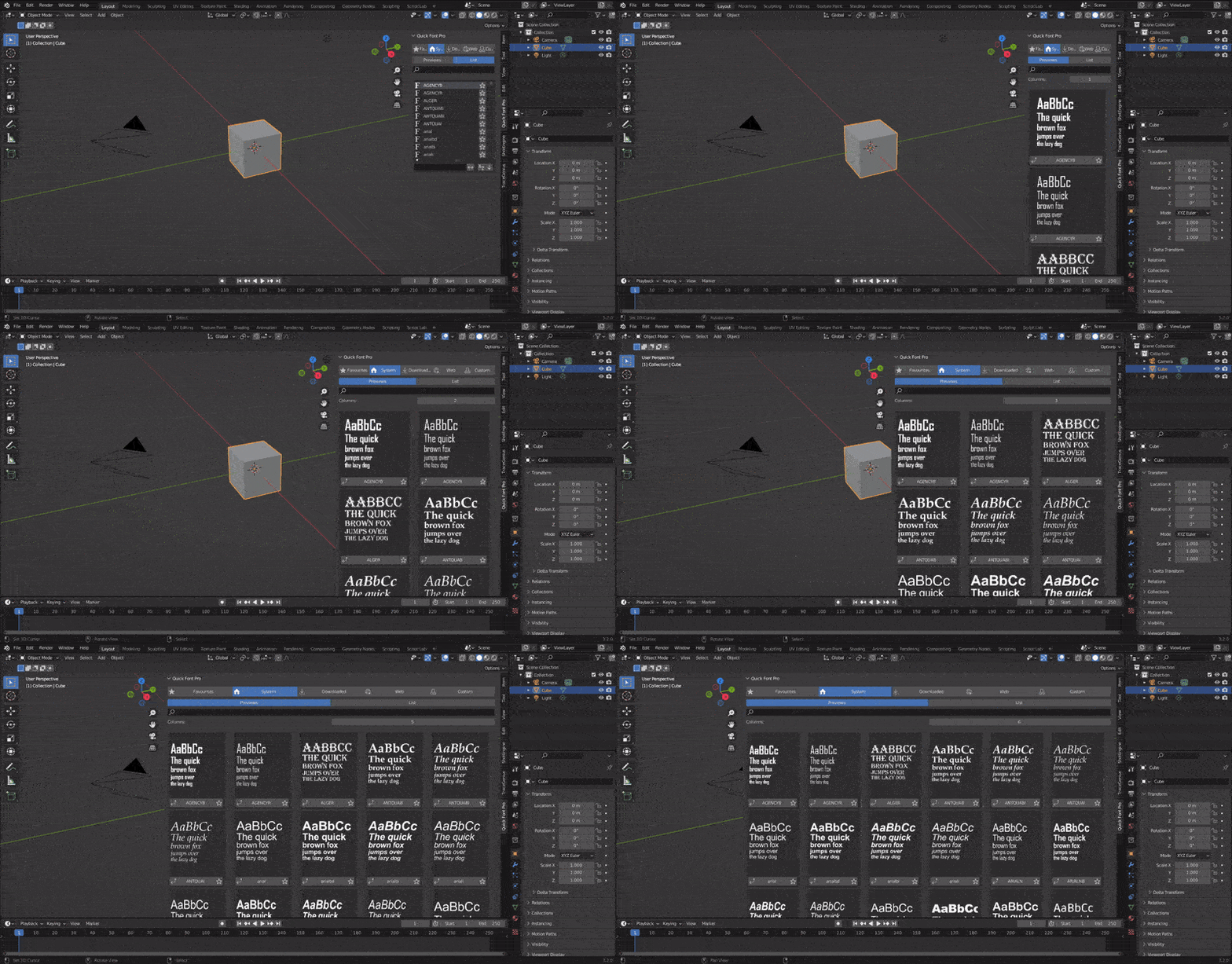
✔ Flexible Viewing Options
Switch between:
List View (compact)
Thumbnail Previews (visual)
Customize thumbnail size for your preferred workflow.
2. Installation
Open Blender → Edit → Preferences.
Go to the Add-ons tab.
Click Install… and select the
Quick_Font.zipfile.Enable Quick Font in the Add-ons list.
The panel will appear in the N-panel or designated addon area.
3. How to Use
Load Your Fonts
Local system fonts appear automatically.
Add custom folders through the Quick Font settings.
Browse & download online fonts directly from the addon.
Apply Fonts
Select any Text Object in your scene.
Click a font in Quick Font.
The text updates instantly.
Search & Favorites
Use the search bar to filter fonts.
Click the star icon to save favorites for quick reuse.
4. Licensing Notes
Quick Font does not own or distribute fonts. It only allows users to download publicly available fonts.
Each online font includes:
A clearly visible license
A direct link to the creator
Users are responsible for respecting the license terms for downloaded fonts.
5. Support
For issues, questions, or suggestions:
📧 [email protected]
Have questions about this product?
Login to message
| Sales | 800+ |
| Downloads | 1000+ |
| Rating | 21 ratings |
| Published | about 2 years ago |
| Blender Version | 4.3, 4.2, 4.1, 4.0, 3.6, 3.5, 3.4, 3.3, 3.2, 3.1, 3.0, 2.93, 2.92, 2.91, 2.9, 2.83, 2.82, 2.81, 2.8 |
| Extension Type | N/A |
| License | GPL |
