 MROD


Quick Lighter: Documentation
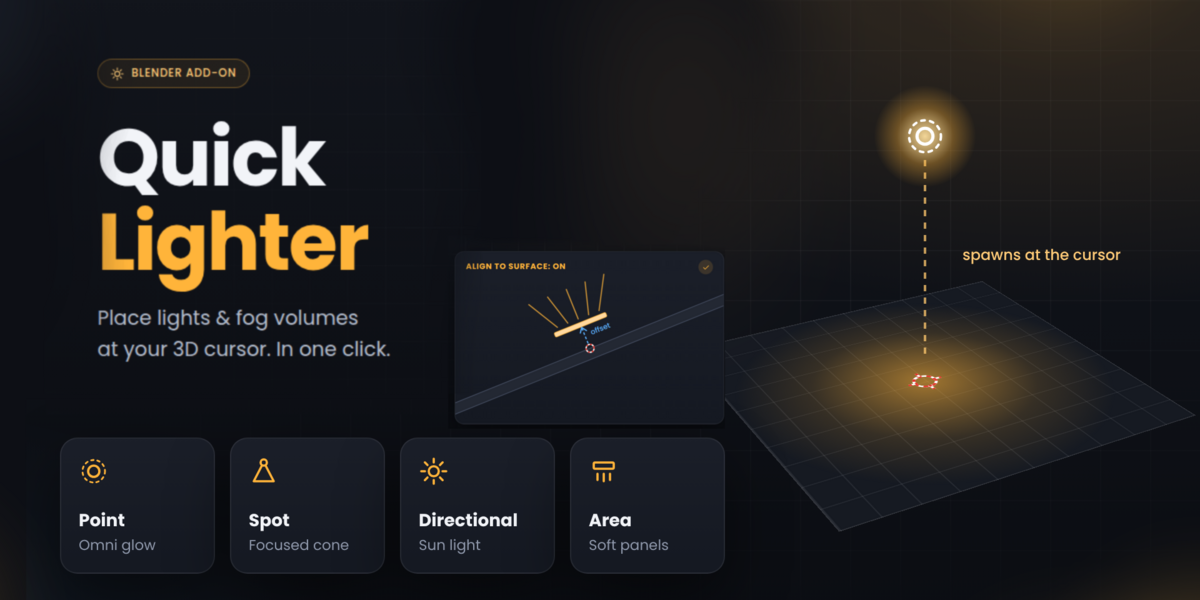
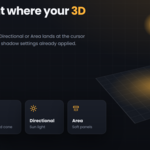
Quick Lighter lets you place lights and fog volumes in your scene with a single click, right at the position of your 3D cursor.
Installation
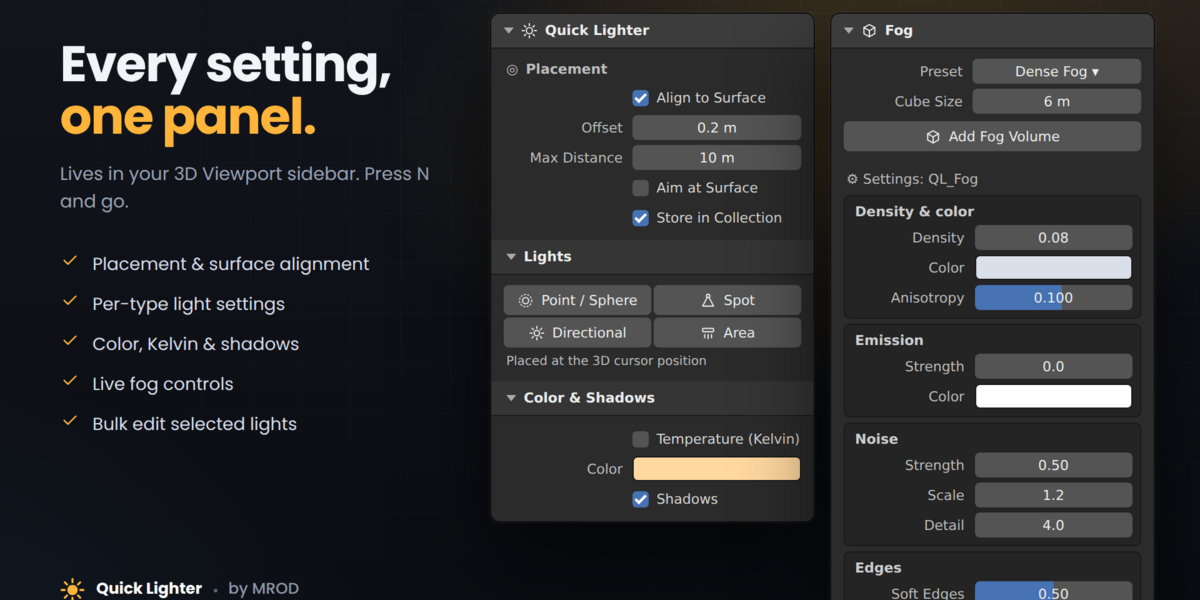
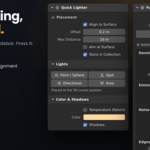
Go to Edit > Preferences > Add-ons > Install… (in Blender 4.2+: the dropdown arrow, then Install from Disk…), select the .zip file without unzipping it, and enable “Quick Lighter”. The panel appears in the 3D Viewport sidebar: press N and open the Quick Lighter tab.
How it works
- Place your 3D cursor where you want the light.
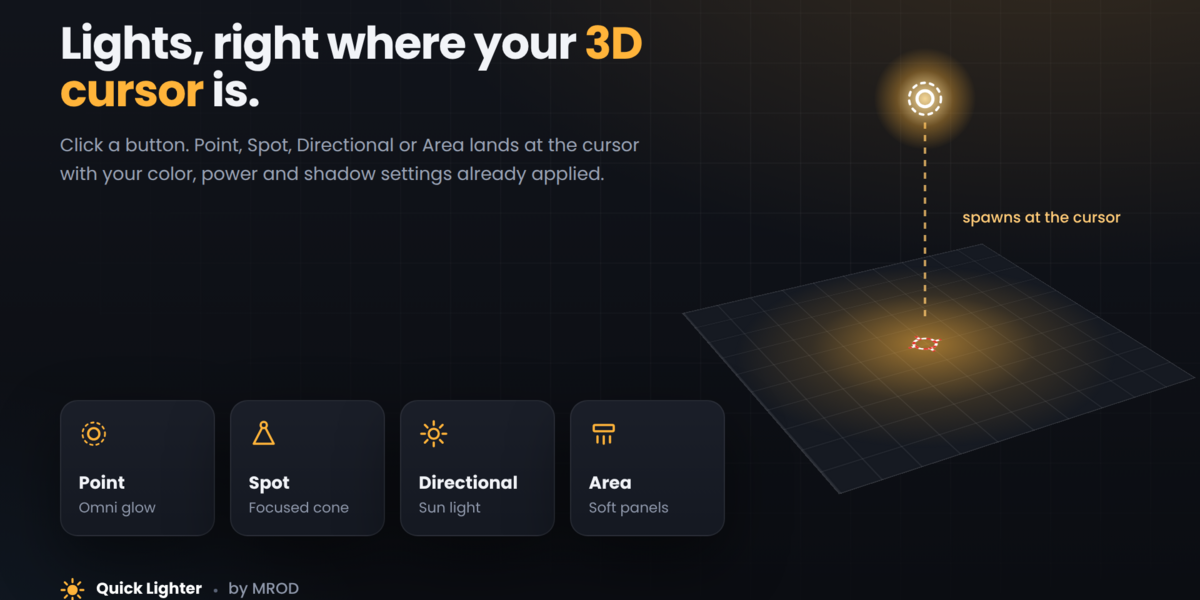
- Click a light type (Point, Spot, Directional or Area). The light is created at the cursor with your chosen color, power and shadow settings.
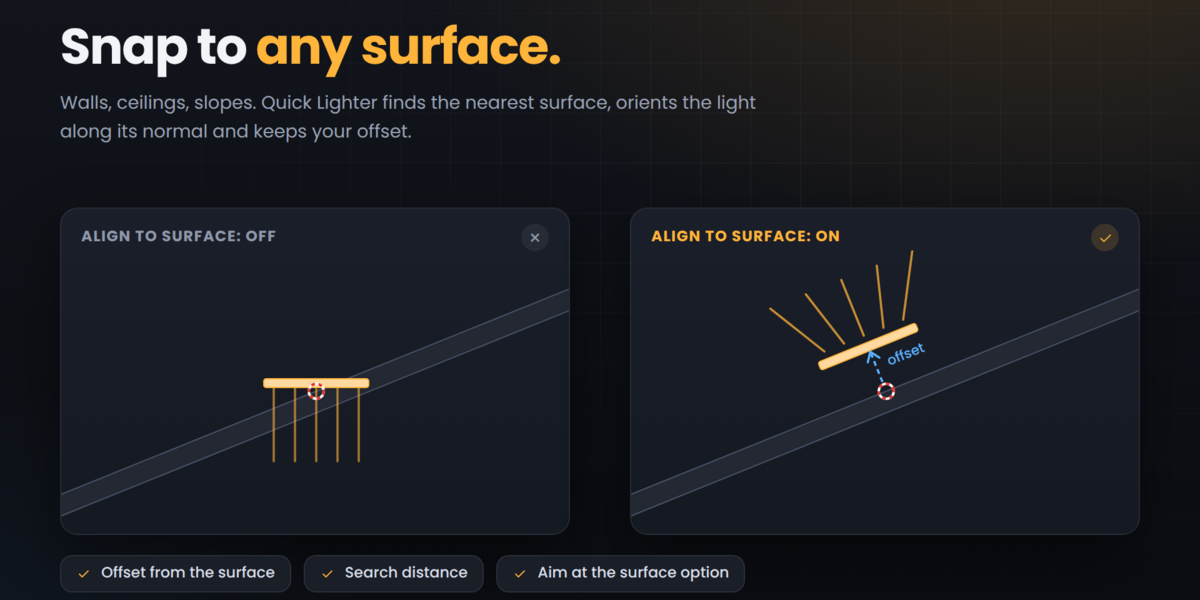
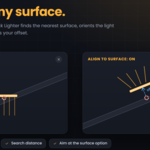
- Optional: Align to Surface. The light snaps to the nearest surface and points along its normal. Use Offset to set the distance from the surface and Apply New Offset to update lights you have already placed.
Color & Shadows
Choose a free color or a real-world temperature in Kelvin, and toggle shadows. Default values for each light type are set in Creation Settings per Type and apply to new lights only.
Selected Lights
Select a light to edit its settings directly in the panel, or apply a color and double or halve the power of all selected lights at once.
Fog
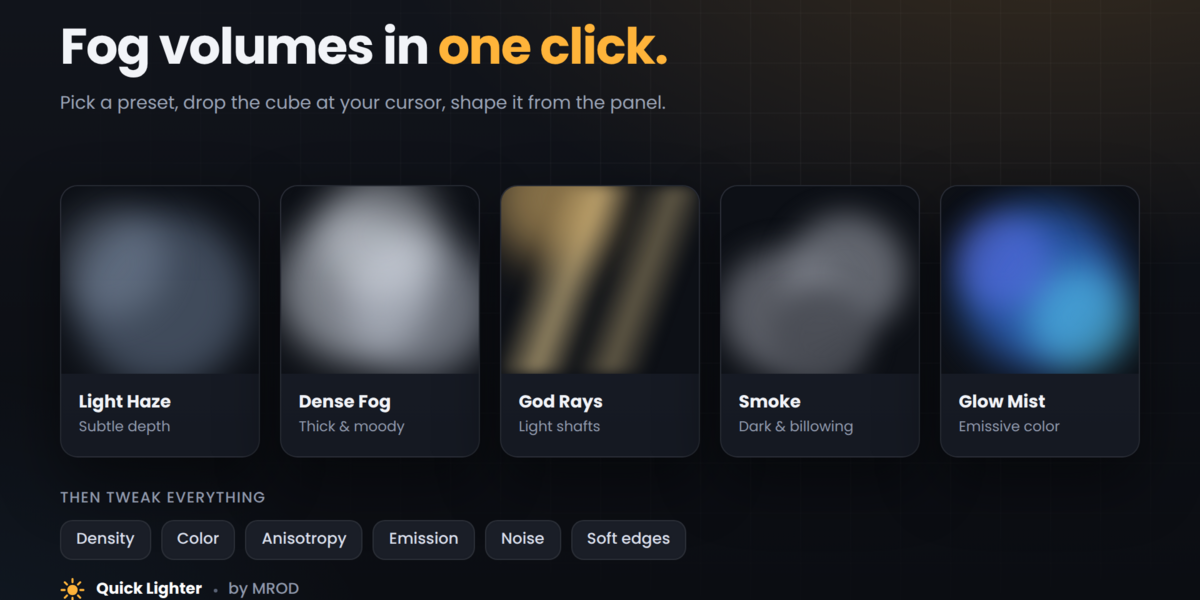
Pick a preset (Light Haze, Dense Fog, God Rays, Smoke or Glow Mist) and click Add Fog Volume to drop a fog cube at the cursor. Move, rotate and scale it freely, then fine-tune density, color, noise and soft edges from the panel.
Have questions about this product?
Login to message
| Published | 10 days ago |
| Blender Version | 4.3 - 5.2 |
| Extension Type | N/A |
| License | GPL |
