 MROD

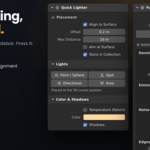
How to install
Installation
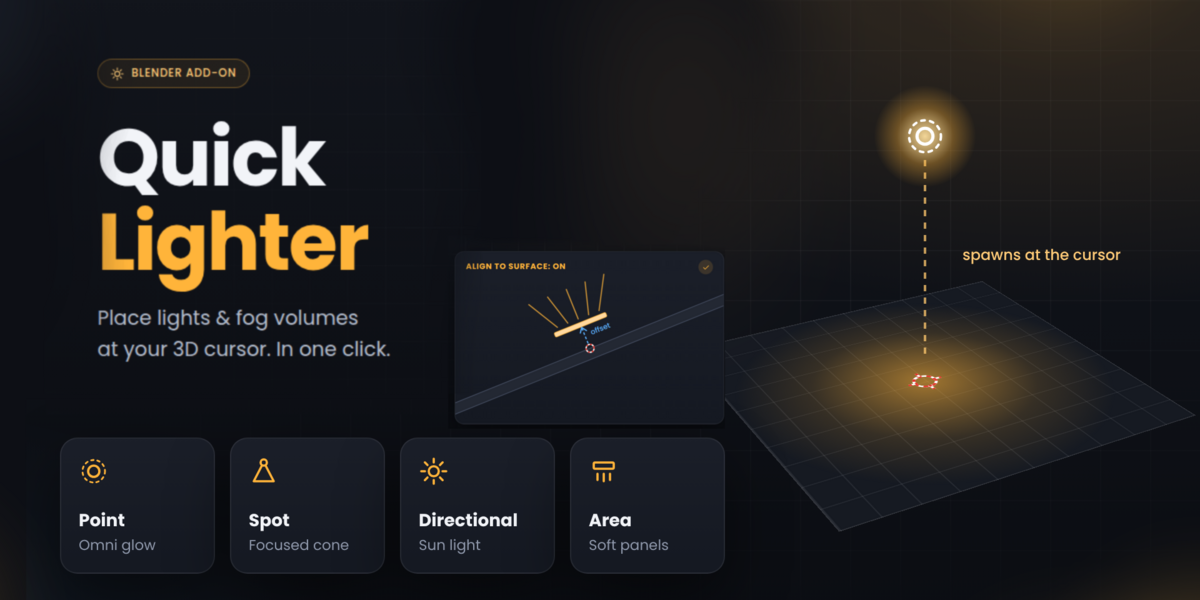
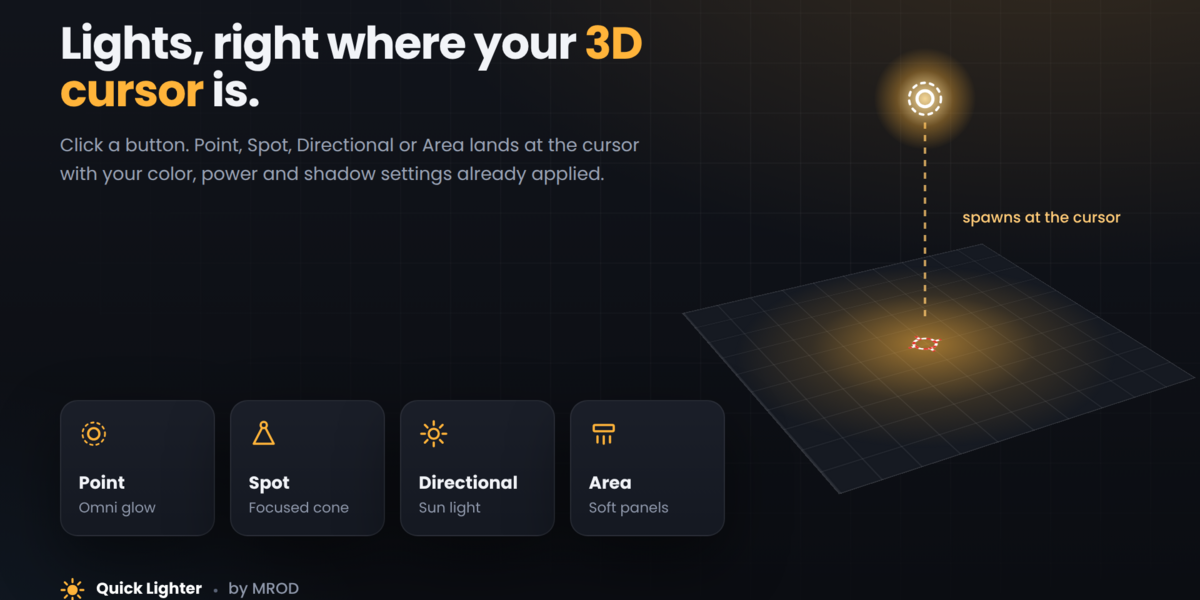
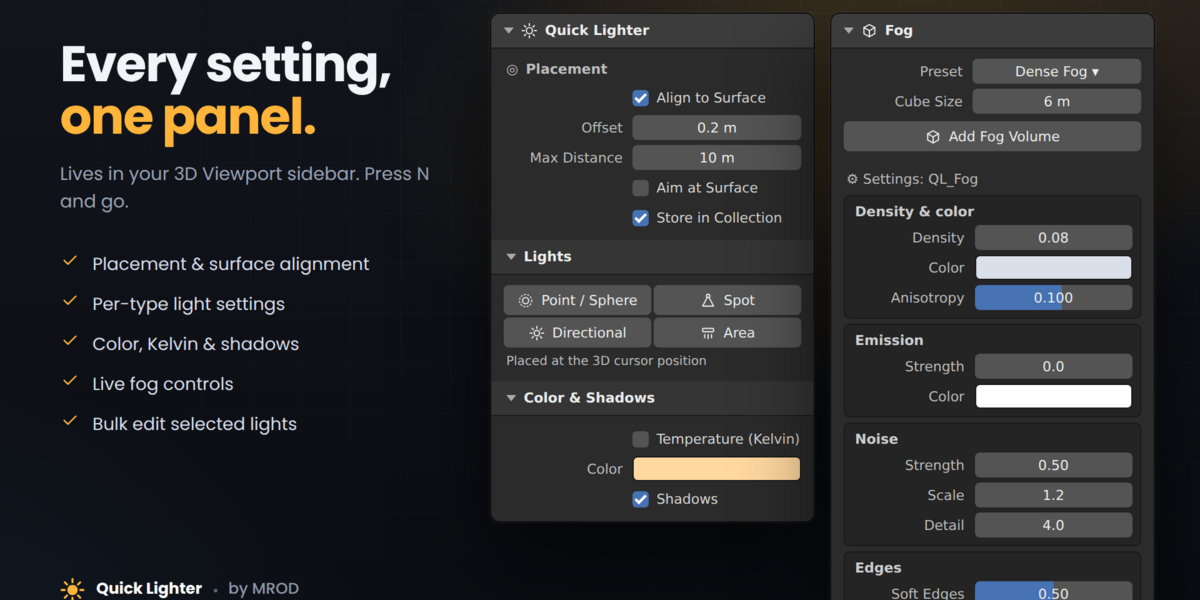
Go to Edit > Preferences > Add-ons > Install… (in Blender 4.2+: the dropdown arrow, then Install from Disk…), select the .zip file without unzipping it, and enable “Quick Lighter”. The panel appears in the 3D Viewport sidebar: press N and open the Quick Lighter tab.
Have questions about this product?
Login to message
| Published | 10 days ago |
| Blender Version | 4.3 - 5.2 |
| Extension Type | N/A |
| License | GPL |
