 Yasine Imerie
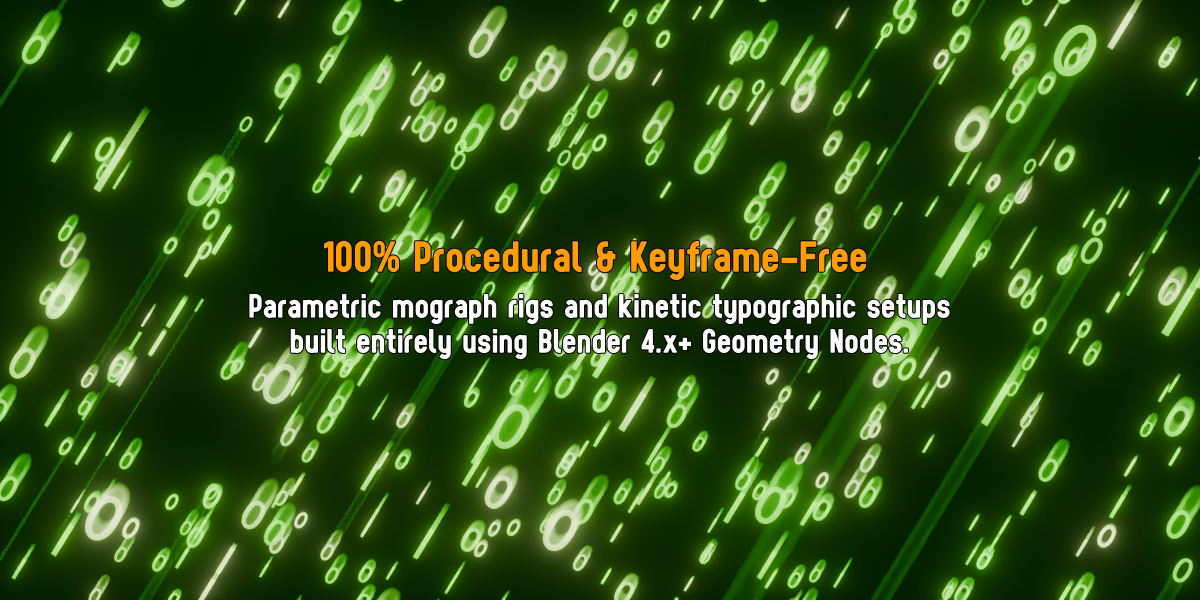
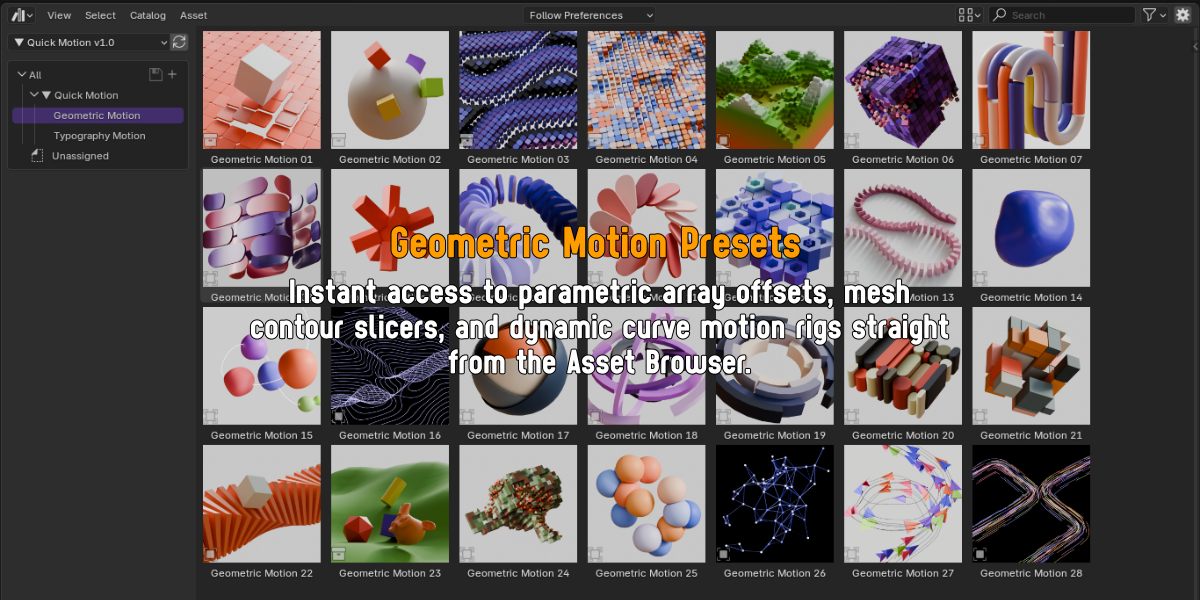
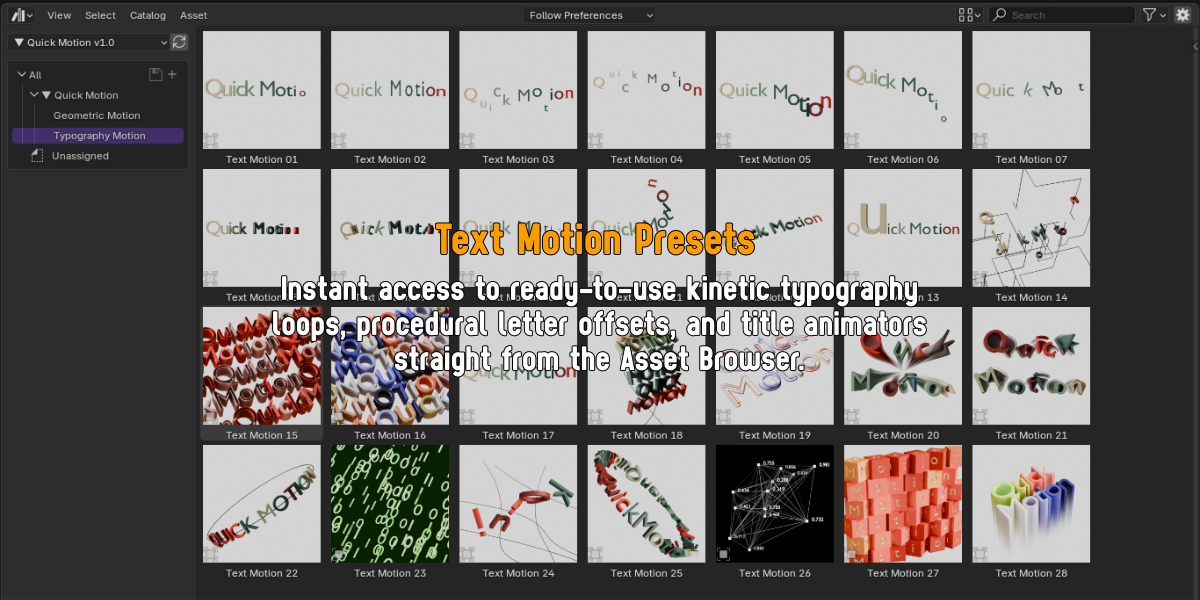

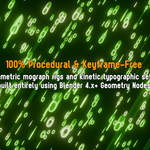
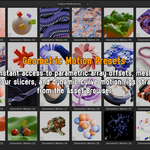
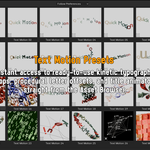
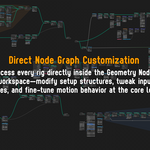
Quick Motion is a procedural motion graphics library for Blender, designed to instantly generate kinetic typographic animation and parametric geometric setups through Geometry Nodes. Built with clean performance and maximum creative flexibility in mind, it gives motion designers, 3D artists, and visual creators production-ready tools to build complex motion rigs, array offsets, and procedural visual effects without laying down a single keyframe.
✨ Key Features
100% Procedural Rigs: Parametric geometry and kinetic typography built entirely with native Geometry Nodes.
Instant Drag & Drop: Easily access organized Geometric and Text motion presets straight from the Asset Browser.
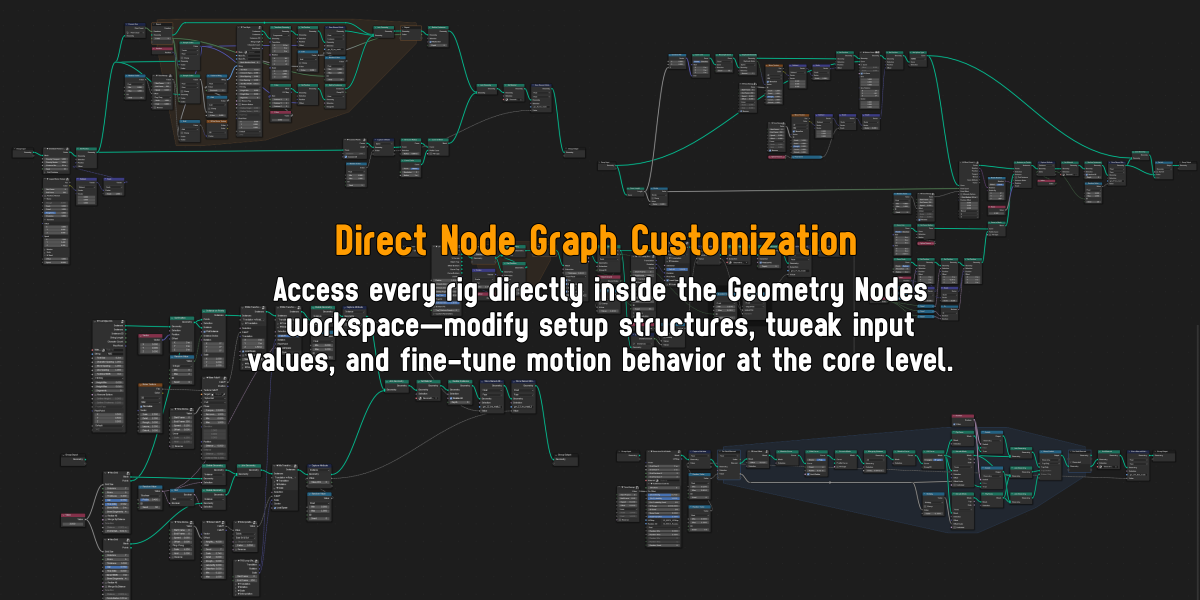
Direct Node Graph Control: Fully exposed, unlocked node trees designed for easy tweaking, retiming, and customizing in the Geometry Nodes editor.
Keyframe-Free Motion: Dynamic curve follow rigs, array offsets, and loopers driven entirely by procedural math.
Clean & Modular Setup: Standardized naming and standardized group inputs for seamless integration into existing production pipelines.
⚙️ Define the Asset Library Path
- Open Blender Preferences: Go to Edit > Preferences.
- Navigate to File Paths: Click on the File Paths tab.
-
Add the Library Folder: Browse to the main extracted folder. To function correctly in the Asset Browser, this folder must contain the
▼ Quick Motion v1.0.blendfile, theblender_assets.cats.txtcatalog file, and thePreviewssubfolder.
💬 Support
Contact me via [email protected] for support.
Discover