 3DAssetsKit


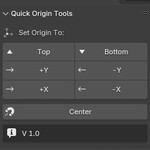

Quick Origin Tools – Blender Addon
Quick Origin Tools is a lightweight and easy-to-use Blender addon that lets you quickly set object origins to common positions. Designed for speed and simplicity, it’s perfect for modelers, game asset creators, and anyone who frequently adjusts object origins.
Key Features
-
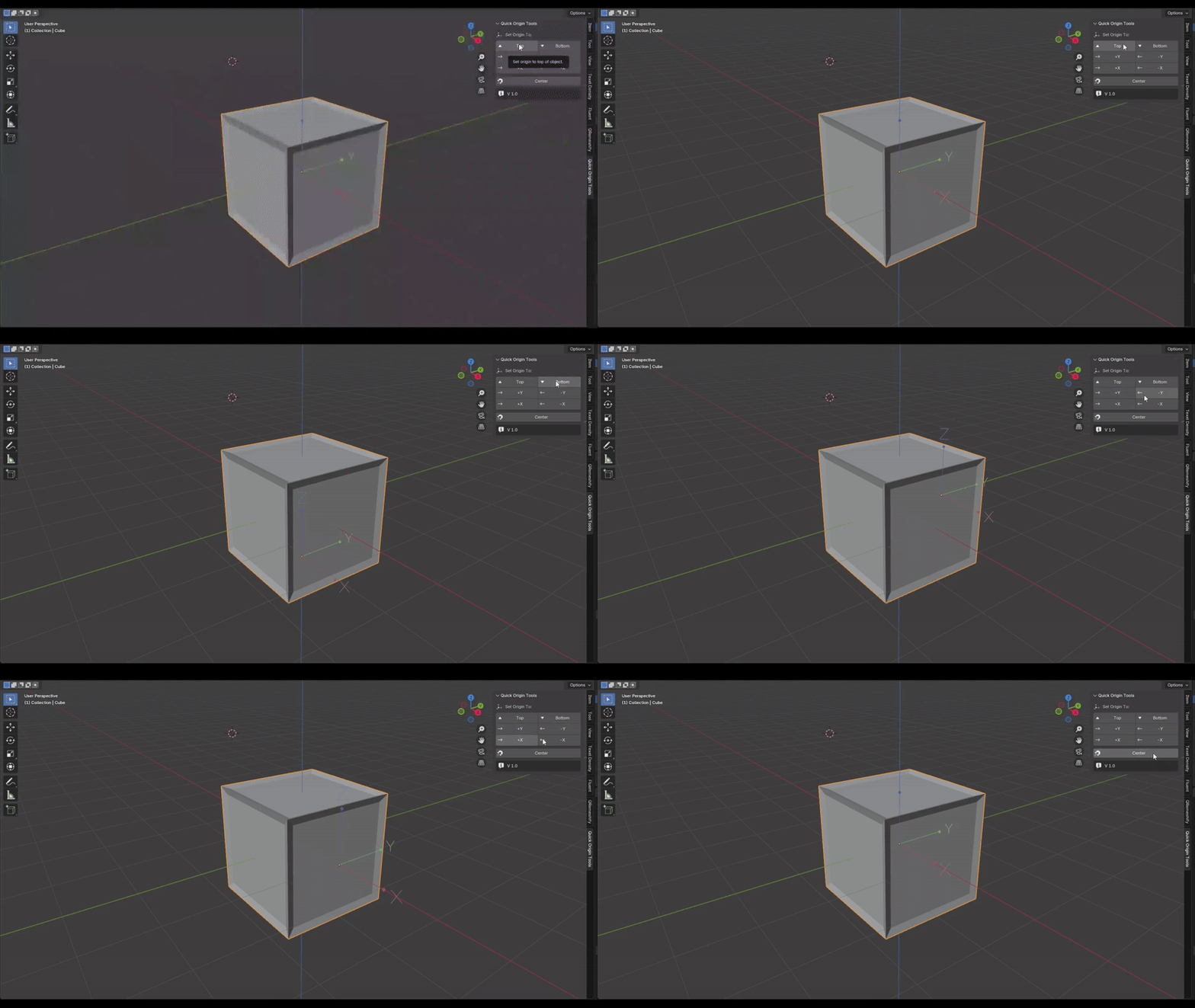
One-Click Origin Placement
Set the origin to:- Bottom
- Top
- +X / -X
- +Y / -Y
-
-
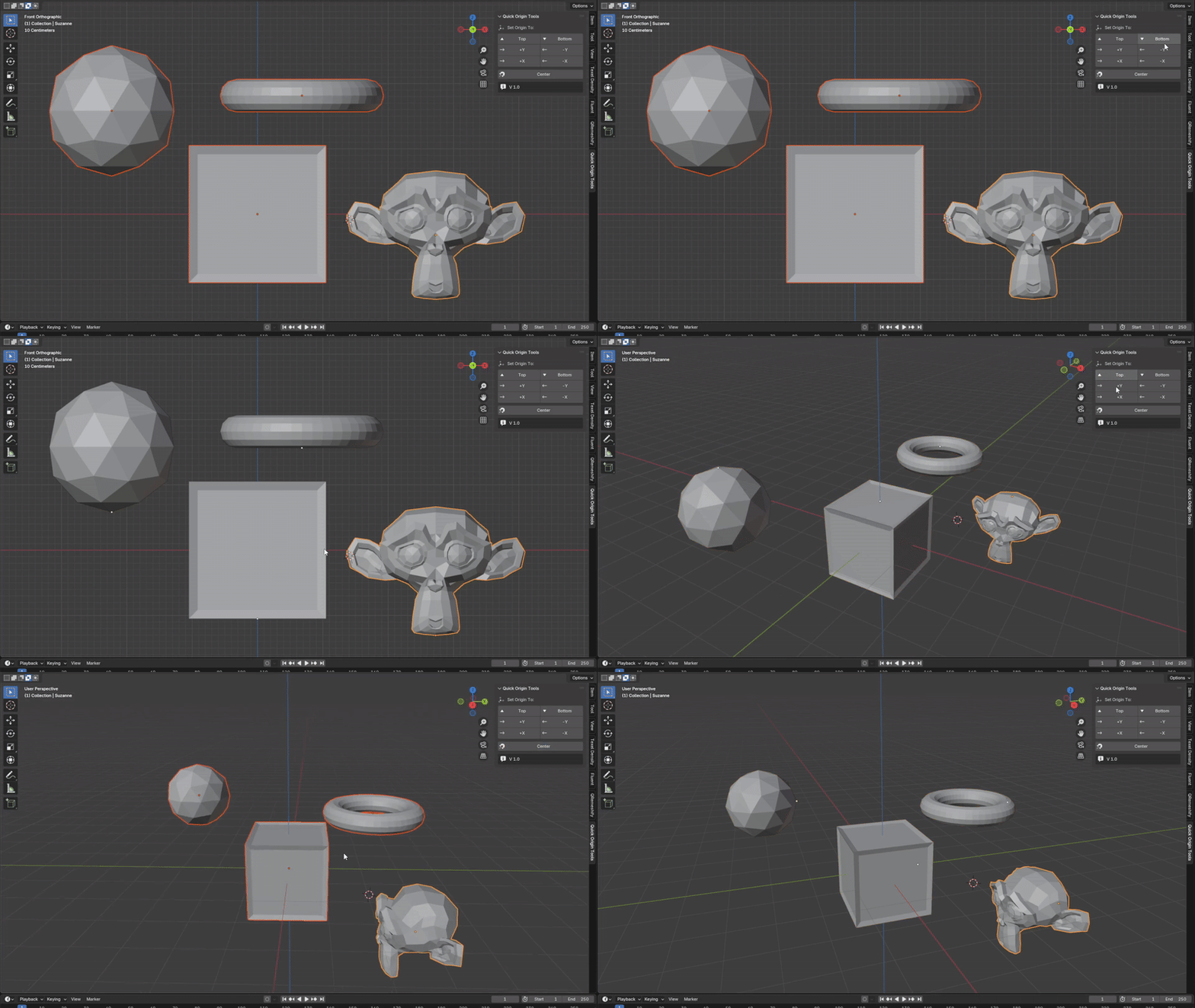
Batch Origin Setter
Select multiple objects and apply origin changes in bulk.
-
Simple, Clean UI
Access everything from the N-Panel in the 3D Viewport. No clutter, no confusion — just straightforward tools.
Documentation
🛠️ Installation Guide
- Open Blender.
- Go to Edit > Preferences > Add-ons.
- Click Install... in the top-right corner.
- Navigate to your downloaded addon
.zipfile and select it. - After installation, enable the addon by checking the box next to its name.
- Close the Preferences window.
📌 Access the Addon
After installation, go to the 3D Viewport, press N to open the side panel, and look for the “Quick Origin Tools” tab.
