 Zemalate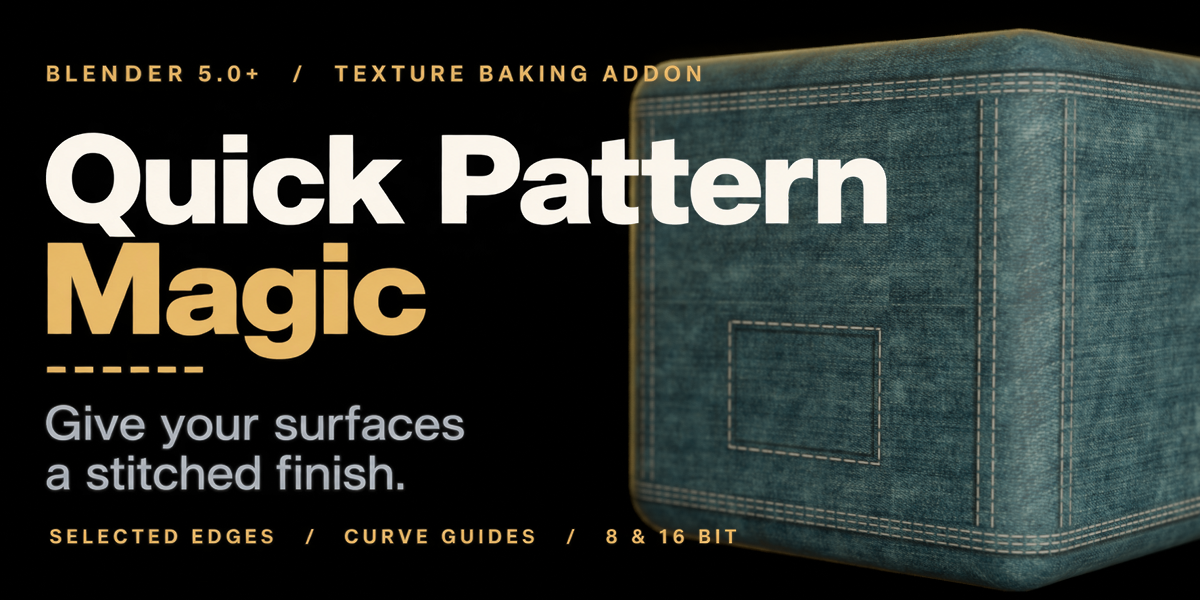
BLENDER 5.0+ / TEXTURE BAKING ADDON
Quick Pattern
Magic
Give your surfaces a stitched finish.
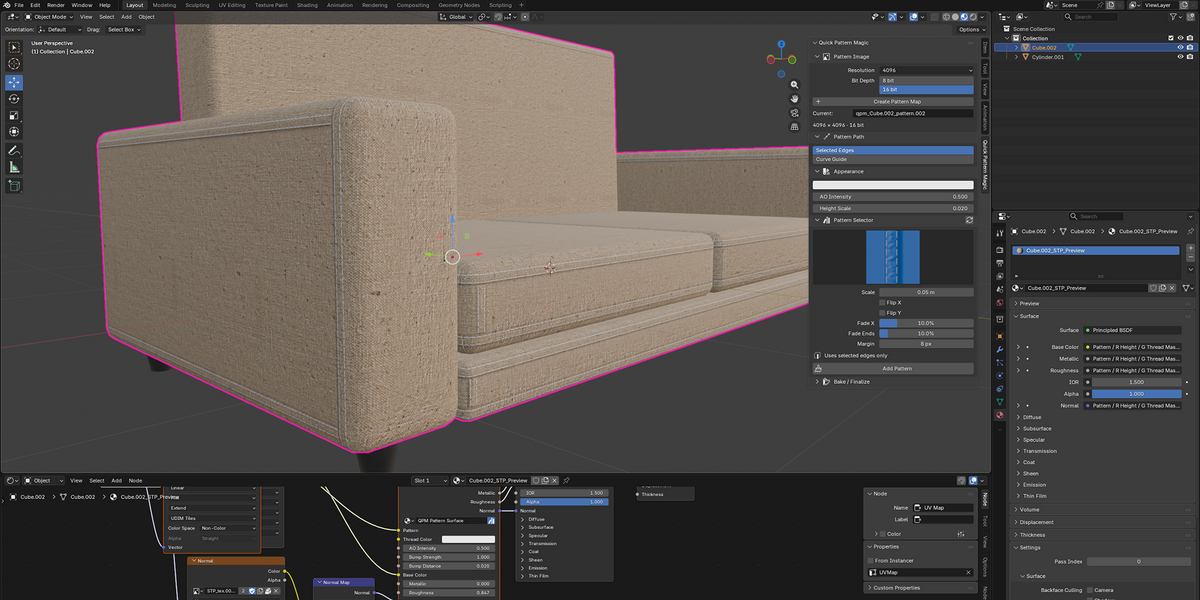
Turn selected edges or curve guides into detailed stitch patterns, baked directly onto your mesh. Bring definition to clothing, upholstery, bags and other sewn surfaces, with control over placement, width and appearance.
SELECTED EDGES / CURVE GUIDES / 8 & 16 BIT
01 / FOLLOW YOUR TOPOLOGY
Select the edges.
Lay down the seam.
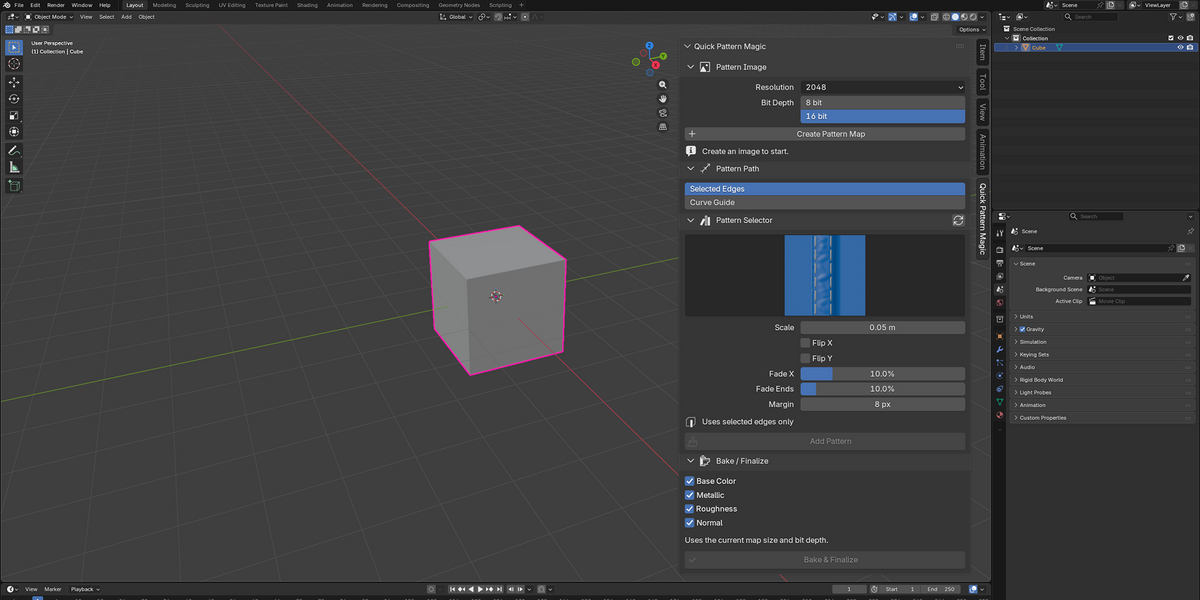
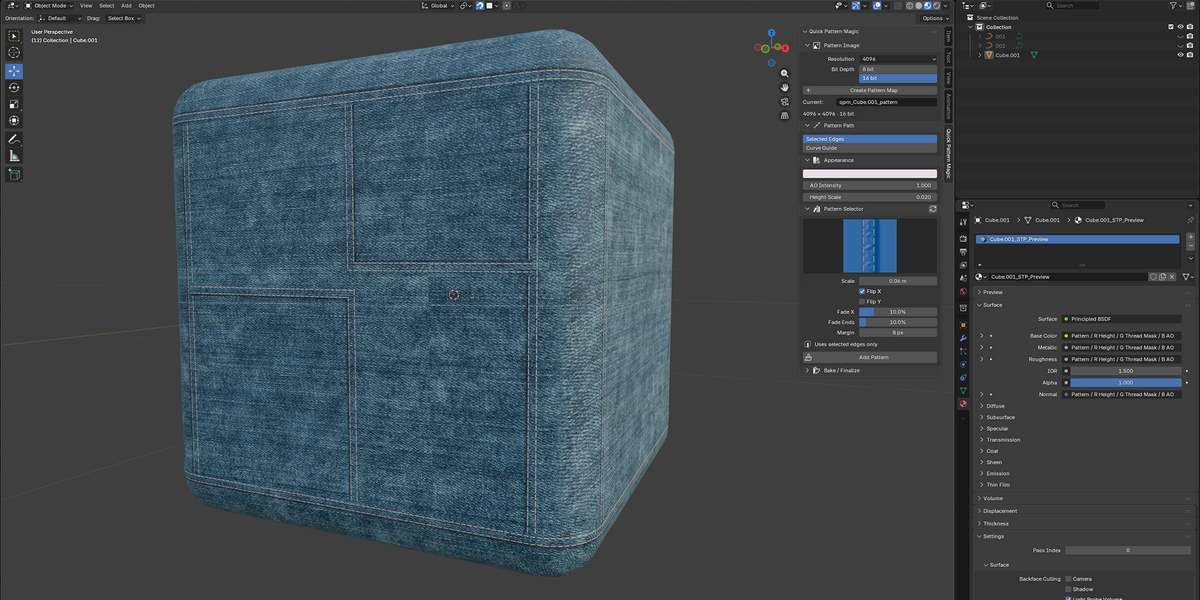
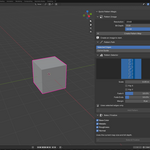
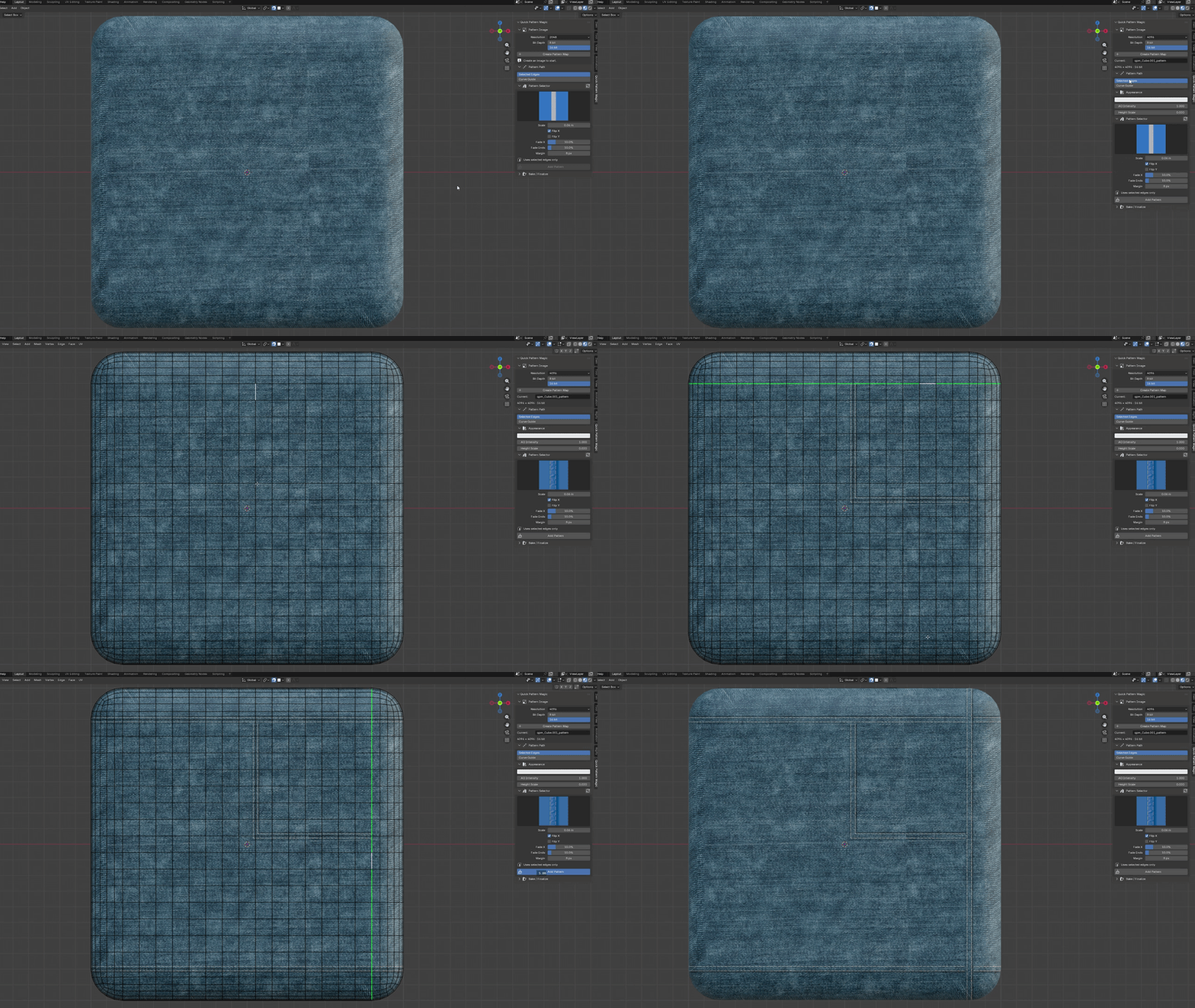
Choose the edges that define your seam, pick a pattern and click Add Pattern. Connected selected edges become continuous paths, so the pattern follows your mesh through bends and along contours.
Create your stitch image once, then keep adding patterns to it. Build the details one seam at a time, with a consistent material setup.
02 / DRAW YOUR OWN PATH
Let a curve lead the way.
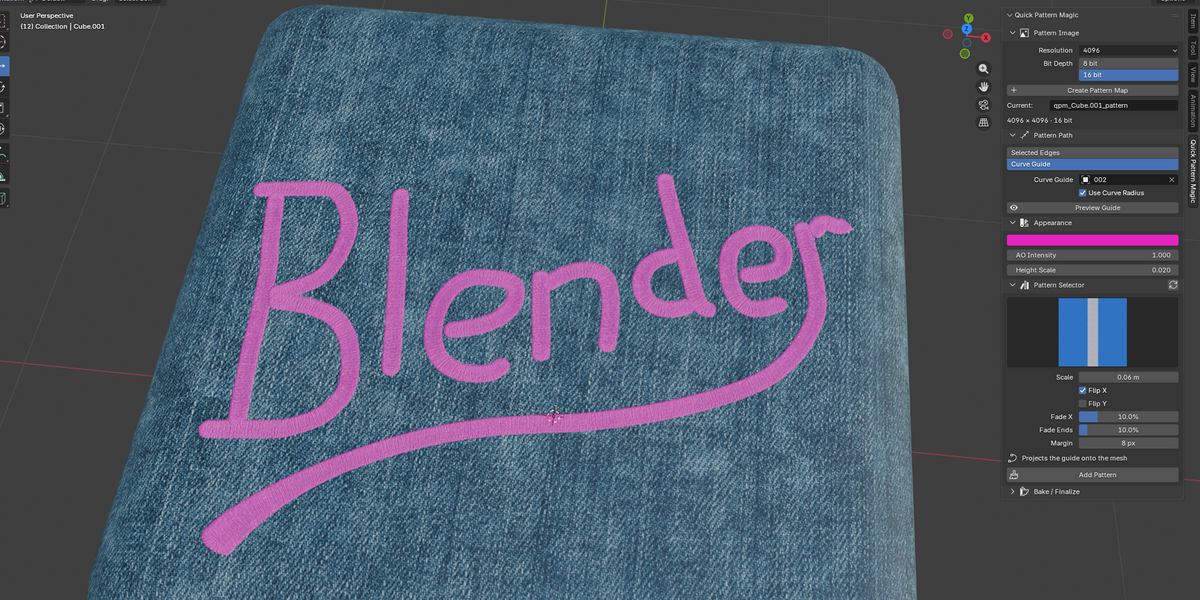
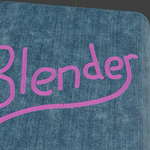
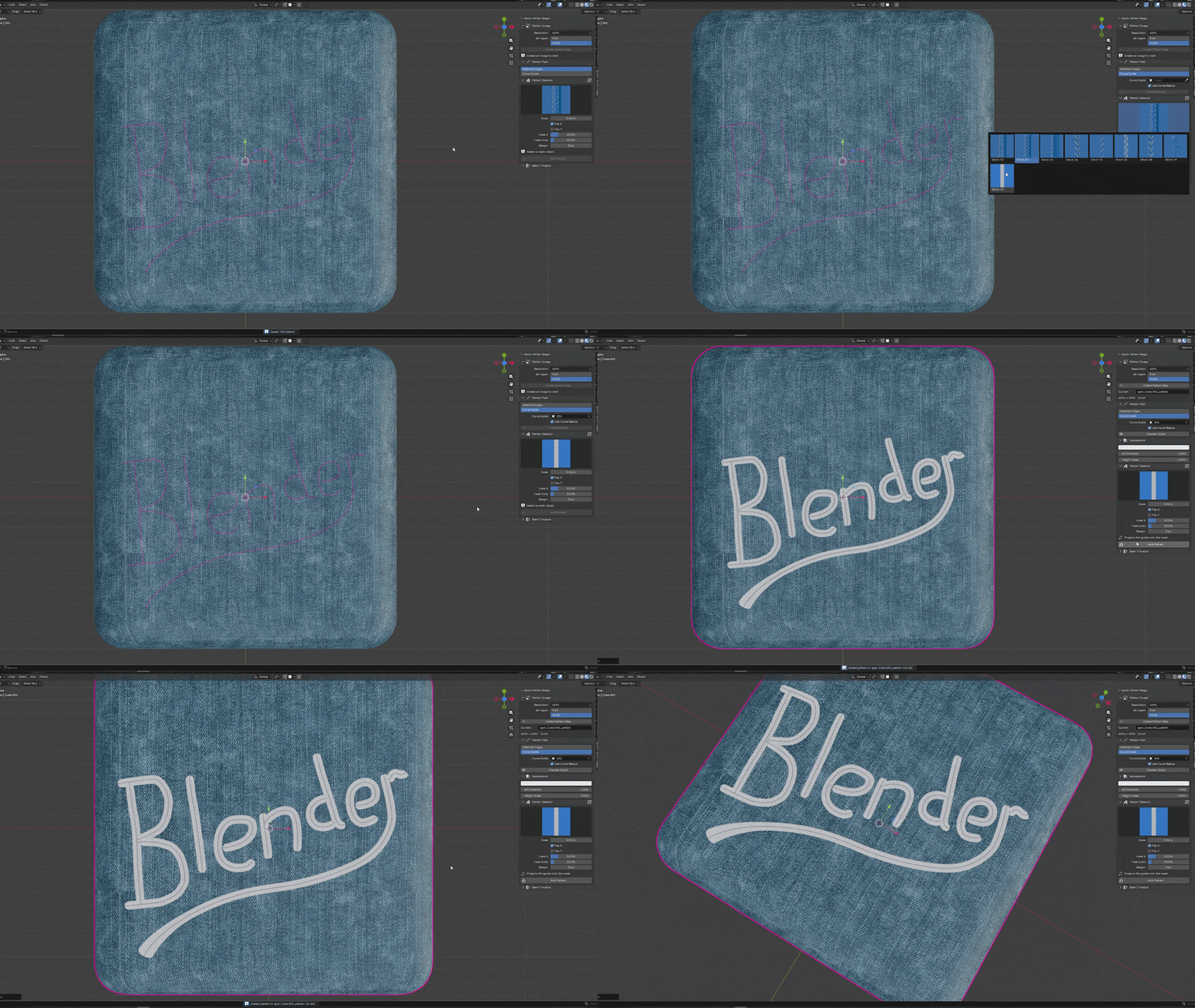
Use a curve guide when the seam needs a path of its own. Keep your mesh active, choose a guide and preview its projected centerline before baking.
Enable Use Curve Radius to smoothly vary the seam width along the curve. Make it narrower or wider while keeping stitch length and repeat spacing consistent.
03 / SHAPE THE FINISH
Small details.
A more convincing surface.
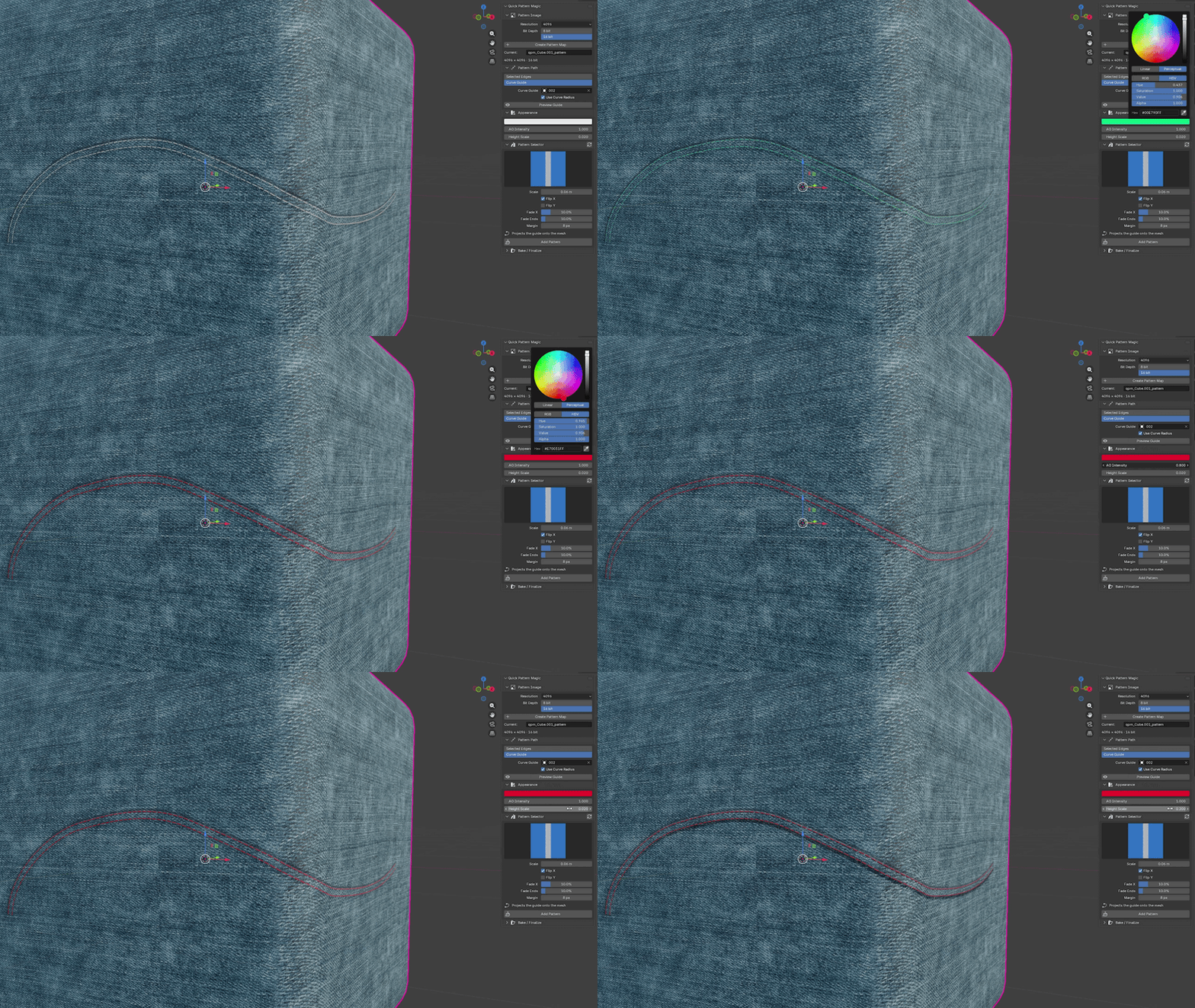
Adjust the pattern color and AO intensity directly in the addon panel. Fine-tune bump strength and distance in the included material node. Appearance controls update the material without another bake.
The packed texture carries height, color mask and ambient occlusion in separate RGB channels. AO darkens the surface and increases roughness, helping the recessed parts of the stitch read clearly.
THE TOOLS THAT MAKE IT YOURS
Control the seam, from start to finish.
Scale with the pattern
Change seam width while preserving the source image proportions.
Flip across the width
Swap the two sides of a pattern without reversing its repeat direction.
Blend the borders
Side and end fades blend new strokes with the data already on your image.
Finish open ends
Patterns with a matching end image receive automatic caps at free endpoints.
Build your own library
Add custom pattern images, separate thumbnails and optional end images.
A SIMPLE WORKFLOW
Create. Choose. Bake.
1 Create Image + Node
Set your resolution and bit depth. Create a neutral image and connect the stitch material node.
2 Choose your path and pattern
Select mesh edges or choose a curve guide, then adjust the pattern scale and fades.
3 Add Pattern
Bake the result. Add more seams to the same image and save your blend file.
READY FOR YOUR BLENDER WORKFLOW
Packed maps. Flexible materials.
Choose image sizes from 512 to 8192 pixels and output in 8 or 16 bits per channel. GPU baking is available with a CPU fallback. Generated maps are packed into your blend file.
Multiple materials and UDIM tiles are supported. Materials on the target mesh share the stitch image, while the included node keeps appearance controls accessible.
Before you begin
Requires Blender 5.0 or later and an active UV map with no overlapping islands. Baking uses the base mesh. Standard Principled BSDF materials connect automatically; custom shader setups may need manual wiring.
Curve edits do not automatically update baked strokes. Preview the path, then bake again when you are ready. Pixel resolution and available UV space determine how much fine detail the map can hold.
Make the seam part of the design.
From a garment edge to an upholstered cushion, give your next asset a carefully stitched finish.