Quick Pin
 MNC Development
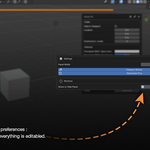
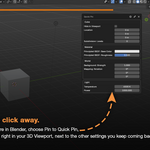
How do I pin a property?
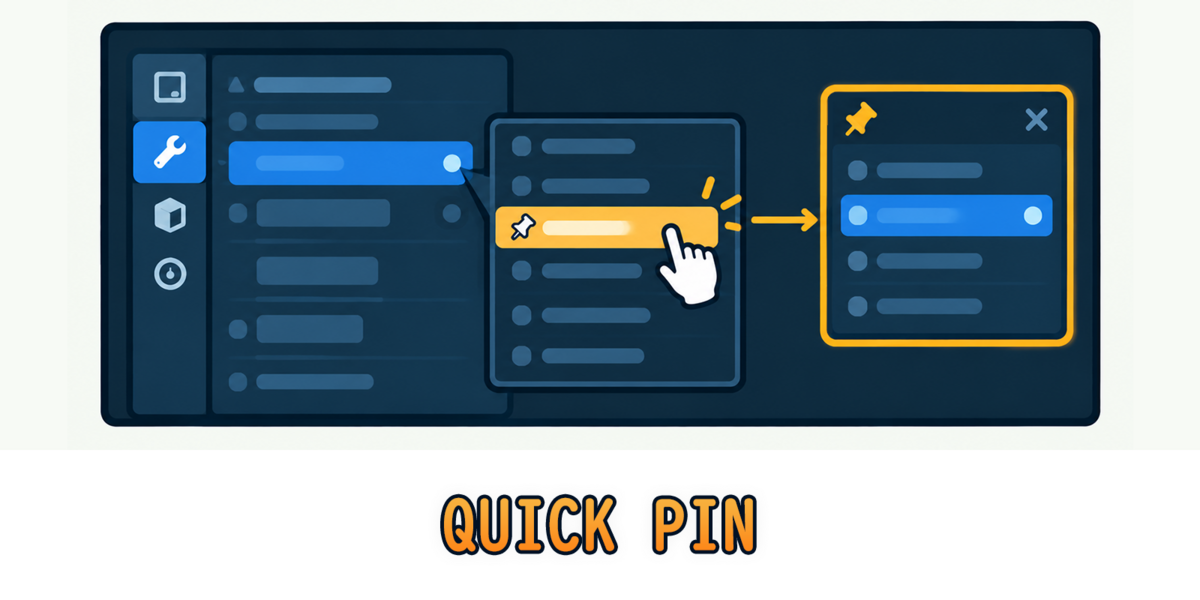
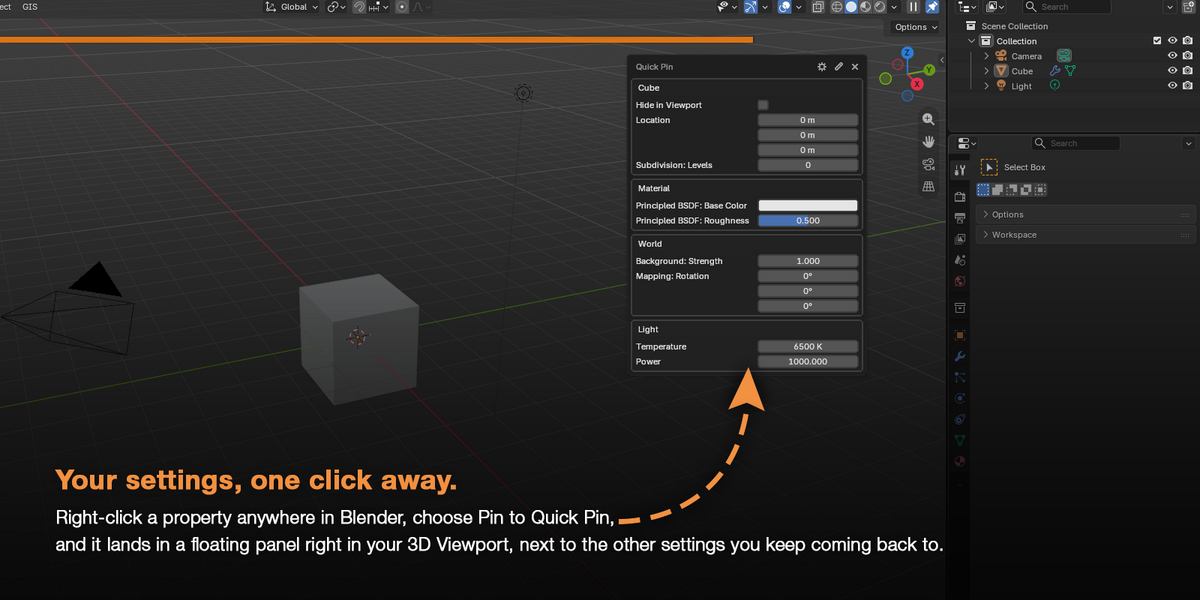
Right-click the property anywhere in Blender (Properties editor, sidebar, header popovers, Outliner) and choose Pin to Quick Pin. To remove it, right-click the same property and choose Unpin from Quick Pin.
What can I pin?
Render and scene settings, object transforms, light settings, modifier settings, material and World node values, viewport settings (Overlays, Shading, X-Ray...), Outliner toggles (Hide in Viewport, Disable in Renders) and Blender’s preferences such as Resolution Scale.
Are my pins saved?
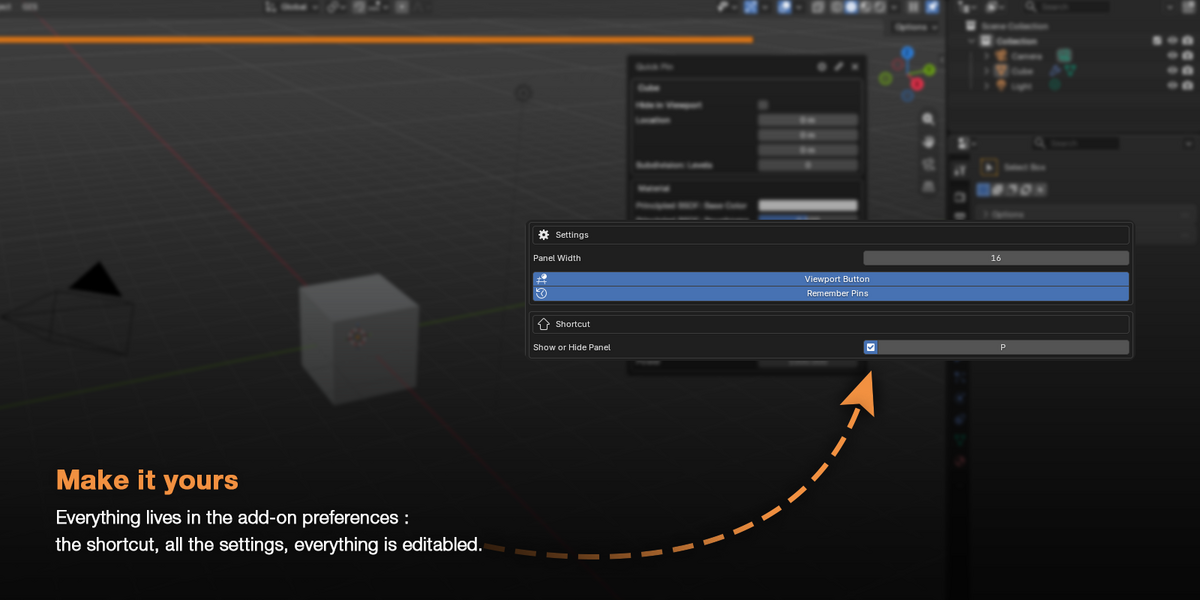
Yes, they’re saved with your .blend. Each file and each scene has its own pins. With Remember Pins on (the default), they even come back when you close a file without saving.
Have questions about this product?
Login to message
| Blender Extension Compatible | Yes |
| Published | 12 days ago |
| Blender Version | 5.2 |
| Extension Type | Add-on |
| Render Engine Used | Cycles |
| License | GPL |
Discover more products like this
addon quick pin 3d viewport Pin #WorkflowEnhancement Workflow