 ThriftBlend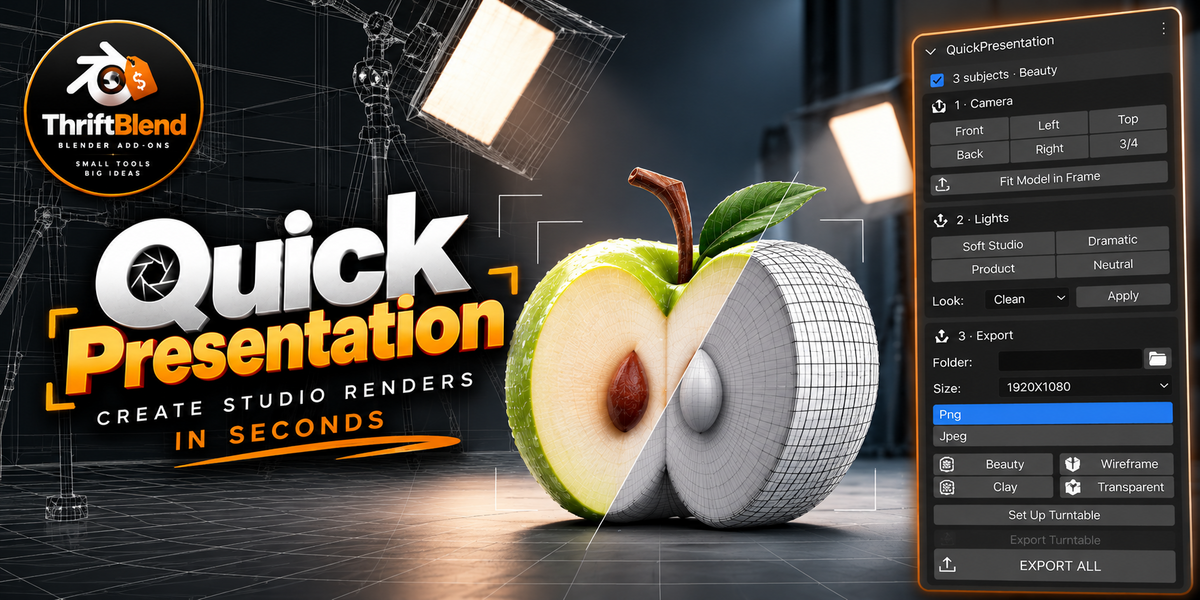
QuickPresentation
Your model is ready. Give it a presentation to match.
QuickPresentation turns selected Blender objects into a complete studio setup—with a camera, lighting, floor, and background—so you can spend less time preparing renders and more time showing your work.
Whether you’re building a portfolio, selling an asset, or sharing a work in progress, the workflow stays simple: select your model → create a presentation → choose your look → export.
Simple controls. Plenty of options.
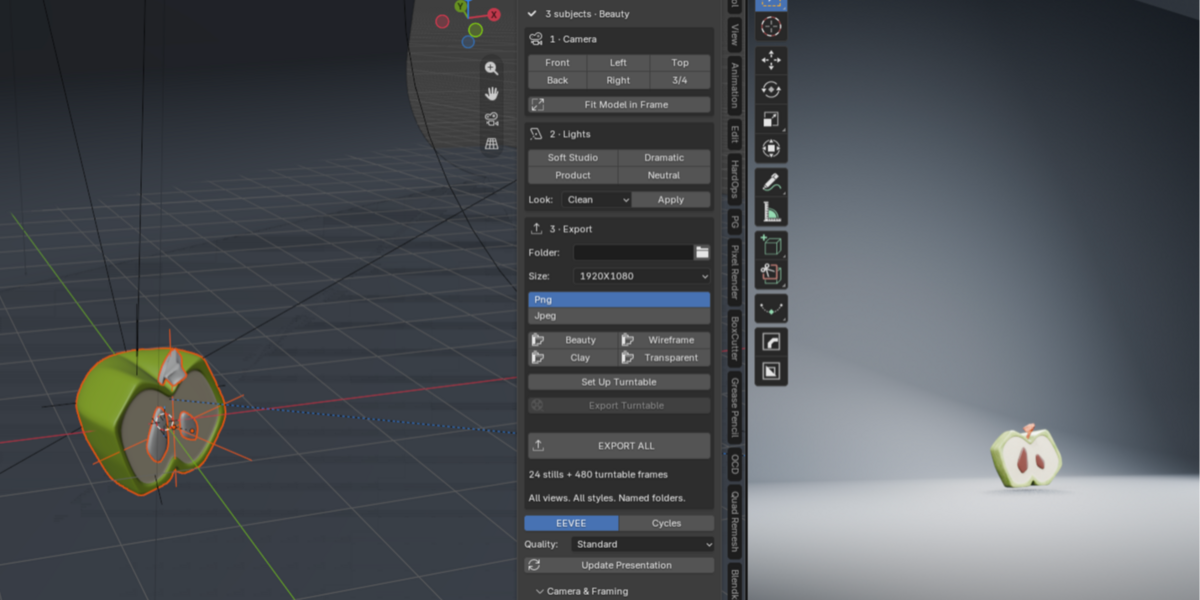
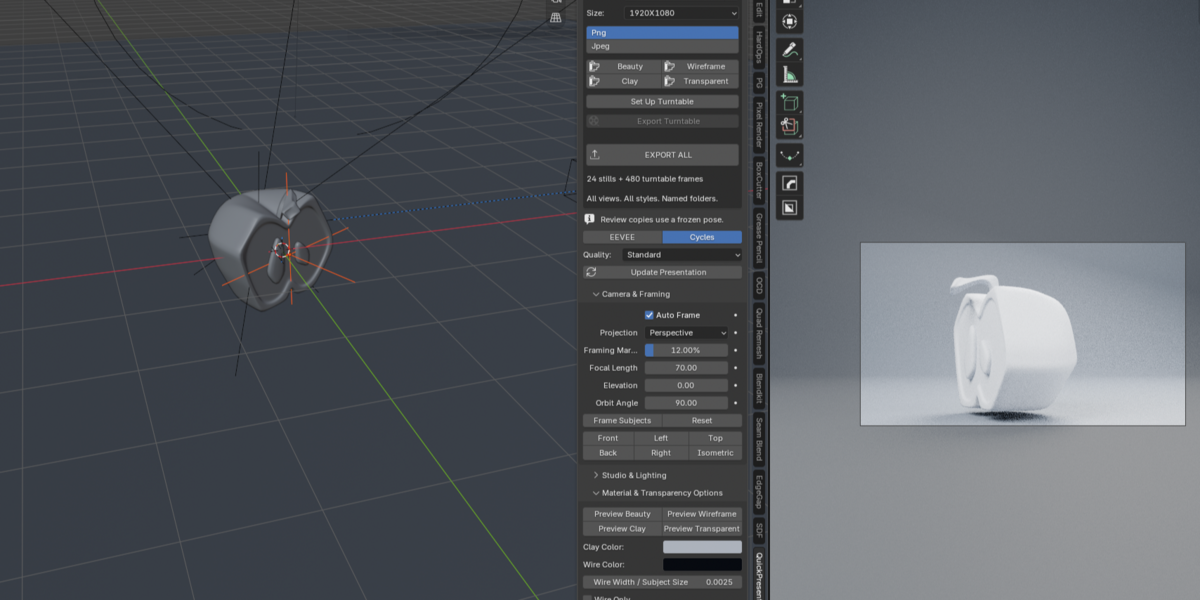
Choose from six camera views and automatically fit your model in frame. Switch between Soft Studio, Product, Dramatic, and Neutral lighting, or start with one of five presentation looks. Adjust the background, floor, and seamless backdrop when you want more control.
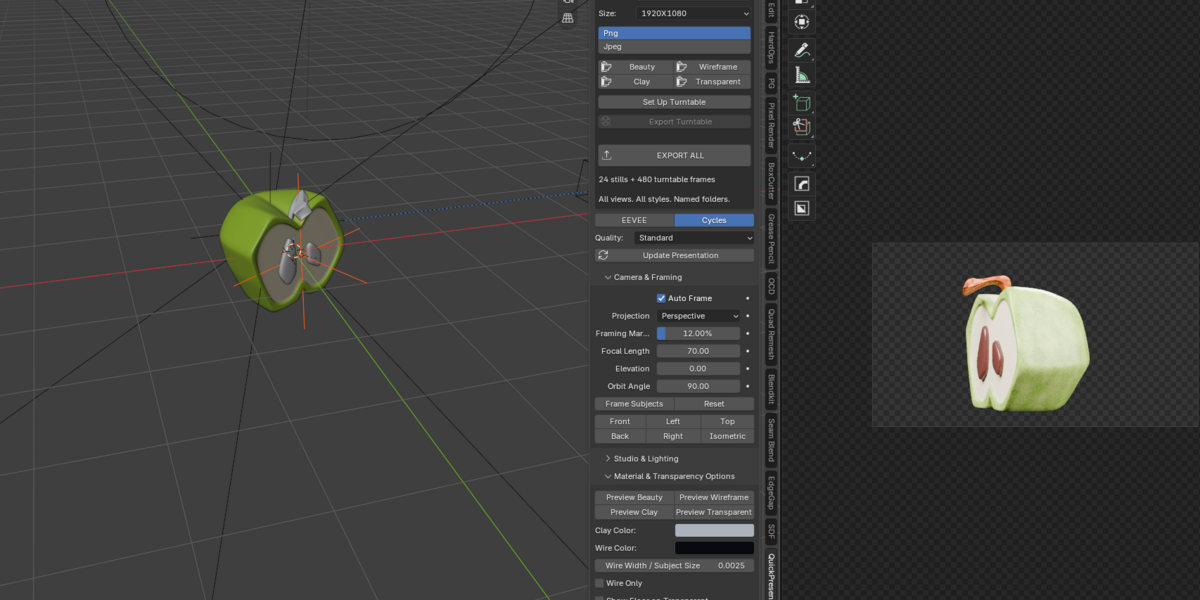
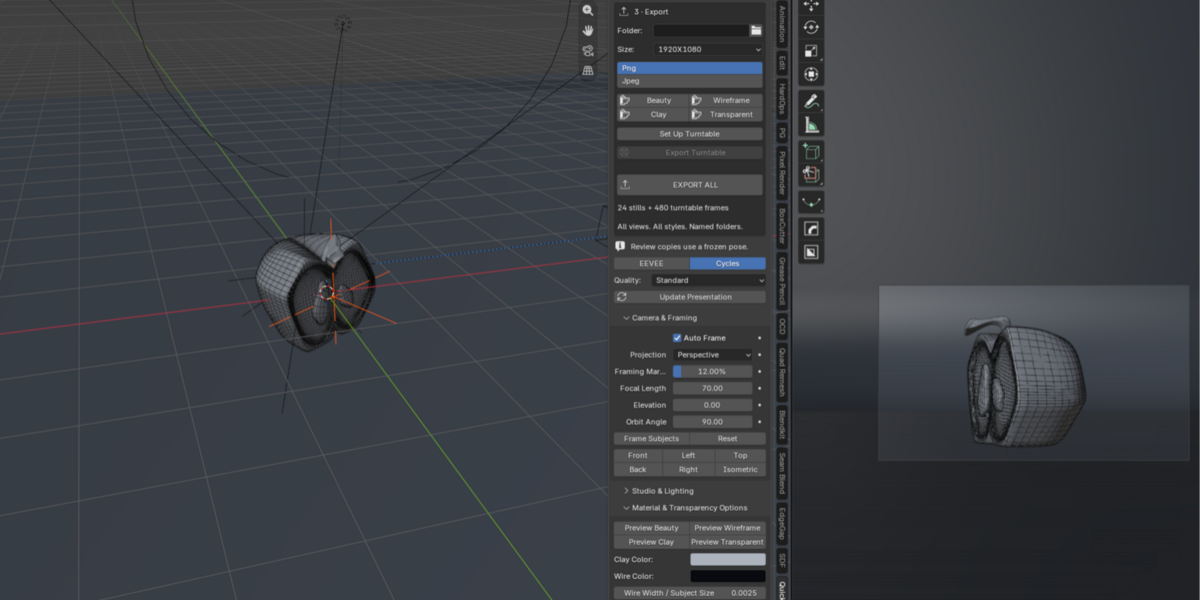
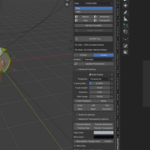
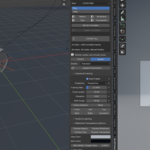
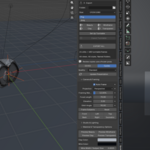
The main panel keeps cameras, lights, and exports within easy reach. Detailed settings stay tucked into expandable sections.
Four ways to show your work
Beauty — showcase your original materials under studio lighting.
Clay — highlight shape and surface detail with a clean, neutral material.
Wireframe — show evaluated topology over a shaded surface, or choose wire-only output.
Transparent — export PNG images with an alpha background, ready for layouts and product listings.
Turntables without moving your model
Create an orbiting camera animation with adjustable frame count, direction, rotation axis, and easing. Your model stays in place, without reparenting it or replacing its existing animation.
Export one image—or the whole set
Choose an individual render, export a turntable, or press Export All to produce:
Six camera views in all four render styles: 24 still images.
A turntable image sequence in each style.
Clearly named folders and an export manifest to keep everything organized.
Choose landscape, square, portrait, or custom dimensions. Export PNG or JPEG, with PNG transparency applied automatically where needed.
Your original scene stays intact
QuickPresentation builds its studio in a separate scene and preserves your original camera, world, render settings, and model materials. Return to your original scene whenever you need to, or remove the generated presentation setup.
Built for Blender 5.2 • EEVEE and Cycles
Tested on macOS; Windows and Linux remain untested. Turntables export as image sequences, not video files. Clay and Wireframe use a frozen pose, while Beauty and Transparent retain model animation.
