Quick Procedural Terrain & Water Addon
 EdenWeby 3D
Usage
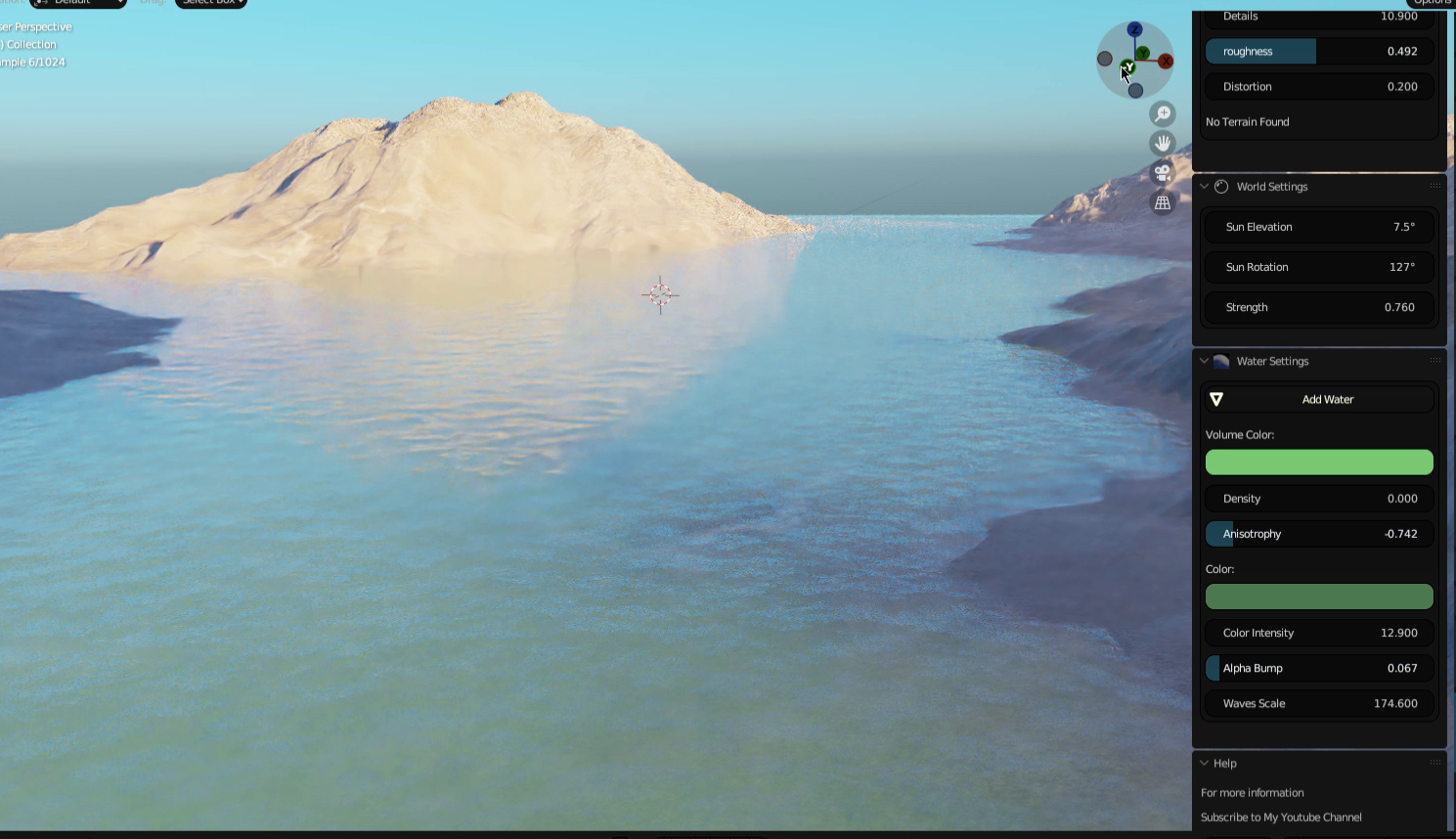
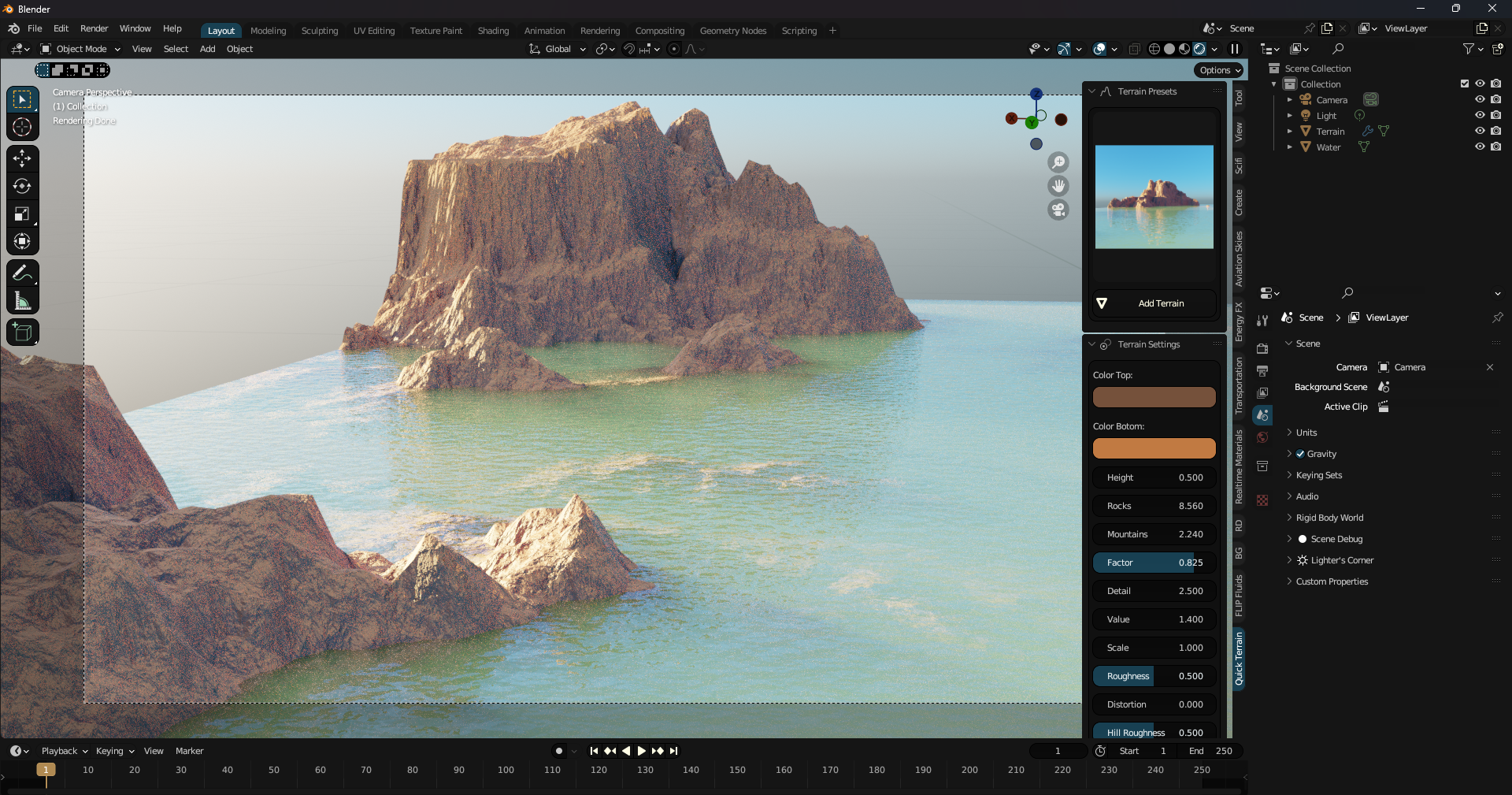
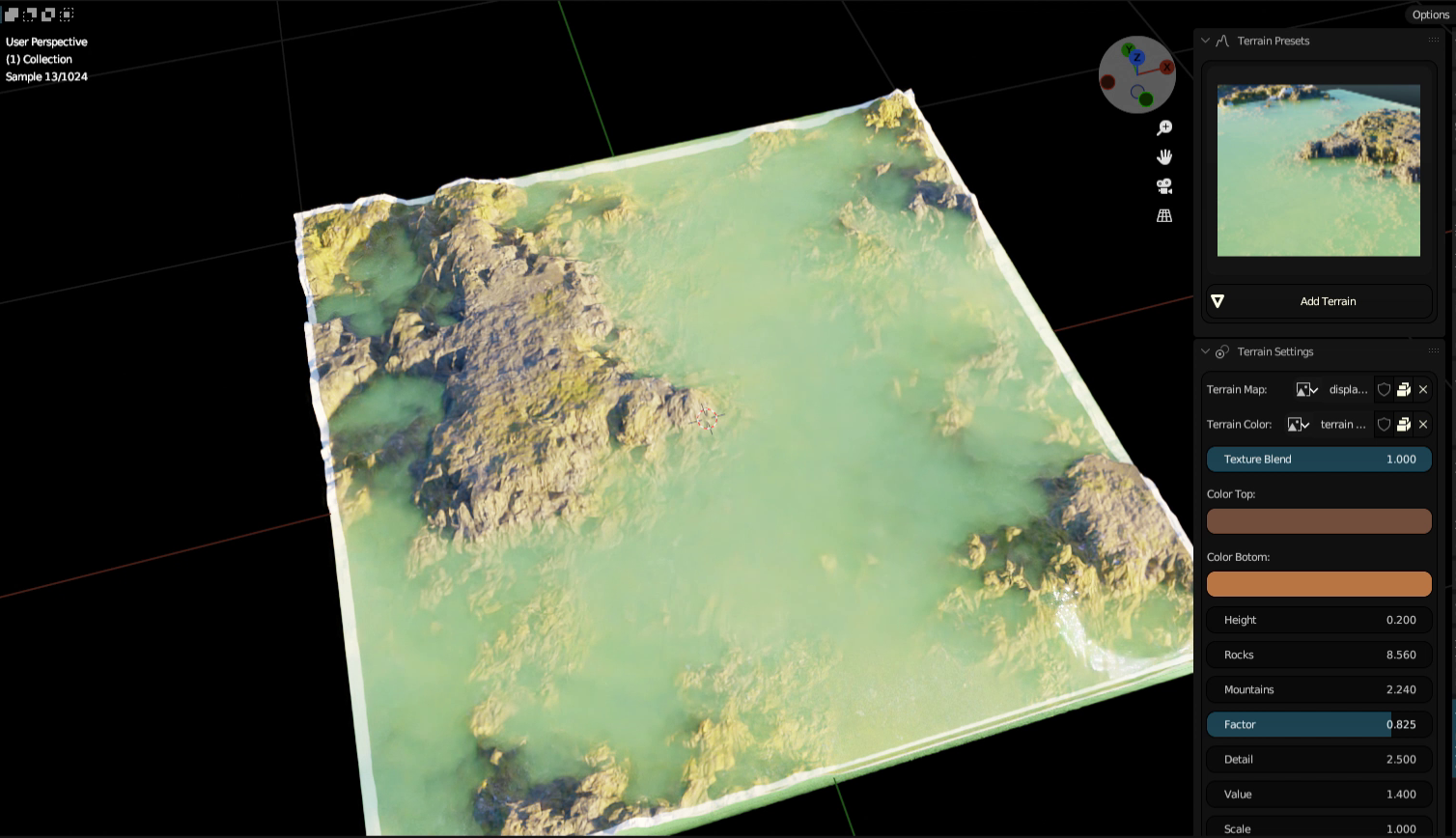
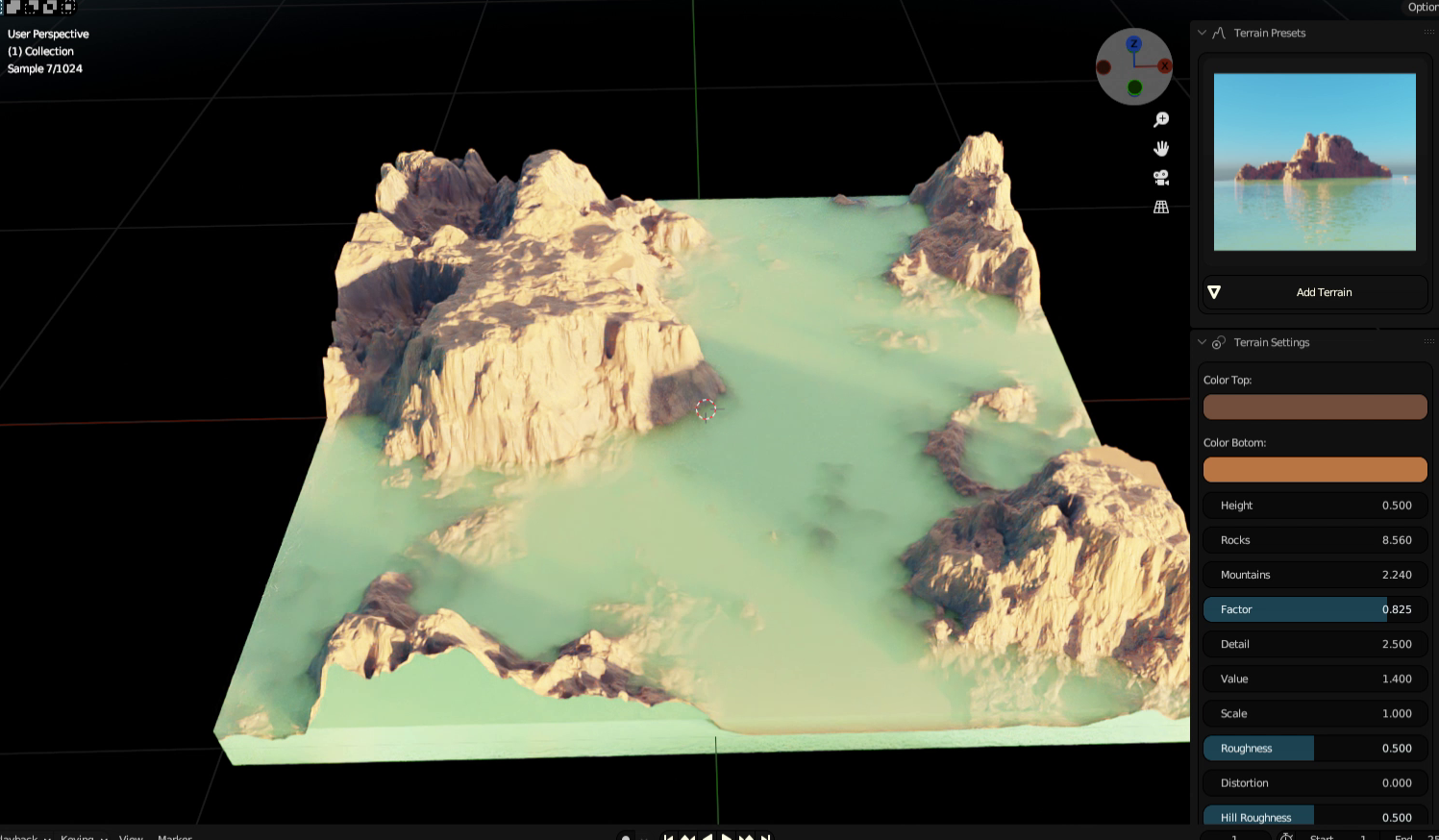
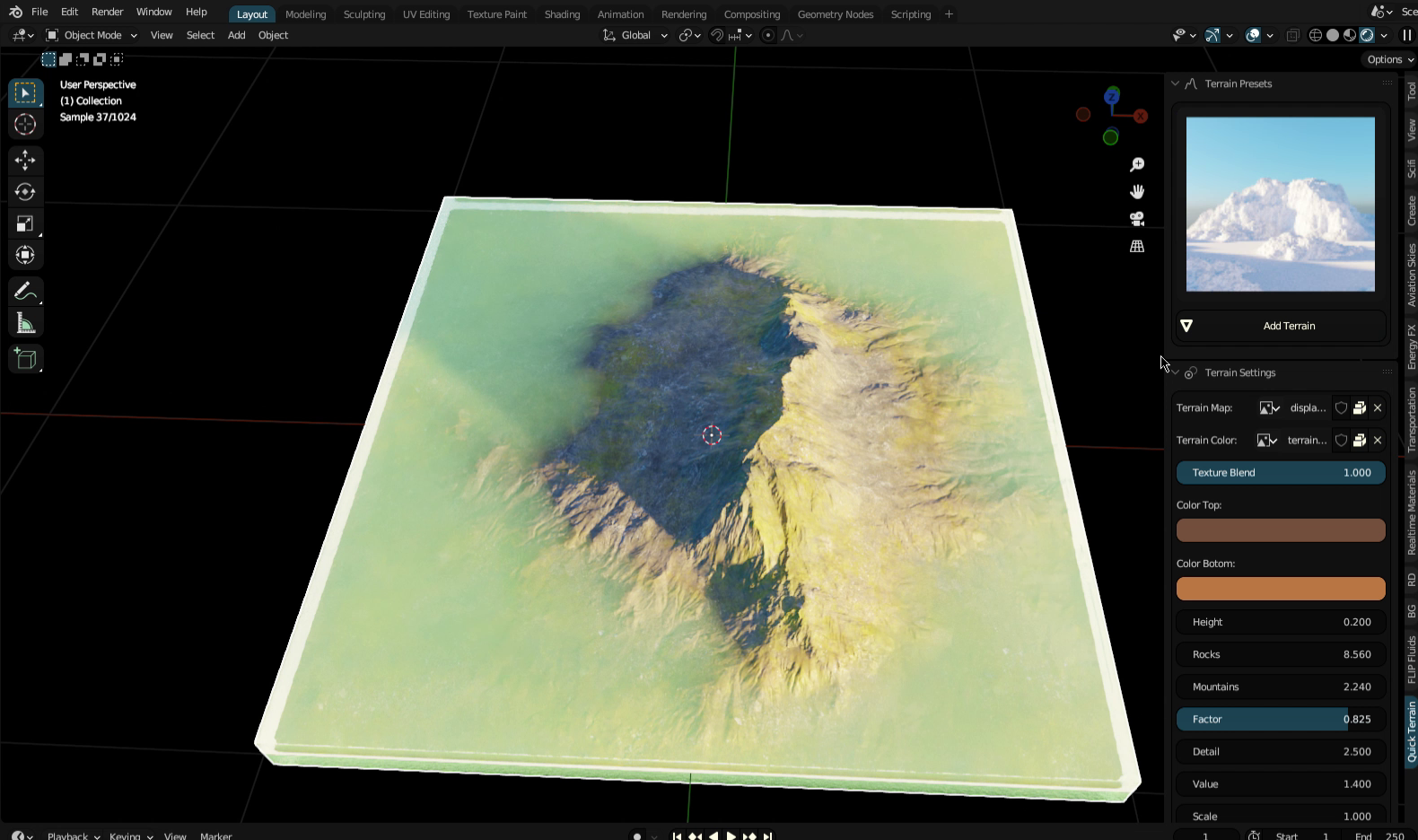
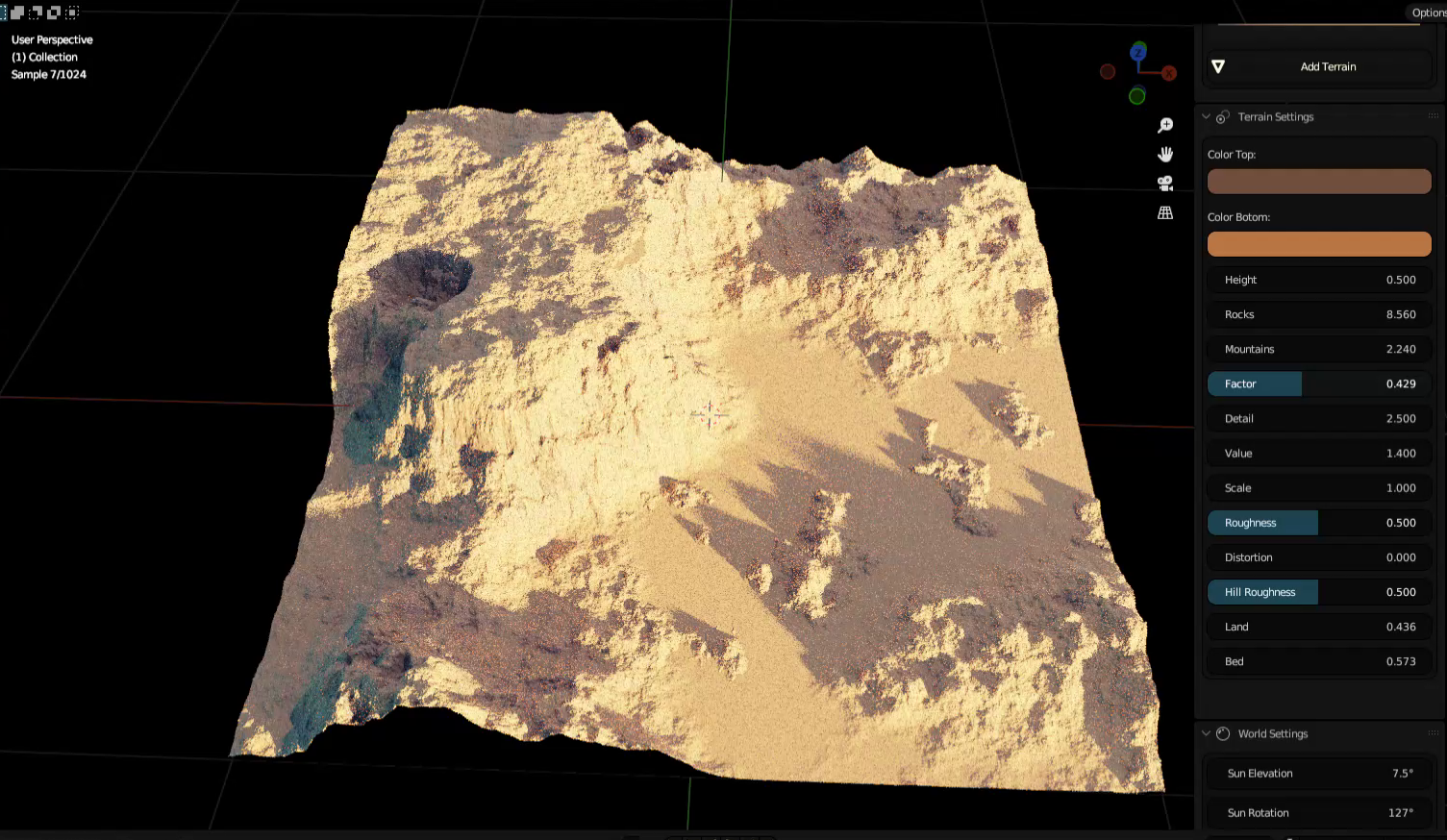
To use the Quick Procedural Terrain and Water Addon, simply install it from the Blender Addons menu. Once installed, you will see a new panel called "Quick Terrain" in the 3D view.
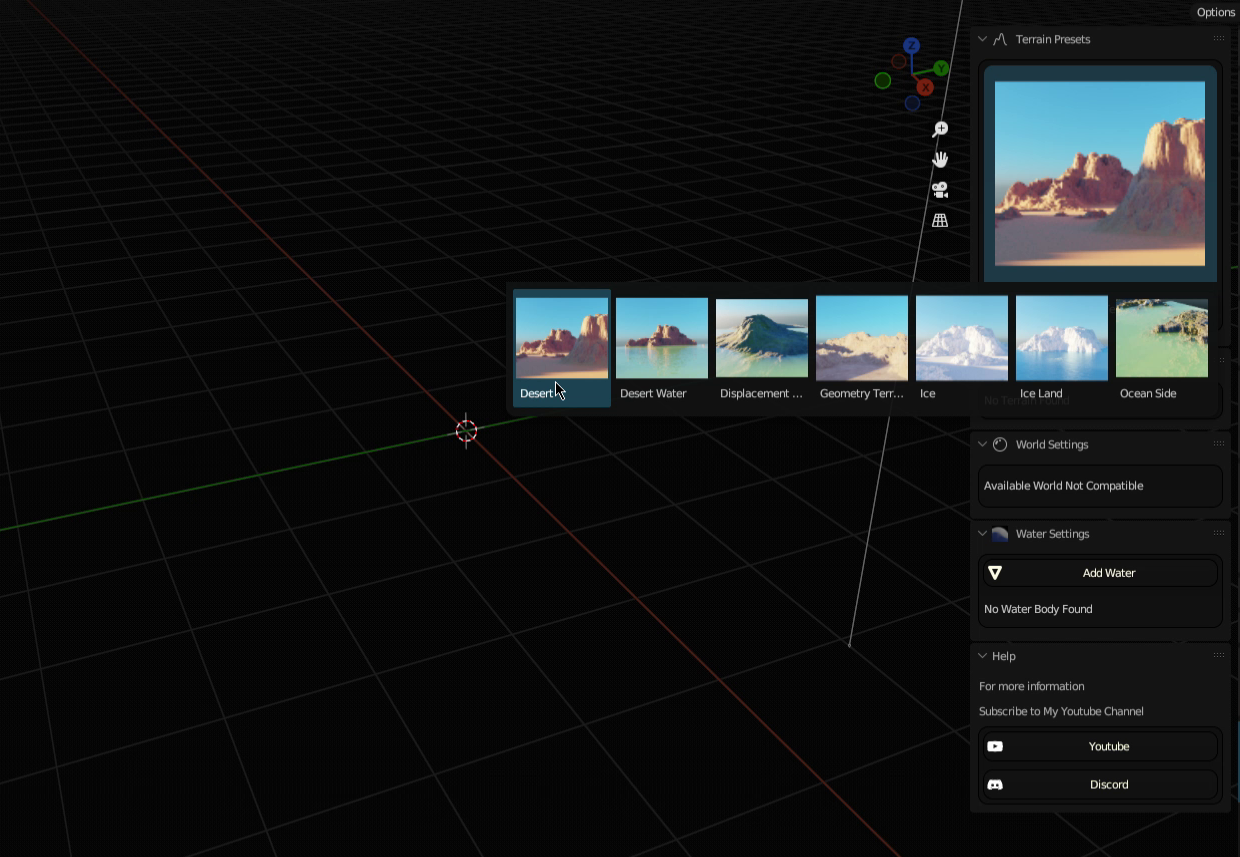
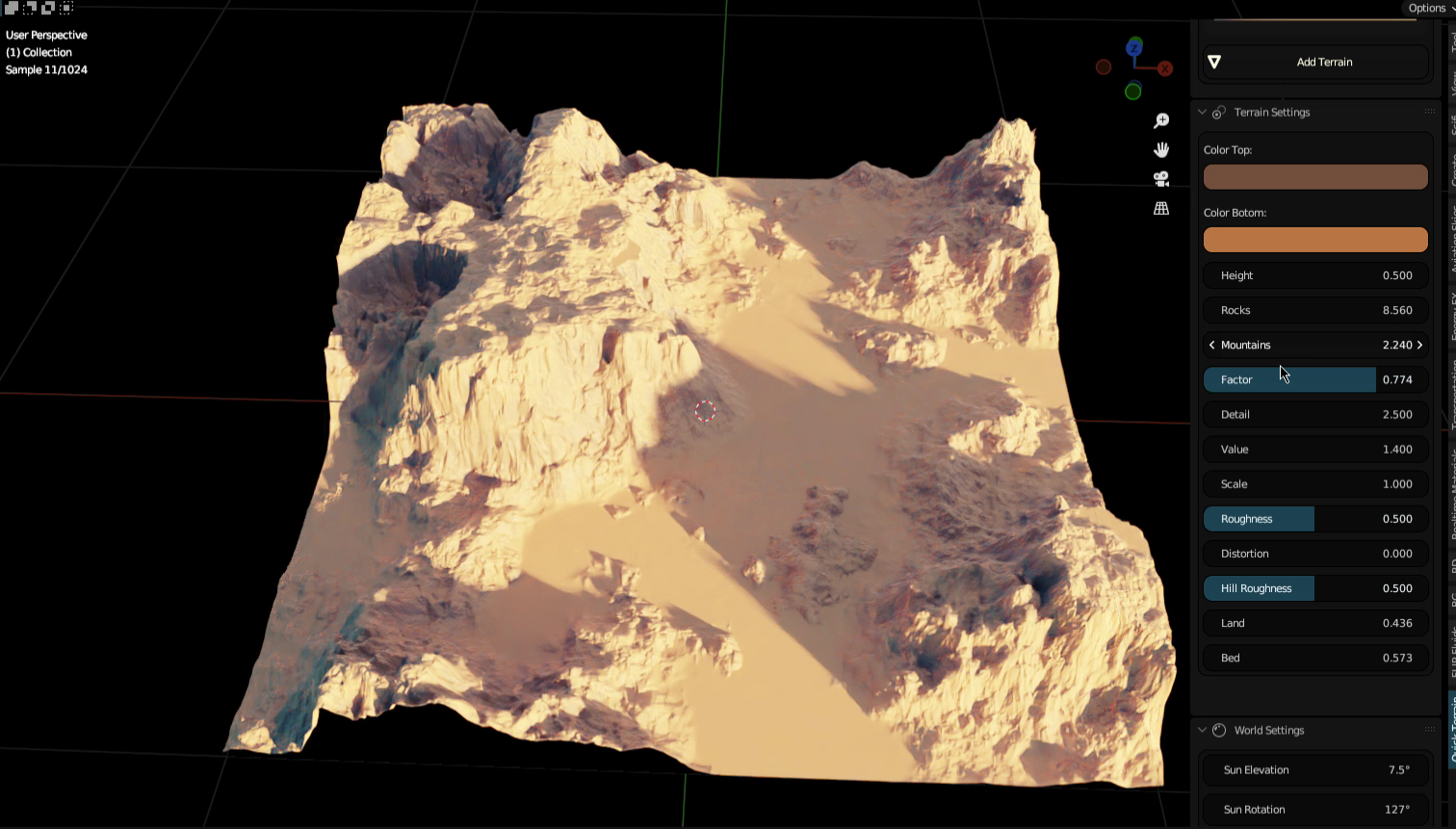
To create a new terrain, click the "Add Terrain" button in the panel. You will be prompted to select a terrain preset. Once you have selected a preset, the addon will generate a new terrain in your scene.
