 Yasine Imerie
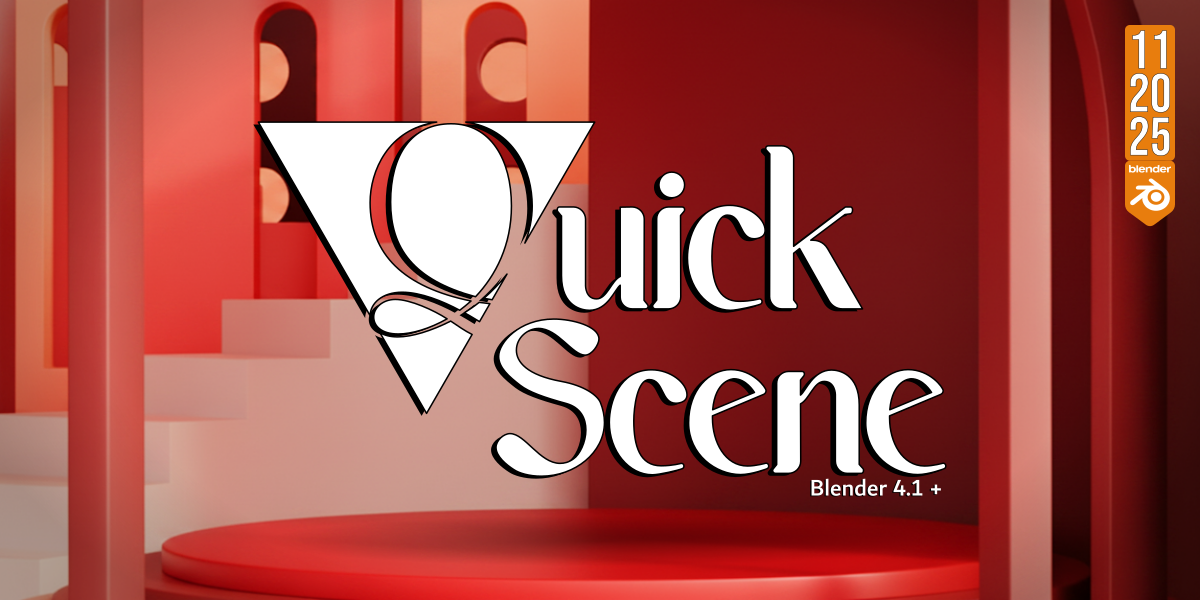



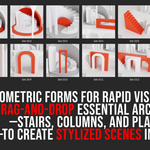

Quick Scene Library provides artists and designers with a powerful, node-based toolkit for constructing conceptual environments and geometric scenes with unparalleled speed.
Leveraging the power of Blender Geometry Nodes, this library focuses on delivering highly reusable, foundational assets such as modular stairs, various columns (pillars), and
adjustable platforms (decks), all modeled to a consistent, real-world-aligned scale for seamless integration.
✨ Key Features
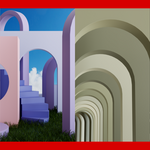
Geometric & Stylized: Assets are intentionally minimalist and low-poly, making them perfect for concept art, base meshes, quick mockups, and stylized renders like the one pictured.
Rapid Prototyping: Skip tedious manual modeling. Instantly drag-and-drop structural elements to build complex architectural scenes, stages, and layouts in minutes.
Blender Geometry Nodes Ready: Optimized for use directly within the Node Editor workflow, offering maximum flexibility and non-destructive editing capability.
Whether you are blocking out a game level, designing a futuristic interior, or creating abstract geometric art, Quick Scene Library is your essential tool for fast, clean, and consistent scene construction.
⚙️ Define the Asset Library Path
- Open Blender Preferences: Go to Edit > Preferences.
- Navigate to File Paths: Click on the File Paths tab.
-
Add the Library Folder: Browse to the main folder that you created. This folder should contain your library file
Quick_Scene_Library.blendand yourpreviewssubfolder.
💬 Support
Contact me via [email protected] for support.
Discover