 Hugu's Works



🚀 Early Bird Launch Special
Get it for just $5.00
Regular price will be $3.00 after the initial batch is sold out.
Grab yours before the price goes up!
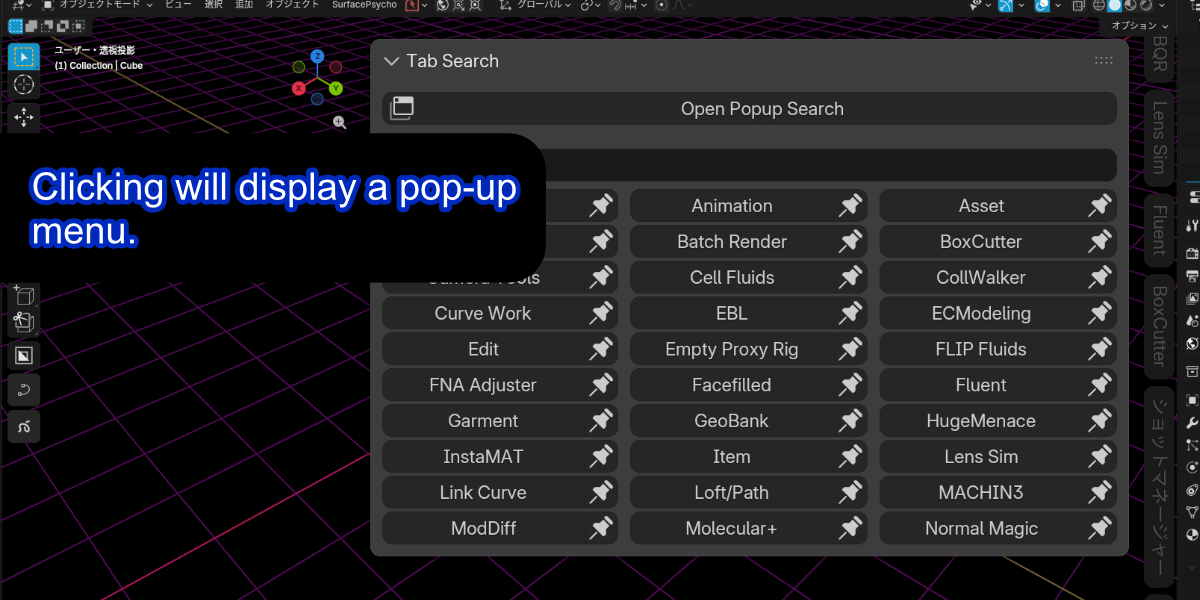
Tame the N-Panel Chaos with Quick TAB
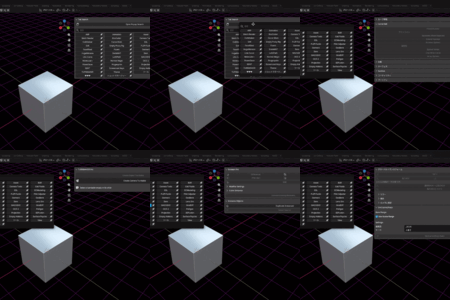
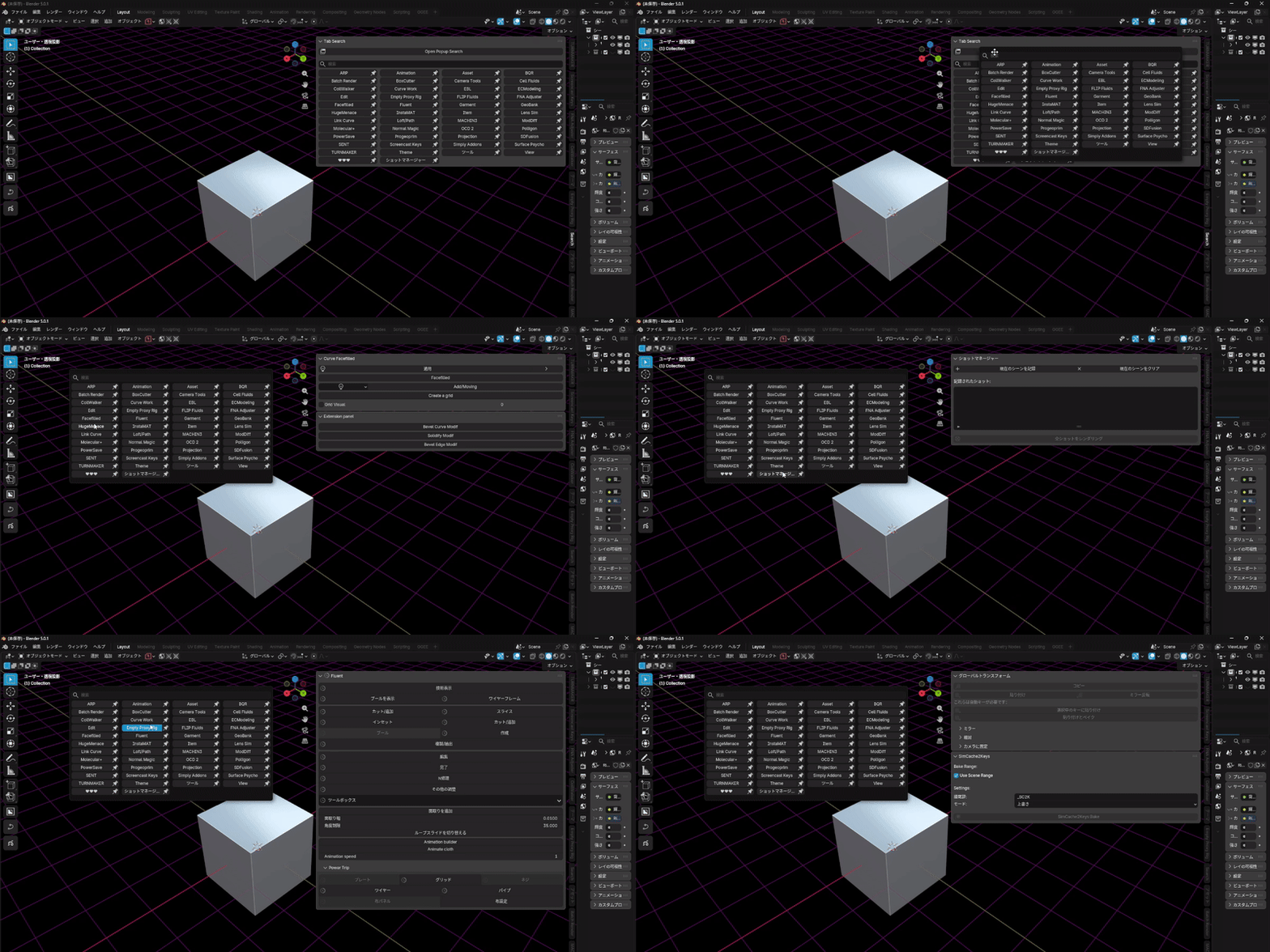
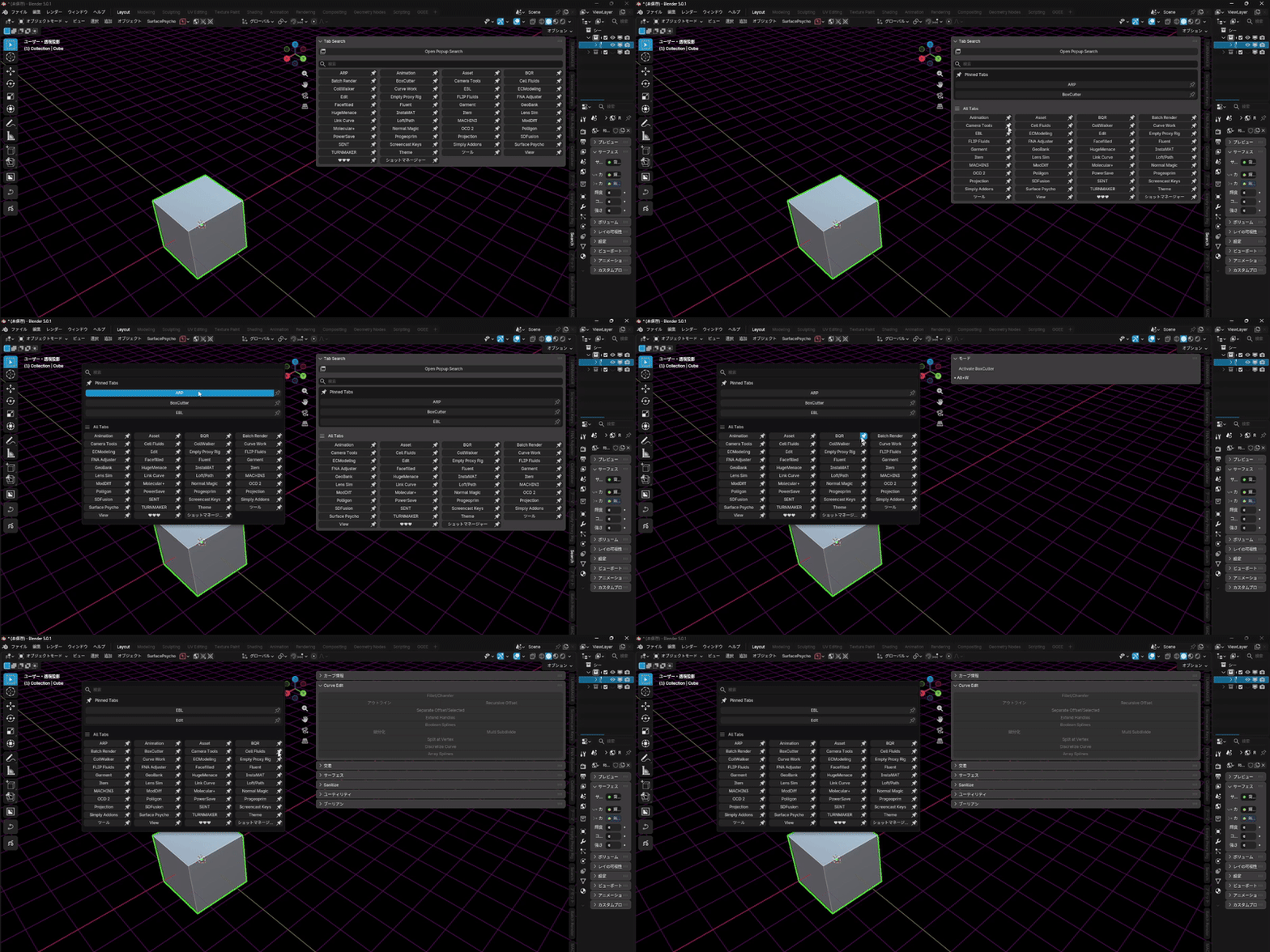
As your library of Blender add-ons grows, the sidebar (N-Panel) becomes a cluttered "Tab Hell." Finding the tool you need shouldn't feel like a chore. Quick TAB is a high-performance interface utility designed to streamline your workflow through intelligent search and dynamic UI pinning.


📢 Includes Shortcut Recovery Guide
To handle Blender's strict keymap overrides, we have included a dedicated HTML guide (`SHORTCUT_RECOVERY.html`) directly in the add-on folder. It explains how to troubleshoot shortcut issues—such as when Ctrl + Shift + T stops responding after a manual user deletion—using the built-in "Restore Keymap" button. You can rely on this tool with confidence, knowing support is just a click away.
Key Features
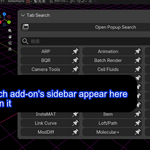
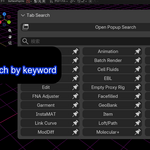
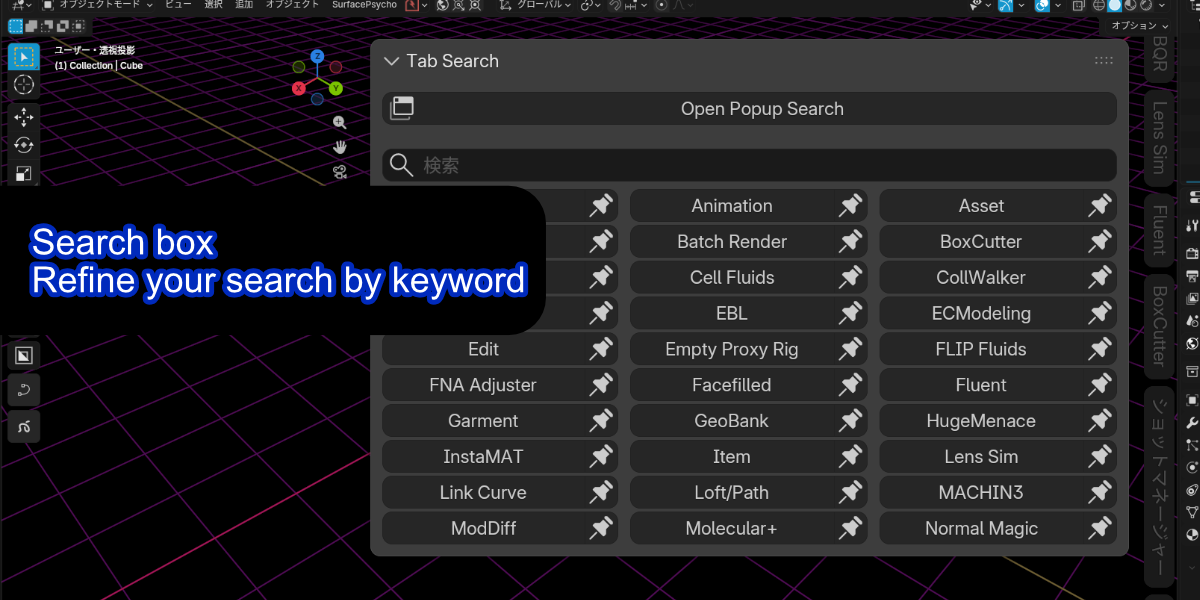
- Lightning-Fast Search: Instantly filter tabs by typing in the search bar. It doesn't just search tab titles; it indexes internal panel labels, so you can find features even if you forget which add-on they belong to.
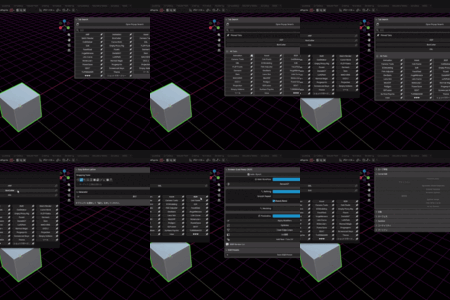
- Unique "Always Show" Mode: Unlike standard Blender pinning, Quick TAB can dynamically replicate panels to be visible across every sidebar tab. Keep your essential transformation or measurement tools in sight at all times.
- Search-Priority Pinning: Favorite your most-used tabs to keep them at the top of your search results for immediate access.
-
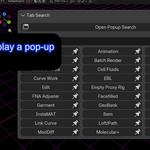
Workflow-Integrated Popup: Open a dedicated search window anywhere in the 3D Viewport with the
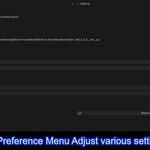
Ctrl + Shift + Tshortcut. Minimize mouse travel and stay focused on your model. - Fully Customizable: Adjust the number of columns, maximum search results, and popup dimensions directly from the add-on preferences to suit your workspace.
Why Choose Quick TAB?
Quick TAB is built for professionals who value speed and organization. By reducing the friction of switching between dozens of add-ons, it lets you spend less time clicking and more time creating. The code is optimized for stability, featuring safe drawing methods to ensure compatibility with a wide range of third-party add-ons.
Technical Details
- Blender Version: 3.0.0 and newer.
- Category: Interface / Workflow.
- License: GNU General Public License v3 or later.
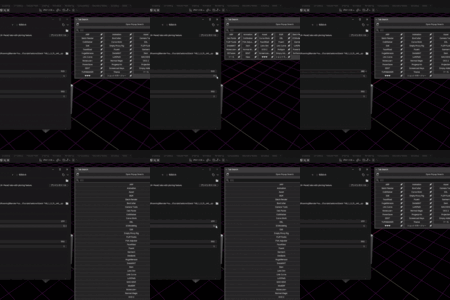
Quick TAB now includes a brand-new "Add-ons" mode. Enable or disable any installed add-on with a single click — right from the sidebar or popup, without ever opening Preferences.
Your workflow stays uninterrupted.
🔹 Instant Toggle — One-click checkbox to enable/disable any add-on 🔹 Smart Filters — Switch between "All", "ON only", and "OFF only" views 🔹 Powerful Search — Find add-ons instantly by name, description, or module name 🔹 Clear Visual Feedback — Disabled add-ons are grayed out with an at-a-glance ON/OFF count 🔹 Safe by Design — Separate mode from Tab Search, preventing accidental operations
Need to temporarily disable a heavy add-on during a session? Want to quickly re-enable one you turned off earlier? Quick TAB keeps you in the flow — no more navigating through Preferences just to flip a switch.
Creator's Oath
This addon was developed with AI assistance as a coding tool.
All creative decisions, design philosophy, and user support
are handled by the human developer (hinata_hugu).
Quick TAB - Eliminate Sidebar Tab Chaos in Blender
Is your Blender sidebar (N-panel) overflowing with dozens of add-on tabs? Finding the right tool shouldn't feel like a treasure hunt.
Quick TAB is a powerful interface utility designed to supercharge your workflow by letting you Search, Pin, and Manage your add-ons with lightning speed.
🚀 THE GAME CHANGER: Next-Gen "Add-on Decks" System
Forget standard, rigid preset systems. Quick TAB 1.0.5 introduces a revolutionary "Decks" concept—a task-based orchestration system that evolves with your project.
Why "Decks" are Revolutionary:
- Dynamic Workspace Switching: Instantly pivot between "Modeling," "LookDev," or "Animation" environments. No more digging through the Preferences menu.
- Additive Power (OR-Logic): Unlike other managers, you can stack multiple decks. Working on a scene that requires both 'Retopology' and 'UV Editing' toolsets? Just enable both. They combine seamlessly.
- Bullet-Proof "Always ON" Protection: Define a core list of mission-critical tools (like Quick TAB itself or standard utilities) that are protected. Switch environments freely without ever losing your essential setup.
Experience a context-aware Blender environment that stays out of your way and lets you focus on creation.
💎 Core Features
1. Ultra-Fast Tab Search & Switching
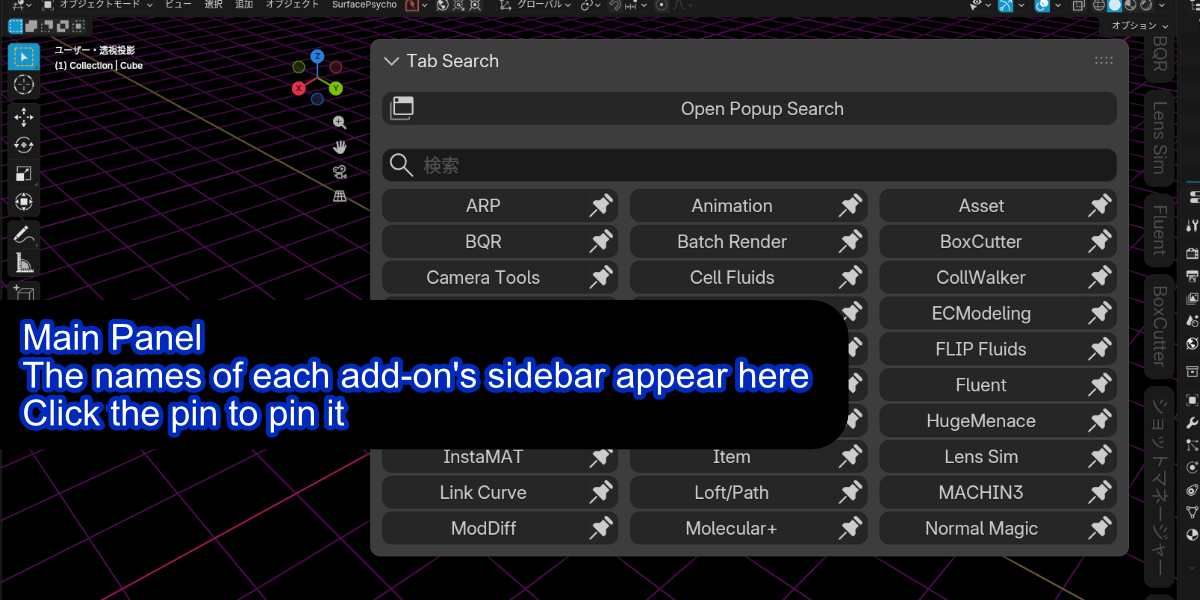
Adds a search bar to the top of your sidebar. Simply type to filter your tabs and switch instantly. It indexes not just tab names but also labels within menus, so you can find features even if you forget the add-on's name.
2. Favorite "Pinning" Feature
Pin your most-used tabs to the top of the list for immediate access. No more scrolling through endless tabs.
3. Workflow-Friendly Popup
Press Ctrl + Shift + T (customizable) to summon a search window at your mouse cursor. Access all your tabs without moving your eyes to the sidebar.
4. Integrated Add-on Manager (v1.0.4+)
Enable or disable installed add-ons directly from the sidebar. No need to stop your work to open the Preferences window.
🛠 Additional Utilities
- Global All ON/OFF: Clean up your workspace by turning off all non-protected add-ons with a single click.
- Optimized Performance: Lag-free response even with hundreds of tabs and add-ons installed.
- Self-Protection: Built-in logic ensures Quick TAB itself is never accidentally disabled.
📦 What's Included
- Quick TAB Add-on (.zip)
- Quick Start Guide (HTML format)
- Shortcut Recovery Guide (Technical support document)
📝 Technical Specs
- Compatibility: Blender 3.0.0 and above (Fully tested on 4.x)
- Category: Interface / Workflow
- License: GNU General Public License (GPL) v3 or later
"Stop hunting for tools and start creating. Reclaim your workspace with Quick TAB."