 Points scatter


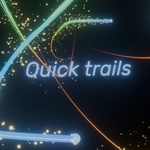
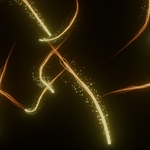
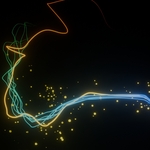
Using quick trails, you can instantly add motion trails to any animations. The trail properties are highly customisable and can help you add interesting effects to any animations. To use it, save the blend file in your assets folder and use it directly from the asset browser.
Domains:
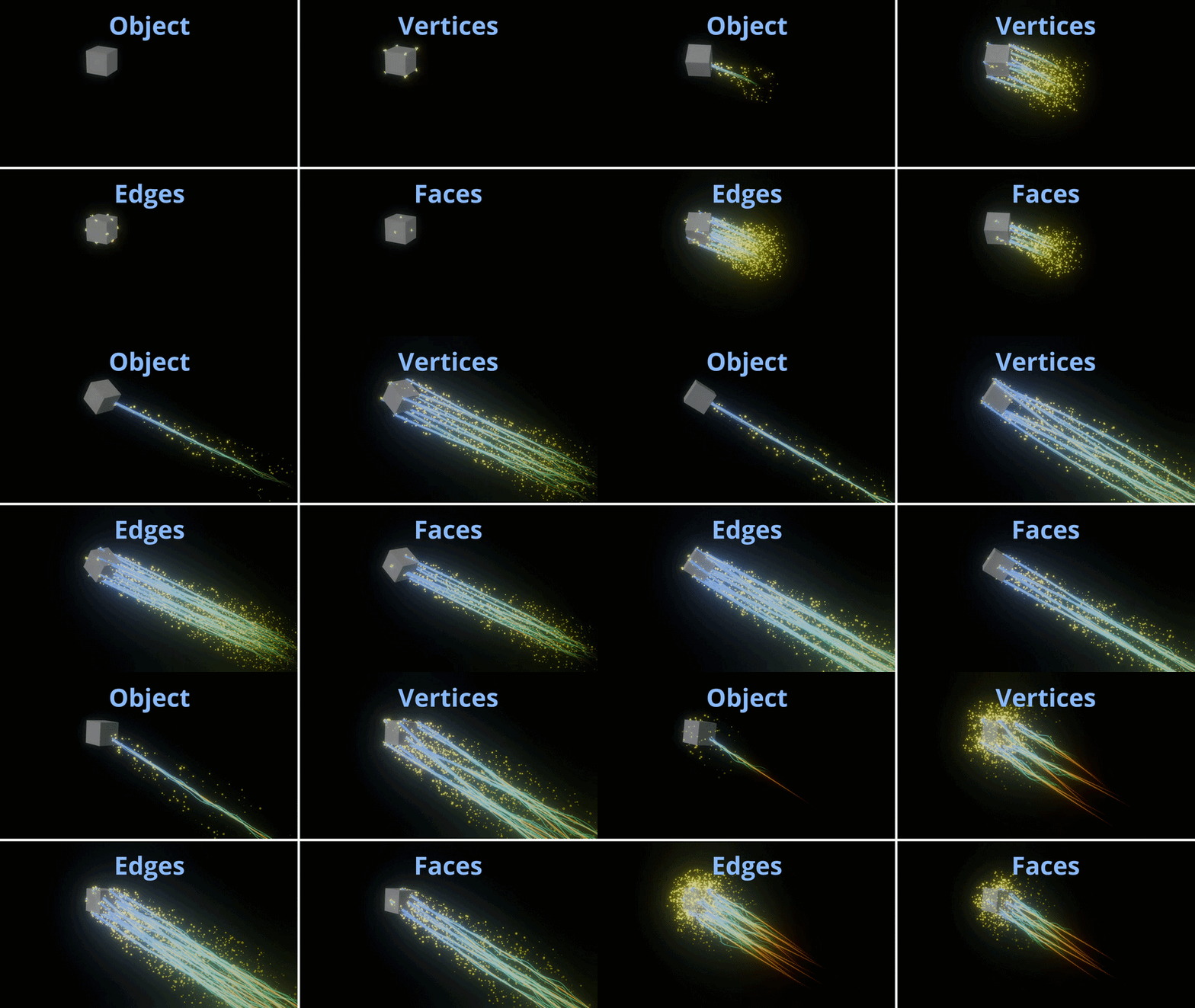
The trails can be applied to any domain of any object with ease.
Object
Vertices
Edges
Faces
Instances
You can also apply trails to any geometry nodes instances.
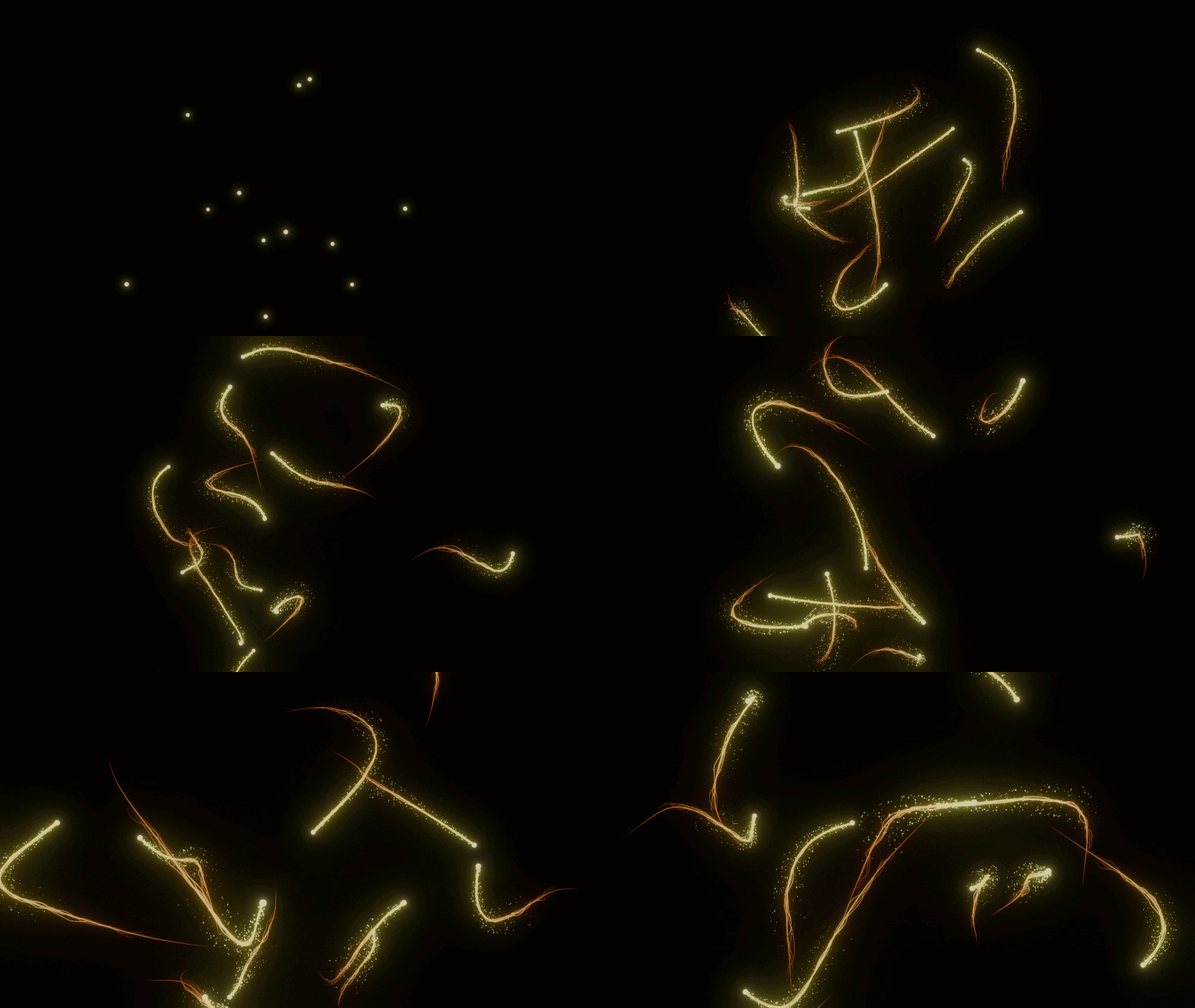
The trails can be either geometry or grease pencil. The trails are in a separate object so you can easily turn them on or off for compositing effects.
Trail elements:
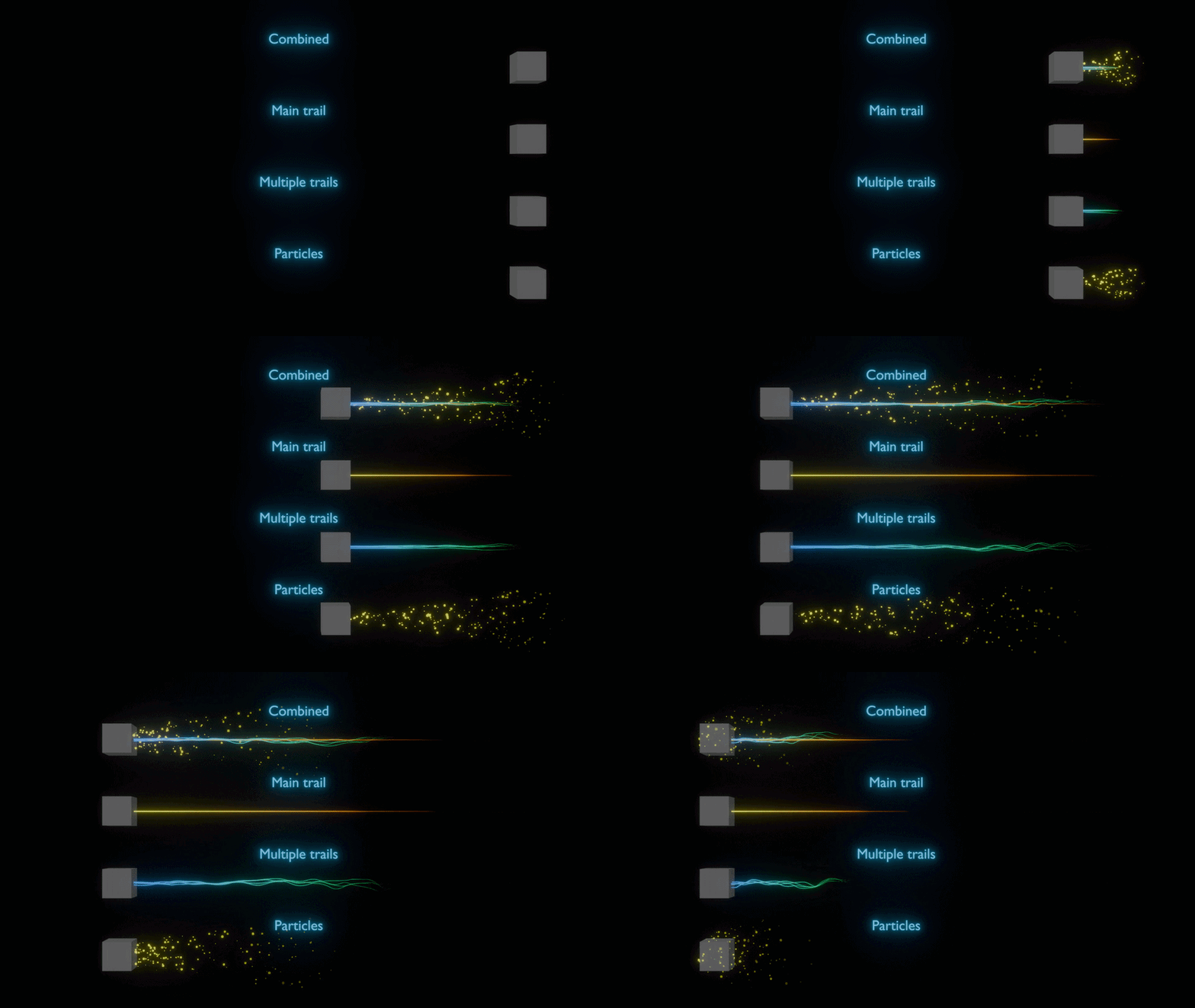
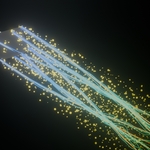
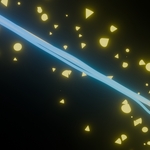
The trails are broken up into 3 elements and each element can be turned on or off.
Main trail
Multiple trails
Particles
There are several customization options within each element like trail length, width, noise, colour, opacity etc. Combining all elements, you can make several unique visuals for a wide range of projects.
