Quick Jump To Marker
 Blender.Fun



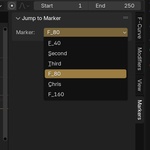
Quick Jump to Marker – User Documentation
Overview
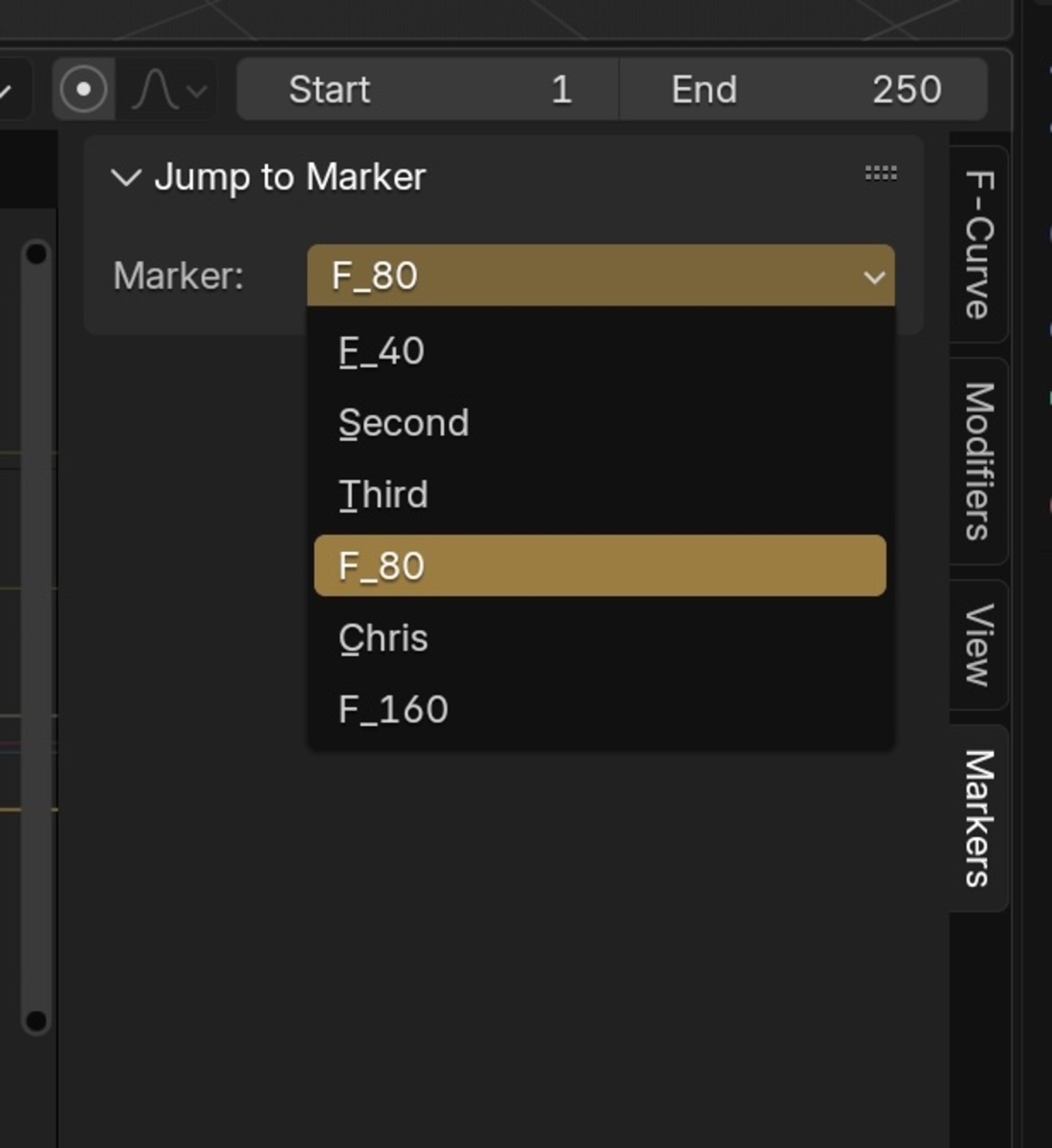
Quick Jump to Marker is a Blender add-on designed to streamline animation workflows by allowing users to instantly jump to any timeline marker by name. The add-on provides a convenient UI panel in both the Timeline and Graph Editor, making navigation between key points in your animation fast and intuitive.
Features
- Jump to Any Marker: Instantly move the playhead to any timeline marker by selecting its name from a dropdown menu.
- Sort Markers: Choose to sort markers alphabetically by name or by their frame position.
- Show Playhead: Optionally center the timeline or graph view on the playhead after jumping to a marker.
- Multi-Editor Support: Access the add-on from both the Timeline and Graph Editor side panels.
Installation
- Download the latest version of the add-on as a .zip file.
- In Blender, go to Edit > Preferences > Add-ons.
- Click Install..., select the downloaded .zip file, and click Install Add-on.
- Enable the add-on by checking the box next to Quick Jump to Marker.
Usage
- Open the Timeline or Graph Editor.
- Press N to open the side panel.
- Navigate to the Markers tab.
- In the Jump to Marker panel:
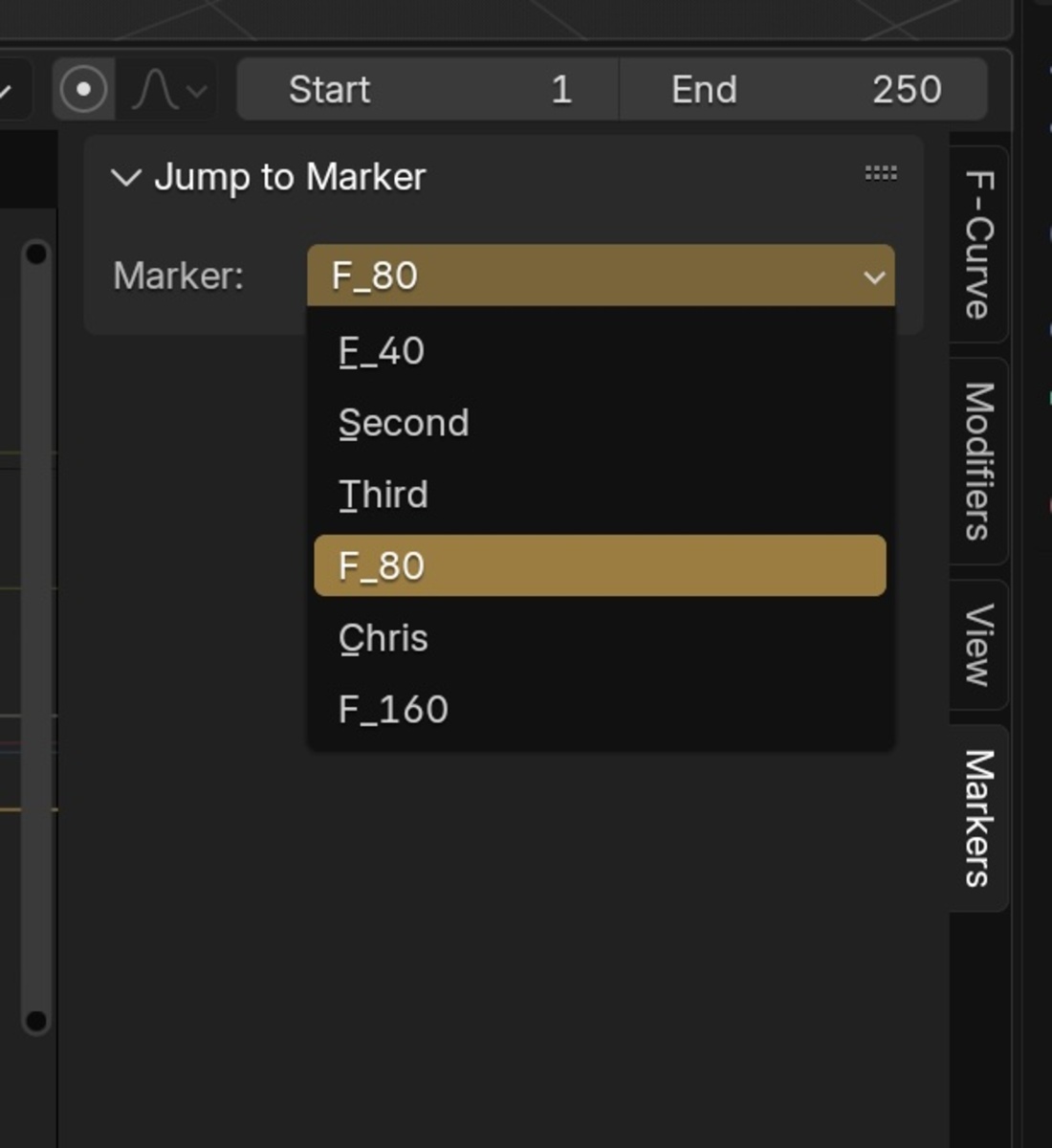
- Select a marker from the dropdown list.
- Choose how to sort markers: by Name or Frame.
- (Optional) Enable or disable Show playhead to center the view after jumping.
- The playhead will immediately jump to the selected marker.
Settings
- Marker: Dropdown to select the marker to jump to.
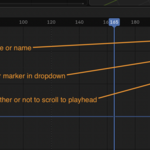
- Sort By: Choose between sorting markers by name or frame.
- Show playhead: Toggle to center the timeline/graph view on the playhead after jumping.
$2
Have questions about this product?
Login to message
| Blender Extension Compatible | Yes |
| Sales | 10+ |
| Dev Fund Contributor | |
| Published | over 1 year ago |
| Blender Version | 2.8 - 4.5 |
| Extension Type | Add-on |
| License | GPL |
