 shanef3d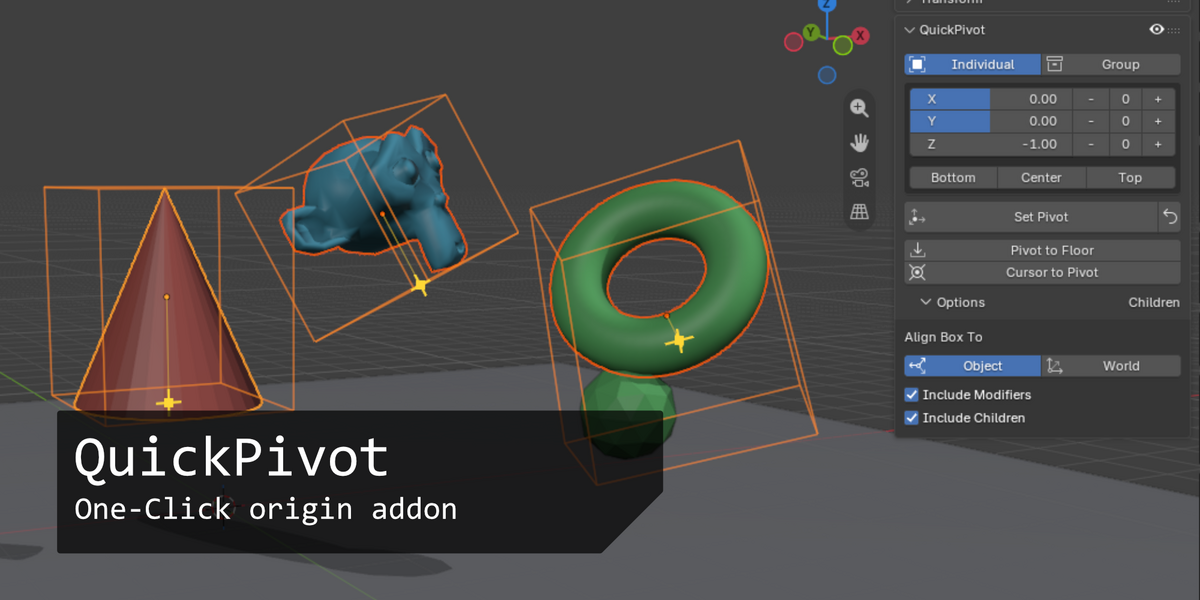
Installation
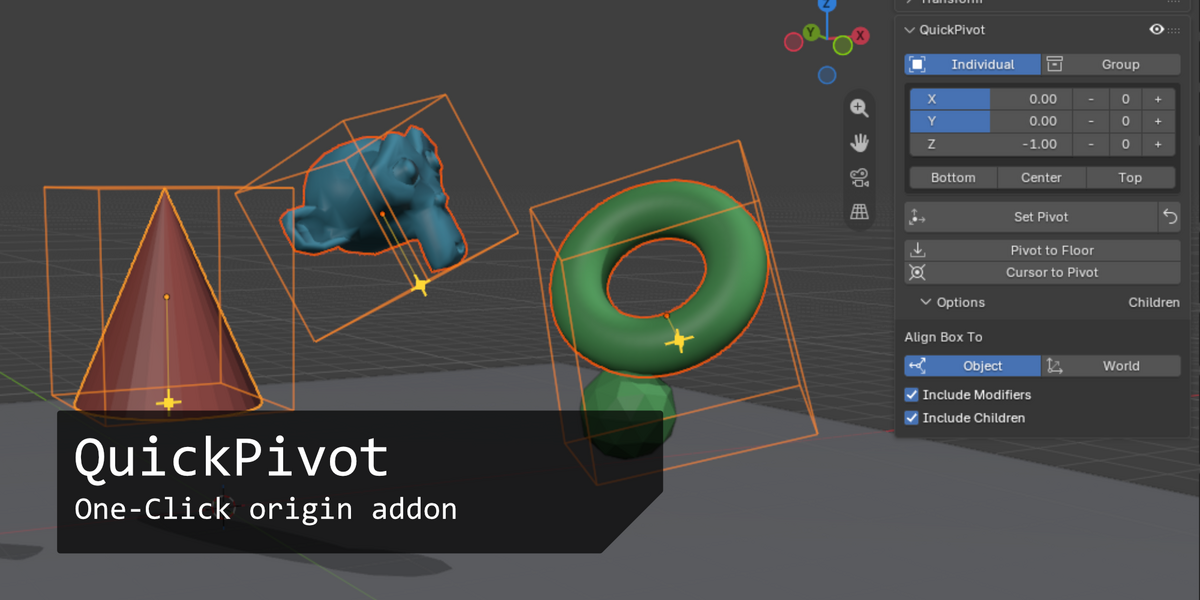
Edit › Preferences › Get Extensions › Install from Disk, choose the zip. Or simply drag the zip into Blender. Then open the sidebar (N) › Item › QuickPivot, in Object Mode.
Set a pivot
- Select objects.
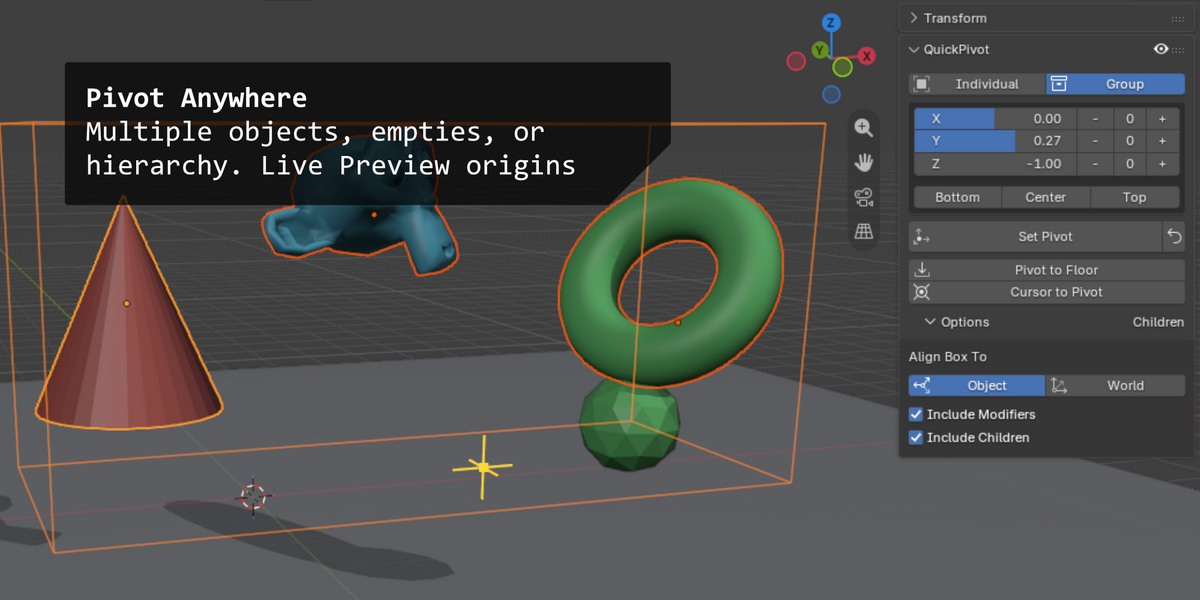
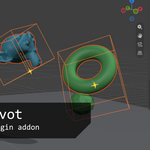
- Pick Individual (each object's own box) or Group (one box around all).
- Place the pivot with the X / Y / Z sliders (-1 min, 0 center, +1 max), the Bottom / Center / Top presets, or the - 0 + buttons. Values beyond ±1 go outside the box.
- Press Set Pivot.
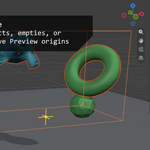
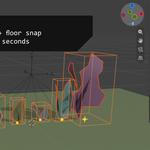
The orange box and yellow marker preview the result while the panel is open.
More tools
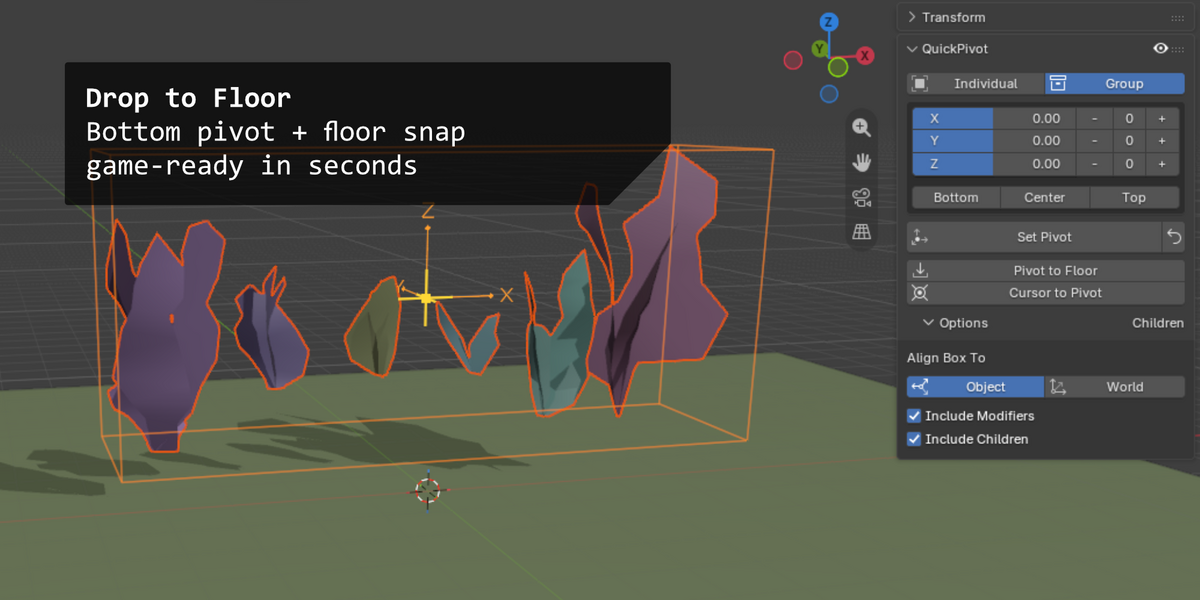
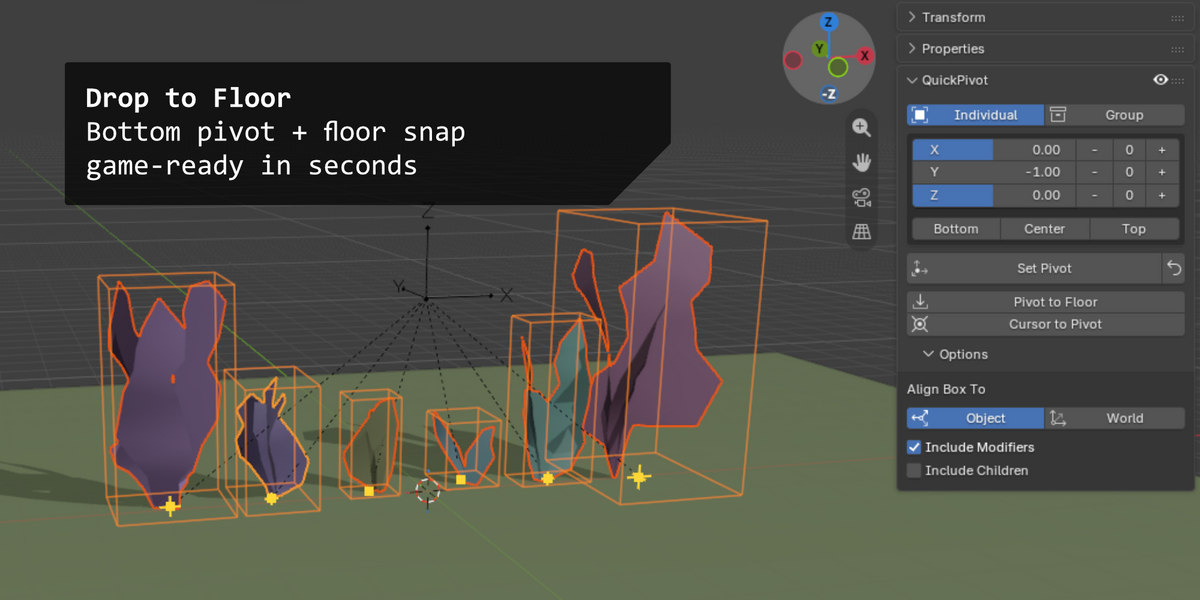
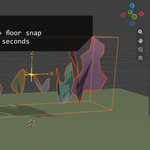
- Pivot to Floor: moves objects so their pivots sit at Z = 0. Use after Bottom to rest them on the ground.
- Cursor to Pivot: snaps the 3D cursor to the target.
Options
- Align Box To: follow the object's rotation, or the world axes.
- Include Modifiers: measure the final shape (Array, Geometry Nodes).
- Include Children: measure a parent with its children.
Good to know
- Empties use their children's bounds.
- Cameras, lights and volumes are excluded.
- Text pivots stay in the text's plane; linked duplicates share one pivot.
$1
Have questions about this product?
Login to message
| Blender Extension Compatible | Yes |
| Published | about 7 hours ago |
| Blender Version | 4.2 - 5.2 |
| Extension Type | Add-on |
| License | GPL |
Discover more products like this
floor origin presets asset transform origin pivot modeling 3d-cursor bounding box 3d pivot