 Lumitools
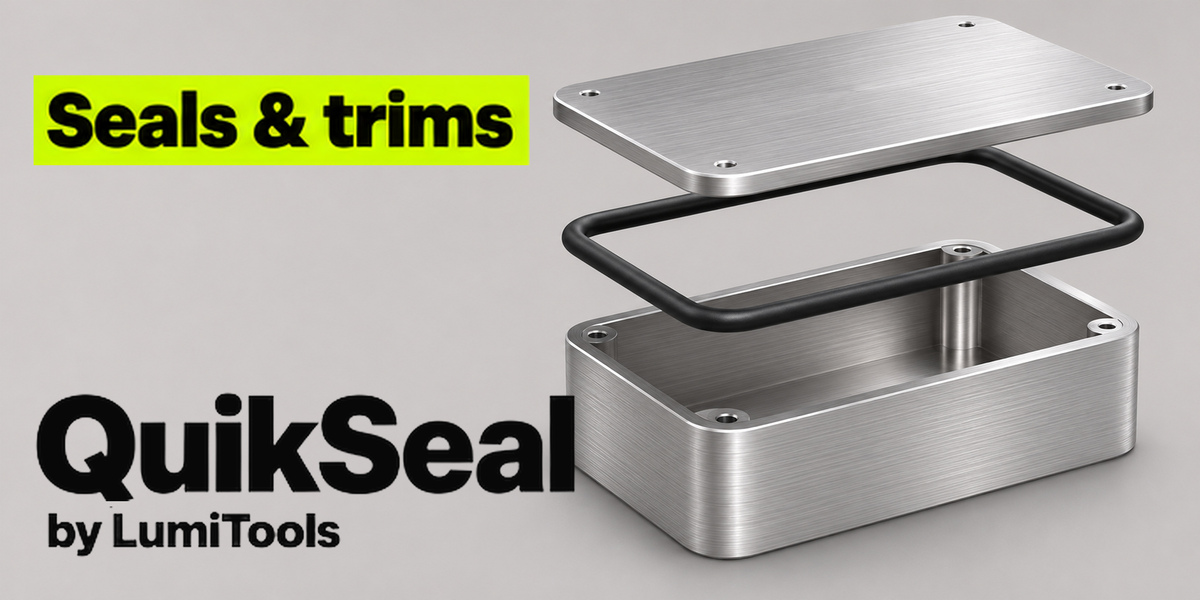
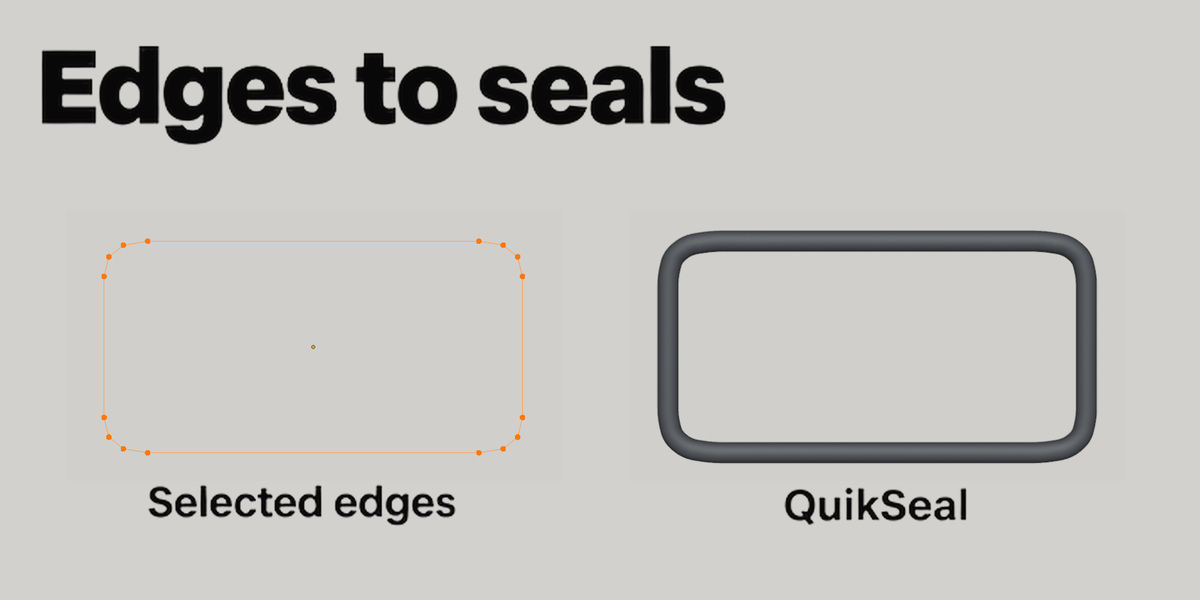
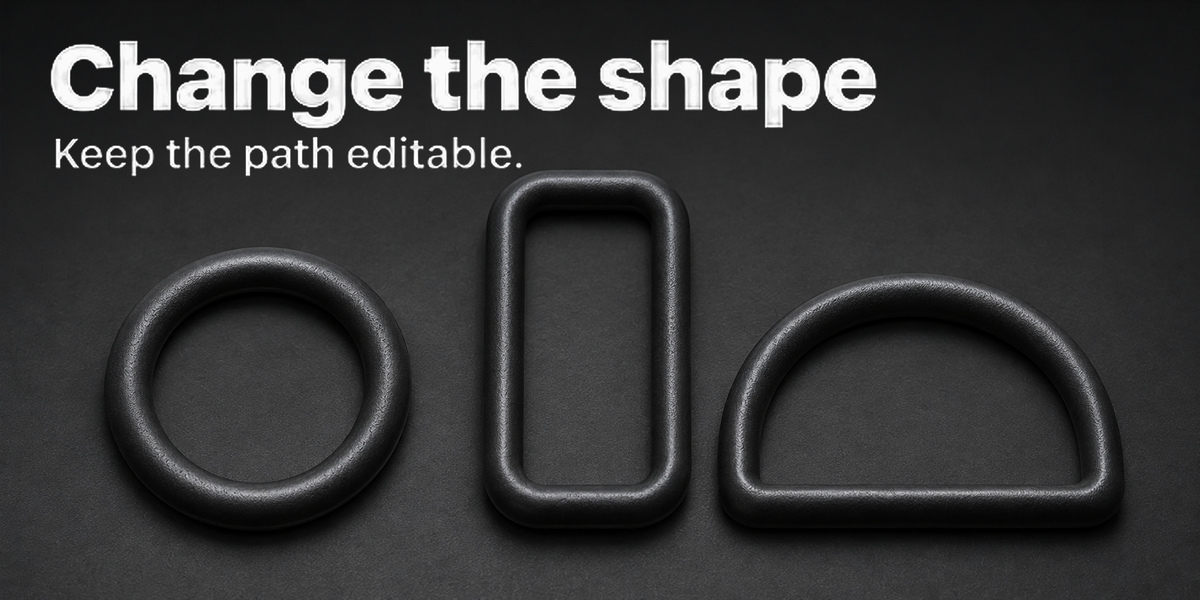


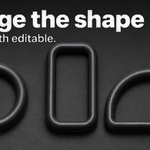
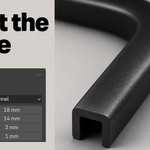
QuikSeal by LumiTools turns a curve or a mesh edge selection into an editable seal. Fit an O-ring around an enclosure, run a U channel along a panel edge, or draw a custom cross-section for your model.
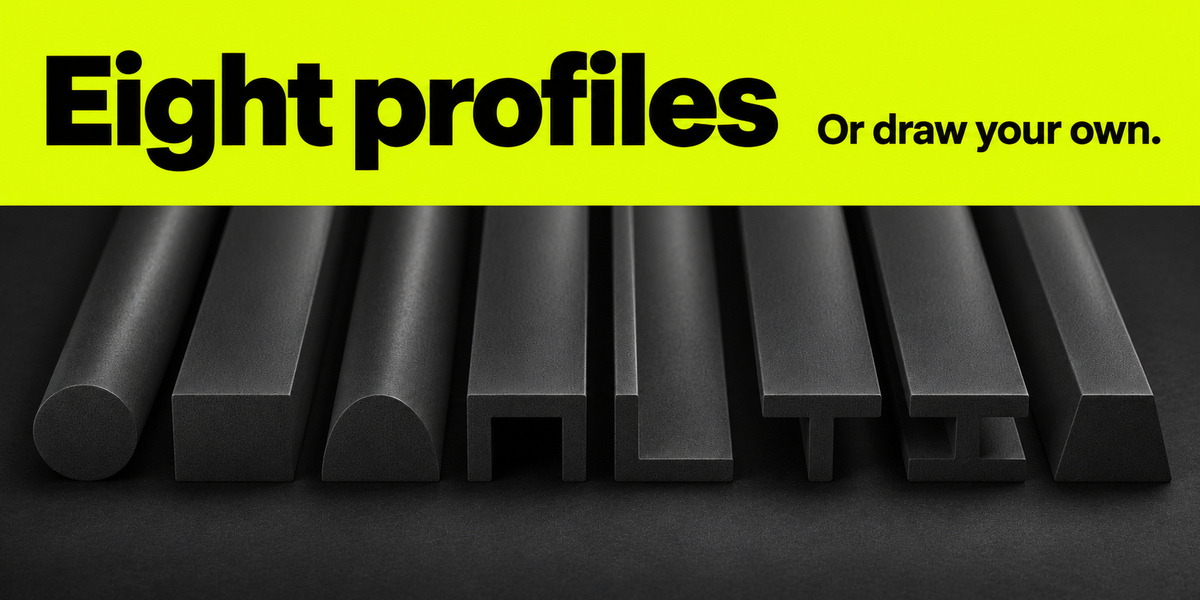
Eight built-in profiles
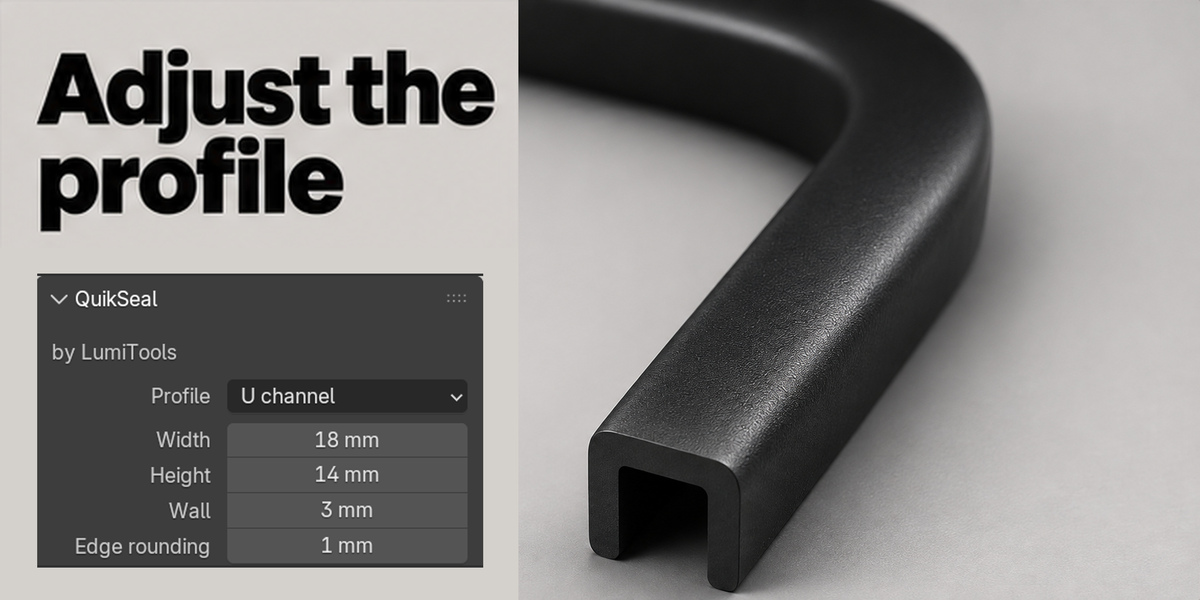
Choose Round, Rectangle, D, U, L, T, I or Trapezoid. Adjust the wall on channels and flanged strips, or narrow the top of a trapezoid. For a custom section, pick a closed Poly or Bézier outline.
Fit the seal to your model
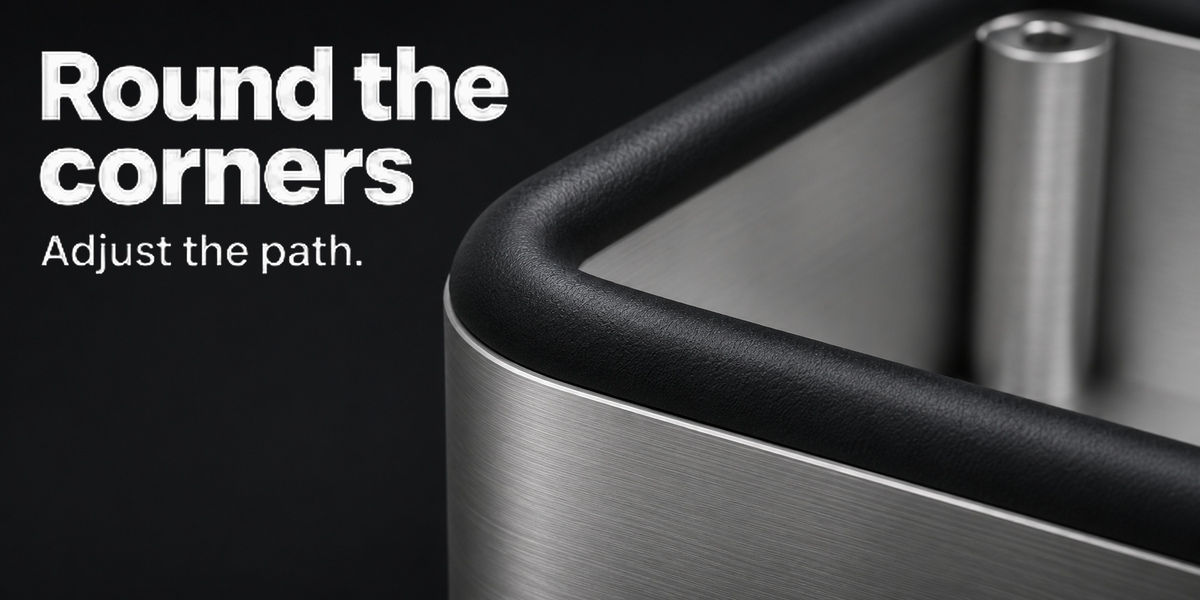
Set width and height independently. Rotate or mirror the section, align its base, center or top to the path, and round sharp corners. Selected mesh edges become a separate editable curve. After changing the path, click Update Seal. Use Make Mesh Copy for further modeling or export.
Included
QuikSeal 1.1.0 for Blender, Python source, GPL license and installation guide. Runs locally. Tested in Blender 4.5.2 LTS and 5.0.0.
Paths support Poly and Bézier splines. Custom outlines require a single closed loop. Inspect tight bends for overlap. Gallery product shots use Blender renders with AI-assisted finishing. Interface and process images show the actual add-on. Studio models and materials are for illustration.