Radial Studio
 Team Blender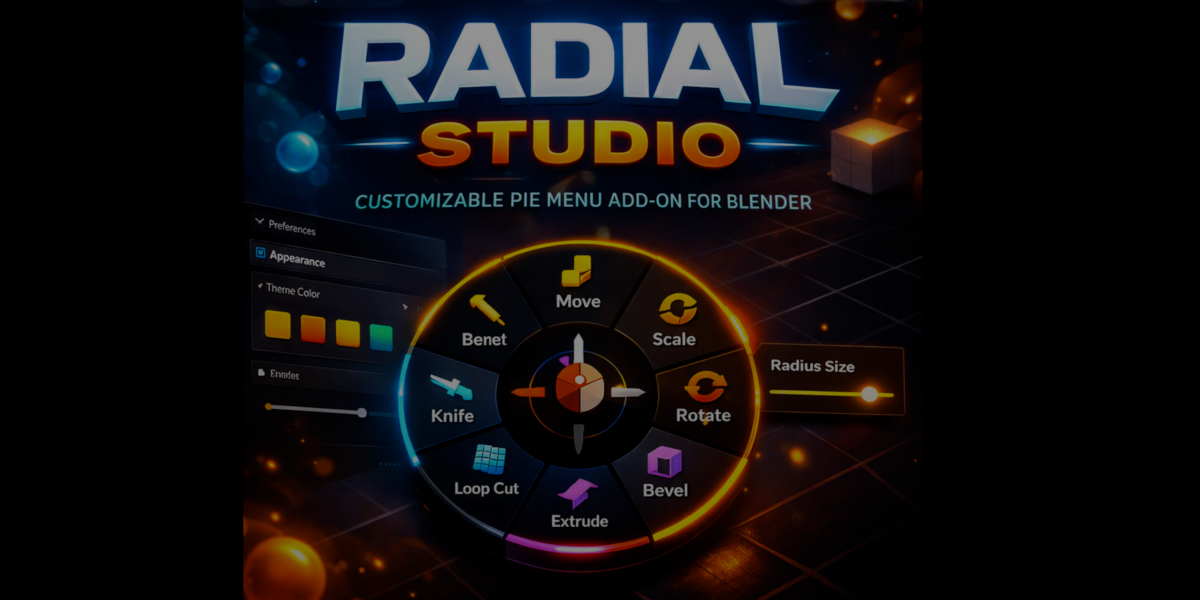

Radial Studio
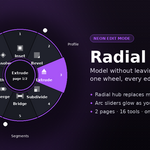
A circular pie menu for Edit Mode, with live arc sliders built in.
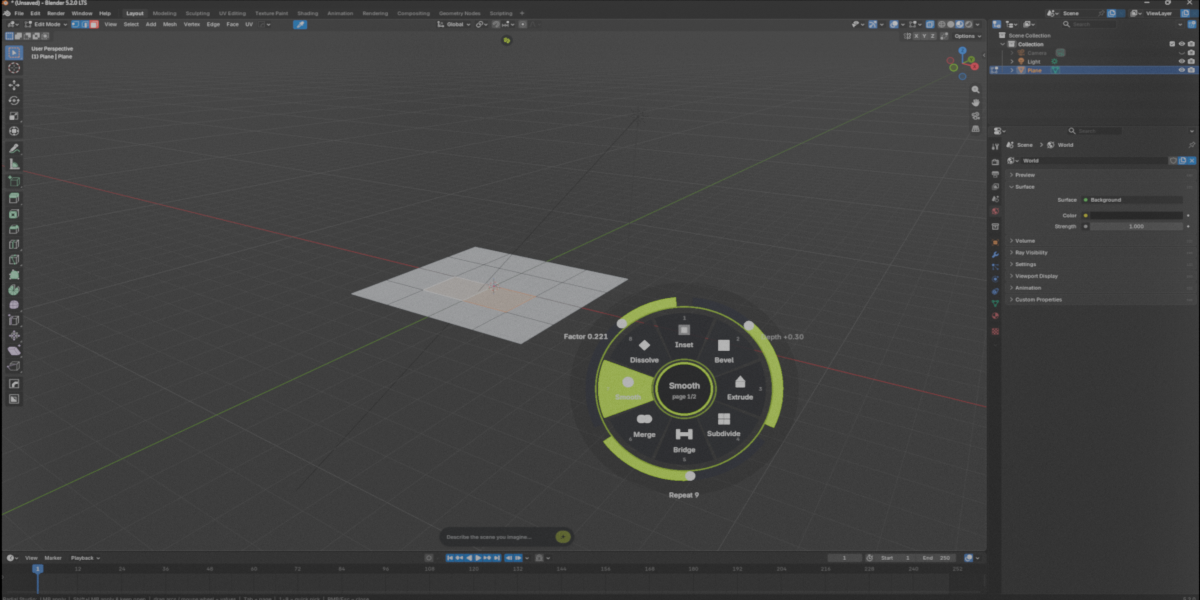
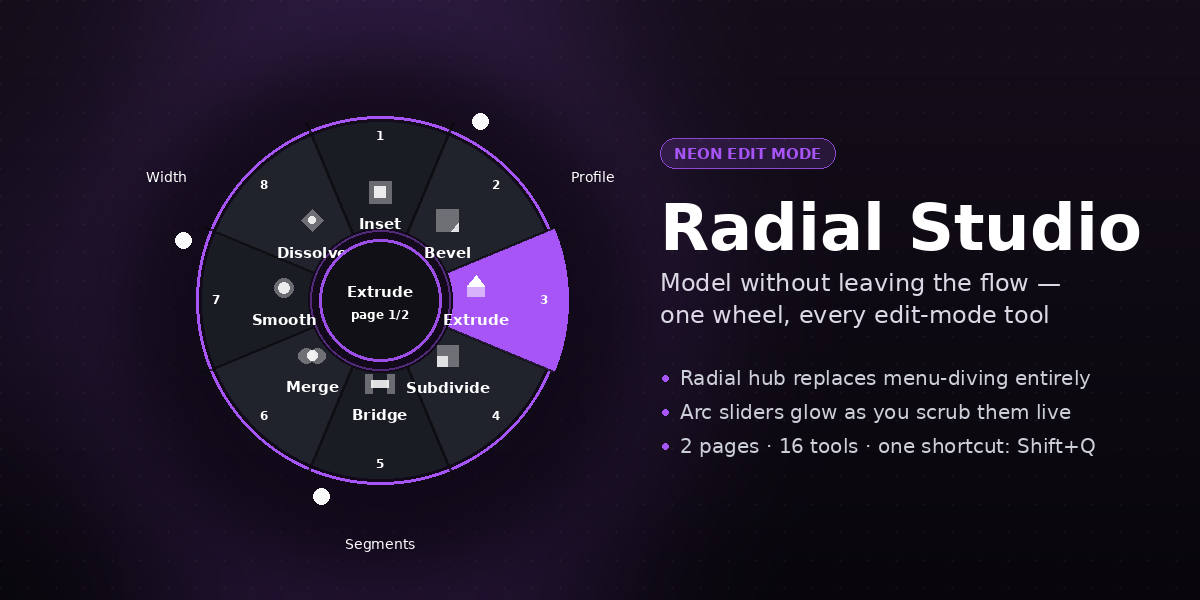
Radial Studio replaces menu-diving with a single radial hub. Press one shortcut, and every common modeling tool — Inset, Bevel, Extrude, Subdivide, Bridge, Merge, Smooth, Dissolve, and more — sits one click away, with its key value adjustable right there on the wheel.
Why it's different
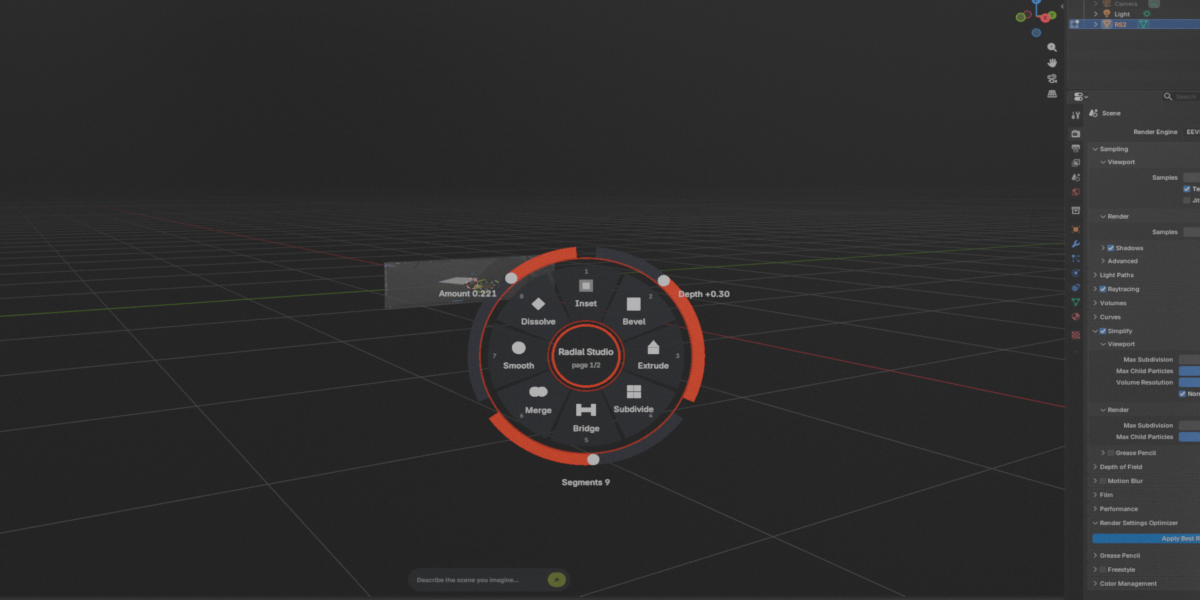
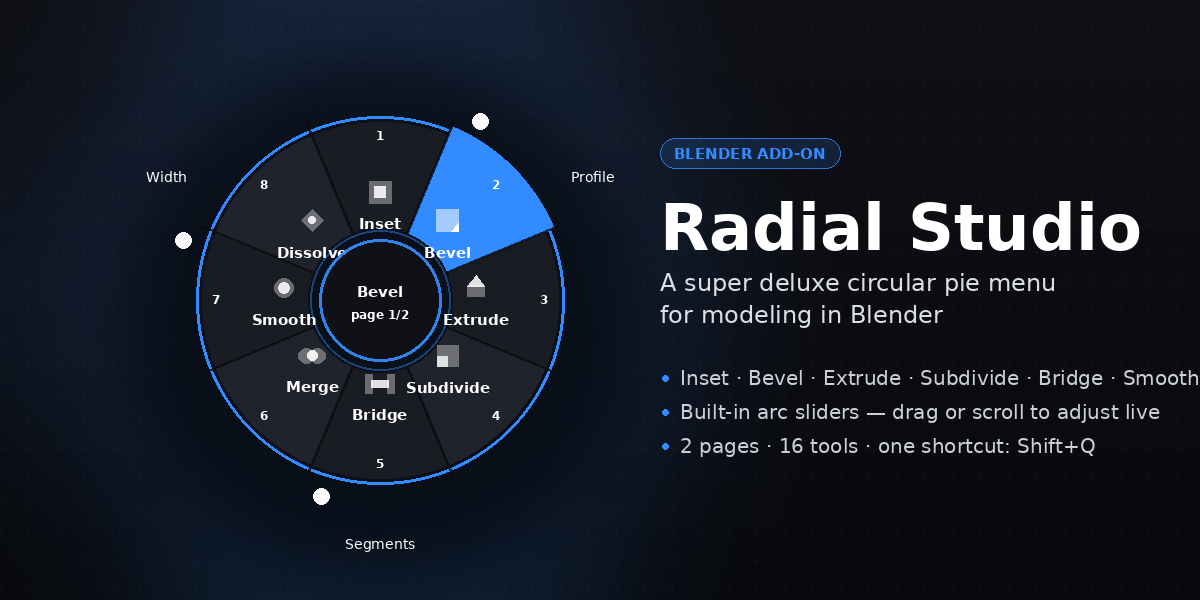
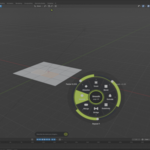
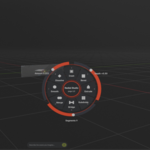
Most pie menus are just a ring of buttons. Radial Studio adds a second layer: arc sliders wrapped around the same wheel. Drag them, scroll over them, or just watch the value update live as you hover a tool — no operator panel, no typing numbers, no leaving the 3D viewport.
Features
- 16 tools across 2 pages — click the hub to flip between them
- Live arc sliders for the values that matter per tool (thickness, segments, profile, distance…)
- Mouse wheel support — scroll over a slider to nudge its value without dragging
- Number-key quick pick (1–8) for fast, repeatable access without touching the mouse position
- Shift+click to keep the menu open, so you can chain several tools in a row
- Customizable accent color and menu size in the addon preferences
Page 1 — core modeling
Inset · Bevel · Extrude · Subdivide · Bridge · Merge · Smooth · Dissolve
Page 2 — cutting & cleanup
Loop Cut · Knife · Fill · Grid Fill · Flip Normals · Poke · Triangulate · Tris to Quads
How it works
- Enter Edit Mode on a mesh.
- Press Shift+. to open the wheel at your cursor.
- Hover a segment to see its name and live values in the center hub.
- Click to apply, or drag/scroll a slider first to dial in the amount.
- Click the center hub to switch to page 2.
The shortcut and default values are configurable from Edit > Preferences > Add-ons > Radial Studio.
Requirements
- Blender 3.0 or newer
- Works on any mesh in Edit Mode; no extra dependencies
A note on honesty
This is an Edit Mode tool, not a sculpting brush — it speeds up polygon modeling, not organic sculpting. If your workflow is mostly Sculpt Mode, this addon won't help there.
Have questions about this product?
Login to message
| Published | 2 days ago |
| Blender Version | 3.0 - 5.2 |
| Extension Type | N/A |
| Render Engine Used | Cycles, Eevee |
| License | GPL |